#Deleted
1 messages · Page 1 of 1 (latest)
 hollow marten
 cobalt frigate
Hello i found a video which may be able to help you.
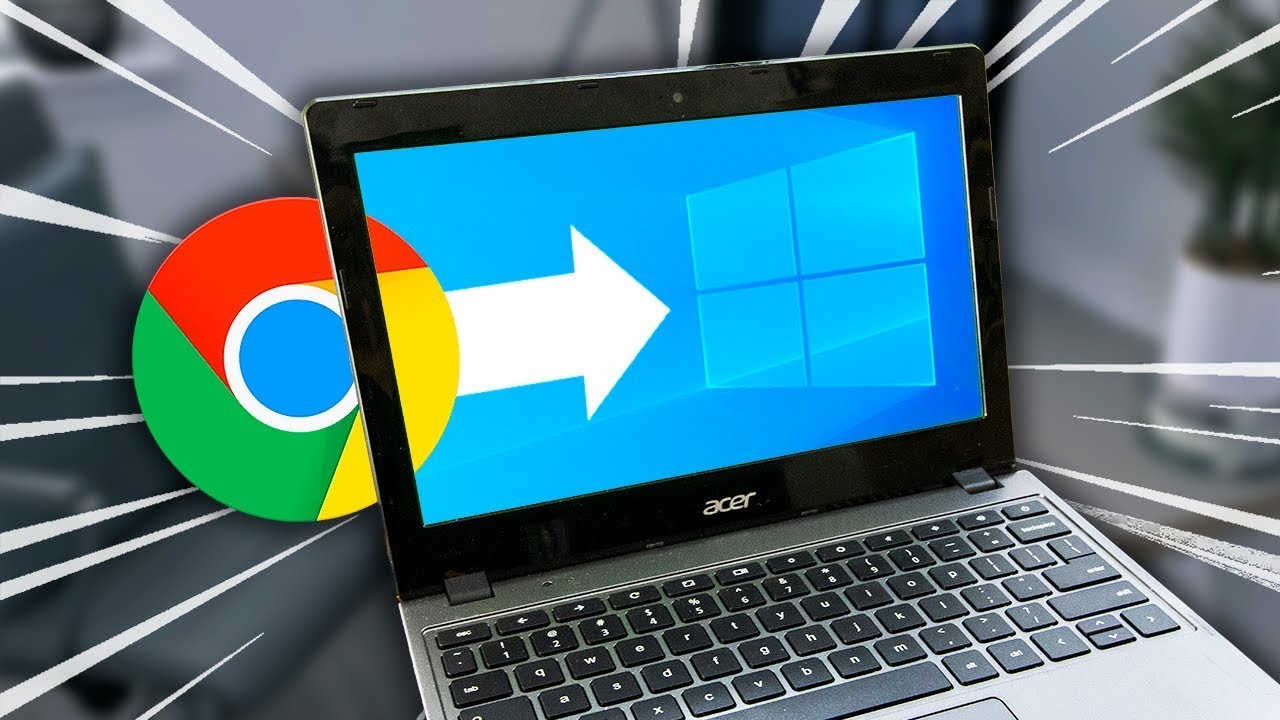
Chromebooks are a fantastic option for a budget laptop, especially when compared to similarly priced windows computers. They're of decent build quality for the price, and crucial things like the trackpad and keyboard are actually somewhat usable. One thing that I can't appreciate, however, is chromeOS. It's meant to be a lightweight and easy to ...
Older chrome books seem to work by installing it through the normal method of just using a program like rufus to install linux through the usb. Modern chrome books seem to be a bit more difficult. You can also access debian 11 through chromebooks but i would have to look deeper into it. From my quick research i found a bit which may help.. sadly i dont own a chromebook myself.
For better support you should use the "how to ask questions"
cobalt frigate
This may also help
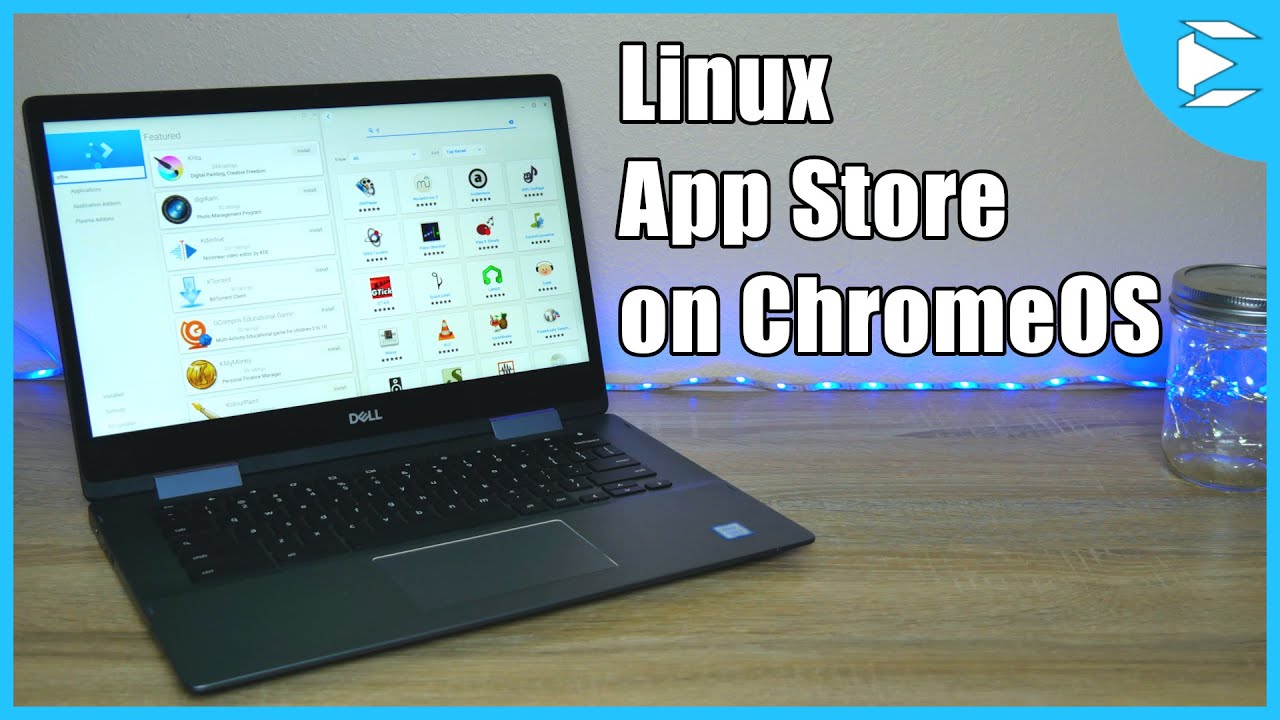
Today I'm going to make installing Linux apps, on your Chromebook, much easier by showing you how to get a Linux app store on your Chromebook.
This will allow for one click, easy installation.
☀ Commands:
sudo apt update - look for software / system updates
sudo apt dist-upgrade - upgrade your system files
Install Gnome Software - sudo apt-get ...
 dense pelican
Do you have any usb?
I advice just using liveusb to install os
This is how to make bootable usb
Technastic
If you want to make or create a bootable Windows 10 and Ubuntu USB on Chromebook or Chome OS, here are the detailed steps to do that.
- you chose an wrong architecture
You need aarch64 not x86
And personal advice do not use ubuntu
It has to much bloatware(unneeded apps and telemetry and snaps 😡 )
your chrome book is bad (i mean hardware)
I need to look for something suitable for your laptop
dense pelican
I am stuck with debian but i understand it will be too hard to install it for begginner
Found and option for you (might be a little laggy)
Fedora XFCE ARM

The Fedora Xfce spin showcases the Xfce desktop, which aims to be fast and lightweight, while still being visually appealing and user friendly.
Fedora Xfce is a full-fledged desktop using the freedesktop.org standards.

Oh and i forgot about boot loader
You chromebook model please
I need full model name
Can you look at underside of your laptop please
Do we need dual boot?
Okay then
No data
Can you use open browser and type
chrome://system
Ctrl + F
And type
model_name
Okay main issue is that you will need to open up your chromebook to disable hardware WP
I still can't find any data on your model
Yes
Of cource
Try chrome://version
 spiral kiln
Deleted
 charred fractal