#How to apply an additional effect after a player drinks a potion? [KubeJS]

20 messages · Page 1 of 1 (latest)

feral oak
#

I have a script that activates when an item with a certain tag is used (as per my last question), however I would like to apply an additional effect when the player has finished using the item, and not just when they right click with the item activated.

What I have so far is...

ItemEvents.rightClicked(event => {
    const item = event.item;
    if ( item.hasTag("toughasnails:drinks") ) {
        // Effect goes here.
    }
});

Inside server_scripts.
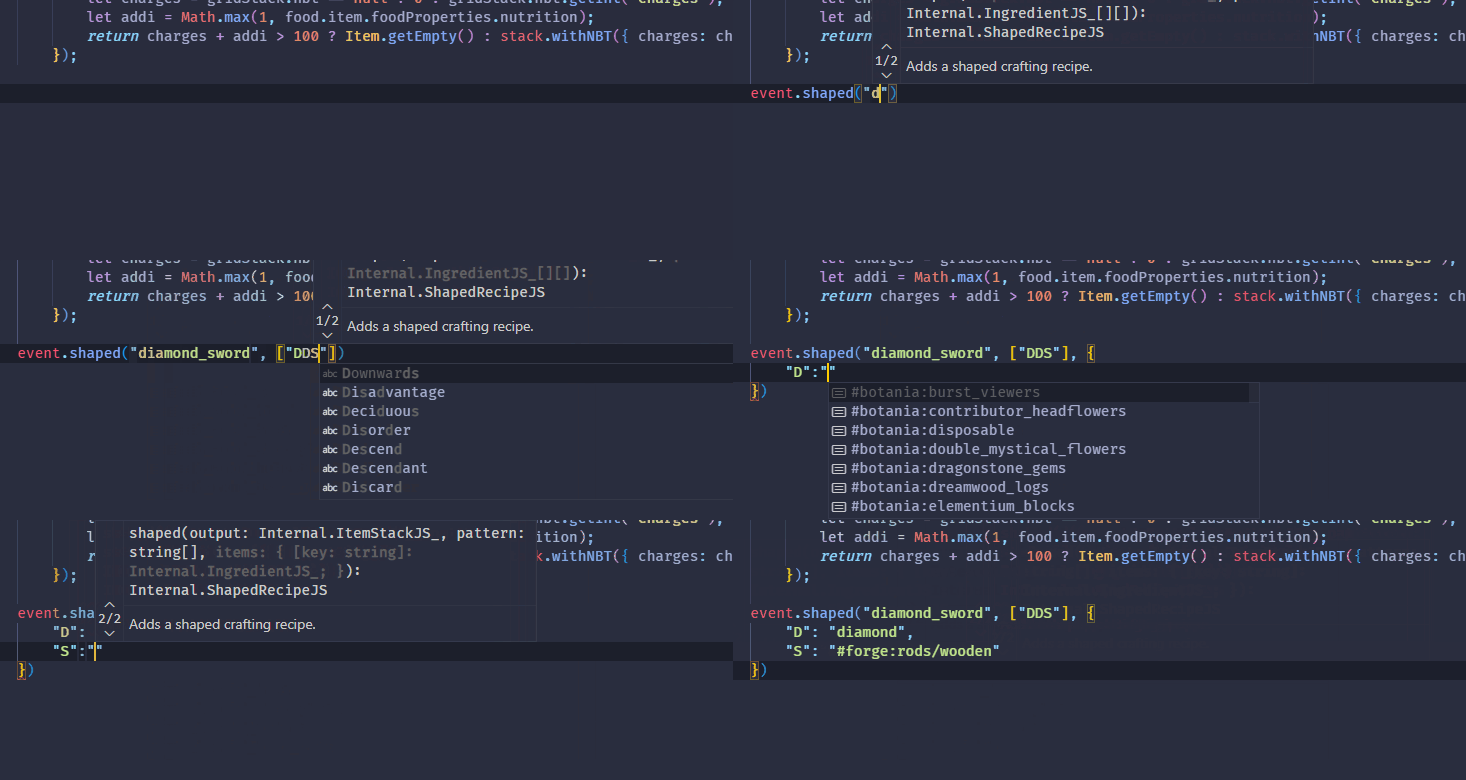
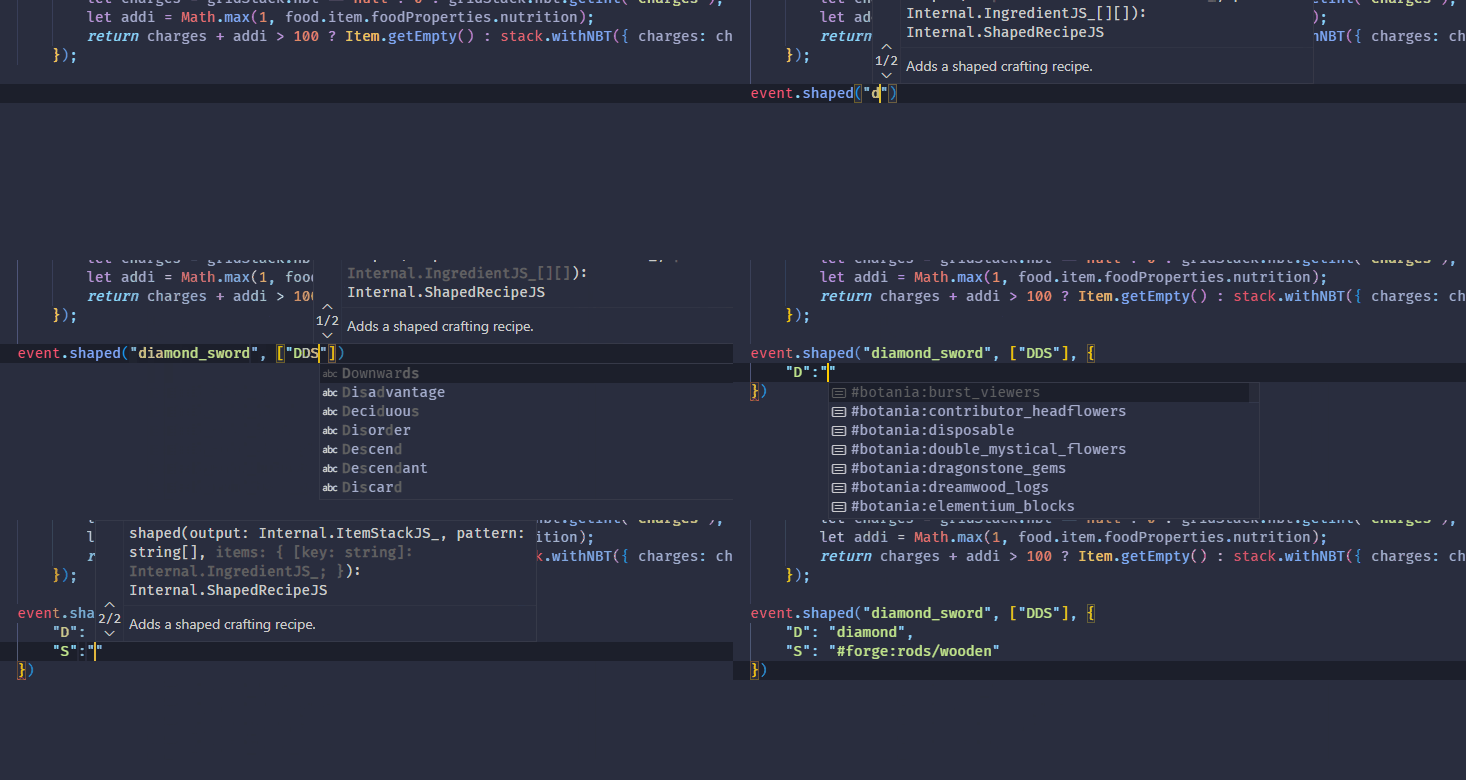
Also is there a VSCode plugin to autocomplete for KubeJS?

steady kestrelBOT
#

Once your ticket has been resolved, please close it with </ticket close:1054771505520717835> command!

broken sableBOT
#

ProbeJS is an addon mod for KubeJS that generates typings files for VSCode, allowing VSCode to offer autocompletions for a ton of things!

Mod by @steel kayak

grand remnant
#

kjs doesn't have an event for finished using.... forge might?

feral oak
#

Hmm I'll check.

surreal spruce
#

Forge does, it's LivingEntityUseItemEvent$Finish

grand remnant
#

there ya go

feral oak
grand remnant
#

for custom made items yes, not existing stuff

#

if you made the item through kjs you can set the logic for when it's finished being used

feral oak
#

Would it be...

ForgeEvents.onGenericEvent('net.minecraftforge.event.LivingEntityUseItemEvent$Finish', 'net.minecraft.world.entity.Entity', e => {
    console.info('hello world!');
    console.info(e);
})

?

grand remnant
#

this would be the non kjs items method

forge events go in startup, and are not reloadable, quite the pain when writing event handlers, unless.... you have it call a function, which are reloadable

ForgeEvents.onEvent('net.minecraftforge.event.entity.living.LivingEntityUseItemEvent$Finish', event => {
  global.FinishUsing(event)
}

global.FinishUsing = (event) => {
  const {item, entity} = event
  // item is the item used (before it was used)
  // entity is the entity that used the item

  // the rest of the owl
}
#

you don't have to use a function, I do while I'm writing it because I can then do /kubejs reload startup_scripts to test changes, once I'm done I usually move everything up to the actual event

feral oak
#

Seems like it's easier to write a function so that I can modify it live for testing and then just move it into the actual event later.

grand remnant
#

right, that's what I said

feral oak
#

Do i have to restart the game? I'm restarting the single player session and none of this seems to be working...

#
ForgeEvents.onEvent('net.minecraftforge.event.entity.living.LivingEntityUseItemEvent$Finish', event => {
    global.FinishUsing(event);
    console.info('Hello world 1 hello world 1 hello world 1!');
});

global.LivingEntityUseItemEvent = (event) => {
    console.info('The rest of the owl...');
    console.info(event);
    const {item, entity} = event;
    console.info(item);
    console.info(entity);
}
surreal spruce
#

You have two different names for the function - global.FinishUsing and global. LivingEntityUseItemEvent

feral oak
#

Oh I'm dumb I renamed it in one place and not the other. facepalm

surreal spruce
#

If you're using VSCode you should use the refactor function (f2), so it automatically renames all instance of the variable