

9 messages · Page 1 of 1 (latest)
 karmic ledge
Heya!
I've been running into an issue with the eye clipping and followed this tutorial to resolve it:
https://www.youtube.com/watch?v=xPhKOP-zSRs
However, it now resulted in a new problem, which is that the sclera shadow appears above the iris.
They did mention that this might be an issue and said "Play around with the reverse clipping, and where you position the layers.", however, nothing I try seems to work.
Does anyone have an idea on how to fix this? I also included a screenshot of all the sclera/Iris layers
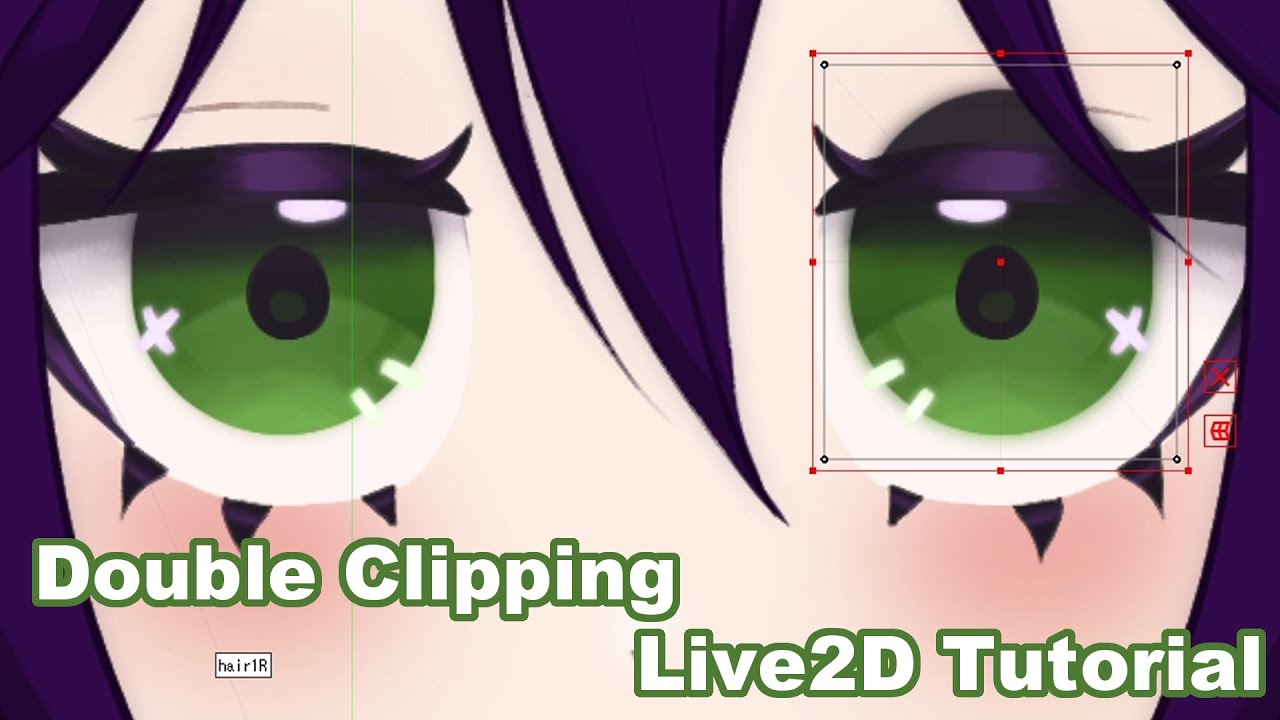
A quick little tutorial on how to double clip items in Live2D. This is useful if for example you have a shadow that you're trying to clip to your iris which is clipped to the sclera but it is causing it to behave strangely.
Thanks to the folks on the Live2D discord!
 pale pilot
Have you invert clip the sclera shadow to iris?
karmic ledge
Can I invert clip it to the iris while also having the shadow clipped to the sclera? If so, I haven't figured out how to have normal clipping and invert clipping at the same time
pale pilot
Ah, so it clips to sclera as well....
Do you have any plan on making it move differently than the sclera? Because the easiest fix is to fix the psd by merging the shading with sclera.
 chrome wasp
Maybe iris invert clip to the sclera shadow? I dont think the iris base is clipped to anything in double clipping
I could be misremembering though
pale pilot
Sclera and sclera shading is on top of iris, that method won't make any different...if I remembered it correctly
karmic ledge
I got all my iris parts clipped to the sclera, and the sclera inverse clipped to the iris base!
I was originally planning on making the sclera shadow move as the eye closes, but I might just merge it if I can't figure it out
I merged it and it disappeared, I'll just keep working with this! Thank you guys so much for the quick help!❤️