Not a big Discord user so lots of common stuff I don't know. But I've made a bot for use just in one channel with a couple of friends. I have slash commands working and I've experimented enough to send and receive DMs.
But now I want to add support slash commands in DMs. I can't seem to find the next step via Google, the official docs, Stack Overflow, searching this discord, or asking AI chatbots.
Do I have to modify some stuff on my bot's dev page? Pass some more settings in new Client() in my bot code? Or both?
#How to add support for private slash commands
12 messages · Page 1 of 1 (latest)
 dapper sand
 potent ermineBOT
- What's your exact discord.js
npm list discord.jsand nodenode -vversion? - Not a discord.js issue? Check out #1081585952654360687.
- Consider reading #how-to-get-help to improve your question!
- Explain what exactly your issue is.
- Post the full error stack trace, not just the top part!
- Show your code!
- Issue solved? Press the button!
✅Marked as resolved by OP
 glass grove
Can you show how you're deploying your slash commands.
dapper sand
i modified the deploy-commands.js from a Coding Train video to add support for multiple commands per module:
import { REST, Routes } from 'discord.js';
import { config } from 'dotenv';
import fs from 'node:fs';

config();

const commands = [];
const commandFiles = fs.readdirSync('./commands').filter((file) => file.endsWith('.js'));

for (const file of commandFiles) {
  const command = await import(`./commands/${file}`); // Using dynamic import
  if ('data' in command && 'execute' in command) {
    commands.push(command.data.toJSON());

    if ('data2' in command && 'execute2' in command) {
      commands.push(command.data2.toJSON());

      if ('data3' in command && 'execute3' in command) {
        commands.push(command.data3.toJSON());

        if ('data4' in command && 'execute4' in command) {
          commands.push(command.data4.toJSON());

          if ('data5' in command && 'execute5' in command) {
            commands.push(command.data5.toJSON());
          }
        }
      }
    }
  } else {
    console.log(`[WARNING] The command ${file} is missing a required "data" or "execute" property.`);
  }
}

const rest = new REST().setToken(process.env.TOKEN);

(async () => {
  try {
    console.log(`Started refreshing ${commands.length} application (/) commands.`);

    // The put method is used to fully refresh all commands in the guild with the current set
    const data = await rest.put(Routes.applicationGuildCommands(process.env.CLIENTID, process.env.SERVERID), {
      body: commands,
    });

    console.log(`Successfully reloaded ${data.length} application (/) commands.`);
  } catch (error) {
    // And of course, make sure you catch and log any errors!
    console.error(error);
  }
})();
i only dug in and grokked enough to do my mods
this is the video that was my starting point: https://www.youtube.com/watch?v=AvQcTjB3gPg
and its repo: https://github.com/CodingTrain/Discord-Bot-Examples/tree/main/01-discordjs
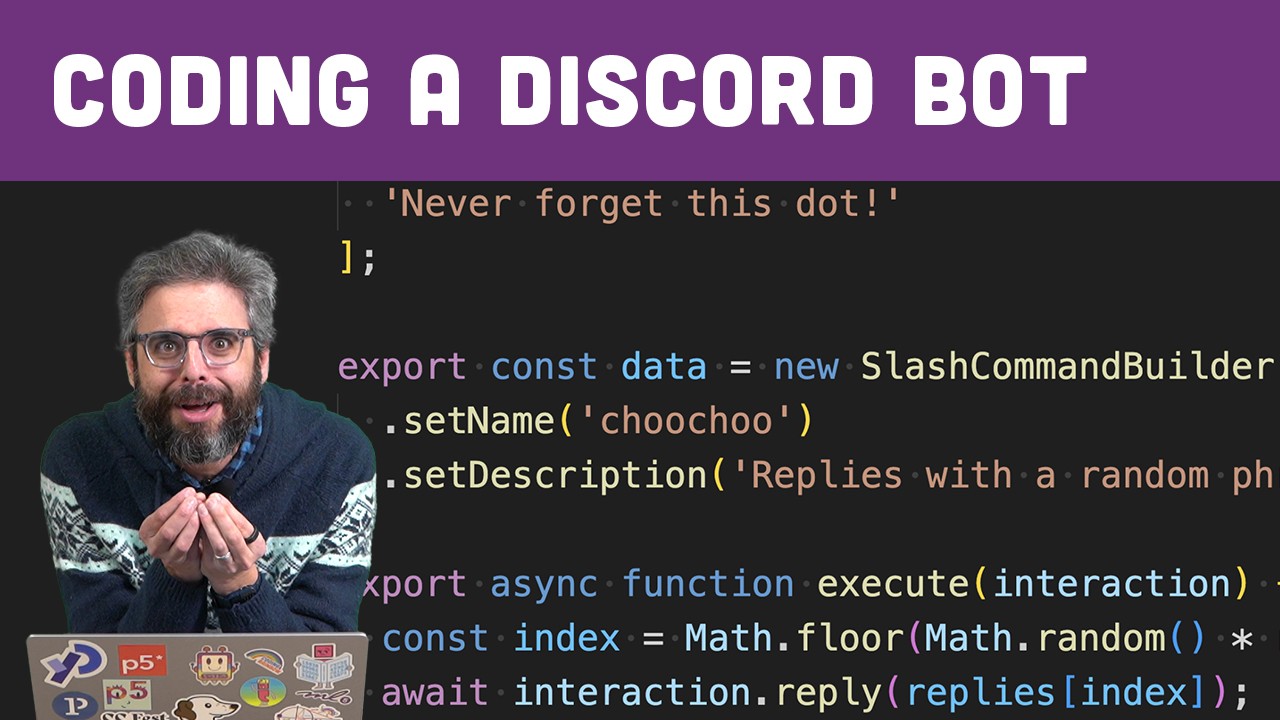
Learn to create a Discord bot using Discord.js in Node.js. This video walks through setting up a node project, creating a Discord application, and writing code for authentication, slash commands, and bot interaction. Code: https://thecodingtrain.com/tracks/discord-bots/discord/coding-a-bot
🚀 Watch this video ad-free on Nebula https://nebula.tv/...

GitHub
Bot Examples for Fall 2023. Contribute to CodingTrain/Discord-Bot-Examples development by creating an account on GitHub.
glass grove
Yeah so, the line where you have Routes.applicationGuildCommands
You'd want to change that to Routes.applicationCommands(client_id)
Or your process.env.CLIENTID anyway
That will deploy them globally, into DMs
You'd also then want to remove them from the guild, so they aren't duplicated
 glacial shard
 Creating Your Bot: Registering slash commands
glass grove
Creating Your Bot: Registering slash commands
glass grove
Our guide covers it