


22 messages · Page 1 of 1 (latest)
 delicate schooner
My first time programming in C, and also first time publishing a watchface, pretty simple first release
https://apps.repebble.com/0403b97e03824793874a7921
https://apps.rebble.io/en_US/application/69e2192fcc376400090073e7
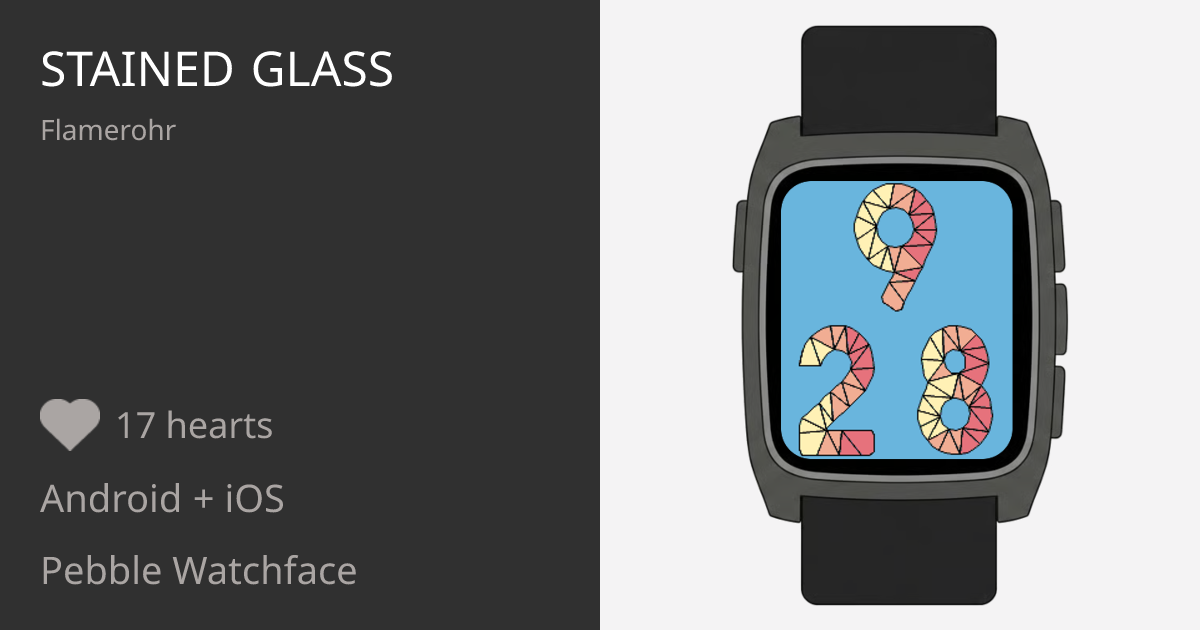
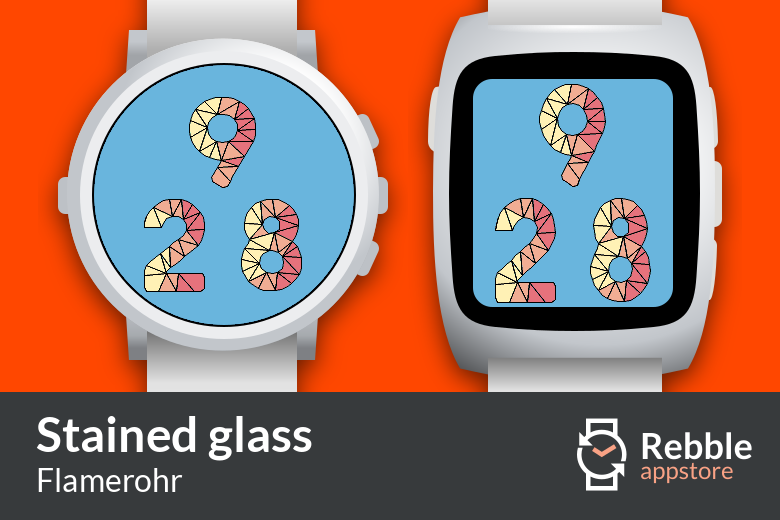
A pebble watchface where the numbers are styled in stained glass fashion.
A pebble watchface where the numbers are styled in stained glass fashion.
delicate schooner
I don't have an actual device to test this on, so I've only run this on the emulator so far
 tight prairie
Looks good! How do you achieve the digits? Obviously it's not a font 🤔
 delicate schooner
ooh, that looks nice on an actual watch 😁
I drew them with the drawing APIs - a fair bit of maths and loops
some of my POCs are on my portfolio page (this one uses SVG, which is a very similar API) https://flamerohr.info/projects/svg-clock
Website generated as a playground for Chris' experiments and portfolio
delicate schooner
found a way to round up the edges, so they look like real numbers 🤣

can see the proper font I used as a template
delicate schooner
decided to centre up the numbers (for both 12h and 24h formats)
and I've added 12h format support
 delicate schooner
I have a config page built, and it'll be adding a configurable dark mode theme 😁
supports black&white for the Pebble 2 Duo and Pebble 2 (I'm not able to test on physical device)


 delicate schooner
Dark theme added with the config page


 iron iris
Confused as to why there was ever a white background
delicate schooner
it was easier to see when first developing it, the black background option was always going to come 😁
I have plans for more theme colours in the future, and complications
delicate schooner
I think I got app icon in properly
 iron iris
how about making the whole screen stained glass, with the numbers in contrasting colours
delicate schooner
That's something I have planned to do
delicate schooner
Here is my current list of ideas for features
 delicate schooner
one of the new themes I'm almost ready to add 😁
the angle of the "sun" will react to the time of day, but not at night when it goes dark


 delicate schooner
a bit of night time colours to contrast the day time one above
 delicate schooner
a gif of the day-night theme
 delicate schooner
first major release for my first watchface
it has a day-night theme that switches automatically depending on the time of day (as shown in the gif above)
delicate schooner
updating the config page soon 😁
