
5 messages · Page 1 of 1 (latest)
 unreal gulch
Does anyone know how to make skewed text in perspective?
I'm working on an arcade type game and I want to have a little box on the right side that lists out different score modifiers, which will probably change a lot so I want to use a RichTextLabel as opposed to rendering out multiplier names individually.
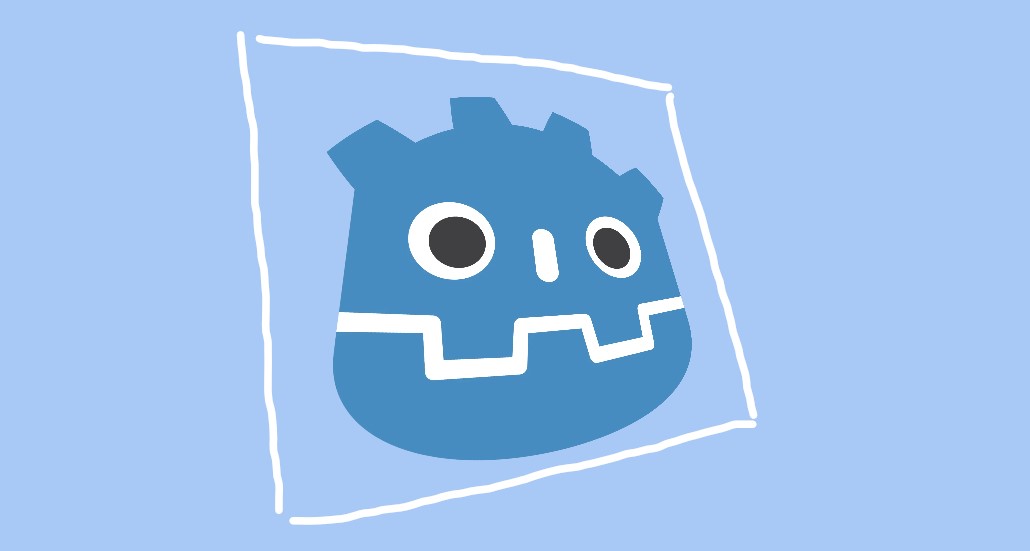
I was able to find a neat shader for the container box sprite that let me skew it as shown in the image, by creating a pseudo-3d perspective effect, but applying similar shaders to a RichTextLabel either completely destroys it, or skews every letter individually,
Been trying at it for a while but im not entirely sure how to go about it, if anybody's done this before or has an idea how, any help is appreciated!
This is the link to the shader used on the container sprite from the screenshot: https://godotshaders.com/shader/2d-perspective/
This shader “fakes” a 3D-camera perspective on CanvasItems. The shader...
unreal gulch
nevermind !!!!! i happened to solve my own problem after 15 more minutes of trying,, ill post the solution incase anybody else has similar problem and mark this post as solved
I encased the text labels (vbox container not necessary) within a subviewport container + subviewport,

messed around with settings until the text was visible like regular
then applied the same perspective shader to the subviewport container