
#3d-modeling
1 messages · Page 50 of 1
 bitter leaf
so when doing muzzles you would still follow the eye rule
so your edgelooks should be more around the eyes
 umbral crystal
yes i know that is how u would set it up but
would it be easier to do it using extrusions or loop cuts
also those are subsurf edges right
im assuming it would be a lot easier with extrusions
then like smooth subdivide if i need more detail
oh i see
there are triangles on the neck and shoulder and stuff
so they can increase/decrease quad count
bitter leaf
its bad practice to use triangles but if you must use them theres no way around them
umbral crystal
so is that a bad example
bitter leaf
i was taking the face from that

 compact mulch
Streaming some diglett modeling on twitch for the next couple hours https://www.twitch.tv/mechlai

Twitch
Checking out Zbrush2018. Trying Sculptris. Familiarizing with retopology. Making Muscley Diglett for VrChat
 vivid crater

bitter leaf
https://i.gyazo.com/b73261bf1f1c6f9e614e43756023f241.png work in progress 2


 lament pond
He's got a tiny diglett
 plain spruce
I know you guys are advanced modelers but

This is my first ever 3d model creation from scratch! Any thoughts 😄
I’m actually really excited, because it’s going to be part of a world
lament pond
It's gonna bite me in the ass
plain spruce
Lol
 potent egret
first thing that came to mind is "pointy"
 near steppe
Nice
near steppe
 bitter leaf
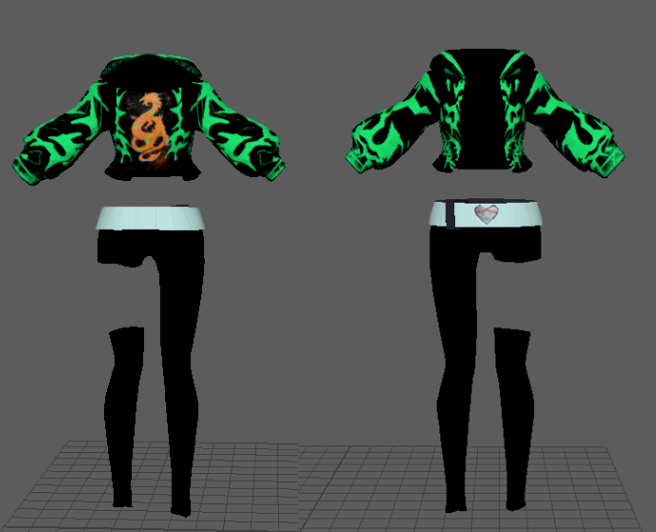
https://twitter.com/Alease_VR/status/1059764295955697664 finished working on the main model going to be rigging it now stil have to do accessories and body texture though

Loving the @LeagueOfLegends Music video Akali that I decided to model a similar version in maya! Here is some work in progress stuff! time to go and rig WHOOP

 Twitter
 bitter leaf
@lament pond Im porting it onto the base now the leg was turned off until I got to this part
 jaunty zealot
 final pulsar
Can I ask how long you’ve been modeling with Blender? @lament pond
I’m looking into learning it since I want to make KDA Ahri badly, lmao
 spiral sigil
@final pulsar 7 years if i remember correctly
final pulsar
well thats a huge oof
im hoping to learn it really fast since ive been using cinema 4D
spiral sigil
so you already have experience with 3d modeling
you basically know the techniques and work method
final pulsar
little bit kind of
spiral sigil
so you need to just learn how to use the software basically
final pulsar
no not really. i only used cinema 4d for rigging actually
spiral sigil
rip then
 median vector
I have some eyewhite sticking out anyway to fix this?
 ivory pagoda
There's some low poly versions of ahri already but with low detail and such, tho im making a model myself atm. My first attempt on something from scratch
lament pond
Do Eve we need an Eve and Kai'sa for the group photo
bitter leaf
Gotta love that K/DA skin almost done with my model just gotta do some texture work and finish the blend shapes for the mask
 Twitter
Hair is a pain the in the butt to model
potent egret
@median vector does it happen when the eyes move or does it happen regardless of the eyes moving or not?
median vector
@potent egret its i believe regardless it wasnt like this at first im making it for beatsaber
 slim perch
Hey guys! I am new to VRChat and Unity, but not to Blender. I was wondering, does the 20k poly limit mean faces or tris?
bitter leaf
@slim perch hey there! it means the tri count
potent egret
could probably move the sclera mesh back a bit @median vector
lament pond

 brave dune
it took me way to long to realize that was a headless and armless body
 light scaffold
Wait what
Damn.
 old field
Right
 fresh isle
L O L
Turk I would've never guessed myself
VRArt that's beautiful
Also I saw a comment from you on a Romeo and Cinderalla MMD motion video
Like I was looking for the Project DIVA animation for a while before I found it
lament pond
@brave dune yeah I'm saving those for later since the body is pretty complex on its own xD
@fresh isle thanks Lone~
spiral sigil
Why is everyone so talented all the sudden
lament pond

 brazen hinge
@Alease#8983 Is there gonna be anyway to get that avi??
brave dune
it's probably due to the things on the hips but i get a PSO vibe from it. Looks good so far 😃
lament pond
Yeah it's based on a PSO2 design @brave dune
 hot flint
potent egret
hot flint
potent egret
now I just got reminded the SEA server went kaput
bitter leaf
https://twitter.com/Alease_VR/status/1060520905019875328 almost done gotta firgure out how to fix the weight painting in the pants though

K/DA Akali graffiti version almost done! few issues but almost ready to put spray can and finger splatter! Works wonders with Full body tracking! Mask works super good too! thanks papi for rec my small attempt at the dance #KDA #kdaakali #VRChat #customavatar #LeagueOfLege...
Twitter
lament pond
At night
 steel karma
I'm glad another person has been working on an Akali model just finished up mine, have to do a few more tweaks but here's a look
 steel karma

 wispy star
so detailed and good!! ^^ ❤
steel karma
Thank you! 😃
 robust hemlock
keep us updated this is really good 💜
steel karma
Will do 😛
robust hemlock
😄
steel karma
I'm going to be adding a spray can she will be able to hold, I have a few other ideas too that I want to implement into this model
 gusty horizon
rip
lament pond

 stray dock
@steel karma nice work! i made one too


im just tweaking the emitter shader so it works in every world, it maps to the lighting
 fringe rock
to activate the emitter its a gesture ? @stray dock
stray dock
no its the shader
it automaticly maps to lightin and emits the neon things
dark=neon // light = normal
@fringe rock
 echo plume
is there a way to reset a uv-triangles shape to the shape of the triangle it represents in the 3d view?
just the shape, the size is something else of course
 latent charm
There's a UV reset function
With the face(s) selected, press u and at the bottom there's reset.
Although that just resets it to fit the UV space, I'm guessing you want to keep the shape of the triangle the same @echo plume
echo plume
oh, u has some other options like projecting
if i just aim at it in ortho view ill get something like what i want
latent charm
Oh yeah, there we go.
To do what you're after you'd need to do it face by face.
Select a face
Press shift+7
u > Project From View
echo plume
yeah, that's the option in the u menu that helped me
now i can group the uvs the way I want
and not the way blender autogroups them
lol
ive been wasting time trying to put uv triangles together
god i feel stupid
latent charm
Unless you're fixing weird unwrap errors doing the full UV manually is going to be painful.
 high jetty
Does shift+7 focus on selection? If so that may be useful in the future
latent charm
It aligns the view to the top of the selected item. If it's multiple it'll align to an average of them.
high jetty
Interesting. Sneaky blender functions
latent charm
Oh wait, no it aligns to the last selected one.
echo plume
you know, you're probably right... it would have been easier creating an uv and then just using a graphcis program to throw stuff into the existing borders
because the existing texture i am UVing to is actually not that complicated
 dusk turret
@steel karma if you use Xiexe's toon shader, you can do the emissions only in the dark.
slim perch
do normal maps work with toon shaders?
umbral crystal
bc the shading is like
practically on-off there wont be a lot of difference
also emissions are brighter in vrchat
at least i think so when i looked at it
 craggy plinth
does anyone know what the shader where it changes color polygonally?
and its kinda animated aswell, i want to use it for hair for a houseki no kuni character
(please @ me if you can)
 fresh cargo
Is it the one with the polygons that fly out and shatter? If so then that's probably Poyomi's Shatter Wave Shader. I believe you can tweak the shatter offset so they stay in one place and it simply has the colour waves moving across the polygons.
umbral crystal
polycolorwave
 young drum
Snail's polycolorwave
 drowsy quest
I play PSO2, and i would like to have my character in VRC, but i have no idea how(or if i even can) export/rip my characters 3D Model from the game for editing. Does anyone know anything about this?
fringe rock
Ninjaripper
 marble sedge
13. No discussion of piracy, game ripping, or links to pirated/ripped content
Just a friendly reminder since its a rule in this discord.
drowsy quest
@marble sedge not talking about anything illegal, just transferring my image/character model to vrchat to use as a character model
marble sedge
mostly said it due to fran bringing up ninja ripper cause it could've led to an actual discussion.
drowsy quest
sorry ^^;
 gusty charm
I am having some problems with blender can anyone help?
spiral sigil
gusty charm
anything helpful?
 small cloud
@gusty charm yeah ppl would help if you would describe your issue 🤷
gusty charm
well the sculpting tool has a draging thing, and idk how to get rid of it
small cloud
there can be wide variety of problems, don't expect any answers if you type "can any1 help" without describing what's wrong
@gusty charm try disabling "smooth stroke", idk.. never used sculpt in blender
gusty charm
its already off let me try it with it on tho
ah wait switched tools and yes it seems to work
Yea that was it thank you
old field
Some sent me a project file with that on b4 and it cofused the heck out of me when i was rigging
 plucky jewel
https://media.discordapp.net/attachments/503047038791843842/511245581499367455/unknown.png?width=1507&height=1338
How would I flip these faces? I think they are facing the wrong way, but I'm not too sure
 spiral sigil
select them
press space to get the search bar
search for flip
and select flip normals
fringe rock
it was a uv map problem probably
plucky jewel
yeah, it seems that way, it gets oddly shiny at a certain angle
 hazy swallow
Anyone know why sometimes visimes go 100% as mouth flaps and other times they barely open
spiral sigil
You can view your normals too. helps a lot
 quartz wind
got my akali working:
4K newly shaded dragon... check ;)
https://cdn.discordapp.com/attachments/469248397203734532/511265557602107403/unknown.png


 gusty charm
I am weight painting and for some reason the right cufflink is not working right, it moves but it is not right next to the wrist were it is supposed to be.\
nvm got it
 civic trout
has anyone heard of akeytsu 3d program?
lament pond
No clue
 cold lantern
Hello guys! Looking for 3D customer who can create custom 3D models. 1000$ price.
 tall plaza
Customer?
stray dock
this might be a trivial question but how do i import an image into blender to make it my material
according to the internet there is a button in the material tab for it
but its not there for me
lament pond
File > Import > Images As Planes
 spiral sigil
you want to use it as a material on a model or just have that picture inside blender so you can start to model from it ?
stray dock
i want to have it on my model as material
spiral sigil

All3DP
Want your Blender models to look different than the default gray? Then you're going to need to use some textures. Read through our step-by-step tutorial to get a grasp on textures and the UV editor, then use what you've learned on your own objects to make them look real!
echo plume
@stray dock https://i.imgur.com/BLHYk7j.png
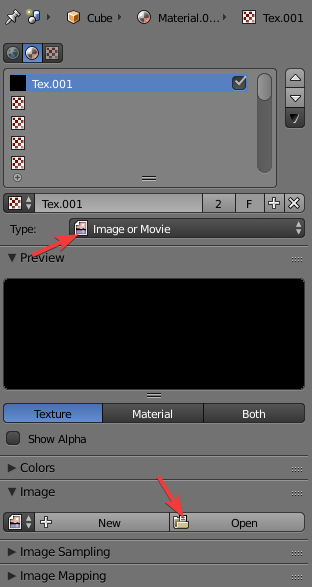
it's the texture tab
when it's in the material tab, you're on cycles. and you're not gonna be on cycles if you're trying to do vrchat avatars
but many animation tutorials in blender are gearing towards cycles now
stray dock
@echo plume i gto that working but i dont know how to aply it >.<
im lost
its not that important tho
echo plume
what do you mean dont know how to apply
stray dock
i put it in there but its not showing on the model
even when i set the mode to textured
stray dock
material makes it all black, texture makes it all white
echo plume
i just tried on a cube, pulled in a random image and it worked
lament pond
Did you unwrap the model
lament pond

Blender tutorial about how to UV unwrap in Blender, so that you can texture your model. Download the model: https://drive.google.com/open?id=0B8PFSrI9B3iwanN...
echo plume
well even without unwrapping, a texture should show in a default mapping
it's less than optimal, but at least it's something
echo plume
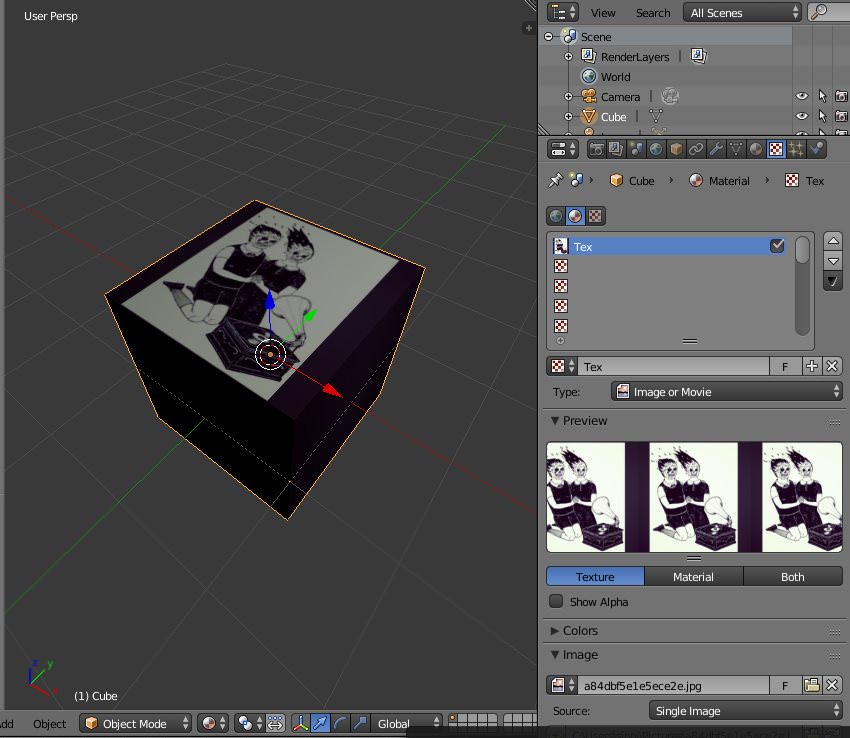
this is what happens if i just apply a random image
so
but short of just putting a texture on a plane that would probably not be enough
spiral sigil
Oh heck, are we talking about UV unwrapping?
stray dock
yep
spiral sigil
Hell yeah.
spiral sigil
I feel you.
I honestly don't know much about it either apart from the essentials, yet I still love it to death.
stray dock
¯_(ツ)_/¯
spiral sigil
Peck yeah.
 lucid adder
Im new to tho moddeling and my worst experience with uv mapping was trying to map a cylinder, sides textore to the left and bottom of the image and the circle texture of course wanted to fill the whole thing. Took me like an hour to find a way to resize it all at once but i couldnt get it to snap correctly so i just rolled with it
 buoyant fjord
Does anyone do classes like online courses in modeling? Basicly a course in creating your very VRC Avatar, trust me the youtube guides are great, but if anyone ran online courses that would be alot better because you can also easier approach someone with questions then.
 cerulean shoal

 silent junco
i hate weights
lament pond
Ditto
 mild zephyr
i just spent 2 hours trying to seam and unwrap a pumpkin pie. I feel really stupid.
At least I understand bones now
aw man, I just saw the guide further up the thread. Now i feel even worse
 cyan lantern
Hi, i have a few questions if anyone has a minute to answer that.
- Is therea limit on how many materials i can use for my character?
2)does it depend on the texture map size?
3)can anyone point me to a good full character that's both rigged and has good texture so i could s tudy it?
I'd appreciate a "@" mention so i could read the answer. i kindly thank whoever can find a moment to help me out. ty
 zinc furnace
@cyan lantern there is no material limit, but the lower, the better for performance.
You can combine materials if necessary
cyan lantern
what about map resolution?
zinc furnace
It can't be higher than 8k (8192x8192) per texture
cyan lantern
gotcha
zinc furnace
And textures get super big in Unity even if the PNG is small
So make sure to stick to something like 4k if possible
cyan lantern
that's good news for me
regarding my last point
can you point me to a downloadable model i can study so i have a standard against which i can test my model?
like, a high quality model i can reference back to check against
zinc furnace
I don't have any of those
cyan lantern
@zinc furnace any place you can direct me to find a high quality model that's used in VRchat?
cyan lantern
ok, i guess i'll have to go on a quest to find such a thing
thank you for your time @zinc furnace , i appreciate the info and help
mild zephyr
@cyan lantern the unity asset store has several free humanoid models that are fully rigged and ready to put into VRchat. And I recommend using Mixamo to streamline the bone rigging process when making your own models from scratch.
cyan lantern
hey
well what i need is more info how how a high quality model looks like in VRchat technically to study it
@mild zephyr
i'm alreadying in the skinning process, so i need it more for textures and look, slightly less for rigging, more for study and compare my work starndard to.
i really want to learn everything myself i nthe rigging and readying it for VRchat. even if it means going through a little bit more hassle
I'm more curious to see how a quality model was adjusted to be used in VRchat, then just a high quality 3d rigged model used in another game / environment
cerulean shoal
time to make 2.5D ralsei with full body support!!!!!!!!!!!
lament pond
 silent junco
perfection
vivid crater
That's a weird looking onahole
 oblique wagon
is there a video out there some where on how i would go about making an 8k texture in blender so i have a base.

 crude frost
You kinda messed up the face
crude frost
it needs to be either bigger eyes
or bigger connection between the nose and the mouth
 crude frost
 silent junco
i just began working one one myself lol
 silent junco
https://www.pokershop.dk/images/191-t.jpg i thought he was this lol

 chilly jasper
can someone make a model of this avatar
zinc furnace
Try vrctraders discord
chilly jasper
what is the discord
 vague idol
check the #community-servers-old channel
spiral sigil
does anyone know by chance, how I can get this
oof cant send pics one sec

to this

Apply mirror?
so I made the outline of the eye and the tutorial that I am using said that there is a way to extrude out the eye outline into that gray mesh. I can't figure out how to do that though
tall plaza
Extrude button- e
make sure you select the edges beforehand
but if youre new to blender, and especially 3d modeling, you should probably start with the basics, and learn the tools
then work your way up starting from simple shapes and items, to more complicated models, then finally hit character models
Because believe you me, you will definately need the experience from working up to each level of mesh/model
spiral sigil
thank you so much and I shall head those words
tall plaza
and please dont feel dissuaded by my comment, i just want you to make it your goal, to have learned enough to character model.
 scenic ember
make a donut and anvil before you start a character I was in that place not too long ago
 limpid plinth
https://giphy.com/gifs/NlXbMk1p9HxNrLEWzJ made something from scratch minus the animation

how long does it take by default to be able to build and publish models?

 foggy maple
@limpid plinth no, more like 20h+ but it's not definite. It depends on how much you do ingame
limpid plinth
Oh you mean like effective ingame hours?
 visual vigil
OH
the waiting time for new users
i thought you meant just uploading an avatar
lol
 frank pelican
Getting a couple friends helps (which ties into the 'what you do'). I had 20+ hours without it, then I added a few friends just before heading out (had 0 prior), and on my next login I got my notice saying that I could now do custom content.
 silent acorn
Any idea why I can't post pictures here? It doesn't seem to be working :<
latent charm
Image uploading should be enabled in this channel though
But if that's not working yeah, use imgur or something.
spiral sigil
should be enabled on all the help channel tbh
trying to help and getting DM of the issues all the time is quite annoying
fringe rock
they dont want people sending file of rip asset
silent acorn
Ok, thanks!
fringe rock
idk if discord can filter the type of file allowed.
limpid plinth
@visual vigil what time by average does it take to be able to upload an avatar?
visual vigil
You already have all the answers posted above
limpid plinth
care to copypaste it?Forgive me but I can't find it
fringe rock
just wait and play
spiral sigil
i'll give you the fpaul copy pasta
Becoming verified by the trust system is based on reaching a not time based trust score, which's exact algorithm is unknown to prevent exploitation.
You presumably need to play the game in a normal manner with your VRChat account, walking around, meeting people and also making some friends. Idling won't help.
According to many responses in this discord, a rough estimate would be 20-40 hours, but big exceptions are possible.
Make sure you are not using a steam account because those can not be verified and continue playing the game until you get a notification or e-mail.
http://help.vrchat.com/knowledge_base/topics/why-cant-i-upload-avatars-or-worlds-yet
limpid plinth
gotcha
really sucks when you cannot use your mic frequently for an indetermined period of time
spiral sigil
why not ?
limpid plinth
I'm sitting in a room right next to people that can't stand any slight noise
so say that I'm enjoying myself and get carried away in funny banter on VRchat, someone next door will be yelling and banging the wall to be quiet, which will very quickly take away said enjoyment
and this happens VERY regularly, but it's only because I'm in a temporary home rn
spiral sigil
oh you meant IRL
understandable, i have the same problem
limpid plinth
I really hope to return back to my normal home soon
but it's probably gonna take at least 2 more months
lament pond
 silent junco
nice
spiral sigil
6 more months
Get my brand new apartment
And can make noise and stuff
Lol
What
 jolly atlas

An oddly developed side character from the recently released chapter based videogame by Toby Fox (Creator of the Earthbound Halloween hack and UNDERTALE), Deltarune.
She’s really cute. - Noelle (Deltarune - 3D model by Famicomlink (@Davin.Finney)
I plan on uploading more models i've made since I started playing vrchat
Some are good and some are bad though.
spiral sigil
Make sexy erp models?
jolly atlas
What
spiral sigil
Huh
jolly atlas
Would anyone like a public Tom preston model
silent junco
https://cdn.discordapp.com/attachments/465841928441823233/512351699055411259/unknown.png i don't know how to make faces

;-;
brave dune
when you say make faces, you mean a face from scratch or carving into the mesh?
silent junco
i mean i can't do textures
brave dune
ah, the uv mapping
yeah, that one can be tricky at times
good uv work just takes practice
cerulean shoal
uv easy
silent junco
I’m pretty new to 3D modeling
jolly atlas
Try selecting the center face, switch it to front view mode and unwrap from view.
That will make the face perfectly flat to draw on.
@silent junco
jolly atlas
👌

The one guy on the internet either no one’s heard of or everyone dislikes greatly for how ridiculous he acts. Now in 3D
this was one of my earlier models so the texturing is kind of messy and cluttered. - Tom Preston/ Andrew Dobson - 3D model by Famicomlink (@Davin.Finney)
silent junco
Nice
 boreal wind
Official Avatar Optimizing Tips
https://docs.vrchat.com/docs/avatar-optimizing-tips
Do you want your avatar to be efficient and be loved by everyone because of all the frames you're saving them? Follow these tips and you should be good! Any recommended numbers or limits in this document are subject to change at any time. Although some of the descriptions pr...
echo plume
everytime i 3d model anything my things turn up to be full of vertexes that aren't on the height (relative to the model), is there a way ot smoothen a surface of vertexes out in height?
jolly atlas
Do you have any visual examples
echo plume
sure sec
sorry i didnt see your answer
@jolly atlas https://i.imgur.com/ld8aiZ7.jpg
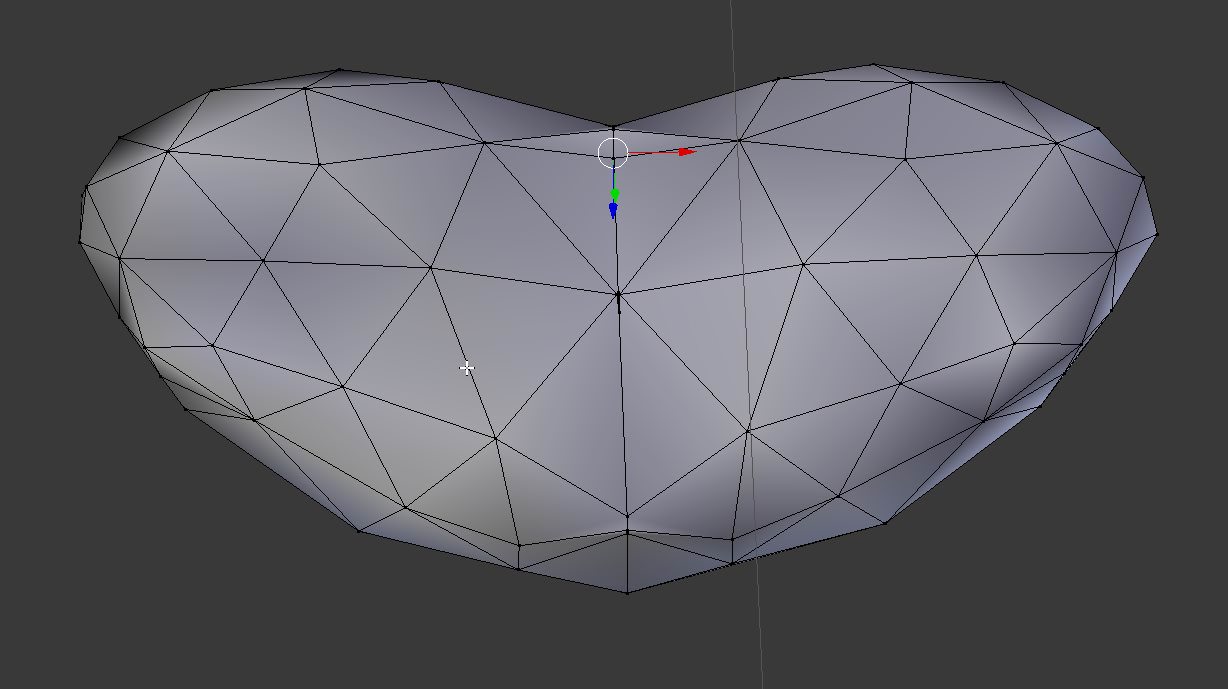
i am too stupid to really fix it
theres always these small height differences
i change something, it breaks in a different way
my mission was to round this heart-shaped thingy more, and make it less like a heart and more round, this being my ref https://i.imgur.com/dpCZ546.jpg

but my modeling iq is 140, sarcastically
 hardy marsh
i need some help. so im trying to fix this model up right. There is a crease going down the vertices i have selected it goes all the way up the back too. even if i join the meshs it doesnt go away.
can someone tell me how to seal the crease
ive tried the bridge end loop and merge options after pressing w for the menu. and neither of them worked properly then down right broke the model
also in the back of the head there is a hole in the back under the hair people looking up from the back can see it
 echo plume
do you think the crease might have double geometry?
try remove doubles, double geometry that sits right on top of each other often causes creases when smooth shading is involved
echo plume
try just hitting a to select all, then hit space -> type remove doubles
or hit remove doubles in the left menu
or hit W -> remove doubles
blender and it's million ways of doing things heh
hardy marsh
that didnt fix it
echo plume
ay hm
hardy marsh
 echo plume
oh i see
are you sure there's no ripped open geometry there?
the geometry in your first image does look like there are more vertices than there need to be
hardy marsh
how would i fix that if there was. theres a hole in the back of the fekin head too
echo plume
 hardy marsh
im a little new to actually fixing s meshs and stuff
echo plume
the vertex dot looks a little large
to be just one
others too but this one is the craziest example
hardy marsh
how do i fix it?
echo plume
try to unselect all vertices here
then hit B and draw around that area
so you select all vertices in that area
then hit ALT+M
and try the three options, take the one that looks best (go back with ctrl+z every time)
proabably at center will be just fine
at cursor is probably a bad idea though if you have your 3dcursor somewhere
fringe rock
that is 2 materials you have there
 thorny fractal
 silent junco
now i'm sad
silent junco
 jolly atlas
Hey we all start somewhere.
For the time being this is great and you'll only get better.
limpid plinth
it's probably gonna be better texturing than me having to do nearly all my texture work in this dreaded Cinema 4D UV editor
thorny fractal
if you can do your uv mapping correctly texturing isnt that bad in like any painting software
hardy marsh

cloth physics in unity. how do i fix this ?
in either blender or unity how do i fix this problem

supposed to be like this kind of
silent junco
Idk
hardy marsh
thanks for the help
i know what the problem is the dress is in one fbx file all together like thishttps://cdn.discordapp.com/attachments/511662721918435353/512885247403360267/unknown.png

but the problem is the dress is still kind of in seperate parts. the peices are not connected to each other even though they all move together in pose mode.
theres a bow on the back the bow isnt actually connected to the dress and the black and white parts of the dress are seperate.
i dont know how to connect them together though so when i use cloth physics it doesnt fall apart
visual vigil

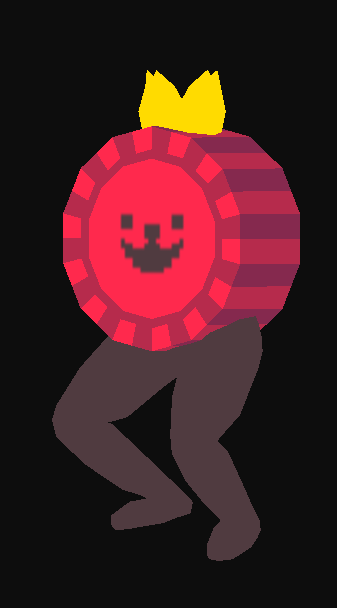 silent junco
Nice
silent acorn
thank you!
 silent junco
Noice
limpid plinth
I need some help. if I have my rig be generic. I can build it but I get that error it it won't play the VRchat animations, but if I have a humanoid rig, it cannot build, because the upper chest apparently causes problems with IK, but deleting that bone further breaks the rigging... what am I missing?
I built on generic just to see how it works out
Okay so I don't get any animation at all when it's a generic rig
fringe rock
only humanoid play the vrchat animation
limpid plinth
how come I can't build it as a humanoid rig, despite all bones showing up green?
limpid plinth
so I just erase the bone inside unity from the rig?
fringe rock
dont assign thing in the uper
fringe rock
took a second
limpid plinth
oh wait, never mind I think I may have fixed it. not sure... this is my 1st time uploading avatars
limpid plinth
alright got it sorted out thanks
 mossy light
@hardy marsh if its seperated like that, just join all parts other than the skirt, and just assign the cloth physic thing to the skirt
not sure if im missing something
but also why use cloth with that dress, it looks like itll lose form a lot since its layered
 wispy compass
Can someone please make a sword for me? I am willing to pay, so please DM me for more details
fringe rock
 spiral sigil
if you want something done for you, best bet is to ask in the vrc traders discord
you can find the invite link in #community-servers-old
 halcyon citrus
If you have an idea or sketch, I can do it maybe.
I made a mallet with a boxing glove on a spring, think I can do a sword.
 jolly atlas
Nothing to worry about just correct the faces
fringe rock
flip normal maybe
visual vigil
https://cdn.discordapp.com/attachments/483108927303843860/513180851044089886/unknown.png https://cdn.discordapp.com/attachments/483108927303843860/513180890491518994/unknown.png

 visual vigil
https://cdn.discordapp.com/attachments/188322587116306433/513591818684727316/unknown.png https://cdn.discordapp.com/attachments/188322587116306433/513591561716498442/unknown.png


 copper gull
https://i.imgur.com/OQwfP8W.png
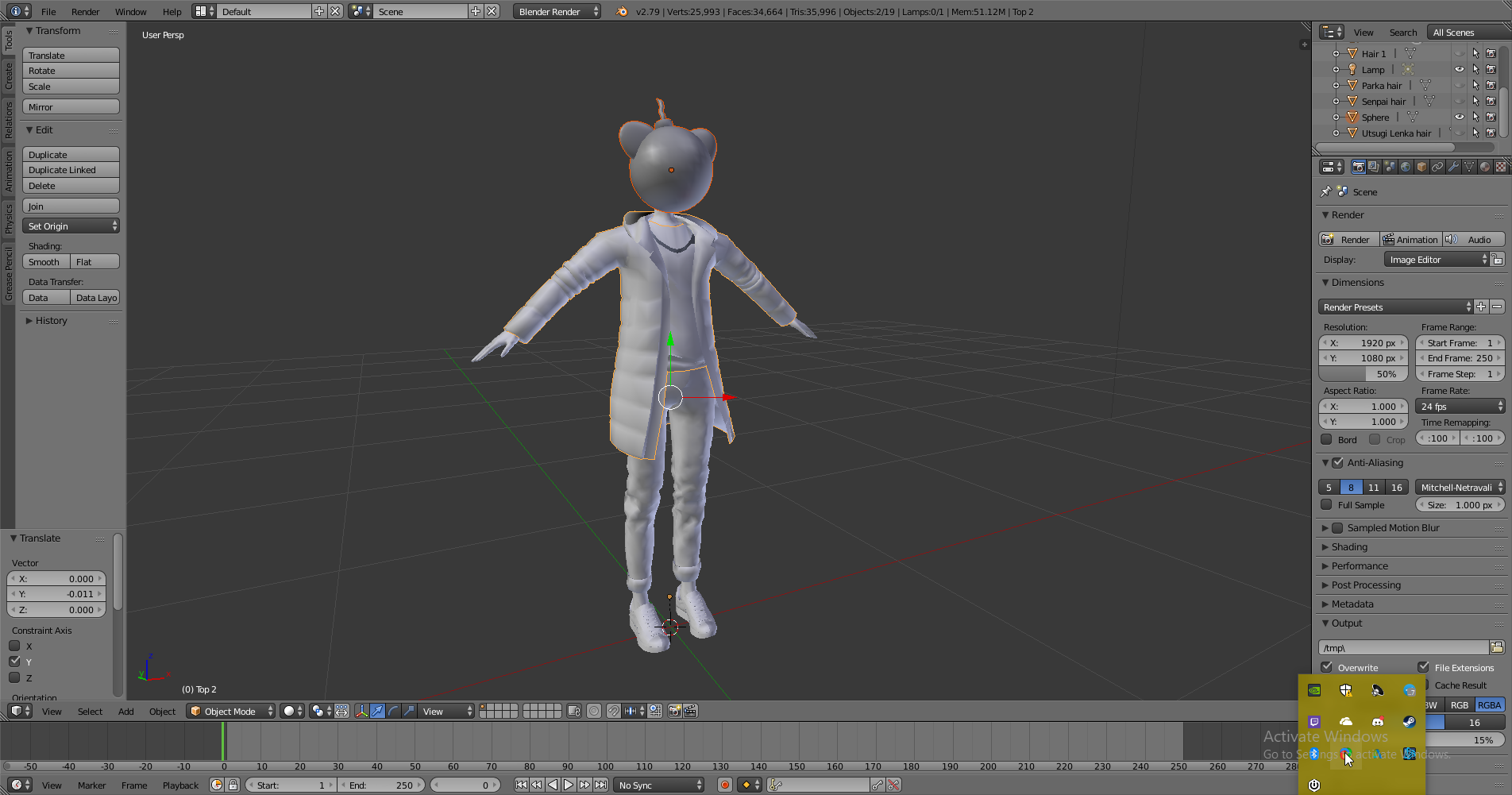
working on my first model edit. i made the bomb head
 thorny fractal

 quiet dagger
you look a little off
quiet dagger
✖ 🇩
 hallow bough
@hardy marsh Id like to help you fix the problem! Can you send me some screenshots of the project and the mentioned "unconnected" parts?
copper gull
question. I've marked all the seams on the bomb head for my avatar, but the uv map wont show up when i tell it to unwrap. Like no shell shows up. What could i be doing wrong?
could it be due to me having the 5 parts joined together?
jolly atlas
Do you have the UV mapping window open
Or did you just click the "unwrap uv" dropdown menu without selecting the option to
copper gull
i have the window open. the shell wont show
like i opened the window, marked my seams and told it to unwrap. nothing
fringe rock
Go edit mode in the 3d view and press a to select everything . It should appear in the uv Windows
jolly atlas
so you marked your seams and deselected them or no?
copper gull
Thanks a bunch @fringe rock i really gotta relearn this stuff lol
thorny fractal
 copper gull
im looking into edge padding for UVs. dosn't this basicly mean that anything outside the shell just wont show on the model?
thorny fractal
edge padding is mostly for when you reduce the resolution of the textre because if you cut it right on the seams of the uvs when you change the res it can kinda bleed in if that makes any sense
im bad at describing it
copper gull
oh so basicly it could warp it?
copper gull
oh so say if i have a uv that has mostly one color for its texture, it wont matter if its outside the uv shells?
thorny fractal
just keep in mind of your padding size tho cuz if you make the padding too big but have the uvs packed really close together the padding will bleed into the other uvs
uhhh i suppose
not entirely sure what you mean tho
copper gull
hold on
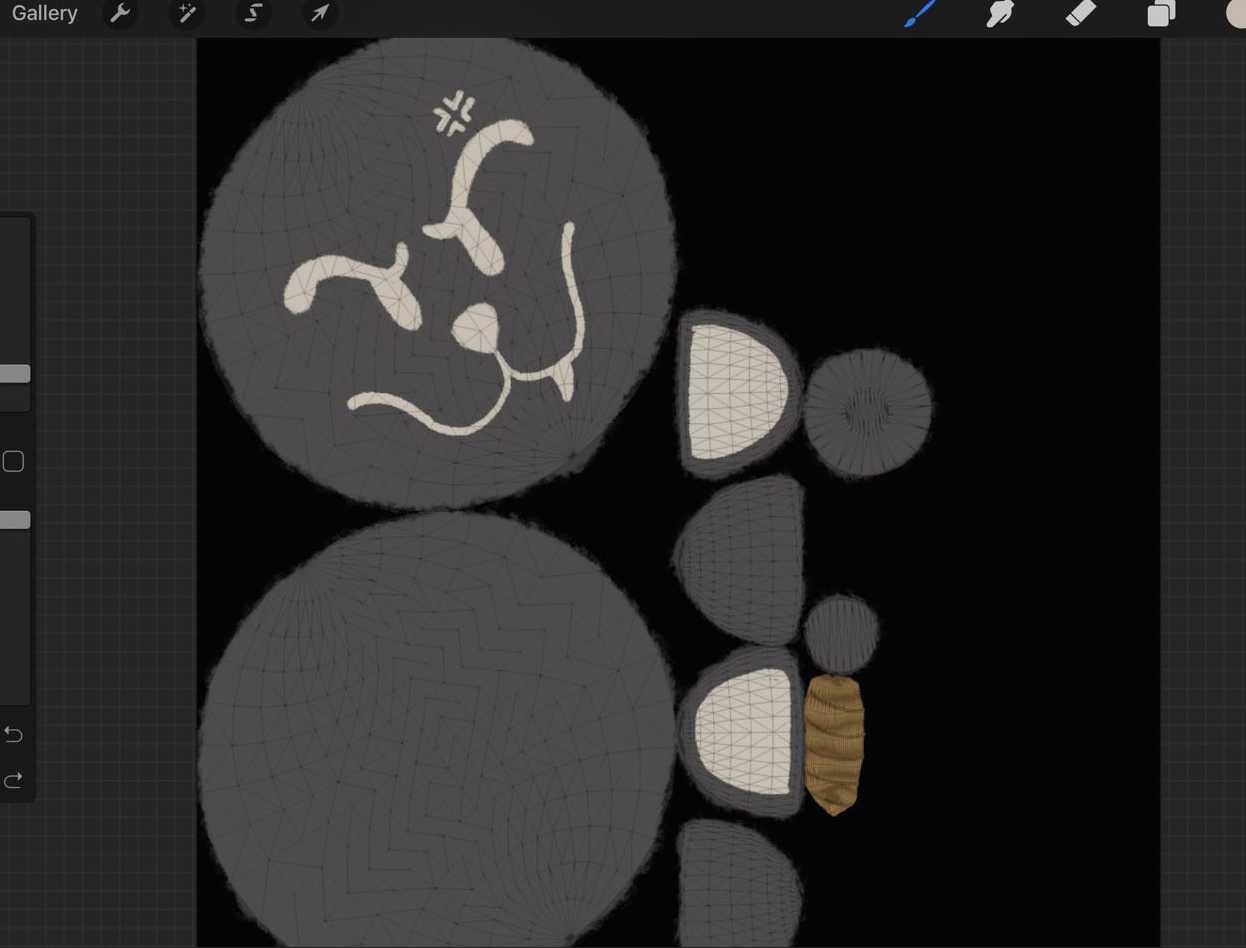
if you notice, the brush i was using even though its opueqe leaves fringes, mostly for that traditional marker look. im just conern that those fringes will mess up the texture or anything like that.
i understand if this is like a very stupid question
thorny fractal
well it looks like your coloring right on the border of the uvs?
so if you dont want those fringes then just color out of the uvs a bit
it wont hurt anything
copper gull
Good to know. Thank you!
copper gull
is it possible to move parts of a model in it's armature in blender? like say the head im working on is outside the main armature, but i want to move it onto it so the head will rotate with the rest of the body properly. is this possible?
thorny fractal
its possible but i dont totally remember how to do it
i think you might be able to merge it into the model with ctrl J and then add it to a vertex group? i did it before i dont totally remember tho
copper gull
looks like im gonna have to research, idk what a vertex group is.
i mostly learned maya so im new to blender
and tbh, i wish my professor taught me blender, seeing how stupidly easy it is to get uv manual unwraps
if thats the case, i have a feelintg blender might be easier for me to learn and work in.
quiet dagger
 quiet dagger
 copper gull
oh no
spiral sigil
A
copper gull
ohhh nooo
quiet dagger
you dissing my homie
quiet dagger
you cant do better
quiet dagger
this is a no flex zone
spiral sigil
🅱et


no those are my models
mine looks more human than that thing you made
im actually scared of what you made
i don't model per se but i script but yes i tried
i tri'd
quiet dagger
 copper gull
looks liek there are some engones on the teeth. was this done in zbrush?
spiral sigil
oh god
quiet dagger
it was done in ms paint
spiral sigil
3d?
quiet dagger
took me 45 hours
spiral sigil
well sir you made a monstrosity
copper gull
oh yeah i forgot MS got rid of 2d MSpaint...feels bad
quiet dagger
I only used the best triangles
your vrchat models are not good unless you have really obnoxious shaders and an edgy mask
spiral sigil
and some random gun on your back with rap music
copper gull
i wont lie, I like some of these crazy shaders i see on models. they just look cool
spiral sigil
does a bear mask count
spiral sigil
wheeze
thorny fractal
yall mind if half my model uses a cube map shader with a galaxy texture
spiral sigil
nah, go ahead, i don't need more than 10 fps anyway
yall mind if i use the normal unity shader
thorny fractal
dont jab at the normal unity shader, if you got some good texture maps then it can look good
spiral sigil
i didn't jab at it
thorny fractal
💦
spiral sigil
raises cap
quiet dagger

thorny fractal
i mean ya its a pbr shader, i dont think it works in vrchat tho
thorny fractal
not in the way i meant
i dont think the roughness, metalic etc work very well in vrchat

 thorny fractal
i love it
 brave dune
i always love the zbrush avatars 😛
spiral sigil
dusky wtf
quiet dagger
what mate
scenic ember
Thats hot as fuck
quiet dagger
amen
copper gull
So i took my model into vrchat and the head isnt joined at the neck...which is weird because unity is lumping the shirt and head on one game object. Idk whats going on with it
thorny fractal
is the mesh not connected but its attached to the bones?
visual vigil
 copper gull
@thorny fractal no i dont think it is tbh. i cant seem to move the head mesh into the armature
then again i mostly know this from avatar editing in unity. not blender
 tacit tiger
if anyone can help my player model keep compacting its self and i can't find out what is making it do that i need help.
copper gull
https://i.imgur.com/dEKwzw6.jpg
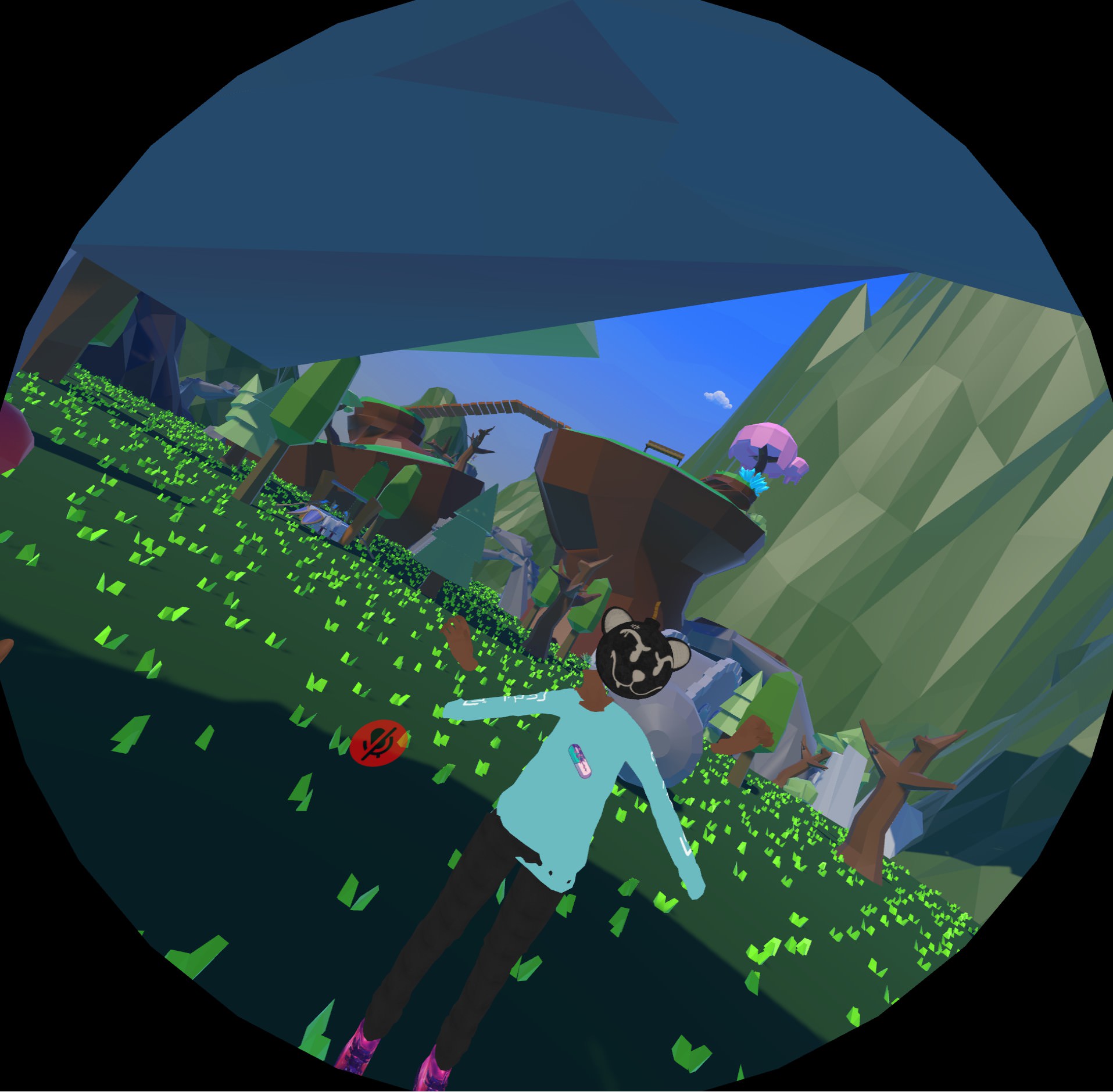
Something doesn't bode, i'll have to take a look at my armature.
 visual vigil
@tacit tiger hip bone
tacit tiger
@visual vigil what about the hip bone it is there. what should i do about it.
visual vigil
if your model is collapsing its either pointing the wrong way
or you have some weighting on other bones interfiering
tacit tiger
@visual vigil how would i know it is pointing the wrong way?
visual vigil
youd look in blender
you want the hip bone to be pointing down
and in unity to make sure its using the properbones
ive had, in unity, it apply an armature bone as the hips
which led to it collapsing on itself
copper gull
would this also account for say the arms of my shirt sticking in an A-Pose?

 pine crater
hey guys im searching dead by daylight 3d objects for my new projects
lament pond

 tender tendon


 copper gull
Oh nice 90s jotaro!
Please tell me youre going to put in some of his english voice clips in
 obtuse glen
I definitely am.
Including
COME ON, ARE YOU GONNA CALL OR FOLD?
SAY IT OUT LOUD RIGHT NOW, D'AAAAAAAAAAAAARBY!
spiral sigil
I feel sad, 3d-modeling requires an amount of artistic talent. I have none :P
obtuse glen
You can do anything with enough practice.
spiral sigil
even flying ?
obtuse glen
Yes.
spiral sigil
nice
copper gull
Hell my 2d art background is strong but im looking to boost my 3d as well...seeing how most studios act like 2d art died in a fiery crash
:doodStare:
silent junco
Kinda true sadly
quiet dagger
ms paint game strong
 lethal nest
@spiral sigil Yaaaas!
 quiet dagger
but can it default dance
silent junco
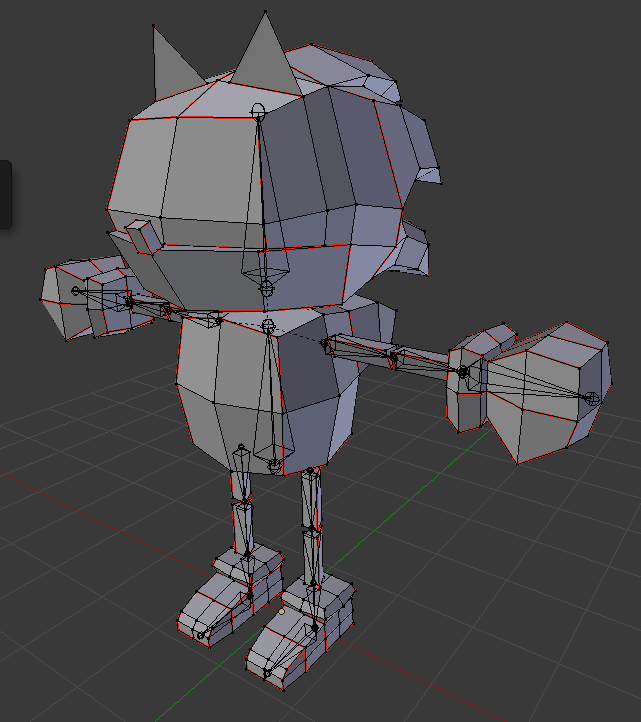
https://cdn.discordapp.com/attachments/264523062899113986/514868007835664384/unknown.png low poly sonic wip
 obtuse glen
 oblique wagon
what would be a good play list to watch for a complete beginner to start 3d modeling and be able to make a custom 3d avatar's and such after learning all that
this would be for blender of corse
spiral sigil
Someone has a 3D FBX model from a photo mural, but without the photos, only the mural
thorny fractal
Daniel krueter has some good videos
He has a series of modeling a whole character and other videos of rigging and stuff
https://www.youtube.com/user/MrLasla
Even if you don't want to make an anime model a lot of the concepts can still apply

YouTube
This channel is mainly about 3d modeling. I also like to throw in videos about art and drawing. Most of the works are related to anime so hopefully if you sh...
tender tendon
https://cdn.discordapp.com/attachments/392986376343257100/514893380786978866/Screenshot_886.png Almost complete
 obtuse glen
Thank you!
It's still a long way to go, but I'll post updates here from time to time!

 dawn ember
I barely know anything about good modeling but I was able to model one of the most basic characters in deltarune
visual vigil
looks fucking great @obtuse glen
obtuse glen
@visual vigil Thank you!
 sharp sky
Is this channel for general 3d-modeling? Like furniture too?
visual vigil
yes
 hardy turret
hey
how do i decimate a model from 1.5 million poly to 20k
without making it look like shit
and is there a tutorial how to make ponytails
spiral sigil
1.5 million ? i'm pretty sure you'll have to use retopology for that
latent charm
Yeah definitely retopo.
latent charm
Depending on the model you could get away with using Instant Meshes for some of it.
spiral sigil
you got some video to look at it
old field
could try and un-subdivide maybe they did that to make clean lines if not gl
thats only really with edits tho
latent charm
Ooh yes! If it's nice clean topology the unsubdivide option will get you somewhere.
Just for the love of fuck don't use planar decimation.
zinc furnace
What's wrong with planar?
I generally compare Collapse and Planar in terms of quality:polys, sometimes planar wins out
latent charm
EVERYTHING
At least for any kind of mesh that deforms
You wind up with vertexes way outside of their original weighting area, and often long faces that stretch across or partially into deforming zones.
This is especially bad should it happen on hands, where it often does.
If you've seen images of horrifyingly decimated hands (specifically fingers) there's a very high chance planar decimation did that, or strongly contributed.
Non-deforming objects can survive it a lot better, but there's still issues.
thorny fractal
lmao ya
whenever i see people porting over models i see them just use the decimate modifier
and its like NOOOO
cuz it just destroys the topology

if you want to do retopo theres a great plugin called retopoflow, its $85 on the blender market but you can get it for free of the creators github, its what i use for retopo of my meshes after bringing them in from zbrush
i dont specifically make my models for vrchat but its fun to mess around with them in game, i usually just go through them and disolve edge loops in areas that are not important to have all those loops
zinc furnace
Hmm, I need to try that
Doesn't retopo also require you to redo the UV mapping and weight painting? Etc
thorny fractal
oh ya
zinc furnace
@thorny fractal
thorny fractal
you would have to re rig and texture it and stuff
zinc furnace
Well you can't really expect everyone to be able to do that lol
thorny fractal
i cant imagine that the 1.5 mil model is already rigged out
zinc furnace
You're asking people to perform the job of a modeler entirely
thorny fractal
tho*
zinc furnace
Of course, with 1.5 mil polys you don't have a choice
thorny fractal
its probably not textured tho and if it has color information its probably vertex painting which you can bake to a diffuse map
if the model is high poly and rigged and mapped already i would just disolved edge loops
just be sure to not disolve a loop that acts as an edge to a uv island or the uv mapping will break
obtuse glen
A model with 1.5 million polygons...
thorny fractal
thats pretty low for a lot of sculpts
latent charm
1.5mil isn't much for a model designed to be used in a rendered animation.
obtuse glen
I know sculpts and models specifically for animation can reach polycounts that high.
thorny fractal
ya but if they found it online i just feel like the likelyhood of it being a sculpt is a lot more practical
thorny fractal
ya theres quite a lot of cg artists online that do like "illustration" sculptps, where they do really nice clean sculpts, vertex paint them and just render them out
and theres a lot of sculpts on sketchfab too
obtuse glen

This just makes me wish Maya LT had a toon shader even more.
Exporting to Unity to check every normal edit I make is probably going to get really tedious.
silent junco
https://cdn.discordapp.com/attachments/264523062899113986/515159750455984148/unknown.png my sonic now has a head
 obtuse glen
Excellent.
thorny fractal
Idk much about Maya although I know it does have a node based shader thing right?
obtuse glen
Yes.
thorny fractal
In blender you can make a took like shader with it's node system
Toon*
So maybe it's possible in maya
obtuse glen
Maya LT uses a shader system that emulates Unity/UE4's node systems so it is possible, I'm just not knowledgeable in shaders.
I could look at Blender tutorials for it and see if I can redo it using Maya's equivalents.
thorny fractal
Toon shaders at their core are not very complex although making a good looking one can be
Daniel krueter has a tutorial for blender and he kinda explains how it works
I'm bad with custom shaders too so.. ye
Although for your model to look best with a too shader you might want to edit the normals
obtuse glen
That's what I'm doing.
thorny fractal
Ah
That's never something I've done I do a lot of pbr stuff but it's something I want to mess with
obtuse glen
It's a lot of tweaking but it feels great when it works out.
thorny fractal
Could say the same about pbr texture maps lmao
obtuse glen
Modeling in general too.
Texturing, rigging, animation.
Yeah, it's all an insane amount of work and tweaking.
silent junco
https://cdn.discordapp.com/attachments/264523062899113986/515189647752822804/unknown.png my low poly sonic is done

oh wait forgot the nose
jolly atlas
Looking good!
silent junco
thx
silent junco
https://cdn.discordapp.com/attachments/264523062899113986/515222158428078090/unknown.png the eyes are not that good
 silent junco
https://cdn.discordapp.com/attachments/264523062899113986/515225932240257244/unknown.png a front view
 spiral sigil
Hey, first time posting here. This is an avi i've been working on and off for about 2 weeks now. I'm making a bevvy of pin-up style monster ladies for a future avatar world and I think this one is going to be a vampire (or a witch?). I'm still figuring out her look but this is what I have so far. She WILL have hair but I can't/refuse to make hair so that will be added later. https://gyazo.com/c26bc6673a8a57f75d4ba5fa8a168bf7
 silent junco
nice
spiral sigil
thanks
visual vigil
https://cdn.discordapp.com/attachments/366067686423134218/515243313272717323/unknown.png https://cdn.discordapp.com/attachments/366067686423134218/515243416557191169/unknown.png

 spiral sigil
She's beautiful
silent junco
i beelive i made a pun
spiral sigil
lol
silent junco
https://cdn.discordapp.com/attachments/509212354903277578/515251160442208266/unknown.png also here is my sonic doing a pose
 spiral sigil
He's cute. You already have him rigged to pose
spiral sigil
no need to mess with weight painting
spiral sigil
rigging is where I have to most issues. It's more frustrating than rendering the model
spiral sigil
I think sewing helped me figure out how to break down geometry into flat shapes. Other things where you make patterns like woodworking probably helps with that too.
you can always just let blender figure it out but the way it auto unwraps it's impossible to do much with the texture after
spiral sigil
yeah, where you put those seams matters
silent junco
i wish i could easily post pictures
spiral sigil
if you're doing a humanoid model there is kind of a pattern for seams that i've used for a few different types of models. there's a lot of parts but it's very easy to go in and tweak the texture after it's baked. https://gyazo.com/9bef757acaf044a5bc351e2aed68b1c0

i use gyazo, it's fast
hard to see the seams in that pic but that's where i place seams on all my human models and it seems to weork
work*
silent junco
i can kinda see them
spiral sigil
face is seperate from the scalp, neck is it's own piece, torso front and back
bottoms front and back
every part pretty much is in two sections
silent junco
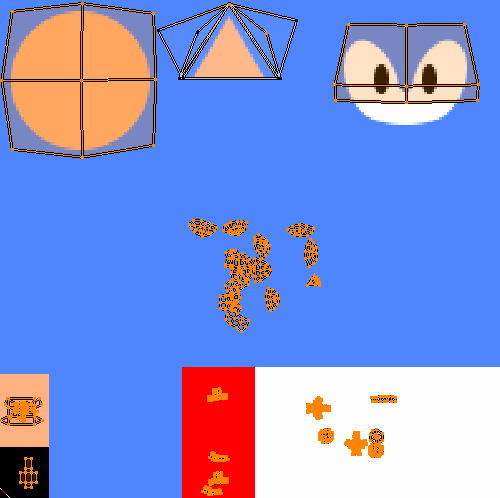
https://i.gyazo.com/f70fb61943ee02649f24a1c9cde85bc1.png as you can see i am not that good with seams
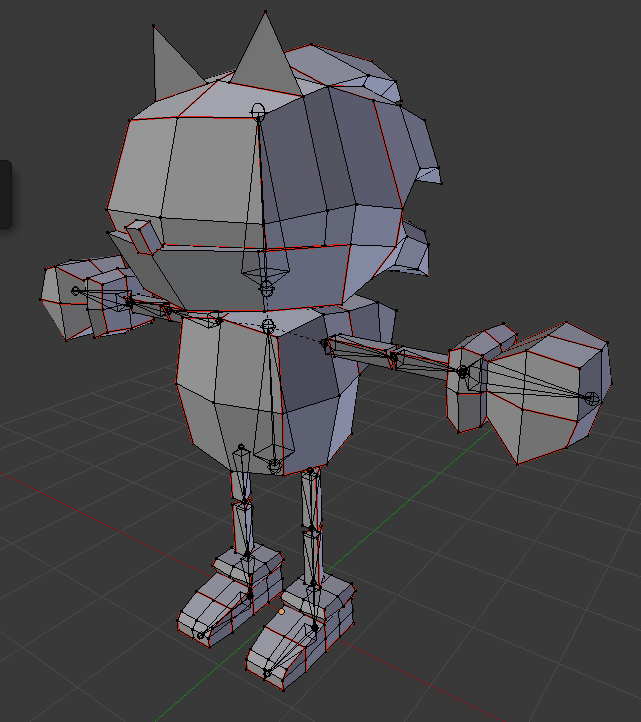
https://i.gyazo.com/1f2802b7f884483d7eec1d666e91f68b.png also the texture could be smaller
 spiral sigil
if it's something you can work with then it's good
silent junco
true
spiral sigil
you were able to texture the parts you wanted to get to
you can pretty much just slice everything but the cylinders down the middle with one seam and it would unwrap flat
each part i mean
like the torso you could make the seams going down the middle of the chest and all the way around
silent junco
also sonics spikes are the hardest thing to model about him
spiral sigil
is this the first time you've made an avi
silent junco
kinda
spiral sigil
it's a lot to jump into all at once, you're basically learning like 3 things at once
i started by making accessories and separate parts in another game. Those were all things I didn't have to worry about rigging.
silent junco
i have done other things
spiral sigil
the first full avi took me like weeks because there was a lot to it I had to learn first like rigging and all that nonsense
silent junco
i can learn things kinda quick but i will never get weight painting right
spiral sigil
it's an art, for sure. I just let Mixamo handle it and then I go in after and fix what I can
https://gyazo.com/9977479bc228d1a31e8d4aeae9543b23 This was the first full on head to toe avi I made. Going to remake it to put in a future avi world because i lost the assets when my harddrive took a shit, but it's for the better because her textures could be improved
 silent junco
i began modeling recently so i mostly stick to low poly characters
spiral sigil
well that's where everything starts
silent junco
but i do some higher poly stuff too
spiral sigil
a bare bones shape you add to or whatever
silent junco
well i gtg
hardy turret
i fucked up
tried to import it into unity, and the model is so fucked up
it gets split into multiple parts, and UV doesnt even work properly
should i better restart from scratch?
my model also uses Cease and Pinch
mainly used planar, smooth for decimation
tried to use a 3d remesh with meshlab but that shit turned out half assed and isnt even full
visual vigil
https://cdn.discordapp.com/attachments/501905057965539338/515396535433822226/unknown.png https://cdn.discordapp.com/attachments/501905057965539338/515396086215737364/unknown.png https://cdn.discordapp.com/attachments/501905057965539338/515394846622482432/unknown.png


 fringe rock
its an hornet right ?
fringe rock
bumblebee then
 hybrid hinge
@silent junco Why are Sonic's legs tan?
silent junco
Don’t ask
silent junco
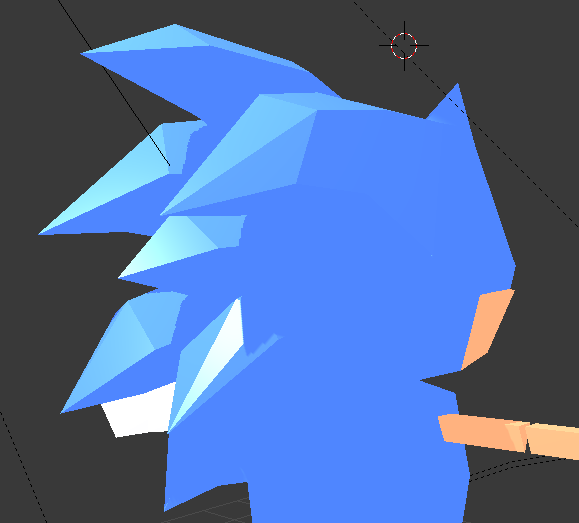
https://i.gyazo.com/31ca39c32e15f81066387f3505815eef.png spines are evil
 obtuse glen
They truly are.
silent acorn
@silent junco The spines look really good, proper low-poly fur is really hard to get right
 hollow radish
It's almost done 👀
https://cdn.discordapp.com/attachments/491474695468613632/515611620894965790/unknown.png
 hazy swallow
Nice
dawn ember
What's vertex painting?
silent junco
something you use to paint vertexs
silent junco
sad
foggy maple
@hardy turret Blender has auto saves, if you made it in Blender
mild zephyr
How do set that up? It doesn’t do that for me...
latent charm
File -> User Preferences, File tab
Save Versions will create [filename].blend[n] files, that get 'pushed along the line' each time you save.
For example,
avatar.blend
hit save
avatar.blend avatar.blend1
Hit save again
avatar.blend avatar.blend1 avatar.blend2
and so on until the save versions limit is reached.
Auto Save Temporary files does exactly that, autoamtically saves a copy of the blender file to... somewhere, I think wherever Temp is set.
Timer is for how often it does this, I believe the default is 5 minutes.
 fast pier
hello there, how long i need to play to upload my maps/avatars?
dawn ember
I have a model that I made with a mouth blend shape but it isn't showing in unity
 onyx phoenix
hey hey..
is there any chance i can ask anybody to
uuhh..
i really really REALLY need a model done..
like, made..
uhh
anyone can DM me about it, feel free
pwease
i really am dying for this
;~;
dawn ember
There's a different discord server where you can hire people to make a model
fast pier
wait but i cant upload it yet (4 hours play time)
visual vigil
@onyx phoenix go on VRCTraders
onyx phoenix
well now i just need one rigged, ehe
 plain bridge
@visual vigil notices bulge OWO

 lone tinsel
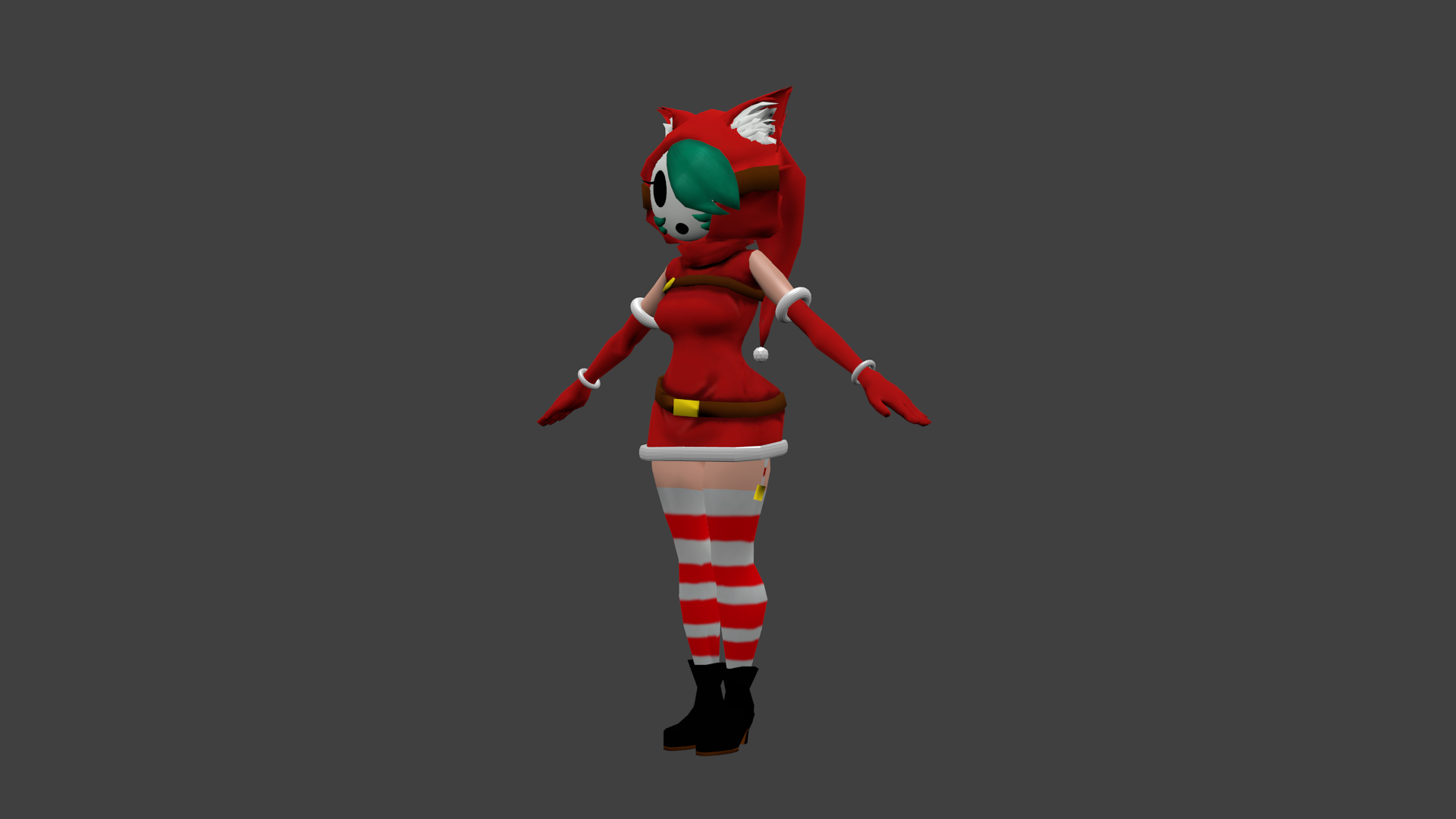
i'm working on a christmas avatar and i'd like to get some advice also how do i upload images in this channel?
latent charm
We allow image uploads here (Or I think we do), so there should be a + button at the left of the text area
IF not just use imgur or something
thorny fractal
i dont think you can post images unless you are a mod so everyone just pastes links to their images that they upload elswhere
 thorny fractal
im not a pro on the subjuect but depending how you attached the object, like if you ctrl + J the mesh to the model you could assign it a weright value to the vertex group
im really really bad at explaining things
silent junco
god i hate blender 2.80s layout
 round sedge
So i've seen people with like facescanned models
How do i go about doing that? I really want to create a funny model with a face of a celebrity
 coarse kestrel
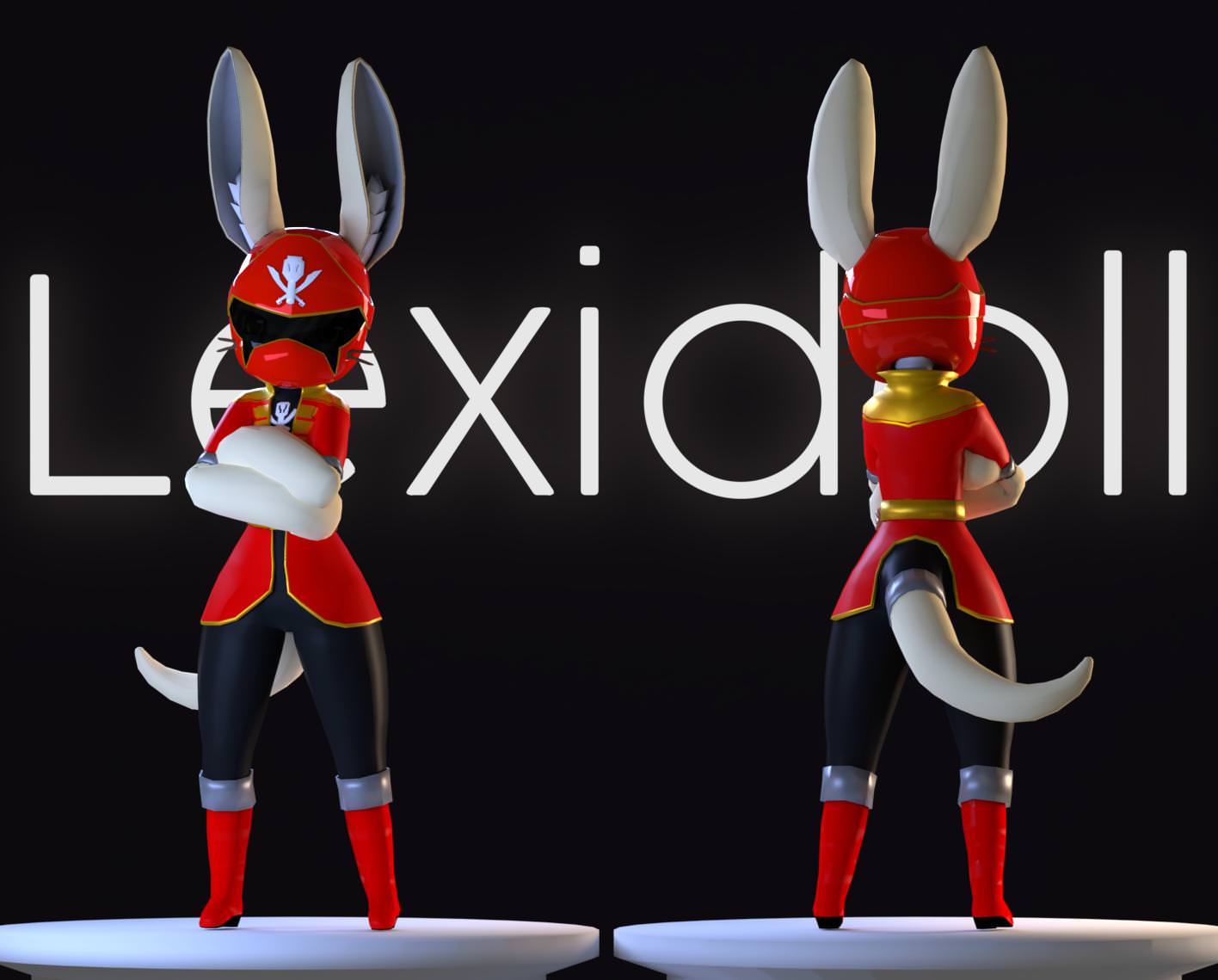
@round sedge you could probably just take a normal model and place a picture over the UV's for the face if you wanted to be lazy about it.
silent junco
GO GO POWER BUNNY
thorny fractal
usually people use texture projection for that
i imagine just slapping an image of a face onto a uv would have a lot of weird stretching and stuff
thorny fractal
ive seen people do it in photoshop with a mixture of projecting pictures of different agnles onto a middle while using photoshops tools to patch up areas but i dont really have any experience with that
halcyon citrus
I approve gokaiger bunny
visual vigil
@coarse kestrel did you render that in cycles?
visual vigil
Looks great

 grand sapphire
keep it under 65k
hardy marsh
okay
grand sapphire
unity doesn't allow visemes on 65k+ objects
might change with the new unity though
idk
hardy marsh

 crisp grail
Could someone rig a model with visemes and eye tracking for me? Visemes and eye tracking seem as if they are a bit too advanced for me right now...if you would like to help, please Direct Message (DM) me. Thanks!
hardy marsh
how do i fix the eyes shape keys
that picture is what my eyes look like on the basis shape key
fringe rock
no
you probably have multiple mesh for the eyes
only keep the open eyes the normal size
put the other eyes behind the face
if its 2d eyes
dawn ember
So I'm just wondering, when you go to texture a model do you uv map it then draw the textures in some 2d program, or do you draw the textures on the model itself?
zinc furnace
You properly unwrap it, then start painting onto the 3D model I think.
Drawing it onto the 2D program is a waste since you'll be constantly refreshing and switching back/forth
spiral sigil
is there a way to automatically delete unused vertex groups in blender ?
small cloud
@spiral sigil ill send u plugin fo rthat
spiral sigil
:pog:
thorny fractal
@dawn ember it kinda depends on what software you have available. You can paint directly into a model woth vertex painting and then bake out a diffuse map. You could paint on the texture in a 2d program, I used to do this. If you're doing it that way then make your uv map as easy as you can to hand painted with. If you have Photoshop 3d you can import an obj and paint directly on it or paint on the diffuse map and see it on the model in real time but it's really buggy. You can paint on to model which translates to the uv map within blender itself but a lot of people hate that workflow. Or you could use 3d coat or substance painter , 3d coat is a lot better for actual painting tho while substance painters brush engine is kinda crap and the program is mostly for smart materials
silent junco
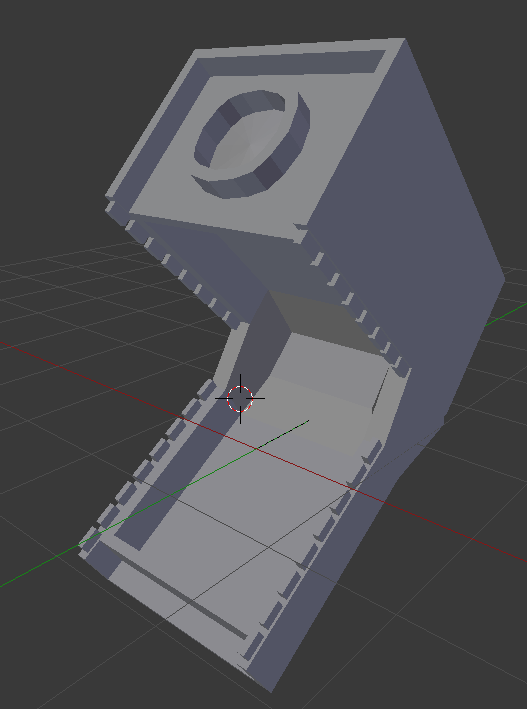
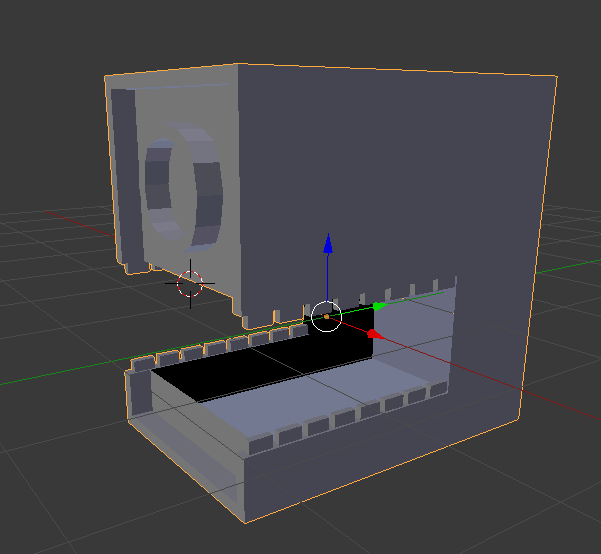
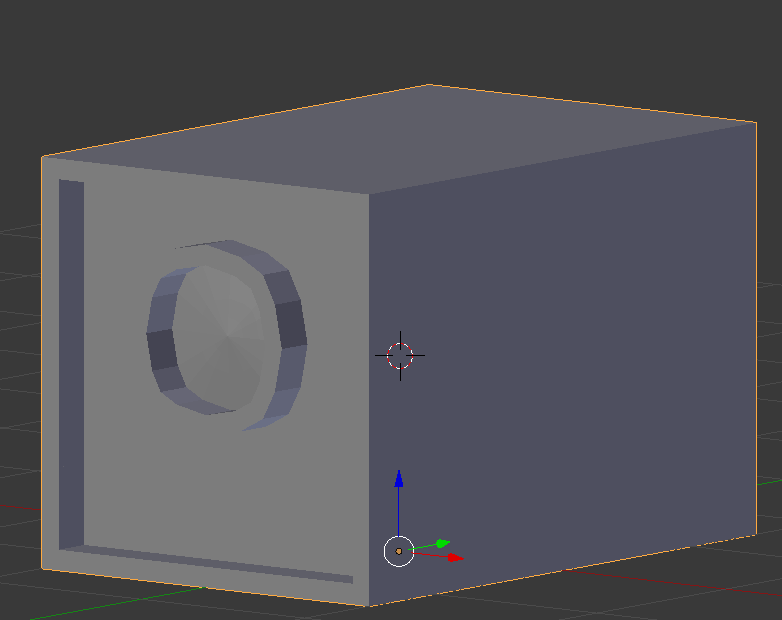
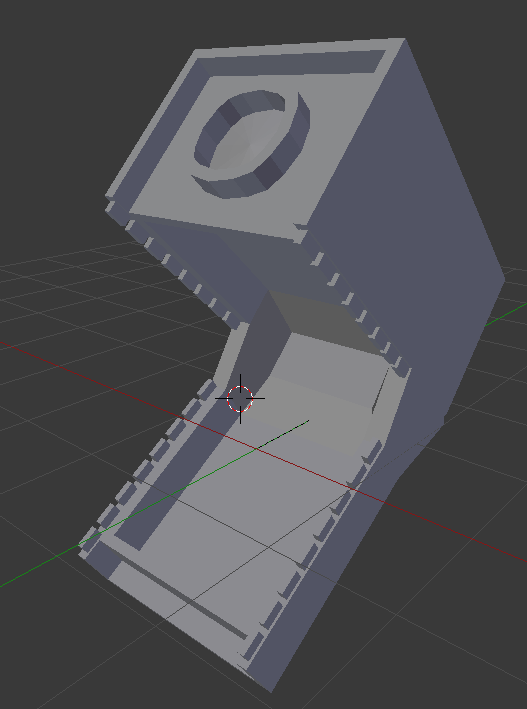
https://i.gyazo.com/6c590c50dbf68f3e6bc6c1b7c303b6ae.png a wip camera thing


 prime marten
hi i need help with unity i wanted to find a way to make the vrchairs invisible how can i do that?
spiral sigil
@prime marten just put it where you want and then only disable the mesh renderer components on the different parts
it will work and will show the interaction text and shape but the chair will be invisible
prime marten
i tried to add component mesh renderer and put 0 in size but nothing works
vrcchairs do not come with mech renderer
ok fixed it had to check a video to add chairs on avatars haha
prime marten
but i managed to learn how to hide the chairs thansk to the tutorial
anyway besure to keep a look out for mewtwo astral realm with avatars
guddamnit it did not fixed
i dontknow how to make the vrcchairs invisible >_<
can someone help me to make vrchatchairs invisible
thes are the hcairs you find in vrcsdk prefebs
i think... ifound soemthing..
yay i did it well thanksanyway for those who triedto help me.. just for those who wanna learn what i did is the cube mesh filter i made it non. just select a single piece of the vrcchair
spiral sigil
disable mesh renderer for the 2 cubes the chair is made of?
prime marten
yup it worked
ermm so one more thing how can i add music to world but that can be heared everywhere
spiral sigil
i cant seem to fine anything online about this little issue. can someone tell me why i dont see mesh in eye tracking in blender? i dont see any mesh or a dropdown box
i can see the mesh on the left
just not under eye tracking
 rough haven
 fringe rock
shader outline
put it to humanoid should fix it
or desable outline or make it smaller
 swift heart
that looks like the CATS cache copy protection thing to me, but i could be wrong
zinc furnace
No, it's thick cubed outlines, happens all the time
 deft moth
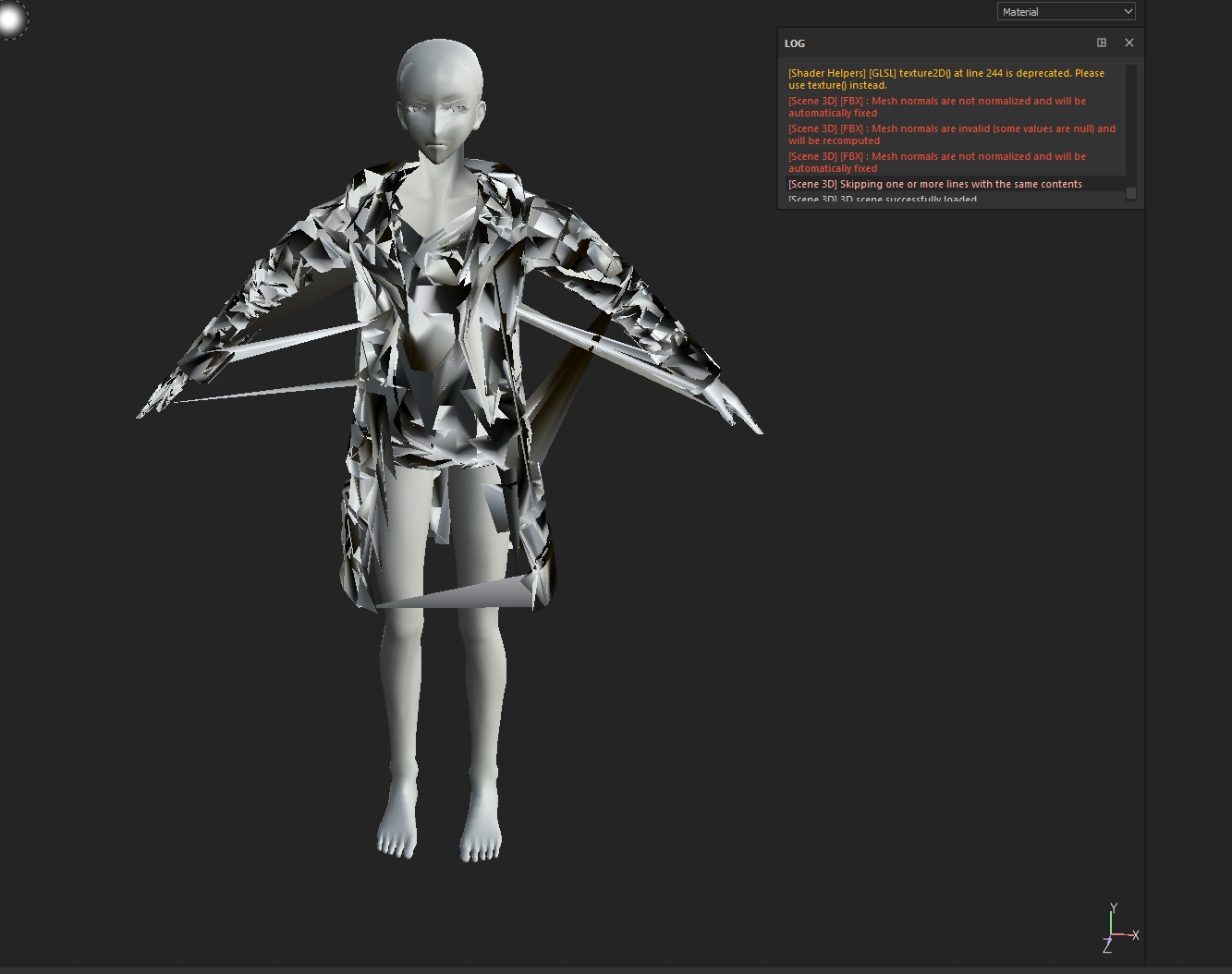
Has anyone experience this before. I am not to sure what is going on with the UV maps. the Uv maps are fine in blender but when I export them as a fbx to Unity or SP (2nd/3rd Picture) it glitches out. In SP tell me errors about mesh normals.
https://i.imgur.com/UcKcDPo.png
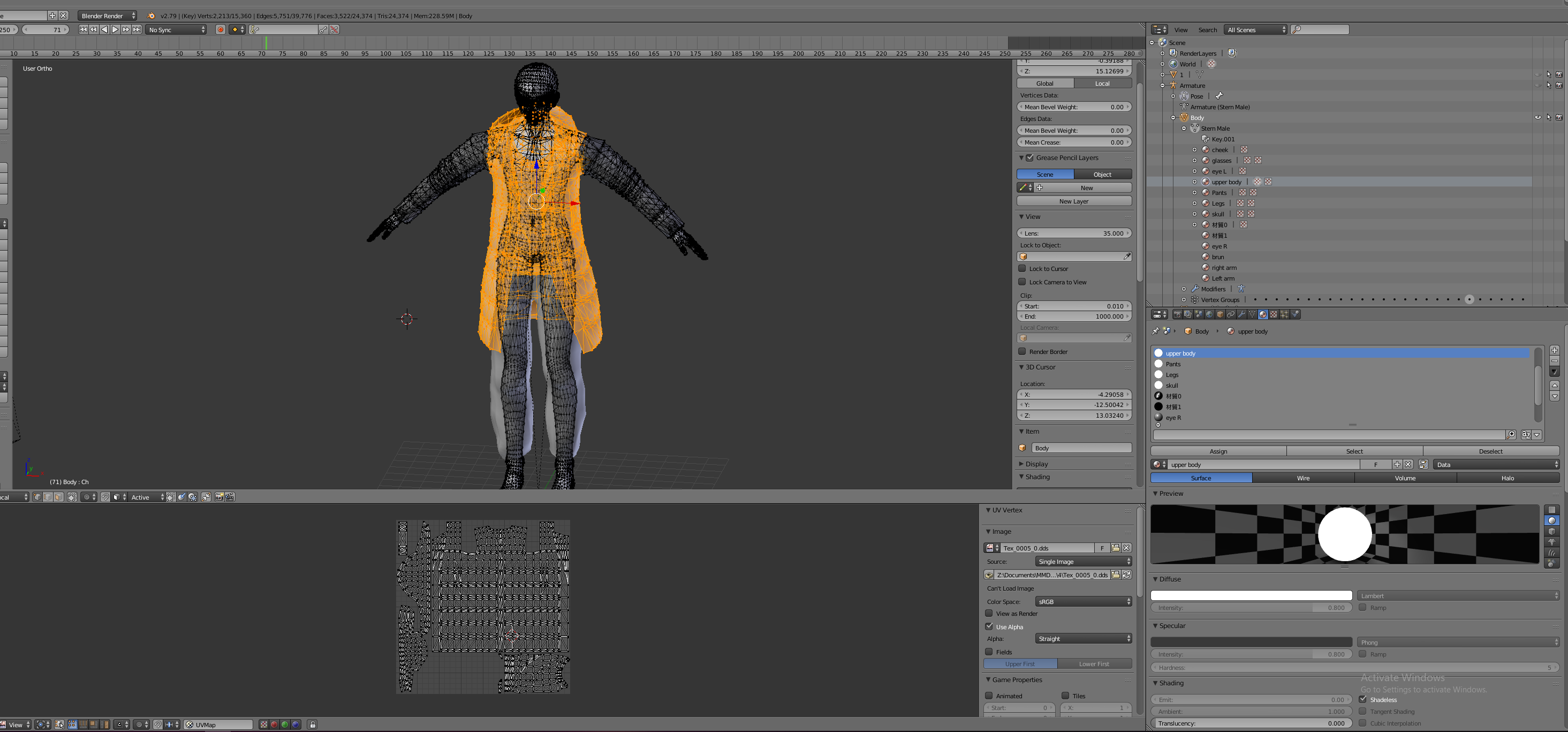
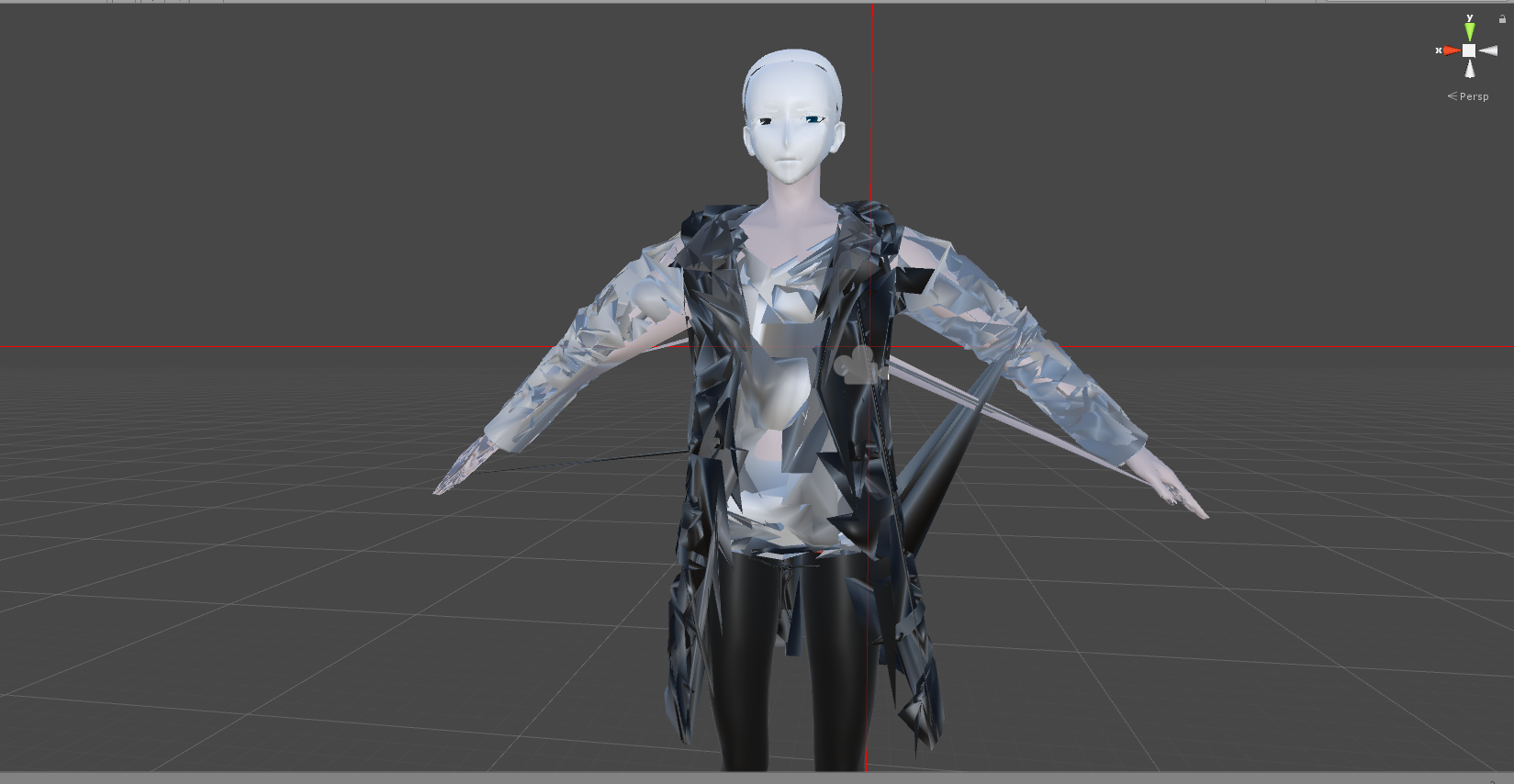 zinc furnace
Are you using the copy protection by any chance?
The Cats copy protection
@deft moth
zinc furnace
It's not, you would know if you did
deft moth
ok
 stable edge
Might be one of blenders bugs
Make a new keyshape and see what it looks like
If when you set it to 100% it looks jumbled like that one of the fixes are going into edit mode, deleting and then making a new keyshape iirc, but it really depends on when the error occurred
@deft moth
deft moth
i fix it, i just need to fix model with CAT's plugin
 mental blaze

A 3D model of the living room inside Kazuma’s mansion. Currently in the blocking stage. Textures will be included at some point.
Note: This room is a miniaturized version compared to the show. - KonoSuba - Mansion Living Room - 3D model by Pr2Hack (@Pr2Hack)
Textures in progress...
 coarse marsh
Anyone here knows how to target a bigger area with the cloth brush?
Unity cloth that is
Nvm found out
hardy marsh
Hey would anyone be willing to resize there robes to fit my model for me? i have no idea how to do it and make it look right. Please @ me here before messageing me
hardy marsh
Please 😦
trying to make a hairy potter themed teen titans model

the problem the arms and the butt clip through
hardy marsh
help 😭
small cloud
delete layered stuff and do better weightpaint 🤷
 shy jasper
Hello, I would like to know the best websites for finding free models to work with. I've heard deviantART is good, anymore? I love really easy to use ones that work rather visually and you don't have to read a lot
stable edge
You can make your own really easily using vroid, it has a base model and premade keyshapes. This is only good for anime style characters though.
I'm not up-to-date but I think they can export models by now? Male characters can't be made yet though.
@shy jasper
shy jasper
Hmm well I'm already proficient at Maya it's just that I have a brain injury now and it takes me forever to finish anything cuz I don't have energy for long, so that's why once I make a base Avatar mesh that I like or something... I'll find clothing and hair to put on it to vary it up
And when I make worlds, I love things like pre-made pillows and doors. And maybe I'll just edit the textures
So I'd still love to know the websites that like to share 3D models please :-)
 devout scroll
You can find a lot of free assets on the unity asset store. That's useful for worlds
For avatars most people convert assets made to work with mmd
Which you can fine a lot of on deviant art
shy jasper
Thanks a lot! 😃
visual vigil

 quartz steeple
so
I am having issues adding textures
The texture apears in texture mode but not in object mode...
jolly atlas
Do you have cycles render in use or blender render
 knotty storm
If any of you guys play Spiral Knights I just finished a tool to convert models from that game.
From what I know the game is fairly obscure, so I doubt many have heard of it, but it has full export capabilities so you can get bones and everything.
I don't know if I'm allowed to post links for such tools, but I will. https://github.com/XanTheDragon/Spiral-Knights-Animator-Tools/releases
GitHub
The revamp of Spiral Knights Model Converter - Now with less ****ty code! - XanTheDragon/Spiral-Knights-Animator-Tools
thorny fractal
the texture wont show up in the viewport unless you change viewport settings to material or texture
visual vigil
https://cdn.discordapp.com/attachments/188322587116306433/518289146964344844/unknown.png https://cdn.discordapp.com/attachments/188322587116306433/518289204829224971/unknown.png


 cursive wedge
Blender is now out in Beta 2.8 it should now be open for anyone to use without the Engine and core exporters and save files changing. So it should be safe to use until the release version is out
foggy maple
Also cats is already mostly compatible 👌
 wanton hatch
I really like the style, @visual vigil! Well done!
visual vigil
@wanton hatch https://cdn.discordapp.com/attachments/188322587116306433/518356403078037505/unknown.png https://cdn.discordapp.com/attachments/188322587116306433/518356354763587584/unknown.png https://cdn.discordapp.com/attachments/188322587116306433/518356312359174144/unknown.png https://cdn.discordapp.com/attachments/188322587116306433/518356268956778527/unknown.png https://cdn.discordapp.com/attachments/188322587116306433/518356210320146432/unknown.png


 wanton hatch
That sure is one adorable tank! Is this for vrchat or something else?
visual vigil
https://cdn.discordapp.com/attachments/188322587116306433/518610425127108619/unknown.png https://cdn.discordapp.com/attachments/188322587116306433/518610846130241536/unknown.png https://cdn.discordapp.com/attachments/188322587116306433/518610939696906278/unknown.png https://cdn.discordapp.com/attachments/188322587116306433/518611213886947339/unknown.png https://cdn.discordapp.com/attachments/188322587116306433/518611348209532948/unknown.png


 knotty storm













 thorny fractal
my eyes would bleed after looking at that for 8 hours intervals
swift heart
at least the color scheme would match the eye bleeding
knotty storm
Lol.
Yeah it was a scheme I spent way too long making and I was like "This looks like shit"
but I spent so long making it that I just stuck with it
i got used to it
wanton hatch
I think it's good, I really like red themes considering they're easier on the eyes at night
silent junco
i just use default color scheme