#3d-modeling
1 messages · Page 26 of 1
 spiral sigil
early stages this is
Progress on Plague Doctor from Darkest Dungeon... its 2 am here I think ill call it a day for now
 main lava
how do I know the polygon count of something cause all I have right now is Faces and Triangles
I have 4,056 faces is that okay
spiral sigil
it doesnt say anything really
try goin to object mode
and then you should see Tris: x
Tris - Polygons
spiral sigil
yeah
spiral sigil
my Plague Doctor has 3,7k at the moment. For reference
main lava
the limit is 20k right
spiral sigil
yup
main lava
is that 20,000 or 2000
spiral sigil
20,000
main lava
oh okay yeah my model's fine
 lapis needle
Dont worry guys. I uh gotta this
spiral sigil
oh boy xD
 near portal
Can someone help me get this model?
main lava
how the fuckle do I export a material from Blender into a PNG image
https://gyazo.com/84f87c4d6f1e21416858078daec6c47d like I painted the model (twice now cause I accidently deleted the first one)

but I can't get a seperate PNG of the damn thing that I can link to the model itself
and then port through Mixamo where I can FINALLY have the skin on there or at least get the skin on there in Unity
unless the material saved differently somehow
 rich lagoon
Go into the UV mapping area, click image and click save as image
 raven ridge
The mesh i have selected is like that black outline that some anime character models have. i edited the mesh underneath it and was wondering if there is an easy way to have the outline mesh fit the mesh i edited underneath so i don't need to edit that as well?
rich lagoon
The black outline that characters get is the cause of a shader in Unity
On the mesh you have selected it looks like the normals are inverted
raven ridge
I deleted that mesh i have selected and the outline was gone, and i had another 2 of the same model imported that had that mesh and they had the outline
and the part of the mesh i edited is the part of the outline that is messed up
main lava
I can't get the texture to hook up to the model I want to die
https://gyazo.com/5b213a0967671a22fe990ccc32a32650 get mapped on there you PNG piece of shit

at this point I just want to throw in the un-skinned model just for the sake of having something in there
just to see if this would be doable otherwise
https://gyazo.com/57e58404680172fd98d11364609bdc71 FOR FUCKS SAKE

CAN WE JUST IGNORE THAT AND MOVE ON UNITY
good christ yeah okay put a model into blender give it less polygons put it through Mixamo to rig it quickly oh wait you need defined normal fucking hands and a way to fix the upper chest
raven ridge
just delete upper chest?
main lava
and it's not gonna have a texture cause I can't figure out how to UVmap properly and Unity can;t process PNG as materials
the upper chest is mapped and I don't know how to un-map it I DON'T EVEN UNDERSTAND HOW IT'S A BAD THING DON'T WE WANT EVERYTHING MAPPED?!
raven ridge
did you rig the model in unity?
main lava
I rigged it through Mixamo and mapped the thing in Unity
just like this one tutorial I found siggested
main lava
yes
raven ridge
k now click upper chest and just press delete on keyboard
raven ridge
since you rigged it with mixamo, change the spine to spine 2
sorry
change the chest
to spine 2
main lava
okay
raven ridge
then just apply, done
should atleast let you upload it now
you also really should get the correct unity version
main lava
I thought I did have the correct one
raven ridge
well im just going by what the thing says in the picture you linked
main lava
it keeps wanting to go to the second patch not the first whenever I load it back up
raven ridge
did you download the (win) version from https://unity3d.com/unity/qa/patch-releases/5.6.3p1

Unity
Unity is the ultimate game development platform. Use Unity to build high-quality 3D and 2D games, deploy them across mobile, desktop, VR/AR, consoles or the Web, and connect with loyal and enthusiastic players and customers.
main lava
and that upper spine error is back when I put Spine 2 into the thing
raven ridge
pic?
main lava
I think it's better if I just make another model with more defined hands cause apparently unless there are obvious fingers the hands don't exist
I am beyond frustrated right now but at the very least I'll have the right unity model in the next go around
main lava
hands and a better neck/chest and just a better looking model
raven ridge
wot
main lava
I'm actually using Sculptris to build the thing, Blender to knock down the polygons (and maybe paint it IF I CAN EVER FIGURE THAT OUT) Mixamo to rig it cause I don't have nearly enough patience to rig it myself, and then Unity for the rest
rich lagoon
Didn't even realize even when you said wot lol
Call me in the DM. I'll help you fix your rig
extremely simple
unbelievably simple
main lava
okay....it's probs staring me right in the face I'm just too frustration-blind to notice it
 radiant horizon
 ripe kestrel
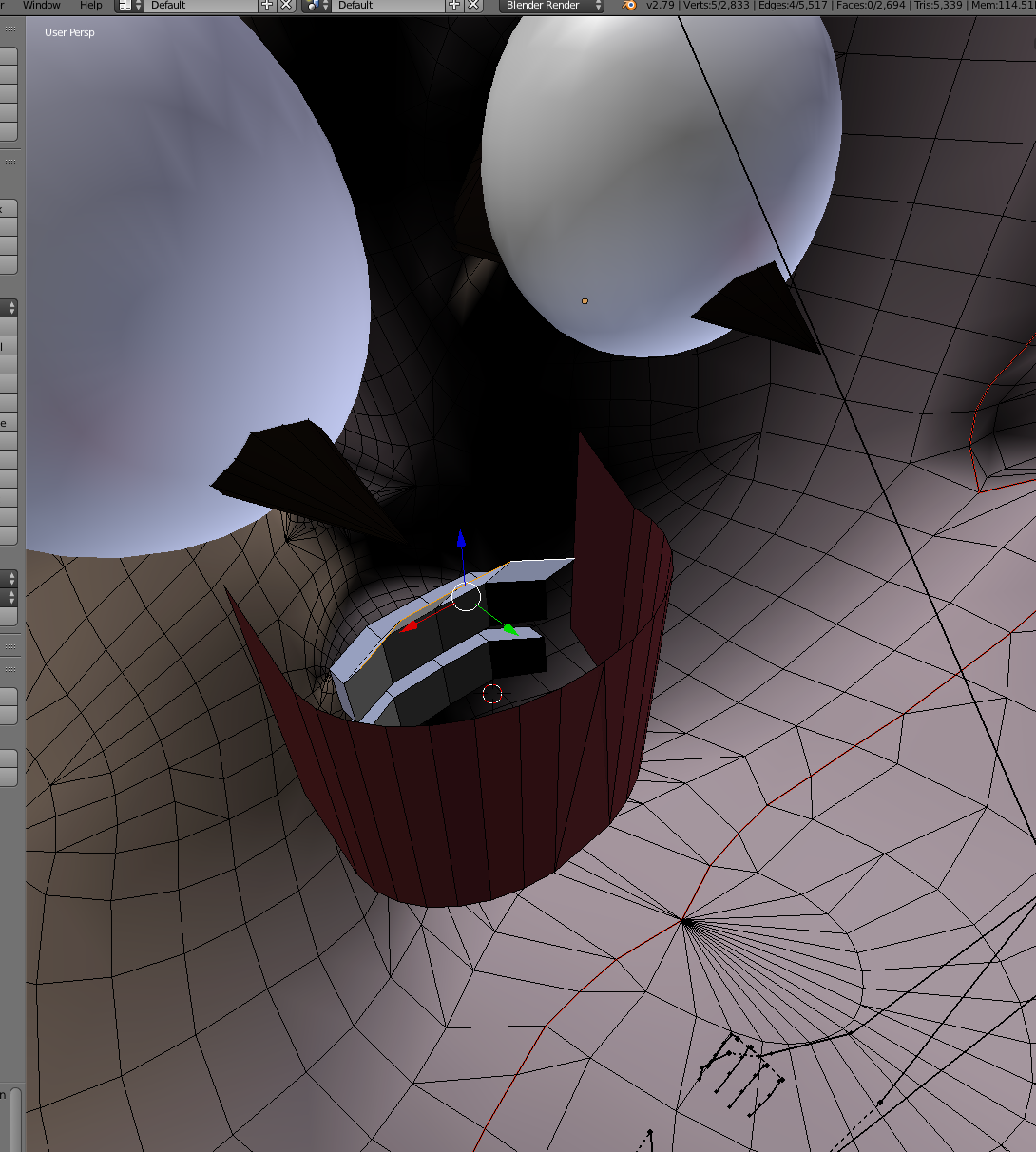
So my model has a little over 4k extra polygons to be able to export, I tried decimating some of the clothing and body in blender and exporting to .dae again and it have him noodley spiral arms, any way to just shed off 4k polygons easily?
main lava
MOTH
ripe kestrel
huh
 hidden lake
 jolly kraken
question...in blender what is the texture toggle?
i accidentally turned my textures off
spiral sigil
I think you mean a sphere that has faces with reversed normals. Go into edit mode, select all faces, then use "Flip Direction" in the Tool Shelf under Shading / UVs.
spiral sigil
Was wondering if any one knows i dont have a texture file for the model im usen but in blender the model is colored how i want it but when it goes to unity i dont have any texture files so its white is there any way to get these texture files from blender?
 candid inlet
so
with textures, how do i make them NOT see through? its the inside of her skirt and its bugging me but it also seems to be for the rest of the clothes too
 robust bear
may i ask whats the short cuts to remember when you start out modeling?
spiral sigil
ctrl z is undo thats all i know
radiant horizon
Yeah, that's about what I expected to see with splitting up its meshes. Kind of explains why UV mapping the body's been a pain.
 crystal drum
is it bad that this whole thing seems like an impenetrable fortress to me, or am i just too stupid to realize how to start
radiant horizon
Ugh, where to even begin on combining all that stuff...
 feral turret
idk if this is where I should as this, but in Cats tools, avatar atlas tool, what are optimal settings? I find a lot of times I dont get good results and maybe a change to angle/area could create better results, but i have no idea what they do/how much to change them?
 tribal sundial
Help
radiant horizon
Of course boolean doesn't work on them...
Dammit, I'm going to have to knife my way through the thing to combine all the meshes, aren't I?
 toxic forge
wait why did you split all of them?
 mental blaze
bohrok avatar (in progress)
candid inlet
how do i make the skirt not go invisable from the inside? as well as the shirt?
radiant horizon
The body was made in a different program. They were split like that. I just ungrouped them
spiral sigil
For the skirt, I think you can do two things:
- Select the faces of the skirt then use Solidify tool which will give it a thickness. Adjust accordingly.
- Use A double-sided shader in Unity (not sure if this works well).
mental blaze
yeah
 brisk crown

 dark shadow
That's fantastic
 solar mauve
This time I have 2 meshes on which the decimate will not work
 indigo cloud
Anyone available to help me trouble shoot why my model that i manually atlased and looks fine in blender will not show up right in unity?
near portal
I need help one of the shoulders arent there
 fallen tulip
@mental blaze Bionicle fans still exist ? Awesome ! Reminds me of good old times.
 ashen nacelle
@azure quartz Looks like one of the SquidGals from Splatoon grew up, got some fur, and became.. well, sexy.
 merry atlas
@fallen tulip Bionicle fan here
near portal
Nah pretty sure Marina was always sexy...
 sage lichen
So I messed around with blender before, but does anyone here specifically have something they would recommend in getting started/the basics of actually modeling?
 sudden marlin
Does anyone here do avatar requests? Can pay.
 latent charm
@sage lichen I'd say the best way is to dive in, ass-first and learn as you go.
go through some tutorials on using blender in general, then when you've got an idea of what you want to make, steadily work towards that.
sage lichen
I will try that. I know what I want to make, but I of course only know stuff about getting a model ready for unity. I guess this is adequate direction. I just don't wanna get irritated like last time I tried
spiral sigil
It's fun to start from 0 and make a model. I've made one crappy model in past 1 month, got it to work in the game. Now making a new one with improved work flow and I can see how better the models get the more I practice.
I replaced gaming with blender at this point
 inland fern
Will 4096 be ok in the program as a texture atlas? Or sould i go with medium? WAnt the textures to be as original as it can
solar mauve
Hmmn..
I have a model that had some inverted normals and I fixed those
Except during an animation some more popup in generally the same areas and I don't really know how to fix those in blender
inland fern
Also, how do i hide the bones? Alt-H does nothing
inland fern
Ah nice, thanks ^^
Do you think high texture atlas is fine? Don't wanna compress the textures
inland fern
4kx4k
Also, when i click manually unwrap, nothing happens, it doesn't create a duplicate for some reason
 muted phoenix
Hi can someone link me a video on how to make your own models for this game?
 keen sequoia
is there any easy way to apply settings in VMT files to materials in unity?
inland fern
How do you shrink these? The tutorial did not say how you get the option to scale them
spiral sigil
Can anybody say me a page to download mmd characters 3d models, like anime or smth?
 primal lynx
@inland fern Scale is S key, if you want to pack everything in, press CTRL+ P
inland fern
ctrl + p did nothing.
 charred zodiac
Hey so I made a small change to my model's skeleton. Is there a way to copy all the settings from the old model to the new model in Unity?
primal lynx
@inland fern make sure you selected all the islands with A
inland fern
Yep, noted down every hotkey needed 😃 A, G, S, B, C and CTRL + L. And hold CTRL to fine tune with "g"
primal lynx
every time you do something you need a selection of verts/edges/faces to run the commands on, with empty selection it's not going to do anything
inland fern
Ah ok, so CTRL P scales everything to fit perfectly in the box?
primal lynx
It "packs" them inside the box where ever it finds the best fit
inland fern
Yeah, but i rather scale them myself to prioritize which vert i want the most details on
primal lynx
add R to your list of hotkeys, for rotate. And remember if you use that rotate you can press: R 90 for example to rotate 90 degrees, same goes with scale: S -> Y -> 0.5 to scale on one axis
 lusty plume
does anyone know a good place to get gun models from?
inland fern
@primal lynx Ah yea. And also, how do i redo stuff? Followed a totorial, he showed the bake option, and after that i was unable to move the stuff, and the more i pressed alt Z, the more i just went backwards while the UV was still there baked until it was all gone. What's the redo key?
And i'm apparently back to scratch.. i need a break as i have to redo EVERYTHING again....
charred zodiac
what's the blender key to get a brush select of tri's?
 south solstice
if a model has a weapon on the hand, is it possible to remove and with what program, if possible?
 heavy pulsar
Can't you delete the weapon assuming it's its own mesh?
@south solstice
I could be wrong though.
south solstice
no, is not mine
 craggy frigate
main lava
craggy frigate
main lava
All I have to do is figure out the spine hierarchy and how to texture my model so the texture actually stays and I'll finally be able to upload the damn thing
just two more things, one of which has a more complicated setup
rich lagoon
The texture won't stay if you export as an FBX. You need to save the image as a png and then import it into unity and apply it to your model
main lava
that's what I've been doing but like
Unity doesn't register it
https://gyazo.com/4e46493b109c9449070dffc6bddf5689 thaaat's not the color
 rich lagoon
did you put the png in the albedo in the material?
 rich lagoon
and you use that material on the character?
rich lagoon
Try unwrapping again and exporting again
main lava
on the plus side I at least figured out how to get it in there this time
 lusty needle
Whats a good program to be creating the models and meshes for custom avatars in? I've been using one called sculptris but its been causeing some issues and feels a bit too simple for my liking
inland fern
Why won't blender bake the textures?
lusty needle
Specifically the version on steam or does the desktop version work? I have that one anyway for converting files so that makes it easy 😄
inland fern
latent charm
@lusty needle I don't know how far the steam version of blender lags behind the blender foundation release (blender.org) but I personally use the blender foundation zip download, since it lets me easily use multiple versions of blender if need be.
lusty needle
yeah I believe thats what I use too, I think I've just set mine to only use versions compatable with tutorials and such
thank you tho 😄
inland fern
Alrighty, And how do i get this bar? I tried to find it, but it just replaced the collums i had on the right side so had to reopen blender to resztore it as i didn't know how to restore it
spiral sigil
Hi 😃 , I'm a 3D Modeler, If you want a 3D Model for you VRChat avatar, send me message 😃
 wise moat
So, I was painting directly on my model in blender. I was trying to figure out why it wasn't showing up in render mode and when I was clicking around in the texture tab all of it is completely gone. I'm going to have a heartattack because I don't know how to get it back even undoing wont work.
inland fern
Thanks :)
Also, the suit does not look good on the atlas after baking o.O
Plus irises has disappeared
 errant bronze
The problem with the suit is that it's glossed in blender
You can get rid of the gloss in the materials on the bottom, ah, let me grab a screenshot
So start over with the atlas bake but this time make sure the Sphere Map Type is OFF
@inland fern
inland fern
Alrighty, and how do i make the irises show? Luckily i saved the thing right before i started baking
So where's the option to remove gloss there? @errant bronze
errant bronze
I just told you, set the sphere map type to off
And the irises? Looks like it's missing from the atlasing
Or they didn't render because of the gloss
So try the Off first @inland fern
inland fern
It was always off here
spiral sigil
Anyone familiar w/ sketchup?
B/c I'm not >< but I found a helm I want to give my avatar
 lilac topaz
how do I make a 2d part for the eyes?
do I just make a flat plane, apply a texture, and put another flat plane infront of it
or would I have to do more
nvm I see what I need to do
 green heron
 azure quartz
just select the skin and delete it you dont need skin there
otherwise push it in
oh wait its floating geo
you should find out where that came from look for a missing piece
 halcyon maple
Anyone got any armor tutorials?😏 🔫
azure quartz
for what program
halcyon maple
Blender
I mean I assume the process is the same
It's mostly techniques I require
spiral sigil
Anyonw know how to make like remove your head from your avatar? Grab the head and pull it off? is this possible?
 sand lion
Is there any easy way to make UV Maps
Lyvondria that sounds like you'd need the head to be a seperate model
 dark obsidian
does anyone know how to manualy make a jaw bone, I tried doing it with automatic weights in blender and it moves the entire face downward instead of just the lower part
 serene thorn
@limber tiger I saw your game, and coukd you make a 3d character of Sayori from Doki Doki literature club
 dire forum
anyone know how to fix this transparency issue after seperation by material?
 idle shoal
 royal violet
dire forum
royal violet
dire forum
Turn off back face culling in your shader
dire forum
You have to add it in your shaders source file
 still yew
Can anyone who knows blender very well please message me?
 elder ermine
I think you need to change some transparency setting on your textures in blender darkestsoul
dire forum
Both of them appear to have the same settings
The transparency is making the mesh behind it see though
 spiral sigil
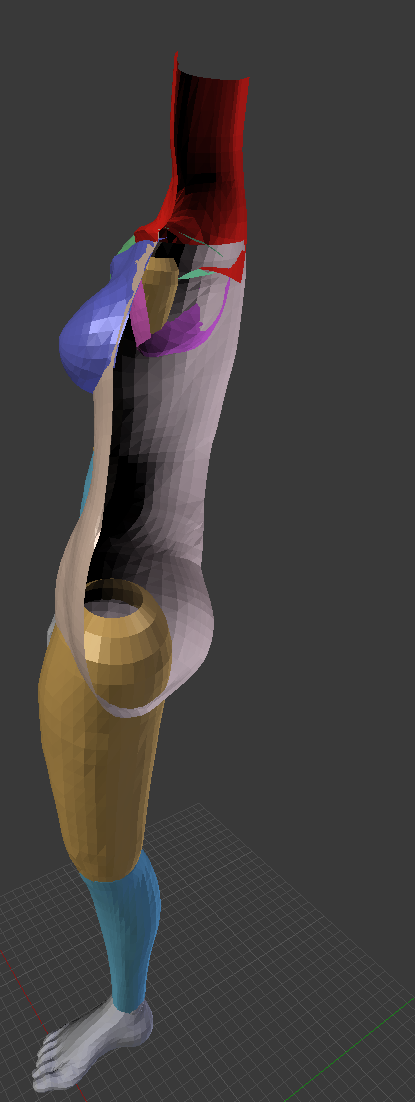
does anyone know how to delete mesh?
like this ^^^
oki i figure out how to delete them but got this
heavy pulsar
You deleted a core mesh.
spiral sigil
if you look at the black thing in the image thats what i wanna delete
heavy pulsar
Wouldn't you just separate by material then select and delete?
You're trying to delete vertices?
spiral sigil
@heavy pulsar and how do you do that?
 bold zodiac
in blender, how do i decimate only part of a model? just selecting the faces in edit mode and applying the modifier doesn't seem to work
 upper kiln
@bold zodiac need to go to keyshape menu delete the keyshape
cat plugin make it easer for mmd
main lava
I FIGURED OUT THE RIGGING ISSUE
the texture not as much
but I was able to upload my semi-finished one and the chat's just giving me a red avatar
so uh....progress???
 unique idol
working on an avatar right now
at the end I'm aiming for something to look like that thing
the fur will be a pain to add eh
 last hinge
I'd do the game apparoch of sculpting it as a solid surface like a vinyl figure
wise moat
Is it possible to turn off the mirroring when painting directly on the model? I see the symmetry buttons in the paint option but it doesn't do anything but change the brush to a strange texture?
 unreal girder
I've been trying to figure this out for hours now and I've finally caved. Can anyone explain why, when I try to apply the transparent texture on the right, the material turns to a solid blue color? The texture on the left is what it looks like before I applied alpha transparency to change it to the texture on the right
 wary thicket
So, if scaled to 2D in unity, shit breaks, but if I make a model 2D in PMXE/Blender, it'll be fine, right?
 bitter ledge
How do i seperate parts of my model so they don't stretch as i move in game ? i can seperate them easily in blender as seperate objects but then i have no idea what i should do XD
 dreamy kayak
Any alternative similar to Dynamic Bone that add physics to the model but is free??
 hollow schooner
@kindred cloak Corrupted project or sdk, you are going to have to move everything but the sdk to a new project
 kindred cloak
ty
spiral sigil
can somebody help me with custom animation?
i am trying to put particles on my avatar but it doesnt show up
triggering me
azure quartz
Hmm might go in the animation tab
 dire tundra
unity is being annoying, so I just took the time to work out a character model I thought up: it's up for grabs to model (I don't intend to)
introducing mascot knuckles
please don't kill me
 lament pond
 earnest forum
 grizzled plinth
I've got 2 meshes on my character I upload to vrchat, but they are differentiable in-game when they happen to sometimes shade differently in particular lighting. I'm using cubeds shaders on all materials, if that matters, do I need to make sure I have only 1 mesh? Is there any work around
Example would all my visemes are on they're own mesh, and the rest of the model is on another mesh. One may be bright and the other dark, under lighting.
grizzled plinth
I'd ask #avatars-2-general
spiral sigil
it's a customized version of ooka mika
brisk crown
AFTER HELL AND RUBBLE!!!! i finally got Robotnik ready
whats the recommended size for unity for scale?
i know Ugandan Knuckles is 0.1
and the original file made him HUGE
1 was humongus
 gilded surge
does anyone know how to combine two UV maps?
I'm trying to use CAT's tool to make a texture Atlas but it's telling me to combine the UV maps
solar mauve
Do you currently have more than one UV map?
gilded surge
yes, I have two different models I want to join together but they have their own separate UV maps
 willow pasture
yes
lament pond
lament pond
My models are plentiful
 plain bridge
 viscid siren
https://puu.sh/z0EQR/67cfabb542.png Pepsiman model which i have worked on for some time, now only needs proper mouth movement and some custom animations.

 flat panther
@plain bridge So cute :o ❤
 boreal wasp
 dawn junco
Can you cut from Vertex to Vertex in Blender? It's only letting me do Edges.
plain bridge
Thanks @boreal wasp :>
dawn junco
Never mind found out the problem. Had to Remove Doubles apparently whatever that is.
lament pond
Making gestures
 flint birch
I'm currently doing a manual texture atlas for a model and I noticed that when I bake it, the material for the shoes appears transparent in the atlas, how do I fix this?
 dense stone
may i ask a question here?
 trim hollow
Hiring someone who can put different stuff from differnt models together in just 1 model, send me a private message if you can do it please!
spiral sigil
Yo i was looking on google for tutorials on how to add a custom picture like as your avatar in game but haven't found anything
does anyone have some information
 patent sleet
Something I had been working on in my spare time. If anyone has any tips on how to improve the wolf head please tell me
 copper slate
So i've got a texture mesh being finicky in blender

I want that to be brighter. How would I increase brightness without tweaking the texture itself?
 tawny anchor
hey, anyone experienced sth similar? https://i.imgur.com/uZO8jwA.gifv
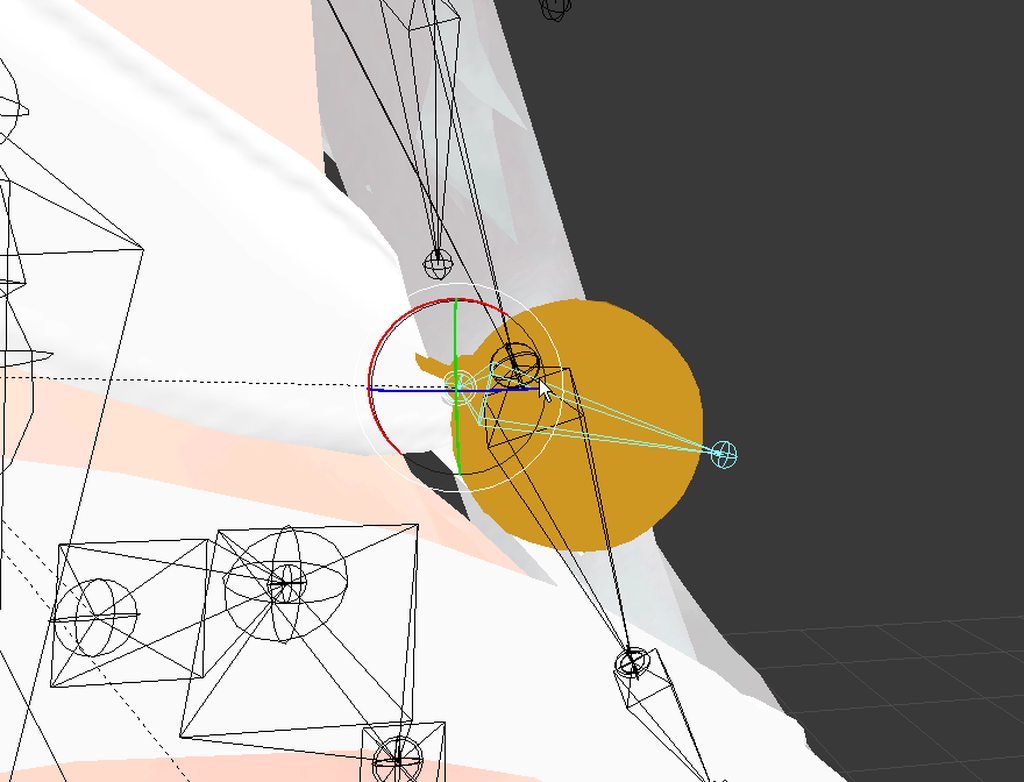
Made a bone from the chest, set it to not connected, When I rotate it (weight painting is 1.0 on the whole bell), it kinda... collapes. When I move the bone, the bone moves faster than the bell object, gaining more distance between them. Halp
 shell veldt
can anyone tell me why blender seems to DESPISE metalic surfaces / textures for MMD stuff?
like whenever i import a metal mech or such it goes flat
 solid heron
Hey, is there a way i can "render" in unity to see how shaders will work in realtime?
shell veldt
in the XPStools addon or whatever its called theres a Shadeless button
solid heron
@shell veldt where can i get this XPStools?
 chilly garden
main lava
chilly garden
main lava
https://gyazo.com/2914f689c086356102a9b8164cee44a7 I'm not sure what I'm going with this but here's a dude with teeth

I can't figure out textures so my next bet is making a critter that has an obvious front face even after Decimating the model
spiral sigil
😦 when i import a mmd model it's all white and the materials are all invisible in blender... how can i fix it?
is it something related to alpha channel?
 chrome arrow
@chilly garden most of it looks like its not set to cut out
 polar flower
hello anyone know what this character model is called
 keen robin
👍
elder ermine
nice
 ancient condor
quick unity test, gotta work on the textures now :p
 fresh wolf
Anyone familiar with blender know how I'd go aobut seperating the ears into two seperate objects so I can rotate and adjust the pointing angles individually?
 granite dew
Anyone have any idea why the bear on Kaz is rendering these weird black blocks? I have it set to a translucent with an alpha map...
beard*
The actual hair renders fine but his beard is making some weird shit...
I guess if that's the biggest issue I have so far I'm doing alright
spiral sigil
11k tris out of which 3k are the arms and im not even sure i like them that much
esp. the hands. They dont seem right to me at all. but the char is originally a 2d sprite
the hands...
granite dew
lol they need work
Round the finger tips and lessen the emphasis on the knuckles
Also, you're missing a finger >_>
Unless that character has 4 fingers.
looks very strange
 high jetty
@tawny anchor looks like it’s weight painted to something other than the bone you just made. Find the bone and remove the weight from it
plain bridge
how doe the body look?
tawny anchor
ty, ill give it a try. Might be the neck
unreal girder
Can anyone with rigging experience PM me? I've got a complicated question regarding my model
ancient condor
updated her hair
azure quartz
@plain bridge I’m not sure you want star poles at the joint areas, maybe add an extra edge loop to the arm pit and leg and move that 5 point further away
plain bridge
I was planning on doing that in the morning
azure quartz
What I mean is if you look at where your lines connect to make a vertex you will see the one near the groin and armpit where 5 lines connect to one center point
Cool 👍🏻 otherwise it looks pretty solid
Were you thinking about making the hair floof jiggle?
azure quartz
Should be cute can’t wait to see it in motion
Hmm well extra edge loops are always helpful in any of the places a joint would normally bend
If you have any extra polys left over it might be good to just add extra edge loops to the elbow the knee wrists ankles hip neck and armpit area
plain bridge
Ill be sure to try that thanks a lot!
azure quartz

Here’s a good example of the hip area with the two edge loops close together, topology doesn’t have many hard and fast rules so it’s a lot of playing around and experimenting
And no problem glad to help, if you have more questions I’ll be around
 iron valley
speaking of topology...
I used this program to get desired topology flow from a base model
it's kinda cool
and one of the developers had a playlist of tutorials to get around the hideous UX/UI design
azure quartz
That’s really neat looks like a more advanced version of zbrushes retop tool
iron valley
i've never used zbrush honestly XD
azure quartz
I imagine one day soon auto retop will be so good we won’t have to do the manual labor anymore
It’s a fun program but has some pretty wild interface design that’s a little confusing
iron valley
yeah
there are some blender developers who are actually using this technology as a paid addon
but it's a work in progress and the source code hasn't been released to my knowledge
spiral sigil
So I could use some help im working on a model but the model has two texures but only one material so How would I make this work If someone could help me that would be great
 wary junco
any one know how to set a parent bone??
 trim sorrel
You can drag and drop the specific bones under the new parent..I do beleive.
 molten flower
set parents in blender.
 celest quiver
I'm a complete day one noob and I'm wondering if anyone can give me a feel for the path I'd need to take to going from having a model in blender that is just a 3d face to actually having moving and functioning mouth and eyes? Like there are no actual eyes and mouth besides what is "painted" on the face. I hope my question makes sense.
 dry lava
You'd need to model the inside of the mouth and also a separate mesh for the eyes, I think.
@celest quiver
 hallow ruin
Can someone give me tips for this error please? I tried hiding all of the significant parts of the model and deleting anything else in Blender that might have caused this invisible spike in dimensions but the problem still persists.
celest quiver
@dry lava if I just downloaded some teeth and eyes I could theoretically just impose them on the model?
dry lava
@celest quiver I haven't yet messed with eye and mouth stuff, but I know you need separate meshes for those things.
Like, something inside the mouth to see when it flaps open, spheres to use for eye tracking, and teeth can just be joined, I think.
celest quiver
Okay cool. Seems to be what I figured. Even tho I'm a noob I can't settle for a model that doesn't move properly. Haha.
 sturdy gate
@hallow ruin Change the bounding boxes to 0
hallow ruin
@sturdy gate is that option in Unity or Blender?
sturdy gate
Unity
hallow ruin
Thanks man
sturdy gate
Did you get it?
hallow ruin
Can you show me where the option is, sorry for the spoonfeeding
sturdy gate
Yeah I'll do it now. Also it's fine, took me a while to find it before
unfortunately it seems like you have to go into the individual parts and change each one, haven't managed to find a way to do it all at once
hallow ruin
@sturdy gate I made all the bounds 0 and then one axis doesn't scale much at all now
dry lava
From a creative process flow point, to texture a model created from scratch in blender, I have to UV unwrap, then texture/paint, then export?
azure quartz
Yeah you have to create UVs lay them out and then paint
dry lava
@azure quartz Is painting the proper way, or just UV unwrapping for scaled textures?
 bleak tree
@azure quartz That is a gorgeously toned boat(butt). Please pay me no mind if I use it as inspiration for the fateful day that I must model ass.
spiral sigil
yeah but how do i make a model
i just dont want to import
and @azure quartz butt looks better than what i draw
spiral sigil
is it me or is my vrc model not uploading
 cyan dust
Would anyone here be able to make me a vape?
cyan dust
What?, Made a vape?
cyan dust
Nws
spiral sigil
find me in vrchat
 signal lion
i want to add a doomfist glove to a model how do i go about doing that?
cyan dust
Anyone got a sign post mmd i can have :o?
 stark estuary
ok anyone know how to fix this without having to go to each vert and manually merge it to the other ones its connected to.. cuz.. there is a shit ton of them that are doing that and i just spent the last 2 hours doing it and im hoping there is a faster way or it will be a week before i finish all of them.. (btw this pic was taken while in pose mode, move the entire model off to one side)
 fierce timber
who can made a skelet for toggle model?
i did try to do it in mixamo, but it say me thet i didnt place markers on character
although i dont need it
solar mauve
How would I go about unwrapping a part of the mesh that does not align with the faces
I want to have a separate material for the letters, but I can't exactly only select the faces and unwrap that
viscid siren
started a new avatar project https://puu.sh/z1oxT/c0e01c1c41.png

Minish cap Link, and ofcourse he's going to be very tiny
 mystic sparrow
There is an issue with when walking/sprinting legs go out of the dress
Any tips for a way fix It?
anyone?
ill be busy for a bit so feel free to mention me
 timid maple
So, uh... question: where do I start with modelling?
I don't think the model I'd want to make would be relatively difficult, but honestly I don't know if there's anyone around that's really taking commissions

 high jetty
Aside from the point of origin being up in the hat, looking good.
viscid siren
that point i had the hat selected, it's a separated part
high jetty
Alright get then. Only other thing I see, is the right eye (left in pic) a slightly different shape than the other? Looks like it has a bit clipping while the other side looks completely round
viscid siren
they are same small plane, but mirrored, the other may be little bit inside the mesh
@timid maple to start with modelling i suggest you watch this tutorial by Blender guru, it has everything for getting started

Blender modelling tutorial, showing you how to model an anvil. Part 2: https://www.youtube.com/watch?v=WxMwa0njGSM Reference Photo ZIP: https://drive.google....
timid maple
Cool, thanks
spiral sigil
I keep getting this error when trying to export my model as an FBX file. Anybody know what's up?
 prisma dagger
It won't let me sign in to the VR_SKC because my account has an odd character in the username I think? Is there any way to resolve this without changing my name?
The name contains a ☆
 prisma summit
is the mantis lod editor online verison broken for anyone else?
every time i try to upload i get a 408 request timeout
 mossy saddle
Does anyone here take 3D Modeling requests for free here?
If so, DM me.
viscid siren
depending is it a character or just a prop
viscid siren
you could smooth all faces by pressing smooth option from the left sidebar after selecting the whole character
mossy saddle
@viscid siren Character.
 kind idol
yeah but isnt that gonna let it have more polly's?
prisma dagger
That is a really cute lil dude
kind idol
ok thank you!!!
viscid siren
planning to have any actual image textures or are you just going to go with materials?
UV mapping the character would be the next step
viscid siren
okay don't forget to use the Sharp edge seams for the sides, without those shading may look bad
also turn this up on your model https://puu.sh/z1wWV/31fe720347.png

 snow rose
Blender is driving me crazy. Anyone used Skinify Rig? I'm following this tutorial: https://youtu.be/KC4muPx0ggE

This tutorial shows How To Make And Texture Clothes For The Manuel Bastioni addon in Blender 2.79 This tutorials show how to make clothes for the Manuel Bast...
viscid siren
no idea about Skinify, but Rigify is familiar
snow rose
At 13:02 when I click on "add shape", I get the notice "metarig_mesh.001 has been created" at the top of screen, but I don't see the shape - everything just looks as it was before. I made sure to hit A to select everything first, and I've tried different body thicknesses & sublevels... nothing
ah :/
viscid siren
also i would recommend making own rig, those premade scripts are too much to hassle when putting character in unity
viscid siren
they tend to create a lot of useless bones, which are just in the way.
snow rose
ah I see
 urban roost


 static arch
Hey folks, was wondering if anyone knew how to remove a particular part of a mesh from a bone in blender, I have an issue with my model where arm movement also moves the top part of the coat, causing the inside of the mesh to be visible.
viscid siren
You have to do some weight painting
choose the bone in pose mode and then change mesh into weight painting mode
static arch
Alright awesome, will look it up; thanks!
Any way to mirror another painted area? Trying to fix the shoulders
viscid siren
https://puu.sh/z1B9T/9ca8f3aa40.png enable the x mirror
 static arch
Awesome, thanks for your help
static arch
pls no
spiral sigil
"BETCH I DO WHAT I WANT"
 tight tartan
Oh no, that thing would be hell if you could make every one of those nuckles talk at the same time
spiral sigil
Can't it has to be generic model
Unless blender does some shit
And I don't know how to do it
viscid siren
Shape key animations for the mouths
spiral sigil
Oh well I'll keep the blender file incase I want to add something
Oh well I'll keep the blender file incase I want to add something
You'll have to fully teach me
spiral sigil
I thought Felix the cat boy only wears a maid costume
Can someone model a character for me?
(I don't have any good creation skills)
 cedar bear
me neither, im trying doh
 coral compass
Anime Jigoku Shoujo ( HellGirl )
 fickle snow
is their like a video that can show the the buttfuckin basics of blender
viscid siren
Blender modelling tutorial, showing you how to model an anvil. Part 2: https://www.youtube.com/watch?v=WxMwa0njGSM Reference Photo ZIP: https://drive.google....
 wicked mist
i've seen people use amm.. nsfw characters in vr chat any idea where to find them? {asking for my dr}
wicked mist
Hey... My doctor needs it :^)
are vr chat servers down? i can't seem to load up
just stuck on the loading screen :v
 raw anvil
So atm, I am currently building my world model in Blender. I am not so sure if I should import textures to the Blender cycles engine for baking the texture maps to use in Unity, or add the textures in Unity and bake them inside Unity. What would be a proactive approach?
🤔
 rapid trellis
So I've tried importing another model today and there seems to be like a "second skin" thing going on. It's invisible in Blender unless you select the corresponding body part, then you can see a selection of the 2. hand above the visible one. Anyone recognize this problem that might be able to help? https://www.dropbox.com/s/lixpge402c1ak3u/model2.jpg?dl=0 https://www.dropbox.com/s/4ewvi9lm0cifo4i/model1.jpg?dl=0

 raw anvil
I know that exact problem! @rapid trellis
It is pretty easy to fix inside blender @rapid trellis
rapid trellis
I'm trying to do that currently, but I've never done much in Blender so far and am stuck
raw anvil
Would you like me to walk you through, or would you have me fix it for you?
rapid trellis
I'd really love to understand the process, if it's not too hard to explain
raw anvil
Well, I will try my best. (Maybe I should make a tutorial someday.)
rapid trellis
It's kinda hard to google since it's so specific and hard to explain
It's kinda hard to google since it's so specific and hard to explain
It's kinda hard to google since it's so specific and hard to explain
raw anvil
So to start, what are you trying to achieve? Are you trying to import to blender to decimate, or import to unity?
rapid trellis
It's kinda hard to google since it's so specific and hard to explain
raw anvil
I dunno why the text is in red.
rapid trellis
Sorry, having some touble with the discord server right now. I'm importing an existing mmd model into blender, decimating it since it's way too complex and then import to unity
 gritty ice
hello eveybody im a noobie seeking help with unity. im looking for dynamic bones...
raw anvil
Ok. Well I know how to remove the double "skin" thing, however my knowledge is somewhat limited in some things. So to start, you import the mmd model into Blender using the latest forked version of mmd tools.
rapid trellis
Not sure if I'm using a forked version of the mmd tools, but yes, I'm importing via those
main lava
https://gyazo.com/40320b676e1f9e2815f272c609015a82 Those are nowhere near the colors I wanted but THAT LOOKS REALLY COOL

also I just realized that I was using the wrong Map this entire time which explains a hell of a lot
I'm gonna see if I can fix up my Pink Cat
raw anvil
if you downloaded from somewhere where it said powropis (or whatever) then that is the forked which has more features like autotranslate names from JAP to ENG. Anyways, after you import select the model and the "invisible parts" by going into edit mode and on your materials panel, click the "select" button to select only the materials that are "invivsble".
rapid trellis
Mine do the autotranslation thing yeah. Okay, let me check
raw anvil
ok then you do have the powropis version. You can double check in the addon section of the preferences
 cold yoke
does anybody know why albedo colors are basically random when importing an .fbx file into unity?
raw anvil
So i think the steps would be:
Step one: import model
Step two: select the model and go into edit mode
raw anvil
Step three: click on the "face Select" option in the 3d view tool bar then deselect the vertices/faces of the model @rapid trellis
viscid siren
is the model uv mapped and do you ahve any image textures for it?
raw anvil
Step four: go to the materials panel and for now, select on of the materials that have the invisible body part
(or the overlapping body part, or whichever body part you want to remove)
Step five: click on the "select" button to select the whole body part that is linked to that material
Step six: delete that body part by deleting the faces. NOTE even if you delete that body part, the material and texture data still stays and cause a big file output.
Step seven: the material of the deleted part should alreasdy be selected. So in order to remove the material data that was once linkied to that body part, hold the "shift" key and click on the "minus" button in the materials tab thing
@rapid trellis
cold yoke
@viscid siren looks like it's applying some weird sort of albedo to the materials?
what it looks like in blender
viscid siren
not sure what is going on with those materials, but you can easily make your won and add the textures on them.
dreamy kayak
It’s suppose to be like this, everything is finish in blender but when I import the texture is like messed up
cold yoke
@viscid siren The albedo that they get set to is totally random. so I can manually try to match it to what it's supposed to be in blender, it's just such a weird thing! Would be the same amount of work as making the materials in the first place I think? thanks though!
 desert anvil
how do i go about decimating select mesh?
i have organised my armature and renamed what was needed i just need to know how to start decimating select mesh so i can bring down the tris and verts
dreamy kayak
Click your materials one by one and delete the key if there is only one key and start add decimation from the other tab @desert anvil
wicked mist
anyone knows a website to import avatars? people told me something about a japanese website :v
desert anvil
@dreamy kayak the only key on them is the shape key called mmd order bone overide is this needed for vr chat?
 chrome scaffold
Hey guys. Does anybody in here know how to make custom models? Like, from scratch or so? I don't really know a whole lot about 3D stuff and I have a reference of a custom model I drew that I'd like to have in VRChat or so.
desert anvil
sorry if i am being stupid is it the modifier or the bit on the right that says key.033?
dreamy kayak
Google it or look it up on YouTube @chrome scaffold
chrome scaffold
.
spiral sigil
Anybody know how I can fix this texture problem?
dreamy kayak
If there are more than one shape key, then don’t delete the key, if there isn’t then you have to delete the key before decimating
@desert anvil
What is wrong with your texture? @spiral sigil
dreamy kayak
Idk tbh, I’m kinda new to blender and unity so I don’t know much
spiral sigil
Well at least you're trying to help
desert anvil
cheers for the help @dreamy kayak i am hitting decimate and apply on the right but i am not seeing my tris go down any idea why?
viscid siren
are you in edit or object mode?
desert anvil
object?
dreamy kayak
You have to click planar tab or decrease the ratio down but look at your model while doing so
@desert anvil
desert anvil
ok where will i find the planar tab?
spiral sigil
@viscid siren Are you asking me or Acarias?
viscid siren
Acarias
desert anvil
i am in object mode is that correct?
viscid siren
but sona gave the right answer, you have to lower the ratio in the decimate modifier
desert anvil
ah there we go cheers guys ^^
dreamy kayak
Yea you can lower the ratio but you have to look at your model at the same time because it changes your model part
desert anvil
yeah i am zooming into the part i am decimating and making sure its not too low a ratio so the model still looks fine 😃
 fiery reef
how would i fix the feet
high jetty
Looks like your feet are weight painted to each other
viscid siren
yeah it looks like an issue with weight paint
 unique knot
I'm experiencing a curious issue in blender and unity after joining a few vertices and sculpting on an exported FFXIV model
Which translates over to unity (earlier WIP on the left)
I was wondering if anyone knows the cause
The error does not appear to show up in a blender render
 spark ether
hey Guys i could use some help how do i reduce faces im 41 over
unique knot
..I have solved my issue in blender, the clip value in blender was too low, going to see if it translates over to Unity
unique knot
Yeah it works fine
spiral sigil
Can someone help me with something
Mantis LOD editor is not finishing the process of lowering the polygons
 tired plume
@chrome scaffold if you have a concept then go use Sculptris or ZBrush if you bought that, and get to making it, then import into Blender for rigging, then import into Unity for tweaking and uploading. that's basically it
cause that's how i get there from scratch
tired plume
i mean really, if you want a custom avatar from scratch, you're gonna have pay one of us
hours of work etc
chrome scaffold
Yea, I understand.
 slow mulch
@spark ether did you make that or did you download it?
You can always lower the subdivision modifier if you need less tris
brisk crown
how to i fix the two problems in red?
viscid siren
you may have to scale him downquite a bit
brisk crown
whenever i do, it says he is too short
 tepid egret
hey so im trying to figure out why on my model some spots the textures are reversed but in blender it looks fine in unity there is like 3 or 4 areas that have reversed textures
 brisk crown
sooo... do i remove that weight then? its not exact to me. learning disability
viscid siren
remove the bone from the avatar configuration when you put the character in the unity
 desert anvil
how do i go about editting a texture?
or changing one
i know how to change it in unity i want to change the colours on it hence why i am asking
viscid siren
if the texture is an image texture just find where it's located and use photoshop or something
dreamy kayak
Do you guys know how to apply textures manually in unity because part of my avatar has a wrong texture??
viscid siren
looks like the miku face materia sphere lacks the image texture
brisk crown
@viscid siren ok, now its saything this after i removed it... this is getting me more and more angry when this should of been a simple process
thats it....
i am requesting Anyone to do this last stip for me
viscid siren
https://puu.sh/z1Ma5/08b45622da.png hierarchy needs to be something like this preferably

if there are useless bones inbetween it shouts at your face about it
brisk crown
does this look like a bad skeleton?
no useless bones
and the parent bones that are NOT attached phycally are attached
offset
viscid siren
do you have the bones named
viscid siren
oh btw you might want to press ctrl+A while model selected and apply the rotation and scale, that might fix the size problem
viscid siren
in blender
tepid egret
would i put clothes on my character in blender and unity and also how would i rotate the arms on the say shirt to fit my avatar
desert anvil
got some new eyes off deviant art and some other textures this is what i am currently working on
spark ether
@slow mulch how dose one do that?
slow mulch
while you have your model selected in object mode, there is a wrench on the right of the screen
spark ether
In blender or unity
slow mulch
blender
there is one modifier called subdivision surface, and bring the number down next to view
spark ether
Okay thank you!
slow mulch
no problem!
spiral sigil
attaching files has been disabled in this channel from now going forward
spark ether
It does some serious damage to the model tho
slow mulch
yeah, it makes it much lower quality
if youre only a couple tris over, you could always delete a part of the mesh
or just parts that are covered up already
dreamy kayak
Do you know how to fix a see through skirt from looking from the inside?
slow mulch
can u send a screenshot
dreamy kayak
I can’t for some reason
slow mulch
dang
dreamy kayak
Like the skirt is see through when you look at it from the inside
When you look at it from the outside it’s fine
Do you know what I mean?
slow mulch
oh, i have no idea what im doing in unity. i cant help you there
dreamy kayak
That’s ok
sand lion
unity does that sometimes
I actually haven't found a fix for it yet though
One of my avatars I was making is having it done to their hair and idk what to do about it
dreamy kayak
See through hair you mean?
dreamy kayak
Yea
desert anvil
anyone here good at changing atlas textures? need a body texture changed i have demon eyes and other assets for a model i am making just need this body texture editted
last hinge
@brisk crown I'd have the hip bone higher than the upper leg bones, if its a upside T shape, those tend to flip out on full body captures, leg placement is fine I'd move the hip bone up a bit so you get a upside down Y shape
 snow lion
@sand lion to fix the invisible parts, try using cubedparadox's shaders with outline enabled (set it to 0.0 if you don't want the outline to show)
 ocean zealot
Do I dare ask about if someone can provide the dynamic bones for unity?
brisk crown
okay
now i have almost everything
i just need to scale to the correct way.... but in blender, wentever i scale it, it become microscopic or it doesnt fit the skeleton
is there an option to get it to the scle of the rig?
sand lion
CommanderD, it's on the unity store for $20
ocean zealot
$20 seems like a lot for one use, does this apply to models that dont have any bones made?
or could use a better set, say if a model had an issue with the hips?
sand lion
It only works on existing bones
still yew
Theres a free version ciricling if you ask the right people
ocean zealot
That's kind of what im asking...
Just because im on other servers and dont focus too much on discord, I ask if anyone's willing to provide the asset to DM me
tepid egret
i cant figure out how to attach my clothes correctly in blender this is what happens http://steamcommunity.com/sharedfiles/filedetails/?id=1270146439

Steam Community: VRChat.
dreamy kayak
Do you guys know any alternative similar to Muscle Animation Editor out there that is free? Message me by @ because I might not check it by the time you respond
 tame niche
I'm trying to fix a texture problem with a model from MML2. The characters feet aren't properly textured (it just has a transparent area of the texture assigned to it). Is there a way in blender i can find out where in the texture the feet should be?
 tight tartan
Guys, does someone know how to unite many different MMD's in one model? I wanted to make an avatar mixing different things I find in devianart, but I have no idea how to put them together
brisk crown
FINALLY!!!! AFTER OVER A MONTH!!!!
he is finally done in the way i want him to be
now i just need for it to load up and i'll be ready do go
 spiral sigil
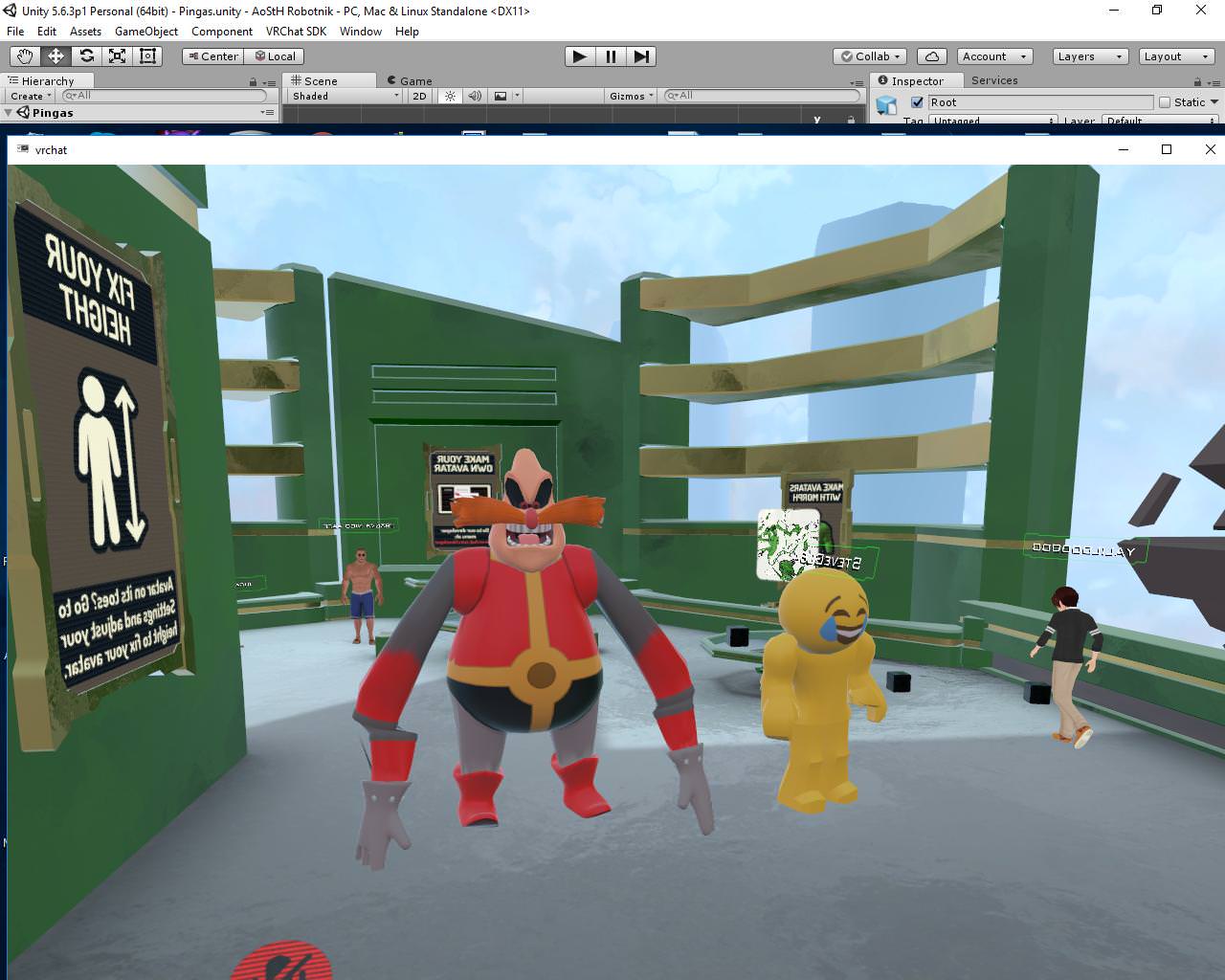
https://ibb.co/caF4wm Okay guys, need your help on this. I want to make all of these bones into one big bone so the cannon is static and it doesn't deform into a hand when I import it to VRchat... However, whenever I delete these bones (the mesh is combined, there shouldn't be an issue) the gun completely detaches itself from the ball joint. How can I make this into one big bone and keep the mesh intact? I have tried joining the mesh, but it's already joined.
imgbb.com
rig
(Bones I'm talking about are these in orange)

 viscid siren
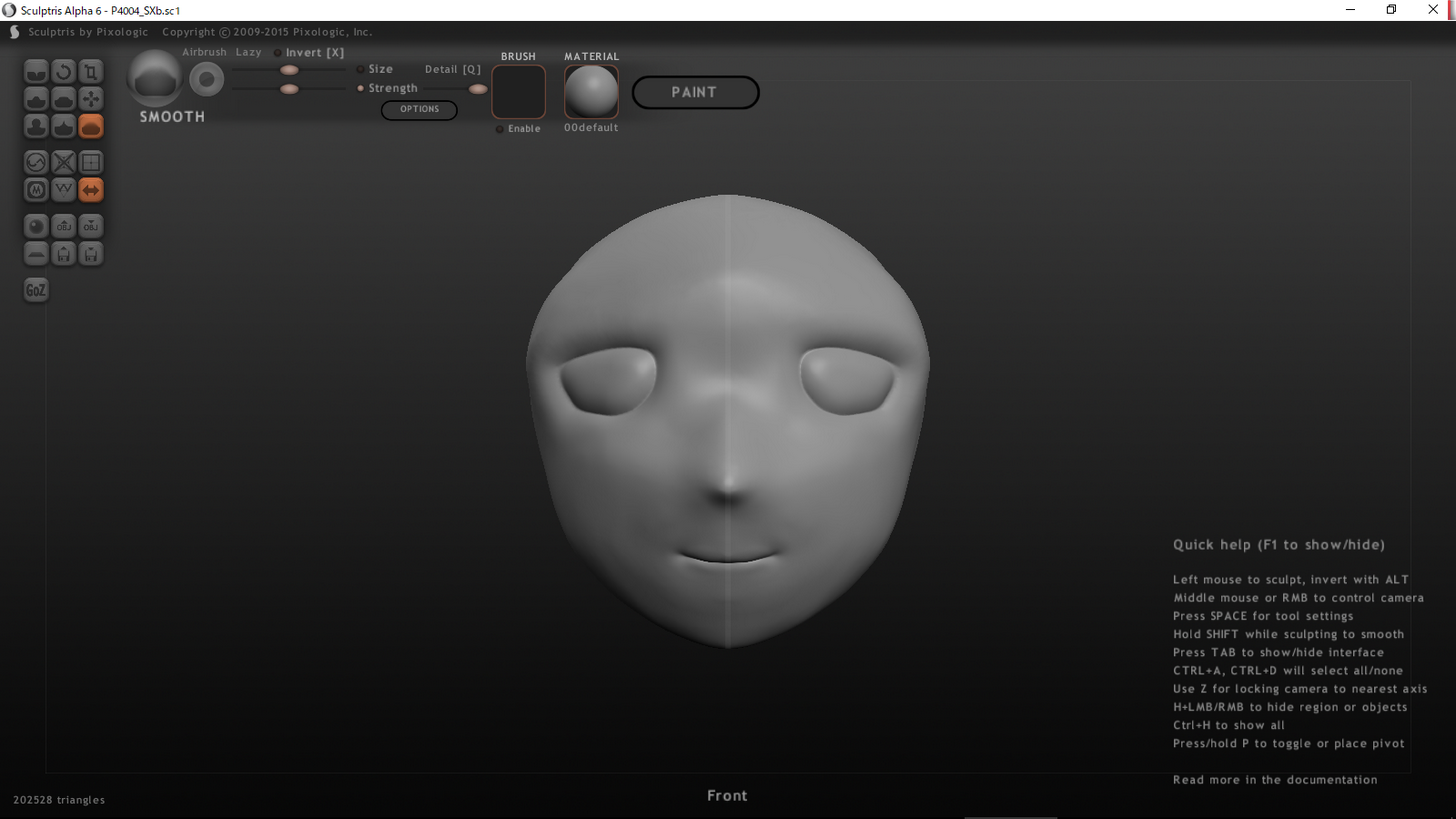
if you are planning to make an anime face i'd suggest you use polygonal modelling instead of sculpting
sculpting is also possible in blender, so you can do it after making a good base mesh for the face
and not sure if i remember right but sculptris free version locks some important features.
 pulsar mantle
what, I can sculpt in blender? how?
besides, it seems easier to sculpt with the free one instead of polygonal thing
viscid siren
in blender you have much more control, also you can enable dynamic topology which decimates the mesh as you keep sculpting it, so it's not a problem

A beginner introduction tutorial for sculpting in Blender. Zbrush user, Mudbox, or any other sculpting software, you will still be able to follow this video....
pulsar mantle
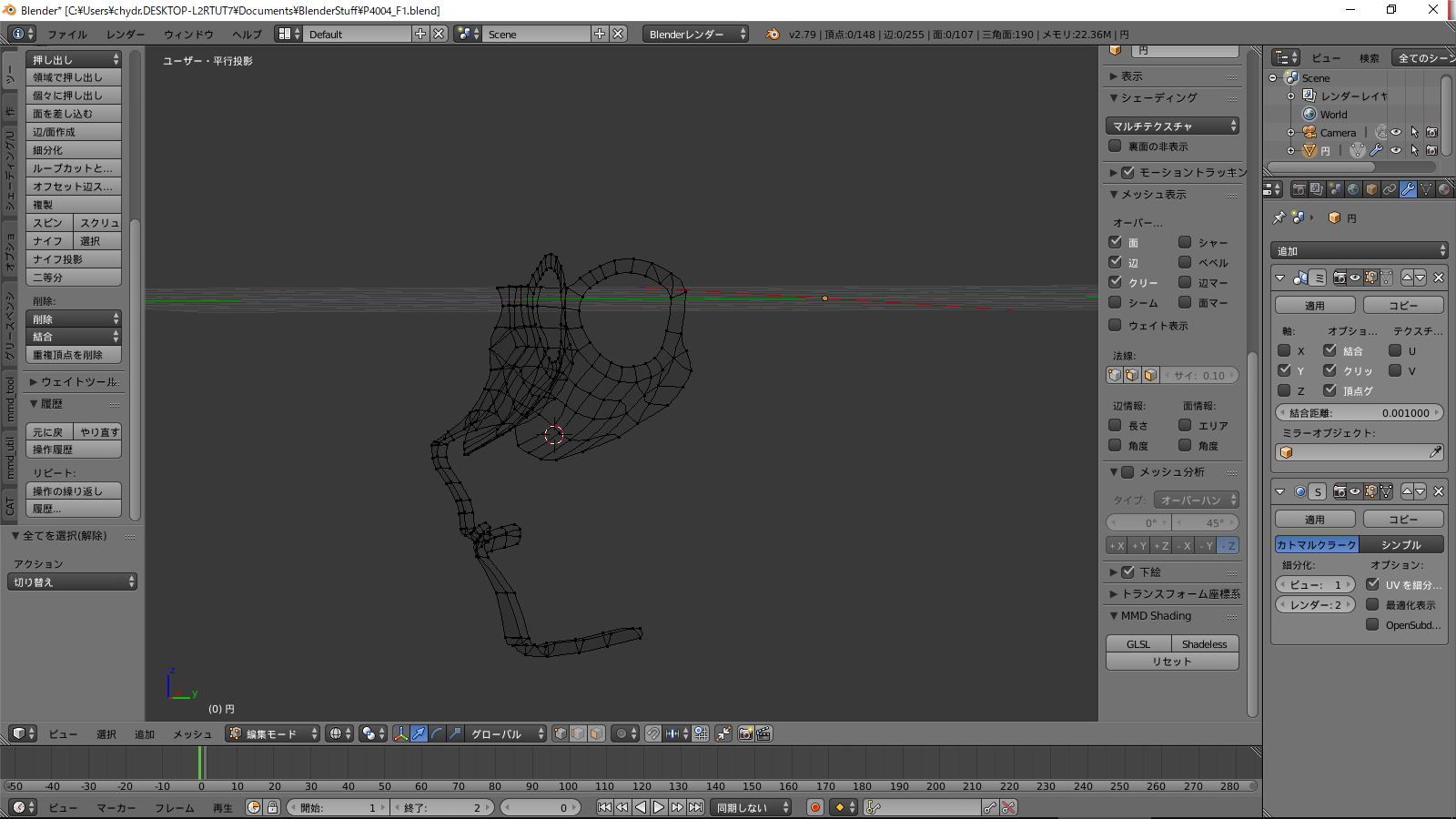
What consitutes a "good base mesh for the face", anyway?
viscid siren
one which has the basic form of the mesh without the fine detail
https://i.pinimg.com/236x/d5/19/f2/d519f21d82d64197b68fa4d6910d2e73--character-modeling-female-faces.jpg for reference

 last hinge
@ocean zealot it's not for one use its for your installation of unity for whatever you create with it.. so if you make 50 avatars then you can use it on 50 avatars.
lament pond
I can't post any pictures
 unique idol
thanks owo
pulsar mantle
turns out I don't know how to model faces, any help?
viscid siren
learn the basics first https://www.youtube.com/watch?v=yi87Dap_WOc
Blender modelling tutorial, showing you how to model an anvil. Part 2: https://www.youtube.com/watch?v=WxMwa0njGSM Reference Photo ZIP: https://drive.google....
pulsar mantle
text tutorials on the basics? i like text more than video
well, i seem to have an text tutorial on hand
lament pond
viscid siren
neat
 leaden ice
nvm
desert anvil
do weapons tend to have mmd trash in them? i decimated the ruby robe scythe but for some reason it still has like 9000 tris trying to add it to this custom model but i need to get the poly count down on the weapons
 crude gazelle
Hi guys!How to fix this model? http://steamcommunity.com/sharedfiles/filedetails/?id=1270638182

Steam Community: VRChat.
spiral sigil
Guys, is there something like Ninja Ripper that can get past Denuvo? I really want to be my favorite Ubisoft characters but this god damn Denuvo is in my way
 timid vine
does anyone take model comissions? i wanna request Devilman
specifically this version https://i.pinimg.com/originals/0c/30/98/0c30983504ce8c987456d89e59d29876.jpg

 lapis mural
Im currently Weight painting a model and noticing theres no real inbetween weights, its only either 0 or 1 even 0.2 weighted vertex is acting like a 1 strength vertex. I never had this happen to me. Any idea what could be the cause of this? (Im using Blender btw.)
lament pond
@lapis mural you need to rig it to more than one bone
lapis mural
Thats the weird part. Vertex groups are overlapping.
lament pond

 agile cargo
so can a .mesh file be imported to unity?
 sour anchor
can someone help me with blender something small with cats i imported my model and fixed it but i cant toggle the textures and i have all the seperate files but idk how to attach them and i get this wiremesh first

 unreal beacon
@sour anchor press z
sour anchor
hmm the model might be messed up x.x it doesnt do anything for me on the model
 wicked schooner
Ok so
can you add a particle emitter to a bone?
Like if I wanted smoke to rise from a cigarette, could I put a bone in the cigarette that isnt rigged and put the component on there?
sour anchor
before i fix the model http://prntscr.com/i0w6jr
after the fix http://prntscr.com/i0w76j


 tall zodiac
Sorry if this is the wrong place to ask but does anyone know where I could find a model of a vape?
spiral sigil
should be some on sketchfab
kind idol
probably find it on the internet, or you could model it yourself in blender
trust me its fun to do if your a starter
hey, i have a problem with unity
 worthy cypress
hey fellas
sour anchor
its pretty easy to build small stuff like a vape just add simple obj together and tinker with tranparencys
kind idol
if i export my fully texured character into unity it doesnt export the textures with it? somebody know a solution?
tall zodiac
Thanks for the help!
sour anchor
np
 limpid dagger
How do you save a texture you painted in Blender? I'm trying to create a texture for a model I'm working on, but I don't know how to save it so it will actually show up in game
Hello? ._.'
lapis needle
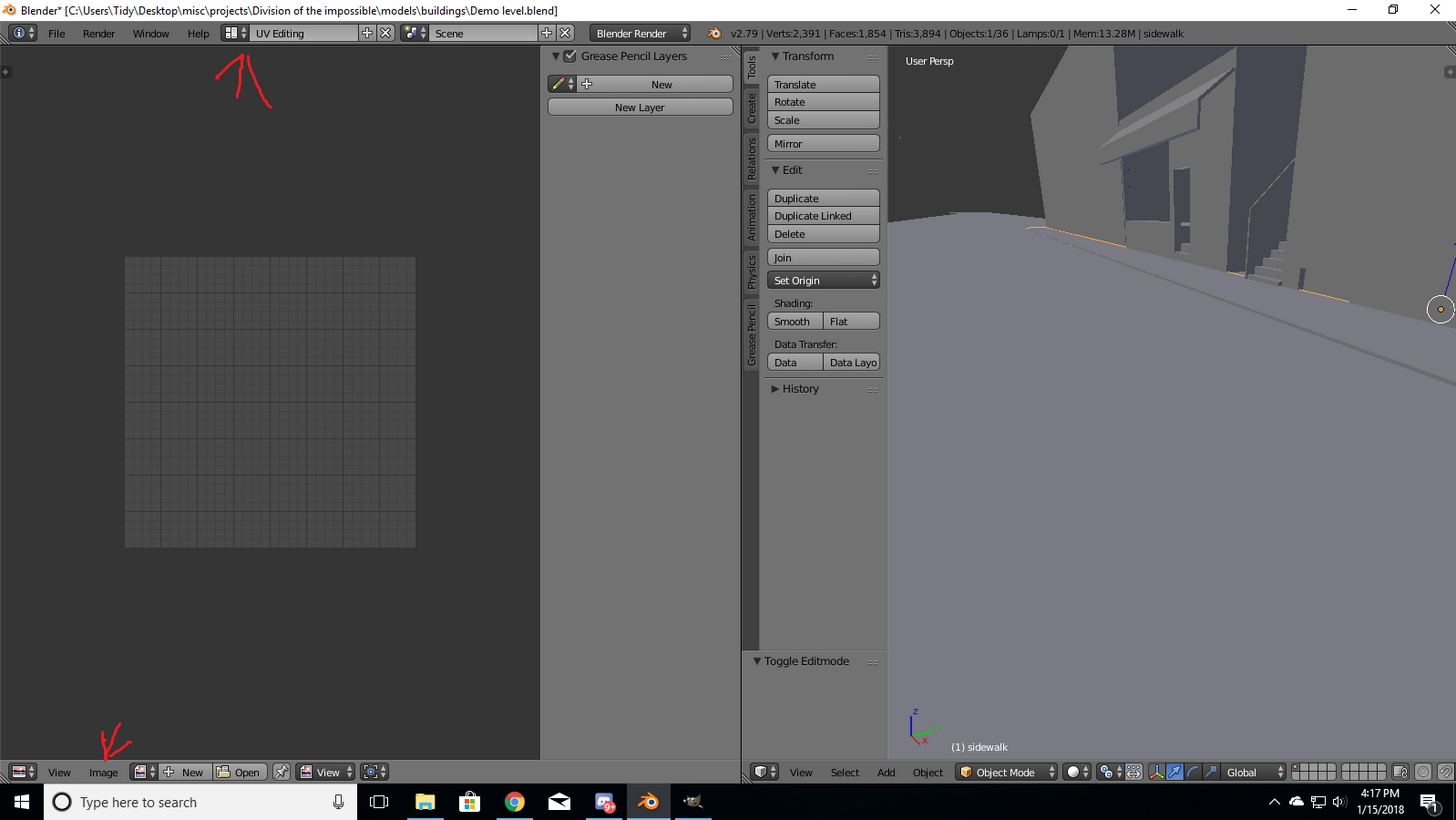
@limpid dagger Go to the UV editing screen layout, "image", "save as"
limpid dagger
?
 carmine ridge
noo blender why https://i.imgur.com/FB0x0Vv.png
 limpid dagger
I didn't use the UV Editor, I used the Texture Painter
carmine ridge
I accidentally clicked "add uv's"
how do I apply a texture to things in this
I imported an elon musk face model, and wanted to add the texture lol
jokingly made a weird body lol
nooo blender crashed
lapis needle
for some reason I cant drag in photos lol
carmine ridge
AH I got it back.
 carmine ridge
pressed render, now I can't go back D:
help
HELP D: https://i.imgur.com/S01Ahsv.png
 spiral sigil
hm i can just use any tank model right
carmine ridge
nvm, just loaded an autosave
carmine ridge
Oh god, what have I made https://i.imgur.com/YBXW3TO.png
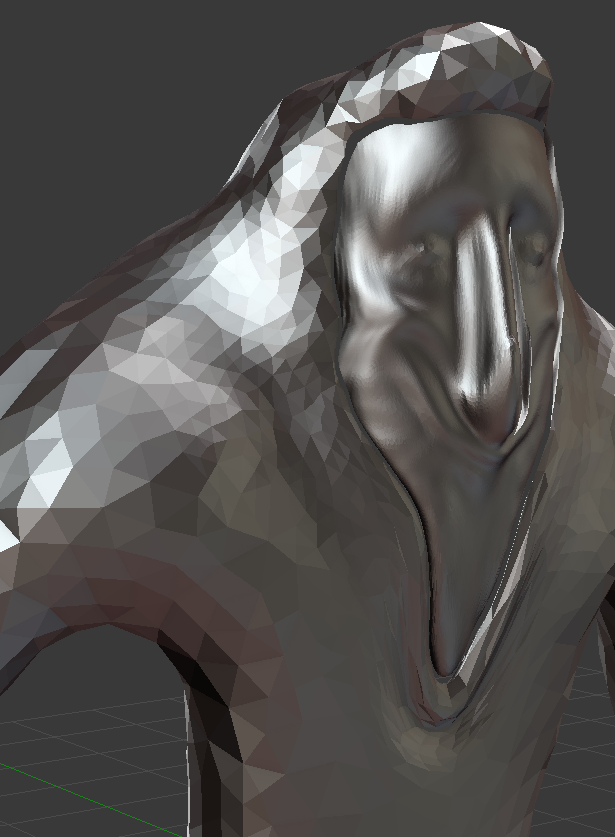 limpid dagger
I figured it out, sorry for being annoying
 young shuttle
Hey wondering if anyone knows what Im doing wrong, I just messed with this model and exported it and what not but in unity it is reading it as being huge af. Like there is a box around the model that is making it huge and I do not know how to delete it. Any help will be greatful. Thank you
spiral sigil
https://imgur.com/a/7KLgK Hey i wasnt sure if this should go here or rigging, but i have this model i am rigging but random parts like the eye have 2 edges on the same part but are not connected so when the model moves it has massive holes in it is there any way i can merge close edges or something like that?
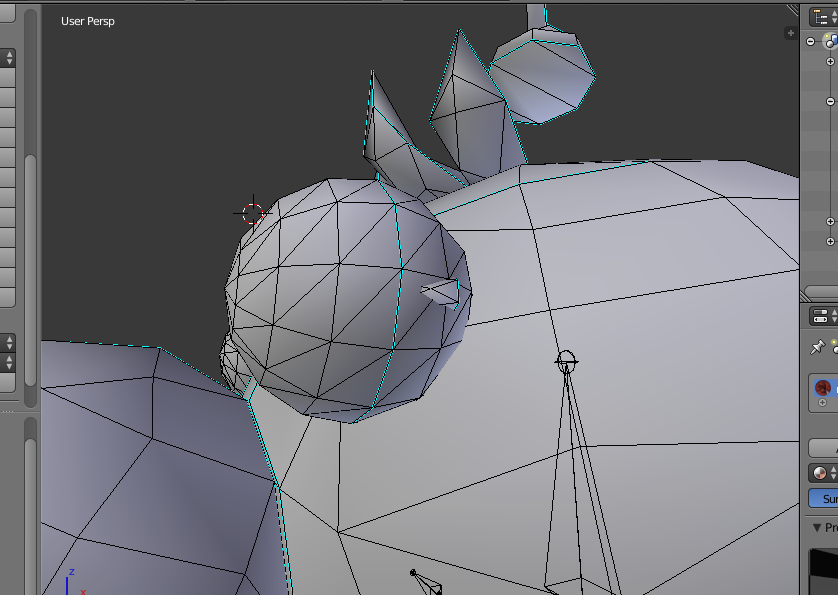
 outer nova
Hi! does anyone know how to translate all the japanese words on a model in blender ?
 runic hedge
you could try the cats blender plugin @outer nova
outer nova
im using CATS but how does one translate these ?
runic hedge
you have 4 buttons under translations
outer nova
uhh cant upload a pic
runic hedge
in the cats menu
runic hedge
yw ^^
 radiant wigeon
Apparently 3DS Max is free for 3 years if you have a .edu email, would that be useful or should I just use blender?
spiral sigil
my unity is stuck at loading screen when im publishing my avatar?
are you uploading yours now to?
 frozen vault
Yer my guess is its a server issue. been trying for the past hr
spiral sigil
i just made my very first mmd model to lol
what does both shoulders and neck is the chest mean?
frozen vault
bone structures
worthy cypress
Anyone able to upload their avatar?
I thought it might have been because of dynamicbone, but apparently not because i remove it to no avail
@spiral sigil
spiral sigil
hey guys is there a way to delet somthing that is a part of the mesh on a model?
timid vine
avatar upload servers are down rn
worthy cypress
anyone know how to disable future-proof content? that's the part im getting stuck at
right after i click upload
someone please help
😦
timid vine
future proofing isn't the issue @worthy cypress
worthy cypress
what is it?
timid vine
it's the upload servers
 civic vector
does anybody know how to use dynamic bones to make my clothing droop down
my clothes are static and not falling down, I have a feeling it might be the gravity but I'm stuck
 scarlet swift
Does anyone know why my mesh looks different in object mode? I made some changes to it in Edit mode, but when I change it back to Object mode everything goes back to default.
https://i.imgur.com/nUIcUmu.png
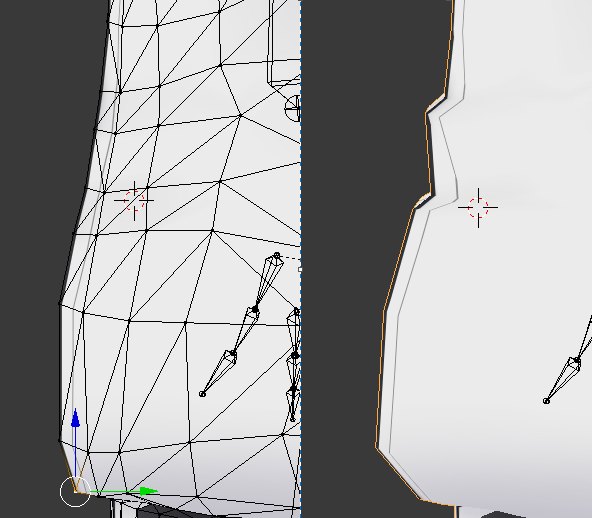
 paper loom
I have a great resource for people modeling the human head. it's made with 3ds max in mind, but the concepts apply to every 3d program. http://www.secondpicture.com/tutorials/3d/3d_modeling_of_a_human_head_3ds_max_01.html
the site navigation is a tad wierd, you have to go to the bottom of the page and click the page number
spiral sigil
im trying to get help but i cant get photos to go with the messge
Okay friend be up with me is it possible to rig something like this
its got cloth in weird places
I got bones in it
but when posing it only the second mesh moves not the body
so if you could teach me how to do this kind of stuff that would be great Ive watched all kinds of videos at this point and got pretty far but I cant get the mesh to stick to the bones
and when importing it into unity it freaks out saying model not in t-pose
and missing bone left lower leg even though in blender you can clearly see its there
http://prntscr.com/i12acb
Lightshot
Screenshot
http://prntscr.com/i12akw
Lightshot
Screenshot
This is my problem


 whole cipher
Just lighting

 mild crest
its inside out,,,, how to i make it not inside out
 winged aurora
guys do you know where i could get a .pmx 3d model of the double helix sword from majoras mask
 wary elbow
@spiral sigil is that the Killzone Helghast Sniper (aka Cockroach Sniper)
spiral sigil
@wary elbow yes it is and it was a pain to get because i ripped it from killzone shadow fall from the ps4
but
Im not very go at rigging 😦
viscid siren
@mild crest no idea if you have figured it out yet, but select the mesh in edit mode and then press 'Recalculate' button in the "Shading/UVs" tab on the left
spiral sigil
good*
 raven apex
My avatar is stuck in T-pose even though I rigged her as a humanoid and all the bones are correct. Anyone have an idea on what's wrong with it?
upper kiln
@raven apex make sure you have armature modifer on it in blender
unique idol
I might need some help with my model
right now I've done doing the uv maps and what I'd like to do is saving those uv maps as png, edit them on another software (I'll use paint too sai) and then apply those pngs as texture for the model
eventually make it so the model has a hard shadows to look more cartoonish
viscid siren
go in the image edit mode the press the image<save as image
then you can also export the UV layout to use as grid where to edit
from the UVs menu and "export UV layout"
unique idol
alright but then I dunno if it will stay there even without the cycles render
like how to make sure it stays when I'll export
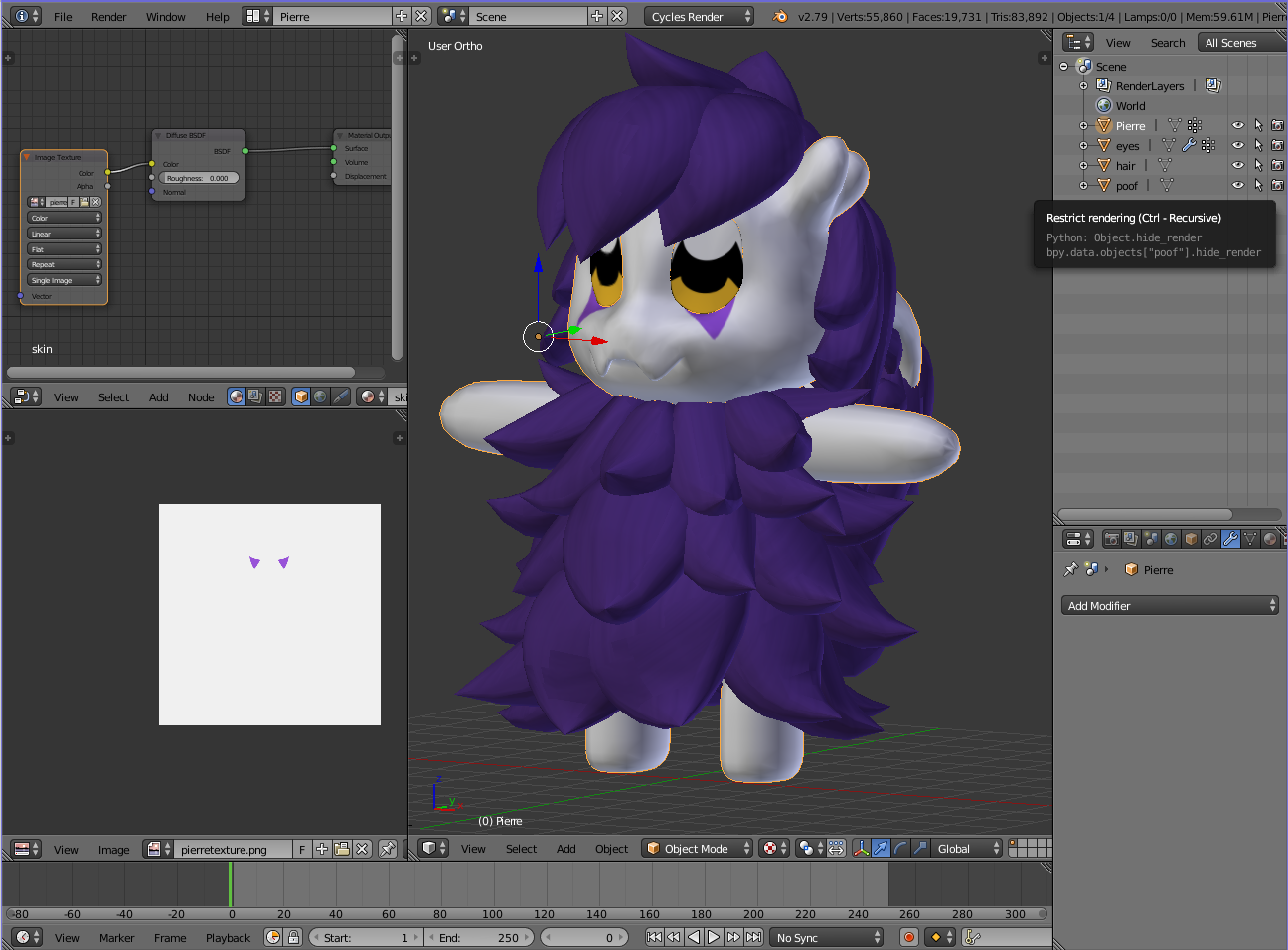
that's where I'm at right now
I'll also have to rig it of course tho making sure everything is connected even if they are separate meshes
viscid siren
you need to have the image files so you can apply them on the model in unity, not quite sure if it automatically keeps the material and textures when ported to unity
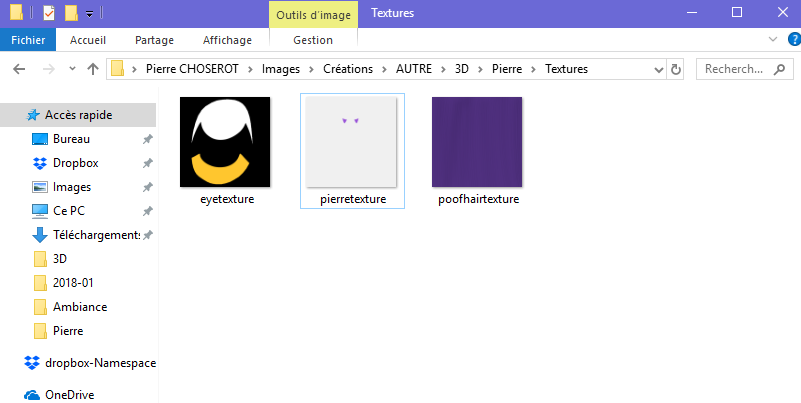 viscid siren
preferably have the eye image in the same imae as the whole texture
unique idol
well the thing is the eyes are a separate mesh right now so..
viscid siren
owait nvm yeah that is okay then
 main dove
anyone knows how to get stuff like clothes and hair to move fluidly?
 mossy quail
@main dove Yes, that is done with a Script called Dynamic Bones
main dove
for unity right?
mossy quail
Yes
main dove
where can i get that?
mossy quail
On the Unity Asset Store
viscid siren

Dynamic Bone applies physics to character's bones or joints. With simple setup, your character's hair, cloth, breasts or any part will move realistically.
Features
- Very easy to setup, no programming required.
- Fast and stable physics simulation.
- Works with Mecanim and legacy animation.
- Support all versions of Unity, from Unity 4 to Unity 2018, mobile friendly.
- Full source code included.
Web Demo
Video
Forum Thread
If you are not sure is Dynamic Bone works for you, please mail willhongcom@gmail.com to request for an evaluation version.
mossy quail
it costs money though
main dove
oh damn
viscid siren

Swing Bone applies a simple physical effect on
character's bones or joints, and takes the natural shaking / fluttering effect of hair, clothes, tail, breasts or any part in just one step.
NOTICE:Swing Bone only work with animated bones.
 grave marsh
I am confused but not a big deal but why does Unity input mesh with a 90 degree X rotation when in Blender, it is all 0 http://prntscr.com/i174t1
 grave marsh
its all meshes
grave marsh
its all applied loc, rot, and scale
grave marsh

if I rotate it without apply 90, it goes to 0 so wondered if it was something in Unity
mossy quail
Maybe, i dunno xD
viscid siren
with other project i'm working on atm if i bring something in unity it's rotated similarily, but it really doesn't matter.
grave marsh
for the project I was working on, it did cause I did a piece by piece and when I added it, it was always rotated 90 to where I had to keep making it 0

each part was a single part so I can also update as I go and also for changeable parts as well so I needed to know for future projects
 eternal folio
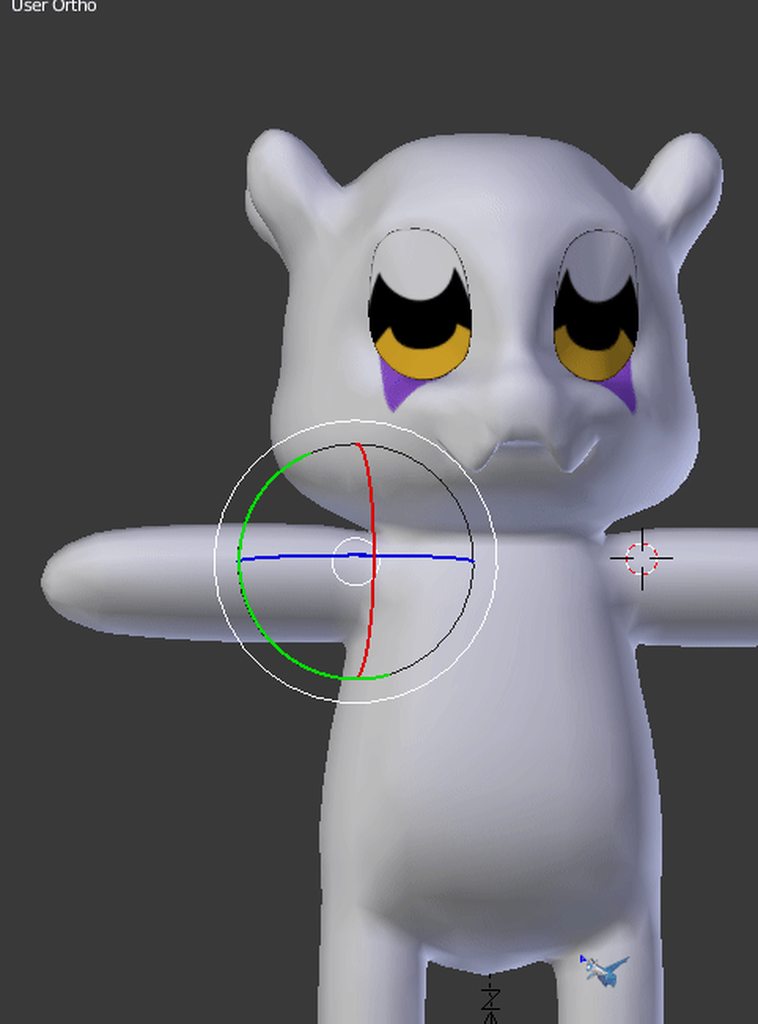
can anyone explain to me how to delete an object that i cant seem to stop from getting mirrored


 worthy cypress
You guys do know Loli Army’s discord has like $100 worth of assets for free right
Including dynamic bone
@mossy quail @main dove @viscid siren
viscid siren
somehow i'm not suprised
 onyx juniper
Aren't we not supposed to talk about that here?
 woven ibex
How do i get 2 seperate meshes to move at the same time in Edit mode (Blender) ?
can only seem to select vertices of one mesh in edit mode
but i need to move them both
and whne i change meshes its kicking me out of edit mode
nice
viscid siren
to edit 2 separe meshes at the same time you could join them in same byt selecting both and pressing ctrl+j
but after that you have to separate them again by choosing all vertices of one mesh and pressing P and selecting "selection"¨
or both and pressing P and selecting "by loose parts" but it would also separate parts which you may not want to separate
@woven ibex ^^^^^