#avatar-rigging
1 messages · Page 76 of 1
 limber compass
Hey, I made one visemes for a model and now when i go into pose mode on Blender only the rigging moves and not the mesh. - anyone know what's wrong here?
 modern oyster
@serene cloak
 scarlet igloo
@subtle moth nope doesnt work it wont save it
 novel wharf
Blender question: When custom-rigging from scratch, should I put in hair bones before or after the auto-weights?
 subtle moth
You suggested to press a t-pose button, he couldnt find it. Thats where you went away ^^
just to update
 tiny berry
I'm assuming this is a rigging issue because I never had this happen to I added zero weight bones as hands to make my quadruped a full ik
 little stream
Allright so im trying to upload an avatar through unity to VRchat. Ive set my viewpoint and got all the other steps before this done right, but Im stuck at rigging. Im looking at a red and green map of a body (im missing what seems like everything except hips and spine in terms of rigging) At this point im completely lost cause I can't seemt to find the items on the left I would use to transform the body parts on the right side chart to fully map/rig the body. Anyone willling to help out?

 subtle moth
AWWW
how did u do dat
without breaking it
does it actually walk? o.o
so many questions
I want the avatar ; - ;
tiny berry
@subtle moth it walks
subtle moth
Eevee and its evolutions are best pokemans
tiny berry
This is the test bed version
subtle moth
Did you rig it yourself?
novel wharf
So I imagine I go ahead and set bones and weightpaints for my hair and skirt before using the auto-weighting when parenting.
tiny berry
My non ik has colliders and dynamic bones to make all 4 legs move when I walk
novel wharf
Don't you not even have to mess with ik in blender?
Or is that just for humanoid rigs?
 serene cloak
@scarlet igloo https://cdn.discordapp.com/attachments/395696917138374661/403176111044952076/unknown.png
 tiny berry
@subtle moth mostly yes was pretty rigged but had to tweak everything to work as a humanoid
The first few attempts it would just but scoot
subtle moth
Dayum
tiny berry
The first few try in ik trackibg it would do hand stands on front legs
little stream
On the left side pane while trying to transform to match the mapping/rigging to the humanoid model im not seeing "shoulder L" or "chest" for me to drag and drop to the right side like the picture above shows. All I see is "object115" or "default 101". Im utterly confused.
novel wharf
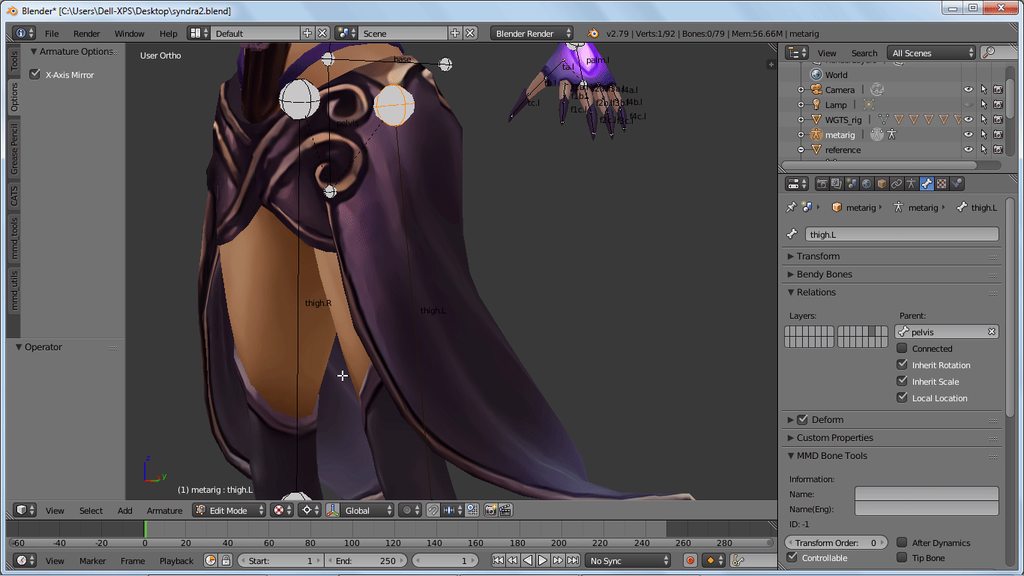
KAY! Big queston time! How would I go about rigging this skirt for dynamic bones? 😄 https://i.imgur.com/flO6KIJ.gifv
 modern oyster
@novel wharf Click on bones, change object mode to "Edit mode" and click on the bones you wish to have the root from, then clock E to create a new Bone.
novel wharf
Oh I know how to extrude. Just my thing would be... if I set it to dynamic, will the bones still try to keep ABOUT the same distance as they already are if, say, I extrude out, then seperate into two groups?
I don't want the skirt to appear too rigid or too elastic.
modern oyster
When adding dynamics they will move around, and attempt to return to the Zeroing point (The place they are set before they started to move).
novel wharf
Basically do I only need one line of bones or should I have them branch out?
Maybe the elastic/rigid problem is solvable via weight paints?
Essentially, I'd want bones to move freely while still be in relation to the bone next to it
modern oyster
The more bones the more fluid like movement. 1 bone it would look like you have a stick strapped to you, but 100 it would look like you are wearing a thing sheet of cloth.
novel wharf
🤔 Having a hard time explaining what I'm going for
modern oyster
You want it to move like it was made of leather, cloth, water or a stick?
 brazen flare
The number of bones is a matter of performance. The more bones, the more points you can move and the more realistic you can make it look, but at a higher performance cost.
novel wharf
My point was do I just use a heirarchy like o----o---------o--------o----------o
or do I go
o---------o----------o----------o
---------<
o---------o----------o----------o
Essentially making two branches from one.
brazen flare
I'd probably say 2 lines of bones, one for each side of the skirt, each one parented to the waist.
Sorry, each side parented to the waist*
novel wharf
Remember this skirt is weird. It's two skirts for each side?
brazen flare
One for each skirt
 green wyvern
Is there a way of having bones with gravity? so they always point down?
novel wharf
So one branch per flap of cloth.
brazen flare
Yes
novel wharf
It does but I've heard its gravity settings are weird.
subtle moth
there you go @green wyvern
fiddle around with the gravity setting
eventually itll work
😄
modern oyster
@subtle moth They do
green wyvern
oki, arigato 
modern oyster
@novel wharf But if you want the clothing to move but slightly hardened like soft leather, play with some high Inert and dampness levels.
novel wharf
Much thanks!
 open lintel
So i am having issues with a personal model, the stuff to do eye tracking and visemes arent present and i have ro manually put it in. Does anyone knoe of a good tutorial video on how to do such stuff?
little stream
@brazen flare Do you think you could help me out? You seem knowledgable on all this. Im trying to map an avatar but I dont see a list of body parts on the left side. On the left side pane while trying to transform to match the mapping/rigging to the humanoid model im not seeing "shoulder L" or "chest" for me to drag and drop to the right side. All I see is "object115" or "default 101" which seem to be the clothes on the model and whatnot. Im utterly confused.
 hollow knot
@little stream I would recommend going back into your model editor and renaming your meshes and bones.
Makes things like that quite a bit easier to solve
brazen flare
Uh, no, I have literally never rigged a model. I've just watched some tutorials and streams of it. 😛
little stream
@hollow knot Im a total newbie to this stuff, but the model I had downloaded, I didnt make it. Im trying to drag and drop the body parts from the left to the right to transform while mapping, and the body parts just dont exist on the right. All ive got are spine and hips green, averything else is not transformed.
brazen flare
Those names, are they the Vertex Groups?
little stream
@brazen flare my bad. the names default and object when I click on them highlight my jacket and boots etc.
brazen flare
If I remember correctly, those are bones or groups of bones and the vertexes weighted to them. The names are totally arbitrary. So you'll want to go through the list and give them proper names.
And eventually, some of them should be your model's actual body.
little stream
thats what i thought, but theyre all parts of the clothes or shoelaces or stuff like that. I dont have any actual body parts on the left
Like I watched a video, and his were all pulled up already, mine just dont exist on the left side
brazen flare
As Damsy said, you ought to go into your model editor (like Blender) and see if it actually has bones for the body.
little stream
I dont think it has bones then, prolly the issue
hang on, a friend of mine just said theyd be willing to help. ill tell ya if I make any progress I guess.
 radiant palm
looking to adjust my models proportions to more match my own for fullbody tracking, anyone have experience with this?
they all have really long legs so i'm looking to scale the mesh and armature of the legs down to try and get them normalised
 still lark
https://i.imgur.com/Pa4XCNj.png
Hi all,I want to rig an avatar and make him have a custom animation playing at all time regardless of wether he's moving/idle.
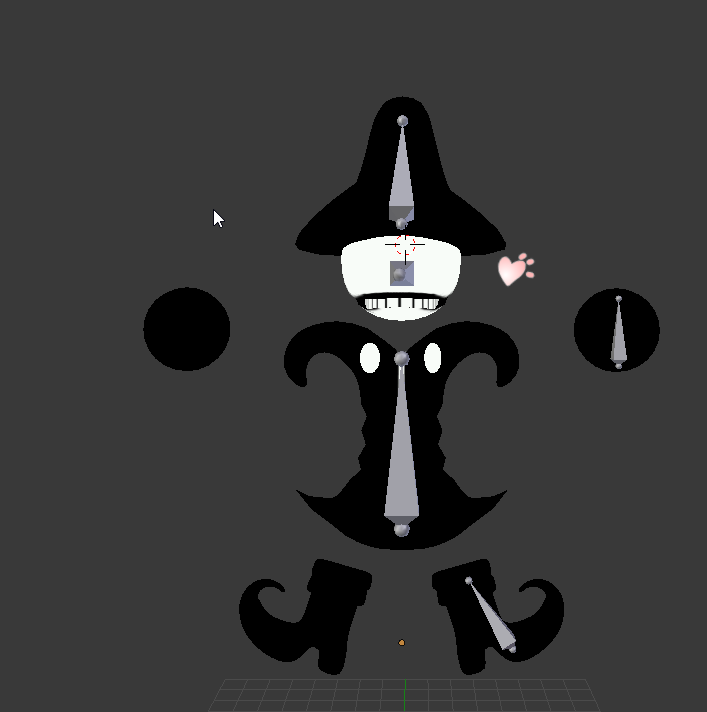
I want to make an animation so each bone is unrelated to the others because i'm going to create a loop like this one http://undertale.wikia.com/wiki/Madjick
Am I supposed to create a seperate armature for each bone? because i'm not super expierienced with this and when i'm trying to weight a bone to a mesh it just selects the whole armature

 foggy osprey
an avatar only has one armature. you can create bones for each floating thing and make them move independently of each other by the way you paint weights on it. for example if you wanted a shoe to move on its own, you would put a bone in it and only paint weight on that shoe for that bone.
after that it would require custom animations
still lark
Yeah
 whole pebble
How do I make it so that my hair doesn't constantly clip into my head when I run?
foggy osprey
@whole pebble you would need to add collision, something i have no experience with. since it has nothing to do with rigging you might find better help for that in #avatars-2-general or #avatars-mmd
novel wharf
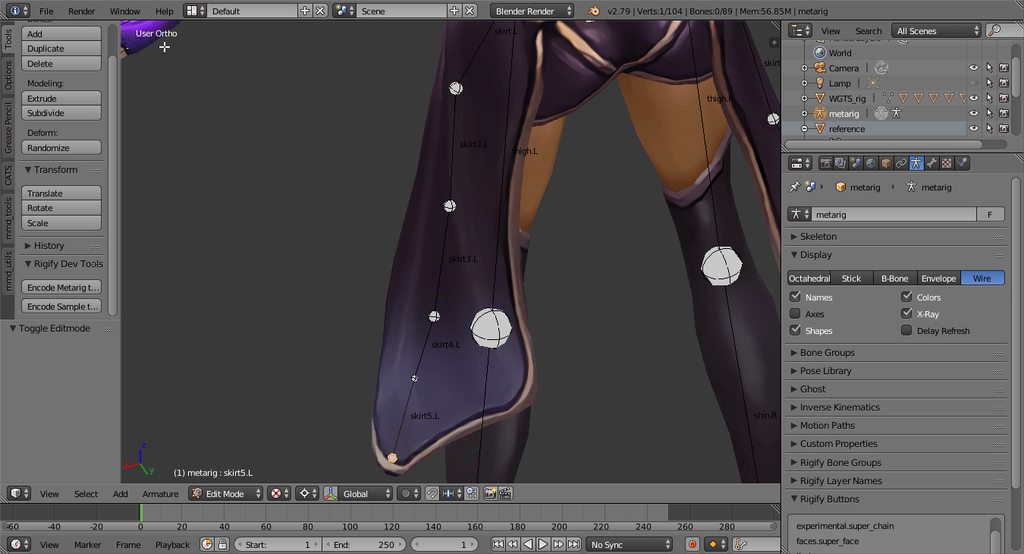
https://i.imgur.com/TkSUzmC.gifv @brazen flare Does this rig look about right or should I send a branch out for that other side of the skirt? xD
 subtle moth
Depends on your decision if it should be able to move separately
brazen flare
But remember that the more dynamic bones, the more performance will tank.
I'm by no means an expert, so it's up to you
novel wharf
Mmm.... does it matter if the bones are connected or not? The lines aren't seeming symmetical here? https://i.imgur.com/5aQsn1R.png

Essentially I'm extruding from the top of the neck out to the bases of what will be dynamic bones for sidetails
green wyvern
Can someone explain why my avatar is bending to the back in vrchat? Like she is doing the limbo
novel wharf
I guess my problem is I extruded from the neck instead of just adding new bones and connecting. 😦
brazen flare
Are you using leg trackers? Sometimes the waist tracker can cause issues like that.
I know Strippin has a similar issue all the time.
novel wharf
Does that mean I have to redo my entire hair and skirt setup?
I've seen that leaning issue on avatars without using any sort of motion tracking, just mouse and keyboard. @brazen flare
green wyvern
yep I dont use vr
 harsh brook
Pretty new to all this rigging stuff, anyone got the file for Dyna Bones? Would be buying it, but unfortunately I don't have that sort of luxury in my current situation.
 viscid path
this is confusing https://pasteboard.co/H3m33S5.png https://pasteboard.co/H3m5wd7.png

Super simple and lightning fast image sharing. Upload clipboard images with Copy & Paste and image files with Drag & Drop

Super simple and lightning fast image sharing. Upload clipboard images with Copy & Paste and image files with Drag & Drop
brazen flare
There's a point where you need to get select those groups from dropdown menus before uploading
Basically telling the program which groups are your arms, feet, etc.
subtle moth
It looks fine
green wyvern
Does anyone know why my model is leaning leaning back
rising the spine didnt helped btw
subtle moth
Is it really far back or only slightly? @green wyvern
green wyvern
slightly
subtle moth
Then i cant help ^^
novel wharf
Would you guys say Rigify is better than the default auto-weights when parenting?
https://i.imgur.com/ItXtB11.gifv For this model
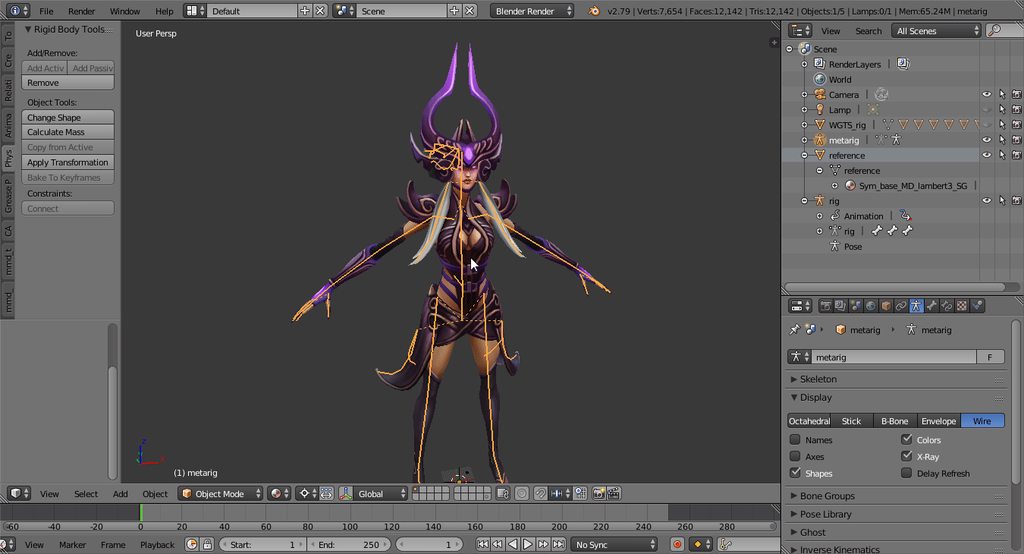
I'm just worried her hair, sidetails, and skirts will effect the rigging process
Also it appears Rigify has some prerequisites. 🤔 I'm not sure how to even get it started
 dapper osprey
https://cdn.discordapp.com/attachments/210079906657337344/403211650179661826/unknown.png
So if I want to make the knee bend properly

Where would you recommend verts
and how many
Just to have the knee bent
It won't be bending as an animation
I want to have it bent in a rest position
novel wharf
I congratulate you on your amount of tris
A related question to Dswopey's!
When weight-painting, that's painting what the BONE moves, correct? Not the joint?
 subtle moth
@carmine otter yes i can
dapper osprey
@novel wharf Yea
subtle moth
Just join all meshes and try again
 carmine otter
oh really
subtle moth
Yeah
dapper osprey
and for that I need to add verts
carmine otter
i haven't tried that yet
subtle moth
Youre currently on the accessory mat
dapper osprey
cause otherwise it will not bend, it will simply mess up really hard
subtle moth
This obviously has no eyes inside it
dapper osprey
Or wait
carmine otter
Well learned how to do this for 2 days ago so
subtle moth
Np we all start somewhere
carmine otter
yeah :)
subtle moth
Also, am i wrong or is that taiga?
carmine otter
It is indeed
subtle moth
:D
carmine otter
best tsundere
dapper osprey
so basically, if I can weight it to a joint instead
carmine otter
@subtle moth it worked thank you :)
dapper osprey
I could make like

Verts like this and then weigh them to the joint
and that would have it bent?
subtle moth
Np :D
dapper osprey
or am I wrong?
brazen flare
If I understand it correctly, what you do is paint each part of the leg to the bone it contains, and then the joint as a flexible surface of both.
The knee bit, that is.
I'm assuming that's a metal leg?
And the bit in the middle is the only part you want to bend when you move your knee?
brazen flare
If so, you want to have the lower and upper legs weighted to the lower and upper leg respectively with a weight of 1. That means that when the bone moves, those vertices stay in the exact relative position to the bone.
 brazen flare
And then the knee itself is 0.5:0.5 to the upper and lower bone each.
That means that when those two bones move, the knee surface will stretch out to accomodate.
dapper osprey
The thing is, I have no verts on the knee
and I've never added any before (quite new to this stuff, only a week)
And I want to add them

 hidden aspen
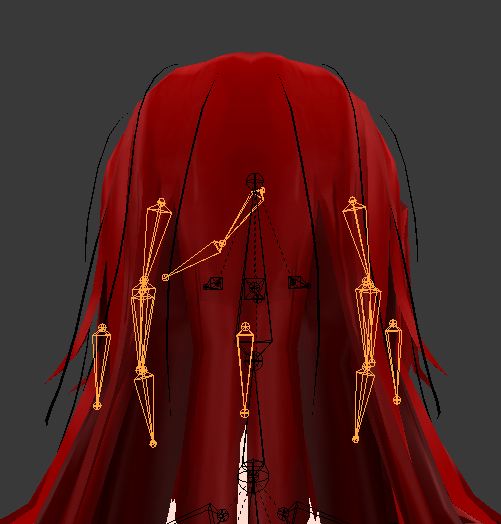
Hey everyone, how do I make it so these bones (which are on another armature) are parented onto the head?
 dapper osprey
And I kinda want to limit the amount of tris increased
up to around 1k-1.5k at most
foggy osprey
@dapper osprey trying to figure out what i'm looking at, are you using a different model as a reference?
dapper osprey
Not exactly
I found armor of my favorite character
https://cdn.discordapp.com/attachments/210079906657337344/403215791924838421/unknown.png

And I want to apply it to another model
and make the model look like that character, or at least similar
and now I have only the legs remaining, I've already opened a new project 2 times before this just to end up failing near the end
and I thought I should add the verts before scaling and weighting
also @brazen flare my original goal is to have the character glide instead of walk so I have another question with that
Can I, say, weigh my bones
move them in pose mode
and then unweigh?
brazen flare
Sorry dude, this is pretty clearly above my knowledge level
foggy osprey
@dapper osprey this should get your brain on the right path when it comes to thinking about joints in meshes https://www.youtube.com/watch?v=ON3gsB5AxII

http://www.blenderhd.com/2015/collapsible-joint-topology/ Ever get nasty deformations around the joints of your character? Learn to use triangles the right w...
@dapper osprey to save yourself some headache i would make the legs way lower poly. with the amount of edges you have for the legs to start it's going to be weird
dapper osprey

Oh
wait
well
This is what I have
bunch of dots at the top
and bunch of dots at the bottom
and the inside is visible from behind so I'm not sure if I can do too much cutting
dapper osprey
Would that also reduce the amount of tris?
foggy osprey
you can make the mesh more detailed later using the subsurface modifier in blender
foggy osprey
you are doing these legs from scratch correct?
foggy osprey
ok, so you are using a mesh you didn't create that doesn't have knees and you want to add knees?
dapper osprey
Yes
I think I might've just lost all of my progress
nvm I haven't
thank the gods
blender randomly crashed lol
it SORT OF had knees
but the verts were in a bad spot
they weren't at knee level
so I dissolved them
foggy osprey
select the verts and hit shift+v to slide them on the edges they are resting on
and move them to where you want them
dapper osprey
https://cdn.discordapp.com/attachments/315536092977692674/403218689266024470/unknown.png they were here

oh
Well, I'm not sure I can get the verts back
:D
 winter cipher
How come when I hit fix model in CATS, it moves all the bones out of my body and slides them backwards
 polar surge


 dapper osprey
@foggy osprey

do you think this would be enough to make it bend properly?
Or well, from the looks of how it's highlighted, I'll probably need to have it added on the top and bottom
I mean above and below the verts an extra line
foggy osprey
no, check out the video i linked, he talks about why topology like that doesn't bend properly
dapper osprey
aye, I watched but forgot about it
mb, thanks
By edge loops does he refer to the faces?
foggy osprey
an edge loop is a loop of edges
 fading verge
hey big thanks for that video, I'd actually had the same question
dapper osprey
ah, nevermind, yeah
foggy osprey
the line going around the leg is an edgeloop
dapper osprey
I
foggy osprey
@fading verge np, it's a neat trick!
foggy osprey
yeah, that's why it's going to be weird
normally you would never want to worry about adding a knee to something that is already like that
you could just put a bunch of edgeloops there and see if it looks "good enough" for you
it doesn't have to be perfect for vrchat
dapper osprey

 coarse flame
a person is giving me a model that has baked animations, can someone tell me what that means when I am uploading to VRC?
dapper osprey
it wasn't hard to highlight that one huge edge loop
so I got this result
that has those triangles n stuff
Does that mean I can now bend that as a knee properly or still not exactly?
foggy osprey
impossible to tell until you set up an armature and rig it and see how it looks
foggy osprey
you can go back and edit the mesh later and redo the weights if it doesn't look right
dapper osprey
in the same manner they're put
foggy osprey
the verts are what make up the mesh, so yes? not sure what you are asking
fading verge
Hey, has anyone ever had a model ingame that stands with its feet rotated to a side
I don't know how to fix this
coarse flame
cant tell if mac was talking to me or dswopey. 😮
foggy osprey
sorry navier i was talking to dswopey, i have no knowledge of how animations work with unity
foggy osprey
@coarse flame you may have better luck asking #avatars-2-general since this channel is specifically for rigging help
dapper osprey
for some reason it started moving stuff by exactly 1.0 on all three axis whenever I try to move them without clicking ctrl or shift
fading verge
 dapper osprey
and scaling also by 0.1 precisely
foggy osprey
@fading verge if you have already removed "toes" when configuring the avatar in unity, i don't know. that is really strange.
fading verge
Not sure that I have, I'll try it
I figured it out, it's that I rigged the bones leading to the feet in a really peculiar and straight way. I also had an extra bone I really didn't need. Have to test it
 sand pollen
My dynamic bones for a cape don't work. They don't move when I move my avatar. Help? ;-;
winter cipher
ok so apparently need to make both shoulders and neck parent the chest, but when I go to do that in unity, I dont have the option to select chest
last time i just changed upper chest to spiine 2 and it worked
but it wont let me uploade if i do that
dapper osprey
@foggy osprey
Can I copy faces with materials?

this is why I'm asking
I didn't even notice till now that there's a hole
and I thought maybe I could copy them
or something like that
wait, I shouldn't be asking here, should I
still lark
Is there something you can do to prevent seeing the inside of your avatar other than moving the viewpoint way forward?
fading verge
Was wondering the same
I uploaded an ava just fine a few moments ago but I can't log in
 tame skiff
Do I need specific names for my eye bones for eye tracking?
 vagrant olive
Not really, but it helps CATS detect them easily
tame skiff
I'm trying to do this without cats, so it doesn't bork my perfect Smash Bros. rigging
fading verge
how can I stick a avatar to object and make only the head move
some thing like this but diffrent

Be sure to leave a like for this episode and drop a sub! Props to virtuallyvain at 1:18 - https://www.youtube.com/user/VirtuallyVain Knuckles Shirt (MEN)! - ...
tame skiff
Clear all the weights except the ones for the head bone
fading verge
I usely place a avatar on the object
tame skiff
I can't believe I'm helping this meme. I've become everything that I hate
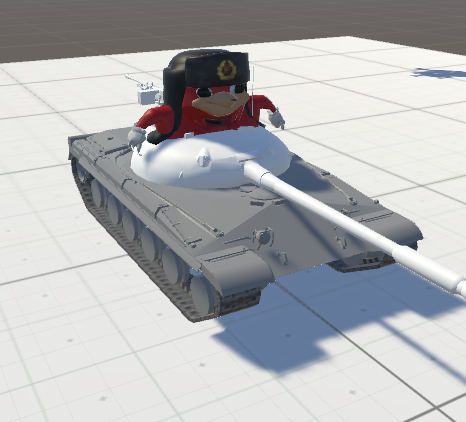
still lark
@tame skiff Unity causes lots of problems if a rig is not in T pose
and I dont know how you put a tank in T pose
fading verge
i just need to know how to make the head move while stuck in a object
still lark
like im guessing you're gonna try to make the model humanoid, I've no idea in that case
It's fine unless you want the head and mouth and eyes to move
tame skiff
I assumed he has a humanoid rig in all this
fading verge
do I have to place the vrc descriptor on the avatar model or the object?
still lark
vrc descriptor will upload what you put it on
so if you put it on the avatar model it wont upload the tank
tame skiff
One descriptor per game object, right?
tame skiff
You can't make me leave, I'm un-shoeable
fading verge
ah yes
still lark
@tame skiff I guess, there isnt really a reason for more than one
tame skiff
I was asking if that was the limitation?
still lark
post a link
fading verge
i wont get warned?
 still lark
you can add the component twice, but there is really no reason for two decriptors. it does nothing
fading verge
the tank will carry the knuckles around without animation
@tame skiff can u show me where are the weights you mentioned
still lark
do you want the mouth and eyes to move?
fading verge
yes
still lark
then I have no idea
personally i think even if you make the weights like that unity will cause problems
fading verge
how can I attach a hat to a avatar?
still lark
put the hat on the character in blender, weight paint the hat on the model so the head bone moves it properly
 meager fern
https://gyazo.com/963e13e58195a6526bfe746a96aa6aca is there some way to make this rotate properly?
 still lark
try pressing , and then rotating
fading verge
Does anyone have the muscle animation asset?
still lark
@meager fern Switch to Object Mode (otherwise we will get an error saying the origin can't be set in Edit Mode)
Set origin to cursor ( Space , search for “Set Origin”, Then choose “Origin to 3D Cursor”. Or Ctrl-Alt-Shift-C ).
and then attempt to rotate
meager fern
kay, ill try that 👀
still lark
if that doesnt work there arent really more options other than trying to rotate in each axis and fixing it slowly
still lark
wait
In Edit Mode
Select the faces.
Press ShiftS and select cursor to selected, that will put the cursor at the center of the selected faces.
Switch to Object mode (Tab)
Select Object>Transform>Origin to 3D cursor (or CtrlShiftAltC).
@meager fern I don't think what i sent earlier would work
dapper osprey
Yo, why does weight paint mode select the armature as if it was the body?
still lark
@dapper osprey try clicking on the armature and setting it to pose mode
oops, accidently pinged a guy call ds
dapper osprey
Yeah I know

This is the problem I have
and I dunno why did it turn purple
it was blue before
The armature is in pose mode
still lark
when it's purple it means no vertex groups are assigned i think
dapper osprey
selecting the bone in weight paint mode selects the whole armature as if it was the body
still lark
you should try resetting the automatic weights
still lark
I dunno then, you should check the error blender gives you and try to solve it
 mystic sluice
@meager fern Go into edit mode and rotate the bone to be the same angle as the pipe
still lark
when you try to set automatic weight
 fading verge
oh i managed to attach the hat by placing it in the head armature
fading verge
and i can move my head with it attached
mystic sluice
Alright, when setting an idle animation (humanoid), my avatar is stuck in that dropped down fetal like position. Anyone know how to correct that?
@dapper osprey You can weight paint the armor with the bones
dapper osprey
I CAN'T, THAT'S THE PROBLEM
mystic sluice
What happens?
still lark
can you take a picture of the weights tab
still lark
@mystic sluice
dapper osprey
it selects the armature
WHILE in weight paint
and the armature is highlighted as if in object mode
mystic sluice
Huh?
dapper osprey
AND
mystic sluice
I'm not having blender issues, it's in Unity
mystic sluice
The idle animation stuck pose
still lark
click on your character in Unity, go to rig where you set it to humanoid, click configure, and then click muscles
it will show a preview of your character in idle
dapper osprey
I can select the bones perfectly fine with the model itself
in weight paint
but I can't select the bones with the armor
meager fern
nope, it didnt work, the bone/mesh isnt spinning on its own axis, it bends 😦
fading verge
how do i add a jaw?
mystic sluice
Jaws don't really work
fading verge
or make my mouth open
mystic sluice
Use visemes
fading verge
whats that
mystic sluice

Tutorial on Visemes aka lip sync for VRChat Avatars in Blender. For some reason this video was deleted? Heres the reupload :) My Twitch: https://www.twitch.t...
mystic sluice
shape keys
still lark
it changes the shape of the character depending on something
there is a viseme for the sound "ch" so when you say ch the character's mouth would move in a ch position
or one for aa and then the character opens his mouth basically
the people asking for help in this channel is really endless lol
dapper osprey
I'm trying to figure out this problem for 30 minutes, lol
well, 20 probably more like
still lark
try the blender discord
still lark
everything does
dapper osprey
Yeah
and when I choose weight paint, the bone isn't selected and if I try to select it
it selects the armature and stays in weight paint
and the armature is selected as if it was in object mode, but you're in weight paint mode
 gaunt belfry
I don't know if this is the reason why or not, I never really paid attention but it could be because the armature and the mesh aren't under one group
dapper osprey
if I try to join the mesh and the model itself
I can't do fix model
and then the whole model can't select the armature
the model body can select bones in weight paint just fine
but the armor legs for some reason can't
still lark
what do you mean join the mesh and the model itself?
gaunt belfry
Oh, is it possible that the leg bones are under a different armature or something?
still lark
it could be that once you join stuff you need to reset the automatic weights
and then vrcat can't fix the model
dapper osprey

this is the model I have
the armor is not the model
I attached it to the model
and before, I could join them just fine and do fix model
Now for some reason I can't do fix model
if I join them
gaunt belfry
Oh I see, now, what does fix model actually do? It's not something I use.
dapper osprey
Reparents bones, removes unnecessary bones, objects and etc., translates and renames bones and objects, mixes weight paints, corrects the hips, joins meshes, coverts morphs into shapes, corrects shading
MMD stuff
gaunt belfry
I honestly, would just go without fix modeling it and just do it manually, morphs should be shape keys by default if it's PMX/PMD. Reparenting bones just takes a few minutes and extra bones are ignorable. Translating the bones is eh.
fading verge
can someone help me
dapper osprey
Well, you usally use it once
fading verge
my avatar falls through the floor in vrchat even tho my model has a skeleton and the feet touch the floor
 brisk mesa
@fading verge where is that actual origin point of your avatar, though?
is it way up in the chest? because that needs to be lowered to the floor under your feet to be normal
 naive tree
@fading verge how are your feet bones located vs the ground? are they above or at the ground level
gaunt belfry
@dapper osprey I would try reimporting the entire thing into blender and see if anything changes. Also @fading verge I had the same issue before, is any of the legs bones end points or oddly placed? This is if mRage's solution isn't the problem.
dapper osprey
I could, I guess
well, rather
@gaunt belfry I have already tried reopening blender
if that helps anything
or should I
export and then import?
gaunt belfry
Well the problem you are having with the rigging is odd because even if the meshes are separated, they should still be able to be rigged to the armature. Can you show me a screenshot of your armor in the browsing window?
 gaunt belfry
Okay are you able to move the planes under the armature but not join it to the model?
gaunt belfry
Set the planes parent to the armature through the property menu
dapper osprey
Bone heat weighting failed, failed to found a solution for one or more bones
but it seems like it went in there
Oh
I CAN DO IT NOW
Thanks a fucking lot
gaunt belfry
Yup, it was because they weren't in the same group as the armature
dapper osprey
Seriously thanks, lol
I spent an hour trying to find a solution
not going to bath
Umm
@gaunt belfry While I thought I painted it
the armor doesn't move
gaunt belfry
Can you show me the paint on it?
dapper osprey

I'm not sure if I should go full red on the knee part, though
and I accidently had the dots on, ups
gaunt belfry
And when you rotate that bone, the armor doesn't move at all?
dapper osprey
not at all
I'll try joining the mesh, though
with the model
Wait
the fuck
It... says the model doesn't have weights on there
but the leg still moves
HUUUUUUUUH
Wait, I'm severely retarded
 royal glen
I want to import a model that's not human, basically a giant slug. Should I still set it as humanoid? Should I bother with its bones at all?
gaunt belfry
I would set it to generic rigging
dapper osprey
ALMOST went as I wanted

 half cloak
can't you just rotate it in unity?
that's what I did for something I had physics on and it worked fine. Wasn't touching the ground though
 charred patrol
the tails are a child of the hips
dapper osprey
WHY WOULD THEY REMOVE UPLOADING PICS
wastes so much time

I have this weird bending
And I'm not sure how exactly I could get rid of it
fading verge
yeah I don't get why either
dapper osprey
The weight painting I'm trying to do
gaunt belfry
That is most likely a weight painting issue lol
gaunt belfry
Is that bend, the knee joint.
tame skiff
Is the "angle between legs and pelvis" warning serious to worry about?
charred patrol
https://gyazo.com/c1cc7f330dce4a76af0238ad91ea1c85 is there a way to bend the tail so it's tip is on the ground?
fading verge
http://prntscr.com/i1unc8
How should I go about fixing this?
 charred patrol
rotate the bone
fading verge
how can i make only the head of the avatar move?
 distant patrol
@fading verge chances are you can ignore this
if you wanna move it be sure to be in the bone edit mode. otherwise you move the fingers too
 tiny knoll
can anyone point me toward a guide on adjusting an avatar's bones for use with full body tracking?
 night canopy
how can I keep parts of the mesh hidden when I enter armature edit mode?
tiny knoll
been looking arround with no luck 😦
night canopy
got only the mesh I want to see visible in the mesh edit mode, but how can I replicate it in the armature editing mode
tiny knoll
wait just relized there is a section for it here on this discord, sorry wrong spot :/
fading verge
@distant patrol I'll keep it in mind. Thanks
@naive tree @gaunt belfry The feet are on the origin and the anchor point also origin in blender
night canopy
grr i dont even know where to find a simple xyz coordinate for this dumb unwweighted/unattached hair, screw it. I'll just merge it to the head
static hair it is
foggy osprey
@night canopy for future reference the hotkey to bring up information for a selected thing such as scale, location, rotation etc. is the n key
night canopy
thanks mac, ill try to remember that when I've calmed down a bit
looks like that big 'ol menu wont be too hard to remember
foggy osprey
@night canopy the hotkey for hiding objects is h. alt+h shows all hidden objects.
 supple stratus
Looking for someone who can replace outfits/clothes and basically put a model together using different parts from different models, will pay if u want💰
night canopy
i know that, its just that I can't hide parts of the mesh in mesh edit mode then have that carry over to armature edit mode
i was was trying to add bones for some unbound/unweighted or whatever vertexes and its pretty easy to hide every vertex group so only those show up
optimally i'd be able to get a top middle and bottom middle anchored XYZ coordinate so i can just enter those in and have a perfectly placed bone to split
fading verge
hey with dynamic bones how can you make something dangel? like just flop like theres no bones
brisk mesa
isn't there the Force thing for that
 gritty mauve
yeah i think so
with the amount of settings you have access to, you can replicate pretty much any passive behaviour
fading verge
oki i didnt know i just wanted to ask first but thanks
gritty mauve
so i ahve a problem of my own
I'm trying to build & upload and I'm told the the Chest should be parent of both shoulders and neck
as far as i can tell, that's already the case
 brisk mesa
i don't think it necessarily does but they may have to actually be connected
gritty mauve
damn the no-upload thing
brisk mesa
what's hard is if you have to rename it, you're gonna have to rename the vertex assignments too
cause those go off the bone name
 fading verge
Blender makes me mad
gritty mauve
does Chest have to be the root bone btw?
fading verge
Very anger
gritty mauve
it's not in my case
brisk mesa
no i thought the root bone was always the hip bone or something
like hip then spine then chest
and in other models the root bone is some bone that's on the ground
fading verge
Is the cube in blender the same size as the cube in unity
brisk mesa
what are you using this 'root bone' status for?
i doubt the cube is the same size
it's fine, in unity youre gonna have to scale it up or down anyway
fading verge
How big is the default skeleton in blender?
In real world feet/inches
I dont know how to use this program
brisk mesa
idk honestly i just wait till the sdk says i'm too tall or short and then i just go midway lol
fading verge
O
brisk mesa
the sdk does have a default person dude in there if you wanna drag him in
people do that to check apparently but i never bother
gritty mauve
unity uses metres as default unit
fading verge
Ok
brisk mesa
if anything you should upload like 2 versions of your avatar and then just delete the shittier one xD
gritty mauve
same with blender iirc
which used to infuriate me back when I used it to process CAD exports
fading verge
So each square on the grid is 1 metre correct?
gritty mauve
because it doesn't check files for what unit they use and just assumes everything is metres
should be
or rather
a unit square is
if you zoom in it gives a finer grid
foggy osprey
kuri, don't get too wrapped up on size in blender. it really doesn't matter. you can scale objects in unity before you upload them.
foggy osprey
if you tried to make your avatar as tall as it should be, you'll still be massive compared to everyone else. everyone uploads their anime avatars waaaay too small
they are like 3 ft high
gritty mauve
most of them come at ~1.50-1.60, yeah
most non-anime avatars are the proper height though

 wooden grail
anyone know some good settings for dynamic bones on shoulder length hair?
and what da fook LOL
fading verge
what do you all use for auto rigging
gritty mauve
Hair:
Update rate: 60
Damping: 0.2
Elasticity: 0.05
Stiffness: 0.8
Inert: 0
for @wooden grail
wooden grail
end length and all the otehr stuff like gravity not matter?
gritty mauve
never used gravity for hair
set unity to play mode and drag the avatar around in scene view if you want to experimetn
wooden grail
ill try it ig but looks too wild on the play thing
gritty mauve

A Unity tutorial on how to use the dynamic bone plugin, which is available on the asset store here: https://www.assetstore.unity3d.com/#!/content/16743?aid=1...
wooden grail
expecially for short hair
gritty mauve
reduce elasticity
increase stiffness
damping
etc
honestly just mess around
till it works
damn screw blender for having middle-click -> rotate, unlike every other 3d software out there
wooden grail
its hard to tell coz in unity it can move so smooth then second u move IG its just so much more stiff
https://puu.sh/z3NK9.gif left side is b4 right side is w/ settings u said

guess ill try it ig see how each does
gritty mauve
highly dependent on your framerate afaik
because you're doing the avatar stuff locally I think
I may be wrong though
fading verge
you can still have a working hand if it isnt connected to the arm right?
wooden grail
Sigghhhhh
when u setup all the bones n descript and lip sync and forget to take it out of playmode.
 plush python
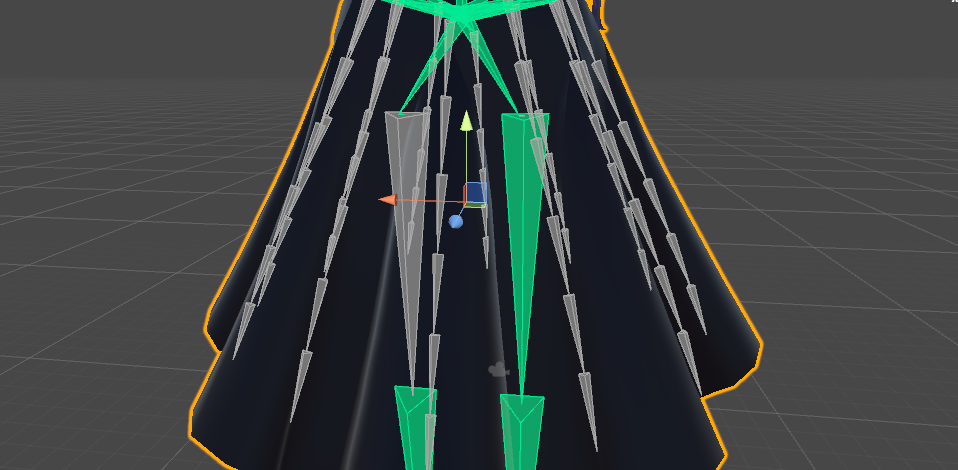
So i'm importing this lovely model but there's no chest bone it seems, any way around it to put the avatar in the game?
Also ping me if you answer
 open lintel
how hard is it to make your own rig in blender? i found a great model but cant create eye tracking or visemes cause stuff isnt there D:
tame skiff
I'd like to think eye rigging is simple
Just create a vertex group with the same name as the bone, and then select the respective polygons and hit "assign"
open lintel
oho so thats where i goofed on that one, what about making it able to speak?
 hazy tusk

okay what the Hell. I cannot, for the life of me, prevent leg/skirt clipping on this model
open lintel
i stuck dynamic occlusion orbs on the hips and top of the legs for my model that had issues with that, after sizing them appropriately it went fairly well
hazy tusk
oh hips would be a good idea
I'm trying the resizing and positioning part, increasing the size slightly, but pulling them in
open lintel
yeah instead of one large one on the hips that encompassed the legs, i put small ones on the hips, top of legs, and knees, and made them just big enough to leave a few pixels between them and the legs for a buffer zone, turned out really well
only problem was the first time i did it the hips orb was far too big and she ended up with a bulge under her skirt
try to avoid that one eh 😛
open lintel
all depends on the length of the skirt really
hazy tusk
even if the skirt doesn't go that far on mine, maybe it can be used to prevent it
open lintel
i put one on her head once, made it fairly big and applied it to her hair to give her this "electrocuted" look
there's some crazy stuff you can do
just never put all the values to 0 and put a dynamic bone on the entire rig
you get a wacky wavy inflatable arm flailing tubeman
 oblique cloud
it only shows clear cache and prefabs? when i click vrchat sdk?
open lintel
did you have any kind of mmd import setup? it conflicts with vrchat's sdk. also, maybe update yer sdk if that is not the case
oblique cloud
i updated the sdk and now it won't let me choose any options
open lintel
thats odd then, i havent seen it do that before, sorry out of my league then
oblique cloud
in unity right
hazy tusk
correct
Can I exclude the top layer of a bone but have the others affected?

I.E. 2_0 and 3_0 move, but 1_0 ignored
open lintel
for which, occlusion or dynamic bone itself?
hazy tusk
oh, dynamic bones.
I figured when you said dynamic occlusion orbs you were saying bones
open lintel
oh that should be fairly easy, the dynamic bone chain when created follows the heirarchy down the chain, so if you apply it to bone 2_0 instead of 0_0, itll only do 2 and 3 instead of 0, 1, 2, and 3
at least that's been my experience
now on the other hand, getting the occlusion orb to only effect those specific bones is a bit more complex
 minor terrace
 minor terrace
"What"
open lintel
the way i did it was i set two sets of dynamic bones, one for the entire chain, one for just the 2 and 3 in your example, then applied the collider settings to the second but not the first
yeah
i meant collider sorry
been a few days since i rigged
hazy tusk
no worries, just wanted to make sure
open lintel
yeah it makes that collision orb thing on the bone you chose
but if you only apply the effect to the second bone chain, the top two will be unnaffected and the bottom two will be, but you have to set up two chains, one for 1-4 and one for 2-4
it works but it may not be the full correct version of how to do it
its how i cobbled mine together lol
 plush python
Any idea about what i posted before? :<
hazy tusk
Thanks Turmor, I'll try
plush python
the bone is not selected in the rigging
fading verge
So I have to select it then
Thats done in unity correct?
What should I do then?
@plush python ?
dapper osprey
YO why does
one of my bones not move as much
as the other 7
even though they're weighed literally the same
 tardy schooner
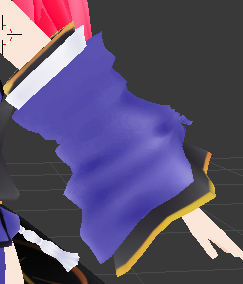
Sombody knows how to delete hidden geometry in blender? I want to get rid of the arm parts inside this sleeve https://imgur.com/Vry62DM
 plush python
yeah alyssa
dapper osprey
@tardy schooner if the hands/body are connected to it
select the body, go edit mode
and select the polys there
hazy tusk
omg I got it
changed the dynamic bones to a lower skirt, moved the hips lower but increased, repositioned the leg orbs
no more exhibitionist !
tardy schooner
no, they aren't conected, they are 2 different pieces, I wanted to delete de skin under that and replace it with the sleeve
 timber lion
could someone help me out figuring out why when my character moves their head (using pose mode in blender) seemingly random parts of their hair doesnt move with it and almost seems to duplicate some parts?
tardy schooner
@timber lion check the in the pose mode and look the weight painting
maybe the head has a conection with those parts, if it has, paint it in blue
timber lion
sorry if i sound dumb but how do i check the painting?
dapper osprey
@tardy schooner Can you send an image?
fading verge
 tardy schooner
The sleeve consists in three parts, wait, I'll send you a pic
dapper osprey
I'm encountering a weird problem
gaunt belfry
@fading verge Are you trying to make a humanoid rig for that thing?
tardy schooner
@dapper osprey https://imgur.com/UT0rZG8 https://imgur.com/QogbCSN
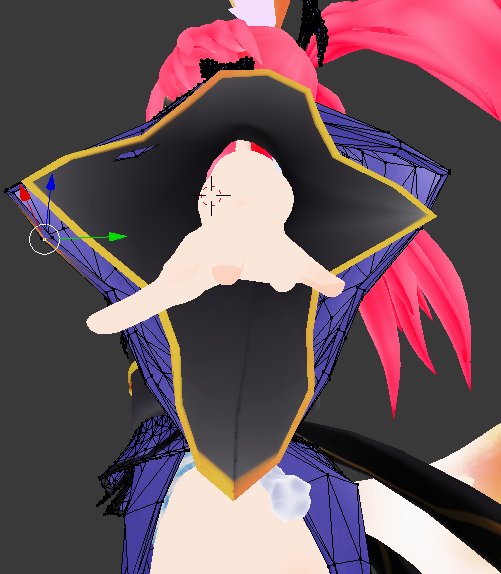
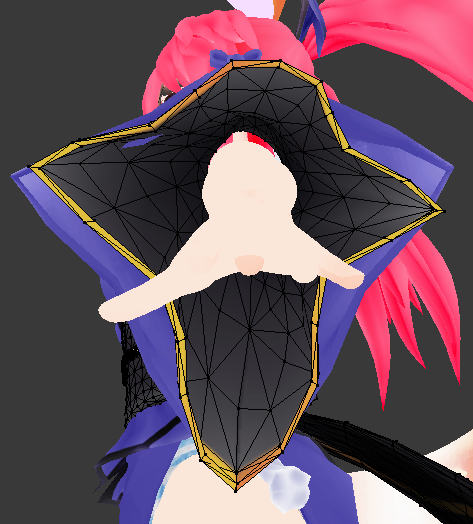
oh sorry, that's not the side
dapper osprey
I can see it
also
turn on see-through mode
if possible
and uhh
neither of these are connected to the arm
so the arm should be a separate mesh
fading verge
@gaunt belfry no ive done that ive imported anyther model in and the rig looked like that and im trying to get them to look the same cus its annoying
dapper osprey
select the body in edit mode
and send me a screenshot
front view
in the meantime I'll ask my problem too
gaunt belfry
@fading verge Im trying to understand what those bones are even for, like the model is already rigged, what more are you trying to do?
dapper osprey
Why does ONE bone out of 8 not move the part fully?
https://cdn.discordapp.com/attachments/315536092977692674/403315489209581588/unknown.png

 gaunt belfry
That part could have mixed painting on it
fading verge
im testing out something and hopeing it works but i just want the rigs to look the same
dapper osprey
What do you mean by mixed
fading verge
@gaunt belfry
gaunt belfry
Like its also painted on another bone as well @dapper osprey
gaunt belfry
@fading verge So you are trying to recreate the exact rigging from scratch?
dapper osprey
but it's not painted on anything
gaunt belfry
@dapper osprey So wait wots the problem here
 fading verge
no.... the thing you saw was a pair of arms but im not going to be useing them for that reason, im useing them for a animation
gaunt belfry
@fading verge OH, those arms have to be parented under the chest then with the first bone being the shoulders
@dapper osprey As in if the bone moves, the mesh refuses to move completely?
dapper osprey
no like
tardy schooner
yeah, the arm is a separate mesh, I wanted to do that because I have a bug in which if I move the arm the sleeve stands still, also to delete polys.
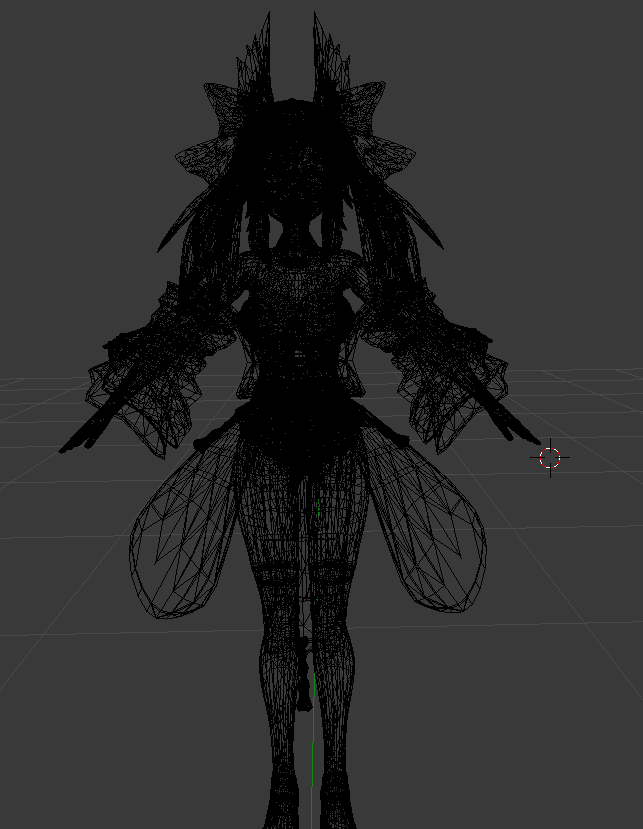
This is the body (yeah, it has a lot of polys, I'll fix that later) https://imgur.com/kg5jHdx
 dapper osprey
It's like there's some sort of resistance
@tardy schooner I meant the skin, not the body
f me
mb for causing misunderstandings
Select the skin of your arm (say, select your hand)
and go edit mode
and send me a screenshot
gaunt belfry
@dapper osprey Then most likely yes, that mesh that is attached to the bone is also painted on another bone as well.
fading verge
@gaunt belfry i know that but if you look the rigs are two different like idk how to put it but they clearly look different
 brisk crypt
So my model's shape keys don't have "AA" "Oh" and "Ch" labeled, can I get a picture of how the mouth is supposed to look for each key?
gaunt belfry
Just go around selecting bones and seeing if paint shows up on that part
brisk crypt
For face visemes
novel wharf
Dumb question. When setting my rig and making parent... which do I select first? Is it armature > mesh, make parent. Or Mesh>armarature, make parent
gaunt belfry
Just make those sounds with your mouth and recreate em
naive tree
@brisk crypt if your avatar has shape keys, then you need Ah, There, Your
not aa, oh or ch
dapper osprey
@gaunt belfry but there are so many bones to check :x
brisk crypt
@naive tree Uh. No. Ah, There, Your are generally what the shape keys are translated to if they are written that way. Mine were not written that way
gaunt belfry
@novel wharf You make a group consisting of the mesh and armature, but you don't parent one under another.
@dapper osprey Its horrifying yis
tardy schooner
nvm, if you can help i'm happy https://imgur.com/sUTfs7s
 brisk crypt
Whoever made my model made all the shapekeys a variation of "face"
dapper osprey
click your shoulders or your hand in object mode
click tab or select edit mode
and then send me a screenshot
novel wharf
I have my skeleton laid out and my mesh, but moving the bones only moves the bone and not the mesh
brisk crypt
For mouth movement. So I was just asking for a picture of how each one looked so I could pick em
tardy schooner
this is the problem, a big one, the hands are conected to the body, and every blue thing you see is also conected
gaunt belfry
@novel wharf That means that the model hasn't been weightpainted
Select the mesh then select the armature and push Shift + J I believe
and do automated weight paint
dapper osprey
Hmm
I really dunno how to find the bone that has weight paint on it
what if there's no bone weighed on it
gaunt belfry
If no other bone has weight paint on it, then the model just wants to be an ass from my experience
novel wharf
Nevermind. I got it
tardy schooner
there isn't, I don't know how to do it because the sleeve uses half of 2 bones, oh, btw, I don't know if this helps but, the sleeve has this https://imgur.com/tiFs7BB
 fading verge
 tardy schooner
or is it part of the arm, I really don't know
fading verge
can anyone tell me how i can get these two rigs to look the same
dapper osprey
@tardy schooner https://cdn.discordapp.com/attachments/315536092977692674/403319048890482690/unknown.png

this is what I wanna see
gaunt belfry
@dapper osprey I don't think that will do anything, but I'm almost positive its another bone painting the same mesh, it doesn't even have to be heavy paint, the smallest amount will do it
fading verge
@fading verge hard to tell from that pic what you're trying to make symmetrical
timber lion
aaaaa why wont my weight painting just grab everything i dont know how to do it manually without messing up the entire hair
fading verge
I tried rigging my favorite game character from gmod to VR chat, it all went good until I had to texture him in Blender.
@fading verge oki one rig doesnt have walls and one does i want the one with walls to be like the other
gaunt belfry
@timber lion If you don't care about dynamic boning the hair, just select the head bone in weight paint and paint all the hair
timber lion
man but i do really like dynamic bone stuff how else will my hair swish
tardy schooner
https://imgur.com/7WI7fxr these, right?
 fading verge
http://prntscr.com/i1x9hr how do i attach all of these to my avatar? :x
 dapper osprey
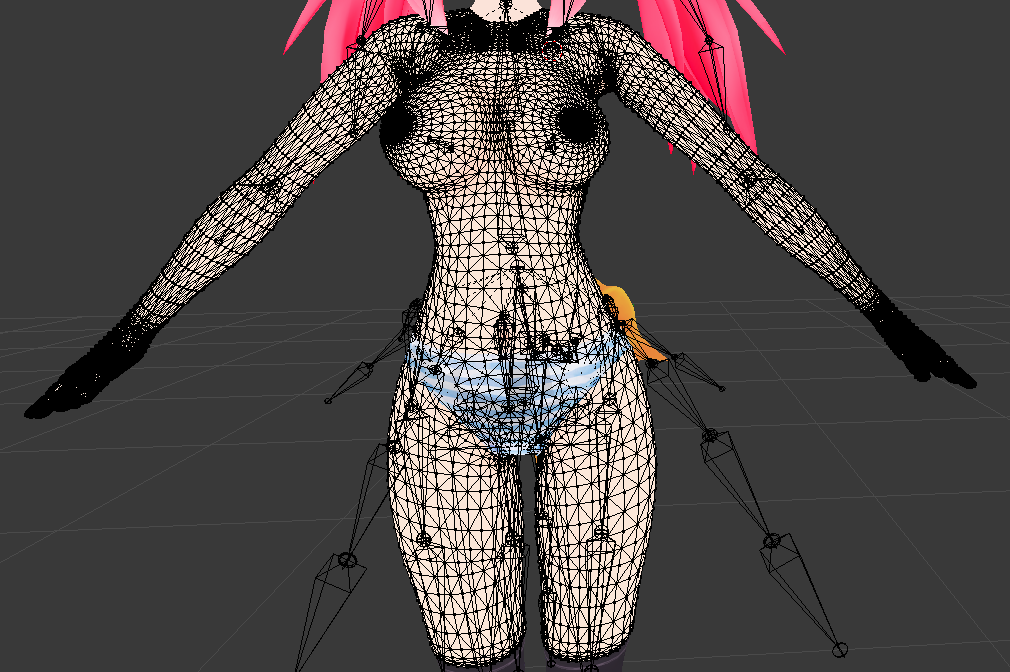
Yes and HOLY SHIT THOSE NIPPLES ARE HELLA DETAILED
gaunt belfry
Then what you can do, is select ever seperate hair bone strand, and ctrl+v and do seperate and paint it to that strand @timber lion
dapper osprey
okay so look @tardy schooner
tardy schooner
ahahhahahaah, yeah, I'll delete those xD
dapper osprey
I'll tell you how to delete the arms under sleeves if you really want
can you send the same image
but click Alt+H before that?
everything the same, but alt+h
send it to your own discord server or smth, open it up and send the link
saves a lot of time
tardy schooner
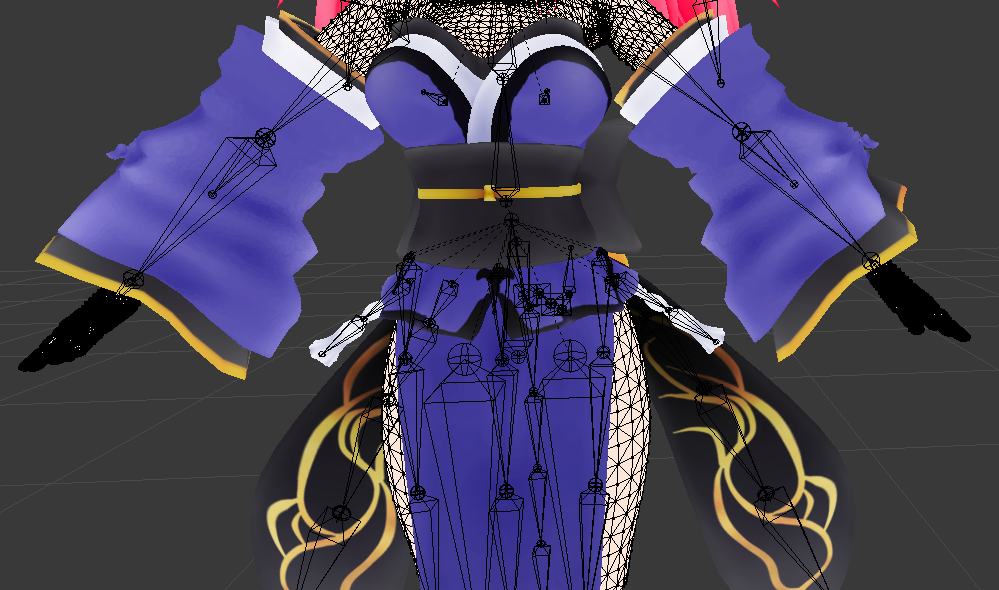
It's deleting that and also, how to attach the sleves to the arms after that, and alt+h in the photo before I send it?
dapper osprey
Basically
Unhide everything
you selected the skin and chose edit mode which is what I wanted
but you hid the clothes n stuff
and I needed that
tardy schooner
https://imgur.com/oa4nsp2 it's faster this way for me
 tardy schooner
 dapper osprey
Right so
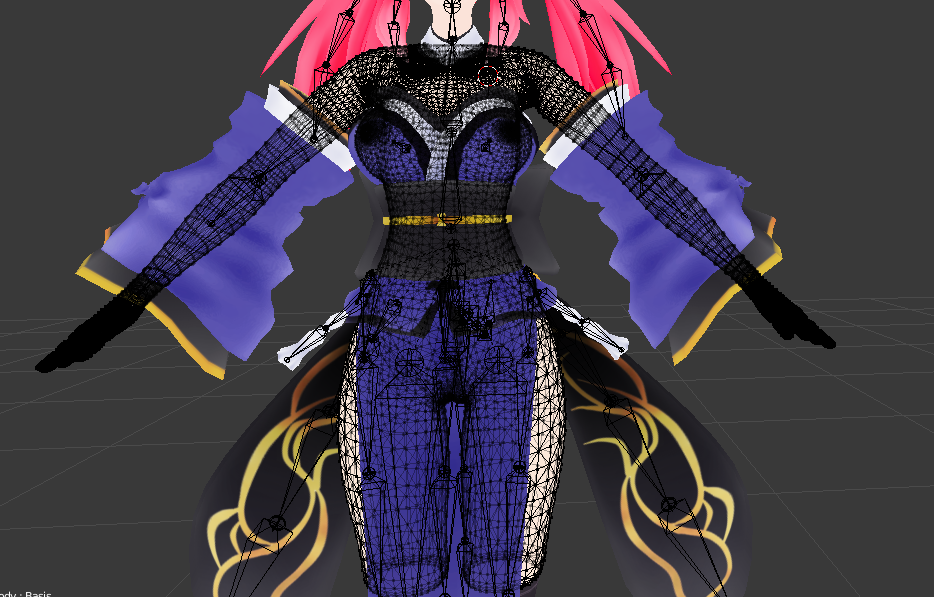
Now you wanna click C
and move around your sleeves
and click around the sleeve
how long you want your arms gone

I personally recommend deleting like this
inside the sleeves
since people can still see inside your sleeves
and well, you don't want to have your hands flying
Or rather, you don't want people to think they're flying
tardy schooner
okay, I've already selected thet
dapper osprey
Then click X
and select "By Faces"
you can also go "By Edges" for maximum efficiency via polys
since you're that deep inside
or even "By Vertices"
tardy schooner
already deleted those parts
hazy tusk
rip, skirt still does what it wants, feelsbadman
dapper osprey
because just the nipples look like they have around 2-3k each, lol
tardy schooner
121k xD yeah, I'll focus on that later, I've already did that one time, the most important part was having the sleeves to follow the arm, or merging the sleeve on the arm so it moves together
dapper osprey
Also, if you want maximum efficiency via polygons
you might want to delete anything that's pressed under the clothes
 swift merlin
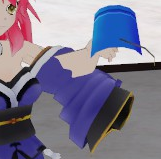
What character owo
tardy schooner
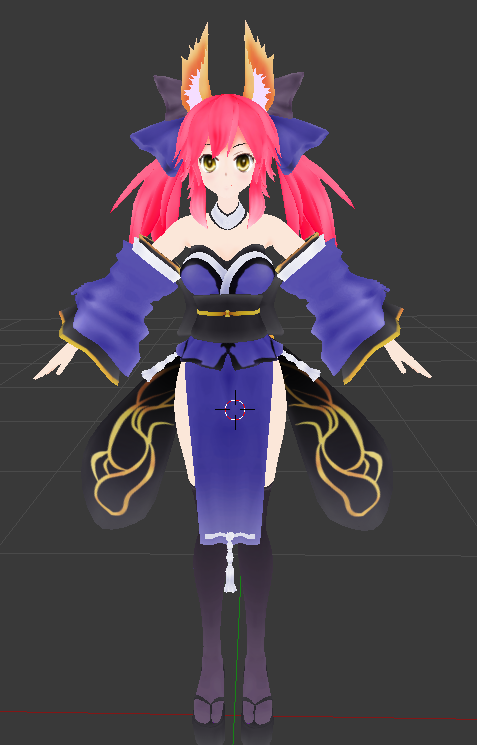
tamamo no mae fate
 tardy schooner
yeah, thank's to what you told me I think I'll be able to do that eaily, I didn't notice that button, now with the sleeve and the arm i don't have any idea
dapper osprey
this is how you want inside of your character look like
what exactly do you want to do with the sleeve and the arm
tardy schooner
this slight problem https://imgur.com/ke18VAl
 dapper osprey
I think the only thing that can help here is an exorcist
I have no idea how that stuff happens
Oh right, when you imported your Tamamo
Did you click Fix Model
with the cats tool?
timber lion
hmm new questionnn is there a way to merge armatures/meshes without losing the weight painting already on a part?
tardy schooner
yeah
dapper osprey
Aight
tardy schooner
the first thing I did
tardy schooner
I had bones between the arm and the sleeve before using the cats tool, but anyways, you've already helped me a lot with that thing to delete polys
 tough elbow
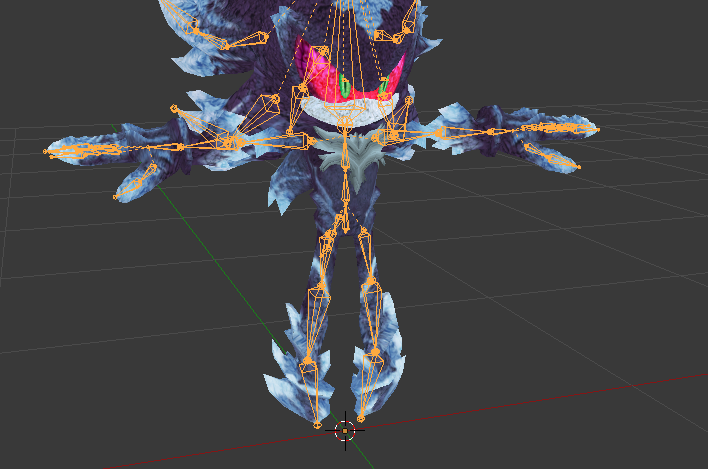
Hello everyone, I have a problem. I need to manually install a neck bone. It has to be parent of the head and child of the chest. I have never done this before. Can anyone help me with a startup? https://i.imgur.com/mQei1pu.png Note: I have 0 experience.
 dapper osprey
@tardy schooner I think those bones might've been for sleeve physics
tardy schooner
maybe that's right, I'll have to see how to fix the unnecesary bones without CATS
dapper osprey
You can also bones manually
it isn't as hard as we, beginners, think
I just dunno where you'd parent the sleeve bones
tardy schooner
oh yeah btw, do you know how to manually parent bones?
tough elbow
ctrl + p
 lyric current
Someone mind spending a little bit of time to explain something via VC and Screen share?
tardy schooner
do I have to parent every single bone to a mother bone?
lyric current
Every child will have a parent.
 jagged oak
Question. In blender if I delete the upper chest bone cause it won't let me publish. Then put the chest bone into place in unity..will it cause my chest to do weird things in the game?
tough elbow
I am just gonna ask again:
Hello everyone, I have a problem. I need to manually install a neck bone. It has to be parent of the head and child of the chest. I have never done this before. Can anyone help me with a startup? https://i.imgur.com/mQei1pu.png Note: I have 0 experience.
tardy schooner
Well , thank you so much @dapper osprey for everything
oh, okay, thank you senpai
dapper osprey
Np :p
tough elbow
Can anyone awnser what I asked above? :S
fading verge
it's a lot of steps but it's not really that hard
brisk mesa
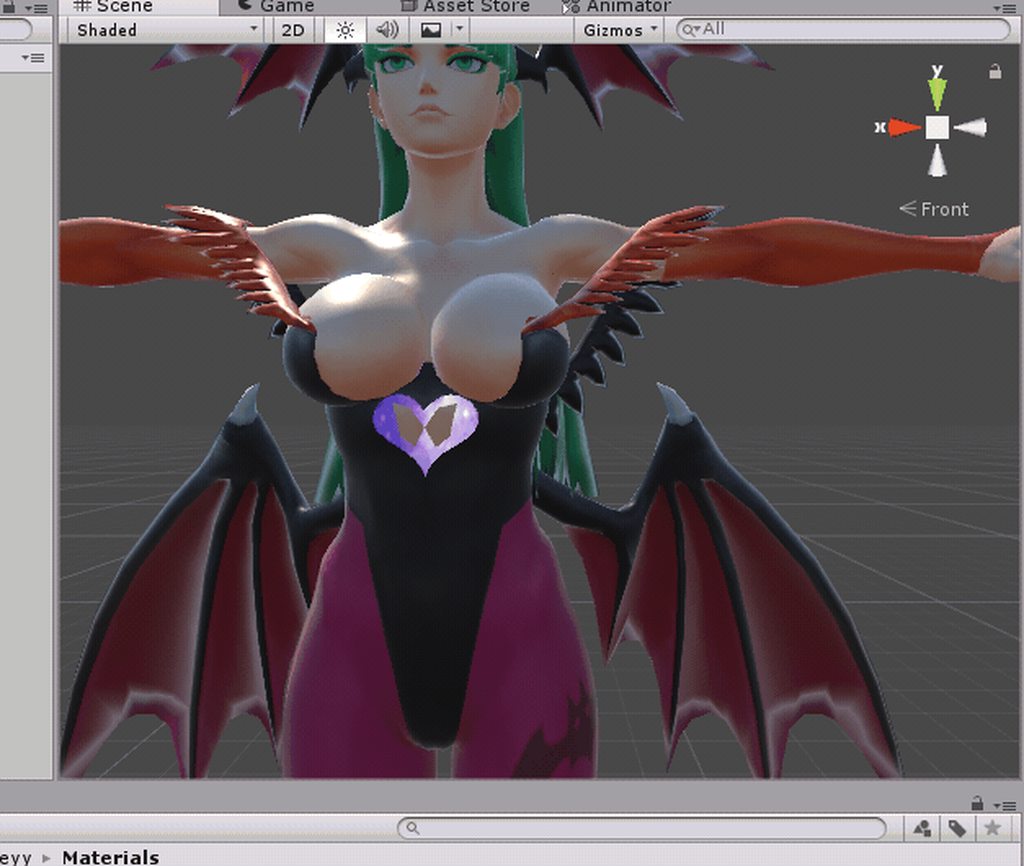
this is me hiding my mistakes with weight painting and separated meshes that i can't do shit about: https://i.imgur.com/9LSwPZs.gifv
fuck itttttttttttt
I'LL JUST ADD TITTY PHYSICS, NOBODY WILL NOTICE
jagged oak
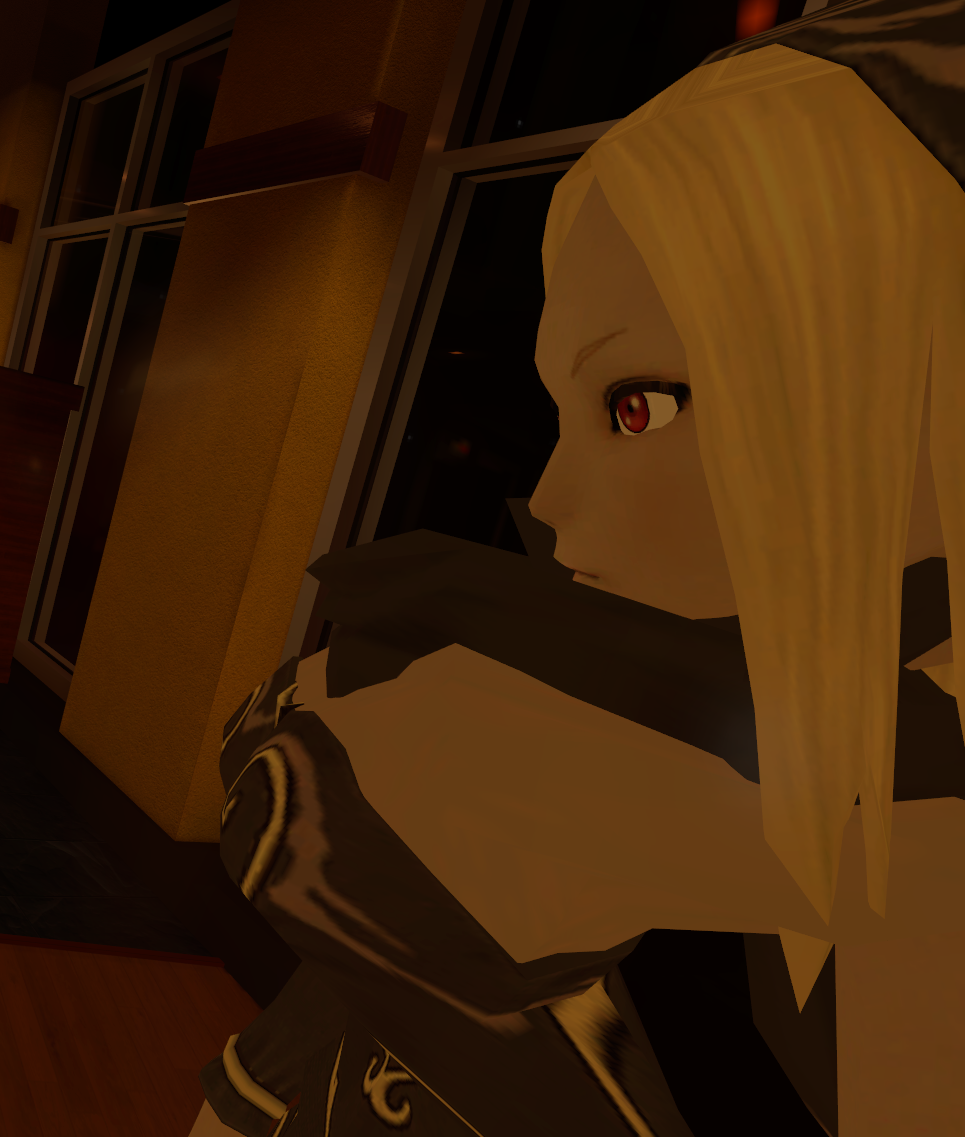
https://imgur.com/a/N4a0D What have I done and how do I fix this? I deleted the upper chest bone in unity cause otherwise it wouldn't let me publish it.
 fading verge
he has little teeny tiny bones like a baby chick in his torso though so you need to deparent the head bone from the current chest bone. Then you have to right click the little ball tip of the chest bone and hit E to extrude a new bone, this will be the neck. then you have to parent the head bone to the neck bone. Preferably, after you've made sure the neck bone is straight
brisk mesa
naw man you shuoldn't have deleted the whole upper chest bone
well at least you shoulda parented all that shoulder and neck stuff to the chest bone
upper chest bone can then be gone
jagged oak
Didn't it parent automatically?
brisk mesa
likely not
tough elbow
Fleshy, you make it sound really easy but I still am not really sure how I should "decapitate" the head from the chest
brisk mesa
i have to go into blender and actually check those right side bone tab options
jagged oak
Right. so how do I make sure they're parented? The neck and shoulders automatically connected to the chest bone when I deleted it so I assumed it had parented.
brisk mesa
the right side options in the bone tab
there's a textbox for Parent:
i just check there
prob have to be in edit mode
jagged oak
Sorry new to all this. https://imgur.com/a/aMJod
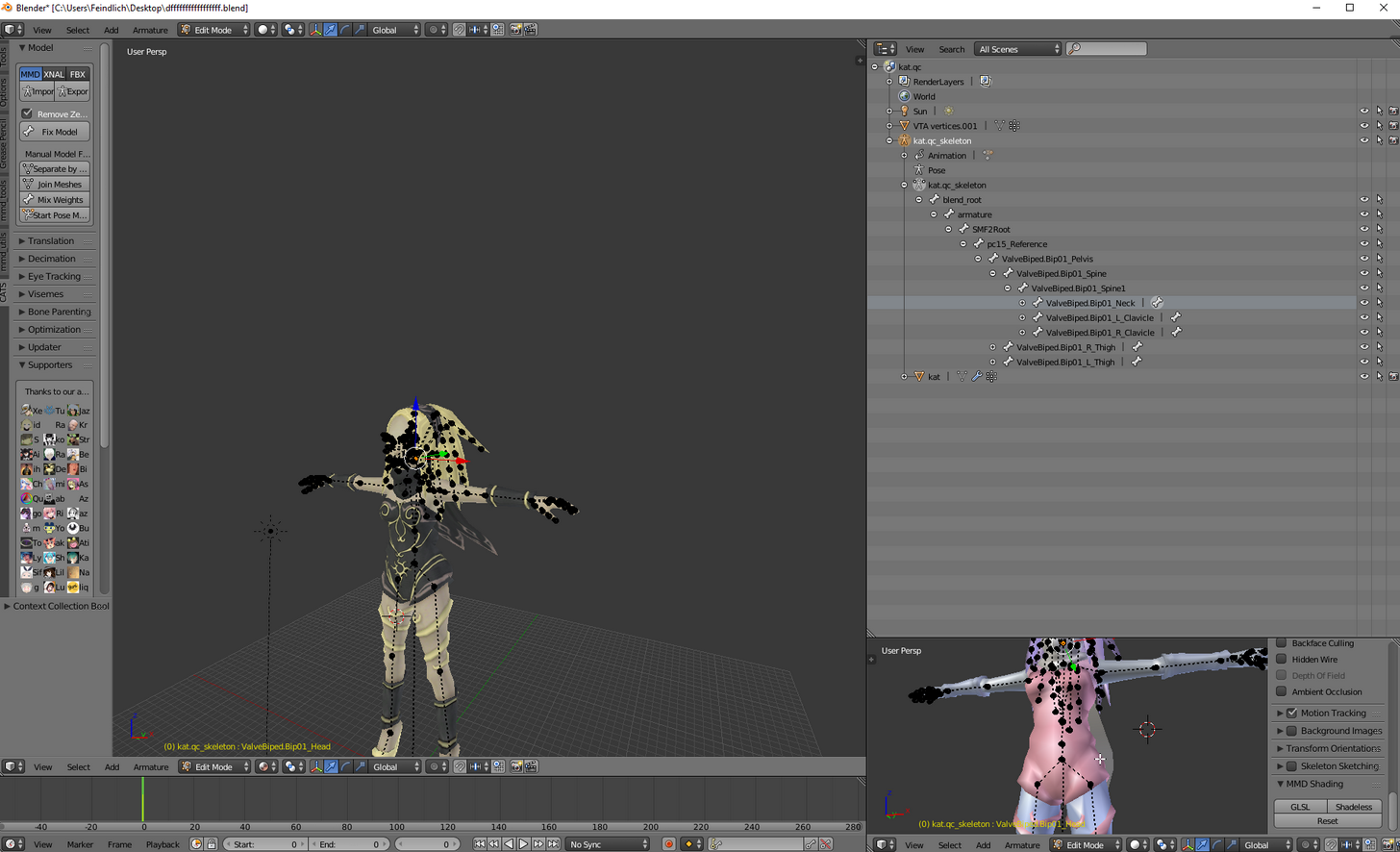 tame skiff
So how does eye tracking work?
jagged oak
I got all this up.
brisk mesa
yea the first time i added titty physics it went too chaos lmao
and some dude walked up to me going THIS IS FOUL, STOP
then accused me of using a voice changer👌
 magic scarab
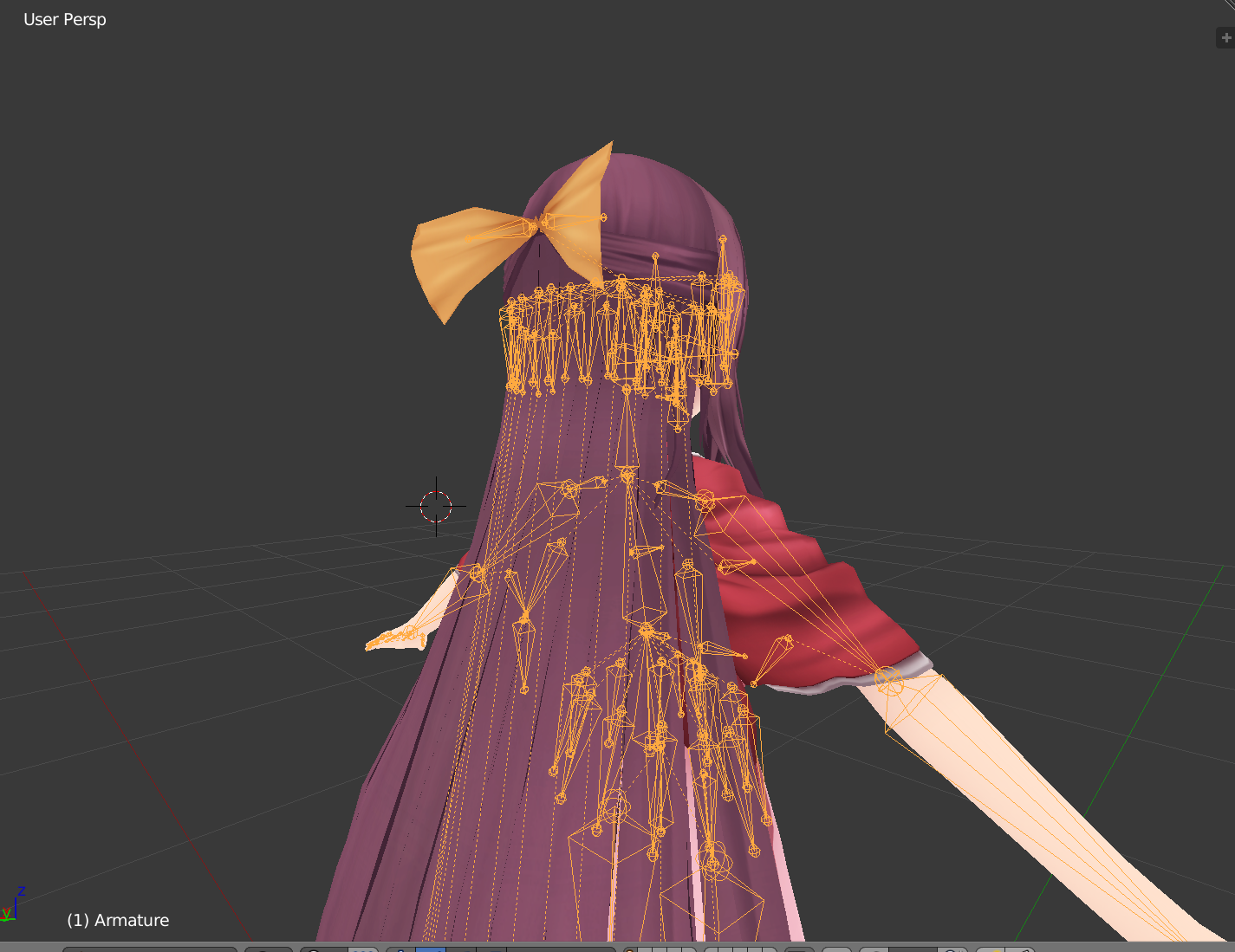
Any suggestions on how I should be parring down these hair bones? I've already merged them, but there's still so many. Should I just try selecting a few worth deleting?
https://i.imgur.com/Vg8ziHW.png
 rare marsh
its ok if there are that many, as long as you set up a root you should be fine
magic scarab
Even if I plan on rolling it into a dynamic bone?
 topaz dune
we want as few as possible
brisk mesa
i like one hair bone for each top, middle, bottom section, it seems to work
topaz dune
merge some of the lines. if you delete the bone's you will also delete the weight paint, painted to those bones
brisk mesa
other people like 6 similarly but hey whatever
jagged oak
I cannae see a text box for parent.
brisk mesa
try edit mode and make sure you selected your armature probably
armature icon also has xray checkbox to see your bones better in the little dude doing a jumping jack icon, bone tab is to the right of this
fading verge
@brisk mesa outstanding avatar man nobody will notice
brisk mesa
unity won't accept my Arnice from nights of azure so i went back to her
idk something about arnice was crashing unity
i also fucked up morrigan's hands cause there's separated mesh bits there too, but i'll just explain it like "YEAH WHATEVER IM MEGAN FOX I HAVE WEIRD HANDS, FU'
magic scarab
The dumbest question then, what's the process for merging lines? Assuming it's different than cat's merging bones.
 summer sequoia
anyone know how to keep hands from clipping through poofy dresses? I feel like colliders wont work for that with the idle animation
might need a new idle animation
open lintel
de-poof the dress, or new idle animation
summer sequoia
hmmm
summer sequoia
My vr set is getting to my house within an hour or two so i'm rushing to get my characters rigged with colliders and stuff
open lintel
at least when i did it... i did colliders on the dress edges and did dynamic bones on the arms so they could be applied to the colliders but they flopped like jello. i bet if you honed the dynamic bone settings to make them fairly stiff it would work
summer sequoia
I usually use male avatars because dresses look so stupid with the idle animation derpily shoving your hands through
open lintel
ooh put pockets on the dress
jagged oak
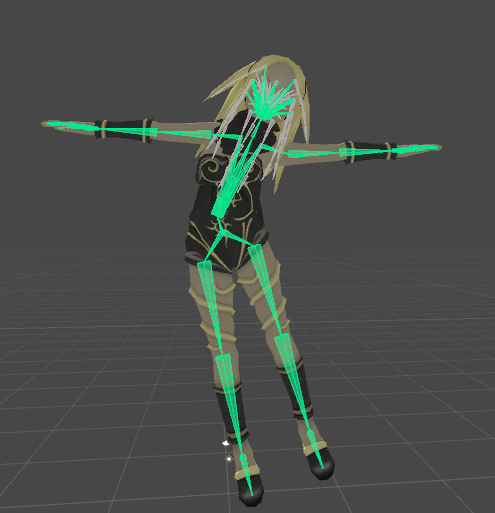
I managed to make it a parent and.. https://imgur.com/a/M50JK This isn't supposed to happen I don't think...
 summer sequoia
cat called she wants gravity back
jagged oak
I'm taking it away.
summer sequoia
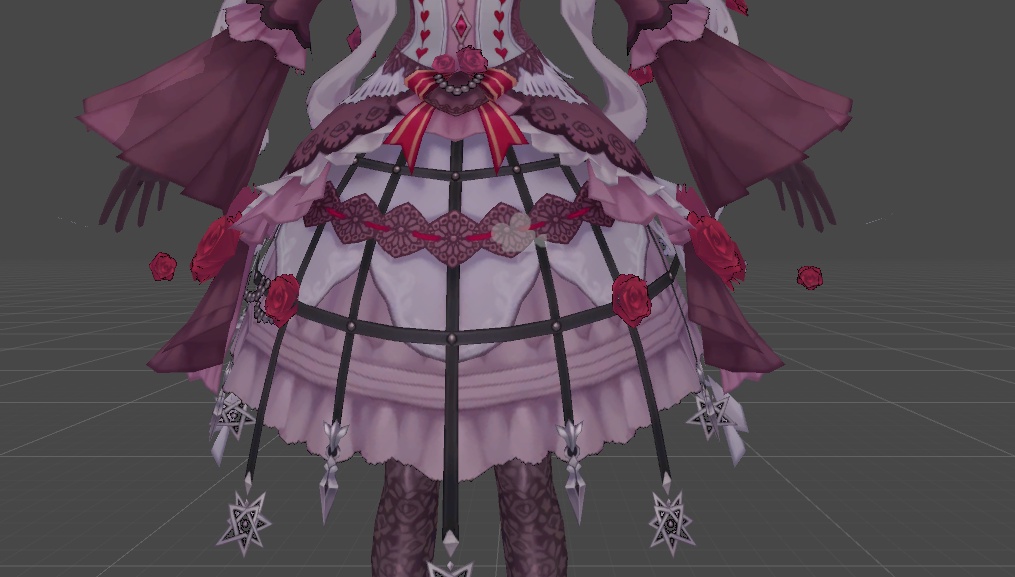
this is gonna bea nightmare
this clip for eternity
maybe i'll find an arms crossed idle animation
jagged oak
I'm slowly making progress LOL. now only her top half is going wonky.
 rose blade
does anyone have a generic bone structure for a cape?
 rocky heart
fading verge
rocky heart
fading verge
?