#visual-fx
1 messages · Page 29 of 1
 analog onyx
 cold sorrel
So your question was along the lines of "I hammered in the nails but my car still skids on ice" so instead of suggesting that you try screws, luos suggested to try a different type of Tyre.
 wispy plinth
@analog onyx okay!
 fossil swan
thats the best way to explain it yea. thanks Glad
 pseudo vortex
I don't even do vfx or art and I wouldn't use a 4k pre colored image
Yoeri knows his stuff and it's normal that expert talk sounds like gibberish at the start.
It's pretty much impossible to word it more user friendly without writing an in-depth tutorial.
So instead of getting mad at someone who wants to help you, try to calm down and read through it again.
Think about what they wrote and maybe do some googles on words you might not get.
 spare hare
waiting 6 hours for an answer instead of just playing around wont help either :P
analog onyx
VFX is quite often like: You expect this: https://prnt.sc/nmiwh4

But end up with that:
https://prnt.sc/nmix2g

While this is what you needed all along:
https://prnt.sc/nmixan
 fossil swan
XD
thats a darn good analogy
id put that somewhere on the main vfx wiki page glad XD
cold sorrel
How to kill my analogy in three simple pictures. A masterclass by death
The first two do show normal VS tangent quite well though...
fossil swan
i cant get over how well the first two images work
initially youd be like, that works
but only in theory hehe
cold sorrel
Image 1= N.
Image2= cross(N, X)
 fossil swan
blueprints
 paper light
Hey guys, I'm trying to implement a glow effect on my characters and just wanted to run this by you. If I have two characters who require very different base materials to look as intended, and I want both of these characters to flash "red" when hit, both characters are going to need separate, unique materials containing a "GlowColor" parameter, right? There's no way to take their current GlowColor-less materials, and apply some kind of general rimlight glow to them?
 solar remnant
Masks tend to work for that
paper light
Sorry, not sure what that means in the context of giving two characters that use different materials the ability to glow. Whether or not that glow is masked, it still seems like I'd need to make two different materials will a Glow/GlowMask property
Just to make it a bit less abstract, say one character is a ghost with a transparent, see-through material, and another character is a rock monster with a rough, bumpy material. These characters look totally different and need separate shaders, but they're both still enemies in my game that need to glow red when hit. So it seems to me like I'd need to give both of their materials the ability to glow red, but since it's my first time actually doing this kind of effect, I just wanted to make sure there wasn't some trick to "adding" that glow effect on top of any given arbitrary material.
fossil swan

Say, What, Again, Pulp, Fiction, Pulp Fiction (Film), Ezekiel, Vincent, Jules, Wallace, Samuel, Jackson, John, Travolta, dare
 violet night
ohno the baguettes strike again
 pliant kraken

fossil swan
See Tweets about #VFXFriday on Twitter. See what people are saying and join the conversation.
 Twitter
solar remnant
Twitter
solar remnant
emission is a part of both a normal material and a transparent material, you need to mask the sections of your model that you want to emit and use that mask to drive the emission. its that simple, no you do not need a separate material id just for emission.
if you're worried about when it emits or what color thats what parameters are for
paper light
That makes perfect sense, but that seems to imply that both my M_RockMonster material and my M_TransparentGhost material need to be set up in such a way that a glow is being piped into the emission node. IE, no way to make a character with a material that isn't already set up to glow, glow.
Which makes sense. I think I've got my answer. :)
solar remnant
custom materials ftw lots of doors open when you get comfy with custom authoring
paper light
Sure!
 drowsy lynx
@fossil swan just added another one to the hashtag 😄
fossil swan
rt-ed and replied 😃
 devout portal
I have a question, probably should be addressed to Epic
Why material editor nodes do not update the previews in realtime?
i sometimes need to collapse the preview and open it again to update it
i had no such issues in any other node editor
and i've been using those for about 10 years
fossil swan
i dont have much issues with that, sometimes takes a second to compile but it shows when its done.
older ue4's did it faster though.
would be nice if they did a general engine speed improvement, all the bloat is making it slow.
devout portal
also, no animation on the previews -_-
fossil swan
O_o
fossil swan
you sure the mat-editor options are all set correctly?
at the top you can enable live preview etc
knowing you it should be, but asking just in case
though, do agree its been less-proper working these last 10 or so versions.
fossil swan
we've all been there
devout portal
alway forgot that when you migrate the project it will reset the settings
fossil swan
yea, i wish ue4 would keep settings/prefs between engine versions.
devout portal
some buttons are missing in small ui ;_;
@fossil swan do you know is it should be like that?
fossil swan
the buttons thing you might want to report.
and iunno about the platform stats.
devout portal
oh, my bad...(retracted)
 dusty scarab
hey guy, does someone know how to make mist or smoke/fog particle fx stuff not an extreme performance hit? is there is secret to it or something?
spare hare
big particles, low spawnrate
dusty scarab
okay thanks, I will try that.
solar remnant
main thing is opacity, if you have a lot of opaque particles overlapping you can expect some major performance issues
fossil swan
*a lot of transparent, masking overlapping
dusty scarab
I want to have something like dead by daylight, they have a ton of that smoke things and everything runs smoothly. I wonder how they did that, maybe their trick is to hold it on ground level so it does not cover everything on screen with shader complexity.
cold sorrel
That's a common trick, yes
dusty scarab
or its cut out planes?
cold sorrel
No
fossil swan
fog might also be on a cylinder moving along with player
cold sorrel
Do you have an example of what you are trying to replicate?
dusty scarab
yes I wanted to play a round anyway. lol I make a screenshot
fossil swan
the more detailed, the better hehe
dusty scarab
like this here. that smoke everywhere is nice.
cold sorrel
Just giant sprites
I assume they magically disappear as you get closer, right?
Oh wait
hahaha, I thought the walls were skyscrapers
Yeah, just spawn a few sprites with nice detail along the ground and you are golden
spare hare
you can also do a post process that samples scenedepth
alteast for far-away fog. for near-camera you should use sprites
dusty scarab
yeah true, they disappear when you stand close. lol
okay I will try that later, thanks
fossil swan
hehe skyscrapers, from a slight distance they do look like that
dusty scarab
Im looking into making that texture myself, the ones I have, have an texture size of 64*64. is that importent, and why is it so small? 2k is maybe too much but I dont get it. I there a reason for that?
cold sorrel
Detail vs memory
The larger it is, the more detail you can fit in there, but it'll eat more memory
dusty scarab
okay thanks
cold sorrel
For an effect like this I'd look into adding a few different textures to a single flipbook and letting the particlesystem pick one at random
fossil swan
or alternatively you could have a community of particle systems vote on which one to spawn next
hides after giving weird advice
dusty scarab
I will try that tomorrow.
 celest birch
im having the hardest time finding good flipbooks for fog / steam
not like pyro smoke, actual fog
I have some pretty good looking UV displaced procedural ish fog
but it will never look like one of these simulated houdini ones
solar remnant
https://youtu.be/zAw01Lk55SY?t=1173 sidefx did a nice breakdown of their smoke for the Rebirth scene

Luiz and Galen take you behind the scenes of the making of Rebirth - the short film by Quixel, SideFX and Epic - launched at GDC 2019. Rebirth demonstrates t...
celest birch
houdini is scary 😦
 true terrace
Any idea what's going on with my material? It's fully black but somehow seems to get bright as i look at it from a particular angle
The material is 100% black, roughness 1., specular 0
I think it's the lightmap somehow showing even though it's full black
what im trying to achieve is transition all my scene's material into full black so it "looks" like some of the scene disappeared, but that bit of lighting ruins the illusion
 quick silo
does anyone know how this is done? The material is moving up and down and also the static mesh that uses this material moves up and down like this with no hard code.
spare hare
@true terrace make the material unlit
 brittle remnant
@quick silo It uses world position offset. Adds some to world X modulated by a sine wave
quick silo
where is that handled though? i dont see it anywhere in here or in the parent materials
oh i kinda see it
WPO
do you know if this is more efficient than moving a static mesh with a timeline? or how it compares
cause i see the math in the material now thats moving this and it just more blueprints 😕
true terrace
@spare hare i need the materials to remain lit unfortunately
spare hare
pitch black screen
lighting on black material
choose one
 main bay
hi, i have a particle that needs to be on a projectile, and when it moves it needs to run, and when it stops movinf it needs to stop emmiting but things that are already triggerd like the smoke should not cancel there event, whats the best way of doing this
brittle remnant
@quick silo Yes it's very fast in general though the cost increases as the vertex count of your mesh goes up. Keep in mind this is only a visual effect. The mesh is not actually moving.
quick silo
@brittle remnant ok got it. Thanks for the info
main bay
where is the option again to have your particle effects move with the emmiter
so it is linked
fossil swan
local space
 open matrix
can anyone tell me how should I approach making a realistic looking waterfall for archviz/
?
fossil swan
any experience with advanced shaders and emitters?
 iron skiff
Hey! I need advise on a good vfx solution (purchased or made) for VR. basically any animated good looking circular indicator to signal the player where to go. to replace what I have here. thanks!
celest birch
so I am finally trying to crack that technique @fossil swan and Klemen Lozer and other people have used
mesh flipbooks for lightning and stuff
and everyone seems to be using a custom node called "step" but i cant figure out what it does
any pointers ?
fossil swan
check out the stepping panner mat function to get an idea


Quick breakdown of stylized electricity, I cycle between meshes based on their assigned vertex color values, it's like a "mesh flipbook". This is a very flexible technique, 3D results and drawing efficiency. #screenshotsaturday #gamedev #indiedev #UnrealEngine https://t.co...
Retweets
1677
Likes
6431
Twitter
 dapper dawn
not sure if I should ask this here or in #multiplayer but here goes: I have a candle blueprint that players can turn on and off. Everything works. But sometimes the candle flame particle doesn't load even though the repnotify works fine as the actual point light turns on and off. I can't seem to pinpoint exactly when or why the candle flame particle doesn't works as it seems really random. I've also tried both setting visibility and activating the particle emitter, with both approaches the issue remains. Anyone know what could be the cause of this?
At first I thought it was a bounds thing, but this isn't the case I think because if it was a bounds issue wouldn't it be visible when standing directly in front of it and all that? When the particle doesn't work it never works, no matter what I try. It's almost as if the repnotify fails, but then again it works on all other things that are linked to the repnotify event which seems incredibly strange to me.
celest birch
i saw this graph @fossil swan but it doesnt tell me what that node actually does inside
fossil swan
bit busy but tldr is, it goes from 0-1, but instead of smoothly doing so, it does it in predetermined steps. could be decimals or another variable. 0.1 0.2, or 0.15, 0.3, etc.
and use those values to --for example-- make a mask step trough a spsecial uv-layout highlighting only one mesh at a time. but it could also be used based on vertex color or whatever you desire.
spare hare
if you do it fast enough, you can also just pan a greyscale gradient along the uvs 🤔
fossil swan
yea, whatever gets the result you want.
but generally you'd want each frame to be visible long enough for the eye to clearly read it.
devout portal


Playing with compute shader, particles and skinned mesh.🔹
#madewithunity #gamedev #VFX https://t.co/83fDuIqYYH
Retweets
105
Likes
589
Twitter
 drifting jetty
how to make a monster die like Diablo 3. when a mob dies his body crumbles into pieces and splashes of blood and so on.
drifting jetty
Or mb someone know tut ?
cold sorrel
It's a complex effect so you won't find a tutorial on it.
the crumbling is an animation. The blood splashes are particles and decals
Add a few weeks of work and you are done
solar remnant

One of my favorite activities is dismembering humans. I like it so much, I even enjoy it in video games. Let's see how we can go about it.
also all the stuff glad said to make it good its a deep project
cold sorrel
It's a way of doing it. A very bad one, but one nonetheless
cold sorrel
I already wrote there isn't one
cold sorrel
Please don't tag me
 tight laurel
Can anyone please explain the pooling enum at the bottom of the spawn emitter node.. there is nothing i could find on google about it... should i set it to auto for optimization ?
 indigo jolt
Umm he's not your employee lol
He's setting boundaries on how he provides free, professional consultation. You think you're in a position to challenge that?
indigo jolt
His options are... keep giving free advice, or stop giving advice
Please be nice. Glad is a really helpful person
Sometimes with vfx we gotta struggle and experiment, that's the best part
Try tutorials related to tiny things then figure out how to combine it all
fossil swan
@drifting jetty behave. dont bother people with the same question. Glad made it clear that the tutorial you posted twice is not a good one.
just because he answered does not give you the entitlement to keep @-ing him so dont.
So please behave and conduct in a proper fashion. thank you.
fossil swan
he gave you a normal answer
"It's a complex effect so you won't find a tutorial on it.
the crumbling is an animation. The blood splashes are particles and decals
Add a few weeks of work and you are done"
he even said you cant find a tutorial for it, yet you ask him twice if the tutorial you found might be it.
YOU where the one not reading.
spare hare
no one is obliged to answer or help you. everyone is here voluntarily.
fossil swan
third infraction
analog onyx
👌
 modest leaf
hello is there a way to make a pattern out of a sphere mask?
what i mean is, i wanted to draw an image to the area of effect of a sphere mask
kinda like a decal but in the actual mesh
solar remnant
multiply your sphere mask by the texture you wish to show up in the mask voila its masked, anything multiplied by black (0,0,0) will be fully opaque
modest leaf
@solar remnant dont i need to do anything with the uv's because i cant apply the same uv of the texture for each pixel
because that way it wont draw the actual texture
the sphere mask returns 0 or 1, if i multiply that, i apply the same texture sample to each pixel, or am i mistaken?
solar remnant
I usually simplify my uvs down to a grid when possible, so for my workflow thats how easy it'd be. If your mesh is complex you can paint the mask in substance, or you can use something like uv hit to render target
modest leaf
i need this to place hit decals directly on the skeletal mesh of my character for bullet wounds instead of using decal actors
solar remnant
ya one sec

All blueprint and material based. Using a render target to accumulate damage from line traces (no 'get UV from hit' here) using an unwrapped position texture...
modest leaf
yes that is what i'm using
but the texture he uses is a global one
that just loops
i cant really do that in my case i would say because i want a one off decal
that has opacity and its that specific size
solar remnant
I mean the problem there is memory restrictions you want to keep it simple so that it runs
 vapid scaffold
Are there any workarounds to dynamic parameters not working with beam emitters in Cascade?
Just want the opacity trail to quickly move along the beam when fired, but dynamic parameters appear to have no effect
modest leaf
@solar remnant i dont know if that is overkill, but could i map the center of the sphere and use the distance to create a uv set to select that particular part of the decal for that pixel? or am i complicating too much?
 tough granite
hey guys is there a way to make a beam particle always going along the world z axis ?
solar remnant
afaik there isn't really a way to reference a decal's uv if thats what you're asking
there are ways to manipulate the decal in its material but I haven't done anything referencing world space
modest leaf
@solar remnant yeah it seems a bit convulted to make, although im a beginner when it comes to shaders
solar remnant
Damage states are a lot easier to achieve if thats the plan
just lerp between textures is all I did for one of my uni games
I just took our character textures and added damage to them in various degrees of intensity and cycled through those based on their health
fossil swan
@tight laurel which pool thing you mean?
modest leaf
@solar remnant so you have different textures for different health states right?
modest leaf
i'm trying to have specific bullet wounds when you get hit, so it's quite a different approach
fossil swan

As a pre-requisite for the upcoming course, I decided to put together a four-part series teaching the essentials of #Photoshop geared toward #realtimeVFX artists.
Here’s video #1: https://t.co/H24oZ48sDQ
Twitter
modest leaf
let me know if you have nay idea on how to do the projecting of the texture with the sphere mask 😃
tight laurel
@fossil swan spawn an emitter node in blueprints, there is a pooling method enum at the bottom
tight laurel
I want to know if it improves performance to set it it to auto instead of none(default)
brittle remnant
Pooling will improve memory usage depending on your use case. It's not really performance related.
No idea how good the auto pooling is though.
celest birch
Hi I am struggling to understand why my cascade particle systems grow and shrink and clip in and out of view depending on camera angle and distance, I am using a huge 'fixed relative bounding box' but it makes no difference, I would like them to be fully rendered whenever visible
tight laurel
@brittle remnant im on a oculus go so every bit counts... my use case would be a particle that only fires once in an actor (a projectile actor) but that particle will appear all the time in the different instances of these projectiles
celest birch
Ok well I worked out I was hitting done GPU sprite upper limit, however I still have an issue where if as particle is ever hidden from view, it is never drawn again even when it should not longer be hidden
Some*
celest birch
Hmm looks like something to do with collision being scene depth
 tame terrace
why is my height fog doing this?
other maps are fine, but for some reason my height fog is now doing this
cant figure out a reason for it
the fog is set to start 1000 units from the player camera
on certain maps it just covers everything and doesnt work properly
anyone know why?
 wooden nexus
how would I add collision between particle effects?
vapid scaffold
So there is no way to use Dynamic parameters on beam emitters? It seems it's been bugged for a very long time with no fix
Are there any ways to simply drive a scalar by the particle life on a beam emitter otherwise?
Maybe setting a sine wave start point when firing a weapon which would then move it along the same kind of curve each time a weapon fires?
 scarlet galleon
Hi, can someone tell me if what i am trying to do is even possible with a masked texture?

the working material is using a v3 ''Noise'' node, but i am trying to set it up with a texture instead and i want to animate the texture in the Z.
this is the workign one.

I am still a beginner and all the vector stuff doesn't always make sense.
 verbal mantle
particle noob question, I want to fade out and destroy my particle system. I tried messing with color over life but cant seem to make it go full alpha and stop the system
 still dove
Hi everyone I am looking to make a particle of fog coming from a rock. The rock does not move or anything. I am looking to make the fog just crawl across the ground. does anyone know of any good tutorials for doing this?
 stone kettle
could anyone explain the "baseReflectFractionIn" pin on the fresnel material node? Cant find information, and yet i've found some examples where putting a 0 constant in there gives better results (but not sure why)
spare hare
it's the minimum value of the fresnel
fresnel is the dot product between cameravector and surface normal, which - when doing it manually - returns a value between 0-1.
The baseReflectFracitonln is simply an adjustment so you have values between baseReflectFractionln and 1
stone kettle
Oh, that clarifies, thanks
modest leaf
hello, is there a way to disable motion blur on a particle system? i have a beam that has random tangents to simulate a lightning effect and everytime i move around the motion blur + TAA create a messy blur to the point you dont really distinguish what it is
analog onyx
Totally braindead, but how size by speed works in cascade? I need particle of size S with velocity of zero to remain of size S, but a particle travelling with velocity V scaled to be of size MS.
cold sorrel
Hahahaha
and HA
I'm so happy I'm no longer in Cascade land. This is one of the reasons
In another engine I ran in to exactly this last week. I solved it with a lerp driven by the length of vel.
I'm assuming this is fixed if you use Niagara though
analog onyx
That gloat was full of superiority with a slight shade of relief.
cold sorrel
uncontrollable relief wrapped around a flex
analog onyx
FVector Size = Scale * Particle.Velocity.Size();
Size = Size.ComponentMax(FVector(1.0f));
Size = Size.ComponentMin(ScaleMax);
Particle.Size = GetParticleBaseSize(Particle) * Size;``` Apparantly Scale needs to be M/V clever saddle
does anyone have any guides they could recommend on particle FX and VR dev? I am having trouble finding good looking particle FX I can put in my VR project without tanking frame rate

reddit
0 votes and 3 comments so far on Reddit
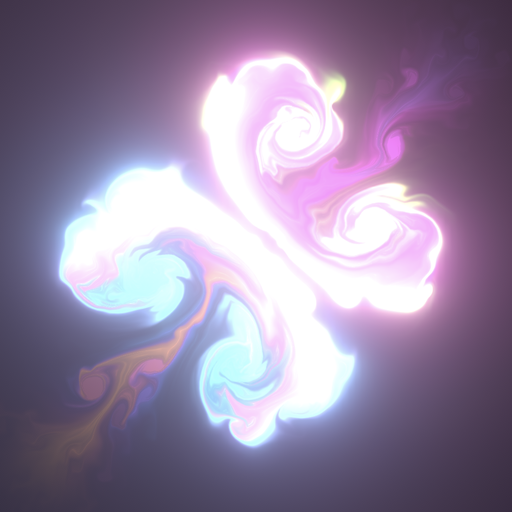
here's a sample of what happens--at about the 20-25 second mark we start shooting fireballs and frame rate just tanks
solar remnant
more than likely you are stacking to many opaque particles that tends to hurt performance
use the profiler though it helps to find these issues
fossil swan
unless you mean something other than general opaque, opaque sprites should be the cheapest thing out there @solar remnant
im guessing you actually mean overdraw
(mainly from transparent related blending modes)
 tardy dome
20 sec mark on 18 sec vid? 😛
modest leaf
hello, i want to do a post process material with the custom stencil buffer, but i only want to apply it if i have direct line of sight of the pixel and its not being occluded by some other actor that is not using the custom depth. how would i do this?
to give some context, i'm trying to do the underwater part of the lake and if the player is half in and half out i can use the stencil buffer to act as a mask so i can still see the underwater effect, but i dont want to be able to see the underwater part when im not inside it
solar remnant
@fossil swan you're right meant translucent with the focus on a sprites opacity shouldn't discord before bed 😛
brittle remnant
@modest leaf I have usually used world position and funnel in the height of the water plane to generate a mask
modest leaf
the problem are the waves, since it has tesselation i cant really use just a plane
the stencil approach works, i just need to only apply that effect when the player is in the water and not overlay on top of everything like it's doing now
celest birch
Hey guys, have a simple effect where i am driving emission with timed notify states in an animated rig, and in the same cascade system I have one emitter that emits only during this timed notify, and one that just keeps looping on my socket location all the time, even outside the time bounds of my notify. what am I missing here ???
notifies are "timed particle effect"
celest birch
(i only want everything to emit during the timed notify)
fossil swan
might not have a loop, might not have a kill, might have inf lifetime. might be the ghost of someone who passed hundreds of years ago and decided that today was the day to haunt someone and randomly picked that specific emitter to show itself to the world
celest birch
lmao
what do you mean might not have a loop ?
it needs emitter loops to not be 0 ?
this is the problematic one
i do want it to loop, just while it's in the bounds of my notify
kill works but it pops my particles out
i want them to finish playing their lifetime
even that doesnt actually work like it just actually kills my particles at the end of notify time and KEEPS EMITTING
???
OK apparently setting emitter duration to 0 fixed it
i guess it makes sense
 merry igloo
I am having some trouble with either acceleration or point attractor i believe it may be the point attractor. If i place the particle system in the world, at first everything flows as it should, but once i rotate the particles continue to attract at the pre rotation location of the point attractor
hoping i can get some advice on what maybe causing this issue as im stumped
brittle remnant
@modest leaf I just add the same waves to the world positionZ in the post that I add to the water plane. Since usually whatever wave effect is in world space anyways. I suppose a stencil approach might be possible. What exactly works and doesn't work about your current approach?
modest leaf
@brittle remnant the stencil itself works perfectly
but the filter is on top of everything
brittle remnant
That doesn't sound like it works perfectly. You need to be more specific than "on top of everything"
Screenshot or description would help.
modest leaf
what i mean is, using the stencil gives me the mask i need in the post process material to do the underwater part
brittle remnant
Well it gives you a mask of the water volume. It does not however have any concept of "above or below". It's just a 2d mask of the water.
modest leaf
but since i'm not doing anything with the depth buffer that layer gets drawn on top of everything (doors, walls, etc)
like an outline
brittle remnant
If you are using the mask in your postprocess then you don't have any way to know if the water is in front of or behind the world geometry. You could try turning the water polygons inside out and then render them using custom depth. This should allow you to compare the depth of the water poly with the scene depth and then control blending of the mask. Should also let you go inside the volume and still have it render correctly. I think this still won't handle the case of looking down on the water volume from above but as I said, this isn't really an ideal way to do it.
modest leaf
the underwater cube is two sided, that was the only way i was able to have custom stencil values when the player is inside
you mean invert the normals
so that the geometry is only drawn inside
im using the approach from the community ocean shader
they did it this way, so i know it can work, i'm probably just missing something
brittle remnant
Yeah hard to debug without a lot more detail.
modest leaf
modest leaf
@brittle remnant from what i can tell he uses the top part of the ocean like a counter for that effect by setting a different value for the stencil buffer
with 0 it's like this
with 1, the underwater is on top of everythign
modest leaf
yeah i fixed it, basically i need to encompass the underwater with something else with a different stencil value in order to override
thnks for the help anyway @brittle remnant
brittle remnant
Np. Glad you got it sorted out. 😃
analog onyx
Cascade pain. Is it possible to tie spawn chance and velocity distribution(spawn more particles with low velocity) or it needs a custom module ?
indigo jolt
@analog onyx 2 ways to do this. Ez route... make multiple emitters each with correspondingly lower velocity + higher spawn. Hard route, set spawn rate and velocity to be exposed parameters, then set up your math logic in Blueprint. I'd go easy route and use shared values where needed.
I'm assuming you have a really complicated gradient of values required
This might be a niagara topic
analog onyx
Not sure what a particle parameter would change here. Multiple emitters in the context will give stepping which won't be acceptable unfortunately. Niagara is out of question due to ancient engine version.
I really need either custom curve or at least a normal curve.
celest birch
what is a cheap / fast way to take a linear value and correct / bias it slightly ?
as in
i have something like in curve 1 and want something more like curve 2
wooden nexus
ho can i make a particled system emiiter blueprint destroy a destructible mesh
i tried on particle collide, but it doesnt seems to be adding the impulse
celest birch
@spare hare thanks but pow creates a bump at the start of my curve, I would like to bump it up where it approaches 1
like the "top" of the bump would be around .8
spare hare
@celest birch just use sine
spare hare
 edgy bone
what site is that Raildex?
spare hare
wolframalpha
edgy bone
ah cool, thanks
 chrome ridge
Anyone worked with Volumetric Fog and flashlights before?
I have a trail coming from my flashlight when I walk around
Scattering Distribution is set to 0.0
brittle remnant
Volumetric fog is updated over several frames so it will lag a bit when moving.
indigo jolt
Make level geometry move instead of character and problem solved.
 ivory dagger
any idea what I'm doing wrong with the custom stencil here? it seems my stencil is never higher than 1
even though i do set it on 3 in game
 limber pulsar
Hey guys, do you think it'd be possible to create some kind of 2D visual effects like these (super smash bors ultimate have some too) https://www.youtube.com/watch?v=YmoiZvGQ2KM ? I'd be glad if you could give me some indications to get started !

KOG Games, a leading developer and publisher of popular free-to-play action MMORPGs, today launches the global closed beta test of their newest title, KurtzP...
fossil swan
@limber pulsar easy, start your journey at realtimevfx.com
good luck
limber pulsar
I didn't know about it, thanks a lot man !
celest birch
i attach a basic cascade particle fx in BP, if Emitter Loops set to 0 it does play, if I set it to anything else it doesnt play at all. I have made it to not auto activate and now do it explicitly in the BP and still nothing plays at all. wtf ?
celest birch
another strange behaviour : all my particles have same emitter duration and number of loops. But somehow some of them only get emitted sometimes when playing in editor or simulating (at design time it works properly)
 rustic depot
is there a way to extract/export/get a gloss/roughnes/metalness/spec screenspace output, for the post process shader?...#
or how do people do their postprocessing shaders ^^`?
 zinc remnant
@rustic depot http://puu.sh/DwdrH/9bd6732c5b.png
you'll want to be using this. you can grab all these buffers for use
rustic depot
what are those custom inputs?
for example i just want a specifc material to get outputed (its gloss)?
is there a way to filter by materials?
zinc remnant
I'm not sure what you mean. If you select Roughness and plug that result in you'll see the roughness values for the whole scene, and that only
If you are asking what the PostProcessInput0 through to 6 are, I'm not sure. I just understood your question to be asking how to isolate or use specific buffers in a PP material
rustic depot
buffers sounds right
i want to isolate the roughnes off the terrain only for example
 glossy cradle
Hi! ive been looking for the answer on google but i cant really find it
how do i make the ribbon trail shorter?
im trying to make a contrail but when i turn it does these bars instead
how do i make this a proper contrail?
cold sorrel
Shorten the particle lifetime
 sacred temple
Does anyone know of a tutorial for rendering/baking a particle system to a flipbook texture?
 pine crystal
Hello all
Ok so I got a challenge for you guys
I want to do a material function that applies a highlight to a mesh instead of using post process
Since my project is VR I’m pretty sure the material function would be cheaper
Anyone did anything like this?
 wary basalt
hey there. How can I change my particle rotation according to my attached weapon on world?
indigo jolt
@pine crystal yeah, use a reflection map hooked into the emissive. Make sure you record the reflection map from your existing level and sun location, then darken the crap out of everything but the sun. Then multiply the result a bit before going to emissive
@wary basalt change it from World Space to Local Space
wary basalt
@indigo jolt yeah exactrly what I am looking for it ty
indigo jolt
It's towards the top of the emitter modules
wary basalt
Can I change that parameter after sometimes?
Like just spawn from local then dont update according to local space
wary basalt
I did it with spawn particle at location. I just added a notify to animation and executed it.
indigo jolt
Use 2 emitters one local and one world
You can set a delay on one
It's always more helpful if you describe exactly what you're trying to make in conceptual terms too
Like there's usually a dozen ways to do something but depending on scale, duration, genre, platform
If you're trying to make a flaming sword with attached flames + some that drag behind in world space- there's a few more options
Let me know full concept and there might be more ways to improve it
pine crystal
So while working with foliage in VR I’ve read that transparency should be avoided and instead use opacity mask
When swapping from translucent to opaque the shading complexity doesn’t seem to improve much

I read an article that said the following.....
VR & Transparency - In 3D graphics, rendering transparency is extremely costly, because transparency will generally have to be re-evaluated per-frame to ensure that nothing has changed. Because of this re-evaluation, rendering Transparency in VR can be so costly, that its cost outweighs its benefits. However, to get around this issue, you can use the DitherTemporalAA Material Function. This Material Function will allow a Material to look like it is using transparency. Also, this will help you avoid common transparency issues, such as self-sorting.
When I use this function for the output of opacity it makes the trees pixelated which gives a transparency look but it doesn’t seem to reduce the shader complexity
indigo jolt
You can adjust the AA setting in the material function or duplicate it and make your own custom one with a different noise texture if desired. Only use AA to fade out at distances that look good, you can set the start fade and end fade at different distances to smooth it out more
What you want is something like "start cull distance 8000 and end cull distance 12000"
If it's start 0 and end 12000 then it'll dissolve too early
Or rather start too early
As you want trees to be full solid as long as possible
You're on right path, never use translucency for foliage- it doesn't just cost more, it sorts bad so it looks terrible on leaves and grass
Ideally your trees are Foliage Types. Set cull distances in that
That's how you get better dissolve distance
spare hare
@pine crystal Dithererd Opacity Mask does more harm than it is useful tbh
and tbh. your trees are shit
your leaf cards have a lot of unused UV space. you should optimize that
fossil swan
^
analog onyx
So, how would I update particle system instance parameters from blueprint? I mean I need to set both min and max value of random scalar ?
fossil swan
I always wondered about that myself, since I dont use bp's a lot, and dont see an easy way to min/max for randomness trough blueprint parameter in cascade
analog onyx
It is doable with set instance parameters array, but it is not cozy, because you would need to filter out indexes of parameters you need to edit in blueprint against those, that are set by hand.
rustic depot
is there a way to get objectscale to material?, like if you scale object uvs scale too, or should i go worldposition uvs?
spare hare
scaling uvs only makes sense if you scale uniformly
rustic depot
how can i use spiral blur to blur a scene texture in post process material?
i think im using it wrong ^^, first try was actualy using that spiralblur information as uv input for scene texture..
rustic depot
or do i need to write custom code?/and i guess i cant use mipmaps for blur
rustic depot
doesnt seem like i can use "add" with vectors, and do multiple samples to get that blur look. I guess i have to do hlsl
fossil swan
there is an object scale material function. can use that to increase uv scale
wary basalt
hey there. I have a problem about particle collision. I have a basic cube just I set the simulate physics enable. I also add collision to my particle. My expectation is when my particle hit to cube it just move or whatever. But its just goes. no move.
wary basalt
ok I think this video will help me
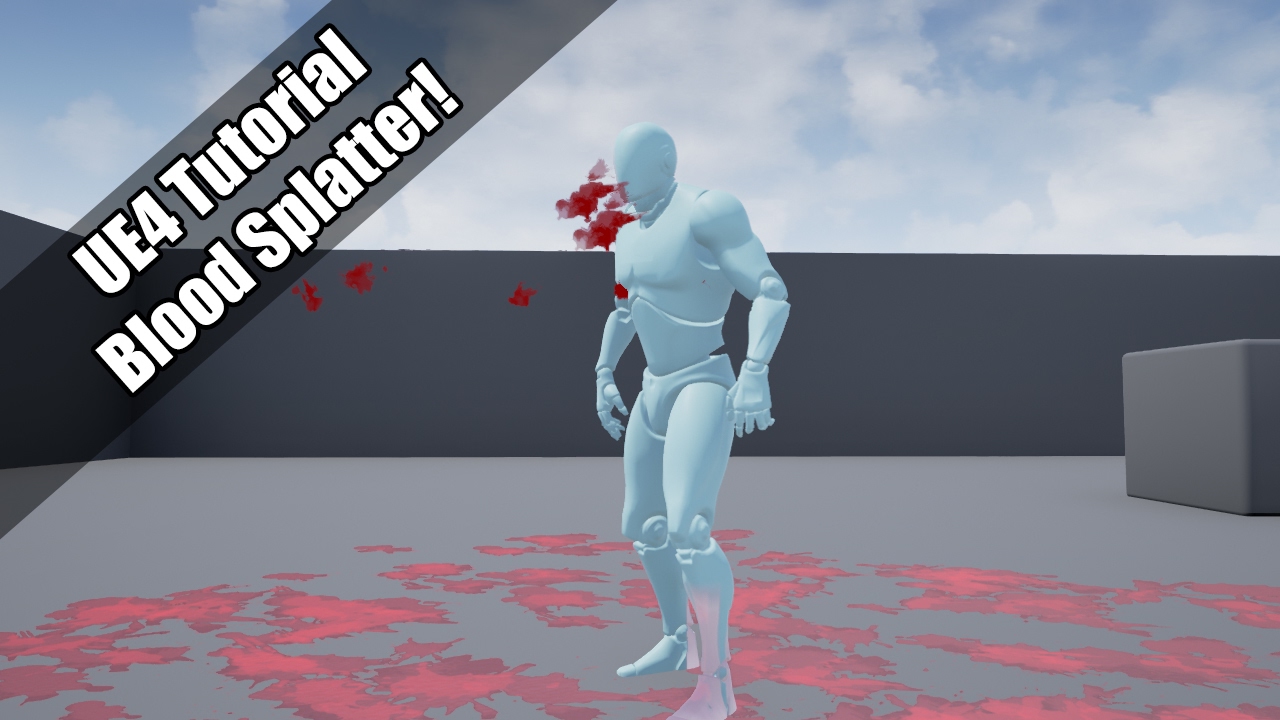
UE4 tutorial on spawning a blood spurt particle, which them adds decals to the environment! So violent :'( Request by - "Nickname Surname" (that's literally ...
indigo jolt
Yeah that's one of my favorite bp tutorials
 brave owl
hi how do I make the beam emitter NOT continues?
celest birch
Set beam end point
celest birch
Guys how do i make a jet engine particle thing where it's dependant on the throttle etc?
cold sorrel
Blueprints and MIDs is a good start
 manic mantle
hey guys!
I would like to spawn particles on a skeletal mesh
is it possible that the particle color copies the suface color for each particle?
like if I spawn the particles on a half red half green cube the particles which spawn on the red side will be red and the particles spawning on the green side will be green
indigo jolt
Sorta. If you make the cube use multiple materials this is easy
As you can set which Material ID a particle system spawns from
So emitter 01. (Green) set to emit from Material id 01. Emitter 02 (red) in same system - emit from Material id 02
I'm not sure if there's easy way to do like a gradient from red to green via vertex colors though. That would be harder
Keep in mind that with a basic shape like a cube this is sorta iffy way of solving problem- could just use one system with planar locations on each side and enable/disable emitters out of 6 sides via BP
Or just use 6 separate particle systems...
I'm more inclined to suggest emitting from surface if it's a complex shape like a character
 gray fern
actually the cube example was just for simplification, the actual character has a complicated shape and material with texture 😦
celest birch
Guys
so i have gpu sprite on my particle system
dont know if that matters but
basically i have a problem where the spawn rate is not consistent
so i have set it to 1000 particles a second
and it works
but stops working suddenly then starts spawning again here and there
anyone know why?
indigo jolt
Yeah you have a particle max set somewhere
@gray fern that's fine then, do it by material ID. It's ok to have a few different materials on a character
I've done that before, it works great. It's especially fun do do on just hair
Alternatively you could paint vertex colors all over to match each region on character texture.... then colorized particles with vertex color
I never tried that but it could be cool
celest birch
How does the vector particle parameter work
i dont understand
what does these parameters mean
indigo jolt
The important one is Max. That one caps things at 1.0 right now. Most of those things don't matter. Constant is a default setting you can leave things at when not affected by blueprint. I think you usually want param mode as "direct" but not sure lol. The important thing is how successfully you manage to connect it to your BP. That is not difficult, but it's also easy to mess up
I'm just gonna take a wild guess and say you'll probably be using a Timeline node in your blueprint to control this
celest birch
Okay this is really weird
i learnt how it works
but now when i try to control the spawn rate of particles with blueprint by setting the input minimum to 0 and maximum to 100. I set the output maximum to 10000 particles. But when i set it to 100 input in blueprint it doesn't even spawn near 10000 particles maybe a maximum of 200 particles at most
it works fine without parameters
hmmmm
okay the spawn rate parameter itself isn't the problem i tried it by itself and it worked perfectly
it only starts spawning less particles when i add the initial velocity parameter
but only when the initial velocity is a parameter it becomes a problem. Without the parameter both spawn rate and velocity works perfectly together with parameter spawn rate
nevermind the problem is the particles spawning inside of eachother which makes it seem like it spawns less particles how can i fix this_
celest birch
Ignore those messages
i fixed it
But i have one question
How do i avoid the white smoke becoming blacker and blacker as the alpha decreases over life?
indigo jolt
Check the color module in emitter
The color over life
Just change from constant curve for RGB to just constant and set value to 1
manic mantle
@indigo jolt wow thanks I didn't think about vertex colors
manic mantle
yep I see there is an inherit vertex color option 😄
manic mantle
it works fine :D
1 more question: is it possible to offset the particles using the direction of the surface normals?
manic mantle
hmmm somehow I added a sphere modul on top of the skeletal surface and it works
although I don't have the faintest idea why 🤔
celest birch
any idea how to make a falling dust particle system? https://www.youtube.com/watch?v=9y6J2IvvsD8 something like this? Sorry never experience particle systems, or if there is one on the market place?
 wooden nexus
Very new to visual effects systems, i have a fire efffect Im trying to create in VR and what I;m trying to achieve is to create a perception of volume to my fire


Week-end doodle: I've made a volumetric cartoon shader in @CyclesRenderer using @simonschreibt method! #b3d #animation #fx https://t.co/lK1TC8cl0E
Likes
104
Twitter
something like this
indigo jolt
Anyone have an idea if Unreal 4 has any "light meter" EV measuring tools for particle brightness?
brittle remnant
@indigo jolt You can make your own pretty easily as a postprocess. There's some nodes for printing text directly in the shader. I have used that to output HDR image brightness in a custom post.
 fickle helm
@wooden nexus Would likely be very expensive
not ideal for VR
you could actually model/animate the fire
maybe use sth similar to what is used for clouds in trusky?
wooden nexus
could you send me an example?
it doesn't have to be 100% maybe a clever hack? I want to stylize it and make it cartoony if that helps
solar remnant
honestly you just need a good flipbook alot of fx is faked
the only way to get real volume from fire is VATs and the results aren't really my favorite personally
a good flipbook is the best route
celest birch
about that @solar remnant do you make your own ones or do you have a place to source them from ?
i have the hardest time finding goof flipbook textures
main bay
is it posible to flip a particals axis over live
rustic depot
sure why shouldnt it be possible ^^.
main bay
any clue how
celest birch
@main bay what do you mean exactly by flip axis ? just flip U or V ? if so i would do it in the shader with a dynamic param and an If statement for lack of a cheaper option
main bay
hmm that might be the best bet
fickle helm
flipbooks are what everyone uses
but it will fall apart in VR
if it is close to the camera
you kinda want real volume in VR
tardy dome
i made some fire with volumetric fog particle and flowmaps
wasnt too expensive but u have to enable fod and that costs some ms, dunno how it loooks in forward shader or VR tho
wooden nexus
flipbooks do fall apart in VR, especially when my particle effect is being constantly drawn
and when the player moves his hands
you can tell that sprites are coming out
also trying to make it collide with walls and other particle effects is a big issue aswell
wooden nexus
looking around I see that Nvidia flex/flow has some decent effects, they seem outdated as I couldn't find an update for 4.22, but maybe a step in the right direction?
indigo jolt
For VR just use meshes
wooden nexus
how would I create a cartoony fire through mesh particles?
fickle helm
Volumetric Fog is expensive. Costs a ms or more easily, which is too much for VR.
@cold sorrel What's VAT stand for?
also trying to make it collide with walls and other particle effects is a big issue aswell
Collision shouldn't be too tough to do in VR. haven't noticed it being much of a perf hit
wooden nexus
how would I go about achieving particle on particle collision?
 mortal lily
VAT = Vertex Animation Textures @fickle helm
fickle helm
cheers, Dizco 😃
Ooh you want inter particle collision?
if you want that you'd prolly want to mesh and physicalize them
alternatively could use vector fields to make sure they don't interact

Using Houdini GameDev tools to export mesh animation from houdini to Unreal https://github.com/sideeffects/GameDevelopmentToolset
check this
very volumetric
wooden nexus
awesome I'll check this out thank you
fickle helm
combining this with sprites and some gpu particles might get you what you want

Don't forget to subscribe! Houdini & Unreal project files: https://bitbucket.org/mamoniem/houdini_4_ue4/src/master/ For more tips, tutorials and free stuff: ...
this might help too
wooden nexus
thank you I'll see what I can do
although I don't have houdini
is it necessary for this?
tardy dome
there is a showdown VR demo free, it has some explosions dont know about fire
could check robo recall editor see if they used any cool effects
cant copy paste assets from there tho
cold sorrel
Robo recall used impostor sprites that should be more than enough for you.
Based on your questions, I wouldn't recommend trying VAT for VR.
tardy dome
there is also raymarching, super heavy 😛
wooden nexus
yeah I'm fairly new, just trying to learn as much as possible
if it makes sense I'm making a game where the player controls fire in a "liquidity" way if that makes any sense
cold sorrel
ha
Good luck to you then 😄
I've only shipped two VR titles but I'd be hesitant to take on something like that if you want it to look volumetric and be playercontrolled.
That's a siggraph paper in the making
wooden nexus
a siggraph paper?
cold sorrel
The conference where all the very latest tech papers get presented
wooden nexus
well maybe liquidy was a poor way of putting it
cold sorrel
The stuff that will be doable in a few generations
wooden nexus
essentially, I wanted a space pirate esque game where the player controls fire to destroy the "enemies" where the fire is controlled by gestures of the index controllers. I dont it would be impossible though challenging to create a particle system that sort of sways to the motions of your hand
cold sorrel
Sure, I've done it. But you didn't want to use flipbooks or sprites
As they weren't volumetric enough
wooden nexus
I'm not closed to the idea, just a little ignorant to making visual fx in VR
I have a particle system now that doesn't use flipbooks, (it's a dynamic material) which is slow and flat looking, I just don't really know what limitations/abilities I have at my disposal
tardy dome
that raymarching demo uses VR to paint the smoke
to make rendertargets
but you are still right tho 😃

https://forums.unrealengine.com/showthread.php?143716 Ryan Brucks returns to the livestream and this time he's got brand new content to show off. Ryan built ...
cold sorrel
Small problems, Not animated and not viable for use in a game, other than that it's perfect!
If those two aren't a blocker, why not use Nvidia Flameworks?

NVIDIA FlameWorks is a system for generating cinematic fire, smoke and explosion effects for games. It combines a state-of-the art grid-based fluid simulator...
analog onyx
Raymarching is amazing, but only in two decades from now.
tardy dome
the having it animated isnt the problem, but it does need a heafty pc atm 😛
cold sorrel
How so?
If you have 64 steps in the volume, you need 64 flipbooks if you want it animated
How much vram are you packing?
tardy dome
there are 2 of those BPs in the project, one uses noise to animate the smoke
cold sorrel
RIght, I'll correct myself. If you want nice, directed animation
tardy dome
like 1.5 gig 😛
cold sorrel
not mathcrap
tardy dome
it dropped my fps like crazy 😛
yea well, mayB not super practical in most cases 😛
yet 😛
cold sorrel
I worked with the VFX artist from this project: https://youtu.be/ivwgE_t8a5s?t=83

Capcom is pleased to announce that it has decided to develop the first title, "deep down -working title-." This title is to be developed using "Panta Rhei," ...
That fire cost the whole frametime for a VR game, pretty much
wooden nexus
that fire was beautiful!
tardy dome
so if i take a mesh to use as emitter location and its huge and the particles are plants, whould something like this be viable? 😛
 glass epoch
How do you add in a fade-out material to existing material?
I'm trying to create the fade out effect whenever an object gets in between my character and my camera
Is this possible to do dynamically? Since I can add / remove different type of objects, classes, etc. to fade out
solar remnant
@celest birch I make my own using houdini, and am learning fumefx currently. You can buy stock explosion footage from some film vfx places and make your atlas from that too, but I've never done it. Fire/explosion sims are fun once you get the hang of them though
there aren't really any good places to find good flipbooks to just buy or use unfortunately 😦 thats one of my goals eventually just not alot of time
 lunar beacon
hey guys, I'm struggling a bit with vectors here. I need to rotate the world position vector by an arbitrary amount. Any clues?
I've tried my hand at RotateVector and RotateAboutAxis, but nada. Maybe I'm using it wrong
It's like I'm getting the reverse of the expected result
indigo jolt
Rotate the world position vectors... of what?
More specifically what are you trying to achieve literally and what are you doing currently and what does it currently look like vs what it should look like?
Orbiting particles?
lunar beacon
@indigo jolt so for example, I want to project a texture along a light vector
Using that to fake a shadow from an object
indigo jolt
Use light with material function?
 eager karma
hay i have a emissive mat and i already used it on another static mesh but it wont show on the skeletal mesh
MAT
Mesh
lunar beacon
@eager karma what happens if you place the mesh in the scene? Or does the same thing happen
@indigo jolt I don't know why I didn't think of that, I'll give it a go today. Cheers dude~
eager karma
@lunar beacon The same thing happen
lunar beacon
@eager karma Can I see your material graph?
Also @indigo jolt , baller idea, I've got it working perfectly my dude
rustic depot
is that supposed to be the outline material?
or just billboard glow sphere/plane ^^?
lunar beacon
Managed to fix it~
rustic depot
wut was it?
did u forget to assign the material to the right mesh/or forget to export the right mesh?
lunar beacon
Nah it was accidentally multplied by particle colour~ no biggy!
lunar beacon
@glass epoch did you find a solution dude?
indigo jolt
@glass epoch just add a depth fade node and plug it into opacity then put fade distance up super high. The number will correspond to any opaque geometry behind object and kill opacity. Just keep in mind the ground will also kill it
Hopefully your use case is in space or something
Probably best to get super specific about what the actual details of the use case are if that's no good
glass epoch
I'll be back to work on Monday and will try out what I'm thinking.
Here is what I'm thinking:
- Have a RT, say 512 x 512, with alpha of how I want it
- When my camera detect an obscure object, render that object only into the RT
- Also write that object to custom depth
- In PP, sample the RT base on custom depth, and stop drawing the real object in main pass
indigo jolt
could you elaborate on what the practical goal is?
like "i am making snow but i don't want snow too close to face"
there might be some post process tutorials that cover similar concepts
like outline things
it's difficult to prioritize which solutions would best match your situation without understanding why you're trying to solve your problem the way you're trying - because the original conceptual goal is unknown
i think what you're asking for is definitely do-able
lunar beacon
@glass epoch is your camera angle to the player constant? If so, you could have an opacity map aligned to screen space inside your object's material
Or if it's a usecase like @indigo jolt is describing, using a fade based on camerapos and worldpos would work fine
camerapos worldpos fade:
though feel free to dither your gradient however you want
screenaligned opacity:
Or if you want a little more control over your thing
use a cylinder intersection

 restive birch
trying to have a basic system where the particle effect collides with the ground, however it's going straight through and I cant figure out why..
cold sorrel
Max distance set high enough?
eager karma
nvm found the problem
restive birch
@cold sorrel Max distance for what?
cold sorrel
collision
restive birch
I dont see a setting for that
cold sorrel
alright then
According to the docs, it's still in there
These modules handle how particles will deal with actor collisions.
But maybe they've removed it since
restive birch
Ah, thats actor collision, I'm using the other collision module
analog onyx
@glass epoch Doing a dedicated rendering pass for than is beyond overkill.
cold sorrel
You are using a GPU particle Only feature on a CPU particle
restive birch
ahh right, so I need to use actor collision instead?
glass epoch
@analog onyx , @lunar beacon , @indigo jolt : I'm trying to render whatever object in between the camera and the player semi transparent, the entire object. There could be one or many.
Why would a separate render pass overkill? Don't we do that for highlight or outline behind walls?
lunar beacon
@glass epoch using a render target, you'd essentially be rendering the scene twice
It's cheaper if you're doing a depth-only pass but it's still a major performance sink
glass epoch
Yes, but small RT, plus after that i can disable the object in main pass.
How is it compare to transparency? I thought transparency is more expensive?
analog onyx
You need screen sized target at first place. But even with reduction in size, you will pay double costs of all the scene setup and transform.
That is nay nay.
lunar beacon
Most of the cost comes from depth calculations, occlusion culling etc
A lot of non-configurables in them
Transparency is much more effective, especially if you use a dithered alpha test
glass epoch
I only render that object only into the rt
Cause i only need that object to sample out later in the PP
analog onyx
But rendering that object relies on everything else in scene
shadows, reflection
and what not
lunar beacon
Unreal has a lot going on behind each frame
If you're interested there's an article by interplay of light on "how unreal renders a frame"
I definitely recommend the cylinder intersect method, because then you can sample the calculated normals inside the backfaces
So it'd even look like a cut hole
lunar beacon
You can if you add in some dithering, that's probably the best way to do it with alpha test. You can only get true translucency from translucent blend modes, but they have notoriously bad rendering artifacts, and are a lot more expensive to render
Masked materials also receive proper shadows. Translucent materials are only volume lit. You can enable per-pixel lighting, but it's even more expensive.
glass epoch
@lunar beacon : thank you for the tip I'll look into alpha dithered test.
Also, does this require a separate transparent / masked material for every set of object/material ?
 devout tiger
Where is the particle draw distance setting, the question has been asked many times with no answer on the forums and anyone that answers says it is in the "rendering" tab but there is nothing like that.
glass epoch
You can set up lod if you like instead
Don't have my computer here but i figure if you want the particle to exist only up to a distance, you can just set up next lod at that distance with the particle disabled
devout tiger
I see the lod setting and the draw distance there doesn't do anything so I suppose I need to read up on the LOD's. I wish the option "never distance cull" worked but my clouds are still disappearing as I move the camera away.
I created an lod of the system and no matter what distances I put in it behaves the same...........
glass epoch
Wait, so you don't want the particle to disappear?
lunar beacon
@glass epoch yup, your material needs to be set to masked. Good news is, it's not that much more different to a plain opaque material so you shouldn't notice any performance/visual loss
And if you want to only affect material indtances, you can change certain material properties such as blend mide in the material tab at the bottom of the instance parameters
glass epoch
@lunar beacon : this is the tricky part, since I don't want to create a new set of masked material for every already existing opaque material in the world. Wouldn't this be a nightmare to maintain?
indigo jolt
@glass epoch if something looks complicated in materials and looks like it will get duplicated a lot....it's probably time to make a material function out of it and re-use it
it's not hard to do
glass epoch
@indigo jolt : I heard about material function, so will look into it.
Visually for what I'm trying to achieve, I want the object to be semi-transparent instead of invisible. Will the masked out method work in this case? Seems like the masked out just cut a hole out of the object
indigo jolt
masked can sorta do that with AA dithering...but it'll look sorta pixellated
translucent will do it smoothest
what are you literally trying to make? a game?
as for how to do material function
- right click - create material function (in content browser)
- right click - create input node
- name your input node.
- add additional input nodes if you want or add additional output nodes by right-click "output"
put all your useful nodes between input and output from material
- save
- drag your material function into your material
- done
i like material functions for things that get re-used a lot - the nice thing about it is, once you make it and drop it into a few materials, you can go back and change your material function
and it'll update every material that uses it 😃
this saves you work
it's great for things like character-specific things and interactive objects that need a few different behaviors
that get called up in code/bp
glass epoch
@indigo jolt : yes, a game, in 3rd person view. Basically this: https://www.youtube.com/watch?v=O2-P5ThrPmU
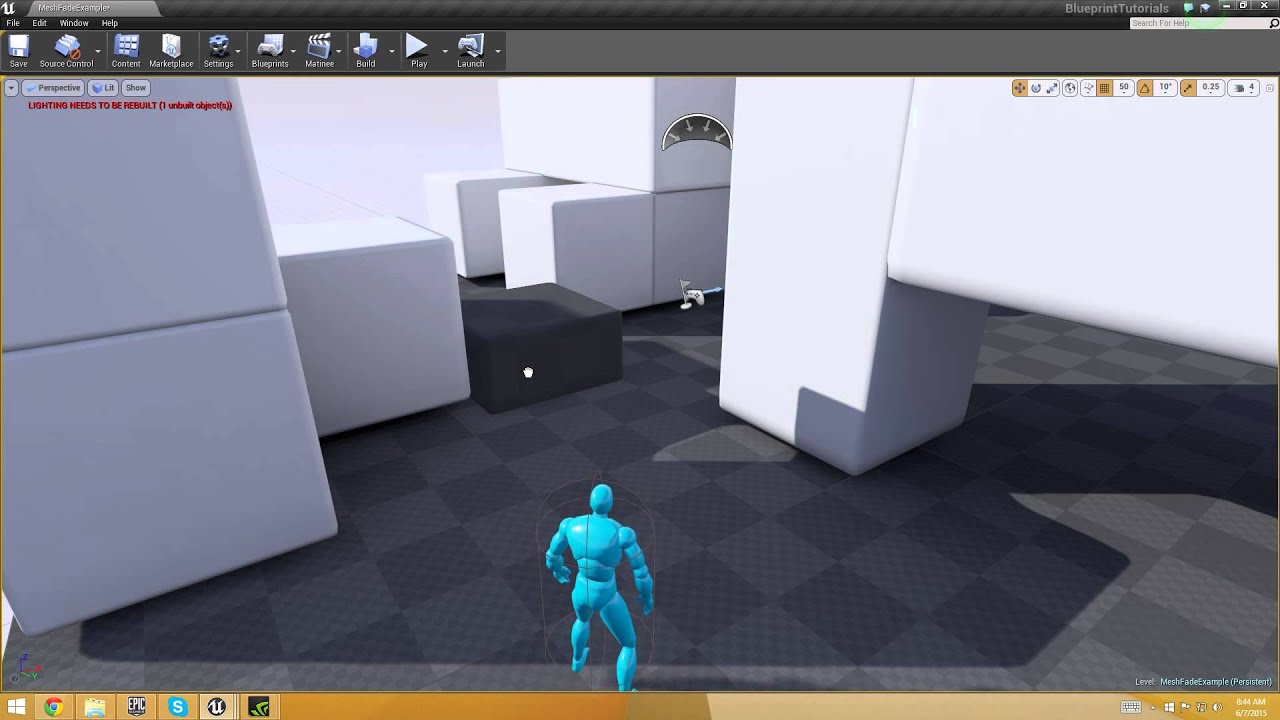
Tutorial: http://gregmladucky.com/blog/?p=497#more-497 LET’S MAKE a fading scenery system, in which the objects that sit between the player model and the cam...
 whole crow
There is a marketplace item for this, if you were interested: https://www.youtube.com/watch?v=xy1r9udkHhc
Called "Transparency Under The Camera"
 glass epoch
@whole crow : i want to create one myself. I already got the material swapping to work, just have some limitation that I don't like so I'm looking for other solutions
celest birch
if i have a cascade emitter that makes a cylinder around my character
and i want to make the cylinder have a consistant camera facing rotation
do I still have a way to offset that rotation ?
currently it orients my cyl mesh in a certain way, follows camera as intended, but I want to modify which part of it is facing the cam
any ideas ?
i tried rotating the emitter in required, scale rot over life node, initial rot
nothing did the trick
cold sorrel
<@&213101288538374145> if you please
spare hare
now thats what I call visual-fx related 😎
 torn flume
how do these kind of people even exist
 steady relic
perhaps they're looking for visual-fx related to burning bridges
torn flume
what do you even want mate
 icy pebble
What if we don't want to make money off the engine and we do it for personal enjoyment?
cold sorrel
This isn't a sober person, let's just wait for the Mods to wake up. He's just here to pick fights, it'll be more fun if he doesn't get one 😃
torn flume
you know this is not an official Epic server right
what big facts are you even talking about lmao
icy pebble
but... you said "Crazy part i seen some of yall in real life" and "yo its crazy how alot of unreal people" ... does not that apply to me?
am I not an unreal people, do I not bleed Blue....prints 😦 lol
 rancid niche
Hey there, @sand juniper you're welcome to send me a DM if you have any questions. But, lets keep it civil. Thanks.
icy pebble
It's my real pic and yes I am overweight 😦 I am working on it tho!
 shrewd plaza
just ban him already
torn flume
dafuk does that have to do with anything
spare hare
<@&213101288538374145>
shrewd plaza
No one needs this negativity
 unkempt storm
Goodbye.
torn flume
woops he's gone
cold sorrel
Thanks!
unkempt storm
rancid niche
You could have at least added some cool FXs to it.
icy pebble
oy, you FX guys
rancid niche
The effects of his comments will linger.
unkempt storm
I hope the trolling doesn't cascade. 😏
celest birch
is there a way to offset rotation on camera-facing particles ? my particle is a cylinder and i do want it to rotate with the camera (I locked rotation around Z axis) but the wrong part of it is facing the camera
glass epoch
@celest birch : is it mesh particle?
celest birch
yessir
exported fbx cylinder
my material is clamping not wrapping
so i cant just nudge it in UV
glass epoch
I'm building my project, so let me fire up UE in a bit and look around. I was also told that we want to have the X axis facing foward(?) since that's what the camera-facing use to orientate particles
celest birch
ok apparently the setting for this is the one in the Mesh Data module
glass epoch
Yes
 dim heart
Hi guys....Currently working on a group school project....My job is to create fire, smoke and particle effects for the scene....I've created a fire effects in Houdini 17.5 and I now want to transfer it to unreal engine (which is what we are making the scene in)....What is the easiest and fastest way to do so?
celest birch
@dim heart Render the animation as pngs and set up a flipchart material for a particle system?
dim heart
@celest birch Sure I'll try that, thanks 😃
glass epoch
@lunar beacon : just want to show you my progress. Thank you for your help 😃
lunar beacon
@glass epoch yo thats come along! no worries dude! I'm glad you found a solution ✨
 bright sand
Hey im new to unreal (and to this discord so sorry if this is in the wrong place), but I'm trying to make a particle emitter that emits actors (specifically a blueprint actor class) so I can have an experience orb explosion, but I can't figure out how to make the particle emitter emit anything other than a material.
How do I do this?
(and if I cant do this does anyone have a recommendation for what I could do instead?)
stone kettle
If you are emitting actors they arent particles anymore, but you can emit meshes if thats what you mean!
Er, to be clearer after i re-read that, you cant emit actors as particles, usually you want to minimize your actor count so having particle count actors might be an issue. It might be better to design something like that by having the explosion be a single actor that contains an array of positions for the orbs, then feed the positions into a particle emitter for the mesh effects.
(Im guessing you mean collectable orbs)
If you just want a particle effect involving orbs, then you're good just using the emitter, but you should look into mesh particles
bright sand
ya collectible orbs, I was thinking they'd kinda explode from when the enemy dies, and then after a second or so go towards the player and then get collected
the issue with having them be a single actor with different positions is I wanted a sound effect to play each orb you pickup and I feel like that'd be pretty hard to implement with an array of positions
on second thought, I actually think I could do that just comparing distances between the orb positions with the player or something
thanks! ^.^
 sullen pine
I have this beam particle setup. The emitter duration and lifetime are both set to .1
For some reason, the beam still lasts for a full 1 second. Solutions?
Solution found, it had something to do with the taper method in the beam data module
thanks alot nerds
 cedar hound
Is anybody using the Weather Tool by James Stone? https://www.unrealengine.com/marketplace/en-US/slug/weather-tool
I have a strange problem with that. Somehow my world gets green when I put the Blueprint into the level and the effects dont work..

Highly modifiable easy to use weather system with, Rain, Snow, Hail, Lightning, Sound Effects, and Onscreen Post Process.
(I work with 4.21.2)
 pseudo geyser
can anyone recommend a place to shop around for explosion VFX that are easy to import into ue4? the marketplace doesn't seem to have what I'm after
cold sorrel
That's going to be hard to find. The texture is only the start. Most of the work happens in the editor
 tulip crater
Hi guys
I am having this problem here https://gyazo.com/05f91956f1b9ecad7ebe2e6750240241

Depending on where i look the particle flips
for no reason at all
Ok, i fixed it
aparrently there was an option at the required tab that did that
but i also have another problem where the particles pass trough walls
so they dont die
tulip crater
Also does anyone know a good rain material?
 analog latch
Does anyone know of how something like this could be accomplished? at least any tips to look into? https://effectindex.com/effects/drifting

effectindex
Drifting is the experience of the texture, shape, and general structure of objects and scenery appearing progressively warped, melted, and morphed across themselves. It is most commonly induced under the influence of moderate dosages of psychedelic compounds, such as LSD, psi...
cold sorrel
That's exactly what a flowmap does
pseudo geyser
I'm creating some emitters using EPSCPoolMethod::AutoRelease and bAutoDestroy set to true, but they're consuming CPU resources long after they should've been cleaned up
(using stat particles)




not sure how visible that is, but the topmost entry is "particle component time GT/AT" and remains at 6.5ms for more than a minute it seems
I'm on 4.22.2, source build but haven't touched particles code at all
main bay
I spawn a particle on the left and i have it on autodestroy on, why is it not killing it after it did one burst loop??
pseudo geyser
@main bay looks like we have the same problem?...
pseudo geyser
...so with my PS the problem was that it never completed because its emitter duration was set to 50 for whatever reason
main bay
heheh, ye i was thinking something simular
but do your explosions keep going off or just not out of memmory? @pseudo geyser
pseudo geyser
they were dragging down the fps
analog onyx
@pseudo geyser Have you considered just doing everything in a shader, including AI, explosions, lasers and what not ?
pseudo geyser
@analog onyx can't say I haven't :) AI seems like a stretch - at some point I'll be wanting deterministic behavior, not sure if that's plausible in a shader
main bay
its seems all my emmitters that have burst always play at the same time, can i activate them on spawning?
is that what you need? kill on compleate?
i had a loop nr set to 0 needed to be 1
@pseudo geyser
maby that helps your problem
pseudo geyser
mine was solved yesterday
main bay
ah okay
pseudo geyser
what does no async tick mean and how do I enable it?
the message seems to appear when using beam type data
pseudo geyser
:(
class UParticleModuleBeamBase : public UParticleModule
{
......
    virtual bool CanTickInAnyThread() override
    {
        return false;
    }
I guess that answers it
 graceful aspen
hey. i have a game with lots of emissive lights. as i understand it these cannot be used as light sources in rtx ("emissive textures supported for reflction only"). I was wondering if this was correct because the quake II demo seems to have emissive textures adding to the ray tracked light environment
 bleak inlet
well, got same problem in unreal

Unity is the ultimate game development platform. Use Unity to build high-quality 3D and 2D games, deploy them across mobile, desktop, VR/AR, consoles or the Web, and connect with loyal and enthusiastic players and customers.
 marsh plinth
hey, dumb question, how can i use a medium amount of lights without causing lag? i have little lanterns on the ground that light up during the night time and for every two lanterns i have a dynamic point light, which totals to around 19 point lights.
how can i reduce the lag? or what would be a "best practice" in this case?
i know reducing the attenuation radius helps, but i want the scene to be lit up around that area
spare hare
IES profiles to fake the lantern shadow and make the lights not cast shadows
Light functions also work
indigo jolt
Can also use emissive decals to create light pools.
 fluid fox
I'm having trouble replicating an effect that I'd like to make, can anyone help me out? here's the article I'm following by ryan brucks; https://shaderbits.com/blog/ue4-volumetric-fog-techniques , If you scroll down it's the bit about wispy fog in fortnite, he gives an example of material he's created but added a comment underneath so what they changed for the fortnite version and I've tried to edit mine to follow that. also I'm not sure if he's applying the material as a volumetric material particle effect or a light function?
I know it has been a while since I have posted here. It took me longer than I hoped to polish up and release my post-GDC Content Plugin and just when I was about to get back into the rhythm, things started getting pretty busy at Epic again. The good news is that I have built ...
here's my modified version of the material , all of it is a bit over my head tbh :pain:
 sterile agate
im trying to have several objects spawn in a sphere and face inward to the center of the sphere but, all the particles are facing the camera.... if i lock it to an axis then they all face that way... i basically need them all to have a different rotation facing inward depending where they spawn, anyway to do this?
 gusty cliff
Probably a bit of a novice question, but I'm struggling with finding an answer that works. I made some Ice Models in Blender, I imported them to UE4, I made a material but I want the material to be rotated 90 degrees when applied to the mesh, anyone have any pointers on how to go about doing this?
I am not currently using a texture sample as the model will be covered mostly in a particle system.
This is what I have. I want it rotated 90 degrees so the green would be on the right, and the blue on the left.
Got it... I had to change the mask from the bounding box output from B to G...
 valid shadow
any ideas why when i made a distortion material 0 opacity translcent two sided with 5 on the refraction it works on a mesh but not on the particle ribbon i attached to a character,the particles ribbon mesh is there but the distortion is missing
wary basalt
hello. how can I change texture position in material without panner node?
cold sorrel
Add a value to the uv coordinate you want to move

RealtimeVFX Wiki
UV coordinates lets you apply a 2d texture to a 3d mesh by providing coordinates for each pixel in the texture. If you change the UV coordinates, the texture will change accordingly. That's how...
wary basalt
How can I add effect to that area which I draw with yellow color?
I mean like outline
just for specific edge
 wanton bane
how would one create a blast power like in this video?

Hey everyone, it's the final development update video ever! I plan to release in the next month or two which makes this the last chance to show off everythin...
celest birch


can anybody point me on how to make this particle move in a cylinder in this behaviour?


 stuck salmon
Im trying to make it that the particles are random based on a parameter
now I found this video and documentationhttps://www.youtube.com/watch?v=wTIFKfFh2-Y
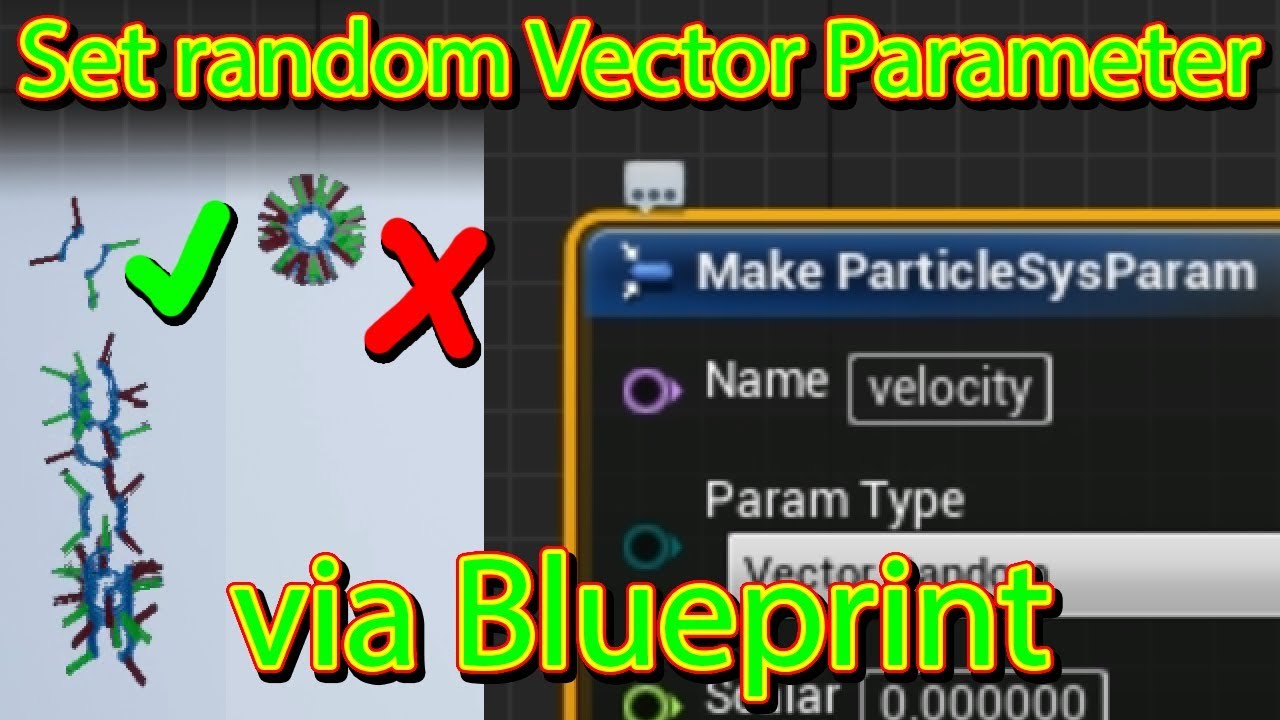
If you want to set a random parameter (e.g. velocity) in a blueprint for a particle system, you can't just set a particle parameter because thise applies the...
but somehow my code keeps crashing
I can set the value correctly before I launch
but If I change the value in runtime it crashes and gives those errors
anyone have an idea what I'm doing wrong
stuck salmon
nvm
It was breaking cause I was editing it in the editor by pressing F8 which broke it
celest birch
hey has anyone here used curve atlasses successfully ? Not understanding how to tell my material which specific curve to sample from within my atlas (from Blueprint, not hardcoding the value)
@celest birch you need radial velocity
 teal fjord
Hey guys! I'm currently working on a Character and need ideas on how to tackle one of his design features. He is an enchanted suit of armour, I want to visualise this effect by having either an arcane or a staticy electric effect pulsing within the armour, ideally in a way that looks like it's connecting the individual pieces. I'm thinking maybe a sort of energy form underneath the suit of armour.
Any ideas on how I can achieve that effect? Character attached:
 olive goblet
can someone help me set up my leaf particles to change color at runtime
i need to figure out how to change the emitter material
nvm
brittle remnant
@teal fjord You should model a "body" underneath there and use an animated transparent material to create the core of the effect then add some particles on top. You should be able to sample the skeletal mesh locations for the spawn locations.
 wooden tiger
Does anyone know hwo to turn off ray traced shadows on certain objects?
Currently have ray traced shadows on my particles and do not want them showing up in my scene since they just look like black squares
indigo jolt
@celest birch I'd use a cylinder with velocity turned on and positive Z and negative Z disabled. then i'd use Constant Acceleration for the up-movement and velocity over time to make the particles start moving outward later on in life
the radial velocity thing will also work but i dunno about the curve
wary basalt
hey there. How can I create material something like image? I want use it with progress bar. I already create material but only with two different texture or color. I want also add that particular line
indigo jolt
use multi-gradient node
create gradient that looks like that and then plug in a linear gradient node and add/subtract from it to move it
that's most complex way to solve problem
easier way, create image like that, add/subtract to the U of the UV's of texture and set texture to "clamp"
other methods - create image of just the black and tan parts and pan-control the movement with the add/subtract on the U as described, but then take the alpha of that image and put it into the LERP alpha between this image and the white rectangle as another texture
 lean needle
Years ago i bought PopcornFX to help me to realize some 2d effects, but after a while I abandoned it and I never used it again, and never used into a 3d engine. This morning, during some experiments with Cascade, I remembered that there is an ue4 plugin for PopcornFX.
Have someone here some experience with the plugin?
In your opinion, would be better to ignore it and using directly Niagara?
Feedbacks?
wary basalt
@indigo jolt ty for suggestion I will try them
 floral remnant
Is there a way I can spawn particles in a ring? So I'd have like a pipe of particles. A hollow cylinder. Rather than just in a box, or on a plane, or a line, or a point.
solar remnant
Cylinder/spherical offsets dude
floral remnant
Can you be more specific?
 real marsh
i have something like smoke trail but when i rotate it in level it doesn't rotate, (i mean the direction of the trail doesn't change ) how to fix that?
solar remnant
Location modules affect the position of particles at various times throughout their lives.
don't have a pc capable of unreal currently
just go to location -> spherical or cylindrical and then set the radius to something then set the min radius to the max radius and you get the result
spare hare
Has someone an idea how to create a vanishing point for UVs?
I want the texture on my particle to have some kind of vanishing point
i could use a mesh with a triangle fan topology. but that doesnt look too good
nvm. got it :)
sterile agate
@floral remnant location>cylinder. Set size then check face only i think
 glacial jungle
Anyone here good with stylized vfx?
sterile agate
why whats up? @glacial jungle
glacial jungle
Me and my team of 8 others needed someone who does vfx
Stylized
It’s royalty paid
sterile agate
@glacial jungle unfortunately i wouldn't do royalty work also I'm prob not at that level for a project yet
glacial jungle
can i see some of your work though?
sterile agate
I don't have much, I'm going to be focusing on styilized soon tho,
Nothing worth showing yet imo
 thick whale
can somebody tell how to get the lighting with a beam particle in cascade?
sterile agate
@thick whale you just want the beam to be lit up?
thick whale
@sterile agate yes... it seems beam particle does not support light module, so i created seperate emitter which will emit particle only as light.. anyway thanks..
celest birch
hey guys what is the correct way to make colors more saturated in the material ? There is a desaturate node but thats the opposite of what i wanna do
 pseudo skiff
how would one go about making particle effects to indicate there is dust/particulate matter in the air without making huge emitter covering entire level ?
celest birch
you can have a huge emitter, if your particles are small it's cheap
pseudo skiff
not going to be cheap on mobile 😛
pseudo skiff
I was thinking about having (relatively) small emitter attached to player and moving with it, but I am not sure how to make it look like particles don't move with player
celest birch
you cant
that solution wont work
if you are emitting around the player it wont look ambient
except if your particles are very short lived
like embers or something
then just have worldspace emitter in a zone around ur cam
lunar beacon
@pseudo skiff a clip-space post-process might be a viable solution
celest birch
^this
lunar beacon
Industries of Titan uses a post-process rain I believe
cold sorrel
@celest birch @pseudo skiff Of course it works
celest birch
Oo
if it's slow particles like dust
when you move you will be out of range of your emitter
cold sorrel
Attach emitter to player, spawn particle in worldspace. Make sure the spawn volume is big enough that you can't out run it
celest birch
yeah what i said :p
lunar beacon
or that^ if it fits your usecase
cold sorrel
It's been done in hundreds of games, I doubt it will stop working now...
celest birch
no i do agree its just he said "ambient" and i automatically thought about slow emitter / long lifetime
which makes this need a very large emitter
and in this case might as well make it on the zone
rather than attach to player
cold sorrel
If you say so
celest birch
anyone know whats the correct way to go about making colors more saturated in shader ?
lunar beacon
desaturation w/ negative number
lunar beacon
yup, just don't go too crazy
should've probably included the thumbnail too whoops
lunar beacon
no worreis dude ✨
pseudo skiff
@lunar beacon I can't use post-process in mobile VR (and unfortunately I am not big on fancy materials either :/ )
@cold sorrel thanks, I'll mess with that
lunar beacon
@pseudo skiff yeah, that should be a pretty viable solution~ If you ahven't already, I recommend picking apart the UE4 mobile content examples. The zen garden had some real good stuff IIRC
 brave sphinx
Hi, I need to spawn a bunch of decals and animate their material parameters (like alpha, emissive, etc.) over their lifetimes. Ideally, this would be a "fire and forget" situation, in which the programmer can just call Spawn Decal At Location, and my animation will just play over the life of the decal, and then it will automatically die. Is there a simple way in UE4 to do this? I have a few ideas, but they all complicate the programmer's work. Could I, for example, extend the decal actor and somehow spawn my custom decal actor instead of a standard one?
lunar beacon
@brave sphinx simplest solution I can think of is as follows
create a material with the required parameters
in bluepriint:
create material dynamic instance
spawn decal actor with dynamic material instance
delete after desired period
 oblique lintel
Can someone tell me how to get a value 0 - 4 with my custom stencil
 lone heart
like the value you put into it is from 0 to 4? multiply by 255 and round the result, I think
oblique lintel
Like this?
Doesnt work
i want it to be like just a regular int i can set in the editor
0 - 4
brave sphinx
@lunar beacon Thanks,
I will do that if I have to. I was hoping to avoid having a blueprint to wrap the decal.
I had thought I could use the DecalLifetimeOpacity as a lerp for emissive. That does work, BUT I can't override the opacity itself.... No matter what Iput into the opacity channel on my decal material, the fade out time overrides it.
Dangit!
brittle remnant
@brave sphinx the right way to do it is wrap it in a blueprint. Its a really common workflow in ue4
lunar beacon
@oblique lintel try this dude
How to author and blend custom Post Process passes with the Material Editor.
Alternatively, the bitmask function should also provide the functionality you're looking for
brave sphinx
@brittle remnant Looks like two votes for wrapping in a blueprint. OK, I will probably just do that, then. Thanks for the feedback! Would it be reasonable to just animate Dynamic Mat Params with a Timeline in the wrapper blueprint, then? That way, I could get whatever custom behavior I want. I just don't know how that would impact performance.
analog onyx
@brave sphinx You can remove default fade from the shader and use decallifetimeopacity to control both opacity and and whatever you need to control. Having a ton of dynamic material instances and updating them all is fine for few objects, but gets pretty meh and unmaintainable with count increase.
brave sphinx
@analog onyx That's kind of what I was wondering. The problem I was running into trying to use DecalLifetimeOpacity to drive other params (emissive, for example) is that the fade out is multiplied over opacity no matter what, even if I don't use that node! It seems like it must be done under the hood somehow, because I couldn't get a decal to NOT fade out. So, if I wanted to do something like fade the emissive first, then wait a second before fading the opacity, it didn't work- the opacity would start fading as soon as the decal's fade out time started.
I'm not sure if that was very clear.
analog onyx
That is what I am telling you, get rid of stock fade.
brave sphinx
Is there a way to NOT multiply the fade out over the opacity?
Oh, how do you do that?
analog onyx
Check deferred decal shader file where it is applied and remove it.
brave sphinx
Ah, in the shader code? OK, I will look into that. That would be a great solution. (I'll have to ask a programmer...)
Thanks for this info!
analog onyx
DeferredDecal.usf, line 246 (UE4.22) Replace float DecalFading = saturate(4 - 4 * abs(SwizzlePos.z * 2 - 1)) * DecalParams.x * DecalParams.y; with float DecalFading = saturate(4 - 4 * abs(SwizzlePos.z * 2 - 1)) * DecalParams.x ;
brave sphinx
Awesome. This will make life better. Thanks again!
analog onyx
o/
 sly jacinth
I am trying to create a material to act as a border for various UI elements that scale. Is it possible to set a hard width on a material like this? So that no matter what size the material is used at, the border would always be 4px wide? Thanks.
lone heart
hmm. yeah I think so, but probably not with RadialGradientExponential (which is overkill for what you’re doing anyway)
the key is per-pixel derivatives—in GLSL it’s “fwidth”, not sure of the Unreal / HLSL equivalent
you can make your own radial gradient by subtracting .5 from your texture coordinate and getting the length of that; the per-pixel derivatives of the resulting value tell you how quickly it’s changing from one pixel to the next, which lets you decide how to threshold it to get an N-pixel-wide line
I’m not at a computer right now but I can make an example in a few
lone heart
here—let me know if it’s unclear, the wires are as un-tangled as I could make them
you can delete the “abs”es in the rate-of-change section—those are left over from an earlier iteration
sly jacinth
Thanks Noah, I will give it a try later
 elder hornet
Hey guys im not sure if this is the right place to ask but does anybody know how I can fix this issue
thick whale
@elder hornet Is it a reflective shader which is giving the issue.. ?
elder hornet
Yeah its a translucent material that uses the surface trancluceny lighting mode. Thanks for replying 😁 @thick whale
 molten harness
I am trying to create fog of war effect like golem gates. Can anyone guide me how I can achieve this?
main bay
there is one way i can think of, just add a particle to the player and just like grass paint to a render texture and then use that to paint stuff away
brittle remnant
Anyone here have a favorite source for VFX textures / alphas? I need stuff that is available for commercial use.
cold sorrel
Make em
brittle remnant
So helpful 😄
cold sorrel
Back when Quixel launched DDO or whatever it was called, I pitched FXDO to them for just that sort of thing. They didn't jump on the idea :/
 dusky berry
does anyone know how to get "scale along axis"? I cant find it
maybe its part of a plugin
 midnight current
there is a way to set up a False Colour debug mode to control the exposure? it is a lookup in blender
lunar beacon
@brittle remnant shaderforge is great, if you Google "VFX textures" too I think 80.lv promo-ed a free pack that was great
Also totally viable literally just to fiddle around in substance or whatever you want to use
@molten harness exactly what @main bay said; a render target that covers the area, have a particle attached to the player that draws into that mask
@molten harness alternstively, a simple method is just to have a bunch of planes that you disable when the player gets in range
P.S. @brittle remnant this link is great for something quick https://mebiusbox.github.io/contents/EffectTextureMaker/
 pastel nebula
Hey guys I know a lot of you have worked with meta balls and had good results, but for my project I'm trying to make objects react like metaballs when close to each other rather than one cube with all of the metaball data in it.
lone heart
tricky. what do you have so far?
 pliant yarrow
Hey everyone, I've been working on this blaster effect for some time now and would love to get any feedback or tips to make it better.
https://www.youtube.com/watch?v=UppOHmZGMjI&feature=youtu.be
The blue and white colored effects are the areas I'm currently focusing on and their color will change later.

Working out a few details with the Blaster, the blue and white colored parts are my current areas Im focusing on and the color will be changed once I get the...