#cinematics
1 messages · Page 19 of 1
 modern sinew
How do I add subtitles?
 static lynx
Hi people, i have a question regarding sequencer, how to add a camera to the cameracut which is inside a recorded blueprint. Lets say, i got 3 cameras in a blueprint, the blueprint got recorded in sequencer and i want to decide later which camera should be in the cameracut. Is that possible? Actually the cameras show up in the track but they dont show up in CameraCuts-Camera-ExistingBinding
 narrow tendon
hello everyone! I have an oculus touch controller and i'm using that to create a virtual camera - i have everything working but there's some weird twisty-ness going on when i pan left or right, any suggestions - In this clip i'm only looking left and right, but the cube seems to have all this funky gimble like issues. Sorry if this is in the wrong place, i couldn't find any other channel that was suitable.
 fallen knot
Well, just lost hours of work, because suddenly unreal wants to crash everytime I try to open a level sequence.
Using Unreal for this was the worst mistake I ever made. The amount of time I've spent dealing with crashes, bugs, things not importing or exporting correctly, totally negates all the time saving benefits of the realtime renderer.
At this stage, it actually would have been faster, to do an entirely traditional render in Max or Maya with Vray.
I'm a bit upset because, it was never clearly indicated to me that Unreal was not ready for this type of workflow. Lots of marketing to push it as an alternative, the future, but from actual experience, its a nightmare.
narrow tendon
oh that sucks! - I've just started using UR also for the purposes of cinematic stuff and i agree, there's a lot of bugs (mainly with VR for me) and it can be a giant timeloss should there be a crash out of nowhere.
fallen knot
I'm not using any custom code in these scenes, so the error is incredibly confusing
I opened the level sequence earlier, no issues. Now, no matter what, even rebooting Windows, cannot get the damn level sequence to open. The work is gone
And this is just problem #100. Dealing with issues with imported alembic files, glitchy playback of animations in sequencer, unusable depth of field, exporter from sequencer that is useless.
I have to call my client, and say, its time to ditch unreal, or this will never get done
static lynx
@fallen knot you could remove (not delete) the folders "Intermediate" and "saved" and reopen the project
fallen knot
still crashing
 gloomy garnet
@regal urchin - Thanks for your notes. I'll give the build a try. I've been setting my sequencer Camera per shot as needed, inputting the specified camera settings there. Like AO, DOF and ray trace GI and Reflection. Then, just capturing a movie like that. . . I'll just need to do a build per shot. Just need to solve the ray trace reflection 'sizzle' as well.
fallen knot
If anyone has anything else they want me to try, I'll try it, but in the meantime, I gotta call and switch to Vray and Max, and get a renderfarm.
I'm interested in a solution, but I don't have time to wait for this particular project, its already running behind from a million other bugs
 regal urchin
@gloomy garnet ive been using multiple cameras, and then editing inside the sequencer basically, so i set up all my shots, build, then record all the shots at once
you should only have to build once per scene, the lighint is the same whether the camera is in one position or anohter one
gloomy garnet
@regal urchin - Okay, cool. That should work for most of my shots. I'll test to see if a Build of the multi-Level environment, works on the LOD instances as well. . . I think that is where things get technical.
fallen knot
2020.06.30-17.20.07:640][176]LogAssetEditorSubsystem: Opening Asset editor for LevelSequence /Game/Animations/ACUFEX/DisposableKit.DisposableKit
[2020.06.30-17.20.07:687][176]LogOutputDevice: Warning:
Script Stack (0 frames):
[2020.06.30-17.20.07:687][176]LogWindows: Windows GetLastError: The operation completed successfully. (0)
 indigo sentinel
hey everyone. I'm wondering if anyone here can help illuminate something for me. I'm trying to use the virtual production template to get a simple camera move out via FBX, and I can't seem to nail it. Anyone here famliar with this?
narrow tendon
you talking via vr controllers/trackers?
indigo sentinel
eventually with virtual camera via uRemote, but even just moving the camera with mouse & keyboard at the moment
narrow tendon
ok, so what's the main issue, is it just finding how to keyframe shots, how to go about camera settings and that sorta thing?
or is it more purely exporting that fbx correctly?
indigo sentinel
I'm very new to unreal as a whole, so I'm sure it's something simple I'm missing. I'll have to dig more into it tomorrow though, I'm about to head home for the day. Thanks for being willing to troubleshoot with me
narrow tendon
i'm very new also - i'm using unreal to capture handheld motion and porting that back to maya
 torn bloom
my character spawns in as a spectator how do i fix it
 upper sierra
Hi, I am trying to import my camera from Maya to UE4 but even though it arrives at the correct position with the correct animation, the lens is looking at the wrong direction. So while the camera is moving north as it should, it's looking at west instead of north. I saw that a lot of people had similar camera import problems but couldn't find an answer for it. Any ideas?
Oh actually just found the problem, the script I was using was adding a rotation offset, I have no idea why
 frail moss
sorry really simple question it seems, but does anyone know how to enable sequencer while Simulating? I just have some blended animation I want to play, no camera involved
regal urchin
@frail moss Go to cinematics and create a new level sequence then drag your animation to it
frail moss
@regal urchin Right, I've done that part and have some animations in there on a character. But it doesn't want to play when I Simulate for some reason
 paper atlas
Are there any best seatings for MOVIE RENDER QUEUE? my renders look so much softer than in my UE4 editor.
Can I be oversampling too much? is that possible?
upper sierra
This might be a stupid question but isn't there a way to hide objects in sequencer between cuts? My actors stay inside the other angle once their animation is done in the previous cut
I think I just need to ask my questions here because I keep finding the answers right after I ask them even though I search for them for an hour before asking 😄
regal urchin
@frail moss ok my last@guess is on the character/blueprint/mesh ehayiver it is, in details there is a checkbox, I want to say it says, use special animation or something. That should disable the baked in animations and allow for the sequence ones
frail moss
@regal urchin ok will take a look at those, thanks!
gloomy garnet
@regal urchin - Danimal here. Have a question regarding your Ray Trace baking. In your scenes, you have characters or props that have bones for animation, correct? In my sequencer for each shot, are where my rigged animated characters and assets reside. They do not live in the Levels that have builds. In my test, items animated with bones, seem to be the only assets that won't cast ray traced shadows when capturing. I'm just trying to narrow this issue down. Thanks ahead of time.
 indigo zodiac
lols i love making trailer videos this cracks me up. working on a new trailer video for a new level I'm designing for R6 and this clip is a fave
 brave abyss
@modern sinew https://www.youtube.com/watch?v=PTZCZQcXdUU

How do I get started with using the built in Subtitles system in Unreal Engine 4?
Source Files: https://github.com/MWadstein/wtf-hdi-files
@muted linden https://docs.unrealengine.com/en-US/Engine/Sequencer/HowTo/DynamicTransforms/index.html
https://docs.unrealengine.com/en-US/Engine/Sequencer/HowTo/MultipleTransforms/index.html
Describes how to create Level Sequences with Actors that have dynamic world transforms that can be changed at run time.
How to use and blend multiple Transform Tracks in absolute, additive or relative space.
@muted linden here is the alternative method : https://www.youtube.com/watch?v=5YQqx2odh10 or
https://www.youtube.com/watch?v=--6HvirxmUA

What is the Move Component To Node in Unreal Engine 4
Source Files: https://github.com/MWadstein/wtf-hdi-files

What is the VInterp (Vector) Node in Unreal Engine 4 .
Source Files: https://github.com/MWadstein/wtf-hdi-files
regal urchin
@gloomy garnet 🤔 I use live link blueprinted characters w bones. I actually haven’t thought about it, they have shadows created Either by unreal by turning on enable shadows and occlusion in details OR in iclone occasionally when I am using lighting that way. I don’t know if the shadows cast a reflection as well
@upper sierra I am using livelink, with livelink you just record and turn on character hidden in game. Then only the character animated shows up.
paper atlas
Hi Guys, I noticed the DOF in the editor doesn't match the one at Render time. Make sure to use the DOF visualizer. That will be the most honest tool for accurate results at render time.
 ruby sentinel
hey guys so im making my first level sequence. a really short one. i just tried playing it in play mode and it cuts off before its done and snaps the camera out of the sequence. any idea whats causing that?
 lime siren
@ruby sentinel Make sure your camera cut extends the full length of the shot.
ruby sentinel
lmao i just figured it out as i asked. i feel dumb xD
lime siren
sometimes that's what it takes lol
upper sierra
@regal urchin Ah I see, interesting approach, thank you.
 limber sorrel
hi chaps, quick question: Is there a way to trigger the rendering of a level sequence / cinematic to a video file via Blueprint at runtime? Or Console Command? ... So more or less similar to what you can do via the "Execute Console Command: HiResShot ..." for making a screenshot, but instead making a video file?
ruby sentinel
hey guys.
i feel like this should be easy but im having trouble figuring out how to have two separate colors in a fade track in the sequencer. i want it to fade in from black and fade out to white
 sterile cipher
Can i set simulate physics on a static mesh on a level seq?
 paper copper
Hi guys, I'm looking for online course of cinematic, does anyone knows?
 orchid timber
Hi guys, I'm looking for online course of cinematic, does anyone knows?
@paper copper Epic has some good tutorials on their Youtube channel, like this one: https://youtu.be/JtBWWG_2zFc

Luis Cataldi, Global Education Evangelist for Unreal Engine, demonstrates how to use Sequencer to assemble both character and environmental linear animation effects to create a cinematic experience. Luis has been working in the computer graphic industry for more than 20 years ...
paper copper
Thanks @orchid timber aqp, I will take a look
 gilded palm
hmm is anyone else having a scale problem when importing blender cameras into unreal engine 4?
like the scale of the keyframes is alot smaller compared to blender
gilded palm
hmm seems like importing camera animation from blender gives me alot of troubles
ima just use the unreal engine 4 camera
 gusty heath
Hey guys, im trying to render a composite which looks completely fine in editor and such but the final render is super dark compared to what it actually should look like. Anyone good with this?
Should look like this but instead it renders like :
 kind wedge
I'd check autoexposure settings. While in editor, activate game mode and see if you get darker image.
regal urchin
@gusty heath do you have stuff hidden in game?
gusty heath
Negative, everythings there @regal urchin
gusty heath
If i crank the exposure to test it effects him but the BG is still dark. Not sure whats effecting it
regal urchin
@gusty heath I see you are using a key it looks like the key is the issue
It’s keying through whatever it’s supposed to be showing
When you switch to game mode it activates the key
Key or alpha or whatever you want to call it. It’s not dark, it’s transparent
That’s also why the lighting goes completely away except for the figure in the front
Anyway my guess
gusty heath
That does make sense @regal urchin where would I start looking to find whats doing that
regal urchin
I am a video production expert not an unreal one, I would just google it. Sorry I can’t be if more help
kind wedge
Check "hidden in game" checkbox for sky sphere.
If you have your Sky Light set to "capture scene" then it might be the reason you get darker ambient because there's no sky to capture from
Also, check if you have all your light setup on the same persistent level, or, if you are using sub-levels, check level visibility track in your level sequence
 mint monolith
@gusty heath Its a workflow issue, your image is basically getting Gamma corrected twice I believe. Google "Linear workflow gamma" for more info. Try render to an image sequence instead. You can also use a program like Premiere or Davinci to control how the colour space of the footage is interpreted
gusty heath
guys , i'm using an alembic cache in my cinematic but there is one small problem , there is some strange effect that happens when the sequence is rendered with the alembic cache file .....i found a similar problem happen to another person but their video shows much more signs of that error , can someone kindly take a look at it and tell how can i resolve it https://youtu.be/Wg06Y0COf1Y

 wintry wave
I'm trying to get a 2D scene capture component to capture the scene with post process effects applied. I've tried all capture source options to no avail. Anyone know how to get a capture component to capture a scene with post process applied?
 fathom arch
This should work. Did you make sure to select Final Color as output instead of Scene Color?
 short parcel
Hello, I would like to know how to adjust the section in that picture when requesting rendering from Cmd. I cannot found it Cmd lists. Has anyone extended those setting before?
 hushed terrace
hi all, struggling to get my camera to get a shallow depth of field on this character while blurring out the background. I'm using the eyedrop to get the focus distance, set a low aperture (1.2 here), and have a focal length at 60.
Also a question to ask... the viewport camera can be zoomed in with the mouse wheel, and I notice the camera mode the same thing happens. Is this a problem for judging depth?
here's another without the camera (viewport only) but no DoF.
mint monolith
@hushed terrace Don't use the eye drop is my advice. That purple debug plane is where your focus is. As you can see its behind the camera. Just lower the focal distance till it is on it
The mouse wheel doesnt zoom in it actually moves the camera forward. If you are piloting the camera when doing this you will move your camera.
 still pawn
Is there any equivalent to CameraAnim? cuz it is deprecated now.
it was useful in gameplay
hushed terrace
@mint monolith perfect! That’s exactly the case. All fixed now 🙂
 wooden swallow
 hybrid pelican
How do you keep the HUD showing when you play a Sequencer ? I have a logo overlay /website info for this demo i am making and using umg to have it overlay but when i do the opening movie it dissapears - none of the Sequencer checkboxs are checked as there are some that say hide HUD but its not checked - anyone know how to get this to stay the same as in game ? I'm just using a simple play sequencer in the level blueprint of begin play - one node with the target sequencer
 fading vector
Hey!, whenever I try to record a subscene sequencer, my whole character scales up. How do I avoid this so I don't need to scale it down every frame?
 scarlet spire
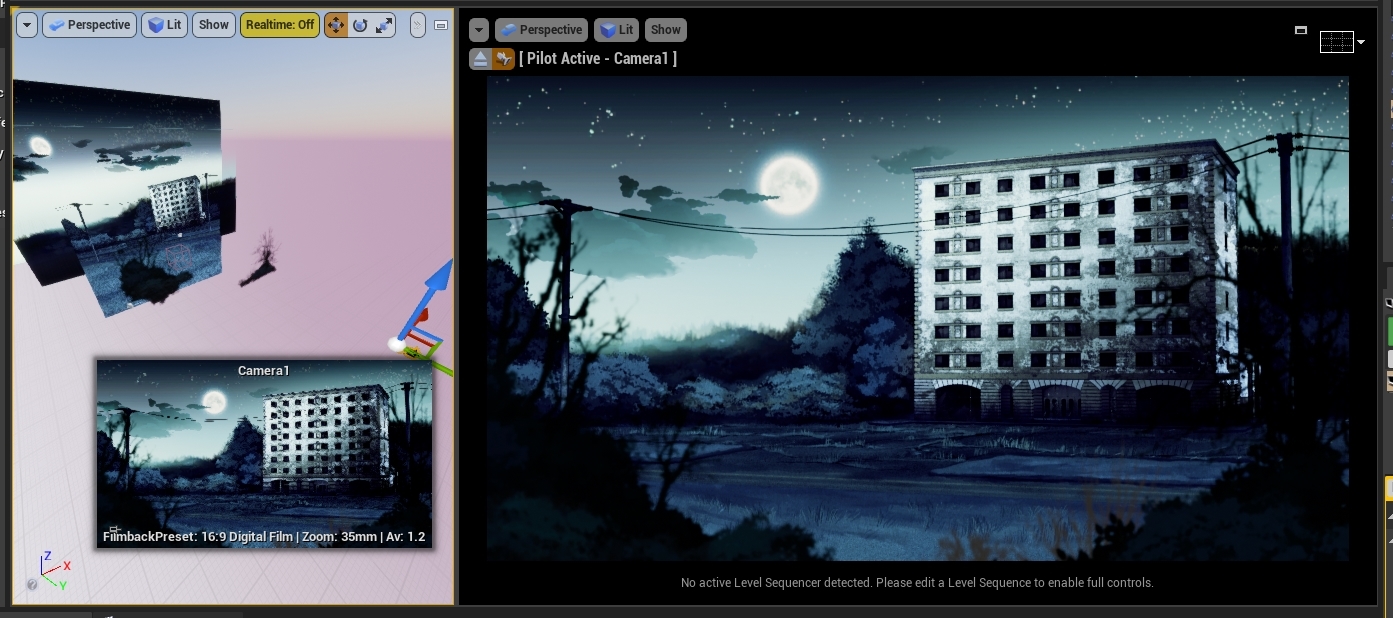
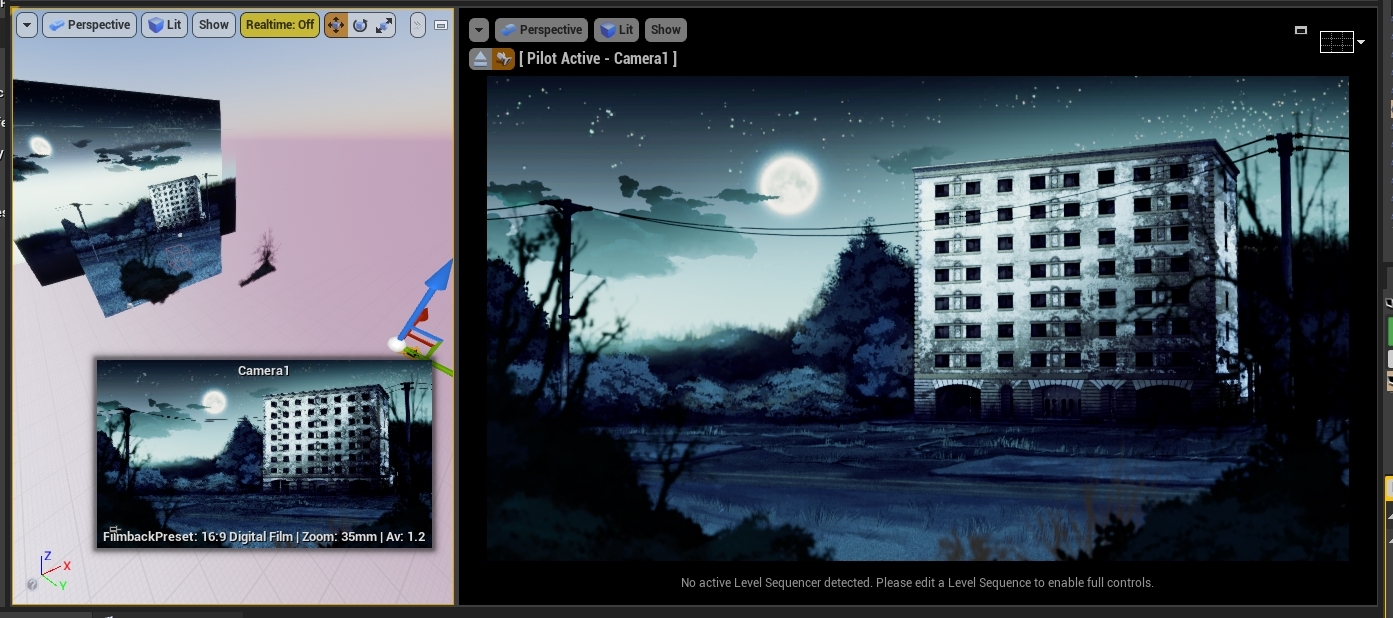
is there a way to turn off the ability to move the camera when you're piloting it? I have two viewports like so https://i.gyazo.com/bdae09eb4ef0046f072b488bd4c81862.jpg and I want to be able to preview my camera in one and move stuff around in the other, but I keep accidentally moving the camera instead and it is driving me mad
I know you can lock actor movement, but I would ideally like to be able to drag it around when I intend to
 sweet hemlock
may need some custom editor script for that
 wind topaz
How do I change the near clip plane for cinematic cameras?
regal urchin
@wind topaz do you mean aperture?
Aperture changes the depth of field
So things look blurry at different distances
wind topaz
the clip plane distance
regal urchin
How far it loses focus
wind topaz
It's clipping out objects close to the camera, I tried editing the engine settings but it doesn't seem to apply to cinematic cameras
regal urchin
Ah ok try focal length and aperture in the cinematic camera
Aperture should be far clip plane
Focal length should be near
Unless I don’t understand
wind topaz
https://youtu.be/S4inaG5nEY8 it seems like this is the solution

this is a mini blueprint to animate the r.SetNearClipPlane command that helps to clipping the camera in architectural interior spaces
yeah the console command worked
regal urchin
So he added a clipping variable to his sequence
 willow basin
Does anyone else have issues with rendering movies from the sequencer? I found many threads in the forum about it but nothing really helped. I just want to make a gameplay trailer by recording footage with the sequence recorder. With issues I mean very bad resolution when I have the cinematic scalability checked and bleeding between frames even when unchecked (hence rendering with PIE scalability).
 gritty rain
Anyone have issues with EXR textures not fully loaded in cinematics?
wind topaz
Sequencer keeps hard freezing when a media track ends, I can still hear audio playing but everything else locks
wind topaz
Also, is there any way to snap the playback to the start/end of a clip?
 pure matrix
Hi, i have multiple cars moving following a spline using the polymodels traffic car blueprints. How do i do a cinematic scene on the sequencer wherein all the cars are moving because they only seem to move during gameplay or simulation. I hope my question is clear. Thanks in advance.
gloomy garnet
Hello All. I am Ray Tracing and interior room. I have an asset of a wall and glass window. And I want the outer "sun' to shine through the window creating a shadow of the window frame into the room. When Ray Tracing, the sunlight does not go through the window's glass material. - The window glass, is a translucent material. It's Material Domain is set to Surface. Blend Mode is set to Translucent. Default Lit and Cast Ray Trace Shadows are on, or 'true'. If anyone has a solution or direct me in the right direction, would be greatly appreciated. Thx ahead of time.
pure matrix
@gloomy garnet what i am doing always is select all the static mesh with the glass material and turn off cast shadow, and uncheck cast raytrace shadow.
gloomy garnet
@pure matrix - Thank You. I see that would work. . My bad on not describing the mesh properly. The SM is one mesh with 2 materials assigned to it. Opaque wall material. And Glass material that is translucent. I was seeing if there is a way to not emit shadows from in the Glass material properties. . . .
willow basin
hey guys, I've got some problem with rendering movies with the sequencer. The textures are blurred, even if I disable texture streaming, and the frames are also suffering from bleeding if I render out the final image pass using a seperate process. Generally the quality is a lot worse compared to the PIE. I've also found that 'use cinematic scalability' didn't improve the issue. Any ideas?
willow basin
I can circumvent this by adding a delay every frame - however, than the render looks like speed up as it's out of sync. Any help is greatly appreciated
I am having exactly the same issued when I use the Render Movie Queue - even if I set the camera shutter to 0 with texture streaming enabled or disabled in the game mode override
I should maybe also add that this shouldn't be a hardware issue, I've am using a 1080Ti, and in PIE everything looks way better. Also I am having the same problems on my notebook.
OK, I've got a really dirty workaround, but this can't really be the solution. Instead of rendering I now just use Nvidea to record the gameplay with the sequence 'autoplay' checked
willow basin
for anyone interested, I posted the question on the UE4 answer hub https://answers.unrealengine.com/questions/971127/rendering-gameplay-issues-with-sequencer.html
regal urchin
Any reason a recording of a mesh to a subsequence would go out of sync?
mint monolith
@regal urchin I've just done a bunch of work with recording sequences. If the game lags while you are recording everything recorded will have the lag in it.
@willow basin Try setting your viewport to cinematic to confirm what it will actually render out as. Try adding warm up frame count of like 500 and extend your camera cut track to -500 so that the camera sits there for a while first and the scene can fully load
regal urchin
Ok that makes sense
mint monolith
Yeah its a bit of a hassle. Let me know if you find a way around it or anything though!
willow basin
@mint monolith ok thanks, I will try it out
mint monolith
Here's what i've been working on for the past couple of months. I really recommend looking into a virtual camera rig for anyone wanting to add a bunch of value to their cinematics

Update 7: Battle of Carentan is live now in Hell Let Loose!
Featuring:
- Full Animation Overhaul
- New Map: Carentan
- Full Firearm SFX Redesign
- Two Map Overhauls: Foy & Omaha Beach
Fight across the most brutal battlefields of World War 2 in this epic, team oriented reali...
regal urchin
@mint monolith I acually have all the gear for a virtual camera rig, i haven’t gotten around to set up, is it difficult I have htc vive and. 4 trackers
Also they keep talking iPad and I want to use my iPhone and dji stabilizer
gilded palm
how do i make a blueprint character do animations in a level sequencer?
 pseudo lion
Hey guys, been trying to set up a Vive tracker puck with our 2.0 base stations for Virtual production in UE4. We have been having issues with steam VR requiring us to have a headset plugged in to allow the Puck to come out of standby mode. We followed all the documentation on the web about editing the steam vr null settings and config files to allow the HMD to be null and "multiple drivers" true as well. But with no luck it would say put on head set to wake up. So we plugged in a Vive headset. We tried in our own project we set up with no luck no movement from the puck. When we tried to use this gentleman's demo project ( we followed his tutorial for the Vive puck tracking ) we could only get movement from the Vive HMD. Any help is appreciated. Time sensitive! https://hsen.co/Home/2020/06/08/vive-cam-rig-4-24/

Hussein H Abdallah
Virtual production using VIVE Tracker with UE4 is going viral these days, so I decided to do a Simple project to you guys to play with it
mint monolith
@pseudo lion I was looking at this a few months ago and some new update to SteamVR had just broken it then. Ended up having to have my headset connected. I think you could try installing an older version of steamVR if you can find out how
 sullen hare
Hello, can someone help me with my problem, im kinda new to ue, so, please)
How can i make work physics simulation in sequencer? For now i have this, sometimes it works, but sometimes just stops
mint monolith
@sullen hare Your game needs to be running or simulating for physics to work
 waxen grail
My Rendered Level Sequence in 4k still seems very Noisy. Is there a way to increase Sample Count or maybe Sample Count for the Light calculations in Unreal ? Thanks in advance!
 plush narwhal
Do Orthographic Cameras capture reflections?
 opaque hedge
errr kind of new to Unreal rendering, when i render 5 frames it spits out 20 frames in master sequences?
 junior crescent
Hey everyone. Composure question here.
I have 2 comps, 1 for green key, another for blue key. Is it possible to output them both at the same time? Each key has its own camera placed in a world. 🙂
willow basin
guys I don't know what to do anymore. I spend at least 15 hours trying to render a decent quality sequence. Something is off - no matter what I try. The frames bleed together as soon as something moves. I swtiched off motion blur, tried to render separate process, tried using the new render queue, played with the scalability setting, tried with and without texture streaming, tried various resolution, changed the focus settings of the cinematic camera, basically all the things I found online, still no success. I've got a 1080 Ti, so it's certainly not a hardware issue, plus I get the same results with my notebook. I am using UE 4.25. I have posted this a few days ago on the forum to try and find help https://answers.unrealengine.com/questions/971127/rendering-gameplay-issues-with-sequencer.html. I tried using the warm up as suggest by @mint monolith, still no effect. At this point I feel like I have tried everything with no results. No matter if I render out a sequence of images or a movie - the quality is always way worse than just PIE. Any help is greatly appreciated.
willow basin
for now I use just Nvidea to record the sequence that I have on autoplay, because it looks worse when I render it
willow basin
sadly it's not just the first frame :/
OK, I will try thanks. This is only one of many issues I've got though. Others are bleeding - this can be better seen in the link from the forum post above. When some object is in front of another a few frames before it still bleeds in.
ah I understand - that makes sense, might switch to forward rendering then
this could really be the issue I'm facing. Thank you very much Lorash
I guess some translucent stuff, right?
I see. With translucent I was talking about 'breaks a ton of stuff'
I heard performance is also better if forward rendering is used - I'll give it a shot, thanks a bunch
damn that's quite a list
can I still access the depth pass?
yeah I will try it out as soon as I can get my hands on it
thank you for the enlighting conversation
thanks Lorash
gloomy garnet
Hello All. I'm in UE 4.24 ray tracing a sequencer shot that has many skeletal mesh animated vehicles and characters. With ray trace reflections, GI, motion blur, DOF, all the fun stuff. The issue I have is, I'm getting one of the skeletal mesh vehicles furthest back, is disappearing between the foreground vehicle passing by in my cinematic output. Tried turning off different cine Cam settings to find a solution with no luck. It looks fine in my viewport when scrolling or playing. Could this just be a skeletal mesh issue when ray tracing output? Or maybe something you all have encountered. Any thoughts would be choice. Thanks ahead of time . . . .
willow basin
@gusty heath Hey so I switched to forward rendering and played around with it. Performance didn't go up but was pretty much the same. No material broke and it generally looks good. I faced some issues with DoF though. Where the scene is blurred I get a weird noises. I found that other people had similar problems. I need to have that tilt shift effect and very low fov to achieve a mineature effect.
I switched back to deferred but I still don't give up on finding a solution. Your input about the issue being TAA got me thinking. As I understood TAA needs to be aware of the velocities to prevent ghosting. Could the problem maybe be that the sequence render is somehow not aware of the cinematic camera but only of the player camera?
@gusty heath OK, no worries
 crystal hamlet
hello.. can someone please tell me if i can use root motion animation in sequencer ?if yes can you tell me how or just point out to some references..i am having a hard time creating a teaser for my project wirh in place animation..as i am a dev and not good at animation..most of the animation are sliding..so please if anyone can just point outbto right direction it will be great..
 undone rover
hey guys, im trying to render something that includes raytracing and im getting some awful flickering that im sure is the denoiser - is there a way to force frames to take longer to render so that the denoiser actually resolves?
 lyric hemlock
Sequencer question- is there a way to get audio in the .avi file it outputs?
Right now the options are no audio, or it outputs sound as a separate .wav
 woven orbit
hey guys does anyone know how to make the camera in the sequencer follow a spline path?
i hit track > path and clicked spline path but
it doesnt seem like it follows it
im not sure how keyframing along a spline path would work, is it percentage based?
 tough narwhal
Hi, how to render Composure with the new Render Movie Queue?
In the render movie queue I can't set the output to "composure export"...
 wheat karma
Anyone try the Linear Animation tutorial from the Unreal Fest presentations?
wheat karma
my character looks fine when I play it in game but in the recorded sequence she's face down and sunk in the ground!?
wheat karma
wheat karma
the one on the left is the ThirdPersonCharacter_BP dropped directly in the scene and the right one is one of the sequences recorded with Take Recorder.. !? Any ideas what could be going on here?
the animations play fine this time but i cannot figure out what's causing the capsule and camera to rotate forward 90 degrees
woven orbit
rip this is a dead channel lol
wheat karma
yup 🙂
 loud robin
Hi guys need some help
https://www.youtube.com/watch?v=FW5YNMdJruY&start=9s
Anyone know how to do the stuff on this video:
-0:20 the enemy do leap attack and the camera change(focus on enemy)
-0:30 when he blocks the enemy, the camera zoom in and play slow motion

練習中的Project,非商用
Music : https://youtu.be/xggWJLgN-Es
=====================================
正式的專案已經開始經營FB了!將會延用影片中的戰鬥系統,歡迎關注以便獲取更多開發消息!
FB粉絲頁 : https://www.facebook.com/Thymesia-記憶邊境-373963936505367/
 brazen plank
Hey guys. Any way to improve foot sliding when making a char move in sequencer?
gusty heath
@brazen plank 4.26 might be helping out on blending root motion properly -> https://trello.com/c/ow7jLELz
 rose kiln
Hi, anyone has had this scenario happen: My character animations don't play in editor for some reason anymore when working in the sequencer, they play just fine in game but can't really work with them like this 🤔 Happens only with one of the characters so must be something rig related perhaps.
edit: The solution was changing the character rigs collision type
 sage relic
Is it possible to play timers during Sequencer? Example: I have a Mesh that I apply rotation to, through a timer in blueprint every 0.01.. I want to play it during a Sequencer, but currently the Trigger/Repeater is only firing it once?
I'm reading guides and tutorials on the subject as much as possible but haven't found a solution yet.
All replies are appreciated!
scarlet spire
@sage relic idk if this is too obvious, but I had a similar problem with a script that applied a translation over time. turned out the problem was I had set a keyframe for the location at the beginning of the sequence, which was overriding the position set in the script every frame even when I never set a second keyframe
also, does anyone know if it's possible to have common functionality in all of your sequence directors? seems like every sequence gets its own. basically I need to call an event in every sequence, and I can't put it on an actor in the scene because it needs access to the sequence director reference. I could make a common parent class and reparent all the directors, but this seems annoying because there will be a lot of them
will write in c++ but prefer not to edit the engine
sage relic
@scarlet spire In my case I'm using a CameraRigRail as spline for movement, the Mesh in question that I need to fire an event for only got 2 things in Sequencer, Attach(To Spline) and Event(for the blueprint call)... Having no luck with this as of yet.
Not sure if it matters, but I'm not "Playing" in the viewport, if that makes a difference?
 muted kraken
Hi all, having trouble with a really basic issue here, I'm not sure where I've gone wrong. I've got a shot that I want to leave manual warmup frames on (warm up frames in Render Movie Settings don't seem to deal with noise from raytracing). For some reason the anim is kicking off right at the beginning, even though I haven't keyed it until half way through the shot, so the anim is looping (plays twice during this duration instead of once) - this will cause me issues in some other shots. Any reason I've missed as to why the anim is kicking off immediately instead of half way through the shot?
Just to note, when i scrub through the timeline - the anim starts when it is keyed. When i render out the sequence, it plays from frame 0 and loops.
 wind topaz
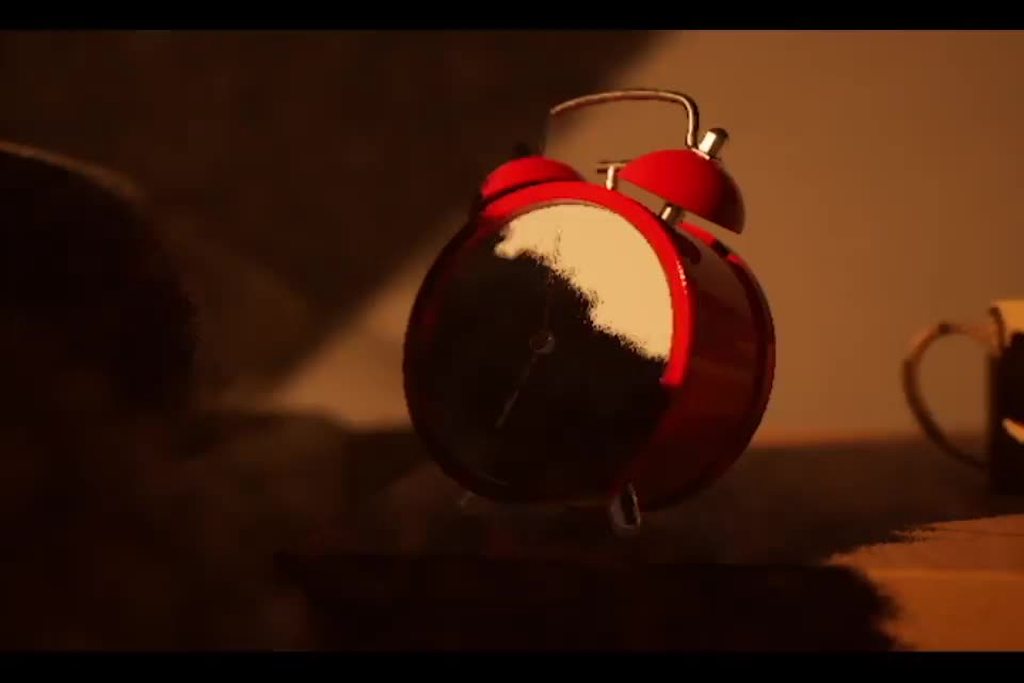
trying to keyframe some basic rotation in sequencer and somehow getting this mess?
legitimately just trying to type in increments of 90
I'm trying to get the camera to look straight down and rotate 90 degrees. I don't know if this is some impossibility to execute?
Setting a 90/0 rotation keyframe and then hitting play gives me this. Pretty frustrating.
gusty heath
@jagged raptor yo
 jagged raptor
Hi @gusty heath 😄
gusty heath
take a look at this on wikipedia for aspect resolution defaults https://en.wikipedia.org/wiki/Display_resolution

The display resolution or display modes of a digital television, computer monitor or display device is the number of distinct pixels in each dimension that can be displayed. It can be an ambiguous term especially as the displayed resolution is controlled by different factors i...
jagged raptor
will look now tyvm
gusty heath
you basically want to go 1280x720p
then the next res down
I recommend Fast 1080 in this image, except lower the res to 1280x720. so that means you select fast 720p30 and very fast 720p 30. the "fast" and "very fast" means it encodes fast. fast encodes mean the video is lesser quality.
if you can get away with a low file size, you may just be able to keep your 1080p res.
because again if the file size is lower the less burden on the end user. make sense?
if your goal is to show a video of moving images - i do not recommend using flipbook, or a moving set of images. these flipbooks are used for explosion sprites or reaction sprites typically. not for entire videos.
jagged raptor
I had set it to 720 with a 24 fps, but decided to look into it before hitting the decode button because I say there are presets you can chose in the first tab...
Specifically the Devices > Android...
Because I am deving for an android device ?
gusty heath
that said -- IF -- the video is short, you can use flipbook
flipbook is not meant for anything over like 20 frames in my opinion
ah sure yeah you can try that
720p android
jagged raptor
they are very short videos, I am just looking for a fast and dirty way to get it done XD
jagged raptor
I was just thinking that it might effect performance for the better being played at lower fps ? (literally just an uneducated guess though)
gusty heath
fastest way is to use the handbrake queue. that automates the process for all videos. you wont have to re set the settings each time
i do not think this will have an impact. you are better off with 30 because the user experience will be better
it is my opinion though, you can choose as you like.
24 fps is more of a cinematic quality anyway. it has its uses
you realize a lot of people stream on twitch at like 1080p 60 frames per second right? as modern users are expectant today, they are used to 30, or sometimes 60 frames. often with video games.
what is the footage of, and what will it be placed on? so i have context
is this rendered as sub-videos inside the frame on a mobile device? your application is on android as android packaging? or is it for PC using win64 packaging?
jagged raptor
I see...
I am very grateful for all of this information!
I was unsure simply because of the setup, the user will read the information as the short video loops, it will be on a 3d widget about 10ft away from their face.
in vr
I will show you the scene
jagged raptor
yeah no problem
jagged raptor
Can anyone recommend Media texture compression settings for android mobile ?
 hexed pewter
Guys, silly question, but I have a walking sequence with default SK_Mannequin, ThirdPartyTemplate animiations - clean setup similar to sequencer quickstart. I'd like to blend this into thirdparty animations - I pulled some animations off of the marketplace, but I can't seem to use these in the animation track for SK_Mannequin ? Instead UE will spawn another mannequin in another track ? Am I missing some basics andor doing something wrong ?
Answered: https://discordapp.com/channels/187217643009212416/225448446956404738/736984782717583411
 steep sorrel
Hey yall! good day!
i'm having a bit of a problem trying to achieve the same camera settings (or close enough) to Octopath Traveler's one, i can't seem to find near and distant dof settings that suit me, i'm using a cinecamera !
gusty heath
Hi guys, I just wonder since I'm not an expert in term of sequences. Is this little cinematic good enough looking for a trailer ?

test intro du boss, a voir pour le mettre ds le trailer
 paper palm
Hey everybody I'm doing the ue4 first hour with sequencer tutorial and it says to add animation to an actor in the sequence but the option for animation is not where it is in the tutorial. It should be underneath transform but it's not
gusty heath
@paper palm go in the "sequencer" window, on your "animated character" part, you will see a "+" on the right, click it and you will see in the options that you can add an animation 😉
paper palm
Oh darn lol thankyou!
mint monolith
@gusty heath Use a longer focal length, like 35 or 50, much less camera movement and get some depth of field going
gusty heath
hey @mint monolith , I tried changing these things but it's not what I want, the sequence is supposed to look like that in term of focal length. The focal length is 11, if I change to 35 the sequence is zoomed on the boss, which isn't my expectation.
mint monolith
@gusty heath Yep you'd have to move the camera back to get a similar frame. Focal length of 11 with default film back is insane, it's like using a fish-eye lens. It's why your shot doesnt look at all "cinematic". It's a very common amateur mistake
gusty heath
@mint monolith good to know, thanks for the tips 👍
mint monolith
No worries, best way to increase the quality of your cinematic work is to learn some real world techniques. Check youtube for cinematography videos
 upper agate
is here the right place to ask about the sequencer?
 jade root
Hi, I'm rendering a sequence to a movie and it's being very slow even though my computer is not fully utilized. Cpu at around 20% and the GPU is not utilized at all. When playing the movie, when showing it in the editor, the fps is around 10, because of Raytracing enabled. Which is low, but fine since I wanted to render it out . When rendering it out to a movie even at 640x320 it's more then 10min to fully render. I don't have the path tracing option enabled. Please advice.
steep sorrel
i'm trying to achieve a diorama style art but can't get my head around how, i messed with the cinecamera's settings but nothing suits my needs any one kindly willing to help me?
 thin grail
I got a real pickle if anyone has a moment:

reddit
0 votes and 0 comments so far on Reddit
paper palm
How do I play two level sequences at once? I have a player walking and than another cinematic for a door opening and was wondering how to have both play at once. Right now only one plays at a time or one stops for another to play
 nocturne socket
https://www.youtube.com/watch?v=PcDvDrF5F0Q is this series still the most up to date and comprehensive tutorial on learning how to use the sequencer?

In this video we take a different approach to constructing our scenes. Up to this point we have been working on a shot-by-shot basis, however in this video we start constructing out the rest of our cinematic from an animation stand point inside of a Subscene Track which we can...
 visual edge
hi everybody! nice group btw. i have a question and maybe someone have the right answer for me. i record via virtual camera a sequence in unreal. everything cool so far. but the problem is i cant edit the keyframes from the sequence. because its read only. is there a posibility to fix this ? cheers nico.
 glad sable
Guys any tips or guide for recording a cinematic shot? I constantly have an error of getting out of bounds of memory 😭
orchid timber
How do I play two level sequences at once? I have a player walking and than another cinematic for a door opening and was wondering how to have both play at once. Right now only one plays at a time or one stops for another to play
@paper palm Unfortunately you can't. You need to put all the stuff you want to happen simultaneously in the same shot. The topmost shot always overrides the one beneath. I wish it was possible to stack them!
Guys any tips or guide for recording a cinematic shot? I constantly have an error of getting out of bounds of memory 😭
@glad sable You're running out of video memory and there's not much you can do except lowering your quality settings or getting a GPU with more VRAM.
steep sorrel
trying for the second time : i'm trying to achieve a diorama style art but can't get my head around how, i messed with the cinecamera's settings but nothing suits my needs any one kindly willing to help me?
paper palm
Alright thankyou!
mint monolith
@visual edge Top right is a lock symbol, click it
 maiden drum
Hey guys Im using a live comp, but when I simulate, the animations are playing in the viewport but not in the liveComp view, its like it takes a snap at the start any idea why this wouldnt be live?
 fervent laurel
@maiden drum Comps might not work with Simulate, you might need to do with Selected Viewport or maybe even New Editor Window
maiden drum
@fervent laurel When I use any other method besides simulate it disables my entire live comp tho 🤔
maiden drum
Thanks cause If I have an animation on my material it works but for example rotating or moving doesnt display in the live comp
fervent laurel
Ok, I have your situation recreated, it indeed does that with simulate and I don't nkow why
You could add an output to your comp
To output to your Player Viewport
Then it would work with the other methods
I think what's happening is that little preview window is actually running a different instance of the scene, so when you run Simulate, it simulates the main viewport's instance but not the preview's
upper agate
i need some help with the sequencer can i mute tracks on runtime?
visual edge
@mint monolith haha wow thanks. yeah i was totaly blind 😆
paper palm
How do I set the player camera to the one in my cinematic? I play the cinematic but the view does not change to the camera
paper palm
I have a cinematic camera that is moving in the cutscene but I cant seem to change the viewport to it
mint monolith
@paper palm Add a camera cut track to sequencer
paper palm
That was it thankyou!
 cerulean flame
Hey all, has anyone had any experience using composure with the new render manager? I'm looking to output some high res shots that render manager is excellent for. I'm just not sure how I would go about the individual passes from composure in the render queue
Any thoughts are much appreciated!
 grand plaza
Hey guys. I'm relatively new here. I'm looking for some help with exporting cameras from Houdini into Sequencer. I'm having an issue with the orientation of the cameras coming in incorrectly. tried z up and y up. neither seem to change the orientation. Any Ideas?
 lime jolt
maya to ue4 works for sure, houdini never checked but it's fbx camera should work without a problem
check maya camera to ue and do by analogy @grand plaza
grand plaza
Thanks Pete. I seem to have the issue with Maya and Houdini. I guess I'll stick with parenting the cams to an empty actor an rotating 90 for now.
 chrome fossil
Hey - anyone know if it is possible to bake light from an emissive mesh decal? I can't get it to work, but want to confirm its not user error
lime jolt
@grand plaza try to change the rotation option "import rotation" (x -90)
gusty heath
my landscape doesn't get rendered properly (it becomes invisible) when i render my seq... any clue?
 edgy latch
I have a question... I'm having this idea to use Sequencer to create a walkthrough of my level and record performance to work as a benchmark that I could run after changes to see what needs more work. Is it a sound idea?
 livid saffron
After I did a 'save as' for a level my sequencer tracks all show up red - is there a way to fix this?
cerulean flame
@livid saffron I've had this before when saving the level to a new name. I never found a perfect solution, but you can right click each track and reassign the actors
It's a pain if you've got loads of tracks in the sequence, but gets the job done at least!
livid saffron
@cerulean flame thanks! Haha guess I'll just do it manually 😁
 dapper fern
Im trying to save this cinematic. I have a cinecameraactor attached to the rig rail. it works fine in the preview window. whenever I render, the camera detaches itself from the rig rail, leaving me with a static camera, I tried making a new cuts track and new cameras - same shit. any ideas?
mint monolith
@dapper fern Unattach it and create an attach track in sequencer instead
dapper fern
last hurdle before I can finish this sequence. My final render is horribly out of focus, even though I keyframed the focus settings over and over in sequencer. It's not matching the preview window at all, what am I doing wrong?
edgy latch
Can we record the game playthrough using Sequencer?
 young bane
@edgy latch yes but without audio channel
 muted lintel
can anyone explain to me properly what the difference between the relative transform track and the additive transform track is? Relative seems to use the actor itself as the origin, which would effectively mean additive and relative are the same.. unless you can shift the origin for the relative track somehow. But it's not via instance data, because that only works with absolute transforms
and additive also doesn't seem to do what it says. Going additive 0 -> 100 -> 0 should result in a number above 100 as it only adds positive numbers. But instead it just returns to 0 again. I don't get it
 restive sinew
Does anybody know the workflow of this video? I was planning to make a shapekey animation on blender and have a material blend for the transition of both the material and mesh from A to B. Thank you
https://vimeo.com/413775762

Time lapse animation of kidney pathology. Animated texture maps achieved the look. Zbrush 3DS Max Arnold
or could I just animate a displacement for this one?
cerulean flame
Hey, does anyone know much about transform passes in composure? for example how to get a bloom pass? Similar to like how a specular pass would work in Vray?
edgy latch
@edgy latch yes but without audio channel
@young bane thanks, I need it to make a kind of an automated benchmark
mint monolith
@muted lintel My understanding is relative is more for gameplay purposes, relative to the actor. Additive i've found useful to add additional animation on top of existing stuff. Eg: Adding a camera shake etc. I think the are interpreted in different orders when it comes to their rotations and the origins too
Scale of 1 on additive creates a total scale of 2
1 on relative is still one, its multiplicative
muted lintel
ah ok, that makes sense with the additive track
mint monolith
@restive sinew You could probably do something subtle like that entirely through materials and displacement but a blendshape would work too
muted lintel
as for the first part, yeah I see, thanks. That's my understanding too.
Reason this is important right now, is that I'm curious if you'd ever use relative-only if you have 2+ actors that behave in related ways (like, one pointing at another)
because if you were to trigger that scene but the actors are not perfectly lined up, the pointing actor would point into thin air, to my understanding
mint monolith
Hmm interesting, i'm not sure as I have never used relative. I imagine blueprints might be an easier way of doing something like that though
 sacred sky
hello, does anyone know why this is happening after i build lighting ? the object is meant to be entirely of white cloth material but is now a mix of black and white. Thanks
lime siren
@sacred sky Is the model UV unwrapped correctly?
That's my first instinct with something like this
 trail dawn
Maybe an amateur question, but is it possible to use Sequencer to Fade out/In a Players camera? In other words, not possessing a new one?
lime siren
@trail dawn I believe you can achieve that with a fade track.
https://docs.unrealengine.com/en-US/Engine/Sequencer/HowTo/TracksFade/index.html
Example of how you can fade in/out your Level Sequence with the Fade Track.
 dim jasper
Is there a way I can use exponential or custom interpolations for keys in the sequencer?
 agile linden
I can't extend my red line on my timeline so i can film a second camera
aaghh
idk what i've done wrong
The guy in the tutorial is like ah yes just drag the lines
I CANT DRAG THEEEEEM
dim jasper
You have to grab them at the top
agile linden
So when i first inserted a camera and moved it and set a key, it moved. Now when I do it, even after restarting, it doesnt move the cmaera anymooooore eeee
kind wedge
Hey, fellas, does anyone faced the same situation and can reveal me the cause of the wrong framing I get rendering with Render Queue? Here's the pic:
dim jasper
Same for me, I didn't investigate though because the output was fine
kind wedge
I wonder if the custom sensor Width & Height is the reason 🤔
Looks like a bug to me.
dim jasper
Nah, I had it for 1:1 and 16:9
kind wedge
I also noticed that i get editor lag after rendering (one frame) with Render Queue.
Does anyone noticed the same problem?
 hybrid viper
Is there a way to create an 'abstract' binding for a track in a Level Sequence object? I understand that I can add a track for an object that exists in my particular level, but I'm wondering if its possible to create 're-usable' cinematics that I can plug into other levels. For reference, my idea would be a common cinematic that takes in a 'door' (for example), and when you trigger that door opening, the camera pans to the door, shows it opening, then pans back to the player (I recognize this is an overly simple example). It seems like there should be a way to do this, given that you can create variables in the sequence director blueprint, but I can't seem to set or access them from any context? The 'binding' system seems to be a start, but it only seems to expose actors, but I'd also like to expose simpler values (i.e. a UObject, or even just a float to control speed or something like that).
 sacred tide
does anyone know how to exclude a specific component from being recorded takerecorder?
gusty heath
what does it mean if a camera rig is highlighted in red in the sequencer?
gusty heath
How can I switch between cameras at editor
I want to make fullscreen this camera with shortcut
regal urchin
@agile linden ive had the same problem if i move the camera from inside the sequencer, it seems to work fine and you get a better track
 lament sand
Hi, everyone!
I imported pixel clouds with MetaShape in Unreal Engine. On viewport all is good, but after render they looks weard:
https://gyazo.com/0582364545cd3f9dfa040b6d2dc9ffd3
https://gyazo.com/229bb08ee247615d41e0e85b20c822bc
Some areas show through, blink and disappear, looks different from the viewport.
Here is the link to the video - https://www.youtube.com/watch?v=yXS5m5Z7Z1A
(The quality is bad, but you can see everything there)
Do you know what it might be connected with? Thanks for attention.


 lavish dock
Is it possible to have custom render passes using the Movie Render Queue?
kind wedge
No, it is not, at the moment.
kind wedge
Hey, fellas!
After few more tests of trying to catch the cause of the post-rendering problem in 4.25.3 I have to ask once again - does anybony noticed the extra load of the GPU right after the rendering with Render Queue? It makes the Editor to become very laggy on clicks so you can't actually continue to work on a project untill you reload it.
kind wedge
GPU load goes from 30% and up to 70+% 🙁
kind wedge
Related to cropping effect on vertical formats- it appeas that Render Queue works perfectly fine with ultra wide resolutions:
 devout fern
Question I'm trying to play a loop or "JumpTo (Frames)" if said bool is not true. It works for CustomEvent0 but not for CustomEvent1 for some reason. Im pulling my hair out over this. Any tips?
On the CustomEvent1 it seems to ignore the false check and does not frame skip revert to 3.3. It goes right back to 0.
devout fern
Like the Jump To node is not working
NVM figured it out haha. My dumbass was calling it to go to frame 3, not 3 seconds in. I needed to use JumpTo (Seconds) node, not Frame haha
 sly meadow
Hello! I am a beginner and I am trying to make my first sequence. I want to capture a day/night cycle but when I look at the frames nothing seems to change...how can I capture "playtime" ?
 compact flower
guys can someone help me the problems with cinematic sequence in private please?
the problems when i render the sequence its not same in unreal
im beginner with 1 weeks experience
 night solar
what does it mean if a camera rig is highlighted in red in the sequencer?
@gusty heath Camera is deleted probably... I did that more then once too
 wicked stump
Question I'm trying to play a loop or "JumpTo (Frames)" if said bool is not true. It works for CustomEvent0 but not for CustomEvent1 for some reason. Im pulling my hair out over this. Any tips?
@devout fern Quick noob question: How do you get the "Player" (MovieSceneSequencePlayer) into your blueprint ?
devout fern
@wicked stump Are you asking a question or providing a answer?
wicked stump
I'm asking a question related to your earlier blueprint snippet.
 weary sluice
How do you control sequencer curves that are in the viewport?
I see a spline type thing on my blueprint and was wondering if it can be controlled.
 zinc igloo
Can I disable the game starting when rendering out a sequence?
zinc igloo
I just want to be able to record the sequence as if I am in the editor viewport
 pale mason
I was wondering what is the system specifications need to make a small game (with 2 villas and a 2 floor apartment with high quality photorealistic assets) as a third person game in unreal. I have 32gb ram 2400mhz, i5 9th gen 2.90ghz , 2gb graphic card is this enough?
I am asking this because the moment i import even one floor of the apartment the ram usage is at 9gb out of 32gb. Will it comsume more eventually?
gusty heath
any idea what's going on with the light grid effect going on in this render (bug)? And small particle lights are disappearing but not larger ones despite particles all rendering. Everything works in editor it's only a problem in the render...
Using Raytracing on a rtx 2080 with cpu particle lights in the scene
Volumetric fog is in the scene which is my best guess but not sure what parameters might effect this issue and constantly re rendering is a pain so asking first just incase :)
 foggy field
Hello everyone!
My name is Eloy Castillo, from Spain, and I work as 3D Technical Animator in La Frontera VR. Nice to meet all of you!
I have been learning UE4 for the last year, but there still are some topics I do not control.
I usually manage to find out solutions, but there is a problem I am not able to solve.
I hope this is not a repeated topic, I hace been searching and I did not find anything.
Inside sequencer , I have made an attach (no problem), but I want the Child object to detach and be exactly at the same spot, with the same scale and same rotation.
I know how to nail the traslation (changing position to absolute, copying and pasting), the scale (by deactivating the attach, copying and pasting) but There is no way I can get the correct rotation.
Any hint, i beg?
gusty heath
**fixed my issue, it was the volumetric fog
jade root
Hi Everyone, When exporting from sequencer you can export with the Alpha channel. Unfortunately it won’t work with an HDRI backdrop enabled. Are there possibilities to disable the hdri but still get the reflections upon moving reflective objects? Thnx 🙂 cheers
foggy field
This was the point!! Setting the Detachment Rotation Rule to “Keep World” allows me to deactivate the attach and get the World Rotation. Thank you!!
night solar
@foggy field I am looking for the same thing 🙂 But I can not even attach one object to another. So how did you do that?
 compact hound
does anyone know why MediaTrack is ignoring Time Dilation track in Sequencer? I'm trying to use this method https://www.youtube.com/watch?v=gXT-d85cXvA&feature=emb_title
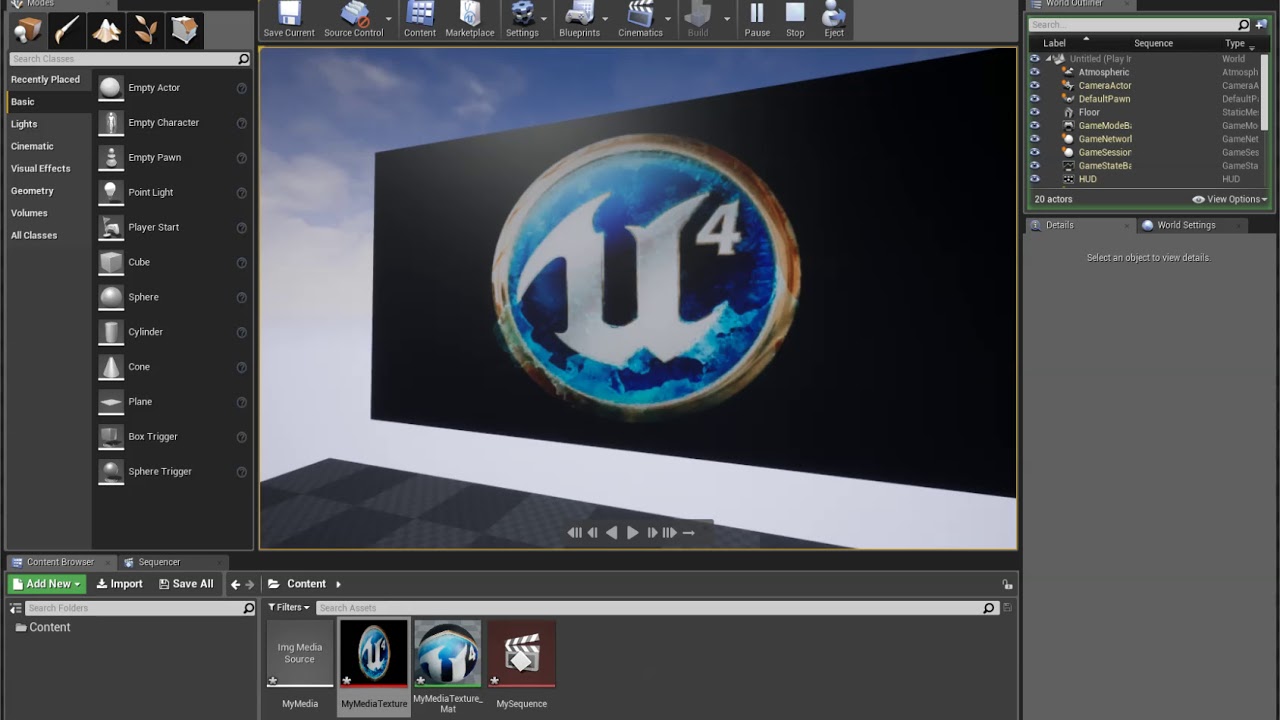
my scene is based on time dilation and everything is slowed down accordingly, while MediaTrack keeps going real tiem
gusty heath
media track is like a seperate instance than the engine right so time dilation won't affect it, and I'm not sure you can code that relationship easily. Your best option would be to make the whole sequence in real time or using dilation as a reference and then rendering out at high fps and slowing it in post where you need
compact hound
I see
Is there a way I can export camera data from unreal to after effects with something like nulls to indicate the position of an object in 3d space?
I'd like to export the camera animation and the position/rotation of my plane with the sequence so I cna just control it via AE
gusty heath
You can export the track as an fbx animation I think, same for the plane
 little venture
Hey, i'm having this issue with sequencer in unreal where our camera fades are also fading out audio including background music that is being played by a separate object. How can I prevent this?
 languid coral
Hey, i'm having this issue with sequencer in unreal where our camera fades are also fading out audio including background music that is being played by a separate object. How can I prevent this?
@little venture are you using the fade track orstart camera fade?
little venture
just a fade track
languid coral
Do those objects have their tracks/events added?
I’m having a hard time while rendering a movie using sequencer. The issue is that audio and animation tracks get recorded completely fine with proper playback speed at any fps selected, but additional skeletal mesh transformation track handled by a plugin via a blueprint seem to ignore any tickrate settings. How do i handle this? Should i set the audio track as a prerequisite actor for my blueprint? Also,the editor itself crashes when I select the blueprint as a clock source. I have no idea how to properly debug such behavior, any help is appreciated.
 sick cove
Hello guys how to assing a char to sequencer which is spawned in level. For example my char spawn after the level starts. so how to put that char in sequencer and animate it
 glass shoal
I'm trying to call a custom event from the sequencer, which in UE4 documentation is quite easy and shown like so:
But when I try it the list looks way different and doesn't list any events, like so:
I'm using UE4.22, any ideas why it's not working?
 cerulean grail
Hey all,
I'm looking at virtual cameras to replace the work I'm doing manually with the cameras inside UE in the sequencer. I saw you can use an iPad Pro as a virtual camera. The thing I'm wondering is, in the tutorial, it shows you can record stuff and it goes into the sequence recorder. But what I would like to do is :
- Make my sequence in the sequencer as I always do
- Film the different shots with a virtual camera (possibly ipad pro) so they go directly in my master sequence (as my characters are in the master sequence).
Is that feasible with an ipad pro ?
sweet hemlock
does anyone know if its possible to render shadows and reflections as output passes from sequencer?
 snow crown
sweet hemlock
snow crown
sweet hemlock
are you using sequencer?
sweet hemlock
another question for cinematic people
is it possible to render EXRs with all the render passes as a single sequence?
currently my renders do each pass as a separate sequence
 stuck ravine
Does anyone have an idea why, when I modify my camera keys location on the sequencer, it modifies its pivot info as well and offset everything recorded so far? Thank you
sweet hemlock
@stuck ravine
Was it an imported camera? Is there any parent child thing going on with the camera?
stuck ravine
@sweet hemlock No, just a CineCamera in the level
sweet hemlock
Hmm how about this
-
Select the CineCameraActor
-
In "Details" tab Select the "CameraComponent (Inherited)"
-
Under "Transform", reset the Location X, Y and Z of the component
May be offset?
 harsh hedge
For some reason I can't find the "properties" option to be able to select keep state.
oh you have to right click on the track itself, not the name
my bad
foggy field
@foggy field I am looking for the same thing 🙂 But I can not even attach one object to another. So how did you do that?
@night solar
Sorry for answering late. It is a very simple process of 203 steps ;)
The first thing I do is setting the transformations of the child object exactly the same in the world (with sequencer closed) and the transforms with the sequence opened in the frame you what to attach. This way, when you open/close sequencer nothing changes.
I duplicate the keyframe in the very previous frame.
Now, lets go back to the attach frame.
In sequencer, go to your child object and select "attach" track and the parent object. Everything will go to hel*. It´s OK.
Deactivate both transform track and attach tracks in child object. Everything will return to normal.
I go on
set the dettach rules to "keep world", it will help you later.
Activate the attach track. Everything will be fine BUT the transformations in the properties will be different to the sequencer. That is good. Overwrite the sequencer transform by setting a key.
Activate "Transform" track in the child object.
Now, the child object is free until the attach starts, and it should have a smooth transition.
ONE MORE THING I FORGOT.
The attach track has to start in our last keyframe.
I know it is a little confusing 😫
stuck ravine
@sweet hemlock Yeah for some reason when I move the keys, it offsets the pivot, not the camera
sweet hemlock
You may have the wrong transform in the sequencer perhaps. Can you take a screencap?
 crisp horizon
Posting this here as well...my foliage isn´t showing up when I play a sequence...any idea why?
As there is no actor of it in the outliner, I have no clue how to add it to the sequencer...
sweet hemlock
is Hidden in Game checked?
crisp horizon
On what?
sweet hemlock
on whatever object has foliage?
crisp horizon
I´m just painting the foliage on the default floor object, which is not hidden.
I can see the shadows from the foliage in the sequence, when I press play, but not the foliage itself.
sweet hemlock
does it also disappear when playing or simulating the engine?
sweet hemlock
hmm curious
wonder if it could be a bounds issue
so the foliage is 3D geo
maybe set the rendering bounds larger on the foliage to be a lot larger
other than that I can check out a sample scene from you
crisp horizon
Yeah, probably gonna try move the assets in a fresh project first, so I can rule out any weird setting I might have made.
Seems to not be a common issue, haven´t found anything so far on google...
crisp horizon
Yeah, just confirmed, the assets/foliage works fine in a fresh level.
So, no idea why its not working in this one, its only a testlevel anyways, so I´m just gonna migrate all the assets to a new level.
 spice zephyr
why does it seem like Roll and Yaw are spinning objects on the same axis in sequencer? what am i doing wrong?
spice zephyr
i havent even made keys yet
sweet hemlock
tried it on a normal cube with no issue, so any more info would help
fervent laurel
Hi, a client is having a camera input its feed into UE4 via an SDI port. The image is different between UE4 and the camera's preview on its web interface. My guess is that the web interface's image has an sRGB conversion applied to it while UE4 hasn't had anything applied to it.
Plausible answer to send to the client?
nocturne socket
^ would like to know whats going on here as well and good tips to make sure a camera feed you send in is what you want
fervent laurel
shrug Wish I had the equipment on hand to check it out
Also minor rant, but broadcast video and equipment can be a nightmare. They can be so finicky regarding resolution, framerates, colors and arghhhh
nocturne socket
oh i love all that stuff but i come from a film/livestreaming background
fervent laurel
I come from a photography background
It all makes sense of course if you think about it, but I'm just not used to thinking that way haha
nocturne socket
ya your assumptions are probably correct and its just a color space conversion issue
fervent laurel
Thanks. By the way, our project is still on 4.23. Has there been any chromakey improvements in the newer versions?
nocturne socket
using irl camears and greenscreens?
because thats more about even lighting that is separate from your subject on the greenscreen, and using at least a 10 bit video feed
fervent laurel
Yeah that's right, not our forte
Just wondering in terms of the materials, if the built-in ones are good because lots of VP stuff I've seen on YouTube they've made their own
nocturne socket
can you send an example
fervent laurel

This is a quick video to cover some of the aspect of keying and color correction in composure. It covers the basics of color difference keying, color grade settings and alpha channels.
Can't tell if that's a built in material or a custom one
nocturne socket
it looks like the chroma key in unreal is already pretty robust and has a lot of options to zero in on your key, likely more than after effects
fervent laurel
Thanks. My client was not happy with the keying during our last test day but i think we might be incorrectly blaming UE4 rather than the bad green screen set up
But of course I now have to deal with it 😛
nocturne socket
ok well if you need any help with the lighting setup let me know!
it really comes down to even lighting on the greenscreen, and using separate lights on talent and also trying to keep enough distance between the talent and greenscreen
super common setup for corporate interviews
fervent laurel
How do you deal with a full body shot?
nocturne socket
a bigger greenscreen
fervent laurel
We had lots of bounced lighting from the green screen floor
nocturne socket
ya that can be annoying, sometimes you can reduce that a bit in the color grade by shifting your greens
but thats the most annoying part of greenscreens imo
just gotta do the best you can to finess the light on the greenscreen setup
im also less experienced with full body greenscreen shots, so there may be a few tricks out there on youtube i don't know about
fervent laurel
Thanks!
nocturne socket
np best of luck
nocturne socket
if u got any more questions feel free to ping me
 golden gazelle
Hello there, I'm relatively new to unreal and i was wondering if you could help me to figure out how i should be approaching the following cinematic.
I created some logic which allows a car to move along a road as soon as i press Play in the editor.
I'm wondering how can i create a cinematic top down of this car moving? As far as i understood i cannot do Cinematics while the game is started? But i need the game to be started in order for the car to move.
Do i have a way of doing this at runtime?
Thanks for your time
sweet hemlock
Are you using Unreals Sequencer @golden gazelle ? Is there any reason why you cant have the car be an actor animated in the sequencer?
golden gazelle
@sweet hemlock yes i want to use sequencer to shot the sequence
the car moving is not an animation file that i can just play
it's a script that run on gamestart
sweet hemlock
ok, so when you make a new level sequence you can add it to your scene as an actor
when its an actor you have a setting called auto play, this will play the sequence right when you play your scene
and in your sequence you can do all your camera cuts, like the top down you speak of
sweet hemlock
there's also an events track in sequencer if you wanted to start your car animation that way
golden gazelle
I have now the actor in the level, autoplay is on, and setup the sequencer to use the Cinecamera attached to the Pawn,
Although when i press "Simulate game" (Play button) and try to put some key frame pausing the scene
it's not working
i'd love to have the camera following my car and add keyframes adding some transformation here and there
sweet hemlock
looks like your camera cuts its not reference your camera
notice where it says VehiclePawn on the cut? I would right click that and reassign it to your camera
as for the camera following, if you mean look at?
in your cinematic camera there is a LookAt section where you can assign an actor to lookat
golden gazelle
your camera cuts its not reference your camera
The camera is actually a component of the Pawn (in the component hierarchy) attached to a springarm, maybe that is the problem. In fact i don't see the options Lookat Tracking Settings when i select the CineCamera.
I tried to right click on the thumbnails cuts but there is no assign camera option
😱 I'm very sorry for being noob, i'm absolutely appreciating your help
sweet hemlock
hmm you should have look at settings
should be the first section under "Current Camera Settings"
sweet hemlock
you are correct
so turns out if its a cinematic camera on its own it will have it
but as a component it disappears
do you require the camera to be a component?
golden gazelle
not necessarily as far as it follows the car when is moving
sweet hemlock
well do you want it to follow the position of it? or do you just want it to look at the car?
golden gazelle
the position
sweet hemlock
ah ok
sweet hemlock
well for just position you can do what you did and just make it a component
try clicking the camera icon on your camera cuts track
see if your viewport shows your camera angle
golden gazelle
yes
sweet hemlock
yup
sweet hemlock
cool
golden gazelle
essentially, the key frame kind of works but when i hit play
doesn't play the actual video
it plays an image with the keyframe transformation
I'm surely doing something weird lol
sweet hemlock
so the odd part of your process is that you are trying to record keyframes in playmode
sweet hemlock
so you can try to animate keyframes before hitting play, which I know is probably hard to predict
i can see you are using a spline system for the car too..
golden gazelle
yes, the car follows the spline when the game starts
golden gazelle
mmh interesting, a completly different camera with a its own spline?
would it not be harder for me to make it follow the car? or is there a way to make move the camera along the spline with a constant speed?
sweet hemlock
I figure you could match the spline of your car ?
just raised up
for that top down look
then you could use the LookAt part of a new camera
golden gazelle
currently the spline that you see is attached to the VehiclePawn i cannot raise it up
otherwise the car start flying
i would need to create a new one
but what i don't understand is, imagine i copy the spline that is currently attached to the car and create a new one.
Is it possible for me to make the camera move along the spline in the sequencer?
sweet hemlock
Is there some sort of public value from a blueprint?
golden gazelle
by value you mean the current car location on the spline?
sweet hemlock
right
for instance you can expose variables in blueprints to cinematics
theres a checkbox so I can adjust my variables in sequencer
golden gazelle
ah
sweet hemlock
so in general
for my approach to a cinematic using sequencer, I would use a car animation instead of a spline so I can plan my camera moves in the timeline
trying to place keyframes while in playmode is less ideal but possible
golden gazelle
i see, but animation you mean an actual animation that you would create in maya/blender etc..?
sweet hemlock
right
golden gazelle
would you animate the actual car phisycally moving?
sweet hemlock
right
in maya/blender you could do a spline for the car, and then bake it into an animation
golden gazelle
i see, unfortunately i'm a developer and i've scripted the code to move the car thinking to create the cinematic within unreal but it seems that it's not the right way
😆
even thought doing it in blender or maya seems more difficult
because you need a way of creating the spline to match the exact shape of my road
in unreal
sweet hemlock
well you could still do what you were doing for the playmode
golden gazelle
that would be ideal for me
but i need something in sequencer that record every keyframe i see once i press play
then i can chose where to put my transformations
sweet hemlock
kk
then try the sequence recorder perhaps
Window > Cinematics > Sequence Recorder
i havent tried it a ton myself
sweet hemlock
can try piloting the camera and recording yourself 😆
 civic terrace
Working on my first level sequence, animating a character, all of a sudden I cant transform my actor in the level editor window. Did I mash a hotkey or something by accident?
sweet hemlock
maybe hit G?
civic terrace
nope, that just toggles game view mode
sweet hemlock
what do you mean by level editor window?
civic terrace
the main view window
golden gazelle
@sweet hemlock OMG, thank you very much again!! I made the sequencer recording working i now have a sequence of my played game in senquencer
civic terrace
but locked how?
sweet hemlock
right click your actor
@sweet hemlock OMG, thank you very much again!! I made the sequencer recording working i now have a sequence of my played game in senquencer
@golden gazelle
glad that worked out
civic terrace
nope not locked
golden gazelle

 sweet hemlock
might be something dumb, maybe restart editor?
civic terrace
worth a shot
While its restarting, so all the animations have to be pre-made animations? I cant fully animate the character with custom movements for that sequence?
sweet hemlock
premade as in made in a 3D package?
civic terrace
yeah, or with that control rig thing they've got now
sweet hemlock
Sweeet
Yeah don't have much to offer on control rig sorry
What movements are you trying to achieve?
civic terrace
I didnt like control rig last I tried it
civic terrace
Well, I need to make this King guy walk over, knight my character, then walk back
but the animations I've got arent very good for that
sweet hemlock
I see
civic terrace
so, it looks like I have to make the animation in blender, import it as an asset, and use that animation, instead of just... animating the character in the scene
sweet hemlock
Yeah that's my typical way of doing it
civic terrace
Dang. ok
 glass cedar
Is it possible to render a single image out of the sequencer? The reasoning is to be able to use a higher PathTracer sample count for a still image.
fervent laurel
@nocturne socket Call back to the video input color issue. We found out that in the BlackMagicVideoInput asset that's used, there's an option to input the video as sRGB. Once that was clicked, the video was a lot similar to what is seen on the web preview. Not only that, but keying quality was improved dramatically. I'm going to check the documentation now but it's possible the keying process might use an sRGB workflow rather than uncompressed
nocturne socket
Oh yah making sure your color spaces match is important
That would certainly make the keying process easier :p
 novel sparrow
Greetings. Is there a shortcut to attach multiple meshes in Sequencer?
I have several dozens of spawnables, and i cant do that in Outliner.
Oh...it seems working
Nope. It does not. Resets when i restart the sequence
novel sparrow
Ok. So, selecting them all in Sequencer and adding a track worked worked.
Now i need to set the Spawned key for all of them. Is that possible?
 fringe folio
Hey, this might sound stupid, but i have created something in unreal engine but I need a raytraced screenshot of it, I would do it myself but my laptop has a core i3 5005u and an amd R5 m330, so uh...not getting far with that
As for the project, here's the rasterized version
sweet hemlock
Has anyone had luck rendering from sequencer with a media track that has video (not img sequence)?
Videos tend to playback superfast compared to real time in editor
 hybrid hatch
hi, sequencer rendering from player start how can i select render camera?
sweet hemlock
@hybrid hatch do you have a camera actor in scene? and in your sequencer do you have a camera cuts track?
sweet hemlock
dope
civic terrace
Is it possible to pause a cinematic from the sequence director? Using the dialogue plugin, and I'd like the cinematic to play for a bit, display some dialogue, then resume once the section ends...
or do i have to make a seperate level sequence for each section?
I'm off to bed, so ping me if anyone thinks of an answer 🙂
 coarse breach
@civic terrace if you drag off of the return node where you are creating the level sequence and type "pause" that'll do it for you. you can then put delay it a variable and set it to play again when you want.
civic terrace
@coarse breach Right now I am calling the cutscene to play when the player overlaps a quest location box trigger, which will be a different entity than who the player would be having a conversation with
it triggers a level sequence actor placed in the world
coarse breach
so you want the cinematic on trigger to pause, or what do you want it to do once the dialogue begins?
civic terrace
Ideally, I'd like the cinematic to start, do a little bit, pause for a bit of dialogue, continue, then pause again for more dialogue, before resuming
coarse breach
is this cinematic just filming the actors talking? or is there some special stuff going on too?
civic terrace
Player goes before king, kneels, king gives a little speech, knights the player, more speech, then the player goes onto the next part of the quest
coarse breach
Okay, so why don't you just drop in a cinecamera that is persistent and does slight movement around who is talking. Then, when you have special animations that may require cutscenes play those level sequences, and when they end they return to the base cine cam?
civic terrace
well, the whole thing is scripted animation, just needs to pause for dialogue
I know I can trigger the cutscene from the dialogue, so I may be able to reference that way
coarse breach
since its a scripted animation, why does it not stop when the dialogue begins? or is the anim part of the dialogue?
civic terrace
part of the dialogue
coarse breach
im just having trouble understanding the setup. anim + cutscene is connected, but you want to seperate the camera from the anim and pause it when a dialogue option appears?
civic terrace
I wanna pause the whole sequence, so the player can have his little chat with the king, hopefully leaving the characters in an idle animation while the cutscene is paused
coarse breach
when the dialogue starts, create an event that sets the player's blend space and pauses the camera animations from the cutscenes?
civic terrace
Like how in a lot of games, you have a dialogue session with a story NPC, but the dialogue appears in a bubble below the action, giving the story
maybe I just need to experiment a bit more, look at it from a different angle. Been zonked out last few days, so maybe I'm just not thinking clearly, or asking the right questions
coarse breach
i get it ha. feel free to message me if u get more questions. i've used the dialogue plugin (From code spartan?) quite extensively and am happy to share some knowledge!
 kind terrace
Hello all. Any idea how to import music file chart like .Chart or .Mid for guitar hero files,.sim for DDR files, or any other rhythm chart into the Ue4 sequencer?
compact hound
hello, I'm using the new movie render queue feature in 4.25, and Im having minor issue. for some reason it starts from frame -1 when rendering despite render range starting at 0.
normally it wouldn't bother me, but when using a master sequence, it takes 1 frame backwards for every shot, which messes up with my time dilation keyframes causing them to appear 5 frames earlier
 thorn pulsar
Heya!
Just trying to render image sequence using command line (https://docs.unrealengine.com/en-US/Engine/Sequencer/Workflow/RenderAndExport/RenderingCmdLine/index.html) - Can't get the -PostProcessingMaterial argument to work. I've quickly looked into the builtin classes and can't really find it neither. Does anyone have an idea?
sweet hemlock
hello, I'm using the new movie render queue feature in 4.25, and Im having minor issue. for some reason it starts from frame -1 when rendering despite render range starting at 0.
@compact hound I think the movie render queue is buggy in general
 dim delta
so im making a short cutscene in blender for unreal engine. what is the best format and way to export it for ue4?
willow basin
Hey guys I have some problems with rendering out sequences. I made a post here, help is greatly appreciated
Unreal Engine Forums
Hey guys,
I am posting here after spending a fair amount of trying various things and researching the forum (12-15 hours in total). Basically I just want to render some gameplay footage using the sequencer, a camera rail and a cinematic camera. However, the quality of the ren...
 flint hull
Hello, i having trouble , when i record sequence always error , can help me 😭??
 wind pollen
Hello Gyus! I want to make cut scene, but i cant see in sequencer what my animation character doing. All animation in scene is freesing in 1 frame and working just in rendering process. How can i see all animation moving when i create cut scene?
I add in scene animation, I add camera, i change camera position in time, but animation doesn't work in screen.
Help me with advice
wind pollen
Ok. i found.
sweet hemlock
so im making a short cutscene in blender for unreal engine. what is the best format and way to export it for ue4?
@dim delta check this out
https://www.unrealengine.com/en-US/blog/download-our-new-blender-addons?sessionInvalidated=true
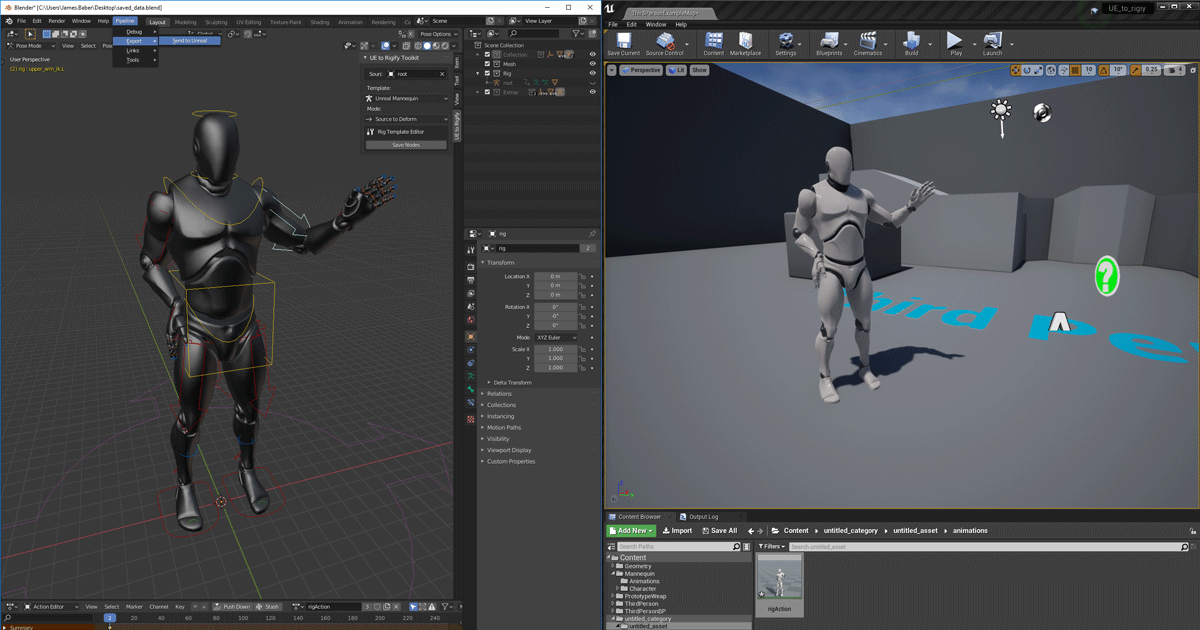
Unreal Engine
We’ve released two new, free addons that greatly streamline the workflow between Blender and Unreal Engine.
flint hull
why my video media player its glitz, any solution? @here
flint hull
it's media player from video cromakey, all setting is default @sweet hemlock
the face is not good looking
it is for awarding project
sweet hemlock
how does the video look in media player vs viewport?
dim delta
@dim delta check this out
https://www.unrealengine.com/en-US/blog/download-our-new-blender-addons?sessionInvalidated=true
@sweet hemlock that seems to be about rigging. i am trying to export a video
Unreal Engine
We’ve released two new, free addons that greatly streamline the workflow between Blender and Unreal Engine.
sweet hemlock
I would suggest mp4
do you plan on exporting the video from sequencer? if so I would recommend an img sequence
dim delta
export a video from blender through render animation
flint hull
how does the video look in media player vs viewport?
@sweet hemlock its same too , its rendering from record sequence
sweet hemlock
the same bad quality?
flint hull
the same bad quality?
@sweet hemlock yes 😅
sweet hemlock
ok
does the video look bad in a video player too? like windows movie player, or vlc
flint hull
the original file video media player its good quality , res 4K
but , when i put it in unreal and record sequence its bad quality
https://docs.unrealengine.com/en-US/Engine/MediaFramework/HowTo/FileMediaSource/index.html
I followed this tutorial
Illustrates how you can play a video file inside a level on a Static Mesh with the File Media Source asset.
sweet hemlock
hmm
in your video i see a trail of her dress
I would try to see if you have motion blur on
 barren lagoon
hey all. what's the point of adjusting my camera cut track when i can simply adjust my shot track?
all i'm doing at the moment is simply stretching out my camera cut track randomly, and using my shot track instead to adjust the length of the shot
ultimately i'm not exactly sure what the point of the camera cut track is aside from being a nuisance sometimes
 obtuse cosmos
Has anyone experienced an **issue **with **cinematics **on **BeginPlay **where the scene doesn't play through till the end?
The cinematic plays through nicely in preview mode but not when I actually start the game.
Already read through this thread and implemented the tips but it doesn't help https://answers.unrealengine.com/questions/439573/sequencer-stops-playing-in-the-middle-of-it-when-i.html
Here is also a short video for clarification: https://youtu.be/Ij8te7t0MJc

Link to a thread about it: https://answers.unrealengine.com/questions/439573/sequencer-stops-playing-in-the-middle-of-it-when-i.html
Discord chat message link: https://discordapp.com/channels/187217643009212416/375020247335567360/750459272747417681
 random briar
i made a night scene , but when i render it , it looks really bright n washed out , as if gamma values went up.....how do i fix dat , it looks fine in vieport
sweet hemlock
are you rendering exrs?
i made a night scene , but when i render it , it looks really bright n washed out , as if gamma values went up.....how do i fix dat , it looks fine in vieport
@random briar sometimes that matters
Has anyone experienced an **issue **with **cinematics **on **BeginPlay **where the scene doesn't play through till the end?
The cinematic plays through nicely in preview mode but not when I actually start the game.
Already read through this thread and implemented the tips but it doesn't help https://answers.unrealengine.com/questions/439573/sequencer-stops-playing-in-the-middle-of-it-when-i.htmlHere is also a short video for clarification: https://youtu.be/Ij8te7t0MJc
@obtuse cosmos can you screenshot your sequencer window?
Link to a thread about it: https://answers.unrealengine.com/questions/439573/sequencer-stops-playing-in-the-middle-of-it-when-i.html
Discord chat message link: https://discordapp.com/channels/187217643009212416/375020247335567360/750459272747417681
ultimately i'm not exactly sure what the point of the camera cut track is aside from being a nuisance sometimes
@barren lagoon camera cuts basically tells what camera is being drawn
shots are a nice way to organize your camera work or whatever and order them accordingly
barren lagoon
got it. is there a reason why you’d make the shot and camera cut tracks different lengths?
not sure if there are different ways to go about it, but my current workflow has one camera cut track per shot
sweet hemlock
you could yeah
barren lagoon
in what instance would you do that?
sweet hemlock
so you could have two cameras in one shot track if you wanted
and you can determine when you want camera A to cut to camera B
barren lagoon
alright, that’s a bit more interesting. now my question is, why would you have multiple shots if you can just have one shot with a lot of camera cuts?
sweet hemlock
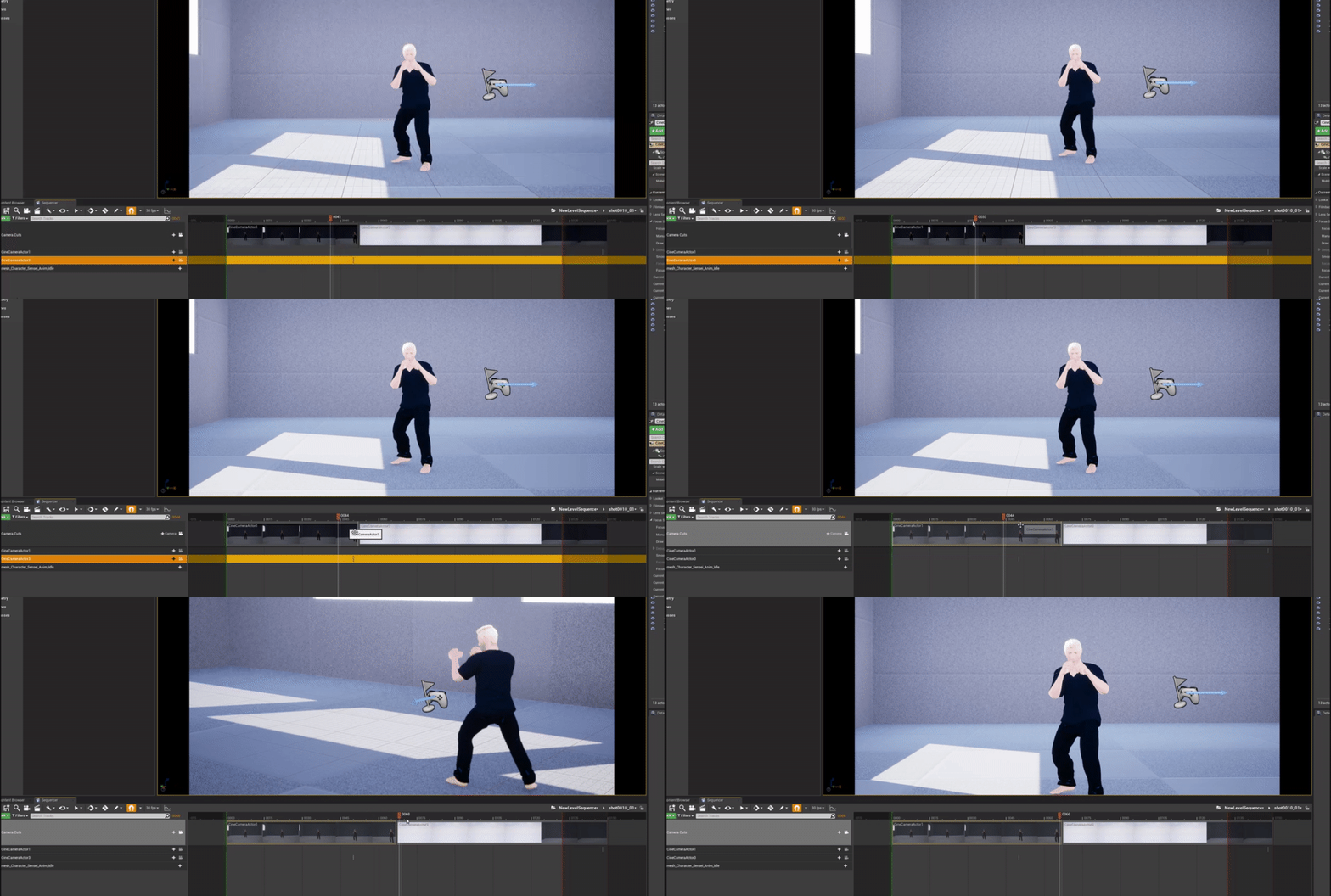
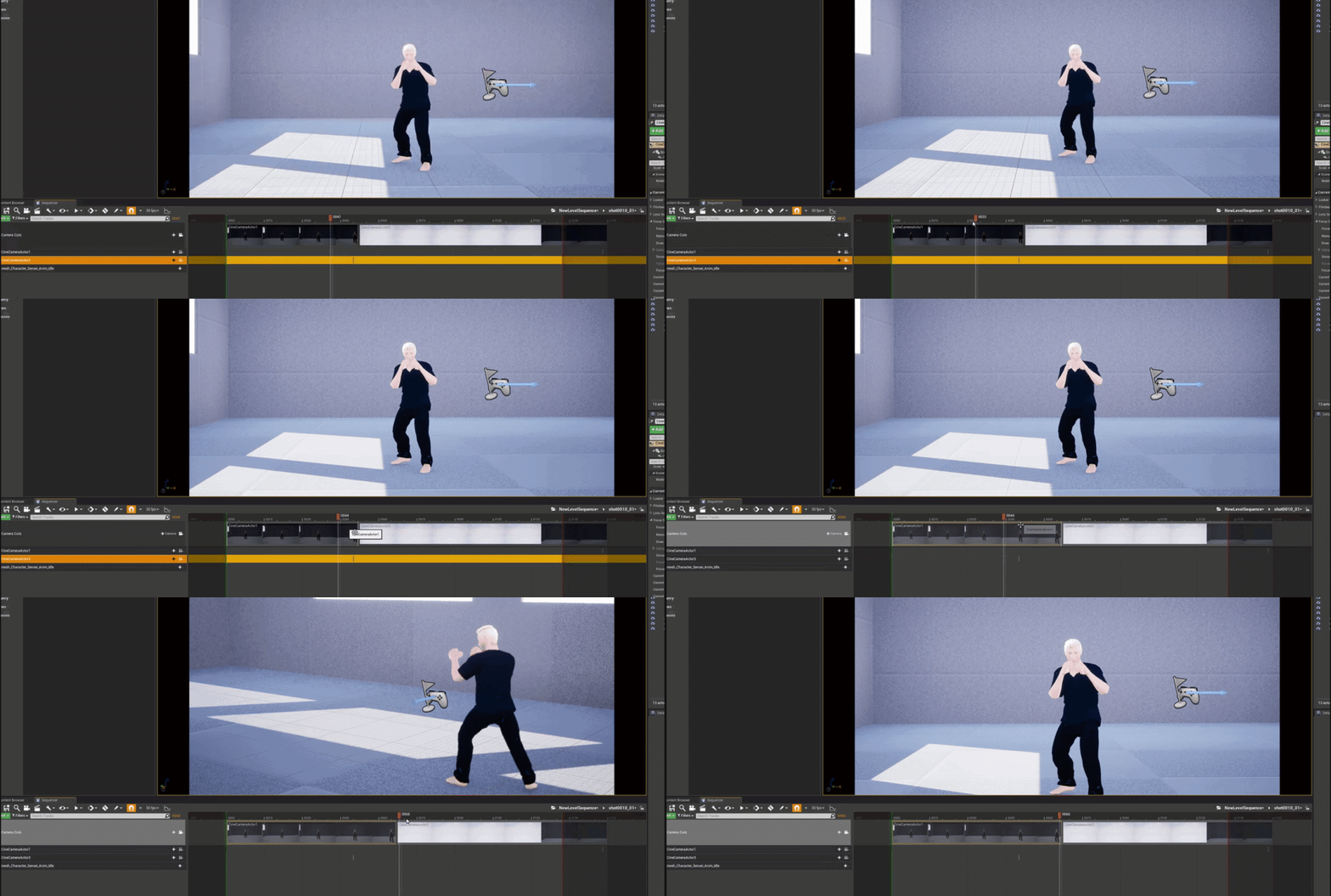
its up to the needs of the artist
you could very well do every thing without shots tracks
but sometimes that extra level of organization is handy
barren lagoon
yup, i see that
a shot with multiple camera cuts
i don't know, it seems to me like this is the optimal way to do it honestly
i have trouble wrapping my head around wanting to fiddle with one camera cut per shot
it's quite tedious
also, what is it that gets rendered out? the shots or the camera cuts? @sweet hemlock
sweet hemlock
the camera cuts
barren lagoon
👍
sweet hemlock
if its any consolation, when you add a camera to a new shot a camera cuts track gets added automatically
if you know you only have one cinematic camera you;re going to use for the entire sequence you can delete all the camera cuts tracks from your shots, and just add one camera cuts track to the main sequence and have it fill the entire timeline
barren lagoon
oh yeah absolutely
i appreciate your time today. i'll let you know if i have any further questions.
sweet hemlock
sure thing
flint hull
I would try to see if you have motion blur on
@sweet hemlock in media player it`s good quality but when put in sequence become bad quality
in viewport its bad quality
sacred sky
hi everyone - when my media texture is in Unlit mode, the resolution is perfect, but when it is in lit mode, the resolution is blur. how do i fix this?
the above is the lit mode
this is the unlit mode
fervent laurel
@flint hull It looks like temporal AA is causing that. Try disabling that in your project settings
obtuse cosmos
@obtuse cosmos can you screenshot your sequencer window?
@sweet hemlock Sure:
obtuse cosmos
well
flint hull
@flint hull It looks like temporal AA is causing that. Try disabling that in your project settings
@fervent laurel oke i will try it
obtuse cosmos
the marked part is the complete scene but sure I'll give it a try
flint hull
my fps drop from 40fps to 20fps in record sequence
i use NVIDIA QUADRO 6000 , intel core i9 gen 10 , and ram 64gb
but in taks manager nothing high perform (GPU or CPU)
do have a solution for get high FPS ?
obtuse cosmos
@sweet hemlock yeah as I thought. Doesn't help.
@sweet hemlock The sequence stops at exactly 5 seconds no matter what. Maybe I have some default pawn possesion code running somewhere...
sweet hemlock
It looks like your camera cuts track stops at frame 150 which would be 5 seconds
obtuse cosmos
sweet hemlock
So I would hope extending the end of it to the end of the sequence would be enough
obtuse cosmos
like so, right?
sweet hemlock
Nope
obtuse cosmos
oh
sweet hemlock
See in your camera cuts track there is a draggable thing there
Extend that to the end
obtuse cosmos
thanks!
you're right
I feel dumb haha
@sweet hemlock Thanks a lot! I wouldn't have seen that by myself and just dropped the project.
sweet hemlock
Happy to help
barren lagoon
i have my camera set up on a rig rail, but i want to adjust the speed of the camera as it moves along the rail. is there any way to do this other than going the tedious route and setting up a bunch of keyframes?
i guess i could use the curve editor, but i've forgotten how to make it take longer to go from one keyframe to another
sweet hemlock
yeah curves would be a good route
youll want bezier handles to adjust how long
make the keyframes non-linear
barren lagoon
is there a way i could possibly stretch out the bezel on the right? @sweet hemlock
i'm trying to slow down the end of the rail
sweet hemlock
yeah look at the buttons at the top of the curve editor
one of them should be called weighted
which should allow you to extend the bezier handle
barren lagoon
i see it, thanks
flint hull
Why when i rendering record sequence , audio not included in rendering file ??
sweet hemlock
i haven't had much luck with audio myself, when it says experimental I don't take it too seriously
does it kick out a separate file at all?
barren lagoon
last i checked audio has to be done in post unfortunately
flint hull
but when I edit in adobe the premiere in the final video, it is not the same as the audio file
sometimes the video is fast sometimes the video is slow
sweet hemlock
interesting
are you talking about the video of your people?
like your green screen subjects
sweet hemlock
is your source a video or image sequence?
flint hull
i record to video .MOV
if i sync time in video with first light, the end of the video it doesn't fit
sweet hemlock
some questions
what is the frame rate of your sequence
what is the frame rate you are rendering
do they match? if so, try matching them
also image sequences tend to render out better than videos
i had an issue where a video source played back 3x as fast, but an image sequence was fine
Unreal Engine Forums
Animation discussion, including Animation Blueprint, Persona, Skeletal Meshes, and more.
flint hull
frame rate sequence and rendering is match i use 25FPS ,but i wanna try rendering to image sequance
by the way thanks for your info @sweet hemlock
sweet hemlock
kk
 distant mauve
Hey, what am I doing wrong here? I've got a master sequence, and 2 level sequences which are just for level events,
when I play this, only PillingPad1 will play in level. If I were to put PillingPad2 on top, then it would only play that one instead of 1, how can I get both of these to play simultaneously?
obtuse cosmos
@distant mauve why do you need to play to scenes at the same time? I think that's not needed and not possible except if you were to use two viewports or something.
distant mauve
those aren't scenes, there is no camera in those, just moving stuff around. I thought I could group level actions (vehicles moving, actors spawning) into shots, so I could pan a camera through a master sequence and be able to re arrange the shots if I wanted something in a different order instead of having to move all the actors and keyframes around, I have everything in one master now
sweet hemlock
hmm
do they reference the same actors at all?
@distant mauve for pilling1 and pilling 2
brave abyss
i have .mp4 videos cut-scenes, what is the best way to show these videos cutscenes inside ue4?
sweet hemlock
Illustrates how you can play a video file inside a level on a Static Mesh with the File Media Source asset.
 pearl dawn
Anybody ever try to record a patrolling AI in sequencer? I'm still a baby with unreal. we've got a camera track on a patrolling ai that works fine in real time, but stops when the sequencer is setup. We are trying to have record without having to keyframe, instead relying on ai behaviors. The forum hunts have not been going well. any pointers?
pearl dawn
I'll dig into this. thanks! didn't even know about this 🙂
gusty heath
Does anyone know what template to pick on a new project for CGI Film work? I know one has film right in its name, but I am not working with green screen so I was not sure if I would pick Games, or Film, Television, and Live Events template. I do not know if this goes here or in unreal-engine
civic terrace
Hrm. need to move objects, static actors pre-placed in level, but the transform gizmo is locked out so I cant move things...
civic terrace
can move them in the sequencer track editor, adjusting each parameter individually, but no transform gizmo in the viewport.
civic terrace
ok, switched the object to movable outside of sequencer, now the transform is there...
 formal prawn
Sorry if this is the wrong place, as I know it's not quite cinematics, but it's a camera question so thought this maybe the best place to ask. Wondering if anyone can tell me what the camera movement is used here please? Struggling to find the right term to google/research/learn.
Basically the camera seems to always slightly lead the character so that more of the world is visibile. Unless it's at the world bounds where it locks down and the character moves freely until away from the bounds. Start this video at 9:05 and watch for around a minute to see what I mean.
https://www.youtube.com/watch?v=FjK5j4kWctw&t=587s&ab_channel=ZackScottGames

The Legend of Zelda Link's Awakening Gameplay Walkthrough Part 1! Tail Cave Gameplay!
NEXT ► http://zack.watch/LinksAwakeningPart2 PLAYLIST ► http://zack.watch/LinksAwakeningList
SUBSCRIBE ► http://sub.zackscott.games ► Thanks for every Like! 👍 Ring the Bell! 🔔 ⤴
Thanks for w...
nocturne socket
looks like a somewhat top down, isometric type of view reminiscent in older RTS games
it may even be a 45 degree angle
formal prawn
yeah I've got the angle pretty much sorted, it's more how the camera moves during gameplay in the open world bits
barren lagoon
is there any way to adjust the look of the blur for objects that are out of focus?
 rugged condor
Please can someone help me with sequencer?? I have a key in sequencer which i cannot delete, it's messing up my sequence
it causes the character to slide
it also causes this curve of movement to happen
i'm not sure how
 grave hedge
I can't promise I can help with this
I'm only doing programming stuff regarding the playing of this, not the creation of it
The white lines seem to just be indicators for other things
rugged condor
So here is mmy shot where the character stops in place after running into the frame
grave hedge
I can see them being related to the end and start of things in the track
rugged condor
this is the last keyframes right
and let's say i want to include some movement further
sorry wrong keys it's the one above
grave hedge
Hm, you could try and open the curve editor for this
At the top of the sequences is a button to view these as curves
Maybe it's doing some interpolation afterwards?
grave hedge
Yes
grave hedge
Right, have a look at the curves maybe.
rugged condor
I want him to start moving from his current location
grave hedge
This kinda looks like between these two keys
That it interpolates
Instead of making it a straight line
Should be the right most button
Just a guess though
rugged condor
Yeah and also if i want to move the character then it makes something like this
imm gonna llook at the curves you mentioned
grave hedge
Is that just the Y axis?
(cause green)
If you hover over it it should tell you what this line represents
rugged condor
grave hedge
But the image above that makes kinda sense, at least the one you sent very first.
It shows how the curve tries to go from your old to your new key and interpolates between the two.
Can you move the front most key somehow?
): I might not be able to help you with this much. I haven't used sequencer that much yet. As said, only the coding part to play them.
rugged condor
if i move it it moves whole character
what i just want to do is literally
have character stop
talk
then move again
without issues
😦
This is what happens during animation
he is sent forward and back
even though he is not moving from his place at all
grave hedge
Technically that is correct based on the curve you see
So you need to fix that curve somehow :<
rugged condor
that's the problem
like
i didn't make any curve
character literally moves from place A to B
stops
then if i want to move it again
it curves
automatically sends character forward
Ok i managed to fix it
Had to set key before and after transition both to linear
i'm not sure why unreal doesn't do that by default
but finally
aftter 5 hours
lol
kind wedge
ISSUE with inporting animated geometry cache with find materials option
Hi there, fellas!
Does any body familiar with the issue above?
The thing is that some animated cache files cause the Editor to instant crash while importing with find materials option turned on.
Log file says couldn't find the material despite the fact that everything is in place.
I was trying to catch the actual cause fo that crash but failed.
grave hedge
@rugged condor ah that's basically what i meant with "it interpolates". Glad you fixed it
 novel sky
Hey all. I'm attempting to prototype a music video which is essentially based on spawning an actor/niagara system in a specific location and rotation -> letting it animate or the emitter end -> killing/destroying the actor.
Those three steps Spawn>Animate>Remove are to be synced by hand to a wave form in the sequencer via keyframes.
What is the most efficient way to get things to pop in and out of the scene like this. I'd like to make a generic blueprint entry in which i can bring in multiple meshes for this. I anticipate there will be between 2 and 50 elements on screen popping in and out across a ~3 minute song.
 crimson marsh
Does anyone know of any advanced tutorials or tips for realistic cinematics?
barren lagoon
realistic? could you elaborate?
grave hedge
How do you peeps handle "reusing" a SequenceActor? There is a node to CreateLevelSequencePlayer, but it takes a given LevelSequence and Settings in.
That looks like Epic wants one to create a new one every time I have a new Sequence with new Settings.
Is there a common way of just adding such a Player and reusing it with new settings and a new Sequence when needed?
sacred sky
hello, does anyone know why my "preview" shadows indicator can be seen on gameplay, but not in the editor mode?
 pine mauve
Hello ! someone know if it's possible to do this in unreal ? https://www.youtube.com/watch?v=a7qyW1G350g

In this video we try a different approach to animating the camera in Blender. It's a faster method I use all the time to get smooth steadicam-like movement! (Stick around to the end for a surprise)
Timestamps:
00:00 Intro
00:21 Camera setup
01:16 Auto keying
01:55 Smooth keys...
crimson marsh
@barren lagoon cinematics in the style of the Astartes series on youtube, or some of the Love Death Robots episodes like the Aquila Rift or the Secret War, stuff like that, i'd like to learn as much as possible in terms of replicating that style in engine
@grave hedge not sure if this works or not, but the node you mentioned outputs a Level Sequence Actor Object Reference which you can pull from and use Load Sequence which gives you the object reference instead of the actor reference, which you could then use to feed your next call to the Create Level Sequence Player maybe?
grave hedge
@crimson marsh Na, the idea is that you reuse the same Actor and Player.
The Sequence can be set, which re-inites the Player and the Actor (Player is UObject in the Actor).
But you can't seem to set the Settings via BP. I can easily do it via C++ since the Settings are Public, but if Epic doesn't expose it it seems wrong
The only real reason I saw for now is however only that they need the Settings on BeginPlay to AutoPlay, which I'm not interested in, or rather I could check that in my own function after setting the Settings and Sequence together
sacred tide
is there a way to get the current camera pointed at by the cameracutstrack in blueprint?
cpp works too honestly
barren lagoon
i'm making a cinematic in UE4, and realized the render looks much better than what i see in the cinematic viewport. i was told this could be due to multiple lighting levels triggering, and that i should "check my 'levels' setup to make sure only one lighting layer is loaded". how do i go about doing this?
 uncut vigil
I am trying to render this spline curve with a mesh out to pngs... How can I get the quality to be 1-1? Attached is the render from the camera
this is how it should look, but the camera has to be really close
sweet hemlock
i'm making a cinematic in UE4, and realized the render looks much better than what i see in the cinematic viewport. i was told this could be due to multiple lighting levels triggering, and that i should "check my 'levels' setup to make sure only one lighting layer is loaded". how do i go about doing this?
@barren lagoon
Levels as in streaming in levels?
barren lagoon
@sweet hemlock i’m not entirely sure, but opening up the levels window revealed only one LL was being used.
i still have no idea what the issue is
engine scalability settings are set to “cinematic” as well
sweet hemlock
does the lighting change when hitting play without cinematics?
barren lagoon
not at all. lighting when hitting play and viewing the cinematic viewport is exactly the same.
barren lagoon
it does! @sweet hemlock
specifically some exposure and film changes
bloom as well
just so you get an idea of how different the render is vs the cinematic viewport
top: viewport
bottom: render
barren lagoon
yup, the render looks way better
and i don’t have a problem with that
it’s just that the viewport looks nothing like the render lol
very strange why they don’t look the same :/
sweet hemlock
how many things are in your sequencer?
barren lagoon
@sweet hemlock quite a lot. i’m not on my computer at the moment so i can’t tell you the exact number. but yes, definitely quite a few things 😅
sweet hemlock
may just involved some trial and error to find the culprit
uncut vigil
Hey! So I have an audio visualizer that I am trying to render out using the sequencer.... On event play, audio plays and I have cubes react to the audio frequency, When It is rendering out the pngs, the movie window shows the cubes reacting perfectly to the audio playing.... But when I try to line up the Audio with the PNG's in after effects it does not match up.... 😦
Ive made sure that Sequence is rendering at 30 fps, and my after effects is importing the pngs at 30 fps...
Oh and also, every time I re-render in Ue4, the timing changes because the cubes will be in a different spot when I compare the same frame number
sweet hemlock
are you rendering audio also?
uncut vigil
beats head against wall and yeah they are
Everything is sync'd perfectly when I hit play.
sweet hemlock
are the cubes generated then?
is the visualizer driven by the sequencer?
the sync issues is likely something happening real time not linking with an offline renderer
uncut vigil
Basically in blue print, On Event Play -> Audio is played, and that audio gets a frequency, then on Event Tick, depending on the frequency values, effects the scale of the cube... It works perfectly when I am viewing and listening in UE4... but when I render, it appears to be working, but something is clearly offset like there is a delay
once I bring the audio and pngs together
Ill capture a video real quick
uncut vigil
Here it is In Engine.
sweet hemlock
is there a way to bake out the visualizer?
uncut vigil
Here it is after rendering with the sequencer
sweet hemlock
i think the issue is the sequencer doesnt care to sync with audio
uncut vigil
hmmmm...
uncut vigil
I guess to complicate things more, I am using the exact project that this was... The only difference is the look... and its looks to be in sync https://youtu.be/IKOFXBDwxyg

One more visualizer for UE4 Audio Analyzer Plugin
https://www.unrealengine.com/marketplace/audio-analyzer
Became 10$ Patreon and access to all visualizer ue4 projects:
https://www.patreon.com/BYC
Music:
Track: Aeden & Harley Bird - Find A Way Out [NCS Release]
Music provide...
Which leads me to believe that something is jacked in my settings.
sweet hemlock
scale is adjusted?>
for the cubes
maybe use sequence recorder and record the scale for each actor
not great I know
 nimble silo
Hey all, looking for any recs for learning material beyond Epic's docs and online learning ... I'm mostly focused on learning sequencer, take recorder, lighting, and animation (to the extent of controlling and managing animations in the sequencer, not so much creating animations). I'm still fairly new to UE, but in short I want to be able to wrangle cameras and animations for cinematics and gameplay trailers.
One thing I'm particularly interested in right now is doing more with animations than just triggering stuff one-off on the sequencer timeline. It looks a bit silly in a lot of cases, especially when the characters have blueprints set up to blend animations from input. So I guess learning how to either trigger that stuff from sequencer or getting these models set up as player-controlled characters to record takes of would be a big help as well.
barren lagoon
holy shit @sweet hemlock! just found out something new after hopping back on my PC. it turns out that yes, the lighting looks different when i hit play.
when i'm playing, i can actually see the reflection in the goggles, as you pointed out
when i'm not playing, that reflection is gone
still completely baffled by what's causing this
normal viewport:
viewport after hitting play: