#virtual-reality
1 messages · Page 175 of 1
 wicked oak
i can tell you this feels bad while playing
really, really, really bad
becouse the player instantly goes "hey what the fuck"
 fleet plume
also feels bad just looking at it
fleet plume
curious to see your own generator in action
wicked oak
14.000 drawcalls and 10 million tris
fleet plume
wat
wicked oak
modular meshes m8
wicked oak
they are the floor
fleet plume
hmmm
wicked oak
dont worry, i have my own culling system 😛
it only renders the room you are in + the next
so total drawcalls and polys are very low
right now i have to adapt all my older pieces into this (by giving them a specific door actor), and then i can generate all i want
but of course, it would be the time to actually go and improve the algorithm
fleet plume
so you're not using a persistent level?
wicked oak
no
this are all blueprints
loading real maps into maps is buggy as fuuuuuuuuuuck
i still need to try it in this project btw. It would let me actually use lightmaps
in some map types it would be very useful
fleet plume
i guess you have to architect the maps/parts in a distinct way
wicked oak
i do plan of using different generators per biome
i have a bunch of biomes, and i want them to be truly different, not just a reskin
fleet plume
haven't done anything with persistent levels yet
would only work if you don't need to know the sub levels in advance (editor)
fun fact: the credits list for robo recall consists of ~240 people
nicely managed in a DataTable
 mighty carbon
lol, I recall Epic mentioned it was a small team that made RR happen
fleet plume
maybe they listed everyone in the studio
the blueprints in RR are blowing my head off
when you still need to pan all zoomed out on a 4k display...
 daring mural
For some reason 'should fade audio' keeps audio levels at close to 0 when enabled on SOME levels, not all. Strange.
Also only in a standalone game, not in the editor. 4.19.
Nevermind, seems to be caused by a 1 second delay after beginplay and before the fade in. 👌
 tired tree
@sturdy coral isn't that only in .13 or so? pretty sure ue4 is still on .10 or .11
I saw that comit for OpenVR, was excited about it
regardless, yeah even if ue4 is on an openvr version with that flag, its not using it currently
 sturdy coral
Yeah it is fairly new, I doubt it is available in the version the engine is using
mighty carbon
I am wondering if capsule shadows, DFAO and SSAO that much performance taxing that Epic didn't bother to implement those in forward renderer
sturdy coral
With temporal upsampling the depth buffer would potentially be lower res than the rest
They have capsule shadows
wicked oak
@mighty carbon its about more than just perf
sturdy coral
Or I thought they did, thought I saw roborecall used them
wicked oak
epic doesnt thing SSAO looks good in vr
it does @sturdy coral
uses them in everything
for DFAO and SSAO, is just that its not a deferred renderer, it doesnt have a gbuffer
if they did llike doom with a thin gbuffer (only normals), it could be done
without much effort
sturdy coral
How did doom handle metallic vs nonmetallic? Cause they also used their normals for ssr
wicked oak
becouse doom doesnt have metallic vs nonmetallic
it uses a specular workflow, not a metalic one
it writes the specular to the gbuffer
and uses that info for ss reflections
sturdy coral
Ah ok no tinted metals I guess
wicked oak
doom can do tinted metals, unreal cant
the thing with unreal way, is that it saves you a nonsignificant amount of memory
with the specular workflow, you need 2 full RGB channels
sturdy coral
I mean like gold and stuff
wicked oak
one for diffuse, other for specular
sturdy coral
Unreal can do that
But specular always reflects all color, metal absorbs certain ones
wicked oak
in the metallic workflow, you have RGB for albedo, and then metallic in the Alpha at 8 bits or whatever
it uses less bandwidth and is faster
also easier to author
sturdy coral
Oh the specular in doom is tinted?
wicked oak
it can
doom doesnt have a metallic channel
at all
they have 3 colors of specular
anyway i gotta leave its late lol
the guys from marmoset toolbag explain it well
mighty carbon
I guess I mixed up capsule shadows with contact shadows. Good to know capsule shadows are there 😃

Don't miss out the SIGGRAPH talk materials from Tiago Sousa & Jean Geffroy from id Software. They discuss the rendering technology of DOOM.

Former Crytek engineer and recent id Software rendering programmer told Digital Foundry how DOOM runs at 60 FPS with such great visuals.
mighty carbon
crazy stuff
mighty carbon
I wonder why wouldn't this approach work for UE4
 covert moth
For the record, spec/gloss PBR isn't hard to add into Unreal
You just need to steal the subsurface gbuffer for it, but that only means you can't have subsurface and spec/gloss on the same material.
Deathrey and I made a branch that has it
mighty carbon
I don't mean spec/gloss PBR, but the rendering pipeline - slim, fast and efficient
 glossy agate
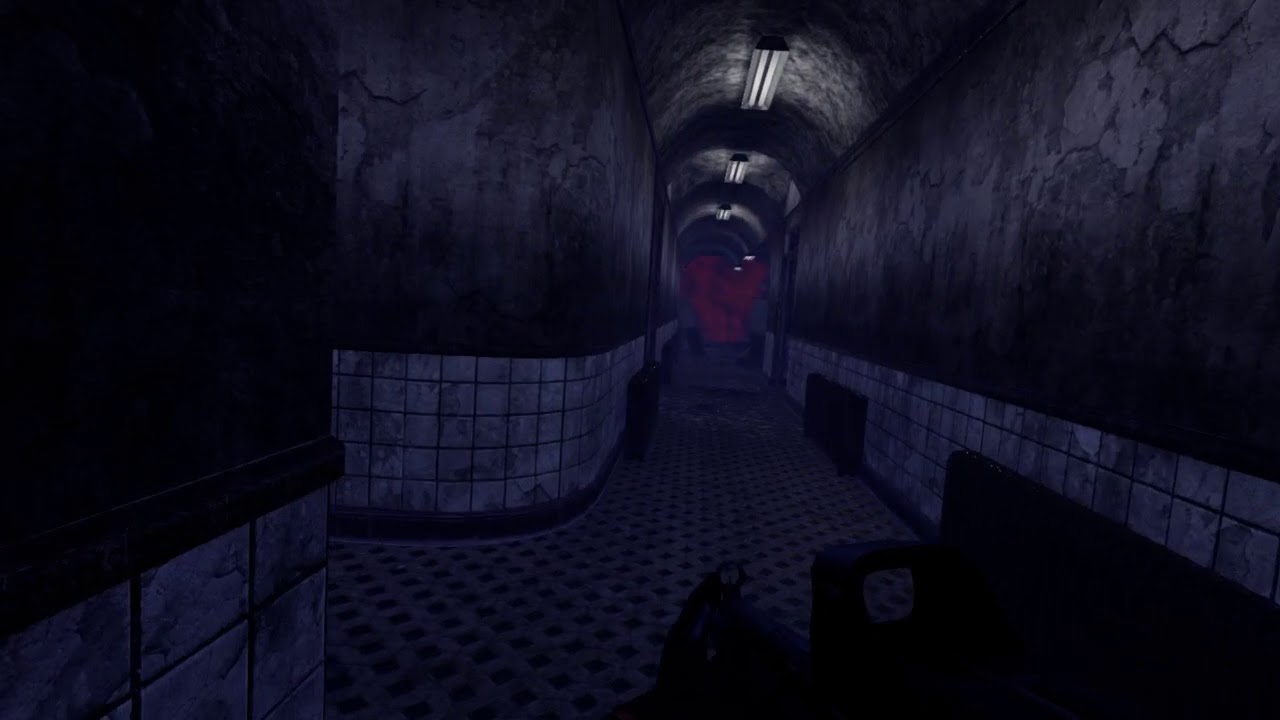
https://youtu.be/s0Xo2tvBEJs some progress on our game in league. 1:30 you can see where I get an execution. Just got our voice over sounds today we are gonna add in
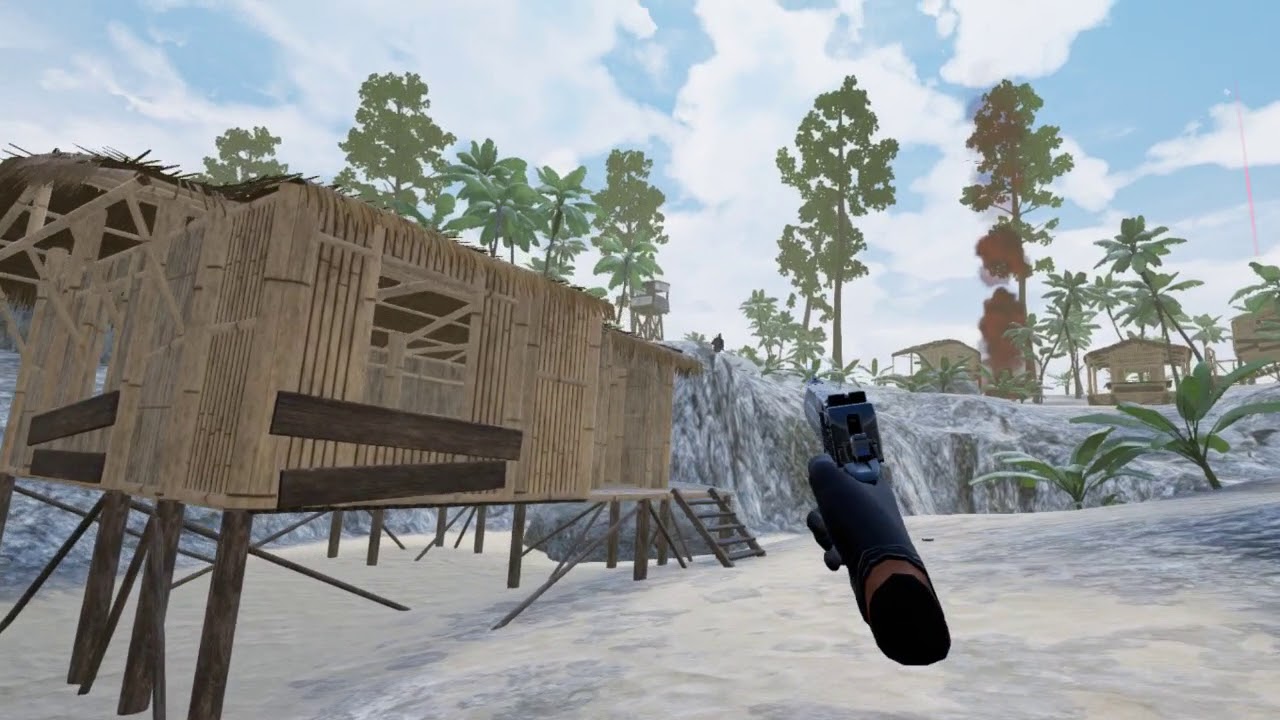
https://youtu.be/niuiEncOH3o and some longer range combat 2v1
 mighty carbon
feels like CS in VR 😉
(which is a good thing)
I wonder what min spec would be with those pretty visuals
hmm... just saw new #old-rules .... PC got to this Discord too 😦
glossy agate
Thanks. Yeah more an action mix between how onward and pavlov is. Similar to the last of us multiplayer with the loadout loot
Oh but the game should run fine on 1060 and above. Had people playing with 9 series cards too and it’s working. Not too heavy cause a ton of it is instanced meshes and all baked lighting
@mighty carbon if you want a key just let me know. Curious to see how your rig does, should perform good.
 magic ferry
guys i've seen a lot of posts about this but not a lot of answers, but is it possible to control a player's VR camera? I want to make it look like the world is flipping/gravity is changing and i figure it's better to do this in camera rather than rotating all the level architecture
covert moth
The more you control the camera's horizon line, the more physically sick you make the player.
Flipping the world upside down is a great way to get to puke town
magic ferry
yeah but say it's for a game in space
covert moth
Not sure. Maybe you could attach it to something and rotate the parent?
 granite jacinth
No one controls the camera
Plenty of space games do what real space would do
And rotate the environment (or not rotate at all, and have gravity)
Taking control of the camera away from the player in VR is the number one thing NOT to do
 primal sky
What if your game is called "don't puke" ??
 dusky moon
@primal sky that's the number one thing to DO lol
 sonic lake
@magic ferry You cannot directly rotate the VR camera as long as it is linked to the HMD. However you can rotate the VROrigin (scene component the VR Camera is parented to) or the entire VR Pawn. The camera will rotate following its parent or the root component. Space experiences like Homebound or Mission:ISS are assumed to use this technique to simulate zero gravity movements.
magic ferry
@sonic lake thanks man!
dusky moon
damn I can't find the bug with Render Targets' resolution set to more than 720p causing an annoying black bar in the middle of the RT texture.... it's really important thing cuz we cant record 1080p or higher res Screencaptures of VR gameplay
 candid viper
@dusky moon What version are you running? I thought that was fixed in 4.19 (It was for me - 4.18 1920x1080 RT had a black bar on it, fixed in 4.19)
dusky moon
@candid viper really ?! so cool I tried it in 4.18
candid viper
@dusky moon Yes. 😃
 glacial socket
Great people of #virtual-reality !
- Do anyone know on Windows Mixed Reality Headsets what does Get HMD Device Name () return?
- Can I find a WMR mesh anywhere to add to my game? e.g. as display controller visualization?
tired tree
@glacial socket using the SteamVR plugin, they return DT_SteamVR
have to directly query the OpenVR API to get the actual type
or get the name
glacial socket
@tired tree does this achivieable in blueprints?
tired tree
mmm, not without a plugin no
GetVersionString
provides it in one of the sub strings
but its not BP exposed
tired tree
as of 4.19 you can auto load HMD meshes, but I am pretty sure OpenVR only uses one static HMD model for all headsets
and only specific hand models
the 4.19 motion controllers can auto load their meshes now, though it is using incorrect color channels
and prior to that, the meshes are available in the steamVR directory
for manual loading
glacial socket
in the drop down menu i can find nothing. Is it bc i did not activate OpenVR plugin? 4.19.1
tired tree
its auto activated
in the motion controller properties there is are settings for setting the model now
choose default and enable it
not custom
glacial socket
oh! thanks I'll try it
tired tree
it will load steamVR skins too
but like I said, they have the color channels reversed currently
glacial socket
I'm porting our game A-Tech Cybernetic for WMR headsets and I've run to these issues
tired tree
@glacial socket check your pms, I have a modue you can use for SteamVR for this
mighty carbon
if anyone ordered PiMax https://www.roadtovr.com/pimax-8k-sees-delays-due-lens-design-pre-production-headset-pushed-may-release/

Pimax, the China-based VR headset manufacturer known for their recent record-breaking “8K” VR headset Kickstarter campaign, today announced that backers should expect more delays due to an ongoing lens design issue. According to the company...
daring mural
You guys know if no7hing fixed the weird issue with an interactive UI where the laser pointer / mesh appears behind the menu text? I thought it was a transparency issue but it's appearing behind the text with a fully opaque laser pointer / mesh.
mighty carbon
Oculus
Join the Official Oculus Discussion Forums and talk about Oculus Rift, Oculus Touch, Samsung Gear VR, and virtual reality.
sweet!
too bad it's only available in Oculus branch
dusky moon
@daring mural lol I wrote my own laser pointer last week and it has exactly that problem too 😄
wicked oak
@daring mural sorting issue
you can tell unreal to draw the 3d transparent UI before the laser
there is like a transparency sort index or whatever property
mighty carbon
hmm.. FFR is Oculus Go exclusive feature 😦
daring mural
Turns out the issue with the laser mesh only happens if the material has a translucent blend mode... Even if the opacity is at 1. Using opaque and just toggling visibility instead of fading it in, works fine for now 👌
dusky moon

HTC today announced availability of the long-awaited Vive Pro headset and SteamVR 2.0 base station hardware bundle in Japan, making it the first instance of the full 2.0 hardware bundle coming to market. According to an official HTC press release...
can't express how much I hate those vive wands and them being part of a 1.5k dollars Pro VR package! pffft
mighty carbon
should have gone with Rift + Touch 😉
dusky moon
I'm full on now on Rift + Touch for more than a year
mighty carbon
ahh, cool
dusky moon
my vive pre is gathering dust
Valve kind of pulled off and these seem to be just HTC's shitty moves
granite jacinth
Still so bad
And we all thought $800 for OG Vive was a hardsell
So, it kinda make me wonder about Vive 2.0 then
Obviously it can't be cheaper than Pro
And it has to have a higher resolution and sexiness to the HMD
glossy agate
I want to swap over to Odyssey HMD with Vive controllers instead. Cheaper and from what I heard it works good
granite jacinth
So, logic == even more expensive 2.0 launch
But if someone finds a flaw in my logic, hit me up
Unless they are now considering Pro = 2.0, which I don't think anyone is
I have Odyssey
Hmm, I guess I need to find how to get those two working together
Not that I like the wands anyway
If I could use Odyssey with Touch controllers, win
dusky moon
@granite jacinth does Odyssey's controllers have motion sensors to get hand gestures like Touch ?! guess not
granite jacinth
@rustic jackalless#9041 it's the same as any other WMR controller
Just stamped with Samsung
And has better curves
mighty carbon
well, I don't see how WMR controllers are better than Touch
fleet plume
@daring mural my problem was with stereo layers, widget component and a laser pointer on top
removed the stereo layers for now; less crisp but much easier handling
glossy agate
@granite jacinth So this guide here says it should take 10-15 min to setup. Let us know if it works good for you https://www.reddit.com/r/Vive/comments/86ri8w/vive_controllers_work_with_the_odyssey/

reddit
This is very preliminary, but I just finished playing several games while wearing the Odyssey HMD and using the Vive wands. Part of my theory to...
wicked oak
@granite jacinth vive pro is such a 100% total ripoff
covert moth
I was under the impression the new lighthouses were supposed to be cheaper, the price hike is ridiculous
wicked oak
@covert moth they do it becouse they can
it makes no sense for it to be this expensive
but they are selling it to the arcades and similar
and some very radical fanboys
covert moth
I thought arcades needed the vive business edition, otherwise it voids the warranty and stuff
wicked oak
i have money to spare on vr tech as its my business, but this is just really not worth it
sturdy coral
there are some rumors about supply limits.. if they launched cheap it would possibly just get scalped on ebay for the same kinds of pricing we are seeing
but all the steam tracking 2.0 stuff was supposed to bring costs down a lot
daring mural
sad to see HTC prioritize bulk money in arcades over mass-adoption
wicked oak
@daring mural only oculus benefits from mass adoption
thats why they sell at cost
take a vive and a rift
wich one should cost more money
fanboying aside
covert moth
What's even the difference between the 1.0 and 2.0 controllers? The basestations I know about, are the controllers just... blue?
wicked oak
wich one is actually better built
its very clear that oculus is pricing the thing super aggresively, becouse they get money back from the store
granite jacinth
There are no 2.0 controllers
wicked oak
meanwhile vive needs to get profit per-unit
granite jacinth
Those are Pro Controllers
wicked oak
becouse viveport is a disaster
granite jacinth
Those aren't even 1.5 wands
covert moth
Okay. So what's the difference?
covert moth
It's just color? Nothing else?
granite jacinth
Maybe some textures
But nah
I don't see new textured
It's just blue
The only new things in that kit are the HMD and Base Stations
sturdy coral
it's the other way around
granite jacinth
I thought they said they would
sturdy coral
2.0 wands work with 1.0 base stations
granite jacinth
That doesn't make any sense 😭
sturdy coral
it's just the electronics
2.0 has no sync beacon, it is sync on beam
and 1.0 sensors can't process it
granite jacinth
But you're right
there's a video showing the difference
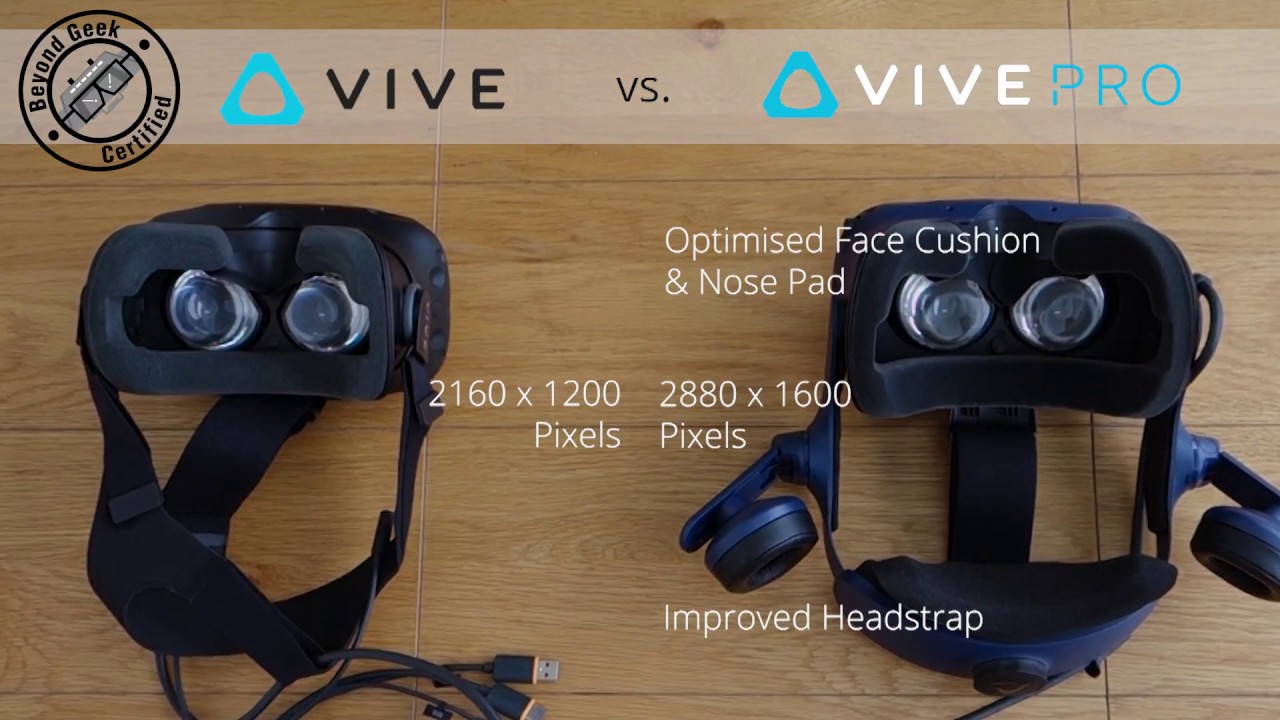
Unboxing of the Vive Pro Full set. Get yours today @ shop.beyondgeek.sg
daring mural
it's tough, I prefer Vive tracking but Oculus controllers and the HMD. Haven't tried the new Vive though
granite jacinth
Although
sturdy coral
I want to get my vive controllers working with WMR too
I just haven't gotten around to it
granite jacinth
I would NOT consider that worth $300
sturdy coral
I'd pay the big vive pro price if they had drastically cut weight
sturdy coral
yeah sounds like it will be much harder to extend
granite jacinth
Seems like it's going the opposite way everyone hoped it would go
Everytime I read about it
sturdy coral
it does still have a usb port on the hmd, usb-c now I think
granite jacinth
I'm just annoyed because it will still sell out
And HTC will think that it will be at a good price
And continue on until maybe Black Friday
sturdy coral
the initial thing they released (I guess without the bundle) sold out supposedly
granite jacinth
(if we're lucky)
sturdy coral
or I saw that in one thread
but companies can make things look like they sell out when they really don't
granite jacinth
True
sturdy coral
I've still got two pimaxes on the way haha.. it sounds totally fucked
granite jacinth
ggwp
dusky moon
Those complaining about Oculus' tracking ... with 3 sensors it's almost perfect, near zero occlusion.
this Vive thing is making me disappointed af. how come they don't give a single fuck for the most important element which is controllers ?! I just can't get it... where are knuckles ?! : /
I mean seriously what's the difference of GearVR's controllers with Vive wand ? except that they are 6 DOF ?!
covert moth
A few websites are speculating Valve is trying to do the knuckles on their own completely
dusky moon
I hope so ... the only thing that convince me to get back using vive are those.
 faint gorge
is vr still broken in 4.19.1?
mighty carbon
how is it broken for you @faint gorge ?
faint gorge
like crashing everytime one of the motion controllers lose focus
that was in 4.19
i was wondering if it remained in 4.19.1
mighty carbon
that I have no clue about 😦
tired tree
@Pablo Rueda#7652 Yeah that was a bad check in the rendering thread, should be fixed for you
 pearl tangle
@covert moth Valve aren't doing the knuckles on their own, they were working together with HTC to manufacture them but there was too many manufacturing issues so they are on hold and being redesigned at the moment to something that's easier to fabricate
im going to try out the pro again tonight along with the vive focus. Interested to see how that compares with the google/lenovo 1s
glossy agate
I still see the tab on steam works to request knuckles, are they still giving what they have out to people?
pearl tangle
yeah don't think you will get any at the moment. They are definitely working on a new concept but just needs to get to a manufacturable design. Definitely could do much better stuff for the vive pro thats for sure.
dusky moon
So for those who where wondering where the heck is "Light as if Static" in 4.19 ... It's now under Lightmap Type -> "Force Surface"
wicked oak
@rustic jackalless#9041 what is that?
 rustic jackal
dear god, help me to survive these highlights 😃
dusky moon
@wicked oak it's when you want to bake static light on moveable objects. super handy in some situations
 jovial solar
what would you recommend for VR in UE4? vive or oculus rift?
dusky moon
I just found this, might be useful for generating custom mipmaps for text ?!
https://github.com/Chlumsky/msdfgen
 fleet plume
do HMD's use their own device profile or e.g. the windows one?
 sly elk
Hey all- my project is still on 4.17 and im about to order a vive to test with. If I get a vive pro will I need to update to a newer unreal version?
daring mural
@jovial solar I prefer the Rift sensor set-up because it's easier to use sitting down.. unless you set up the Vive trackers to track you wherever you're seated, it's difficult. They're usually set up to best track the playspace in the center of the room.
jovial solar
cool thanks
sly elk
Yeah, I want one for dev and for travel
dusky moon
Does Microsoft (other manufacturers) hand out dev-kits ?! I feel like post-2016 no one cared about dev relations anymore generally in VR world.
mighty carbon
Oculus cares
mighty carbon

Pimax, the company behind the wide field of view “8K” VR headset, today unveiled a new controller design intended to ship alongside their upcoming VR hardware. Much like Valve’s still unreleased ‘Knuckles’ controllers, the new Pimax c...
Pimax is getting really tempting, hardware wise at least
granite jacinth
@muchcharles#2724 this is why it'll take you another 6 months to a year to get your pimax 😉
@sturdy coral
mighty carbon

http://www.audible.com/Smarter or text "Smarter" to 500-500 Click here to subscribe for next video: http://bit.ly/Subscribe2SED A huge thank you to HaptX Inc...
interesting
now they just need to miniaturize it
dusky moon
Yes! my first release on Steam is now Live finally!! check it out here:
http://store.steampowered.com/app/847900/DeathTolls_Experience/

DeathTolls Experience is a journey through data in virtual reality that aims to re-sensitize the user to the casualties of the terrorist attacks in Europe, refugee deaths in the Mediterranean Sea, and the human cost of the Syrian civil war. The p...
Price
$3.99
fleet plume
last or latest? 😛
mighty carbon
last, because 4.20 will be next 😃
I am speculating here, but if you look at the list of the bug fixes for 4.19.2, some are marked for 4.20 and not for 4.19.3, and there is no listing for 4.19.3
fleet plume
i'd be surprised to see 4.20 anytime soon
 tacit quest
epic has to stop doing the unity thing, few revisions and lots of versions, stop and solidify what's there instead of keep adding and adding, that's how engines get unstable and why shit is broken in unity every version
fleet plume
i agree
also unity has changed their cycle to the better with the introduction of LTS
i hope things at epic settle down a bit after the initial surprise of fortnite's success
tacit quest
oh that's nice, didn't know they started the lts stream. unity was terrible for regression, i haven't used it in a year or so though
ya 3 revisions per version is not enough to get a stable engine
fleet plume
depends on how stable the patch versions are 😉
but in general i agree that there could be more of them
mighty carbon
well, you gotta remember that now most of Epic is working toward improving Fortnite. So until the revenue stream starts running dry, I wouldn't expect too much.
mighty carbon
yep
fleet plume
i don't think that they'd let engine development slide for such a long time
w.r.t. to features not required by fortnite
mighty carbon
well, Epic isn't Unity. They always prioritized development of the features required by their in-house projects. Kinda like id Software did back in the days, but in a licensee-friendly manner.
it's good for non-VR - all the optimizations and features trickle down eventually into public version
fleet plume
which is a bit bitter, us discussing it in the vr channel and all 😄
mighty carbon
I wonder why can't Epic implement this for VR https://software.intel.com/en-us/articles/adaptive-screen-space-ambient-occlusion
This article introduces a new implementation of the effect called adaptive screen space ambient occlusion (ASSAO), which is specially designed to scale from low-power devices and scenarios up to high-end desktops at high resolutions, all under on...
 granite jacinth
4.19 sucked
so they are just calling it quits and moving on
This update cycle is becoming more and more familiar
Maybe it would be better to just cut down on releases
Because obviously 4 per year is somehow still unsustainable for them
Fortnite: BR
mighty carbon
damn Google
mighty carbon

Project North Star is a full augmented reality platform that allows us to chart and sail the waters of a new world, where the digital and physical substrates...
 real needle
Hey guys, this is my third attemp of getting any feedback regarding the following topic. I copy paste it from my forum and facebook group post:
I am playing around with ARCore / Handheld VR Template, which works out of the box. (Blueprint)
Now I tried to build the Handheld VR Template for GearVR -> just to see what happens. Result is, that no AR System is detected when starting in with GearVR. (Blueprint)
I saw a super nice Unity Tutorial where they use ARCore + GearVR to have some basic Inside-Out positional tracking.
Possible in UE without breaking my head?
https://www.youtube.com/watch?v=4EWPUdE_kqU
Seems like there is happening alot behind the scenes when running either ARCore or GearVR with Unreal.
Wouldn't even know where to start digging.
Anyone can point me into the right direction?
Best

Google ARCore and Samsung Gear VR means we have positional tracking on standalone Android Mobile VR headsets. In this tutorial, we will show you how to use U...
 fallen wind
I've been working on a project in Unity using the Vuforia AR library. However, I'd like to switch over to UE4, as all my other projects are UE4 and I prefer it over Unity. I can't seem to find any info on UE4's new "Unified Unreal AR" in the docs though, any pointers where I could look to see if it has all the functionality I need?
 shell karma
pretty much AR template @fallen wind
since docs are in the works for like couple of months now
would need to look through AR blueprints manually on your own, not every single is is commented properly and lots of functions are not exposed to blueprints as well
dusky moon
Has any1 tried using baked Static Nav Meshes with Level Streaming ?! afaik ue4 doesn't stream them properly. although havent tried in 4.19. as a workaround I'm using Dynamic Nav mesh but it turns out to be buggy as well : (
Oh just found why it was buggy! FYI, even if you use dynamic Nav mesh you have to Rebuild the paths in your Persistent Level to avoid old generated paths' existence
 supple coyote
anyone here use geometry cache ?
i'm getting stable 90fps, but for some reason getting stutter when moving my head
only when geometry cache is playing
on 4.17
wicked oak
@mighty carbon wow that is a huge mesh editor commit
mighty carbon
hopefully 4.20 will be an exciting release 😃
dusky moon
@mighty carbon Does mesh editor meant to work real-time as well ?!
mighty carbon
no idea really.. Most likely it's a tool for Editor.
dusky moon
should be... I'm not surprised after seeing Oculus Medium performing that nice in VR handling crazy subdivs ...
wicked oak
@dusky moon medium is some kind of distance field-ish type thing
not a normal polymodeller
to be fair pure poly model is not useful in vr, but that kind of CSG sculpting really is
ah i remember, medium is voxels
but then it meshes them
@mighty carbon you active on the blender thread
what a dumpster fire holy shit
im glad blender game engine is getting thrown out of the window. it has never been good, even once in its whole history
the fact people actually decide to "use" it at all baffles me
supple coyote
savage
wicked oak
@supple coyote its a disaster of a thread, so many people are so salty
and meanwhile im like "dude wtf, blender game engine is absolute trash"
supple coyote
:p
wicked oak
and im a huge blender fanboy
i actually learned gamedev through blender game engine
its the first thing i ever "programmed"
i just remember how terrible it was
and the fact that it has not progressed one bit
in 8 years
granite jacinth
So, not sure what's up. But, I had an FOV reducer working back in 4.15, but I just tried it in 4.19 and it's poop. Seems like it's distorting the circle masks inward on screen/in game. I haven't checked out Spectator Screen to see if that could be the issue. But anyone run into anything like it before?
wicked oak
@granite jacinth i have my own blinders and they work fine
wicked oak
how are your blinders implemented?
mine are just a mesh with vertex colors for opacity, and a "multiplicative" transparent material
that multiplies to zero (black)
sly elk
so I just got a vive set up for the first time
I thought the rift lacked buttons- almost nothing to work with on the vive wants
sly elk
yeah
im going to end up doing that
its still not parity with the number of buttons in the oculus controller
glossy agate
Yeah. 4 face, plus the 3 line (shoulder) Oculus gives you 2 face, plus a 3 line on only 1 hand you CAN use but it will piss people off
sly elk
I can divid the oculus joystick up into radial access
- have two buttons
and if you have teleportation bound to a touch pad, its basically useless for anything else
unless im missing something
glossy agate
You would want to teleport for face button one (top) then you have three other buttons still
sly elk
if you do it that way, can you still ahve directional control on teleport?
glossy agate
But you are right, you can use oculus axis inputs to fire off an event. But you can do that on vive too with a swipe if you wanted
Yeah, I think the template just turns based on how you turn the controller while the teleport splin is showing doesnt it?
Or maybe they used trigger and face pad? Not sure I havnt used teleport in a while
sly elk
Also haptics seem to be very different between the platforms
need to dig into that but my current haptic feedback is clunky and doesn't feel right
might just be different frequencies where the two devices work well
wicked oak
@sly elk vive feedback is "chunkier"
much stronger and lower in the frequency range
it vibrates at a lower speed than oculus, but with far more strenght
sturdy coral
@sly elk you can implement things like swipe gestures on top of dividing it up into buttons
swipe on touchpad left or right without clicking to click turn left or right
I like how windows MR has things, touchpad and joystick and menu button. the touchpad on it could stand to be a little bigger though
 charred portal
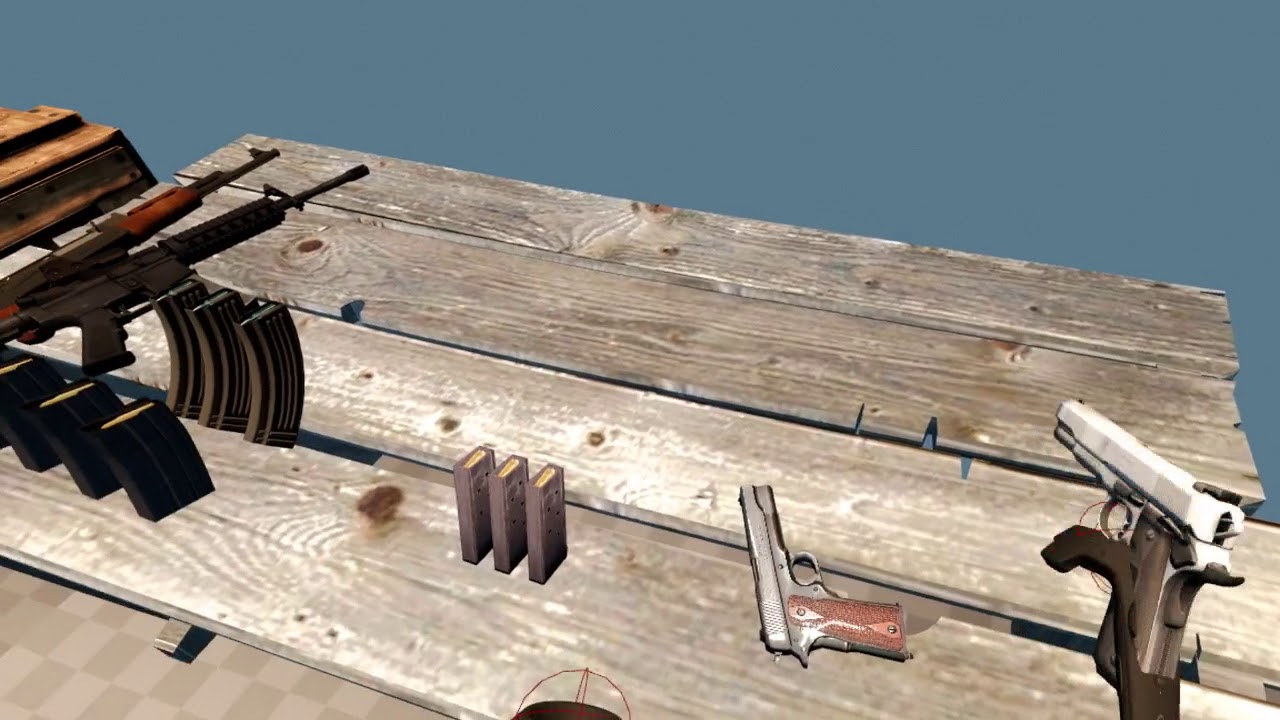
Looking for oculus alpha testers for a game I’m developing.... dm me if your interested in a key or following on discord
 sturdy coral
started working more on IK again, network replays are awesome for debugging

you can pause the replay and inspect values in the animation graph, and slow down time while watching values
sturdy coral
crouching is still janky if you go below a certain height, at some point I'll start pushing the hips back when you do
wicked oak
is it your ik, or a plugin?
sturdy coral
all mine just from engine IK nodes
wicked oak
good shit
real needle
@sturdy coral I use "Set master pose component" on a separate actor to see my avatar like a mirror
sturdy coral
I need to add in foot planting and torso twisting so the feet don't just slide around while rotating
I have the animations for it for standing but not for crouching
wicked oak
@real needle holy shit thats an even better trick
glossy agate
Nice man! Thats really coming along good. For super low crouches you could change to a new anim state, like you would do for going prone, and turn off foot trace so it doesnt break them
real needle
@sturdy coral FullbodyIK from anomotion has come a long way
sturdy coral
yeah I'm going to have to figure out prone at some point
glossy agate
We still havnt gotten around to ours, but we use similar logic sending players into crawl when maimed
Well we did have it, then just swapped it with our crawl cause it was higher priority at the time
@real needle You using BIK now too?
real needle
No I used it a long time ago but I decided to not use fullbody avatars, been following their progress though
sturdy coral
maybe I'll just make it so when you go below a certain height, you become a ragdoll with puppetted head and hands
real needle
@sturdy coral Look into physical animations
Then you can blend animation and physics
glossy agate
Yeah it has come along way Im using it. Happy with the newer elbow collisions too. Still have to modify some effectors for the knees though so they dont look all dainty or like they have to take a piss while starting a crouch haha
sturdy coral
right now I'm not rotating the hips any other than the stand/crouch blend but I want to add in a few things there
can't rotate them without messing up the legs
need to cache pose, rotate the hips (pitching up and down), then restore world rotation of the thighs from the cached pose or something
glossy agate
https://imgur.com/gallery/j6T5hLk this is how the pros do it
 sturdy coral
haha
 livid burrow
How can i get my windows mixed reality headset to work with UE4?
sly elk
hey, anyone know off hand what directx runtime is needed for a ue4 game?
sturdy coral
@livid burrow download the windowsmr steamvr driver on steam

Imagine the thrill of VR combined with a phenomenal sense of presence. That’s the magic of Windows Mixed Reality, where you can escape to the most immersive experiences – touring top travel destinations, getting inside the most exciting game...
you need to be on 4.17 or 4.19, 4.18 is broken on WMR
livid burrow
I did that, and used 4.19. My character was spawning in the floor and the controllers didnt work, It also seemed like UE thought i was using a rift (all the steamvr games ive tried have worked).
sturdy coral
@livid burrow weird; make sure you set tracking origin floor (though it should be the default), and there is a tool inside of the WMR cliffhouse menu to set the floor height
it is called Room Adjustment:

Windows Central
Is your virtual floor not aligning with your real floor when in Windows Mixed Reality? Here's how to get things fixed.
livid burrow
@sturdy coral Do you have a WMR headset yourself?
sturdy coral
yeah
livid burrow
And your able to develop without a problem?
sturdy coral
yeah
biggest issue is when the headset idles out, sound device goes away and engine hangs
just have to use speakers while developing
livid burrow
huh
granite jacinth
WMR is poop to develop on
I had to go back to my Rift from the Odyssey
I had stupid lame QOL issues like going to Windows Home all the time by accident and then somehow closing out of Steam inside there
Then haivng to restart steamVR and editor
Too much trouble
livid burrow
Well, I dont have much of a choice, I could barely afford the 200 for this headset. I wonder why UE hasn't received official support yet
Is it possible to launch into steamvr without opening the steamvr home? I only have a GTX 970 and Im hoping to relieve some system resources
sturdy coral
my problem with oculus is getting coverage in my playspace and at my desk
lighthouse worked well for it, but with rift cameras I haven't been able to get it working well. I need a new usb card to move up to four cameras I guess
granite jacinth
i have 3xSensors for Rift
in corners of my office
two of them right by the vive ones
livid burrow
Just got it to work in UE4 😃
sturdy coral
@livid burrow what did you have to change?
livid burrow
Nothing apparently... Just had to make sure WMR was tracking right in the cliffhouse. Honestly not sure what the problem was before...
sturdy coral
make sure your room has a lot of light or you can end up with just rotational tracking
bare walls are apparently a problem too
livid burrow
Yeah, found that out the hard way after spending a day troubleshooting. I really have any bank spots, but i taped some pieces of colored paper with markings onto the wall and its working now so im not gonna take them down. Also had to move 2 lamps into my room plus my overhead light (which isnt very bright)
real needle
I want to slap a vive tracker on my Odyssey and call it a day
I've seen the posts about using vive controllers, but I would really like to have vive tracking on the Odyssey as well
It's more comfortable and has better lenses than the vive pro
granite jacinth
yeah @real needle
If someone figures out how to use Vive Tracking with Odyssey on top of controllers...omg
But viev trackers are not the answer
and I hope they die
they blow
 neon dove
Hello, this might belong in a more general channel, but I was wondering how I should do background music for a VR game, where I would need to change the music based on certain triggers or events.
Any ideas on how to go about this? Most of the things I've seen are for area based sound cues
pearl tangle
@neon dove just attach it to the player and change the audio track whenever you want if its just general background music
real needle
@pearl tangle Doesn't even need to be attached if it's not diagetic
pearl tangle
it does not. But you may want to have it affected by the area as you are walking around
real needle
@neon dove If the music isn't supposed to be in the world, just "PlaySound2d"
@pearl tangle I'd prefer placing trigger volumes that tells AMusicManager to change track, having the trigger pass which track should be played
But, I guess one could use AMusicManager attached to the player 🤷
pearl tangle
oh i wasn't meaning the track changing. I was talking about the reverb and whatnot
neon dove
Hmm for multiplayer though, wouldn't it be better to place it in the scene?
Rather than on each player?
pearl tangle
if it's something playing on the radio then yes. If it's just background music that doesn't need to be consistent with all players at the same time then you really dont care
real needle
And sound isn't replicated, so you still need to play it on each client
If you want to change track for everyone, based on one players actions, then have server determine which track should be either multicasted or RepNotify to each player
neon dove
I think I'd prefer the former, where it's synced with all players
real needle
@neon dove Proper "sync" is different
I don't think that can work w anything default
real needle
And by that I mean, say you made a networked rythm game
@granite jacinth Unless I have an audio designer who will be implementing all the audio, spatialization etc, I prefer unreal native every day
neon dove
So would I need to create this audio manager from a fresh blueprint, or is there some form of it in ue4
neon dove
Probably on unreal YouTube then?
real needle
Yup!
neon dove
Alright thanks!
sturdy coral
@neon dove https://www.youtube.com/watch?v=yce2t85MJD8

Technical Sound Designer Dan Reynolds walks through an approach for building a music stitching system within Blueprints. He also discusses design considerati...
but that's definitely more for #audio
sturdy coral
@neon dove you can look at robo recall too, they do stuff to sync on measures and swap out different clips depending on gameplay
you can't use their code though unless modding but you can learn about how they are using the new audio system
neon dove
Where might I find that?
sturdy coral
@neon dove in the modding tab of the launcher
neon dove
Ah okay I see it
sturdy coral
it is oculus only but there is a replacement steamvr plugin you can get if you are on vive/WMR
you can run it in 2d too though
neon dove
Mkay
sturdy coral
WMR spacewarp can now auto-toggle depending on if you are hitting framerate or not:
https://steamcommunity.com/games/719950/announcements/detail/3229520292654229103
As part of the public beta update to version 0.1.1093, we've added an automatic motion reprojection mode. When motionReprojectionMode is set to "auto", motion reprojection will turn on automatically when a game is rendering too slowly to maintain...
(before it was just locked to on or off)
real needle
@sturdy coral Lets hope it goes out of beta soon 😃
pearl tangle
I just want them to allow for disabling the stupid windows button on the damn controllers
granite jacinth
 💯
💯
 wary onyx
victor to the rescue?
 supple lotus
Oy peeps!
Anyone has issues with repetitive shapes like fences (in material - masked) doing some weird flicker while moving the head? We are working with a Rift now, but cannot find a solution for this. AFAIK the FPS is a rock stable 90.
It's also only visible inside the HMD, nothing on the window
sonic lake
@supple lotus Does it still happen if you get very close to the fence?
supple lotus
Yes
supple lotus
TemporalAA by default, material has Dither and using Deferred
sonic lake
Does it still happen if you switch to MSAA?
sonic lake
ok
supple lotus
It's weird because it feels like it's an FPS related issue, but it's running stable 90, that's why I don't understand at all
sonic lake
I also had flickering effects due to wrong material workflow
sonic lake
More like sparkling?
supple lotus
No it's like
The grid is rendered off-position for a split second while moving the headset
but only spots of it
sonic lake
Are you on Oculus?
supple lotus
Yes
sonic lake
Any hints from the diagnostic HUDs?
supple lotus
Stupid Question: Where and how do I use that?
sonic lake
Oculus diagnostic overlays. Can be activated from the Oculus Debug Tool
<Oculus Install Dir>\Support\oculus-diagnostics
supple lotus
I think I found it, will check in a bit, just got a 15k shader compile
sonic lake
Oh yes
supple lotus
Hmm it's weird
Debugger says 90 FPS in the Oculus Home
But says 45 in the engine
No matter what I look at or where I go
Even on a completely empty map
supple lotus
Yeah it shows 90 :/
sonic lake
Did you create the empty level mentioned above in your original project?
supple lotus
Yes
sonic lake
You may be using engine features that are not fully compatible with VR then
sturdy coral
@supple lotus with TAA try setting quality higher
Default quality will do something like 4 or 8 jitters in a repeating pattern
Higher quality will do them in a random gaussian
Not sure why they put that under quality, because it is almost free, just calculated once for overall view matrix
supple lotus
Indeed was FPS issue
Somehow UE reports 45 FPS viastat FPS even if it’s 90. Debugger showed it’s really 45
sonic lake
@supple lotus Did you fix it? Do you still see the issue with the fence?
supple lotus
After editing the foliage a bit it still reports 45 FPS but actually runs at 90, and the issue is gone.
sonic lake
Cool! The most reliable FPS is what is shown by the Oculus Debug Tool as it takes into account also the driver level effects (such as ASW etc.)
Well done!
real needle
hey guys, you know if there is a way in blueprints to determine if there is a valid VR device connected to the computer?
sonic lake
@real needle IHeadMountedDisplay::IsHMDConnected() is not exposed via Blueprint. You can call the EnableHMD node and, if it returns false, no valid HMD can be detected.
Not sure though that will cover all situations. I have read reports about EnableHMD returning true just because SteamVR is active, but without the physical device actually being connected to the computer.
tired tree
@sonic lake ? thats not true, HeadMountedDisplayFunctionLibrary has a IsHmdConnected node
since like 4.16
sonic lake
@tired tree Ok, couldn't find it then
My bad
Crap, you are right, it is just above EnableHMD
Is Head Mounted Display Connected
@tired tree Do you know if on SteamVR it still reports the HMD connected even if it is not? Just because SteamVR is active?
mighty carbon

Companies behind graphics card including Gigabyte Technology, Micro-Star International (MSI) and TUL witness a 40% drop-off in card shipments.
real needle
thanks @sonic lake we found the blueprint node that is exposed to blueprint.. its working. THanks
sonic lake
@real needle thanks to @tired tree actually, I had missed it 😉
tired tree
@sonic lake it shouldn't, checks IsHMDPresent in Openvr, which btw I have seen some conversion around saying not to call it constantly as it loads dlls on call
mighty carbon

I unbox, setup and review the TPCast for Oculus Rift. The TPCast makes your Oculus Rift wireless. No longer will you be tripping up on those annoying cables....
sonic lake
@tired tree Ok thanks!
mighty carbon
VXGI 2.0 in 4.19 https://github.com/NvPhysX/UnrealEngine/tree/VXGI2-4.19
maybe it works in VR (on lowest settings) ?
tired tree
lol
granite jacinth
@mighty carbon TPCast kinda sucks
Vive is better than Rift version
Rift is practically unusable
(I have both)
Been meaning to review them as well
fleet plume
has anybody here ordered and/or received an oculus go?
mighty carbon
not me.. still waiting
mid-May is when they said they will start shipping them to devs
(but some cooler devs got it already)
fleet plume
they better release it soon before that snapdragon 821 gets even older 😉
would be amazing if they'd also get more concrete on santa cruz
 spring mirage
anybody here have experience detecting HMD type? I've got a system set up that's supposed to switch everything to oculus (I'm a vive person) but the feedback I'm getting indicate that HMDType is still coming back as SteamVR
I'm using the VR expansion library to do this, so basically just EHMDDeviceType::Type HMDDeviceType = HMDDevice->GetHMDDeviceType();
mighty carbon
Santa Cruz should really have 845 or 855 SoC and 6 - 8 Gb of RAM
tired tree
@spring mirage thats not my function
thats the engine default one, just returns the platform name
I have a specific function for that which checks the OpenVR model string for the HMD
in the OpenVRExpansion module
well, as of 4.19, prior to that you'd have to check the string manually
spring mirage
@tired tree thanks for the tip, I'll have to grab that. Any reason the code wouldn't work on 4.18? Did the API change?
Your function is EBPHMDDeviceType UVRExpansionFunctionLibrary::GetHMDType() which I guess is probably just intended as a blueprint wrapper for HMDDevice->GetHMDDeviceType(). The reason I used it though was because I read this in the wiki:
Get HMD Type NOTE Going away soon after 4.13 is stable as Epic added it by default

Returns an Enum representing the current HMD type connected
Which I guess is inaccurate since it technically returns the platform
tired tree
its legacy from before they had it
it is the same function as theirs
the 4.19 HMD type node should work in 4.18, it is just comparing type strings.
spring mirage
wow, that doesn't look efficient at all 😛 , should probably be cached after the first lookup. I made a change to the grip controllers which basically offsets the controller transform based on HMD type so I don't have to worry about it in game logic... meaning I need this info on controller updates. Anyways thanks a lot for the support @tired tree , you make my life so much easier
ps: a note in the wiki might be helpful for future noobs
tired tree
@spring mirage its on the wiki, for the open VR part of the plugin, also there are controller profiles now which do that transform offset but don't effect the actual tracking portion (which you shouldn't be doing).
they also allow per controller type input overrides and re-bindings with a "load" command
spring mirage
😮
where's the documentation for that? also, why shouldn't I be affecting the tracking?
( @tired tree )
Somebody else mentioned that to me but I was unable to find any info about it... so I assumed they were just saying you could set up "profiles" by adding multiple named sockets as in the template
glossy agate
Update on our level progress and some PVP highlights from the last week or so of testing. https://youtu.be/0GoVA8VrQ1s

New progress on In League, a VR tactical shooter. To join the alpha just join our Discord https://discord.gg/yH9qs to get a key!
wicked oak
im designing some "legendary weapons" for my rpg dungeon game, and im having a lot of fun with some of the shit im making
literally thors hammer, a sword that extends in size to stab enemies, a axe that causes a frost aura, a hammer that explodes on impact...
the exploding hammer is a lot of fun, even if you kill yourself with it
tired tree
Need some themed arrows with a bow
hell, just copy every skill from path of exile and I will buy 10,000 copies
wicked oak
@tired tree bows will be able to be legendary and stuff
i plan a basic bow with elemental arrows as typical
but higher level bows could have multishot or add extra stuff to the arrows
for example a bow that throws arrows that home on enemies automatically
or a bow that fires 3 arrows at the same time
or a bow that can add explosive effect to the base arrow
i was taking inspiration from Dead Cells
wich has a lot of weapons to find on the runs, but then each of them has different effects and gameplay
having magical weapons + magical bows might make "pure mage" kind of irrelevant
i need to compare stuff and playtest
whats the point of having spells if you have a hammer that explodes on an AOE effect when you hit someone
mighty carbon

UploadVR
Sony this week confirmed that its PlayStation 4 console, which powers its PlayStation VR (PSVR) headset, has now surpassed 79 million shipments.
with that amount of PS4s and PSVRs around, you'd think Sony could offer better controllers
wicked oak
more than 2 million PSVRs on the wild
probably more than 3
the last time i heard about it (exactly 1 year ago) they had sold 1.2 million
but now they have kept selling at higher speed
so 2+ or even 3 are likely
wicked oak
not this gen
but psvr 2 for sure
i wonder what kind of tech they will have
my guess is inside out
windows MR style
MR has shown its not really that expensive (300 dollars for the MR with hand controllers), and it needs minimum effort to set up, wich makes it much better for casuals
the second guess would be lighthouse style
with lazors
sony has a few patents about it
tired tree
PSVR can do better than MR though
they have the flexibility of having a set top tracking camera considered standard
place the same cameras in the HMD as WMR, but have the extra set top one
and you get far better tracking than WMR
direct face in front of hands multiple angle reference, as well as a less limited hands away from face experience
wicked oak
set top camera is a dead tech
its trash
specially becouse its only 1
i really hope they dont do that
i really dont want forward only on psvr2
ah, you mean set top camera + inside out?
thats.. interesting
mighty carbon
TrueAudio Next lets developers accelerate certain spatial audio processing tasks by reserving a portion of the GPU. Combined with Steam Audio's ability to model a wide range of acoustic phenomena, this enables increased acoustic complexity and an...
Labels
Audio
 cosmic shoal
Maybe something like the Santa Cruz Oculus prototype, it has inside out tracking WMR style but they have 4 cameras instead of 2, so they look at your hands way better.
wicked oak
@cunning hornetn#6226 expensive
remember sony are cheapass
they need to make a super mass produced headset that is cheap
the downside of inside out is that it uses a significant amount of power to calculate
tho i wonder exactly how much if oculus runs 4 cameras in santacruz on a mobile SOC
cosmic shoal
I don't see how having 4 tini cameras inside the headset is more expensive than having 3 outside with cables and stands etc.. I wonder if anybody is working on something that incorporates somethig like the Kinect for body tracking. I liked the Kinect, except for the insuferable latency it had.
wicked oak
4 tiny cameras are more expensive than a single lighthouse type thing
and the lighthouse type thing has zero tracking performance, it doesnt need fancy calcs
cosmic shoal
I don't really get how lighthouse works, but I know it's rock solid, I owned a Vive. setting it up is so inconvenient tho. I took a laptop and a WMR headset to a client's meeting room, plugged it in, defined bounds and did a demo. It would have been really clumbersome with another system.
tired tree
lighthouse is supposed to be highest installation quality tracking
not mobile
WMR is the obvious choice for mobile tracking yes
mighty carbon
I think Santa Cruz will be the thing as business mobile solution
cosmic shoal
daydream stand alone headsets with insideout tracking 6DOF were supposed to be out by now..
(but with the crappy 3dof controller)
https://www3.lenovo.com/us/en/daydreamvr/ I guess technically we are still in spring
Learn more about Mirage Solo, the world’s first standalone Daydream virtual reality headset, and Mirage Camera, a VR180 camera.
daring mural
has anyone tried to get Steam knuckles or are they only giving em out to AAA studios
sturdy coral
they've given them out to indies, but mostly people who already have successful titles
dusky moon
I'm looking for a good example of 6DOF VR Pawn to implement in my project. any1 knows a good place to look into ?! I simply want to move my pawn forward (thrust) by holding FaceButton on the controller and to be able to change Orientation with Touchpad/Analog
sonic lake
@dusky moon I think you can easily borrow the pawn from the Flying template, adjust the camera position, add the Motion Controllers and remap the inputs to them.
dusky moon
@sonic lake Thanks! I figured out setting up inputs for that is easy and doable. but now I got another headache and that's VRPawn Collisions. I found many devs here suggesting best solution is using VRExpansion plugin to get proper collisions with world. so when you surf in your environment, you won't go through walls, etc.
but I totally can't implement that plugin only to get this functionality and need to create a simple, working VR pawn for myself.
tired tree
@dusky moon if all you want is "surfing" ie: ground collision, use Runebergs plugin
that or trace downwards and offset
as far as walls, that is more complicated
but you can literally do a sweep move to prevent going through walls, only issue is if you are in roomscale than the collision will be offset
its still simple to implement compared to a full character though
sonic lake
@dusky moon Another option is to use a FloatingPawnMovement Component to build your own 6DOF VR pawn. I have done something very similar in my latest tutorial, except I did not implement any up/down movement, but those would be rather easy to add (they are just like the forward movement). It includes collisions. One caveat: it is for a seated experience/standing in place. No room scale collisions are implemented. Here the link: https://www.youtube.com/watch?v=lpDIYd6EEAs
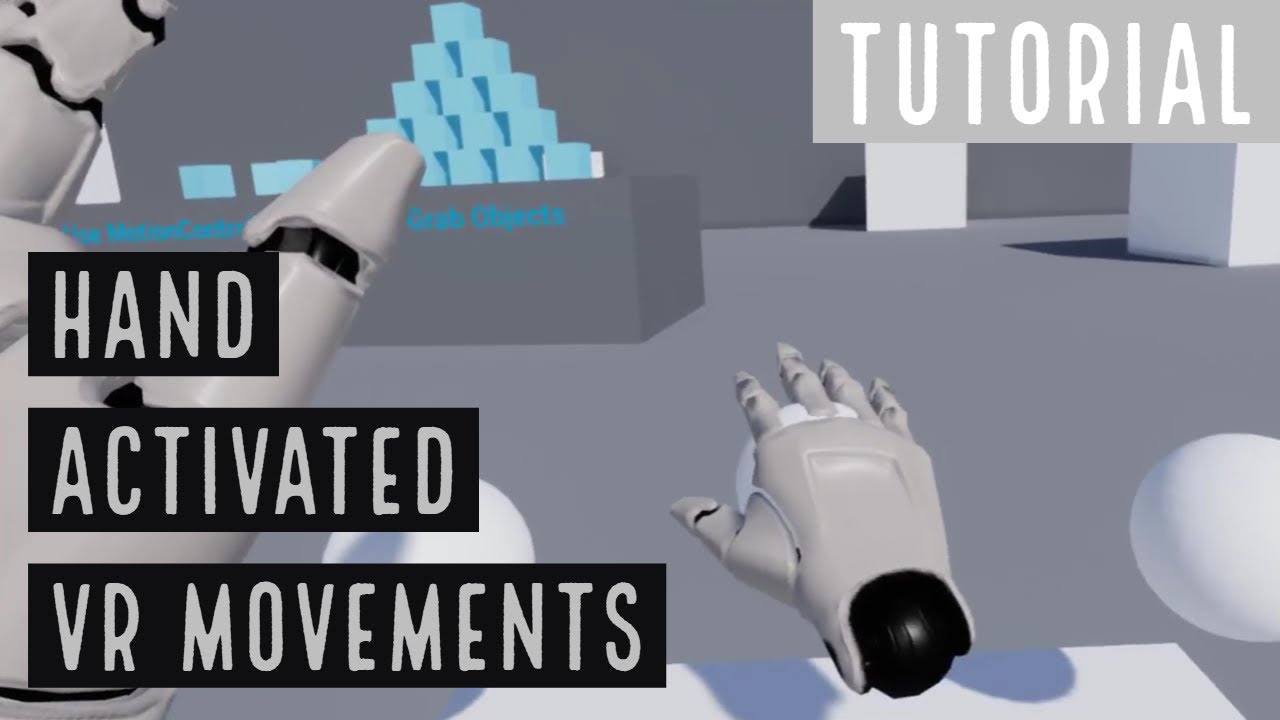
This tutorial shows how to create a VR Pawn with movements that can be steered using the virtual hands acting on internal controls. This technique can be use...
dusky moon
@tired tree thanks, I guess what you're suggesting is best for feet-on the ground kind of Pawns. what I'm looking for is basically this :
https://www.youtube.com/watch?v=JxNoDXuvHNc
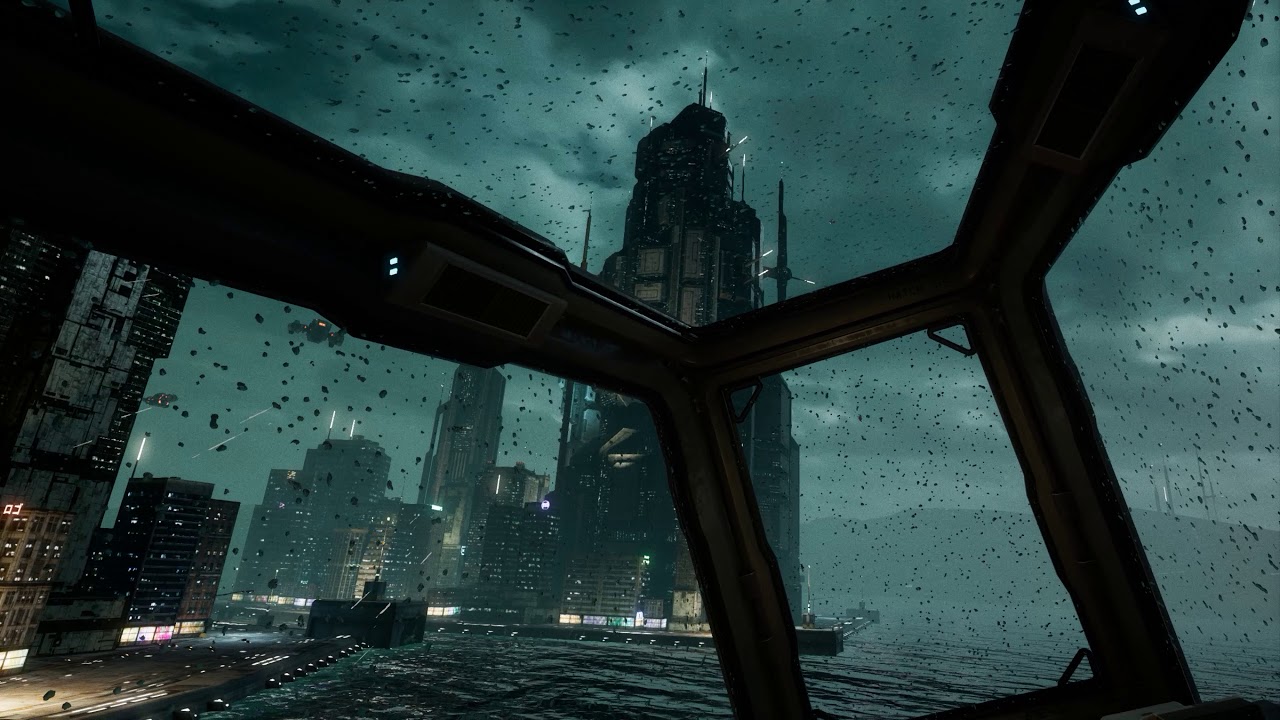
GPU: GeForce GTX 1080 CPU: Intel(R) Core(TM) i7-7700K CPU @ 4.20GHz Memory: 16 GB RAM (15.95 GB RAM usable) Current resolution: 2560 x 1440, 59Hz Operating s...
@sonic lake Great! I'll check that ... and see how it goes. but as you said it's good enough if it works on seated/standing
tired tree
@dusky moon if its just seated then you can use any character / pawn since you can zero to head
not sure why you felt wall collision had anything to do with that though
the air car isn't the vr camera in that setup
you just run it like normal
and center the HMD to the seat
dusky moon
@tired tree Yes, I got that. it's now working nicely. although my project is Roomscale but I tried setting the World to scale meters to 10 so the VR pawn is like a tiny little flying insect. Thus, roomscale problematic collisions won't occur that much because of the new world to scale.
as my main VRPawn is based on teleportaion. it's just a mode that you can switch to become a tiny spaceship thing in the environment. is quit trippy though 😄
tired tree
that will throw off scale..
sturdy coral
@dusky moon spectator pawn has most of what you need
I think it gets it from DefaultPawn
dusky moon
@sturdy coral Yeah! it basically needs to be a Pawn with a Collison as Root component. like the spectator one.
sturdy coral
@dusky moon yeah you want DefaultPawn I'm pretty sure: //============================================================================= // DefaultPawns are simple pawns that can fly around the world.
they do some hardcoded input binding, you can turn it off by setting DefaultPawn::bAddDefaultMovementBindings to false
daring mural
where might a plugin's default motion controller location vector coordinates be stored? I can offset them in the engine but something went wrong and 0,0,0 is no longer 0,0,0 for the left hand 🙄
 eternal inlet
Exciting stuff 😮 https://www.roadtovr.com/researchers-exploit-natural-quirk-of-human-vision-saccade-hidden-redirected-walking-vr-gtc-2018/

Researches from Stony Brook University, NVIDIA, and Adobe have devised a system which hides so-called ‘redirected walking’ techniques using saccades, natural eye movements which act like a momentary blindspot. Redirected walking changes the d...
 abstract forum
OOOOH
 fathom fog
does anyone know what the state of web view is in the lasted release?
https://www.youtube.com/watch?v=ODvbDVZ2AOc
Is there any way I can do some action on a website (opened up in web view) and have that trigger an event in the game? Just wondering if anyone has any ideas on how this could be done.

In this Unreal Engine 4 tutorial we'll look at how to create a web browser you can use within the game world on a screen. This is done by using the experimen...
sturdy coral
@fathom fog you could encode output into the page title and then:
SLATE_EVENT(FOnTextChanged, OnTitleChanged)```this looks closer to what you want:
     * Expose a UObject instance to the browser runtime.
     * Properties and Functions will be accessible from JavaScript side.
     * As all communication with the rendering procesis asynchronous, return values (both for properties and function results) are wrapped into JS Future objects.
     *
     * @param Name The name of the object. The object will show up as window.ue4.{Name} on the javascript side. If there is an existing object of the same name, this object will replace it. If bIsPermanent is false and there is an existing permanent binding, the permanent binding will be restored when the temporary one is removed.
     * @param Object The object instance.
     * @param bIsPermanent If true, the object will be visible to all pages loaded through this browser widget, otherwise, it will be deleted when navigating away from the current page. Non-permanent bindings should be registered from inside an OnLoadStarted event handler in order to be available before JS code starts loading.
     */
void BindUObject(const FString& Name, UObject* Object, bool bIsPermanent = true);```@daring mural there are no "default coordinates" for a motion controller, when it is ticked and is actively tracking it resets it relative position to the tracked space coordinates.
unless it got attached to a different scene component with a different transform
daring mural
@tired tree Any idea what might cause this kind of incorrect offsetting even though the params are identical in both offsets?
The left hand pivots around the lower part of the pinky and the right one is centered in the hand. This wasn't happening before, it just started doing it randomly. I tried re-doing everything from scratch and it still happens..
mighty carbon

UploadVR
Several months after delaying “the world’s first 8K VR headset,” developer Pimax has revealed that its Pimax 8K has been postponed again.
who would have thought
 stiff echo
ARcore tracked environment. https://youtu.be/_jkeZgpgSWg
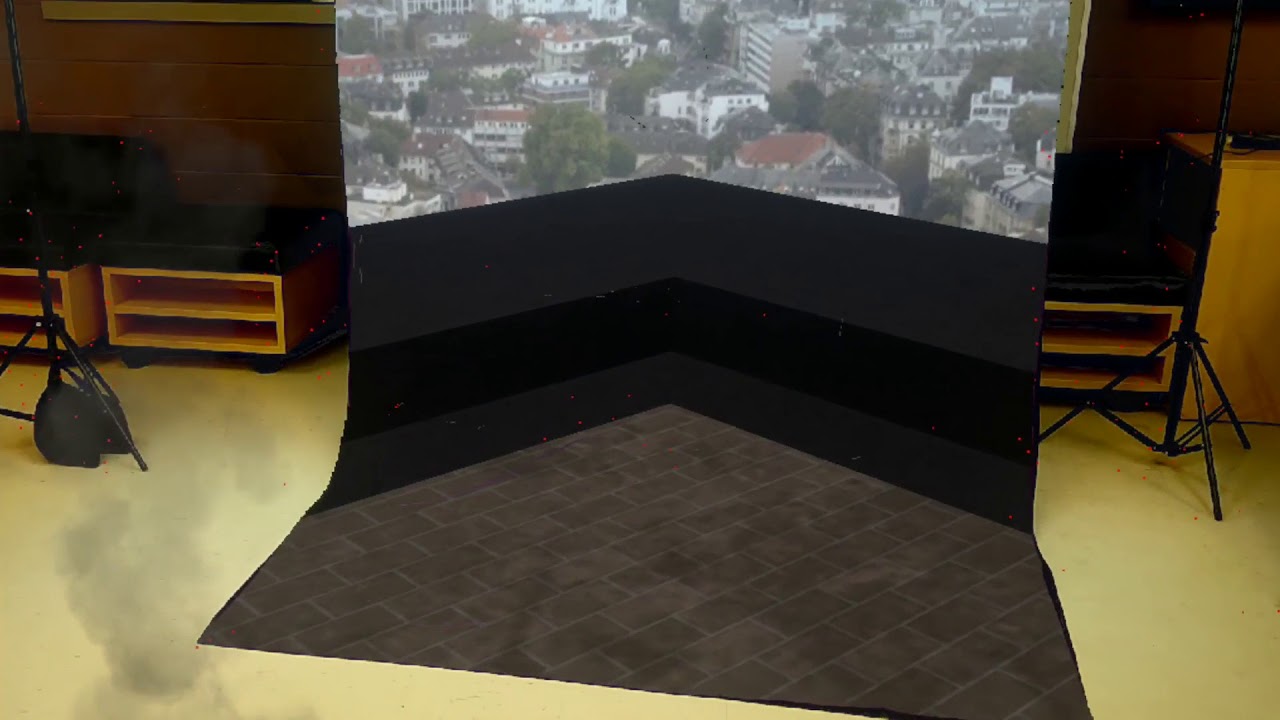
Unreal Engine 4.19.1 Google ARcore example Robert Joseph Regner www.robertjregner.com
daring mural
@stiff echo that's fucking sick
give it 10 years and we'll all get fake windows giving shitty apartments beverly hills views
dusky moon
@fathom fog Just beware that you have no control over the audio of Browser widgets. I think it's the biggest downside of using them. you can't access attenuations , etc
mighty carbon
You can't input text without physical keyboard in Browser widget
dusky moon
I decided to record some VR Dev Diary videos of my wip project. check out the first one:
https://www.youtube.com/watch?v=M8SbZ6I9N7Y
Dev diary videos are to break down several features and experiments I'm making for my ongoing VR project "False Mirror". I would love to hear your comments a...
sturdy coral
@mighty carbon are you sure? there is an input interface
mighty carbon
From what I understand, it doesn't get any input from virtual keyboard
 hollow mauve
I have a question regarding gripping objects
I'm using the vr plugin code written by mordentral
and I want to have an object be aware of if the user grabbed it in one trigger area vs another.
I want to make a candle where if you grab it at the base you pick it up
but if you grab it at the top you extinguish it
any thoughts on how to design that? It seems like an object doesn't have much in the way of an idea of which of its colliders is being interacted with
just that one is being overlapped/gripped
hollow mauve
nvm i figured it out
adding a grippable child and doing logic off child gripped was the solution
tired tree
thats not the real solution for that, you can directly compare grip locations and sockets, but it would work as well
hollow mauve
Ok, I was looking at the potion example object
i am still struggling because it looks like im never dropping the child object
should i create a sub blueprint that has a trigger for lighting/putting out the candle that has the usable tags and is a child of the candle base?
tired tree
i'll pm you
hollow mauve
k
daring mural
'owner no see' for a head mesh separate from the body works but the owner also can't see the head's shadows. any way around this? don't see head, see its shadows and reflections.
I can see the head with a 2d scene capture but ofc that's considered a separate entity so it can see the head
sturdy coral
@daring mural pretty sure there is no way around the shadows thing
For multiplayer it can be better to manage it manually instead of using those flags
They mainly are required for split screen
fleet plume
you are?
wicked oak
im kind of mad its going to get announced and we didnt get the memo
becouse this game is for oculus go too
fleet plume
lol
wicked oak
and im not finished
fleet plume
the game you've been showing off the last couple of weeks?
i thought that was ps4/vr
wicked oak
gotta have to end up rushing and sending it for review asap
i have multiple projects m8
my real project is the fantasy game
fleet plume
what did i expect 😄
wicked oak

to gearvr
sadly its horribly broken
so im optimizing it a lot
wicked oak
the oculus version will be 3 bucks directly i think
fleet plume
was wondering about the conversion on all those "free" apps/games in the gearvr store


 charred portal
@Sinn#8784 I’m pretty sure there are cast shadow bools for everything
granite jacinth
nice 4.19.2 is out
mighty carbon
Oculus Go is a go (supposedly already selling on the East Coast at Best Buy)
F8 is in 1hr 54 min
wicked oak
allow me to REEEEEEEEEEE
becouse i would buy mine, and i offered to do so
but they told me i was getting one, then never sent a thing
and i have 2 games to port to Go
one of them is live in gearvr already, but i wanted to do the Go patch
72 fps and stuff
the second one is 95% complete, but i didnt expect Go this soon
mighty carbon
it would be nice if they run out of the inventory really quickly (not nice for us devs who are still waiting on Go) which would mean large dedicated user base
granite jacinth

Just ahead of Facebook’s F8 conference for developers today, photos and new details emerged suggesting that the company’s low-cost standalone VR headset Oculus Go is close to an officia…
GGWP Go Dev Wannabes
wicked oak
@granite jacinth i port games to Go, so im pissed
granite jacinth
why
granite jacinth
@mighty carbon how much you make?
wicked oak
@mighty carbon how much you made?
granite jacinth
jinx
wicked oak
they got a good deal
i got hired to port that game for 1500 dollars
did it
game sold 6k
of course, thats not counting the development of the game to begin with
mighty carbon
$35
but my app is just a short experience.. I am sure games make a lot more on mobile
mighty carbon
lol, yeah..
granite jacinth
wtf
mighty carbon
exactly
wicked oak
what the fuck
mighty carbon
from what I gathered, actual games make money on mobile VR. Not whole a lot of money though. And you already need to be known (or get some push from Oculus)
wicked oak
i expected you got at least like a couple thousand
mighty carbon
ha, I wish
also, a lot of people on Gear VR use it to watch pr0n, netflix and some other videos
that's all they use it for
I personally haven't seen a single game on Gear VR I would like to play
granite jacinth
Man, there's is no shame to make any sort of XXX-lite or full on game nowadays, you would be making a killing
There's this dude making like $5k a month just from Patreon pledges in UE4 Soft-Porn RPG game
mighty carbon
but that's Gear VR .. I think with Go it might be a bit different, if people release different kind of games on it.
heh
dusky moon
lol Soft-Porn dev is going dead you mean?!
granite jacinth

Patreon
Become a patron of Adeptus Steve today:
Read 108 posts by Adeptus Steve and get access to exclusive
content and experiences on the world’s largest membership
platform for artists and creators.
$10k
TEN THOUSAND fucking dollars
a month
So, everyone, now you know
mighty carbon
https://imgur.com/gallery/7MxG9J4 << that's dumb - why would Go need a phone with an app to be activated o.O
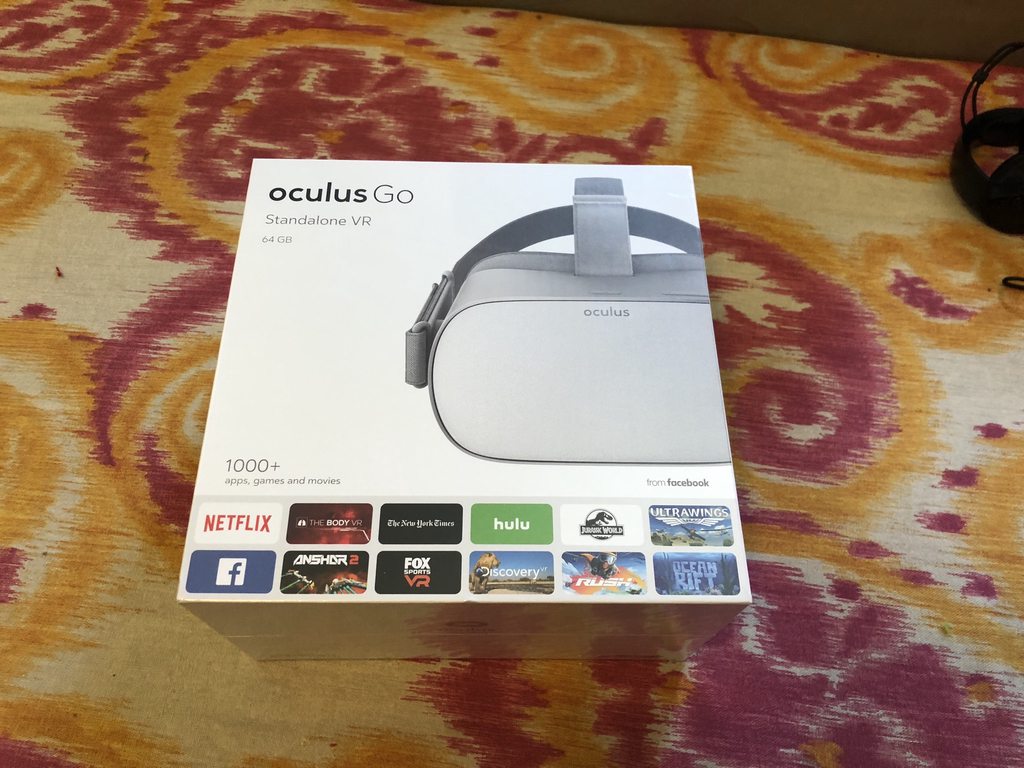 granite jacinth
Make yourselves a fucking soft-porn game and you'll be making that money
dusky moon
shit I'm out
mighty carbon
I can't check this one - at work 😛 Will check it after work.
fleet plume
dat wildlife game
i'am also a bit confused about the need for a phone and oculus app
fleet plume
well no
that onboarding process is cringeworthy
the perfect thing to do is to just put it on and handle everything in vr
mighty carbon
I wonder if 64Gb version cost $199 and 32Gb cost less
fleet plume
it's not like a surprise that you bought a vr device 😄
my guess it's the other way around
mighty carbon
probably
fleet plume
can't wait for ifixit taking it apart
also maybe the try and use the phone as a mobile access point?
guess we'll know in an hour
wicked oak

Watch #F8 live! Day one of our annual developer conference has begun.
here ya go fellas
@fleet plume
mighty carbon
thanks
wicked oak
the Zucc doing damage control about all the shady stuff
fleet plume
i think he's preparing for political office
glossy agate
Someone forget to swap out his batteries?
fleet plume
he's mentioning russia every ~30 seconds
wicked oak
joking around, but zucc for president would actually have a chance
he knows what everyone wants
he can tell every one exactly what he wants to hear
mighty carbon
I believe Zuck.. He sounds convincing..
mighty carbon
well, before they get to Go, my lunch will be over 😦
glossy agate
You can clear browser history tho. Really ground breaking stuff they have going on
fleet plume
VR is on
mighty carbon
well, not whole a lot of info and nothing about AR

Today, we’re excited to announce that Oculus Go is now available at oculus.com in 23 countries! Break free of the confines of traditional 2D screens with your favorite entertainment, level up your play style from inside the game, and spend qual...
granite jacinth
@wicked oak how do you know when you'll get one?
wicked oak
becouse i bought it
mighty carbon
as dev who requested one ?
fleet plume
here's hoping that it will be available from local retailers
sly elk
so do you guys think the go will be successful?
fleet plume
are there any NEW apps released for Go?
sly elk
no motion controllers, not 6dof. seems really limited to me
I personally don't find cel phone VR compelling
wicked oak
their own store
mighty carbon

F8, Facebook’s annual developer conference, kicked off with some exciting news:Oculus Go is available today! Our first standalone headset with 3DOF head tracking is now available for purchase in 23 countries. And alongside a full look at the he...
2 hrs of gaming
small ass battery
fleet plume
charges in 3 hours according to a german review
so you gotta be tethered when the battery is empty 😦
mighty carbon
@sly elk how so? sure it doesnt produce 1080 level graphics, but it's so easy to use and it can be fun if right games designed correctly
"Updating your existing Avatars integration is easy. Just download and install next month’s Avatar SDK 1.26 release for Unity—we’ll be releasing to Unreal soon."
I hope Santa Cruz is powered by 845 SoC minimum and has 6+ hrs battery life
wicked oak
the developers i know that have one love it
they say its super convenient and very high quality
facebooks knows its demographics
when it was the time to talk about instagram
they went with salmon pink background and female speakers
they know 90% of instagram is teen girls
glossy agate
@sly elk I think it has 1 motion controller like Gear does?
sturdy coral
@tired tree I'll test if windows MR audio is fixed, but I think that is one that minuskelvin already sent me and it didn't help
he was getting an audio hang or crash when disconnecting a surface book from its base I think
and it fixed that
 alpine ore
Hi all, anyone know the best way to get the dimensions of an AR plane found in ARKit or ARCore then dynamically add a nav mesh to it?
mighty carbon
I just hope Go controller doesn't drift as much as Gear VR's
glossy agate
How are they tracked? Just some kind of gyro?
mighty carbon
Carmack: "In the future we will probably make it possible to do the setup without a phone at all."
same as HMD
Carmack is quite active on Twitter today. You can tell that Go is his baby 😃
daring mural
@real needle lucky, every best buy in driving distance here was sold out when I had to grab one
mighty carbon
wow
daring mural
oh my bad, you said Oculus Go, I meant Rift 😂
mighty carbon
meh
mighty carbon
mid-June is when smaller devs will get theirs
(but that might shift deeper into the summer of 2018)
wicked oak
fuck it i just bought mine
alpine ore
I was sent an email saying i'd get mine in 4-6 weeks, that was at start of April
, it still not here
dusky moon
so does it have a potential of supporting 6DOF by any chance ?!
wicked oak
no
wicked oak
it does have carmack magic
but carmack magic isnt true magic
you cant do 6dof without a huge cost due to the beefy cpu and the extra cameras
go is 200 dollas
thats for santacruz
anyway, the magic is that the thing actually performs better than it should
dusky moon
is it some what equal to PSVR ?! in terms of fidelity of graphics that it an handle ?
mighty carbon
lol, no