#multiplayer
1 messages · Page 413 of 1
 manic pine
just use more actors
and as an additional optimization, you'll only replicate blocks that are changed
 next falcon
but than the games gets really laggy
manic pine
how so?
 winged badger
it will get really bad in network with replication blocks of that size, too
next falcon
i mean it just needs to replicate the array one time when generating the chunk after that he just need the changed blocks
manic pine
receiving the replicated actors shouldnt stall the game
might stall the networking though
eh well, i dont know of any titles that's done chunk based worlds in UE4 so i couldnt tell you how they did it
if you cant find any resources on it i guess youll just have to experiment
next falcon
Jeah i think i am the first who do it in multiplayer
 stray harbor
@ cedric_eXi#4538 Any idea if it's possible to check if a server that you're connected to is a dedicated or listen server? Without anything with 'Session' in the name.
manic pine
not sure thats a builtin functionality, but you could at the very least just make a replicated member in gamestate thats initialized on server which specifies listen/dedicated
stray harbor
Yeah, I think that's what I'm going to end up doing
We don't use anything with Session in the name because it's too big, slow and bug prone
 thin stratus
?
If you are already connected to the Server, then just use a boolean or so, like raap said.
Sessions have nothing really to do with that
At least not if not needed.
stray harbor
Session has something like bIsDedicated which is what one would typically use I think?
next falcon
Is there a way i can call to server and back ?
something like ME->Server->Multicast(Only Me)?
next falcon
:(
It feels like everything i try, the engine says "Nope" -,-
winged badger
one of the early golden lessons i learned with Unreal
if it feels you are working around the engine
and you are not 100% sure that you have an excellent reason to do so
stop, and re-evaluate your approach, because you screwed up something basic
either by misusing part of the core engine functionality, or you have a bad approach/design
manic pine
or youre trying to make a game that the engine wasnt quite designed for
next falcon
I tried Unreal, Unity and java and i think unreal is the best for me cause Unity is kinda too complicated for me and in java i don't even have a render xD
winged badger
i have talked with few people that were using a chunk based world with networking
can't recall the names
but they seemed to be moving forward with their project
 twin juniper
cheapest way to do a matchmaking button where u press the button and it launches a server for people to be vs. eachother in a 1v1 in -
winged badger
re-evaluate your core design
next falcon
i talked with one too
after he saw how complicated it is he made a pool game.. xD
winged badger
some designs are fine for single player, but just aren't suited for networking
next falcon
jeah i rethink everything again
winged badger
structure, data storage, generation
twin juniper
yea lol
how many dollars did they spend
to make this 1 possible
i imagine it costs maaaany dollars for them or possibly cheap
winged badger
try advanced sessions plugin (free) if you're using BPs
since the default session interface is pretty limited in BP
its just: Hit 1v1 -> Search for Sessions with 1v1 Tag (SessionData) -> If found Join, Else Host a new one
and tag it 1v1
twin juniper
in laymans terms wtf is happening when this is a thing
like
whos computer is the server even on
is it some server the blizzard guys have
during the actual game
winged badger
depends on if you have a dedicated server hosting matches or not
im guessing not, at the moment
twin juniper
right now in game its like quake live duel
u join the server and then when 2 people are on it it starts the match when they hit ready
and the server owner needs to manually launch teh server and u join it by connecting to it in console or clicking on it in the list
like quake live or mount and blade duel server
winged badger
if you do not have a dedicated server, that will not work
twin juniper
i have absolutely no idea wtf it is when u click a matchmaking button and enter into a 1v1 match in a game or how the FUCK they did that
yea i have plenty of dedicated server's
and it works
the thing it is right now works
thin stratus
@stray harbor You only need the session stuff to know upfront, before connecting, what the server is about
If you are alread yon the server, you can use replication
If you want to know it upfront, then you need session information
And that's nothing big, slow and bug prone
You just need to know how to use it, like every other part of the engine
stray harbor
We remade the session search, 1900 LOC down to 400 LOC :p
Had bugs with it every week, I wish we did it sooner
Too hard getting 20+ people using it correctly :/
 jolly siren
LOC?
 cloud ledge
Lines of code probably
Random question - does UE4 gurantee order of packets?
I have trains that get synchronized over the network. The train gets synchronzed as a whole, this is handled by the first wagon (there's always a first wagon and it's always same on server and client)
Now if I couple two trains together, the state changes
When trains get coupled, the server emits a message that tells clients it happened. If I send this message before I sent next full frame update, are they guranteed to come in order they were sent?
By sending a message I mean that I'm calling a RPC
I'm worried about handling the situation when configuration of the train changes and the primary wagon changes. On the server, there's a clear sequence that involves rebuilding lookups and stuff
 low obsidian
Hi guys, Quick question. I am trying to attach a weapon to my character. I attach it to the first person and then I try to attach it to third person. Since the weapon is replicated, when I attach it, either the first person has it correct or the third person has the correct position. How can I solve this issue?
 sharp pagoda
@cloud ledge I'm 95% sure you have ordered packets as long as the remote procedure is reliable, UE's network protocol is essentially RUDP.
@low obsidian you could multicast the attachment call
 bitter oriole
UE4 does not guarantee the order, AFAIK
At least not using "unreliable" protocols
There's even a tool integrated to simulate packet reordering as part of the lag simulation stuff
Reliable RPCs should be in the same order no matter what
sharp pagoda
Wouldn't unreliable calls be ordered unless they're rejected in the net bus? Or do unreliable calls get packaged into a separate packet that doesn't have guaranteed arrival? @bitter oriole
bitter oriole
Unreliable calls are unreliable
They might be lost, reordered
If you call two RPCs at the same time, probably not
winged badger
reliable just guarantees it will get there, eventually
 chrome bay
Reliable RPC's execute in order, so long as they are part of the same actor channel.
You can't guarantee order between two different actors however
Unreliable do not though
winged badger
if they are sent in the same bunch, sure, all of them will arrive in order or fail
if not, first one might fail and have to be resent
and the second one won't wait for it
chrome bay
Not in my experience, IIRC they get queued up and subsequent RPC's won't execute until the earlier ones have been received
But if you lose too many, you'll overflow and things will get dropped
But tbf if you're losing that many execution order is probably the least of your concerns...
At least, that's my assumption from this thread. "Packet loss will interrupt the stream and add latency while waiting for missing ones to be resent"
https://answers.unrealengine.com/questions/395137/reliable-vs-unreliable-rpc-performance-and-orderin.html?sort=oldest
winged badger
is that valid only within the same bunch or not?
i have a hard time imagining that if one reliable RPC fails that other RPCs in a different bunch which can arrive as early as 0,1 seconds later will wait for it to resolve
one failed RPC would bottleneck everything until its resolved
ofc, far from being 100% sure on this
manic pine
i think thats actually the case, that the remote computer wont execute any reliable RPCs out of order but will instead wait
cloud ledge
Hmm
So what I got out of your conversation is that I should account for a possible window in which network sync is impossible for the train actors
And that I should include some sort of a consistency check/hash/sequential number that reflects structure of the train, so I can discard network packets which are outdated
 gusty spire
hey guys I've been trying to make steam dedicated server for like 1 month and I just can't accomplish it! The result I got so far is that clients can connect to the dedicated server , but not through steam. Can someone come into a private group with me and one friend and help us solve the issue? We would really appreciate it!
jolly siren
@gusty spire Have you forwarded ports 7777, 7778, and 27015?
 unique thunder
Is this a multiplayer-only reference? Using it offline returns null so I'm assuming get player controller would be for offline games and get controller for multiplayer
 versed socket
@unique thunder Get Controller is the generic version of "Get Player Controller" because it also could be an AIController
It goes like this:
Controller
|-> AIController
|-> PlayerController
It doesn't have anything to do with multiplayer stuff afaik
You want to use GetController like that whenever you want to do stuff regardless of whether it's an AI guy or a Player guy controlling the character pawn dude
 fossil spoke
@unique thunder Depending on the Context your trying to use it in the Controller you think should be returned may not exist.
Remember, Controllers exist on the Server and their Owning Client.
So if you try and access another Clients Controller, it will not exist, because it wont be on your Client.
The Context for where you attempting to use it in is extremely important.
unique thunder
right now I'm using it in my editor just playing the game
the logic still seems to execute correctly using the controller reference
but really it's meant for an online setting on ded servers (which I can confirm also works)
twin juniper
why is rinterp to so fkin stupid when u launch multiple windows of it in the editor
it likes to be 3x faster if u are the host compared to not the host
and run at 1/3 ur fps if ur not the host
as well
bitter oriole
The engine runs slower if it's not in focus
If your interpolation does not use delta time, it will work differently at different framerates
Twice faster at 120fps, twice lower at 30fps
bitter oriole
How are you using it ?
twin juniper
either plug it into world delta
or a variable that gets set at event tick from that 1
either way its the same thing
where it works like it should if ur the host or singleplayer
turns into an idiot if ur not the host
and everythings running on the client
nothing on server
bitter oriole
Show the graph
And try forcing the framerate to different values too
To check that it plays at the same speed
twin juniper
hey i havent tested if its broken still yet or not
i switched it to rinterp to constant
instead of rinterp to
and that might fix the thing
ok
its still slower on client for no reason at all compared to host

host

client
it just decides its a slower guy if u aren teh host
it does the same thing whether u use world dleta or delta from tick
twin juniper
it go: Haha u arent the Host ? ?? enjoy being 1/3 as fast as u should fkin Be then HahA!!!!! for the rinterp
oh hey in the last screenshot u couldnt tell
that it was like this and not flipped
from looking
twin juniper
is it possible to register dedicated server with steam using blueprinrs only?
bitter oriole
If you get the online session plugin, yes
Though you'll still need to build C++, if not writing it
twin juniper
which plugin is that?
bitter oriole
Advanced sessions plugin
twin juniper
is it 3rd party or epic plugin
i have this already with uworks setup, but i wanna get rid of 3rd party dependencies
bitter oriole
It's an open-source plugin from the community
thin stratus
If you want to get rid of dependencies, then you'll have to learn C++ and register the Server properly there.
bitter oriole
I did that myself, because fuck dependencies, and it's not that much code
 celest sigil
Hey guys,
Been having an issue for a few days that I can't figure out for the life of me even though it's simple. I'm trying to update the score to win after each death. Right now it's only working if the Client reaches the correct number of kills, and then it sets the final scoreboard like it's supposed to. The very strange thing is though that the Server will do the correct logic if I set the score needed to win to 25 points. Anything higher and the Server won't call the win condition.
Score to Win in the SRV Death Event
Score to Win Event in Game State
celest sigil
Nevermind, I figured it out. ^_^
thin stratus
Do you have any sort of C++ / Text based scripting knowledge?
In any case I would try to start with UE4s official Youtube channel
Or their new academy website
twin juniper
i have that knowledge
but i need some guidance on this exact problem...how to setup everything to have steam integration
is there some exact document or video that would be a good starting point
twin juniper
Guys I have question, when the host disconnect the client send back to main menu, is there a way to do something else? like end the current match and make him the winner since the other player leave
twin juniper
🤔
manic pine
some sort of tear-off for the entire world
i think you'd have to trace how the engine shuts down the server and see what it sends to the client, then how the client processes it
sharp pagoda
You could handle low level network error, switch on the error type, and if it's a server disconnect then send a message to the PC notifying him of being the winner @twin juniper @manic pine
manic pine
yeah, possibly even just a server multicast rpc on the gamestate when he's exiting
so you dont have to wait for network timeout to get the win message
but if you cant find a way to tear off the world, it'll automatically restart the map within a certain amount of time
winged badger
there is a function called when that happens
i don't remember its name, i remember the comment tho, something about "Graceful exit to Main Menu"
 zinc zealot
Heyyy
Guys i have been trying to open a lobby just a place where 2 players trough steam can play in the same map
And like for some reason
It doesnt find the sessions
and to know if i made the Blue print wrong or if it isnt finding
i need to know if
Can i open up the editor in the project play it in viewport and then host
Then go to project files and launch game
and join
or is there something specific ?
winged badger
steam won't work through editor
winged badger
twice
zinc zealot
ye thx 😄
and
what can i do if it isnt finding the session
like
wait
i did the find session function i think
but it isnt finding any sessions :p
lemme just test it again
hey @winged badger what about if im using lan does it have to be to launched games ?
like from outside the editor
 spare moss
https://youtu.be/jsdC8DG1eQs hey guys, im having issues with character movement on clients when using a dedicated server and simulating lag. Video shows it standard, simulating 30ms and simulating 90ms. Tried a bunch of things like trying to process the movement on the server but its not having any effect. Any ideas would be awesome to have (@ me when you reply, otherwise I may miss it ^^), I've attached a screenshot of the code (Events are called from the controller BP straight from the input axis)
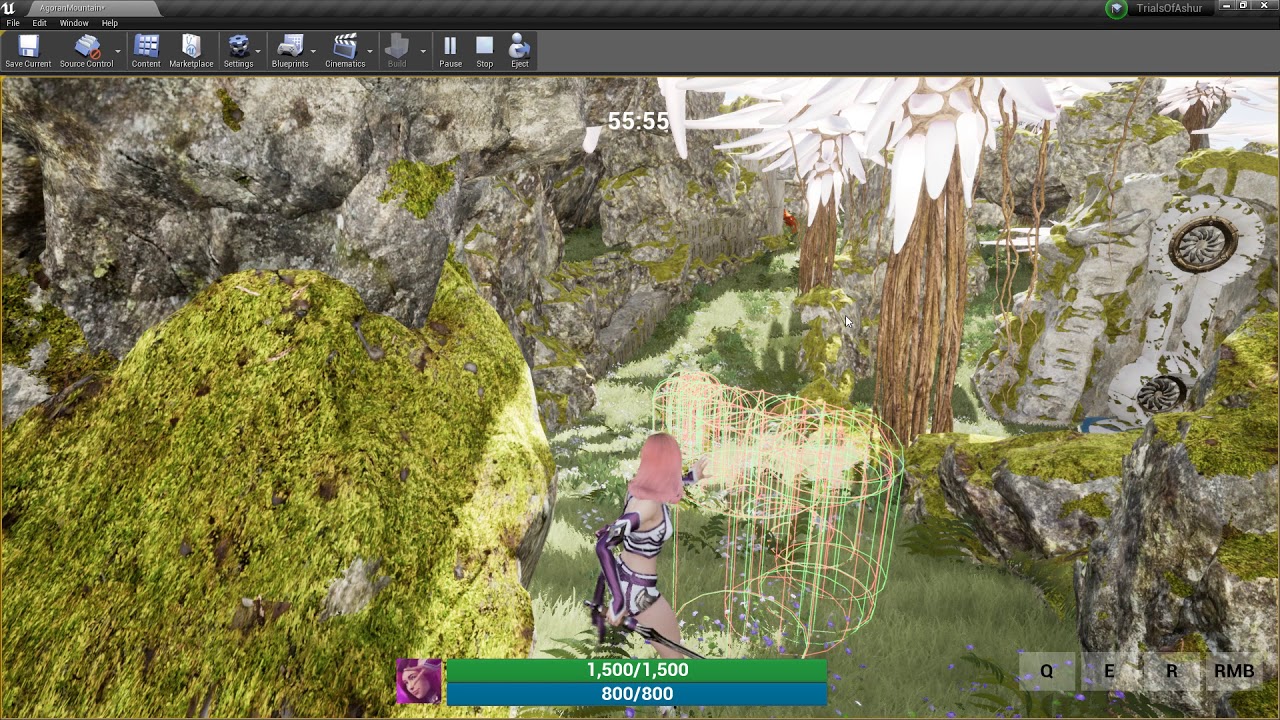 gusty spire
guys is dedicated server not executing things in player controller blueprints?
because it seems like it for me
twin juniper
@manic pine yeah that exactly what happen, it's automacliy send the client to the Main Menu map
twin juniper
on player controller
on guy
ok
if u are host
if u are client
tell WHY is he 3 times slower if u are the client
at turning hinm
winged badger
its not interpolating at all server side im guessing
winged badger
your FMove is client only
InputAction/Axis events execute on local machine only
@zinc zealot you should ask the question, instead of if someone can help
zinc zealot
i wanted to go to a private call... if you dont mind ;/
cause i have been searching this for a while now
and i just cant find what i did wrong
winged badger
here is fine
twin juniper
it SHOULDNT be doing anyhting server side
everything i did so far is on the client only
zinc zealot
its because wanna show the blue prints
winged badger
well, CMC won't execute your rotation interpolation on server just because you're running it on client
twin juniper
i dont WANT it to execute on server
u see this?
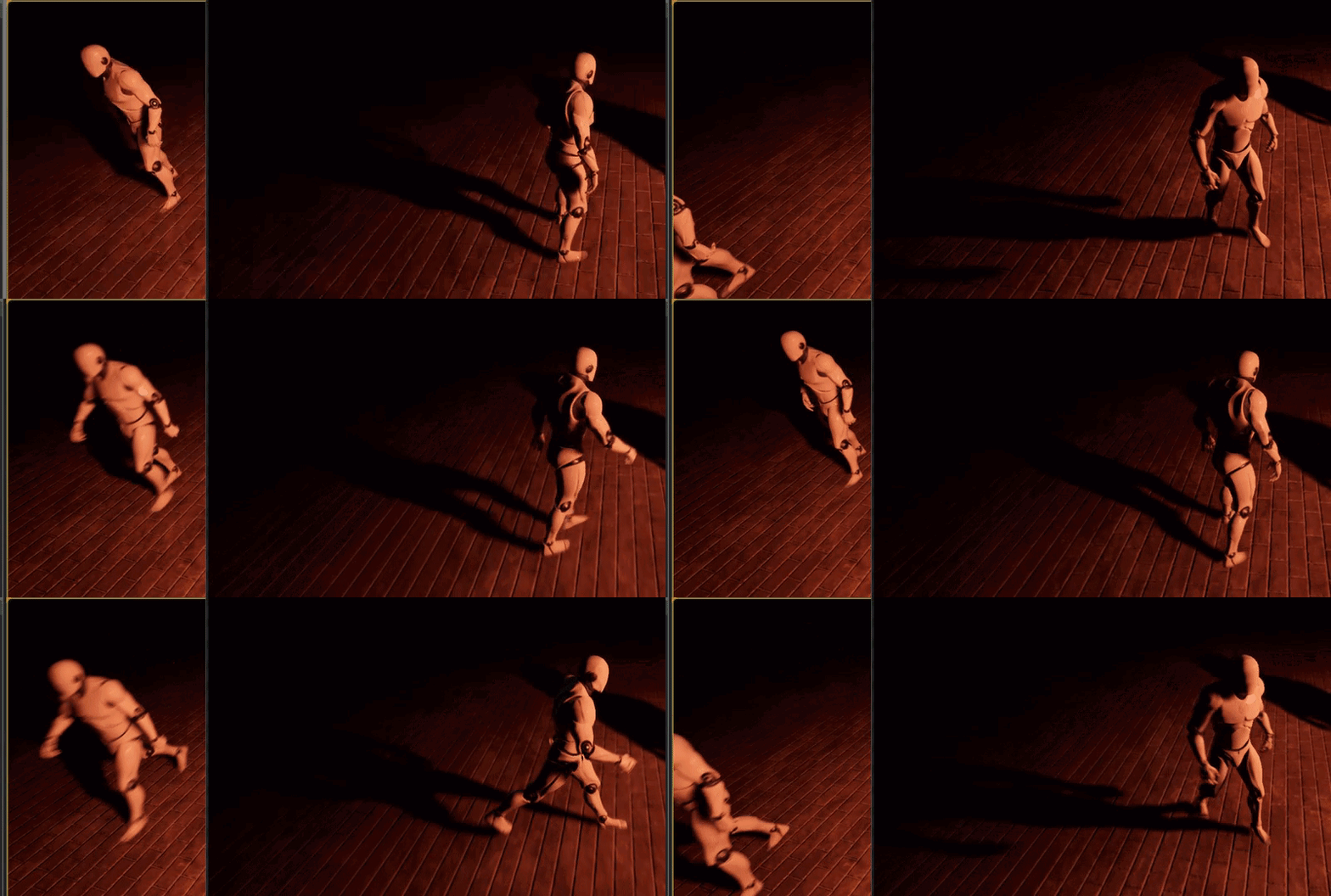
it is not replicating
this is on purpose
this is not a problem
here is the problem
host
client
its 3x fkin slower if ur not the host
why
winged badger
you'll have to be more specific
twin juniper
do u see the gifs
winged badger
as on who is controlling and whose camera are they recorded through
zinc zealot
u want the client and the host to move at the same time right
twin juniper
oh
its all me
launching multiple windows in editor
if one of the windows is the host then its 3x faster
if one of the windows is a client its 3x slower
zinc zealot
lol
twin juniper
top one is a listen server
and ur playing the game as the server
bottom one is a client connected to the top one
twin juniper
from launch the editor like this
if i check mark run dedicated server
then EVERYTHING is slow
the only way to get him to be fast is to be the host
 eager nebula
@twin juniper Gonna take a stab in the dark here and say that it feels like your interpolation is taking the average over too long of a period of time
winged badger
@zinc zealot and what is not working?
zinc zealot
well im not rly sure so im gonna say what im doing
winged badger
(finding 0 sessions is also a success)
zinc zealot
I start the game right
ye thats a problem
its not succeeding i guess
cause
well
i start the game
hit Host
i dont Lan i set the max players
Create session
it enters the map
then in the other window
in the menu i hit join
search games
and nothing appears
i put so when it fails it prints a string
it isnt printing a string
winged badger
which means search is successful, it just didn't find anything
winged badger
how long did you let it run for?
winged badger
there should be something in output log as well
and you should let it run for a bit longer
zinc zealot
what do i put int output
winged badger
you generally read from it
zinc zealot
?
Ok
so i just tested it again
after some time
it does say success
lemme just test it again
one sec
winged badger
that clock top right means its a latent node
if doesn't return the results (except its main exec out pin) in the same frame
zinc zealot
hmm
kay...
but now an update
i now know its working right
wait brb xD gonna test it
what can i do if it isnt finding the session ?
Ok
so it isnt finding any sessions
cause
it only says success once
and so it means
For each loop isnt executing
Loop body is for each session
therefore is not finding any sessions..
what can i do now ?
winged badger
@twin juniper the obvious difference is that your FMove gets executed server side when you're the listen server host
i'd go and print Velocity, see if that sheds some light on the situation
winged badger
CMC won't behave identically on client and server
twin juniper
its gonna take a second before i launch editor
winged badger
@zinc zealot i am not sure, i don't remember when i was last debugging that
also i never used the default session interface
did you open a map with ?listen on the host?
winged badger
not sure if it will make any difference (host's output log would tell)
but try changing that to ?listen
zinc zealot
ok gonna test it..
winged badger
it should have a line like "Listening on port 7777 (or w/e)" if its actually hosting
after the log where it opens the map
winged badger
Window>DeveloperTools>OutputLog
you can't debug anything connection wise without it
or Saved/Logs folder after closing a game session
zinc zealot
hmm
but how should i host my game then
can i open it from the viewpor t'
viewport ?
winged badger
the same
winged badger
its just a window that shows the logs from the engine, along with your own logs and prints
twin juniper
@winged badger
ok i have isolate the problem by create a guy
everything is on the guy now like this
and
as u can see interpolate speed is a constant now
no longer derived from guys velocity
and u can see
with this
same problem
host
winged badger
not if one has velocity 0 and other one doesn't when that runs its first Tick after standing still
twin juniper
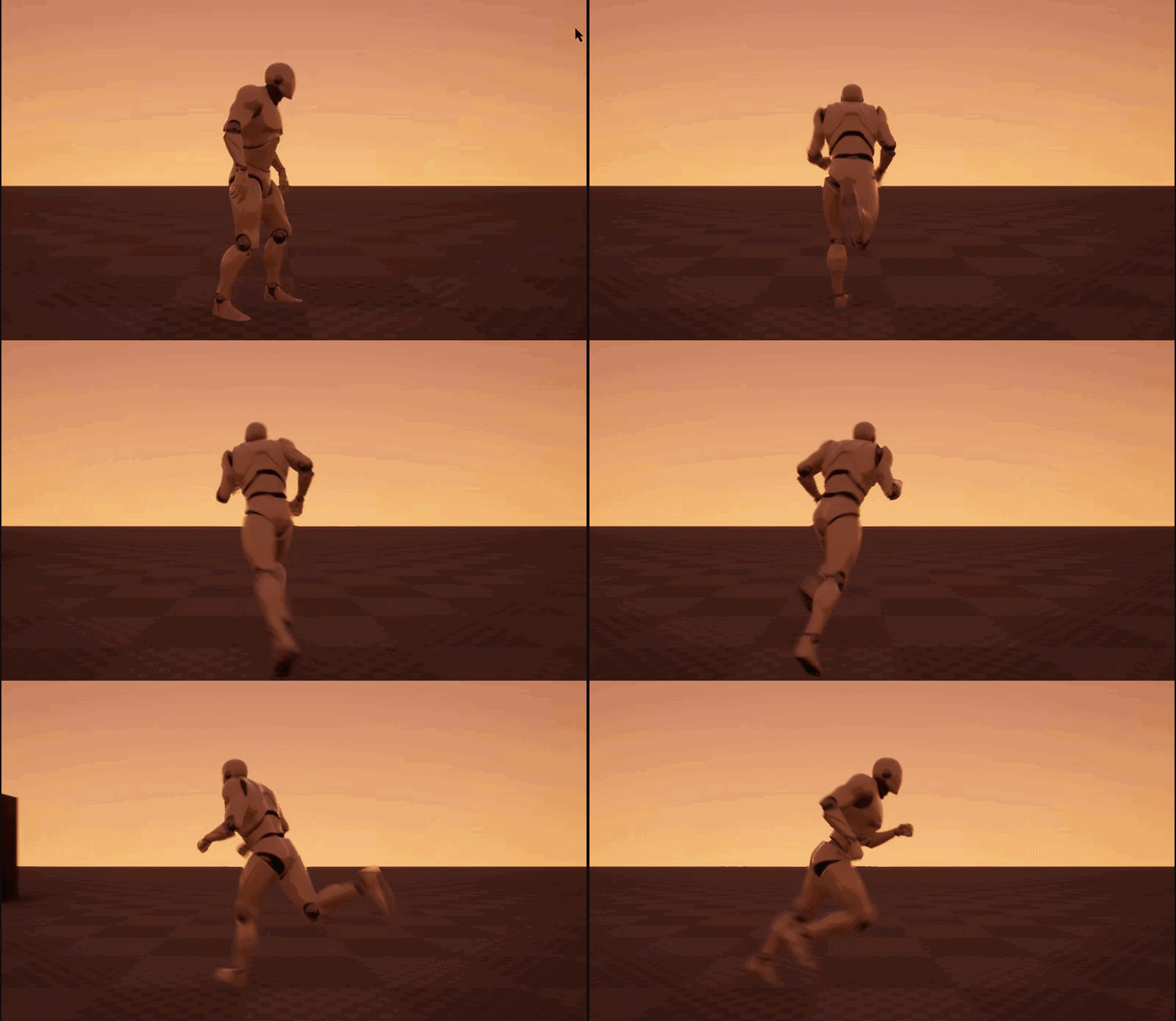
client
ok
i will get rid of that branch
then
new one
@winged badger
same problem
host

client
without the branch
winged badger
i'll take your word for it, you don't have to post gifs each time
winged badger
it could still be Velocity, since you are making a Rotator from it
twin juniper
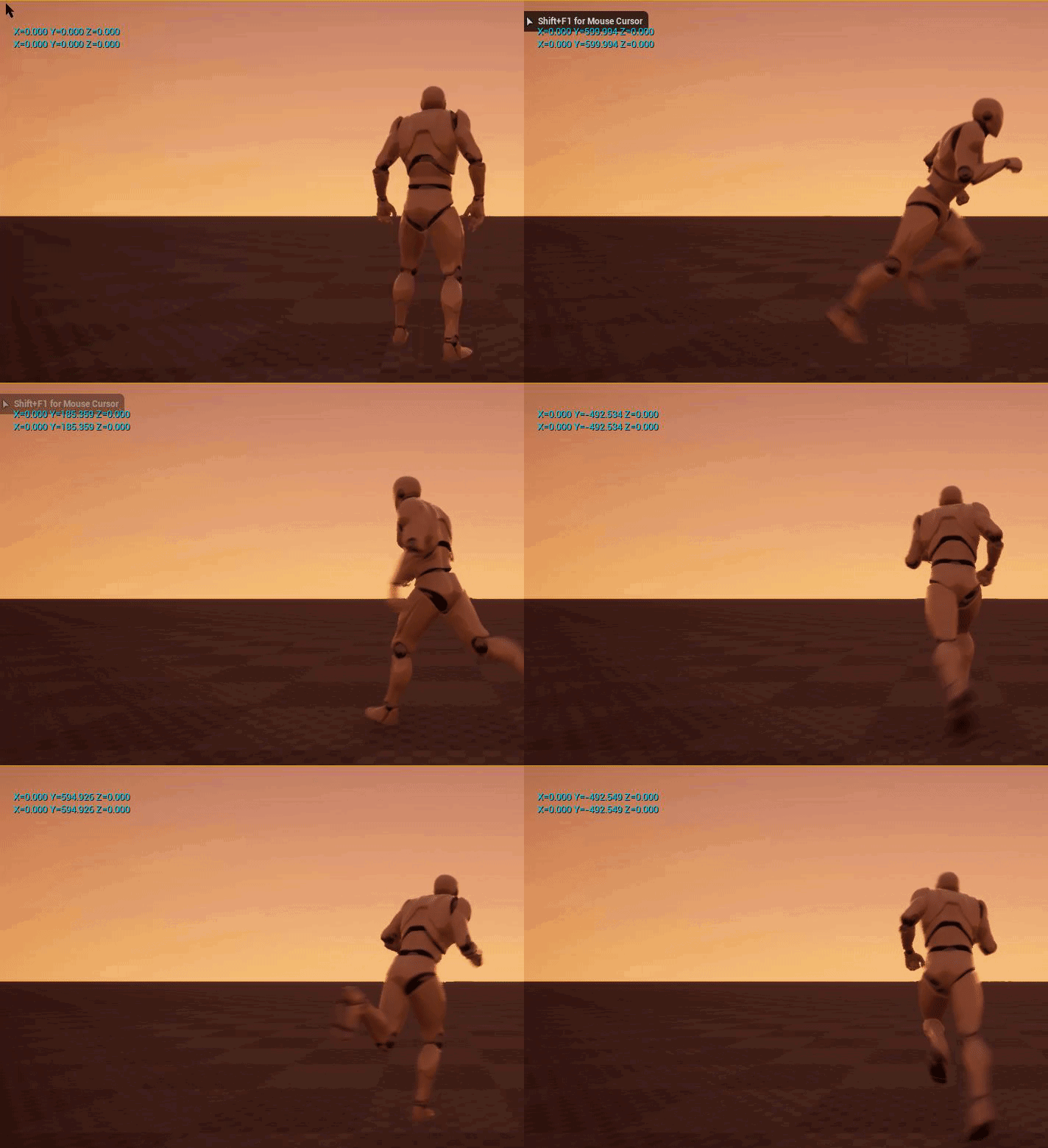

change it between getting the delta from tick or get world delta seconds
doesnt change anything
zinc zealot
very werid :d
manic pine
if youre using the charmovecomponent
it already has a setting for adjusting rotation to velocity
manic pine
ah, thats probably true
twin juniper
mine
manic pine
youve disabled Use Controller Rotation Yaw?
twin juniper
yea none of the stuff is anyhting
winged badger
that would affect them the same, client and server
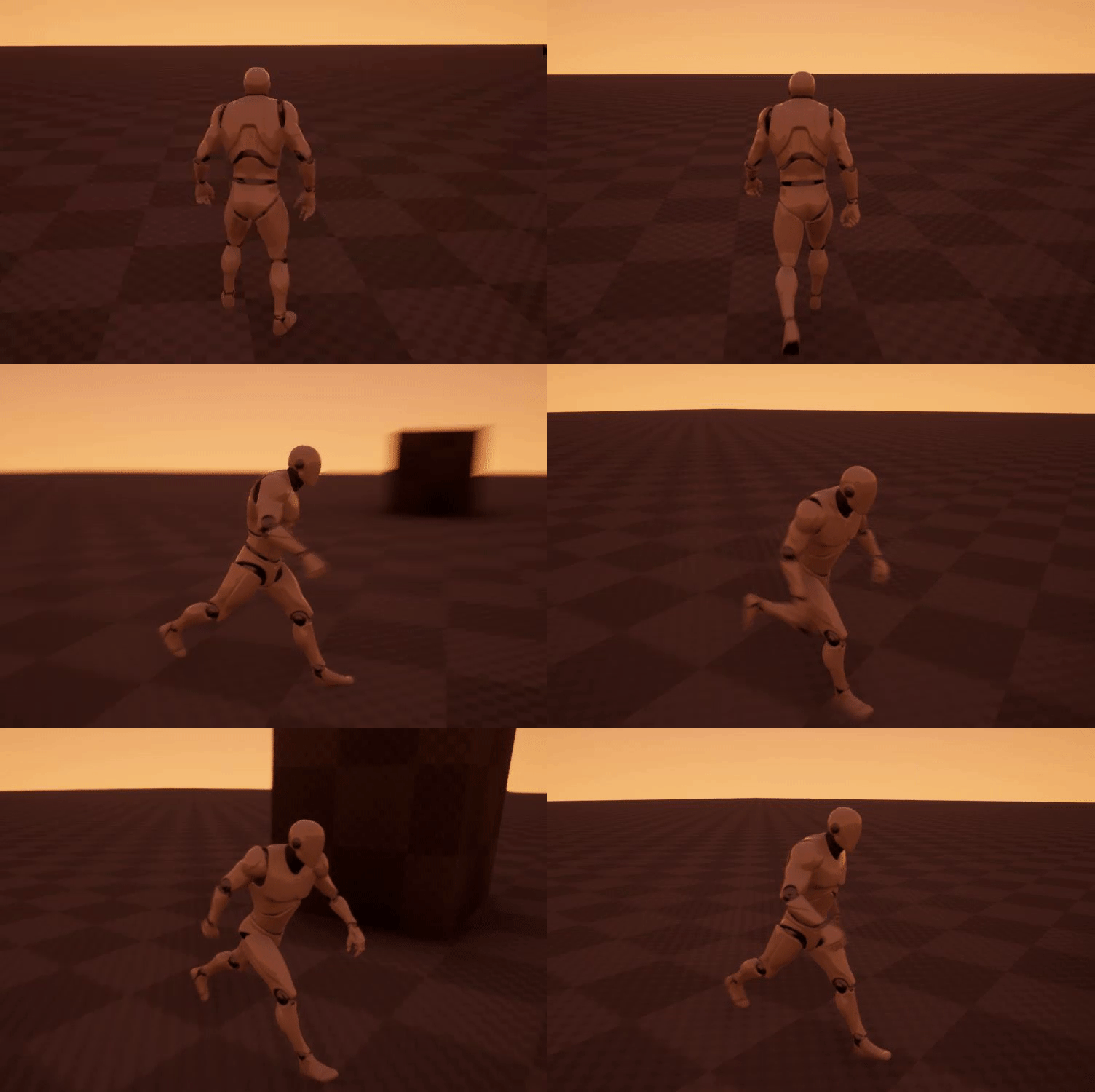 winged badger
my theory is that since listen server is not simulating movement
twin juniper
if dont have my own rotation on then its this
winged badger
its initial vector and as a consequence, target rotation are very different on the first tick after moving from idle
twin juniper
orient rotation to movement goes in intended acceleration direction not actual velcoity direction
ok
changed the script to this
@winged badger
as server
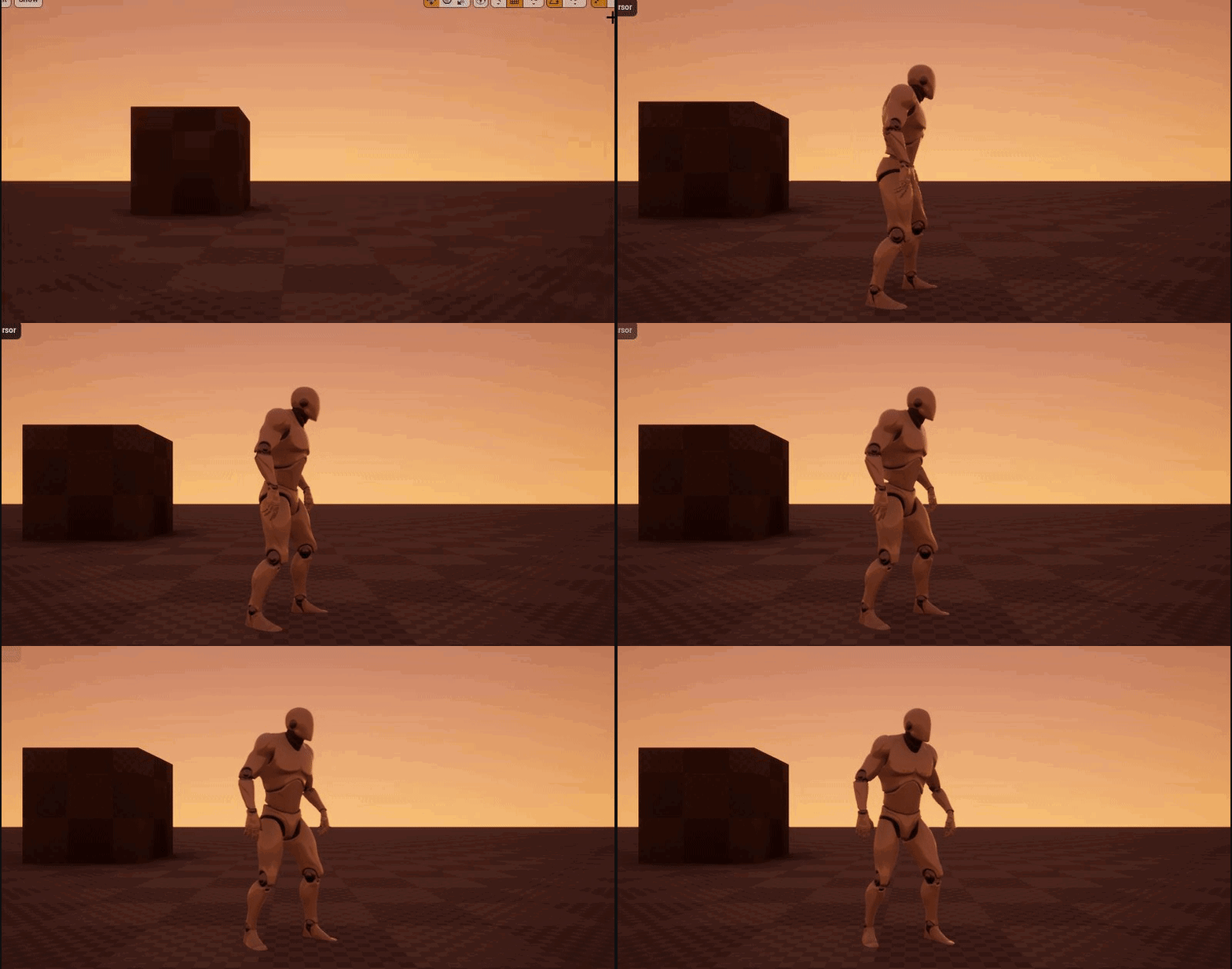
as client
zinc zealot
Okay
so i was trying something
and while watching a video
found this
Number of players
soooo
i set it to 2
right
when i start it now
it creates 2 viewports
and they are in the same map
even tough i dint create a session
though
and
only the first player spawns as the default pawn
manic pine
@twin juniper try turning the BaseTurnRate in the char bp up to 180
twin juniper
wtf is BaseTurnRate
not a thing that exists when i type it
anywhere that it would be
zinc zealot
fuck me
I dont know what the hell do i have to do...
i've seen like 4 tutorials
and they all are pretty much the same thing
and still
i cant make it work
thin stratus
They are set to Autoconnect
It's in the advanced launch settings
If you want to test connection and sessions you'll either have to deactivate that or start two standalone versions
zinc zealot
thx.....
 craggy delta
How "good" is the built in networking in unreal?
manic pine
@twin juniper yeah sorry, RotationRate.Z... turn on UseControllerDesiredRotation on movecomp too, then go to camera boom and switch off use pawn control rotation and inherit yaw... then go back to your bp and use getcontroller->setcontrolrotation instead of setactorrotation
that should prevent movecomp from messing it up
twin juniper
nice lol
zinc zealot
can anyone come private call with me so i can screen share to see if you know what im doing wrong ?
i dont know what else to do
zinc zealot
Okay
update to my problem.
there is now a search result
but when i click join
it fails
 copper portal
@craggy delta has everything you should need to make a functional multiplayer game
@zinc zealot wut is ur problem
craggy delta
@copper portal how does it handle heavy load? is it suitable for a large number of users per server?
copper portal
I don't know. I would Google that. I haven't needed it for anything like that
zinc zealot
what ?
craggy delta
alright thank you anyways i will give it some looks.
zinc zealot
well my problem is
i launched 2 games
and then hosted in one
it found a result
but when i hit Join it fails
craggy delta
sounds like a peer to peer connection you have set up. You re going to need to port forward if you're not testing these two games in the same network
copper portal
If ur using steam multiplayer u don't need to pf
zinc zealot
whats pf ?
zinc zealot
when i searched
can you come private call so i can screen share ?
and the one i tried to join it
ive been trying to solve this for hours
and i just dont know what to do XD
i dont know what port forward is
im just using the create session function
copper portal
I have never used the plain create session
I have always used the steam multiplayer plugin so I don't think I can help
copper portal
Search up niceshadow he has a great series on using steam multiplayer and setting up lobbies server browser pretty much everything
On YouTube
zinc zealot
hmmm
but whats the difference between advanced sessions and regular sessions
im using the steam multiplayer plugin aswell
ehh....
twin juniper
you can use advanced sessions to create a session with a servername
cant do servernames right now with native create session
zinc zealot
hmm
nice,
but the only thing i wanna do right now is just
open a lobby for people to enter
twin juniper
for a listen server?
zinc zealot
whats that
twin juniper
there's youtube tuts for listen server lobbies..
did you try those?
there are two primary types of networking in UE. listen and dedicated.
zinc zealot
i've followed tutorials to make a steam server
twin juniper
i recommend using the basic ipnetdriver and not using steam to beta test a listen / ded server
zinc zealot

Hey guys, I still cant make the volume louder .. Anyway this time I show you how you can: - add Steam to your project - Host a Game Steam/ LAN - Search for a...
this is what i followed
the thing is i know nothing about multiplayer
im pretty new to unreal engine 4 aswell... kinda
craggy delta
So I notice all of the unreal engine 4 template projects have things like NetPlayerSpawn in the world outliner are these multiplayer by default?
twin juniper
whats the error?
zinc zealot
im going to test again to be completely sure
twin juniper
if its working in 2-3 player PIE, many of the features carry over
to actual listen servers
test the movement and basic functionality in the PIE using 2-3 players first
then try out the tutorial you mentioned
twin juniper
... PIE
zinc zealot
it opens
the players are there
not working as its supposed to but its working
only the menu appears to one player
wait
no
okay it is working
ye
its working wif i do the PIE
twin juniper
mayb eyou can just test it..? 😃
i usually only come on when i have a really detailed technical question
twin juniper
no problem, just saying you should try to debug your problem and you will likely solve it soon
twin juniper
if the movment is working in PIE
the next step is to get the listen server to actually host
and get one client to join, and test movement there, and connectivity.
zinc zealot
but i followed the tutorials all is the same and it doesnt find .-,
twin juniper
so did you try to make a steam server?
zinc zealot
ok
twin juniper
you are saying a lot of hypothetical things like "i guess" and "maybe"
zinc zealot
ill be precise
when i launched in PIE
it found the servers
and the names were random letters right ?
But
when i launc the game
twin juniper
names..?
twin juniper
yep
zinc zealot
now
when i launch from the project files
it shows the result
but with no name
when i join it fails...
maybe i just dont know enough
but i would suppose if i want to play with other ppl
they would have the same file
and launch the game from there no ?
twin juniper
well
i can tell you i got my listen servers to work before
i use dedicated now, but i got listen to work
all i did was just use two different machines
one to host the game, and one other to connect via LAN
to test
twin juniper
you got your blueprint code for create / join session?
craggy delta
are both instances using the same port?
twin juniper
so i can see it?
twin juniper
i asked you if you had your blueprint code for create / join session so i can see the code..
zinc zealot
ye
twin juniper
yeah..
copper portal
Narcotic is saying that to test, you must have the 2 clients have to connected to the same wifi
Or else you have to Port forward
zinc zealot
craggy delta
No I am saying that if his two clients are initialzing on the same port
and he runs that on the same machine
it wont work because the port would be in use already
zinc zealot
so its probably failing cause im using the same machine ?
craggy delta
but idk anything about steam mp so this may be irrelevant information to you
craggy delta
I am pretty sure two programs cant use the same port at once on the same machine
craggy delta
if you try on two pcs it may work if thats the problem
zinc zealot
hmmm
copper portal
For me testing on the same comp is fine
craggy delta
but again if i were you i would be more interested in answering gothic serpants question to see the code
Does steam like abstract the ports away?
zinc zealot
damn so much trouble for something so little or is this nornally so complicate ?
zinc zealot
thats basically the same as mine
twin juniper
@zinc zealot you need to use find sessions, get an array, and connect to an active session that way.
do you use find session node?
copper portal
@zinc zealot try different tutorials for creating the mp
zinc zealot
is because its asking if he wants to use team
I already watched other tuts
but idk maybe i did it wrong
or smthng
copper portal
Maybe
twin juniper
make sure the found session reference is being passed into join session
try debugging the node with f9 and playtesting thru
if the find session node is passed through it will work, but keep in mind i always tested this out on two machines
zinc zealot
okay 😃
but with debugging you mean looking where the chain of commands breaks right ?
i did that with print strings ?
twin juniper
yes high light a node.. and press f9..
zinc zealot
ye
i just did that
it goes there
just gonna search it
basically if its working
it pauses the game
that way i can see when it stops
._.
twin juniper
i would just follow the tutorial again and look for any missing steps.
@zinc zealot can try something like this for the utmost basic syntax for finding the session and joining the first one from all found sessions
sorry if i was a bit brief with you there. i was just occupied with something.
that code there should join a test session you make. can try enabling or disabling LAN pin as needed.
@zinc zealot i believe you can open two instances of a packaged game on one machine by the way. so the game should work for creating a session and joining a session from the same computer (anyone can correct me if wrong here but believe this is the case). so you're setup should work. there's something either wrong with your code or wrong with your network config.
zinc zealot
thank you 😄
gonna test it now 😃
i've wanted this to work for so long, maybe this time's the charm 😃
zinc zealot
rip...
did it
dint work
dont know if i did it wrong
will continue tomorow...
thx for the help everyone 😃
low obsidian
Hi guys, does SetOnlyOwnerSee work on multiple static meshes in an actor?
zinc zealot
Guys update on my problem.
I have now tried to join the lobby
but with different machines
in the same wifi
I am pretty sure the PC's are finding the sessions
Cause when i search for sessions
it finds a session
and the name is the Steam name
but when i press Join
first doesnt do anything
when i click twice
it fails
bitter oriole
So, is it possible to possess a pawn locally ?
I have a menu-related pawn that does stuff, I want to spawn it on the client only, possess it there, no networking involved
Is that possible ?
manic pine
hmm possibly, but it would involve spawning a client-side controller
since possess will check authority
might be less work to adjust the controller class to take a client-side pawn
bitter oriole
Well, the client player controller is the one to spawn the pawn, so it does have authority etc
manic pine
yeah, but the actual possess function of AController checks hasauthority on itself
which fails since server has authority over the controller
bitter oriole
Ah, right.
manic pine
the Possess functions arent terribly long or complex though
you should be able to duplicate it fairly easy making some sort of PossessClientPawn function
and corresponding Possessed functions on the Pawn class
bitter oriole
Yeah, or I guess I can spawn them on the server instead
manic pine
yeah, that way you dont have to mess around with supporting two possessed pawns at once too
 marsh gate
ayyyyyyyyyyy folks 😄 I am wondering how on earth can I display all custom games being hosted? I let my players run the dedicated game server Minecraft style. So these folks are running it on their PCs, portforwarded, etc. However, I'd love it if there was a sort of server browser listing so that these hosts don't have to advertise themselves.
Idk if any of you guys played Halo Eldewrito which was a mod of an online Halo game released in Russia. But it has a cool little server browser listing where you can see all the servers being hosted at any time. And then you can just choose to join em. Or I guess you can also look at a lot of Source games and you will see that you are able to join custom games.
❓ Anybody have an idea how I can somehow keep track of the servers hosted Minecraft-style that are online
bitter oriole
Online subsystem for your platform - steam, etc
marsh gate
Here are some of the ideas that I have. One idea is that there has to be some sort of master server. This master server has a database. All the custom game servers that are being hosted need to ping this master server and send over some basic credentials such as
- Public IP
- Port
- Players allowed
- Gametype
- Players online
Ahhhh, Steam hmmm
How expensive would this be on Steam?
marsh gate
You don't have to pay for server hosting?
Or whatever, I'm just so confused how this all works. How would Steam help?
Players run dedicated servers on their machine, but how would that interact with Steam?
bitter oriole
Steam, like the PS4, or XBox etc - provides a session and matchmaking service
Servers create a Steam session, players look for game on Steam, and connect
Look the Advanced Sessions plugin
It's a Blueprint interface for the online susbystem
marsh gate
Isn't advanced sessions already built into UE4 out of the box? Cuz I see "Advanced Sessions" nodes in BP @bitter oriole
bitter oriole
AFAIK it's not built in, but I'm not using it so 🤷
marsh gate
Also, one last question. Really appreciate your patience & help. Do you know of what challenges I may face trying to get Dedicated UE4 game servers working with the Steam Online Subsystem?
bitter oriole
Nope, not touching dedicated servers either.
marsh gate
k thanks
bitter oriole
@manic pine Would you happen to know if RPCs are somewhat disabled on an unpossessed Pawn ?
manic pine
as much as for any un-owned pawn(unpossess calls SetOwner(nullptr))
ie no client can use ServerRPCs on it, server cant use Client RPCs on it
winged badger
you'd also get "No owning connection for..." log entries if you tried
bitter oriole
Well shit
Thanks
Thanks a lot @manic pine I heavily suspected that but couldn't see it in the code
Works great now
unique thunder
I'm trying to set the player's username while offline in my main menu and I need to carry that data over into live matches to set it above each player's head but it keeps coming up null when I enter multiplayer sessions (dedicated server). It works outside of the session, though. This same system would be used to set and use in-game other settings & preferences - which object persists between offline / online play? I tried setting it and getting it from gameinstance, playercontroller, player state, no luck.
winged badger
you need to RPC it to server
if you access GI from a dedicated server, it will be its own GI
you have to access the username locally on client first
then send it as an input argument in a ServerRPC
PlayerState would be a good place to do it
 bleak lily
Hi so I am having an issue where when my character explodes the second person in the game is brought to the main menu
I will send the blueprints in a sec
zinc zealot
?
bleak lily

like literally in game my one character is supposed to cause an explosion and the second player responds for some reason by going to the main menu
zinc zealot
maybe its a code you did somewhere random and you just forgot it xD
Guys

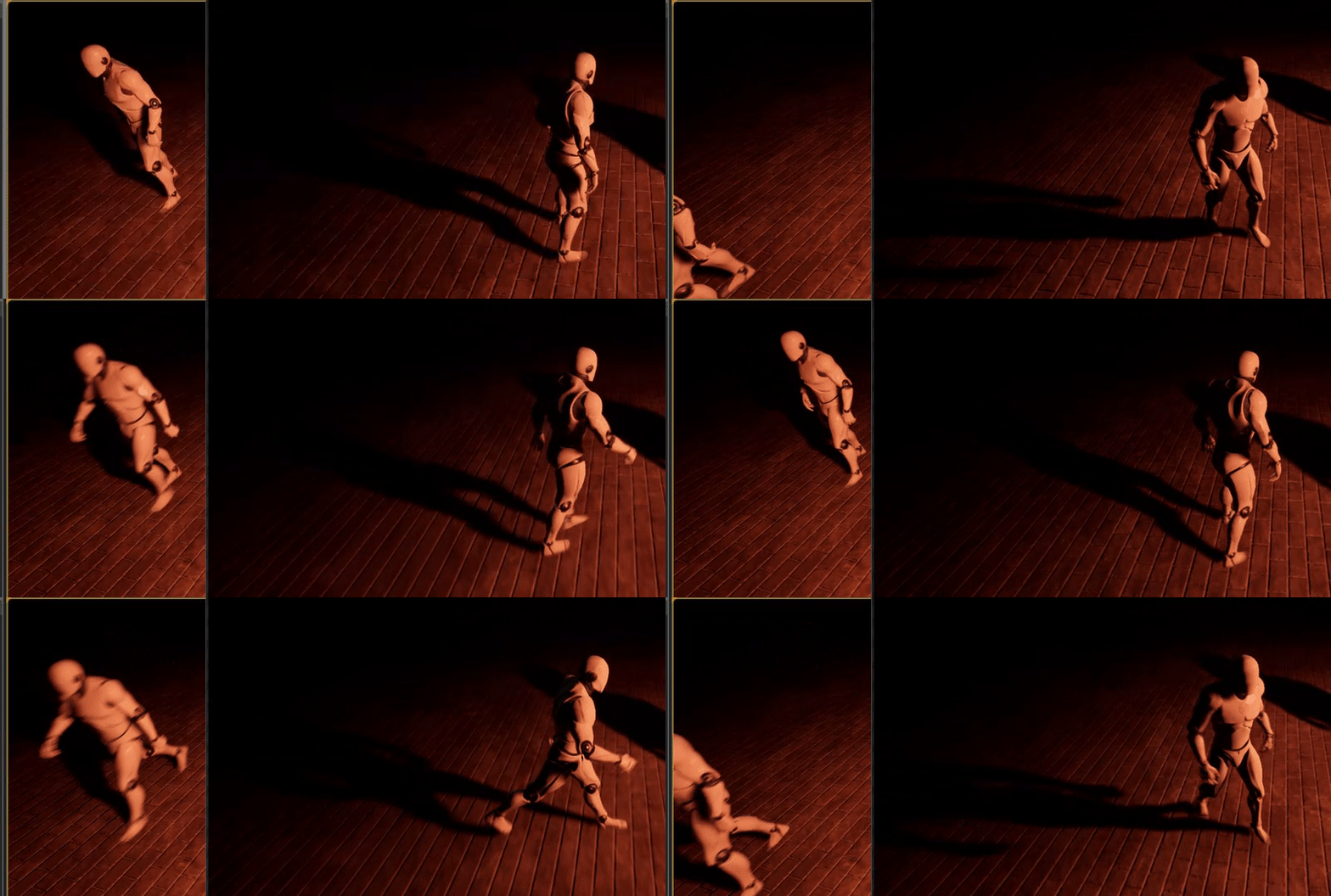
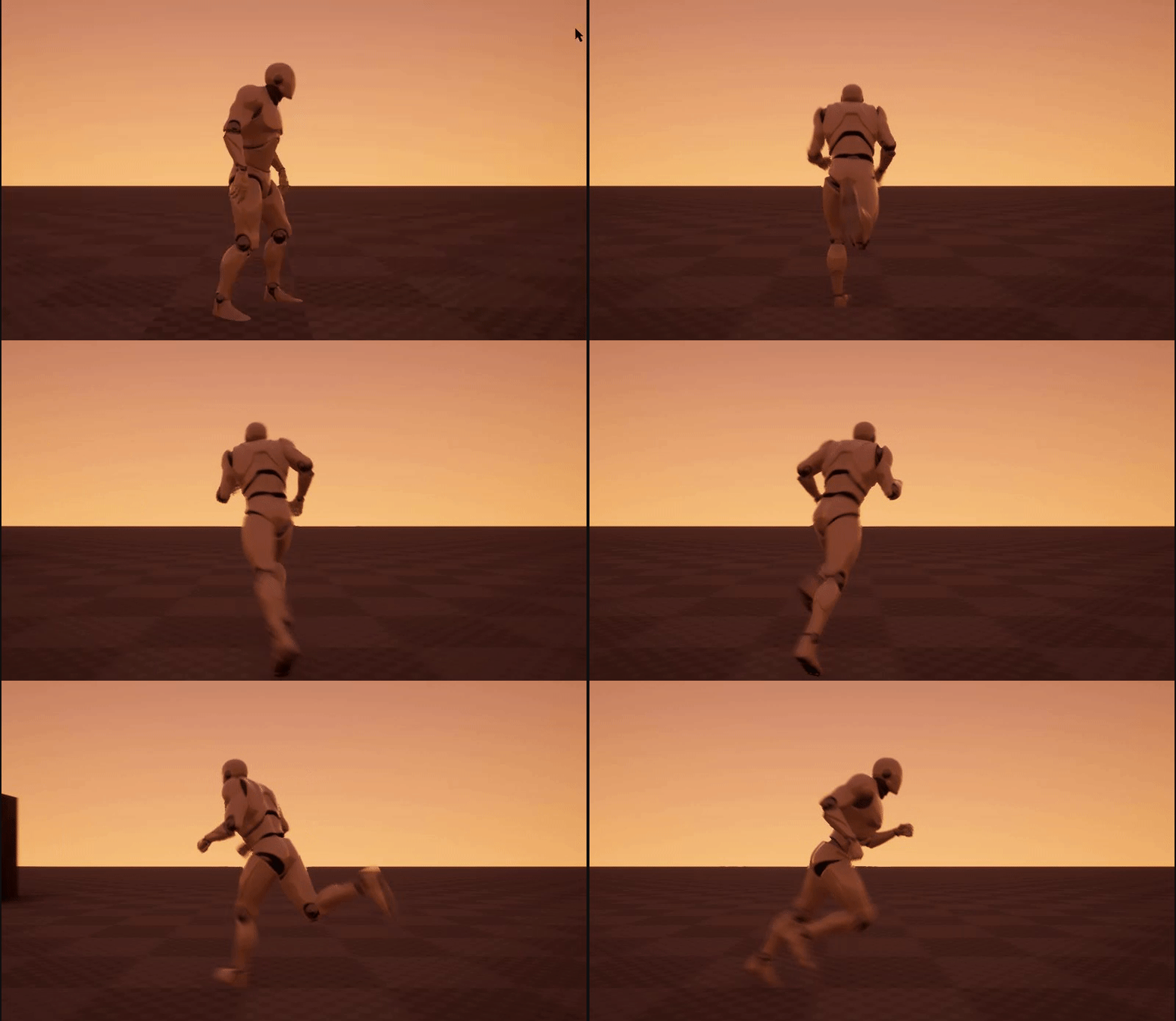
Hey guys, this time we will: - replicate animations to clients and server ___________________________ As always leave a comment if anything is unclear ______...
Is this viable? 3:50



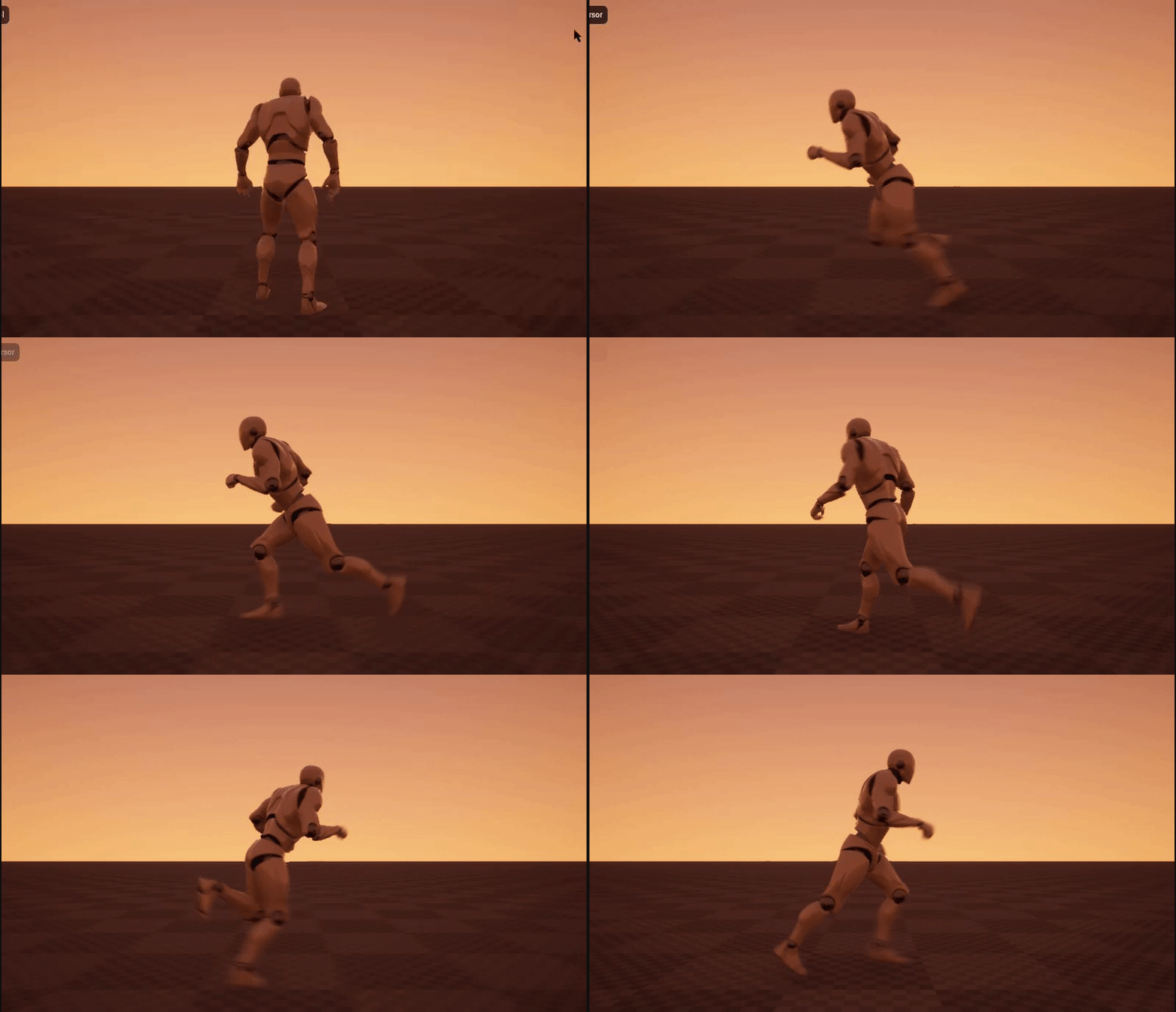
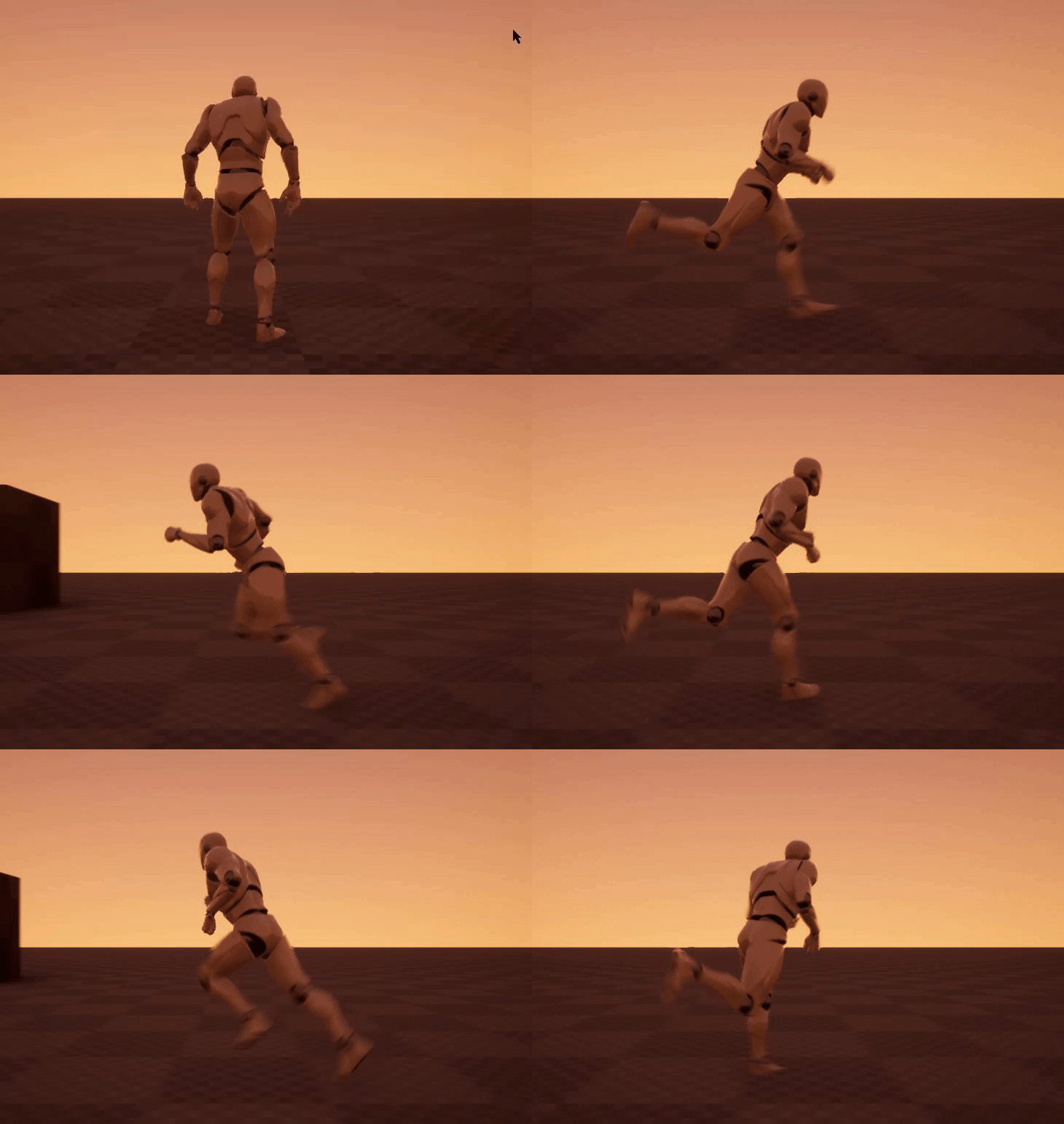
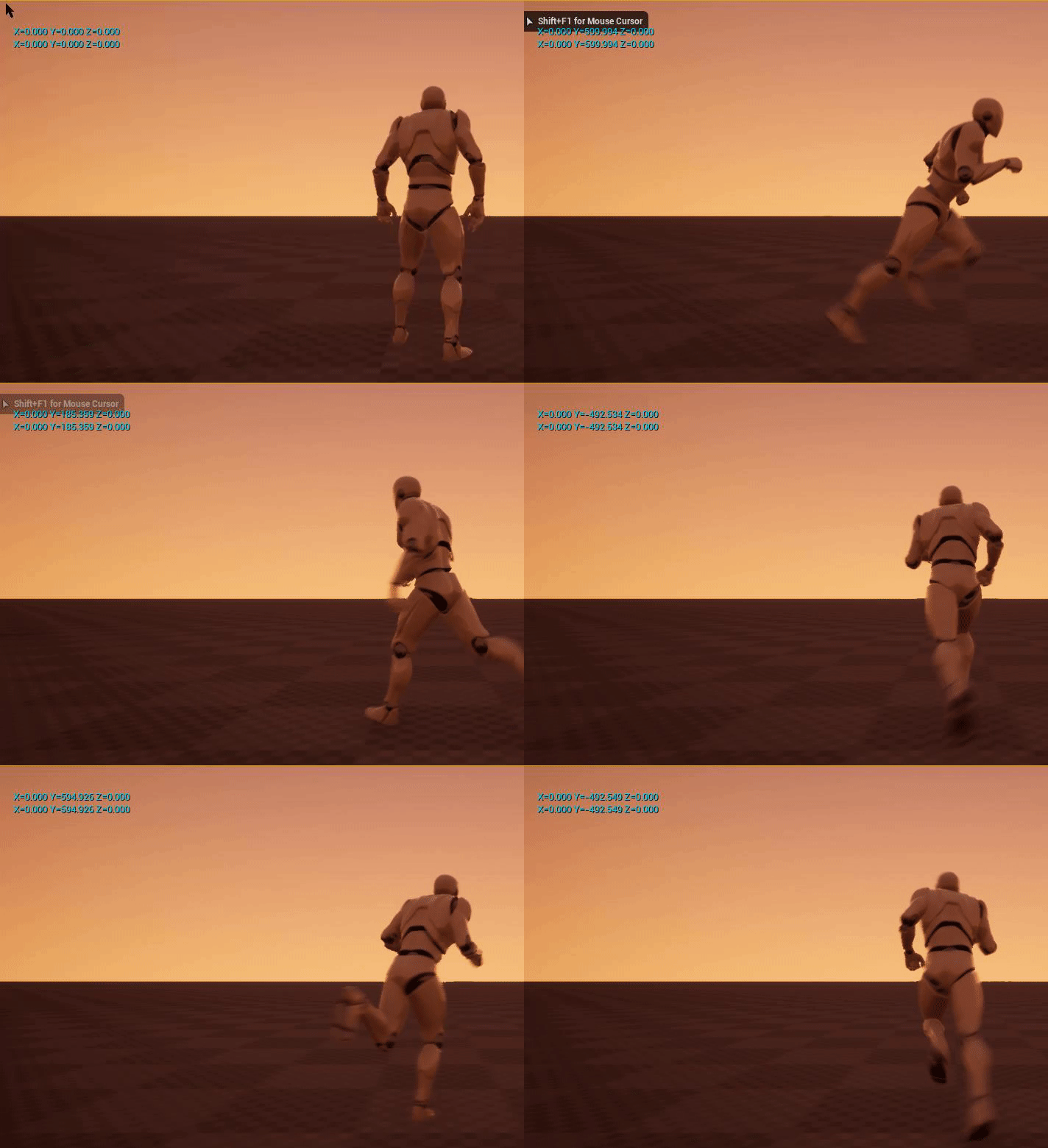
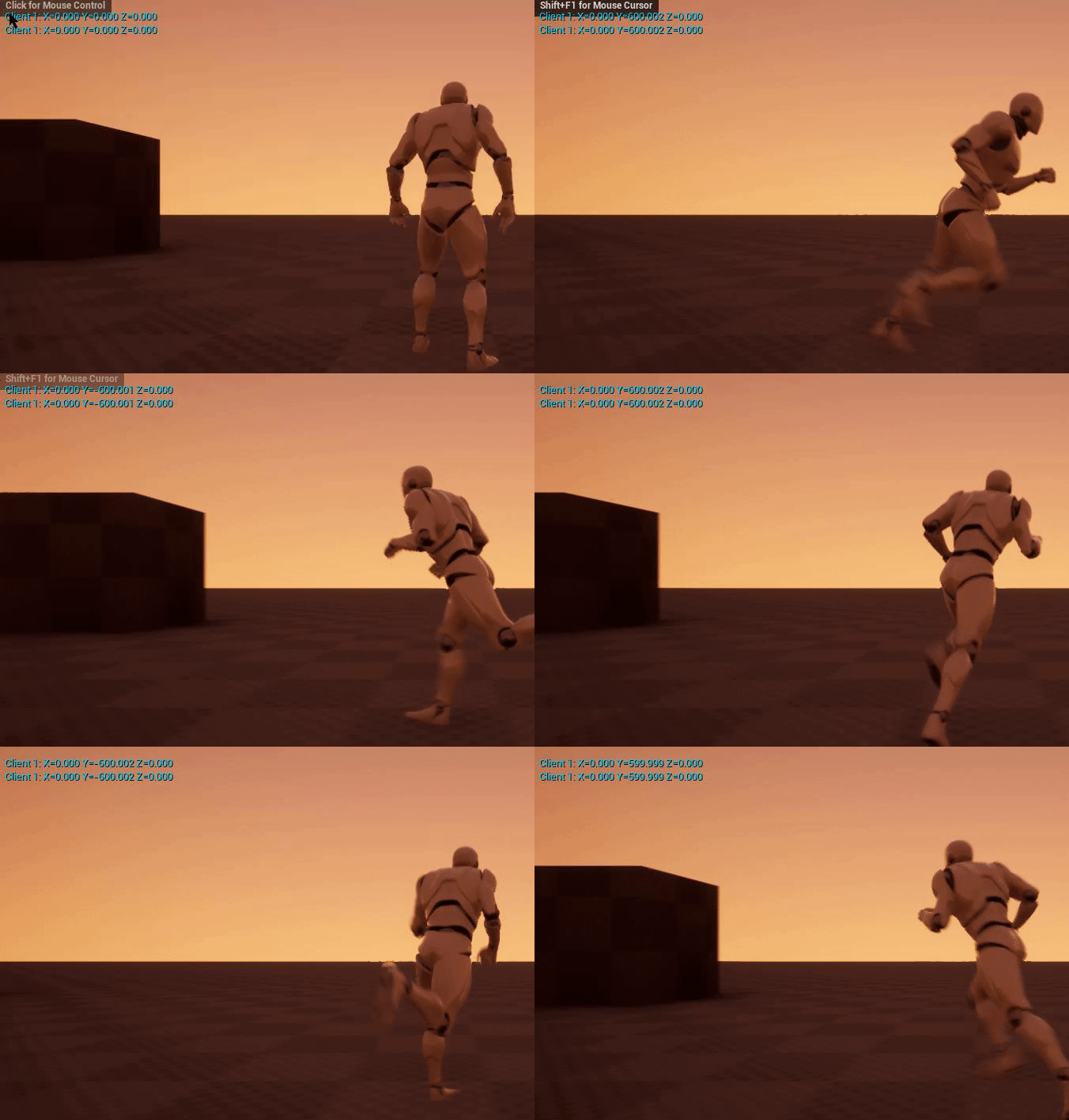
 thin stratus
@zinc zealot Its rather bad
I mean sure you should call a server rpc to set the rep var
So that you can use the rep var to sit
But the double server rpc isnt needed
zinc zealot
@thin stratus you mean you only need to use the custom event once ?
so it replicates on the server ?
thin stratus
The first call of the server rpc moves it to the server
After that you are on the server
No need to call another rpc to the server
zinc zealot
so... one time does the trick :p ?
i dont know much about networking and multiplayer so ... ye
thin stratus
Just one RPC "Server_SetIsSitting" which passes a boolean is enough
That one then sets the variable
thin stratus
That's to prevent cheating but here it's probably not important
zinc zealot
thx 😃
bleak lily
wait do you know what my issue is
zinc zealot
oh
thin stratus
Depends on if this is gameplay killing if the client can call it
zinc zealot
so authority is the permission from the server so the player can do an action ?
like take damage regen hp etc ?
😄
thin stratus
What you ultimately want to do is:
OnKeyPress->SwitchHasAuthorty
If Authority->Set the Sitting Variable
If Remote->Set the Sitting Variable AND call the Server RPC that then also sets the variable
If you are already authority you don't need to server rpc
And if you are remote, so a client, then you want to set to the variable locally to not have any lag and tell the server to set the variable so everyone gets the update
Given your variable is set to replicate
thin stratus
Read my compendium then please
thin stratus
Pinned to the channel
thin stratus
Top right, pinned messages, first entry iirc
bleak lily
ok
zinc zealot
thin stratus
Usually that is hard to achieve in blueprints
zinc zealot
wouldnt this work ?
thin stratus
You need to set the emote variable to replicate
zinc zealot
ye
thin stratus
And yes it would but it also introduces lag
bleak lily
LogWorld: Bringing World /Game/Levels/UEDPIE_2_MainMenu.MainMenu up for play (max tick rate 0) at 2018.08.18-18.26.38
LogWorld: Bringing up level for play took: 0.000836
LogGameMode: FindPlayerStart: PATHS NOT DEFINED or NO PLAYERSTART with positive rating
LogLoad: Took 0.069392 seconds to LoadMap(/Game/Levels/MainMenu)
LogUObjectGlobals: Destroyed PersistentFrame Addr=0x000001c73df00370, Size=24
LogOnline: Warning: OSS: No game present to leave for session (GameSession)
zinc zealot
so it runs both
bleak lily
this is the end
zinc zealot
thx 😄
thin stratus
Your local player would ask the server zo change the boolean and then it takes time to replicate
So the time between button press and actually receiving the change is depending on the player ping
So your player wouldn't always see the animation instantly
That's why he should set it locally too
So he doesnt have to wait
@bleak lily that's too far already
bleak lily
oh is it this
LogSlate: FSceneViewport::OnFocusLost() reason 0
LogSlate: FSceneViewport::OnFocusLost() reason 2
LogSlate: FSceneViewport::OnFocusLost() reason 2
LogSlate: FSceneViewport::OnFocusLost() reason 2
LogNetTraffic: Error: ReadContentBlockHeader: Stably named sub-object not found. Component: [28]TPSController_C_0.[36]NODE_AddChildActorComponent-0_0, Actor: TPSController_C_0
LogNet: Error: UActorChannel::ReadContentBlockPayload: ReadContentBlockHeader FAILED. Bunch.IsError() == TRUE. Closing connection. RepObj: NULL, Channel: 13
LogNet: Error: UActorChannel::ReceivedBunch: ReadContentBlockPayload FAILED. Bunch.IsError() == TRUE. Closing connection. RepObj: NULL, Channel: 13
LogNet: UNetConnection::Close: [UNetConnection] RemoteAddr: 127.0.0.1:17777, Name: IpConnection_16, Driver: GameNetDriver IpNetDriver_17, IsServer: NO, PC: idk_C_0, Owner: idk_C_0, UniqueId: DESKTOP-C2BTRMG-6F52960B4A68C01A3BCDF690A06528FF, Channels: 16, Time: 2018.08.18-22.26.38
LogNet: UChannel::Close: Sending CloseBunch. ChIndex == 0. Name: [UChannel] ChIndex: 0, Closing: 0 [UNetConnection] RemoteAddr: 127.0.0.1:17777, Name: IpConnection_16, Driver: GameNetDriver IpNetDriver_17, IsServer: NO, PC: idk_C_0, Owner: idk_C_0, UniqueId: DESKTOP-C2BTRMG-6F52960B4A68C01A3BCDF690A06528FF
LogNet: Warning: Network Failure: GameNetDriver[ConnectionLost]: Your connection to the host has been lost.
LogNet: Warning: Network Failure: GameNetDriver[ConnectionLost]: Your connection to the host has been lost.
LogNet: NetworkFailure: ConnectionLost, Error: 'Your connection to the host has been lost.'
the errors
thin stratus
Can be that the log doesnt tell you anything but it's a good point to start
bleak lily
or is it still nothing
thin stratus
Looks like the AddComponent stuff is causing it
bleak lily
oh
thin stratus
AddChildActorComponent
Is that childactor replicated
And if yes, are you only adding it on the server
thin stratus
The function in which you add it
bleak lily
oh
thin stratus
Is that called only on the server
thin stratus
You need to know that
bleak lily
i know what you mean
thin stratus
It depends on how it's called
Replicated actors should only be added or spawned via server
bleak lily
yeah I didnt do a rpc for it thats the issue I am guessing right
bleak lily
alright I called it to a server
ok I think I got it lemme test it
ok cool the explosion doesnt make him leave
thanks
zinc zealot
Hey @thin stratus thx i think i got it to work 😄
bleak lily
oh wait when I blow up it doesnt destroy the component
I just am able to move around after I blow up
bleak lily
yeah I dont know why it doesnt destroy component
zinc zealot
Question
On Client Host (a listen server) it works
On Client 2 it doesnt
Blueprint Runtime Error: Accessed None trying to read property GM from function: 'ExecuteUbergraph_Menu-' from node: Ready Game in graph: EventGraph in object: Menu- with description: Accessed None trying to read property GM
Any help 😄 ?
winged badger
how did you figure a client will be able to access the GameMode?
zinc zealot
?
isnt like...
hmm
isnt the gamemode
like what everyone is connected to ?
i think i read that Gamemode ..... defines the gamemode
winged badger
no, GameMode is the object that exists only on server
winged badger
now go (re)read the Cedric's Compendium 😛
zinc zealot
im trying to give a quick look xD
winged badger
give it a detailed look, more then once if need be
zinc zealot
probably gonna print it start reading it before i go to bed XD
i realize this is simplified but i still dont understand it
xD
I should use GameState Right ?
Ill figure out sry for bothering 😃
winged badger
unreal networking usually takes a bit of time to... click in your head
but without a foundation, you'll be stuck permanenlty blundering
you might get the basics to work, eventually, but you won't get any further then that
zinc zealot
ik ill have to read it eventually :p and ill do as soon as i can
but now i just want to get the basics working
some of them at least XD
Question
is there a specific reason to why theres an A before every name ?
winged badger
because they are all Actors
Components and Objects would start with an U
and structs with F
its a UE c++ naming convention
zinc zealot
hmm
zinc zealot
Anyone knows why on Clients when i move sideways or backwards the camera glitches like "vibrates" and in the server it works fine?
this is a weird problem, i've had a similar problem some weeks ago when i was crouching and moved sideways or backwards the pawn kinda rotates and i never did fix it
 misty stirrup
this new replication graph thing that was released in 4.20, is it worth trying to implement it into a game in its current state if you're not planning on public release within a year or is it better to wait for it to leave experimental?
 rose egret
is beginplay called during spawn of an actor or its called the next frame when we spawn them
 livid barn
So I have some Pawns (that are currently controlled by AI, but also can be controlled by players) in a multiplayer game. As you can image when the player's own pawn gets far enough away from them they are Destroyed until they come back in range
Short of making them "Always Relevant" or cranking up the distance value to stay relevant. Is there any good practises that people would recommend in regards to where I should store certain values so they can always be read? I'm guessing the Controller will likely be the spot? Or if theres a way to have certain values replicated regardless of diatance?
thin stratus
PlayerState if it's info for everyone. Otherwise Controller if it's only relevant for the local player and server
@livid barn
livid barn
If a character is controlled by a AI Controller; it would NOT have a PlayerState correct?
In my current case, I have checkpoints storing a Reference to a character in game. Thus any HUD can pull data variuous data info of a player (name, time they crossed checkpoint, etc) from the checkpoint it self. But becuase the ref goes invalid when the PLayer goes too far away from the other character pawns, that Ref becomes invalid :\
unique thunder
agh still unable to pass a single variable into a ded server if the variable is set offline 😦 🔫
livid barn
I'm thinking I'll have to refactor again to use the controller, was just wondering if there were other approaches I may have not considered
@unique thunder I'm guessing you're trying to get the server to do something from a HUD ?
unique thunder
@livid barn no, we have our own login system set up to work with a database on gamesparks and when the player logs in successfully, I'm trying to set their username somewhere that I can access once they join a multiplayer session (on the ded server). I can confirm the username is being set because I can see it reflecting in text values I'm setting before they enter the server but once they do, it breaks apart. I tried setting it in playerstate, gameinstance, no luck.
livid barn
yeah thats a bit out of my current skillset sorry :\
unique thunder
here's how I'm trying to set it, maybe its as simple as me doing that wrong
the repnotify event just takes the value and sets a textrender to whatever it is.
livid barn
where is that executing?
and is the Purple "Username" replicated to the clients? If so, then you may need a delay or something for Purple username to propogate to clients before actually setting it?
thin stratus
@livid barn PlayerState is per Player, not per Character
Even without a pawn, you keep your PlayerState
And an AIController can indeed have a PlayerState, but afaik the boolean for that is hidden in cpp
But that would be the bots PlayerState, not your players
@unique thunder When are you doing that?
Also why not using Epics exposed PlayerName
If the local player has a playerName you either send it when connecting via ?name= or you use your database to retrieve it after they joined the server
livid barn
@thin stratus every time I've looked for a way to set the GameMode name value during play I havent had much luck. Other than setting it when logging in as you mention there, is there anyway to change in via BP during gameplay?
IIRC, its not exposed to BP yet?
livid barn
with a custom (child of gamemode class). I could pass other options for a connecting player right, such as their character skin they wanna use?
thin stratus
If you can cpp then yes
Options can only be passed via ClientTravel and retrieved during PreLogin and Login
BP has only PostLogin
livid barn
Heh, I'm starting to see why Ark has the user make their character after they've connected to a server 😛
thin stratus
Or you learn cpp :P