6 messages · Page 1 of 1 (latest)
 carmine cargo
(Side note: This is my first time using PowerShell, so please excuse my ignorance! I’m familiar with Python & Java, but this is new to me.)
As title says! I’ve been having some serious issues with my ISP, so I set out to make a simple script that pings Google’s 8.8.8.8 DNS every 3 minutes to look for crashes.
It downloads a test file, records the speed, and then outputs the result (Pass/Fail) and speed (if applicable) both to me on my monitor, as well as a txt log file.
My issue: It works perfectly fine when the internet is online. However… whenever it records a crash, the echo seems to stop, and the program no longer continues to monitor issues. Rather than continuing to ping for a continuous crash or a restoration of the network, it just… stops. This is what has stumped me, ultimately. I have no clue why it would stop :( any help on this (very specific) case would be appreciated!
Images below for the very short code & examples of the output :)
 foggy quarry
Add some output to the start of your loop. See if you're starting another iteration.
You can drop the ping command from the script entirely so far, it's not used (unless I'm blind).
You can change Test-Connection to ```ps
$ping = Test-Connection -ComputerName $hostToPing -Count 1 -Quiet
if ($ping) {
# Code for Pass
} else {
# Code for Fail
}
Which will ping once and give you a boolean, should be more robust than testing for null.Thanks so much! I’ll give that a try and update you :)
carmine cargo
Well - this is weird but good, I ran it last night just for the hell of it and… it works? It picked up a fail and kept going!! Very exciting! Looks like something specifically strange went on previously. Not sure what it was but I’m not gonna question it 😅 it works and that’s what matters!
 lilac vigil
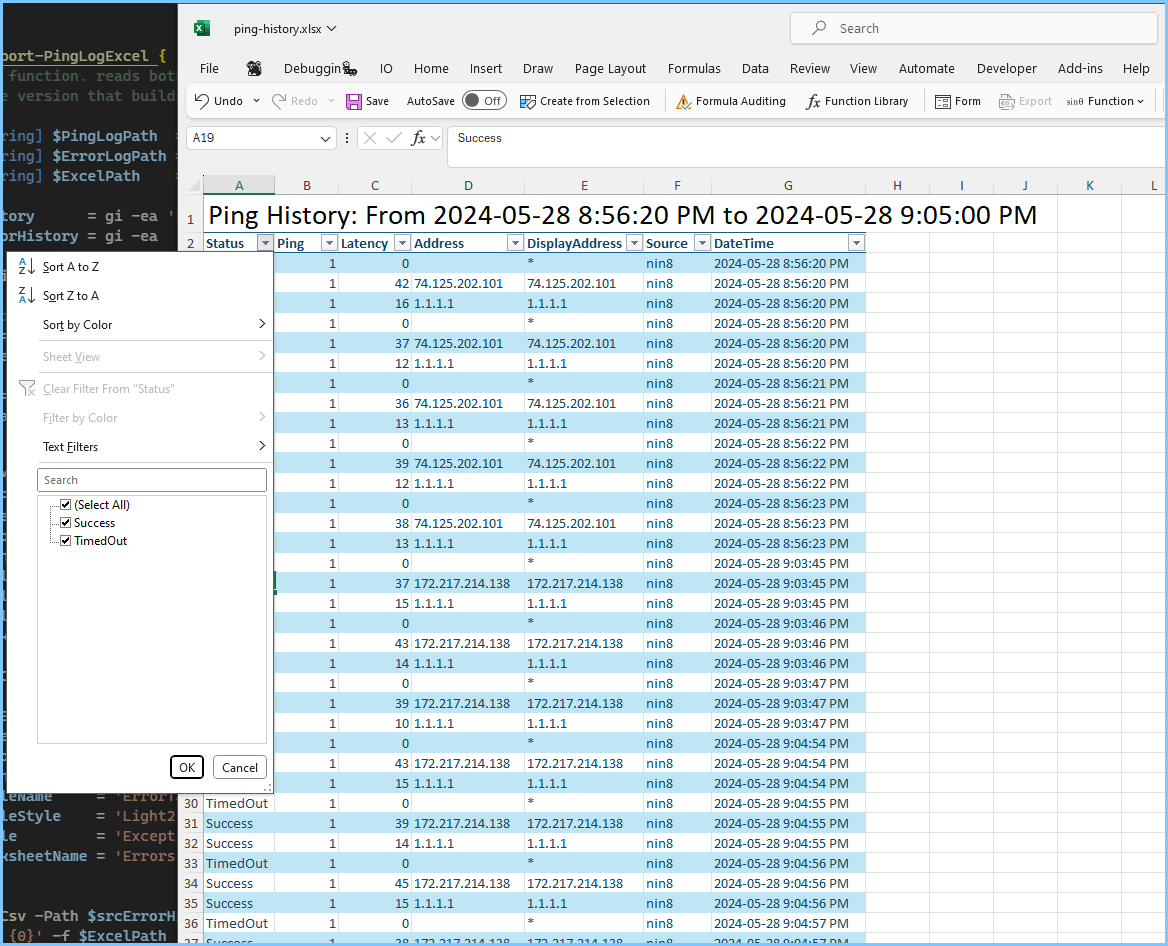
I started writing a reply, then figured I might as well export it to excel too
These lines are like your while( $True ) loop:
https://github.com/ninmonkey/notebooks/blob/59f9b4f7fe940a73c10066c344d63a2466eaae14/Pwsh/Web/Start-PingLogLoop.ps1#L56-L95

Random ipynb or interact notebooks. Contribute to ninmonkey/notebooks development by creating an account on GitHub.