#Cura closes Hole
1 messages · Page 1 of 1 (latest)
 split kernelBOT
AI Help
It sounds like you're encountering an issue with the model's geometry causing Cura to close the opening. One way to solve this is to ensure that the tree model has a watertight mesh with no holes. You can use Blender's mesh analysis tools to check for any issues and repair them. Make sure the opening is clearly defined and properly connected to the rest of the model. Once the model is solid and properly connected, Cura should recognize the opening correctly. If the problem persists, you may need to manually edit the model in Blender to adjust the geometry.
WARNING: This response is AI generated and may contain errors.
 leaden plume
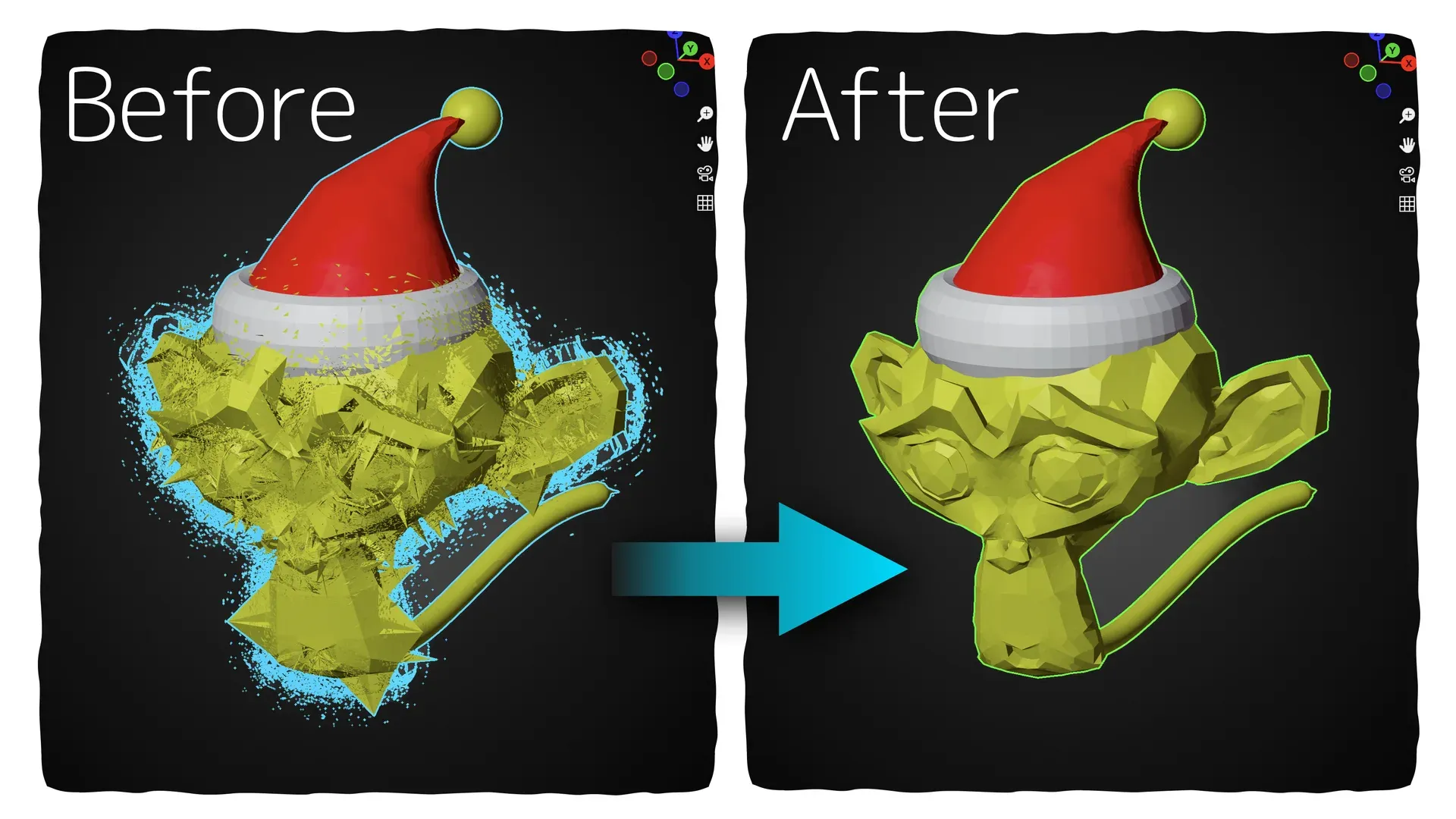
im guessing the model isnt manifold for some reason and thats why
https://extensions.blender.org/add-ons/mesh-repair-tools/
could try this and reexport the model
 green hull
oooh i fixed it. I didn't put the Solidify modifier on my model. Thanks man
green hull
?solved