#Ender 3 3D Printer Help Inquiry
1 messages · Page 1 of 1 (latest)
 lusty pilotBOT
AI Help
I'm sorry to hear about your father's passing. To add a BL touch and all-metal extruder setup to your printer after a break, you may want to refer back to the manufacturer's instructions or online resources for your specific printer model. Look for detailed guides or tutorials on installing these upgrades, as they can vary depending on the make and model. If you encounter any specific issues during the process, feel free to reach out for troubleshooting help.
WARNING: This response is AI generated and may contain errors.
 dense torrent
It’s a CR touch my bad****
 bold kettle
hey brother sorry to hear about your dad, i felt that this video helped me the most when installing
my cr touch https://www.youtube.com/watch?v=XQLjLEEPDpo
my all metal extruder https://www.youtube.com/watch?v=UtemZqFJ5rY
and the best diagram ive found https://preview.redd.it/6h8s4sq2yek81.jpg?width=1738&format=pjpg&auto=webp&s=d770867547e5b5fedc277d3ad3291397385b3882

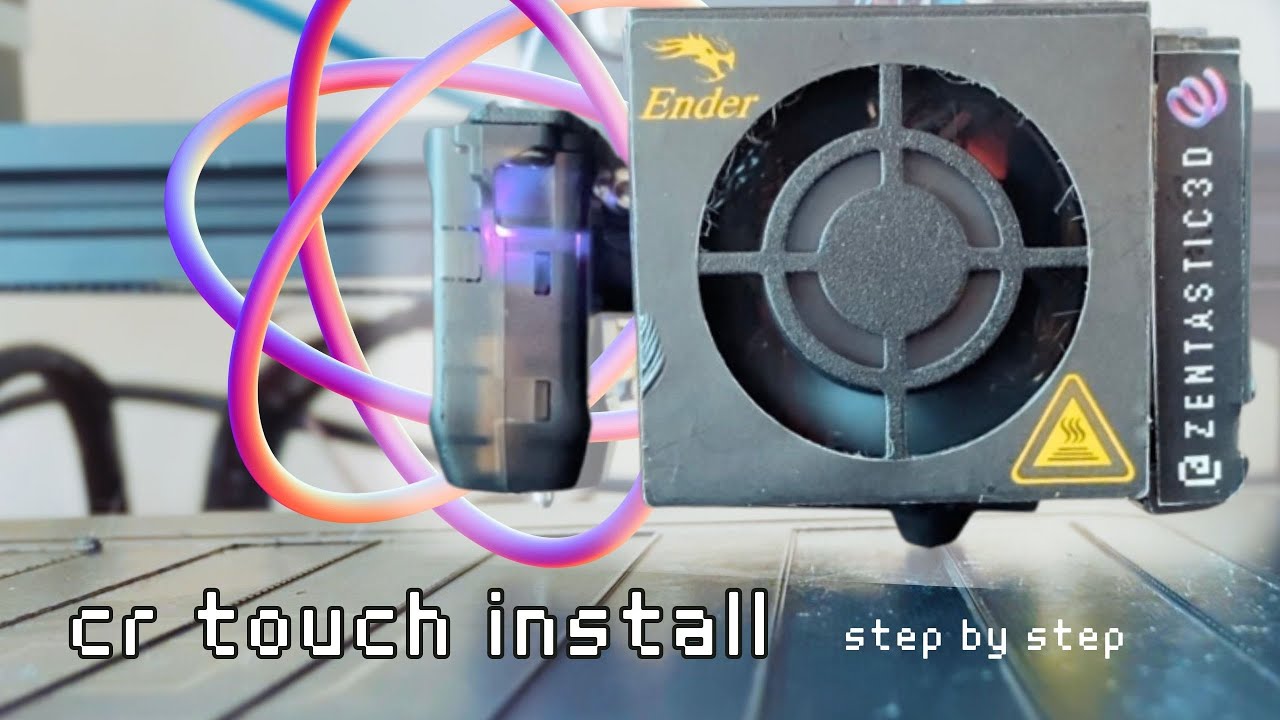
In this video, I'm upgrading my current secondary Creality Ender 3 Pro that is running Marlin firmware and BTT SKR Mini E3 v2 (but the steps will also cover the stock firmware installation).
Links (some affiliated):
Ender 3 Pro: https://amzn.to/3MVFy1U
Marlin firmware: https://marlin.crc.id.au/firmware/
CR Touch: https://amzn.to/3IHaW1C
Lines S...
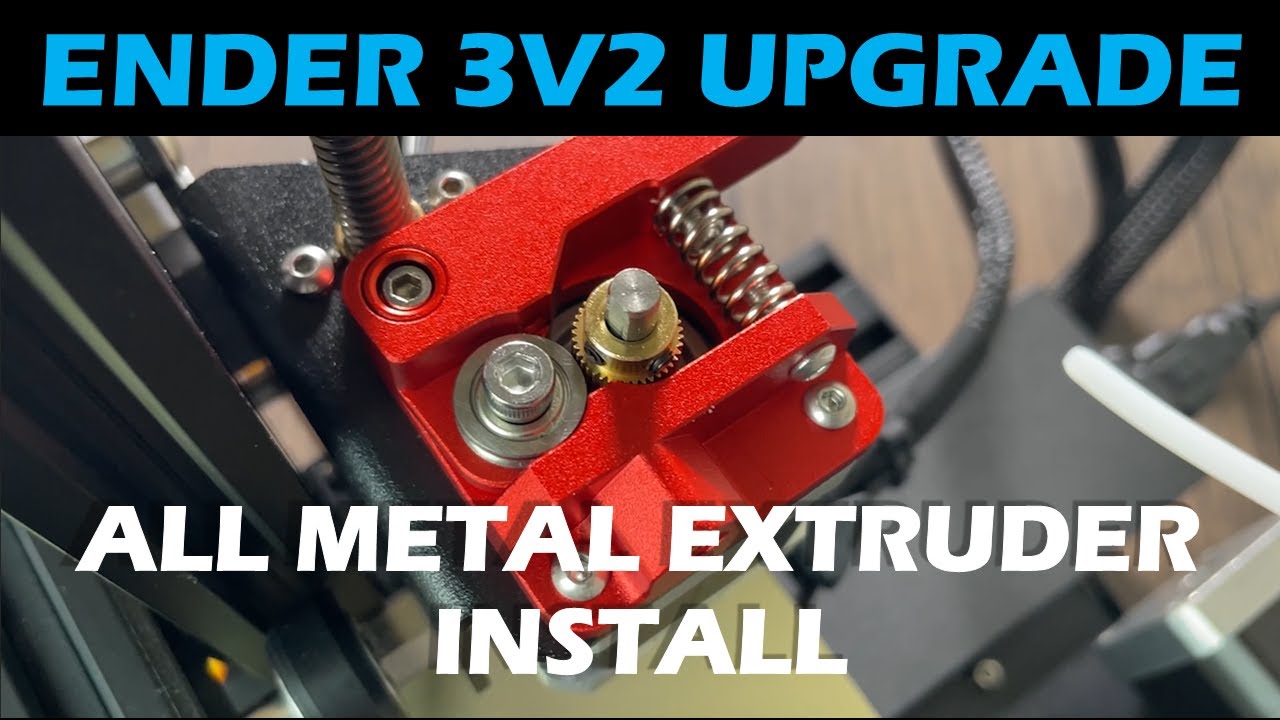
In this video I show you how to install an all metal aluminum extruder on a Creality Ender 3v2 3D printer. This Ender 3v2 upgrade will replace the stock plastic extruder with a metal one that is more durable. Check out the links below for more information!
☑️ 3D PRINTER ☑️
Creality Ender 3 V2: https://amzn.to/3rsnphn
☑️ METAL EXTRUDER ☑️
All ...
i hope this helps :)
lusty pilotBOT
This post has been closed due to inactivity.
This post has been inactive for over 1 hour and so has been closed. To reopen this post simply send another message.