It's been almost half a month since I got the Wooting 80HE, and there has been constant data flashing with the key travel triggered in the driver. Setting it to 0.1 with ultrafast mode makes many keys automatically type, and sometimes when set to 0.2 for gaming, it also makes the character move automatically. I've re-flashed the firmware, replaced the switches, changed the cables, and plugged it into the computer's USB 3.0 ports, but none of these work. I suspect there's an issue with the PCB. How can this be resolved?
#wooting80he auto-typing problem
18 messages · Page 1 of 1 (latest)
 drifting musk
 latent roostBOT
drifting musk
It's been almost half a month since I got the Wooting 80HE, and there has been c...
latent roostBOT
drifting musk
It's been almost half a month since I got the Wooting 80HE, and there has been c...
Thanks for posting your support request!
Note: #community_support is only for answering general questions and for troubleshooting.
All order-specific and shipment-specific support must be handled via the Wooting Support Wizard*
(You need to create an account on the Wooting Hub, using the same email address as your purchase. The account is not created for you automatically!)
Troubleshooting your Wooting Keyboard? Try these steps first!
Basic Troubleshooting
Questions about shipping, or what to do if your shipment has a problem?
Possible Problems During Shipping (with Solutions)
Looking for information about your specific order?
You can find that on the Wooting Hub! There you can also add upgrades, update your shipping address, and much more.
Is your order about to ship and you need to pause it for any reason?
Place it on hold via the Wooting Hub!
Do you need to...
- Cancel an order?
- Return/Refund an order?
- Get assistance with placing an order?
- Change the items in your order?
- Change your shipping address to a different country?
- Return a recent purchase?
- Get warranty support?
All of these types of requests need to be made via the Wooting Support Wizard!
 serene goblet
Tried it on another computer or with a powered USB hub? Does it only happen with tachyon mode on? Does it happen with 0% brightness, 8k polling off, and tachyon mode off?
Any magnets near the keyboard?
drifting musk
Another computer has also tried typing the same, and the faster-than-light mode will type automatically as long as it is 0.1 when it is turned on and off, and the same is true for the brightness off, and there are no magnets nearby.
 jovial gazelle
Tried turning rgb off? Using third party rgb software (like signalrgb)?
drifting musk
jovial gazelle
Tried turning rgb off? Using third party rgb software (like signalrgb)?
I've tried turning off the lights, but I haven't used it.
drifting musk
serene goblet
Tried it on another computer or with a powered USB hub? Does it only happen with...
Another computer has also tried typing the same, and the faster-than-light mode will type automatically as long as it is 0.1 when it is turned on and off, and the same is true for the brightness off, and there are no magnets nearby.
 frank raven
Can you record what happens here when you don't touch the keyboard at all with 0.1mm actuation?
drifting musk
frank raven
Can you record what happens here when you don't touch the keyboard at all with 0...
The trigger travel here will continue to flash, and the data will not return to zero.
serene goblet
drifting musk
The trigger travel here will continue to flash, and the data will not return to ...
What exactly does it look like?
A screenshot or video is most helpful, and having hardware acceleration on in the browser
 warm mantle
We also have video dedicated to this probem, maybe it helps: https://youtu.be/U8ojU_8ASVE?si=5VaBoqzwpxQQkKE6
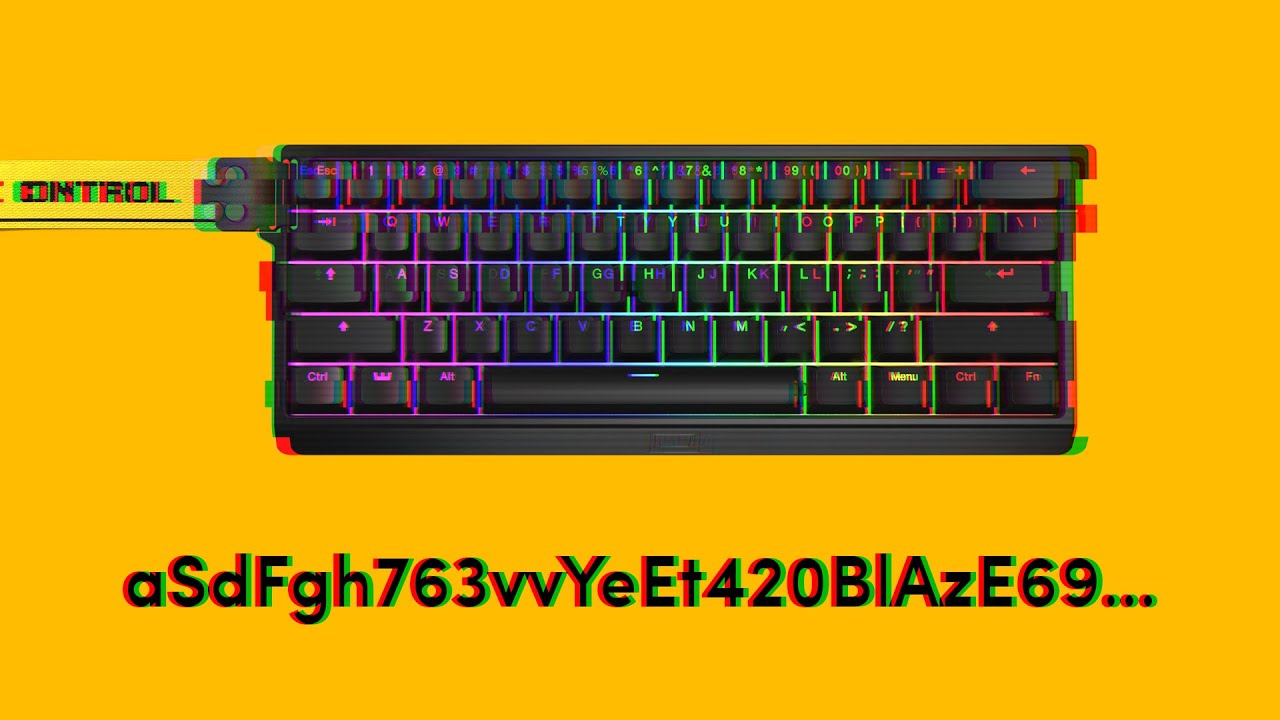
If you are experiencing your keyboard pressing random keys and opening programs, then you came to the right video. The issue is usually caused by an instable amount of voltage entering the board. Follow along to see what you can do about it.
➤ Follow our socials!
🧑🤝🧑 Discord https://wooting.io/discord
🐤 Twitter https://www.t...
drifting musk
warm mantle
We also have video dedicated to this probem, maybe it helps: https://youtu.be/U...
I've tried all of this, but to no avail.
warm mantle
please send a message to our support (linked by the bot in the first message), they will do their best to help you solve the problem!
drifting musk
warm mantle
please send a message to our support (linked by the bot in the first message), t...
Okay, if you can't solve it, send a good one pcb
warm mantle
my colleague from the cs team will know what the process is
drifting musk
warm mantle
my colleague from the cs team will know what the process is
Let's solve the problem as soon as possible.