

5 messages · Page 1 of 1 (latest)
 half iris
I can't log into my laptop anymore. the startup screen presents a "sign in" button, and upon clicking it, it briefly flashes a gray Microsoft account window before sending me back to the same screen. I don't see any sort of option to bypass this, and the startup repair in safe mode runs into some kind of error that prevents it from running
half iris
<@&787033266225938472>
this happened after I tried to troubleshoot a "something went wrong" error on my school account's Microsoft office. maybe I messed up some Microsoft auth thing but this is my personal account and I'm not sure what specifically could be the problem or how to get anywhere from here
half iris
ok I managed to make a random administrator account following this tutorial
https://youtu.be/Yfm-C4ftReQ?si=bY1sShPQbtvDKRC6
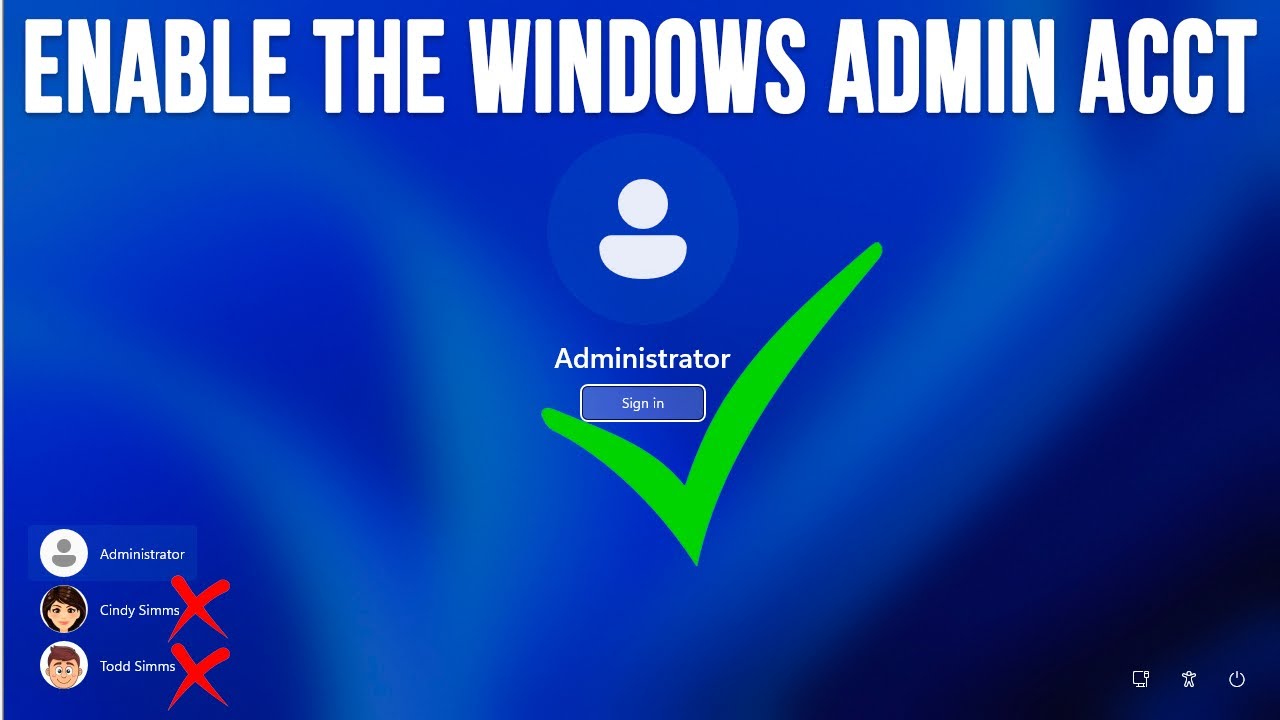
If your password or PIN is not working (or you forgot it) and you do not have any other user accounts to log into your computer with, you can enable the Windows built in administrator account to then log into your computer with and proceed to fix your regular account. This also comes in handy if you do not have an admin account on the computer a...
so I'm able to get into my computer through this but I still can't access my actual account
same issue happens in the settings screen

