#Project Zomboid(Casual) Black Screen & System Freeze
39 messages · Page 1 of 1 (latest)
 pallid bronze
pallid bronze
pallid bronze
In that case, it means the game itself isnt causing any crashes.
Can you check the Windows Reliability monitor for any Hardware or System crashes there? If you do find any, can you share a screenshot of the Technical Details section so I can check the errors that show up there?
https://www.computerworld.com/article/3575353/troubleshooting-windows-10-with-reliability-monitor.html
https://www.dell.com/support/kbdoc/sk-sk/000178177/how-to-use-windows-reliability-monitor-to-identify-software-issues

Built right into Windows 10 and 11, this old-school tool helps diagnose crashes, hangs, and other issues.
pallid bronze
B42 was not released in 2023, so I would suggest you update your driver first

Intel
Intel® Core™ i5-7200U Processor (3M Cache, up to 3.10 GHz) - Download supporting resources inclusive drivers, software, bios, and firmware updates.
Latest version is from December 2025
pallid bronze
Did you do a clean install of the drivers?
During the install, there should be a button to Factory reset the drivers
I would suggest using that when updating
In that case, can you check your system for errors?

AFTERSHOCK PC Australia
Learn how to repair corrupted system files and improve your PC's performance with the Deployment Image Servicing and Management (DISM) and System File Checker (SFC) tools. This guide provides step-by-step instructions on how to run these powerful tools to troubleshoot and fix common Windows system issues.
Run the DISM command as mentioned here, then run the sfc /scannow command
And the dism?
Both need to be run, one and then the other
The errors you shared just show a graphical problem, though it can be triggered by a lot of things
Hm, can you also make sure to update your BIOS and chipsets?
Intel
Primarily for Intel® Chipset Products, this utility version 10.1.20398.8776 installs the Windows* INF files. See detailed description to find out if you need this file.
For BIOS, I would need to know the laptop model
pallid bronze
Well, do you play other OpenGL games?
pallid bronze
So as you said, no updates
What power profile are you currently on? Since this weird issue supposedly happens when the graphics card downclocks
pallid bronze
Hmm, yeah that is very unusual.. any other similar crashes or just these two
In the reliability monitor
Since I am not sure what else to suggest, more info might be good
Do you also have anything running in the background when playing?
Check your Icon Tray especially, apps hide there
pallid bronze
The game uses OpenGL, so that wouldnt help unfortunately
Though, this is a laptop right?
Can you check out these links and make sure your integrated card is being used to launch the game instead of your dedicated one?
https://pureinfotech.com/set-gpu-app-windows-10/
https://support.serato.com/hc/en-us/articles/202305784-Changing-graphics-card-settings-to-use-your-dedicated-GPU-on-a-Windows-computer-
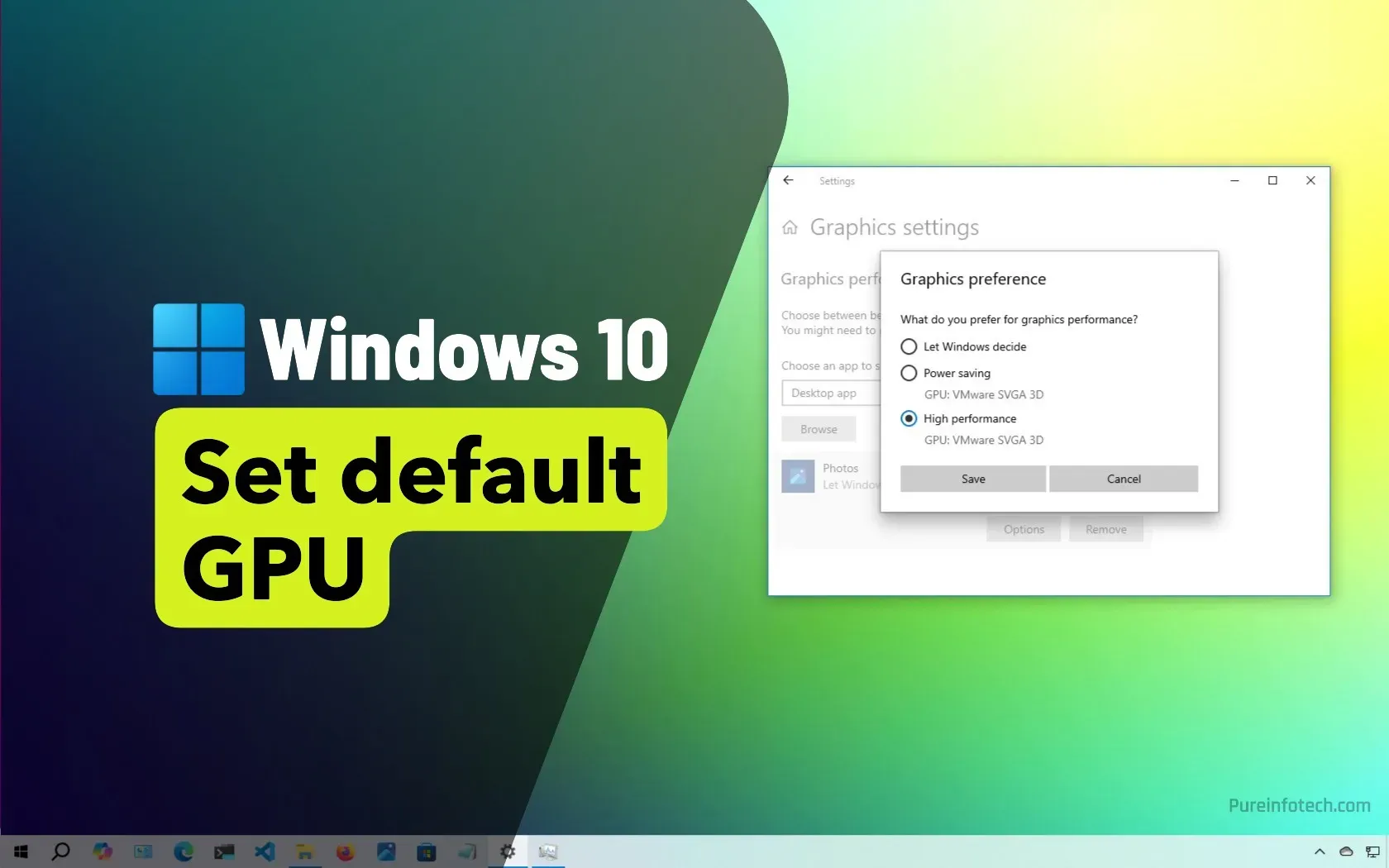
If you have multiple GPUs from Intel, Nvidia, or AMD on Windows 10, you can manually specify the preferred graphics card that an app can use for improved performance or extended battery life.
Since you have a NVidia card, which is of course better than your integrated one
But I wonder if specifically switching to use the Integrated one will avoid this issue
That way we can check if it related to one GPU or the other
pallid bronze
No this error is ignorable, the AI just jumped on a random warning message and hallucinated an error out of that
Has nothing to do with versions
As mentioned, the game itself has no errors, you should focus on the actual error messages your system is throwing out
Did you switch to the integrated card as mentioned? The log you sent shows that you did not