 modest elbow
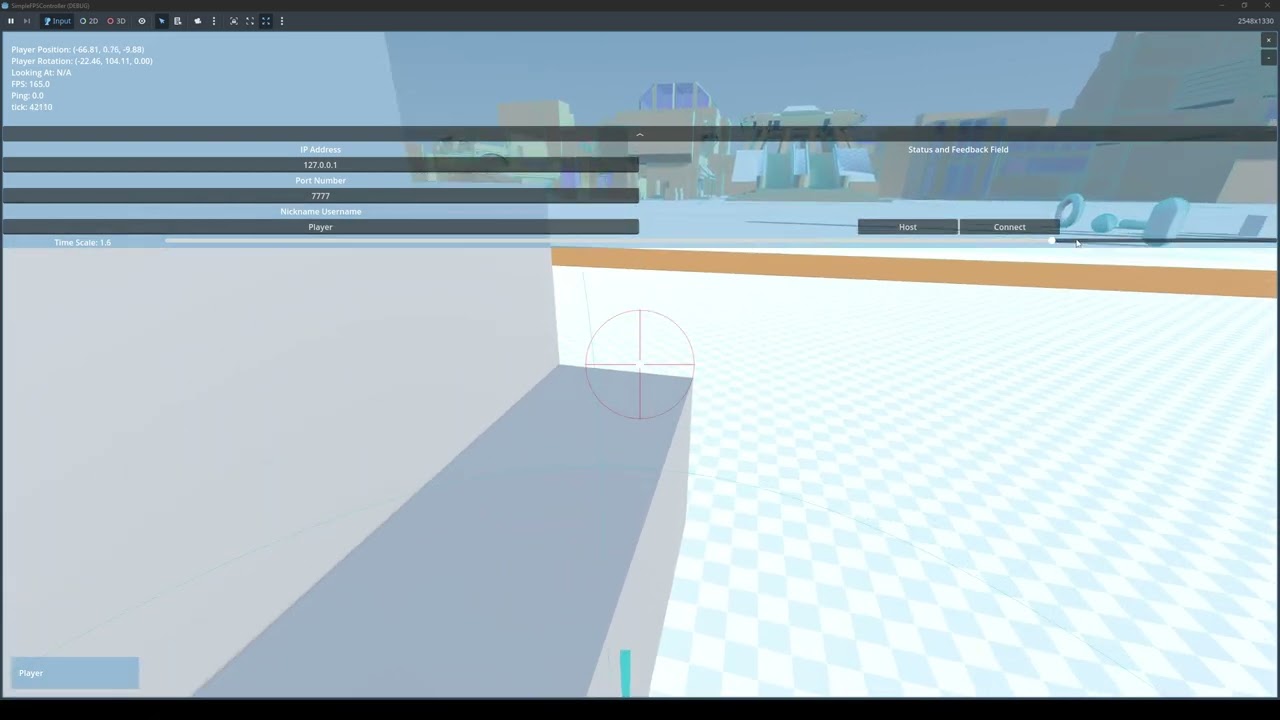
I want my jump to be consistent despite changing the time scale. Video Example:
https://www.youtube.com/watch?v=AVKZoKoCXfw
Example:
self.velocity.y = 6.0
My code is fundamentally the same as this.
https://github.com/majikayogames/SimpleFPSController/blob/main/FPSController/FPSController.gd
https://www.youtube.com/watch?v=ZJr2qUrzEqg&list=PLbuK0gG93AsHID1DDD1nt4YHcdOmJvWW1
Here is the context around it. Basically only jumps when on floor, the other functions don't really interfere with the jump too much I think.
func simulate_tick(delta: float, _mouse_captured: bool, _look: Vector2, _input_dir: Vector3, _jump_pressed: bool, _sprint_pressed: bool, _noclip_toggled: bool, _crouch_pressed: bool, _interact: bool) -> void:
    _Handle_Rotation(_mouse_captured, _look)
    _handle_interaction(_interact)

    if is_on_floor(): _last_frame_was_on_floor = Engine.get_physics_frames()

    var wish_dir := self.global_transform.basis * Vector3(_input_dir.x, 0., _input_dir.z)
    var cam_aligned_wish_dir :Vector3= %Camera3D.global_transform.basis * Vector3(_input_dir.x, 0., _input_dir.z)

    _handle_crouch(delta, _crouch_pressed)

    if not _handle_noclip(delta, _noclip_toggled, _sprint_pressed, cam_aligned_wish_dir):
        if not _handle_water_physics(delta, cam_aligned_wish_dir, _sprint_pressed, _jump_pressed):
            if is_on_floor() or _snapped_to_stairs_last_frame:
                if _jump_pressed or (auto_bhop and _jump_pressed):
                    self.velocity.y = 6.0
                _handle_ground_physics(delta, wish_dir, _sprint_pressed)
            else:
                _handle_air_physics(delta, wish_dir)

        if not _snap_up_stairs_check(delta):
            _push_away_rigid_bodies()
            move_and_slide()
            _snap_down_to_stairs_check()

    _slide_camera_smooth_back_to_origin(delta)


Contribute to majikayogames/SimpleFPSController development by creating an account on GitHub.

The first video of a series where we will build an FPS game. This video shows how to implement source engine like movement mechanics.
STARTER PROJECT: https://github.com/majikayogames/SimpleFPSController/releases/download/tutorial-assets/StarterProject.zip
Full Playlist: https://www.youtube.com/playlist?list=PLbuK0gG93AsHID1DDD1nt4YHcdOmJvWW1
G...
 placid belfry