#Which direction should I move in this simple AStar2D graph?

1 messages · Page 1 of 1 (latest)

storm crater
#

I have this simple AStar2D graph with 3 points. They are connected as shown.

Assumptions:

  1. The character is always asked to move towards a point in the AStar2D graph.
  2. It takes time to move between the points and so there are frames where the character is located between two points.
  3. The character can receive a new command to move to a new point at any time.
  4. Thus, the character may be between points when a new move command is received.

For instance, the player may be at point A or B in the drawing.

I'm trying to think of the best way to implement this logic with the existing AStar2D methods (https://docs.godotengine.org/en/stable/classes/class_astar2d.html#class-astar2d-method-get-point-path). Any suggestions?

If I could use any possible logic, then I would do the following:

  1. When it's time to move, identify the two closest AStar points to the character.
  2. Connect the character to the two nearest AStar points.
  3. Use AStar to find a path to the desired point.
  4. Store the path and continue to move along that path each frame.

I can't do this because there is no easy way to identify the two nearest points to the character. (I could implement this myself in GDScript though.)

I'm wondering if I'm just missing an obvious solution, or if the AStar2D class is half-baked and missing some useful methods?

cyan cloud
#

If it's a uniform grid of points, then just get the cell coordinates from the position

#

If not:

#

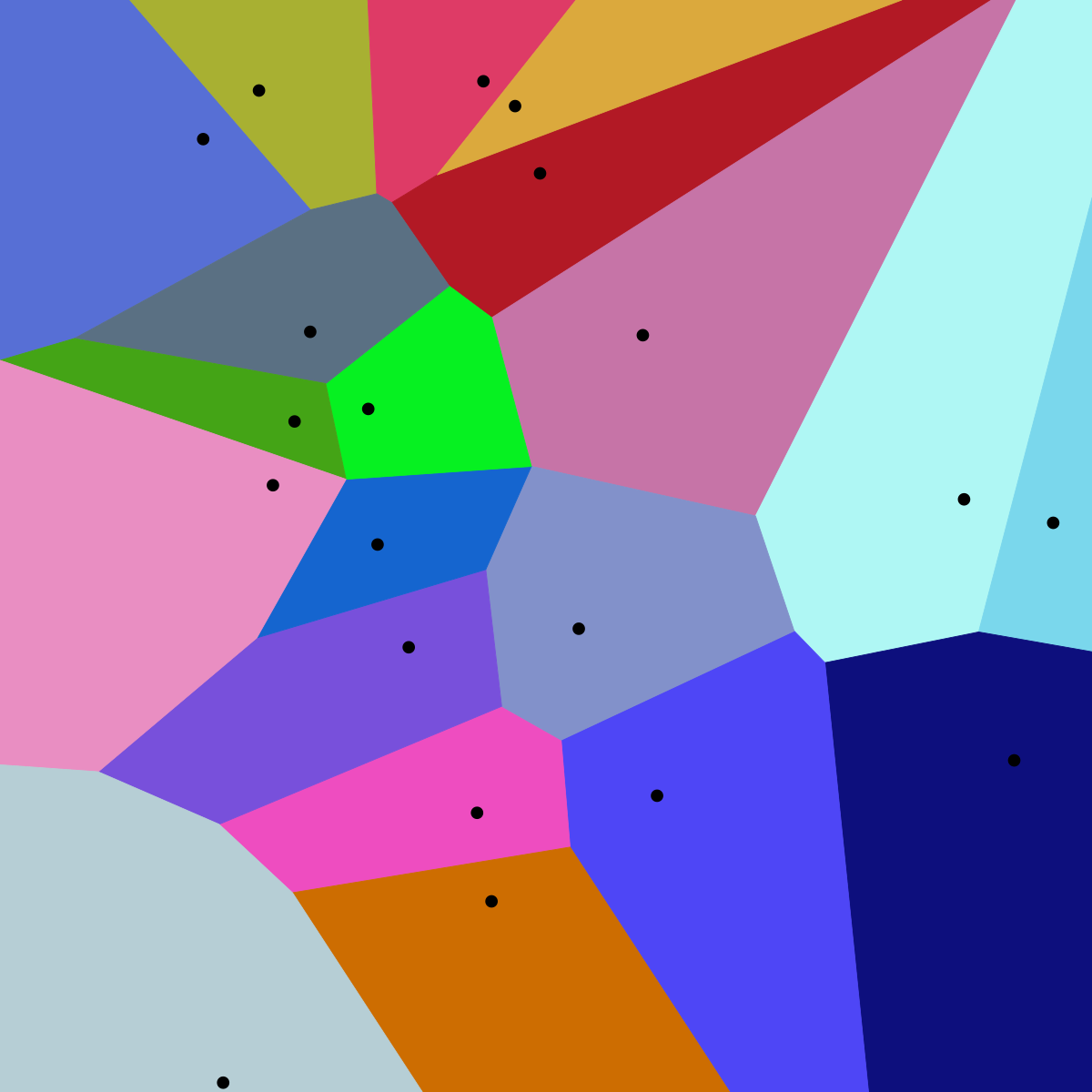
In mathematics, a Voronoi diagram is a partition of a plane into regions close to each of a given set of objects. It can be classified also as a tessellation. In the simplest case, these objects are just finitely many points in the plane (called seeds, sites, or generators). For each seed there is a corresponding region, called a Voronoi cell, c...

#

I've never done it myself, but I think that's the right algorithm?

#

Maybe a naive approach would be easier, I don't know

#

Actually, there's a method for this:

storm crater
#

@cyan cloud hey, thanks for talking with me about this

knowing the AStar graph point that is closest to a given position doesn't really help, because moving towards, or away from, that point isn't necessarily the right thing

#

like, if I tell point A and B to move towards 3, what good does knowing the nearest point do? For A, moving towards the nearest point (2) and then moving to 3 is the right thing, but for B, moving towards the nearest point actually moves away from the desired position.

#

I ended up doing something like the following:

## The character is moving towards the first point in ap_path,
## or located at that point. This path should never be empty.
@onready var ap_path: PackedInt64Array = [map.astar.get_closest_point(position)]
## This is the last point the player was at.
@onready var last_ap: int = ap_path[0]


func begin_path_to(target_point: Vector2) -> void:
    ## Move to the AStar point closest to the given point.
    ## The given point does not have to be a valid AStar point.
    ## This functions calculates a path, and stores that path, and then
    ## _process will follow the path each frame.
    var target_ap: int = map.astar.get_closest_point(target_point)
    var character_ap: int = map.astar.get_available_point_id()
    map.astar.add_point(character_ap, position)
    map.astar.connect_points(character_ap, ap_path[0])
    map.astar.connect_points(character_ap, last_ap)
    ap_path = map.astar.get_id_path(character_ap, target_ap)
    ap_path.remove_at(0)
    map.astar.remove_point(character_ap)
    assert(ap_path.size() >= 1)```
#

basically I temporarily add the current position into the graph -- to do so I must track which line segment I'm on (by "line segment" I mean the line connecting 2 nodes)

cyan cloud
#

Ah, I see what you mean now