#[SOLVED] App freezes on splash screen
1 messages · Page 1 of 1 (latest)
 keen spear
 plucky solstice
Could it be that you are already running a simulator ?
Have you tried running
xcrun simctl shutdown all
Or even
sudo killall -9 com.apple.CoreSimulator.CoreSimulatorService
If this is not working try
xcrun simctl erase all
Which erases everything on sim devices
keen spear
Let me give this a try👍
Nope, it still freezes. But this time this error is longer there.
An error was encountered processing the command (domain=com.apple.CoreSimulator.SimError, code=405):
Unable to boot device in current state: Booted
So it builds successfully all the way
plucky solstice
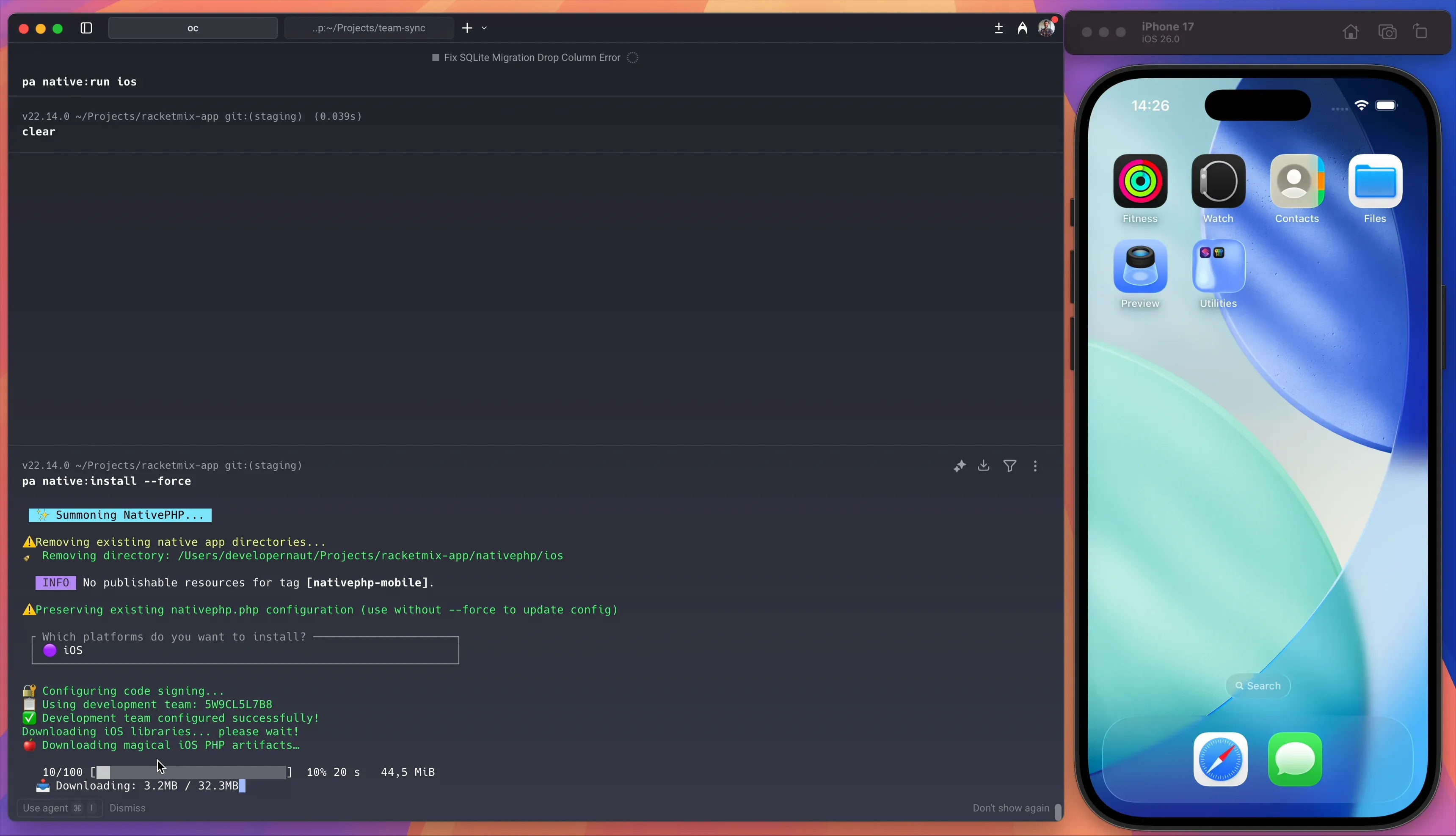
php artisan native:open and select IOS which opens xcode.
Have you tried running the app from xcode itself ?
And under the Show report navigator see if you can find any error messages


 fringe grotto
try the following: php artisan native:install --force php artisan native:run
also make sure your env app_version is debug
keen spear
Unfortunately, still no luck 🙈
fringe grotto
ok, let's try native:open ios
then in the top select simulator and select a sepcific simulator
what version of xcode do you have
keen spear
v 26.0.1

I am getting this all of a sudden...should I update my macOS and see if that helps?


 plucky solstice
i am not sure if the latest nativePH supports 15.6.1, shane can share light on this.
fringe grotto
Im always on latest, or try to be
keen spear
🤦♂️ ...still the same error
 plucky solstice
Paste your .env file content
without the sensitive information
I also see this network.status, i am not familair with that method yet, or used it. But for a sanity check can you dd('Hello this is passed') just before Network::status().
Assuming that you are checking the network status for some reason
keen spear
APP_NAME=RacketMix
APP_ENV=local
APP_KEY=
APP_DEBUG=true
APP_URL=
APP_LOCALE=en
APP_FALLBACK_LOCALE=en
APP_FAKER_LOCALE=en_US
APP_MAINTENANCE_DRIVER=file
PHP_CLI_SERVER_WORKERS=4
BCRYPT_ROUNDS=12
SESSION_DRIVER=database
SESSION_LIFETIME=2628000
PADDLE_SELLER_ID=
PADDLE_CLIENT_SIDE_TOKEN=
PADDLE_API_KEY=
#PADDLE_RETAIN_KEY=your-paddle-retain-key
PADDLE_WEBHOOK_SECRET=
PADDLE_SANDBOX=true
Products
PADDLE_PRODUCT_PLAYER_FREE_SUBSCRIPTION_ID=
PADDLE_PRODUCT_PLAYER_MONTHLY_SUBSCRIPTION_ID=
PADDLE_PRODUCT_PLAYER_YEARLY_SUBSCRIPTION_ID=
PADDLE_PRODUCT_PLAYER_MONTHLY_CHECKOUT_URL=
PADDLE_PRODUCT_PLAYER_YEARLY_CHECKOUT_URL=
WORKOS_API_KEY=
WORKOS_CLIENT_ID=
WORKOS_REDIRECT_URL=
NativePHP Mobile App Configuration
NATIVEPHP_APP_ID=com.example.app
NATIVEPHP_APP_VERSION=DEBUG
I do check the network because the user will need to be online so I have middleware for this check
plucky solstice
Thats fine... just before this network check do a sanity check
keen spear
👍
plucky solstice
You are passing the middleware from the route i guess ?


 plucky solstice
This means you app is working and is faileing on the network status check for some reason
keen spear
Leave me remove it and see what happens
plucky solstice
do a dd(Network::status())
keen spear
👍
plucky solstice
<?php

namespace Native\Mobile;

class Network
{
    /**
     * Get the current network status.
     * Returns an object with:
     * - connected: bool - Whether device is connected to network
     * - type: string - Connection type (wifi, cellular, ethernet, unknown)
     * - isExpensive: bool - Whether connection is metered/cellular (iOS only)
     * - isConstrained: bool - Whether Low Data Mode is enabled (iOS only)
     */
    public function status(): ?object
    {
        if (function_exists('nativephp_call')) {
            $result = nativephp_call('Network.Status', '{}');

            if ($result) {
                $decoded = json_decode($result);

                return $decoded ?? null;
            }
        }

        return null;
    }
}
You will receive a object dump ?
I think its a loop if the check fails
which keeps looping over and over the same network.status route
which makes your app like its stalling
Which does make sense... keep trying until you have connection ?
(The last 5 sentences are thinking out loud btw)


