#tips-and-tricks
1 messages · Page 1 of 1 (latest)
 ripe onyx
ripe onyx
ripe onyx
Tip: Content Types
The Content Type you choose can drastically influence your generations. In this example, the first output had no type applied, while the second was set to "Photo". This resulted in a much more realistic result.
Prompt: Yorkshire terrier puppy, tongue stuck out, blue background
 ripe onyx
Did you know you can use emojis with Text effects?! I didn't until a few minutes ago. 🙈
 ripe onyx
Tip: Show similar
If you find yourself loving one of the outputs and want to see more, hover over the image and click the "Show similar" button! 🙌

 grim mica
Here's my getting started with Firefly video: https://youtu.be/Wdo58HZM7zs
ripe onyx
Top-Secret Tip: Outline Strength
Looking for a bit extra chaos for your text effects? Try out the [outline-strength=10] variable (10-100). Lower values will push your elements further outside its bounds.
Use responsibly. 😉

 lost grotto

In this video, I show you how to get started with Adobe Firefly (Beta). Adobe Firefly is Adobe's new generative AI. You can generate AI-based images as well as type effects. You can go sign up for the public beta at https://firefly.adobe.com
Follow me on Social: https://terryleewhite.social
Follow me on Instagram: https://instagram.com/terrylee...
 rocky fog
Tips & Tricks from Adobe Evangelist Paul Trani:
-How to write effective prompts and use a combination of various effects to create extraordinary imagery.
-How to use those Firefly images and text effects in Photoshop to make amazing composites.
https://www.youtube.com/watch?v=iDf6m4xct4A

With the beta version of Adobe Firefly, you can use everyday language to generate extraordinary new content. From AI generated images to fun text effects that would normally take hours to make. In this livestream Adobe Evangelist Paul Trani will show how to write effective prompts and use a combination of various effects to create extraordinary...
ripe onyx
Firefly is incredible for generating unique backgrounds or wallpapers!
Example prompt: Contemporary Marbling Background. Liquid Swirls in Beautiful Purple and Black colors, with Gold Powder

 silk vector
Same idea, different ratio: my phone background for Spring 🐻 👑 🌸
Prompt: bear king in spring surrounded by cherry blossoms
Nostalgic filter
4:3 aspect ratio
 ripe onyx
Tip: Prompt crafting 🪄
Sometimes you'll see solid outputs with a simple prompt, but when you have a specific vision in mind, describing the various details can help lead you to perfection.
In this example, I started with "Photo of a burger", but then started to add in details like "on a rustic wooden table", "dimly lit restaurant in the background", and "rustic tavern atmosphere". 🍔


 grim mica
Adobe Firefly to the Rescue - Use Firefly to Generate the Perfect Sky for Photoshop Sky Replacement https://www.youtube.com/watch?v=cKVhFIGRLl8
 ripe onyx
Generative Fill has arrived in Photoshop – and it changes **everything! **https://youtu.be/YIJ7oSLKU3Q

Generative Fill in Photoshop takes your photo compositing to the next level! Remove complex objects, quickly add and replace elements, extend your images, and much more.
Generative Fill is powered by Adobe Firefly.
More #design tutorials from Howard Pinsky:
Twitter!
http://www.twitter.com/pinsky
Dribbble!
http://dribbble.com/pinsky
Subscri...
ripe onyx
Generative Fill Protip!
Occasionally, you may run into user guideline violations, which sometimes happens if there's human skin present (#betaStruggles). When this occurs, try these workarounds 👇
Expand the selection: This will help #Photoshop better understand what you're attempting to select, and in general, leaving a border around your objects will limit the likelihood that Photoshop replaces the objects with something similar.
Type "Remove" as the prompt: Self-explanatory, but typing "Remove" or a description of what would be behind the objects will eliminate the guessing game and reduce the chances that Photoshop generates something that may violate terms behind the scenes.
Disclaimers: These violations should be pretty uncommon (and the algorithms should continue to improve). This workaround will not help you generate NSFW content.
 dim ingot
👩🏫 Hi all, the Adobe Learn team has created a series of videos to help introduce you to the basics of the Adobe Firefly website and the modules available to you there. The videos feature instructor Jesus Ramirez, who you may recognize from Adobe Live! We hope you find them helpful!
- Overview of the Adobe Firefly website: https://adobe.ly/3Pjx0Db
- Generating images using text-to-image: https://adobe.ly/3Emdsbi
- Applying styles to influence image generation: https://adobe.ly/3Pm8h1k
- Using a reference image to influence image generation: https://adobe.ly/3EjIq3x
- Generating new objects from text prompts with Generative Fill: https://adobe.ly/3sEI45e
- Replacing image backgrounds with Generative Fill: https://adobe.ly/3PhWMaW
- Removing content from images with Generative Fill: https://adobe.ly/46aYTmP
- Generating eye-catching text from simple prompts using Text effects: https://video.tv.adobe.com/v/3422524
- Generating colors in vector art using text prompts with Generative Recolor: https://video.tv.adobe.com/v/3422541
dim ingot
dim ingot
👩🏫 Hi all, the Adobe Learn team has created a series of videos to help introd...
ripe onyx
Did you know you can use materials to help style your Firefly generations?!
dim ingot
<@&1174454635403157584> Last week, after learning that the Firefly Community Forum had been asking for advice on creating coloring book pages, @slender venture and @royal dock hosted a series of hangouts showing how to create them and color them in using different Firefly tools. If you missed it or would like to revisit those sessions, you can now find them here!
Part I: https://youtu.be/RYa4yZAhUIo
Part II: https://youtu.be/aOIUQYtcYRk
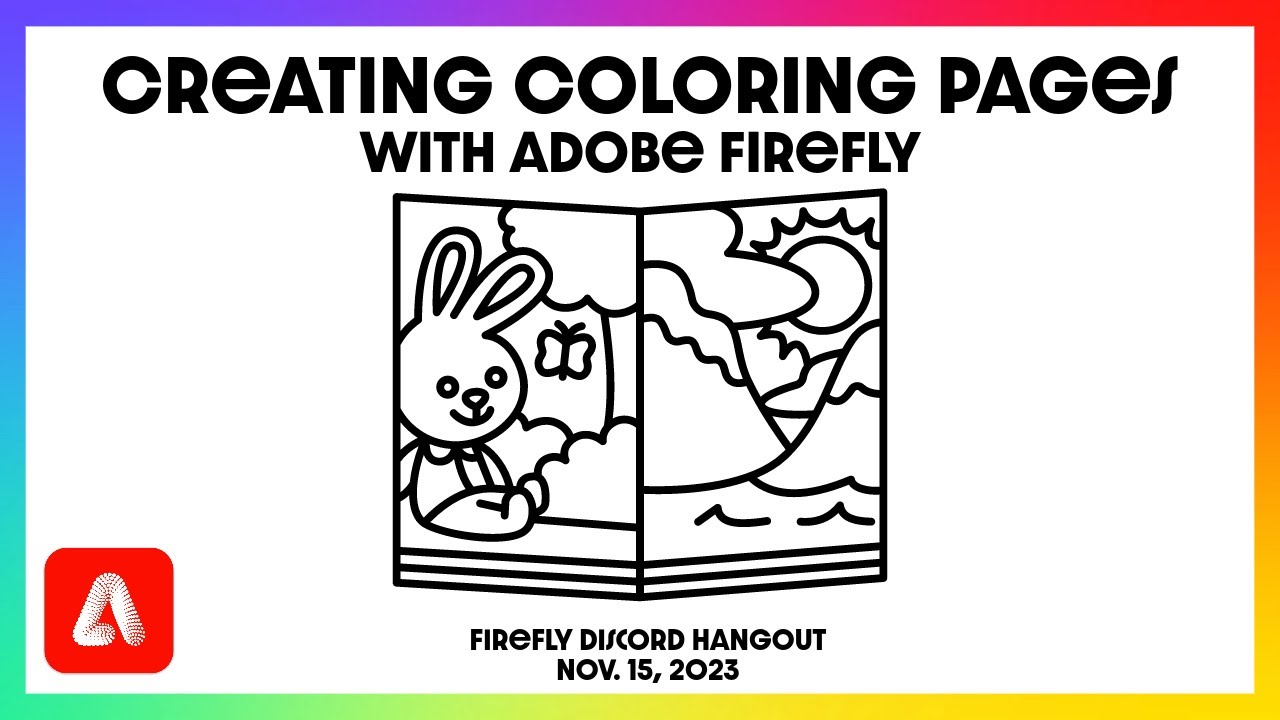
In this session of the Adobe Firefly Discord Daily hangout, hosts Jack Watson and Shawn Kosel show us how to use the Adobe Firefly Web App to create custom coloring book pages. They show how you can influence the results you generate through prompt writing, model choice, and application of different styles and effects.
To watch these events li...

In this session of the Adobe Firefly Discord Daily Hangout, hosts Jack Watson and Shawn Kosel show us how to use Generative Recolor to fill in the coloring book pages they created in their 11/15 session.
To watch these events live, join the Firefly Discord at: https://discord.gg/adobefirefly
dim ingot
<@&1174454635403157584> Jack and Shawn did a great breakdown today of how to create seamless patterns in Firefly, Illustrator, and Photoshop! Check it out here: https://youtu.be/lQa5qfM1cNI

In this session on the Adobe Firefly Discord server, Jack Watson and Shawn Kosel go over how to create seamless patterns using Adobe Firefly, Illustrator, and Photoshop.
Join the Adobe Firefly Discord server! https://discord.gg/adobefirefly
Notes from the session:
Text to Image
- "seamless repeating pattern" or "seamless pattern" i...
ripe onyx
A wild new YouTube channel appears! If you're looking for more Firefly <@&1174454635403157584>, head on over and subscribe. Lots of content in the works! https://www.youtube.com/watch?v=wiee4XR2TbE

Looking for that "perfect" YouTube thumbnail face but don't want to use your own? Here's how to generate one using Adobe Firefly's text-to-image feature! You can even bring it straight into Adobe Express to add text and other elements to your thumbnail.
Start with an example generation: https://adobe.ly/4b21eD2
Adobe Firefly is a suite of gen ...
ripe onyx
<@&1174454635403157584> Generative Expand is now available on the web! 🙌 https://www.youtube.com/watch?v=Yk1zu5oTcpw

Magically expand your images using Adobe Firefly. No more worrying that you'll have to awkwardly crop your portrait images. Upload to Generative Fill, select Expand, and let AI seamlessly change your aspect ratio.
Try it out at https://firefly.adobe.com/
Adobe Firefly is a suite of gen AI tools – both on the web and built directly into various...
ripe onyx
<@&1174454635403157584> How to kick off the week in style 👇
- Load in an already adorable image
- Use Generative Fill to make it MORE adorable!

What's better than an image of highland cattle? Highland cattle with a cat on its head. Here's how to use Firefly's Generative Fill to insert objects into your images.
Adobe Firefly is a suite of gen AI tools – both on the web and built directly into various pro applications, such as Photoshop and Illustrator. These tools include:
Text-to-ima...
ripe onyx
<@&1174454635403157584> Here's a fun idea to try with your kids. Grab a sketch and turn it into an oil painting, yarn, or clay! https://www.youtube.com/watch?v=MTg6LCdWpxw
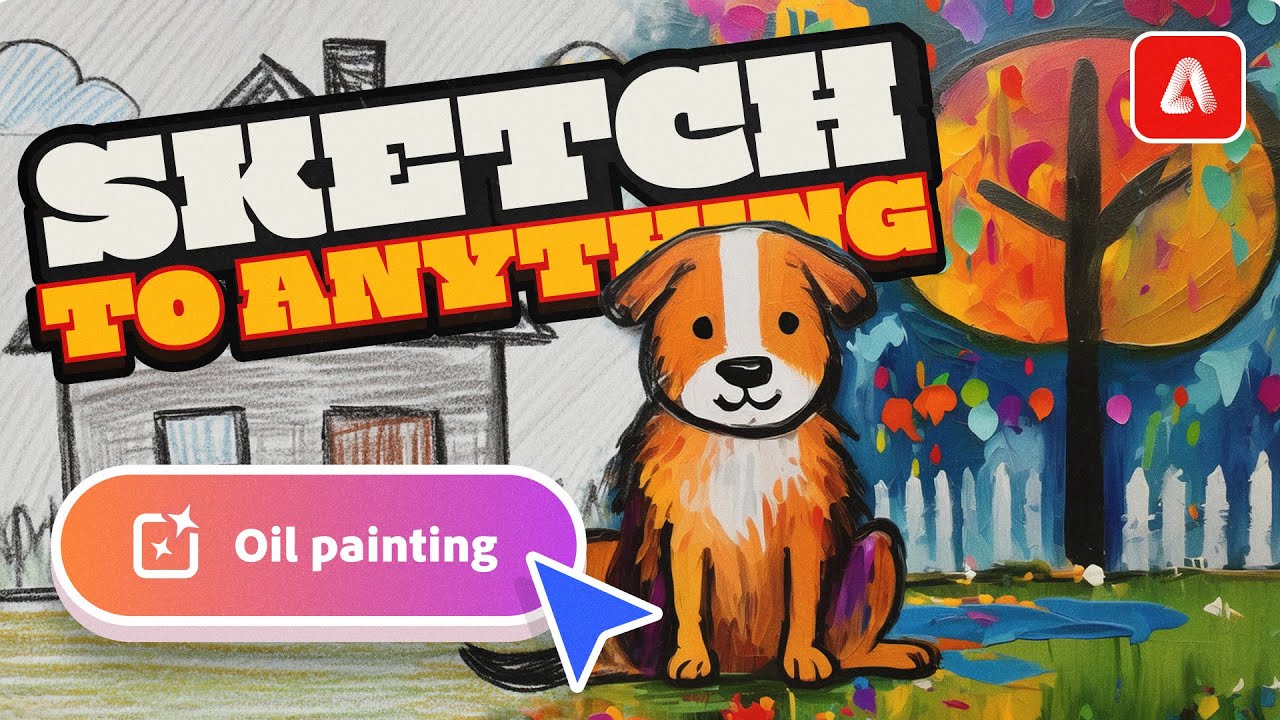
Easily turn your sketches into colorized drawings, paintings, yarn, clay, and so much more using the power of Adobe Firefly and Structure Reference images.
Adobe Firefly is a suite of gen AI tools – both on the web and built directly into various pro applications, such as Photoshop and Illustrator. These tools include:
Text-to-image: Generate...
ripe onyx
<@&1174454635403157584> Find yourself with distracting tourists in the background of your photos? Quickly remove them using Firefly! https://www.youtube.com/watch?v=a79CjWi-NU0

Quickly and easily remove tourists in the background of your photos using Generative Fill and Adobe Firefly. Upload your photo, select "Remove", brush over the areas you want to remove, then generate!
Adobe Firefly is a suite of gen AI tools – both on the web and built directly into various pro applications, such as Photoshop and Illustrator. T...
ripe onyx
<@&1174454635403157584> Today's tip is a fun one! Generate a 3D portrait using Firefly and even upload a reference image to adjust your pose. https://www.youtube.com/watch?v=zSxh6B85V1o

Learn how to use Adobe Firefly to generate a 3D portrait based on your description. You can even upload a photo to help mimic a pose or composition.
Adobe Firefly is a suite of gen AI tools – both on the web and built directly into various pro applications, such as Photoshop and Illustrator. These tools include:
Text-to-image: Generate images...
ripe onyx
<@&1174454635403157584> Today's video covers how to generate double-exposure style images. https://www.youtube.com/watch?v=TQU7KaYUZ3E

Did you miss the northern lights this week? Jump into Adobe Firefly and generate a double-exposure style image by combining your favorite subjects!
Adobe Firefly is a suite of gen AI tools – both on the web and built directly into various pro applications, such as Photoshop and Illustrator. These tools include:
Text-to-image: Generate images ...
ripe onyx
<@&1174454635403157584> Easily turn your photos into paintings using Structure Reference! https://www.youtube.com/watch?v=k9zbgb-y9JM
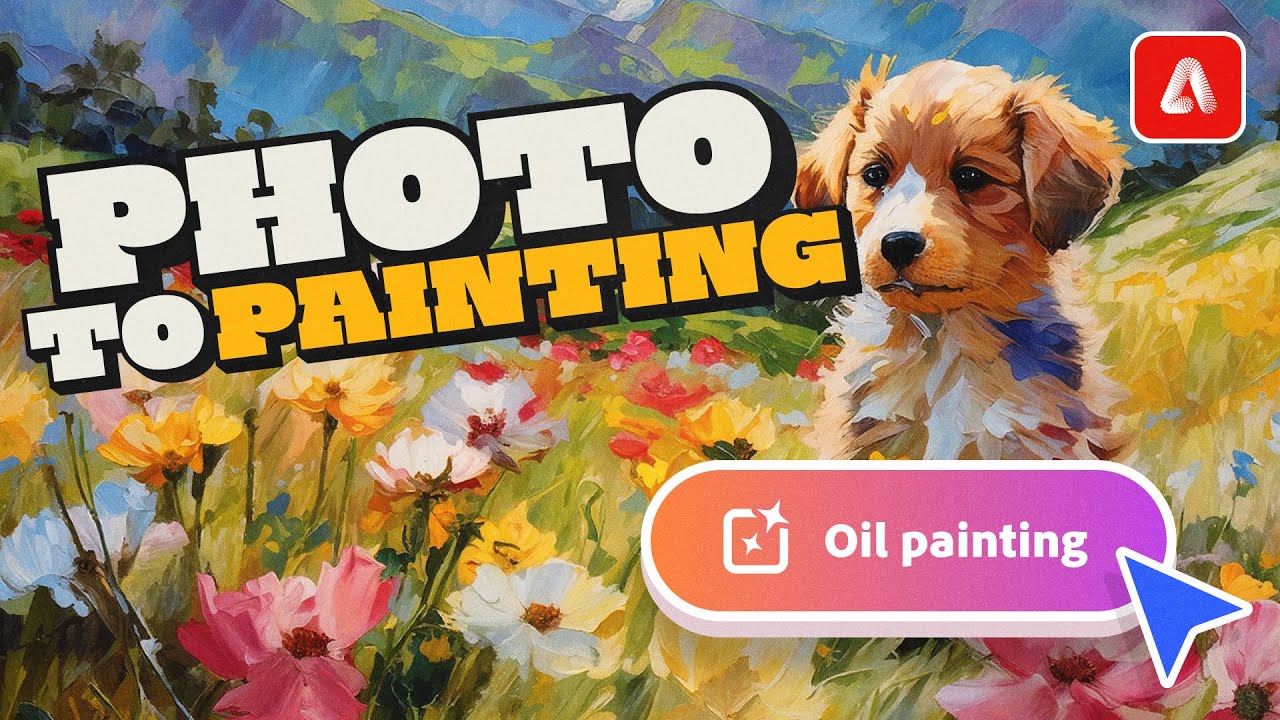
Easily generate paintings in various styles based on one of your photos using Adobe Firefly and Structure Reference.
Adobe Firefly is a suite of gen AI tools – both on the web and built directly into various pro applications, such as Photoshop and Illustrator. These tools include:
Text-to-image: Generate images from a description. Guide style...
ripe onyx
<@&1174454635403157584> Are you living in a material world? I certainly am!
In today's tip, you'll learn how to generate your own material images using Firefly. https://www.youtube.com/watch?v=9uwOLTzehkE

Brainstorm and visualize 3D materials using Adobe Firefly and tune them to your liking in the settings. The Hyper Realistic effect is great for realistic materials, while the Cartoon effect works for more stylized materials.
Adobe Firefly is a suite of gen AI tools – both on the web and built directly into various pro applications, such as Phot...
ripe onyx
<@&1174454635403157584> 3D meets Firefly! In my latest tip, I show you how to stylize a 3D model created using Project Neo. https://www.youtube.com/watch?v=0kqfrWzuw2U

Easily stylize and texture your 3D scenes using Adobe Firefly, and if you've been testing out Project Neo, this technique is the perfect combination!
Try out Neo: https://projectneo.adobe.com/
Adobe Firefly is a suite of gen AI tools – both on the web and built directly into various pro applications, such as Photoshop and Illustrator. These to...
ripe onyx
Hi <@&1174454635403157584>! One new video just wouldn’t cut it, so I combed through my backlog and released TWO for you today! 💈
Brush up on your skills and learn how to change your hairstyle using Photoshop and/or Firefly!
Firefly 👉 https://youtu.be/2iXBn53ebVs
Photoshop 👉 https://youtu.be/-ceyK2DH__0
