#arma3_texture
1 messages · Page 35 of 1
 frozen blade
 hardy atlas
I think you should add a dust / old dirt layer.
if you look at the reference pictures PuFu put in there is a lot of variance in specularity. might be nice to mix some fresh scratches in their too
 placid thicket
ye
 west aspen
is it possible to retexture this??? https://imgur.com/KpgMCJK
For use in my own terrain.
 wet sonnet
It would have to be new p3d, if you want to use it on own terrain
 full quarry
long way to say "nope" 😛
 amber belfry
what would cause the subtle white lines along my armpatch texture?
https://imgur.com/j9OFwJL
It's not visible in the .paa itself, just in game. The vanilla patches look fine.
full quarry
possibly wrong suffix on conversion or smooth alpha transparency
 nocturne lake
Or not sufficient padding of the colourspace
you should fill the background of the texture in a similar colour to the pixels at the edge of the texture, so if the alpha channel is not precise after compression, it will not bleed in to parts of the colour-space with the wrong colour
 pale bough
If you have Photoshop, I've found the minimum and maximum filters under other work rather well for that
hardy atlas
I generally use photoshop but gimp has a handy tool for limiting the alpha channel to a range. In this case you could set lock alpha to 1 or 0
nocturne lake
That's not really the issue. You could just save it as 24 bit tga and have the same effect of a 1 bit alpha channel that's either 0 or 1. The problem comes from nearest neighbour sampling for the .paa compression and mip-map generation - a pixel that you didn't intend to be outside the masked area, could get unmasked because the algorithm determined from neighbouring pixels that on average, this one should be >0
amber belfry
Saturating the color (leaving no half-transparent areas) worked. Thank you @nocturne lake
 warm nexus
I've been trying all day to get a texture I made for the BLUFOR uniform to show in game but the guy appears naked. I know somewhere I messed, the problem is I don't know where? Can someone else take a look with fresh eyes?
full quarry
@warm nexus cfgWeapons class is the item you put in inventory. It does not directly affect the uniform you look like in game. You need a uniform/cfg vehicles character class that the uniform points to.
warm nexus
@full quarry I thought I had one in there? Unless you mean a class inside it is wrong?
full quarry
indeed you have.
the uniformclass in the cfgWeapons uniform must point to the character that you want it to look like
warm nexus
Ahhh so where it says "My retexture" I put the classname of the uniform the texture is based on?
warm nexus
Still no joy with it
warm nexus
I keep looking at it and my brain just shuts down https://pastebin.com/dXJZ3kgi
full quarry
whats B_soldier_universal_F?
and why does it not inherit from any base class
and this should point to this character
warm nexus
No Idea what it is. I looked at the classes and couldn't work out which one to put in.
I was looking at this which is probably wrong https://community.bistudio.com/wiki/Arma_3_CfgVehicles_WEST
full quarry
get the arma 3 samples and compare what classes point to where.
I cant really tell you any clearer what you need to put into the circled line than what the pic above shows
warm nexus
That's fair, I don't want "hand holding", just pointing in the right direction
full quarry
this is that point.
warm nexus
Would you mind if I screenshared and have you watch or is that too much?
full quarry
soz, too much
warm nexus
No worries
warm nexus
Well he's not naked anymore but it's back to the default blufor texture
 frank pebble
Does anybody know any good rhs templates
 severe rune
I need a little help on a project.
Let's imagine very theoretically that Arma had a PBR shader. And the stages were arranged like this
0: albedo RGB
1: normal RGB
2: specular RGB
3: irradiance RGB
4: metalness R, roughness B
Would you do any changes to the stage layout? Maybe reorder things? Does this feel natural?
Height and ambient shadow are still missing. They might be added to stage 4 as the G/A
Should irradiance even be a user supplied texture?
There is also a "SpecularBRDF" texture would someone who wants to use PBR textures want to define the specularBRDF texture by themselves? Or would it be fine if it just were hardcoded?
If it were hardcoded, would a 256x256 resolution BRDF texture be big enough?
 silver gull
@severe rune
- you are crazy. <3
- irradiance... most streamlined pbr tools dont even have that in their default pipeline for assets. Metalness/Roughness is more important for the user. I wouldnt even know what i could properly do with irradiance map/ why 2 assets in the same space should have different irradiance map. Ideally it would just be like cubemap right now - there is a default one, or a set of default ones that change depending on environment/map/maplocation/whatever is possible with a custom shader i feel.
severe rune
Need to precompute some irradiance map then.
I think I'll also just precompute the BRDF map.
Question is just if the irradiance map should be different for different terrains
Might aswell store the irradiance texture as a texture path in the terrain config
silver gull
its based on the cube map isnt it - should different terrains have different cube map? Yeah i would say so
ideally (dreamer) it would be dynamic based on where you are. You could define cubemap for a building (or not and use terrain default)... but eh that seems very painfull to integrate (smooth transitions...etc)
severe rune
Also you I NEED to implement dynamic lights in the PBR shader right? I can't just leave it out and only use ambient lighting right?
Generating a irradiance map apparently takes about 200ms (I read that in a article, not far enough yet to test myself)
I think I can implement the shader as a singleplayer only mod. Just gonna replace one of the rarely used shaders with it. For testing atleast
silver gull
gut feeling say you would have to integrate dynamic light, but i'm really the wrong person to ask...
severe rune
Guess I'll just see how it looks like. And then implement the stuff that I feel is needed.
But dynamic lights would throw me back a couple days I think. That's quite alot of work. Arma does dynamic lighting in the vertex shader.
Only per-vertex lighting which you already know I assume.
PBR would need to do it in pixel shader. Maybe I can just combine all lights in vertex shader. And then fetch the lighting from the vertex in the pixel shader oof
silver gull
idk man... if it was vertex lighting exclusively it would not explain some behaviour ive been seeing
on my bunker all interior walls are just 1 face each. And yet shining on it with flashlight (or from muzzleflashes) there are no "steppy" effects. Now it is an editor placed object so far, have not tested map placed. Could be that there is a difference
severe rune
I just learned how to compile my own shaders into Arma. This is gonna be fun 😄
Just need to find a rarely used shader that I can just replace with my own stuff
full quarry
oh that sound like fun
severe rune
I could publish tools/workflow to do it. But I don't think anyone is interested in writing singleplayer only Arma shaders for fun
full quarry
well depends. If calmwater shader could be improved with it and offered for in game infusion it might benefit everyone
silver gull
add singleplayer shader, call it eyecandy enhancer beautyinjector crusher xx0011xX to attract "a certain group" and through overwhelming public pressure get semi official implementation for MP ...
biggest thing arma needs is some kind of HDR/ambient shading, where inside areas are shaded (and all objects within them too.... ) You can see people walking in buildings from miles away... Or woods, under tree canopy.
frozen blade
@silver gull they don't have irradiance but emissive
 somber pier
Having awesome SP shades would entice me to play SP again
severe rune
You can't add new shaders. Only replace existing. And I certainly won't fix other shaders 😄 I only want it for testing my PBR implementation
severe rune
Looking splendid so far....
Next gen camoflage
wet sonnet
looks amazing to me 😄
placid thicket
truly this is the power of PBR rendering
severe rune
Warmer... But not quite there yet..
full quarry
lovely 😄
severe rune
Okey the shader works now.
Ofc just piping the stages from Super shader into my PBR Metal Rough doesn't look right.. Now I need to build a proper rvmat and a test model.
hardy atlas
That pink one looks like something straight out of a life server lmao
 trim yacht
THIS IS A REUPLOAD, I AM NOT THE ...
frozen blade
mmmh, you iz nuts @severe rune
somber pier
Reminds me of the Source Engine texture error thing
severe rune
pink was just a test returning a constant value to see if shader works.
I didn't get that part to work.. I just cut it out and am now using inefficient uncompressed shaders ¯_(ツ)_/¯
severe rune
https://s.sqf.ovh/arma3_x64_2019-04-16_19-32-26.png ingame UV debugging? 😄
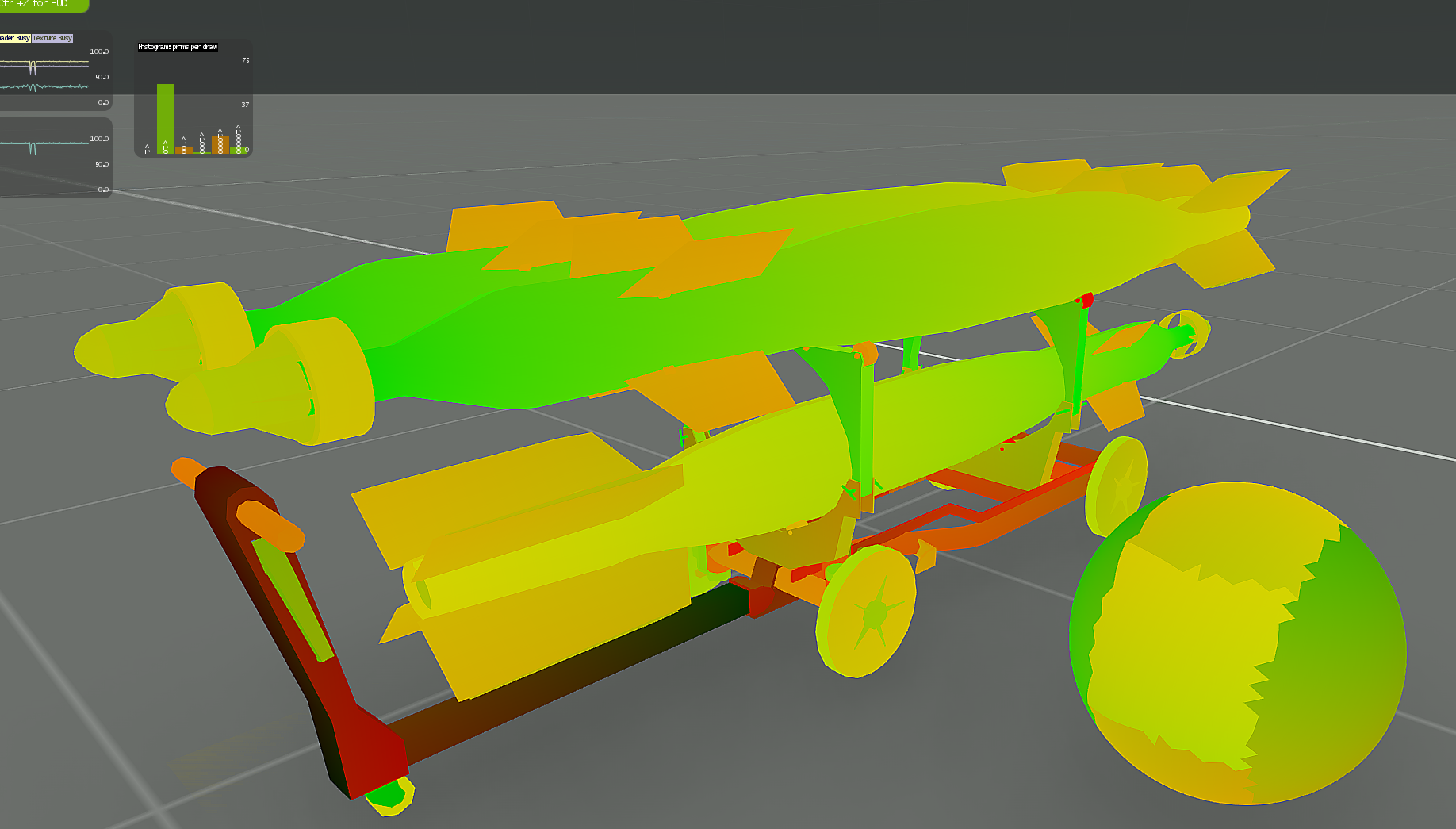
https://s.sqf.ovh/arma3_x64_2019-04-16_19-41-24.png ingame normal map debugging.
Would these things be useful? I don't think they are as you see all these things in the texturing tool anyway
 severe rune
https://s.sqf.ovh/arma3_x64_2019-04-16_20-31-50.png i have no idea what I'm doing lul
 full quarry
👁
severe rune
Spent half an hour trying to find out why my normal has no effect. Turns out I had no normal, the UV mapping is F'ed.
Just use base color UV and tadaa
https://s.sqf.ovh/arma3_x64_2019-04-16_20-51-34.png enough for today. I need to find a solution for a proper irradiance map tomorrow.

Parallax Occlusion Mapping in a Vertex Shader.
Is that a thing that you want to have too?
full quarry
yes
severe rune
Okey is on Todo list. Need to figure out was Super vertex shader does and maybe combine it
full quarry
😱
 frigid escarp
👏
 trail remnant
Hello everyone
Someone have the Tropic Dazzle Camo Texture of CTRG-15 ?
 mellow star
Can't think of any reason why they need be SP only.
Unless you're +cough+ing the exe to alter calls.
frozen blade
as i understand, he cannot add a new shader (that would be cool tbh, maybe contact BI directly)
but rather change an existing one
mellow star
yes, but there's little to stop improvement of existing shaders, you just have to get creative about parameters (hiding them in fractional components)
so set specular (etc.) to {value}.025 and the improved shader knows that the fractional part actually means 2.50 (for some alternate/additional stage/treatment).
severe rune
@mellow star the shaders are in dta/bin.pbo which is bisigned
@frozen blade that would be cool tbh, maybe contact BI directly There might already be something in progress. But it secrit
mellow star
You can sign and supercede dta/bin.pbo like any other mod, in a whole virtual-path replacement fashion.
Then you'd just decide on a pattern in some common input that signals enabling of extended features, like say ambient[] ={0.97, 0.98, 0.99, 1.00} wouldn't have any effect on the vanilla shader but could tell the extended one its parameters are extensions-aware.
severe rune
Have you tried that? virtual-path replacement? Some things in dta folder are actually read from the PBO's before other mods are loaded.
mellow star
But there can only be one active replacement of the shader cache so ideally you'd give me permission to optionally include your upgraded shaders with mine so people could use either just one or both amendments. Or we'd start some sort of CES (Community Extended Shaders) initiative.
As a case in point, my terrain shader only enables its changes if TerrainBlendMaxBrightenCoef is >= 1.00 (which ordinarily it isn't), if not it just acts as the original (so it can be enabled/disabled through config).
severe rune
I don't intend to upgrade shaders.
Maybe I'll publish a mod with some debug shaders (like shown above) that can be used for testing model things.
mellow star
I'm not really suggesting improving any of the existing shaders but just making it possible to enable your PBR variant through hidden parameters.
severe rune
It's easier to just replace a existing shader with the PBR one. Rather than implementing hidden parameters.
If I'd go the hidden parameter route to switch around, I'd have to reimplement the original shader
mellow star
Yes you would, but okay, as you see fit.
Or, if you want to share your HLSL again when it's working I could look into incorporating it.
wet sonnet
@severe rune 
 gray owl
@severe rune If i may ask how this works hlsl -> arma's shdc? in general... don't have to be too specific, just interested 😃
severe rune
shdc is just collection of compiled bytecode of the shaders.
"fxc /Fo"(D3D shader compiler) outputs that. Just have to bring it into the right format in the shdc as it contains many shaders.
gray owl
copy, thanks!
can't you change the inputs to the shader (aka light parameters) and do dynamic lighting in PS?
severe rune
Theoretically yes
I have access to dynamic lights. I need them too for PBR.
But there is no dynamic shadows. Lights go through objects. Not sure if I can solve that in the shader alone.
But the main light (sun) generates shadows.. So the data/tools must be there. Might be possible then
gray owl
exciting, keep it up 👍
full quarry
Don't car lights make shadows too?
frozen blade
@full quarry nope
@severe rune without deferred shading you cannot have shadows for multiple light sources afaik
one of my personal disappointments is the lack shadows for anything but sun/moon
severe rune
Well objects throw sun shadow onto objects which is then rendered over stuff. Not sure if that's pixel or vertex shader. But I suppose I can do the same just for other dynamic lights
But that has nothing to do with the PBR project so maybe once upon a time I'll look into that
hardy atlas
Imagine Arma with full PBR support and ray tracing. I mean even proper dynamic lighting would be a dream.
placid thicket
I think BI will probably wait until any arma sequel to add that
We know enfusion has PBR support though
severe rune
Main reason for not adding stuff to arma is missing dev time. The shader/graphics dev is working on another project.
But.. If I do the dev for them and they just need to review/merge.
There is still hope. We'll see.
If not then you just get PBR as a mod that I push to workshop.
 golden niche
I mean even proper dynamic lighting would be a dream. RT AO+GI is really what arma needs
 deep locust
looking for a texture dev
 lone oxide
How would I convert a .PBO to a uvmap and a texture?
severe rune
what?
pbo's are not models nor textures
they are a container format
explain what you wanna do?
lone oxide
I need to re-texture some vehicles from a pack, that didn't post the UV-maps
severe rune
can't get the uvmap out
deep locust
u need to make the uv
severe rune
the model is binarized and you can't access it
maybe message the author of that pack if he wants to help you out
lone oxide
It's CUP 😄
severe rune
otherwise you just need to look at the texture to figure out where things are
Just ask CUP team. They are usually quite forthcoming I'd assume. CUP discord is in #channel_invites_list
Just make it really clear you wanna make a retexture and don't wanna rip models 😄
lone oxide
Okay, thanks 😃
full quarry
@deep locust PBOManager should not be suggested as a addon tool. Its ok for mission stuff but thats about it,
if you are using it I suggest you revise your workflow
deep locust
@full quarry right click on the pbo extract it as a file and vice versa for packing saves alot of timee
full quarry
it is the wrong way and does not produce proper PBOs
deep locust
what is the proper way
full quarry
easiest and most reliable would be using Mikeros tools
severe rune
mikeros tools can also right-click extract. Or just double click to extract
deep locust
does it cost money?
severe rune
no
full quarry
theres free version thats more than enough and subscriber version that has some extra tools
nocturne lake
@severe rune folks could use T_D's web converter thing and it preserved UV coords even when the model is distorted. But since the latest version of Object Builder, the .emf/.wmf exporter for generating UV snapshots is barely usable anyway
mellow star
I want to make a shiny bare-metal texture for UNSUNG;s MiG-21 but am having no joy using HiddenSelectionsMaterials[] either by amending Specular/SpecularPower or the blue channel on the SMDI - not seeing any difference in-game. Are these just properties than can only take at compile-time? Or am I trying to change the wrong thing?
severe rune
HiddenSelectionsMaterials only works somewhat reliably if the rvmat is already referenced in the model
mellow star
poos and wees
 stiff pendant
guys if I want to texture big objects(like buildings) should I use one big uv map and texture it, or should I split the objects into smaller uv maps and texture each one of them?
full quarry
you should use multimaterial
its a specail shader for building like big objects
can be used for other than buildings too though
full quarry
its use has been discussed here or on #arma3_model multiple times so using the chat search you should be able to locate all the basic info at least
 cunning obsidian
OK I'm a total noob at this retexturing. I'm a map maker who's made a couple of Scottish themed maps and was wanting to retexture some models to make them better fit into the scenery. Primarily I was wanting to retexture some building models, and the roads, but I may do some signs as well. In order to be a minimum pest is their some tutorials you can direct me too regarding the buildings and road retexturing? many thanks in anticipation of your help guys.
full quarry
what models are you trying to retexture?
you would need acess to the original source model to do that
cunning obsidian
a couple from CUP and MBG.
full quarry
same applies
full quarry
though CUP ones are basically sourced from the Arma2 released game data
cunning obsidian
yep
full quarry
well it depends how they are build
cunning obsidian
is it as easy as opening a file and editing in photoshop?
full quarry
no
cunning obsidian
yeah that'd be too easy wouldn't it
full quarry
indeed
cunning obsidian
Am I going to have to go into blender or similar?
cunning obsidian
cool, is there a guide to these dark arts?
full quarry
if a building is configured to use multimaterial you would have to understand how multimaterial works and what parts you need to change in it
no
cunning obsidian
ok
full quarry
"retexturing" technically follows the same principles as making the thing from scratch
so you would need to undertand the workflow and where to do your editing
cunning obsidian
muchos hassle, not the end of the world I can make do. Would be good to know for future reference though
May head over and ask model makers about that process then. Thanks again for your time/advice HelpfulGoat
full quarry
well you could just do a search on multimaterial on the chat and internet
and start from there
full quarry
or team up with mr @stiff pendant there who is doing same thing basically
cunning obsidian
oh is he?
full quarry
if you scroll up a bit
cunning obsidian
Scottish/UK themed buildings?
full quarry
no but texturing buildings
stiff pendant
Well all I can say is that before you even try to model anything for arma, you do need to know how to use blender and zbrush/substance painter
stiff pendant
Yeah
full quarry
retexturign A2 objects would not mean need to model them
full quarry
but understanding how they are made and how the textures work is essential
cunning obsidian
I need to learn this stuff at some point so I'll look into it
full quarry
indeed any decent program is valid choice
stiff pendant
even OB
frozen blade
i said proper
cunning obsidian
behave
frozen blade
so no
frozen blade
😄
full quarry
yes
frozen blade
yes
full quarry
sure if OB is all you know then fine you can do stuff in it
cunning obsidian
OK does this all stand for retexturing the roads as well?
or are they different?
full quarry
what do you mean retexturing roads?
full quarry
are you using p3d roads or polyline roads?
full quarry
then you need to understand what they require
cunning obsidian
👍
full quarry
and produce new material that fits your vision and they can use
cunning obsidian
I know how they should look, just need to know how to apply the image to a model
frozen blade
to be honest, for most roads, it is pretty easy to make new ones yourself, is not like the model the texture is applied to
si anything but complicated
cunning obsidian
I can work with the current buildings available, but would lioke UK roads
full quarry
you should start with the TB polyline roads
frozen blade
i assume you wanna create a custom islands
cunning obsidian
ok
I have custom island and mainland map
now need to populate them with pretty scenery
full quarry
@foggy torrent Do you happen to know if the UvTransform animation can be made to move X pixels each frame with "time" source (or similar all time playing one) Instead of moving smoothly
in similar fashion particles work
 static galleon
I'm interested in creating custom runway decals and have come across refrs a tutorial by Cringo, is it still around? I've poked around a bit and can't find it.
 foggy torrent
@full quarry nope, wanted to do flipbook anims with uv anims but it's not possible
full quarry
meh
foggy torrent
but perhaps Im might try adding additional param for instant switch
dunno how hard it might be
full quarry
It would open up a lot of possibilities
I tried to poke this from every direction I could come up with but did not succeed
at least now I know I did not miss anything 😝
 tawdry plank
static galleon
tawdry plank
static galleon
Thank you very much Cring0; I'll get started right away
 rough flume
Hi! I've been looking to reskin the Hunter/Guerilla outfit and when i unpack the pbo the texture is only 32X32. There must be another texture someplace that it's directed to in some way I don't understand. Does anyone know where to find the texture for it?
full quarry
how did you unpack it?
and you my indeed be looking at the wrong texture
how did you deduce it was that one you need?
severe rune
https://s.sqf.ovh/arma3_x64_2019-04-21_20-55-15.png dang that PBR substance Jade material ingame.
So sad that it's actually wrong. But it looks so good.
If I make it right my gold bugs out 😄 https://s.sqf.ovh/arma3_x64_2019-04-21_21-00-05.png

 rough flume
@full quarry . I looked the uniform up on bohemia website to find where its packed. I unpacked the pbo and found the model and the texture, both listed in the config file from arma, but the texture is only 32x32. It's an official skin. I'll link it. It's U_C_HunterBody_grn https://community.bistudio.com/wiki/Arma_3_CfgWeapons_Equipment
it has a few vairations as well but the hunter is slightly more decorative version of it.
class C_man_hunter_1_F: C_man_1
{
author="$STR_A3_Bohemia_Interactive";
editorPreview="\A3\EditorPreviews_F\Data\CfgVehicles\C_man_hunter_1_F.jpg";
_generalMacro="C_man_hunter_1_F";
model="\A3\characters_F\civil\c_hunter_f";
modelSides[]={3};
uniformClass="U_C_HunterBody_grn";
displayName="$STR_A3_C_man_hunter_1_F0";
linkedItems[]=
{
"H_Booniehat_grn",
"ItemMap",
"ItemCompass",
"ItemWatch"
};
respawnLinkedItems[]=
{
"H_Booniehat_grn",
"ItemMap",
"ItemCompass",
"ItemWatch"
};
class EventHandlers: EventHandlers
{
init="";
};
hiddenSelections[]=
{
"insignia"
};
};
Is the code from the config.cpp
nocturne lake
None of those paths point to the uniform texture
And since it only has one hiddenselection for insignia, you might not be able to retexture it anyway
lone oxide
If I remodel a vest, how would I see that in the editor? (How would I use the "this setObjectTexture" thing on there?)
lone oxide
How would I do it on a vest then?
I'm using a mod, that I'm going to retexture, but I'm not sure how I test my vest out...
rough flume
no, but it shows the model location and the texture named similarly is right in the data folder. but thanks! I'll keep looking XD
full quarry
@lone oxide only way to see your custom texture for vest is to make a new config class that uses your new texture
full quarry
meh, not quite the correct way but as long as you dont leave it replacing it inside a rebuild of that mod
lone oxide
It's good enough for testing 😄
severe rune
Is there any reason to have different UV's for baseColor/Normal/Metal/Rough/Specular/AO/Height ?
Maybe Normal, but besides that I'd just put all of them onto the baseColor UV 🤔 (Which is what I'm currently doing cuz the other UV's are broken cuz I'm apparently doing something wrong :D)
full quarry
Different laytout or use of tiling textures perhaps, usually 1 uvset should be enough though
severe rune
https://s.sqf.ovh/arma3_x64_2019-04-22_16-02-24.jpg
Substance vs Arma.
baseColor, metal, rough, specular
directly exported from substance.
Throw your thoughts at me. Yes the light source in Arma is now as big as in substance. The sun is just further away and i didn't implement dynamic lights yet.

I see normal intensity looks a bit too much?
Also the env map in Arma is different. Substance has black env map with a soft spot (Soft 1Front 2Backs)
Wheras Arma has the normal default env map which is blue skycolor instead of black like in subst
mellow star
Can SP use a custom env map?
severe rune
Yes. You can import env maps. Never tried that tho
mellow star
Less usefully, but perhaps useful at this testing stage, I believe you can customize the env map per terrain, VR is the only terrain that has this by default (so you don't see mountains).
severe rune
The env map is hardcoded in the rvmat for the model
mellow star
It's not really my area but I would guess these are fallbacks; Model > Terrain > Default. But at the end of the day the ideal would be to try and match SP to the typical in-game env map.
severe rune
Sadly arma uses some stupid "screenshot from one side of a mirror ball" env-map so I can't just export substance ones.
Unless I make a mirror ball in substance and screenshot it 😄
mellow star
Great work though, hopefully your back channels can get it into Arma.
severe rune
I just closed Arma without saving my runtime edits 🙈
crap 😄
You think it's already good enough?
It still looks a bit off
mellow star
Need to align some of those externals as much as possible (in order to really judge), env map and softer global illum? But then there's also haze etc. But I'm no judge, my knowledge begins and ends at what PBR stands for. Hopefully somebody who knows something will be along soon.
severe rune
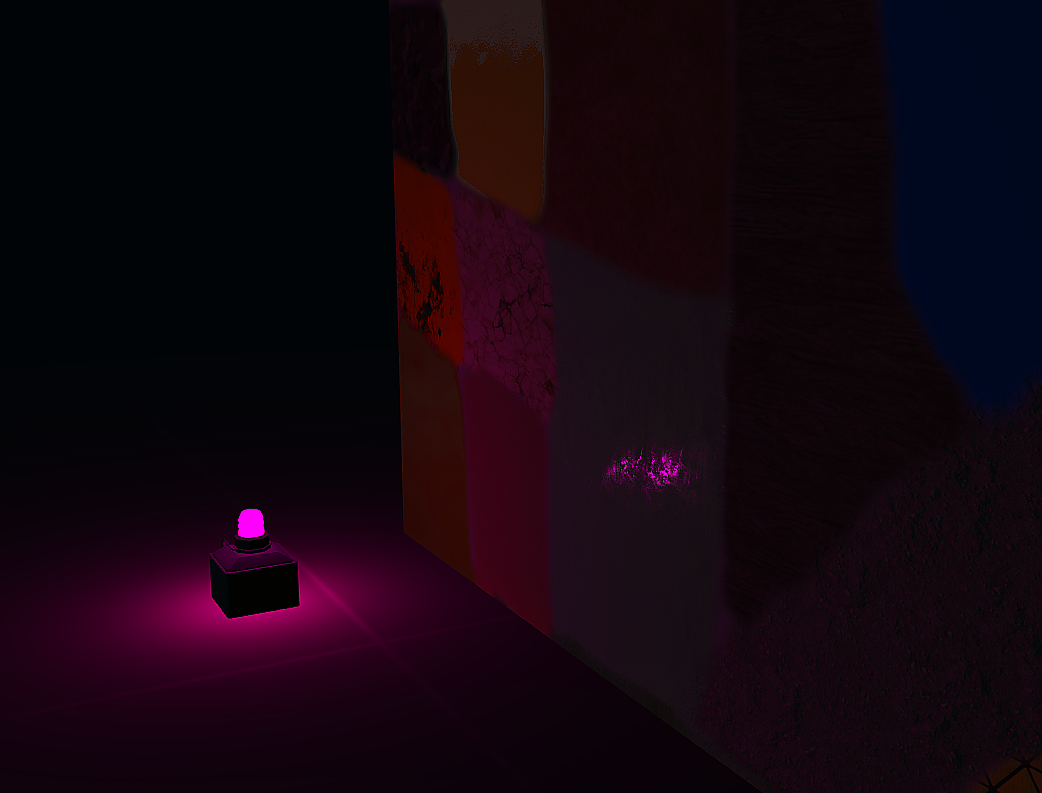
https://s.sqf.ovh/arma3_x64_2019-04-22_17-19-38.png dynamic lights was easier than I thought.

 wet sonnet

full quarry
@severe rune env map stage has a property to read terrains env map
full quarry
:+1:
severe rune
PBR: https://s.sqf.ovh/arma3_x64_2019-04-22_17-56-09.jpg
Super: https://s.sqf.ovh/arma3_x64_2019-04-22_17-56-27.jpg


https://s.sqf.ovh/arma3_x64_2019-04-22_18-02-36.png
Okey I think it works well enough already 😄

versus IRay in SP
https://s.sqf.ovh/Substance_Painter_2019-04-22_18-06-48.png I think some might call that good enough?
Certainly better than Super
 hardy atlas
This is looking fantastic. Really good progress with this.
You mentioned you got dynamic lighting working too?
severe rune
yeah screenshots of dynamic lights further above
but no dynamic shadows 😉
And dynamic spotlights act as pointlights currently
 dry otter
@severe rune impressive result especially on the specular
raytracing is far away but reflections are impressive for ArmA 😄
how do non PBR exports behave to it ?
or is it per asset/rvmat ?
severe rune
It's a new pixelshader in rvmat.
Normal super files pushed into PBR shader look acceptable. But not nice :D
As you can see above ion the MX rifle in the picture with the worklight.
The MX is rendered with super texture stages, but PBR shader.
Basically detail/macro/AS/SMDI are ignored.
AS probably get's interpreted as metalness.
And the detail get's interpreted as specular RGB.
The stages are
0: albedo RGB
1: normal RGB
2: specular RGB
3: ignored
4: metalness R, roughness B
5: ignored
6: preintegratedFG (a constant image that you should not touch)
7: env map RGB
severe rune
https://steamcommunity.com/sharedfiles/filedetails/?id=1720529762
Here it is. Example model in unbinarized pbo and with source files included.
Example models can be placed in 3DEN under Empty->Dedmen
Currently only DX11 Shader model 5. So old gpu's that don't support it might just show up as black
That doesn't have a technical reason tho, I was just too lazy to compile the shader model v4 version
pale bough
This isn't MP compatible is it?
pale bough
nah I mean the system itself
can you make an asset using that and use it in MP without issue?
severe rune
Yes.
It will just render as black as I'm replacing the LODDiag shader.
So people who don't have the mod will just see it rendered with the normal LODDiag which is black
pale bough
but only for things using your PBR shader?
severe rune
yeah
Only replaces the LODDiag shader.
Anything that uses it get's altered, anything that doesn't stays as it was
pale bough
neato 
severe rune
And the shader was never documented publicly besides my own shader list. So I'm quite sure noone is using that 😄
silver gull
awesome stuff dedmen
the specular range looks really good, like you would expect from a modern shader.
The main issue with supershader is that the range of specular / gloss is way too small.
If you have glass/ highly reflective surfaces in your texture as well as rough stuff (sand, dirt etc) you will just have super shitty looking dirt (highly reflective) or super shitty looking glass (not reflective at all) . because you need the "booster values" in rvmat. So i think that would be the best "benchmark" cases for your new shader - combined glass or polished surface with something very rough
severe rune
I haven't tested anything transparent yet.
It uses the albedo alpha channel for transparency. Definietly need to try that and see what happens 😄
silver gull
that would be super interesting too... dxt5 alpha on supershader doesnt receive shadows, dxt 1 does but 1 bit alpha is shit.
severe rune
Oh right.. Receiving shadows 🤔 :D
Don't know if I need to do that or if Arma already does using some other way.
I only tested on empty VR map.
Things like Shadow receiving/Alpha/Nighttime/Thermal imaging need to be tested/implemented still
frozen blade
@severe rune awesome will give it test
severe rune
Okey I'm missing fog too. And I think I know what I need to do to receive shadows.
gray owl
very impressed!!!
placid thicket
So could I just take a model with a metalrough texture and use this shader to make those maps work in arma?
severe rune
yes you can
placid thicket
c:
frozen blade
so it does support both spec and metalness / roughness
frozen blade
need to have a look over samples
dry otter
that would be super interesting too... dxt5 alpha on supershader doesnt receive shadows, dxt 1 does but 1 bit alpha is shit.
dont talk about this
I can get angry
you dont want to see angry frenchman swearing at dxt5
silver gull
how does it determine what to use (spec vs. metal) ? After all it would need to changes how "albedo"/ diffuse is utilized?
frozen blade
yeah was wondering about the same thing
severe rune
The shader I based it on only used spec, but I had metalness in there from a previous iteration.
But I found that if I don't use metalness as a multiplier, the camo fabric material for example would be waaaay to shiny. So now some components are taken out if it's non metal. Like the specular reflections.
float4 diffuse = float4(0, 0, 0, 0);
float3 specular = float3(0, 0, 0);

// All lights
int maxCount = 1 + pointLightCount + spotLightCount; //#TODO take spotlight cone into account
for (int i = 0; i < maxCount; ++i) {
    Light pl = getPointLight(i, attributes.position);

    float NdotL = saturate(dot(attributes.normal, pl.lightVector));

    // Diffuse Calculation
    float diff = Diffuse(attributes, pl, material, eye); //Disney
    diffuse += NdotL * diff * pl.color * pl.intensity;
    // Specular Calculation
    float3 spec = Specular(attributes, pl, material, eye) * material.metalness; //GGX
    specular += NdotL * spec * pl.color.xyz * pl.intensity;
}

float visibility = length(light.color.rgb); //#TODO fix properly

float3 ibl = IBL(attributes, light, material, eye) * material.metalness;
float3 finalColor = material.albedo.rgb * diffuse.rgb * visibility + (specular + ibl) * visibility;
The material.metalness I inserted manually. Result looks good though. So unless you can find a case where it looks wrong..
My previous iteration got the F0 from
float3 F0 = lerp(0.04, albedo.rgb, float3(metalness,metalness,metalness)); I guess that replaces the specular there.
I might do that in the new one too. Or just get rid of the metalness. It's all still WIP 😄
silver gull
personally i think metalness is much better in a pipeline than specgloss, because you can still easily seperate the two different behaviours (you have metalness as alpha map...) and generate spec/gloss compatible maps without too much efford, as well as legacy spec gloss if you want (some filtering is adviced). The other way round is much more cumbersome
And the diffuse map is much more straight forward to edit and legacy proof too - you dont have black spots on your diffuse where metal is
@severe rune i dont recognize the roughness map in that equation? without roughness cloth would be very shiny, so that would explain why you would need metal?
severe rune
the roughness maps are inside Disney/GGX/IBL functions.
Always thought you need spec map cut I don't really know what I'm doing :x Guess I should instead pull it from albedo.
also it's a RGB specular map which says what colors the material reflects.
Not a spec/gloss greyscale
silver gull
sure, but rough (=inverse gloss) is still a seperate map
just to clarify - the roughness map you provide (in your stage 4 B channel) is processed by that disney function?
severe rune
Disney and GGX too I think. And IBL too. Basically everything uses it
silver gull
i dont quite understand why that would lead to too shiny cloth, if that function is for spec gloss pbr
i assume you used default substance material or similar , so i guess the diffuse dark and bright values should be within 30-240 srgb ?
severe rune
function is metal rough.
But it only took roughness greyscale and specular RGB as input which confused me and produced wrong results. But with my metalness hacked in there it looks kinda correct.
But I think it was meant as things which are black on specular, don't reflect light and are not metal or smth.
Yes it's just plain default substance materials painted on
silver gull
do you have a source link for that? i'm not knowledgeable about shaders more than you most likely but maybe 4 eyes see more than 2
hardy atlas
So I am seeing a lot of conflicting info on smdi
So from what I understand
the green channel represents the specular of an objects, The whiter it is the more shiny it is.
the blue channel represents how glossy an object is, The whiter it is the more rough it is?
And these two channels should generally be somewhat inverse of eachother?
silver gull
no. this is just a poor rule of thumb for when you have 0 idea what you are doing or a misunderstanding
R channel is inverse of G and so its just done automatically and you leave it white
hardy atlas
R should be fully white?
yeah
I wrote that before I read your entire sentence
So green represents roughness (more white is more shiny), blue represents gloss (more white is more shiny).
silver gull
arma has bad shader and bad instructions dating from ofp. Which is why improved shader looked shit at first, because source maps are shit (but shit shader never showed that)
hardy atlas
But I am correct with my understanding of the blue / green channels?
silver gull
just look at the image on biki page for what it does exactly (shiny != shiny)
severe rune
https://github.com/TheCherno/Sparky/blob/a679d0834e37eb3570dff18b01550210734cb97e/Sandbox/shaders/AdvancedLighting.hlsl This is what the shader is based on.
I don't think super shader is based on anything 😄
silver gull
its based on the assumption that everything is covered by dust powder
silver gull
hm that source... i feel like i would need to actually look into the actual pbr theory and compare it to tell anything 😄 work...
severe rune
Yep. I'm doing the same 😄
Reading and reading to find out which places I have to modify to make it do what I want
silver gull
the only other question is wether that particular source is working properly in the first place, and if its not based on some specific assumption about the input maps...
severe rune
specifically precalculated input maps was my main problem with the last one that I tried.
https://github.com/Nadrin/PBR/blob/master/data/shaders/hlsl/pbr.hlsl
This one already looks very close. With Ambient light and shadows on top of it it should be good
silver gull
it has comments... that makes it immediately more likable 😄
placid thicket
Does arma work well with weighted normals? 
full quarry
semi well I guess
they can be a bit tricky to get in
OB can mess them up fast
trees should use them
not really sure if other stuff does
 finite summit
I Might be on the wrong place for this, but imagetoPAA Doesn't want to convert anything.
Unless I'm doing something wrong, and probably am as there's very little documentation on the Arma Tools
full quarry
your likely using wrong type of texture image format
finite summit
Wait Wait, what?
full quarry
or wrong resolution migth do that too come to think of it
finite summit
512x512, Trying to insert an image onto a signpost is proving troublesome at this stage
full quarry
what file format?
finite summit
PNG
full quarry
so you drag it to imageToPaa and hit run?
finite summit
File not added: Gunsafety2
finite summit
Bit Depth 8-32 bit, Pretty much it
finite summit
Does Bit Depth matter?
full quarry
yes
finite summit
Bigger the better?
full quarry
what did you have before?
 analog cosmos
Just a quick question here, what shaders do y'all usually use in Substance? I've been using PBR Spec-Gloss but I've been having some issues with the exports.
frozen blade
if you are expecting direct export from SP to arma to look the same, then you would be wrong
even if you use legacy (non pbr) spec gloss you will need to tweak some stuff manually
analog cosmos
Yeah and I've been doing that but for the life of me I can't get the secular map to show up anywhere.
hardy atlas
I gave up trying to match my substance shader to Arma (I tried all of the non pbr spec gloss and arma shaders and none really gave me a good 1:1 and some where just buggy)
I just use PBR metal rough for 90% of my work now
And with a good understanding of smdi you can get very similar results.
analog cosmos
Awesome, thanks for the tip
silver gull
arma look is defined by 80% diffuse 15% normal 5% specular... or something like that
 wet jewel
Whats the best tutorial for editing textures cause I want to create a texture for some rhs vehicles
frozen blade
read this before you start doing that
http://www.rhsmods.org/page/EULA#re-textures
severe rune
wtf.. I'm rendering the macro map UV coordinates
https://s.sqf.ovh/2019-04-26_18-53-56.mp4
I'm using texGen and this stage is using same texGen as all the others.. Why tf..
silver gull
but have you unchecked the LSD option?
severe rune
I'm confused as to why Arma renders this perspective.. https://s.sqf.ovh/arma3_x64_2019-04-26_19-15-47.png
While the camera is actually inside the door of that warehouse.
https://s.sqf.ovh/arma3_x64_2019-04-26_19-16-47.png
And this too 🤔
I'm in the warehouse at the bottom. 🤔

 severe rune
I found out how shadows work!
Problem... LODDiag shader doesn't support receiving shadows 😄
SpriteRefractSimple sounds complicated enough to assume noone uses it 🤞
https://s.sqf.ovh/arma3_x64_2019-04-26_20-55-26.png dynamic shadows is a GO!

thermal will be interesting. Would this even need a thermal map? Shiny metal reflects thermal, non-shiny absorbs and get's hot. 🤔
Ah nah.. I think I'll just use Super thermal
https://s.sqf.ovh/arma3_x64_2019-04-26_21-09-56.png What are the chances I can actually just fix that.
Looks to me like a math error..

 silver gull
😄
that steppy effect - does the cube have shadow lod ? And is it properly shrunk compared to visLod?
or is it different to the vanilla shadow steppy effect?
severe rune
no it doesn't have shadow lod.
That is the same effect. It's some math error it seems like.
Aww bummer... Error is already present on the shadow map input https://s.sqf.ovh/nv-nsight-gfx_2019-04-26_21-17-55.png

not gonna fix that then -.-
btw I found out why it renders these UAV perspectives. That's from the sun angle. It tries to find what shadows it drops using depth checks.
silver gull
vanilla models without shadowlod have this too (looks real shit imo...)
 dense peak
those ugly black lines....
funny thing: ArmA and ArmA 2 were clean from those black lines
its an immersion breaker IMO
silver gull
yes well its because the "new method" generates its own shadows - unfortunately with this unpolished version that nobody bothered to address during development of the new method : [
severe rune
That's SSSM shading. Dunno what that stands for
silver gull
self shading shit monster
nocturne lake
Sub-Surface Shadow Mapping
silver gull
Should be called OSSM then because its certainly not "sub" ... and more "on"
severe rune
know what? The shadow map is a pixel shader that I can replace :D
Maybe I can still fix it
silver gull
that would be freaking awesome... as it stands, for me, SSSSSM is not an option at all, it just looks terrible - so the benefits it brings (performance and the lack of necessity for shadow LOD creation) negated by terrible look.
severe rune
Like.. The pattern that you see is clearly somehow math related. Same repeating pattern.
silver gull
yeah same pattern, same angle to light/ observer
propably missing a -1 (or 1e-X) somewhere ^^
severe rune
Well I already have a performance optimization for shading. But probably not gonna do much.
integer modulo vs unsigned integer modulo.
severe rune
Before:
https://s.sqf.ovh/arma3_x64_2019-04-26_23-37-50.png
After: https://s.sqf.ovh/arma3_x64_2019-04-26_23-38-09.png
🤔


It's friggin dirty hacky fix.. But it looks good. Maybe it bugs out on some shadows 🤔
^ that's VeryHigh
The edges are a little harder tho.
If you want harder shadows you can just turn down shadow quality though. So I guess that's not really a fix
But in the end, people probably care less about soft edges than they care about this FKIN banding effect
silver gull
i agree, cool stuff man
severe rune
I'd ping reyhard or kllrt, but it's almost midnight 😄
severe rune
ahh no. Don't wake them up
frozen blade
it's like 23:00 for both
severe rune
23:56 :u
frozen blade
CET?
silver gull
? its 2300 in germany...
silver gull
or what ? 😄
does pufu now get encoded into super compressed binary file as punishment?
severe rune
If Kllrt is still awake and is interested in a lit bugfix that he'll probably love, he can message me and I'll send him the fix
wet sonnet
No 
severe rune
ok sleep well 🛏
Seeya on monday. Someone remind me to give https://github.com/dedmen/PBRShader/commit/f25fff4f680e705b4ab13b950d6d5b7c65eede45 on monday
frozen blade
@wet sonnet lol
dense peak
nice fix with that, and no problem with hard edges, that banding effect IMO is a worse immersion destroyer than AI driving & that clouds problem with the changing shapes
not sure what drugs the devs used to add this to arma 3, but i hope other companies wont take the same drugs
severe rune
Okey done with trying to find a better way to fix shadows..
Wanted to go back to working on PBR, and all of the sudden the sun direction is 0,0,0 wtf
I think this is the call to stop and go to bed
 twin bane
appreciate the work on it man. i've been watching, seems promising. 👍
severe rune
Considering I never really did anything with shaders before. I like the progress that I'm making ^^
But could still be better.
dry otter
@severe rune the shadow glitch is similar to what you experience with sbsource=visualex
The only time I managed not to have this appearing is when doing a terrain object that had 100% smooth edge and no SMDI.
Idk which of the 2 was the reason because I did not go further, just experienced it 3 days ago for the first time. maybe it can help you.
severe rune
I think because sooome samples see the object itself and think it's shading itself
My fix was just "if 2 of the 4 outer samples are not in shade, we are completely not in shade"
full quarry
So could supershader/others be fixed the same way?
severe rune
Also not sure if the edges really are harder now.
They just seem that way because the fix removed these long lines
full quarry
💦 💦
severe rune
You still need to make shadow lods for performance :U
dry otter
depends on mesh complexity
well actually that is something we could try to compare 100% visualex and 100% SVLODs by mass changing all IFA3 models to visualex and copare on a large map like staszow
severe rune
If you wanna do perf debugging on shaders I'd recommend Nvidia Nsight. Very neat tool
that's what I use for debugging/profiling
silver gull
according to some old blog/sitrep (from memory) by BI they said the visualex with the automatic shadow is more performant, but because its smoother is not used on stuff where sharp shadows are preferred (weapons vehicles characters)
 surreal lance
How does one make a MCA texture for trees?
dense peak
Does anyone know if there is a texture for an AR15 based on the Christchurch shooters weapons?
full quarry
No and there should not be.
dense peak
Yeah all good just wondering
wet sonnet

mellow star
@severe rune @errant latch @frozen blade @nocturne lake @frigid escarp I could make that tool. If I had time How familiar with the paa format are you? Is there a quick and dirty way to get something like that working, maybe take an original paa and explicitly splice in the lower mipmaps by adjusting lengths in the binary file? (bit like with shaders in the cache file).
frigid escarp
@tender fjord @dense peak ^
 errant latch
defunkt not at all
mellow star
@foggy torrent
errant latch
but such a tool would be grand,
mellow star
I actually meant Dedmen, just trying to move the conversation here.
errant latch
if you could specify: full, llvl 1 and lvl2 and lvl3 etc as files
that would be the best thing for my terrains ever :#
there was once such a plugin for photoshop but doesn't work anymore
mellow star
what would you do dif for lower mip levels?
errant latch
instead of resizing
ii'd paint them
this applies mostly to normals and parallax
not really to CO
but in CA id also make the alpha by hand
cause resizing alpha in mipmaps makes ugly appear
say for instance you have a noisy texture
if you resize it
it becomes blured on the first level
and just smudge beyond
that is a problem of resizing and not really mipmaps in itself regardless of 4k or not
so ideally you want to maniipulate each level by hand to accentuate the features you need to show ion each level
else it just looks washed out
foggy torrent
continuation of that mipmap issue - mipmap bias 0, mipmap bias 4, mipmap bias 0
errant latch
so can that be fixed?
foggy torrent
dunno, but it seems to me as engine issue
errant latch
would like to know if it also happens on terrain
on terrain itself and not objects on it which obv would have that
nocturne lake
Terrain and map objects actually seems quite good at dynamically changing the mips up and down. Vehicles and weapons can seem to get stuck on lower mips once they drop
 tender fjord
@mellow star
the biki is entirely accurate about paX files pac & paa)
it was written by t_d and myself and is authorative.
you are free to acces the api of my dll that will read write the file you want to maniplulate, or, i can answer your questions if you want to roll your own.
mellow star
get stuck on lower mips once they drop that's what reyhard's last img is illustrating?
nocturne lake
yes
he mentions you either need to flush memory or set texture detail to low and back up to V-high/Ultra to refresh them at 4k
mellow star
@tender fjord just scanning it now, on the face of it the format seems quite easy to break apart and put back together, say if you had a number of paa's named for the target mipmap level then assembled a new paa from the correct chunks of each (quick and dirty approach). unfortunately i'm waist deep in shader edits atm
foggy torrent
  {512,512,1024,2048,1024}, // very low
  {512,512,1024,2048,1024}, // low
  {1024,1024,2048,2048,2048}, // normal
  {4096,4096,4096,4096,4096}, // high
{4096,4096,4096,4096,4096}, // very high```different object types have different mip maps coefs too
so indeed, it might be something wrong with vehicles, weapons
tender fjord
the paa files in arma3 are either dxt1 or, for finely graded alpha channel, dxt5. The mipmaps for eihter of them are directly fed into directX so there are few surprises.
as for splitting the mipmaps or replacing one of them with anohter. that makes no sense to me because each one is merely a quarter of the same image before it.
mellow star
to permit hand-edit (rather than auto-resize) of mipped imgs
tender fjord
over to you then.
mellow star
lol, i was trying to cajole dedmen into making time 😉
frozen blade
i find it weird to be honest
from a performace POV, 4x2k textures behave worst than 1x4k texture
wonder why it mipmapps lower if there is still vram overhead
mellow star
1x4k better perf but more mipmap issues? despite same total size? you'd imagine they'd have the same behaviour mip-map wise (?)
frozen blade
i saw the post before the edit, indeed 4x2k = more draw calls
i understand the limitation when everyone had 1-2gb gfx cards 5 years ago
but that isn't an issue anymore
errant latch
^
frigid escarp
when was 4k support officially or unofficially introduced?
also is it an exclusive 4k problem for real, or just less obvious/relevant with 2k (or less)
nocturne lake
You've always been able to use 4k
I think it is the case that it's simply less of an issue with 2k
mellow star
is it the engine or gpu that decides what mipmap to use? engine i guess (or you wouldn't save vram if they were all available for the gpu to choose).
sounds like the algorithm for selecting is mostly choosing based on texture size rather than vram usage (or 1x4k would behave the same as 4x2k).
nocturne lake
Ideally the game would look at what the player is wearing/carrying/driving and do its best to mip objects other than those
even scope reticles mip sometimes. I remember some time BI added 4k reticles to a few of the optics and there were bug reports on the forums from people who had horrible blurry crap to look at because they didn't run the game on V-High or above
mellow star
in other news, have just cracked the parallax issues my terrain shader was having
nocturne lake
I think they're back at 2k now
severe rune
How familiar with the paa format are you PAA format is quite simple. I already sent you code that does it. Just need to replace one line of code to load seperate textures per mipmap. I think you can even have multiple 4k mipmaps, I thought about using that in my PBR shader for better env maps.
So technically you could say "Fu you arma, I'm gonna make all 16 mipmaps be 4k" But.. please don't 😄
explicitly splice in the lower mipmaps by adjusting lengths in the binary file Just unpacking full paa and repacking it is easier 😄
 austere ridge
Does anyone have an Arma 3 environment map that works in substance painter? Would be super useful
 grand warren
there is something around. i forgot who made it... lemme check
not exactly what you'Re looking for i guess, but might still be useful
https://github.com/ianbanks/arma_3_substance_shader
@austere ridge

GitHub
A Substance Painter shader for Arma 3 super shader objects. - ianbanks/arma_3_substance_shader
austere ridge
Oh wow! Thanks @grand warren
warm nexus
When doing retextures is there a recommended size that the pictures have to be? Specifically for clothing, vests, backpacks etc
 mellow zinc
Following this https://community.bistudio.com/wiki/Arma_3_Vehicle_Customization
Have a CA texture that looks fine in texview https://gyazo.com/c3e219587278ed5df99540883de7a264
Results ingame https://gyazo.com/ee241680e7844f1862e54489823c497e
Does vehicle customization not honor alpha maps?
nocturne lake
texture on that part of the model needs to be an alpha in the .p3d too
mellow zinc
Thank you trying that now
Thank you @nocturne lake Partial fix however 😃 Is this a config, or a texture problem you think? https://gyazo.com/2060dbd856ba83c52d42d7f9d56eb136
mellow zinc
Was a config issue. I had two hidden selections, but was only calling the first. Had to call the second to fix it.
 maiden ember
Doing my first steps in texturing and right now i'm doing the rvmat for the hull and i dont exactly know how to achive the right "shine" for my hull
from this angle its pretty good
but when you face the sun
yeah, what do i need to adjust so that it doesnt burn my eyes off
silver gull
change specPower and specularity in rvmat (lower)
severe rune
https://s.sqf.ovh/arma3_x64_2019-05-05_15-03-36.png That's the problem with PBR and correct shadows :/
Now onto figuring out how to do PBR correct ambient lighting...
 severe rune
https://s.sqf.ovh/arma3_x64_2019-05-05_17-38-16.jpg It looks dope tho

https://s.sqf.ovh/arma3_x64_2019-05-05_17-48-29.jpg and spotlights are in.
Can nicely see the reflection of my flashlight too

I'll push new version today, with shadows (and the shadow lines fix) and dynamic lighting properly working.
I found out that you have to place some object with Super shader on it for the lighting to work properly. That's probably just because I'm hijacking a shader which usually doesn't obey sun lighting
severe rune
https://s.sqf.ovh/arma3_x64_2019-05-05_18-17-05.jpg PBR vs Super. Finally my "Bayonet" looks like it should look.
 severe rune
yes left PBR
New shader is pushed to workshop https://steamcommunity.com/sharedfiles/filedetails/?id=1720529762
With my bayonet example included. The shader name changed, see changelog.
I think ambient lighting is bad currently. the sun-shaded areas feel too dark, especially compared to super. have to somehow get ambient lighting into that
 heavy dove
Does anyone have the worn combat fatigues template by any chance?
hardy atlas
This is the kind of work BI should be focusing on. Would for real make the game look 10 times better to have an officially supported PBR shader in game.
 acoustic dove
that would need whole game to be redone in order to make the PBR work , hey i wouldnt be against 😛
since supershader isnt that super anymore
hardy atlas
Yeah, I suppose what I really meant was dynamic lighting and support for PBR. Good shadows would really improve the game's visuals imo
 drifting hill
hay i have a question about the texture making. How can i make a nohq texture to get a 3d design?
nocturne lake
Typically you bake it from a high-poly version of the model
drifting hill
And this means?
nocturne lake
You make a 3D model with all the details you want, using subdivision or dynamesh workflows to generate soft, smooth edges, producing a model that is several hundred thousand or millions of polygons
then you project this detail on to the low-poly game model using a process called "baking"
Whereby the 3D software samples the normal direction of polygons in the low poly model and compares it to the normal direction of polygons on the high-poly model that occupy the same regions of 3D space. The difference in direction is mapped per-pixel to the low-poly's UV space to produce a 2D image that is the normal map
but there are also programs that do conversion from 2D height maps. Where white is a raised feature and black is a cavity
drifting hill
I dont understand really how i can create these files. A guy created a 3d looking logo with the nohq without changing the model
drifting hill
i know what it is but not how to make that
hardy atlas
Well the way you make it depends on what is is
are you making a normal for an existing logo?
where / what is the logo going to be used for in game? an object?
Photoshop, Xnormal, Substance painter, marmoset. All viable tools depending on how / what you want to make/bake a normal map.
severe rune
I'd probably use substance designer for it. Just take a heightmap of the logo and use designer to turn it into a nromal for me
 celest obsidian
You can also use Substance B2M or Materialize 😃
 mint ingot
Hey, I wanted to see if there was any example or formats one could possibly go off of to make a selectable texture for a vehicle via config? (not directly applied or made separate, but an option, an example being in the Virtual Garage's texture chooser for set vehicles).
I've been having trouble adding another texture (that can be chosen in the virtual garage) to a hummingbird and making it a separate mod for a mission I'm makin' for some buds.
Thanks in advance!
mellow star
Just DL a mod that does the same thing (bound to be several) and see how their config works.
stiff pendant
What's the biggest texture size arma 3 can handle with?
silver gull
4k
nocturne lake
Aparently only shows at 4k when running "Ultra" Texture Detail setting
stiff pendant
so if I texture an object with 4k texture, it won't load the texture for some players?
nocturne lake
No, they will see the texture but a mipmapped version
and the half sized mipmaps are not as nice looking as something that was saved natively at 2k
wet sonnet
And what do you plan to do with 4k? I hope not buildings ;P
lone oxide
How would I test a custom texture I've done for a clothing item?
surreal lance
Is an AO map usable in arma?
severe rune
yes
surreal lance
Ah I see with super shader, is it the Ambient Shadow?
severe rune
yes
nocturne lake
You can save it black and white and the tools will get rid of info from the other channels so long as you name the texture properly with an _as suffix
surreal lance
Oh okay
stiff pendant
guys when you texture a complex object that consists of several materials, do you use only multimaterial rvmat or is it possible to use different rvmats for a simple object?
stiff pendant
im talking about different rvmat matriels.. like if I want some parts to betal metalic, and some parts plastic, can I use different rvmats for this?
and another thing: is it ok to use 4-5 different uvmaps to texture a single object?
i'm asking this because I have this complex object and i want it to be fairly detailed, so I want to make several different uvmaps, that each one will have its own rvmat, instead of a big uvmap that contains all the object with a single rvmat
nocturne lake
I'd say 5 is a bit excessive. Not many assets for the game have more than 3 unless it's a separate one for interior. Mosty 2 or less
But it's sensible to divide them up by the materials you plan to use. Metals on one UV map, dielectrics on another
stiff pendant
in this case is it advisable to use multimaterial rvmat?
full quarry
probably
stiff pendant
the thing is i never understood how people color each part with a specific color(red for instance) for the rvmat to work. it seems nobody talks about that
and isn't a multimaterial rvmat is supposed to use the uvmap of all the texture? so the details will be quite low isn't it?
nocturne lake
What kind of object is it anyway? A large structure? If it's anything like a building you should be using multimats regardless
If it's quite small, there's not much point
full quarry
it can use multimaterial
and you create a mask texture for it
either by some sort of generation method or by painting it by hand
and you then scale the different uv islands to your liking for the tiling texture uvset
Im pretty sure mondkalbs multimaterial tutorial goes through this so if you have not yet read it I recommend checking it out
stiff pendant
The texture in this approach is by using some kind of texture and just applying it to different parts of the object?
I'm asking this because I want to texture it using substance painter, and I think that contradicts the idea of multimaterial rvmat
full quarry
you can likely use substance to create the mask
but you have to first understand how the multimaterial works
in which the tutorial I mentioned helps
stiff pendant
Yeah I read this tutorial before. the thing is that I never tried this
stiff pendant
Yeah... the thing is i didn't understand how one particular thing works and that is in what image I use to texture a colored part of the mask.
say I have made a mask like he made in the tutorial: https://community.bistudio.com/wikidata/images/thumb/e/ea/MBG_Tut_Layermask.png/612px-MBG_Tut_Layermask.png
How do I apply a certain texture to the red part? what kind of image do I need to texture it? is it a 1024X1024 image of concrete(for example)?
full quarry
tiling textures that follow same power of 2 size restrictions as any Arma texture
and the different RVMAT stages correspond to different colors of the mask texture
stiff pendant
ok. so i've made a simple object and a simple mask. how do I define for the object to use my mask?
he doesn't talk about that in the tutorial
full quarry
the mask is defined in the rvmat
stiff pendant
uvSource="tex"
this line?
full quarry
theres also at least 2 commented multimaterial rvmats posted on this channel that might help to sort out the different stages
stiff pendant
Alright i didn't see that lol
full quarry
searching for "multimaterial" probably pops them up
stiff pendant
ok i'll check that out
hardy atlas
#(rgb,1,1,1)color(0.5,0.5,1,1) this is the empty normal map provided on the wiki for procedural textures
should it not be
#(argb,1,1,1)color(0.5,0.5,1,1) ?
severe rune
now your alpha is 0.5?
or is it argb with the values being rgba.. That'd be stupid 😄
hardy atlas
Well I am questioning if just rgb or argb should be used in the prefix.
severe rune
https://community.bistudio.com/wiki/Procedural_Textures nope. First is correct it seems
hardy atlas
BI models seems to use argb too
stiff pendant
this is the rvmat file i made:
https://pastebin.com/ch41vYQT
for some reason it applies "texture_01.paa" to the entire object.. any idea why?
that's the how the mask file looks like:
http://prntscr.com/noddml
and that is the result:
http://prntscr.com/node25
severe rune
Yeah doesn't matter
I A and AI are special, everything else is ARGB8888. no matter if you give it rgb or argb
hardy atlas
hmm okay thanks
stiff pendant
@full quarry any idea?
full quarry
did you assign the rvmat to the object?
full quarry
yes
stiff pendant
well I did
full quarry
I assume those textrures you have assigned to the different mask colors are different?
and also I assume the object has 2 uvsets?
stiff pendant
just different textures. and the object has 1 uvset
full quarry
👌
stiff pendant
Is it possible to add certain "stickers" into a multimaterial?
i mean I have used multimaterial rvmat for my object, but there are certain stickers(signs,arrows and stuff) that I want to add to the object.
how do I do that with a multimaterial rvmat?
stiff pendant
what do you mean by seperate?
and if I make MC map that contains only those stickers, the rest of the MC map won't overlay the rest of the textures?
silver gull
use 2nd UV channel for MC map
 blazing saddle
not sure if right place but how do i put a picture into my briefing?
blazing saddle
in game mate
its for a cinematic in the briefing shot i want a picure of the compound on a screen
so ive got a picture oh compound its jpg put it in mission folder called it compound gone in game names a screen joes1 and put joes1 SetObjectTexture [0, "compound.jpg"]
i get a error saying canot find when i play the scenario
grand warren
check you paths
blazing saddle
how you mean sorry chris im new to this
grand warren
is your pic in the missions root folder (where the mission.sqm is), or in another, additional folder?
blazing saddle
root folder chap
 mossy blaze
try .png or .paa
grand warren
this, but first try to add a color just to see if that even works:
this setObjectTexture [0, "#(rgb,8,8,3)color(1,0,0,1)"];
put that in the init field of the screen
blazing saddle
how would i do that?
blazing saddle
can i send you screen shot of the folder
still same
not let me send one for some reason
grand warren
Upload to imgur / hoster of your choise and post the link here
blazing saddle
grand warren
Do you have “show file extentions“ (or whatever it is called in english) in your Explorer active?
blazing saddle
not a clue
grand warren
Because i can see “.sqm“ But not “.jpg“
grand warren
ok, good. i just wanted to make sure the image is indeed a jpg
why is your mission folder called "~cinematic.malden"? i'm not really sure if arma can read "~" properly
blazing saddle
think it saved as that is self
blazing saddle
have done still no joy
grand warren
ffs...
blazing saddle
done it
grand warren
send me a friend request, the original pic and what screen you want to use
blazing saddle
thanks man
blazing saddle
for some reason there was 2 save folders for the mission one with the wiggly line
one with out dropped the image in the one with out deleted the other one realoded the scenarior and boom it worked
could i do that on a projector too or?
grand warren
could i do that on a projector too or?
uhm, what do you mean?
blazing saddle
in a old unit i was in they had a projector you could skip slides on it and it actually worked
grand warren
as long as the surface where the projector is projecting on has the option to set the texture, yes.
slide show needs config work i guess, no idea how to do that
blazing saddle
no worries mate appreciate the help! i really do
grand warren
np
warm nexus
There was a slideshow script if I remember floating around somewhere
mossy blaze
ACE slideshow module or just write your own
 limber plank
alright im stumped
im working on a retexture for the Worn Fatigues (Kerry), and I can't for the life of me find where the p3d is located so i can set up the config
maybe i've been at it too long, but does anyone know where its located off the top of their head?
please @ me if you do
limber plank
never mind, i found it
its under independent: A3\characters_f_epb\guerrilla\ig_guerrilla5_1.p3d
 quartz veldt
Hey fellow texture makers. I could need some help with the rvmat.
I´ve read all BI documentations but i dont really understand it.
Do I have to apply the .rvmat´s to the Custom LOD (in my case i just want to apply the _sa, _nohq, and the _smdi to my model)
Thank you.
severe rune
you have to apply it to your res lods
quartz veldt
which is the actual seeable LOD, right?
full quarry
yes
severe rune
if you want textures, you should put them onto the visible lod yes,
textures on invisible lods don't make much sense ^^ (generally)
quartz veldt
yes i know, but arma isso ununderstandable it might make sense to put a texture on an invisible LOD.^^
😄
is there any "default".rvmat?
quartz veldt
a .rvmat i can change at my will and doesnt contain stuff i dont need^^
I know I could just copy one from any other model
a .rvmat i can change at my will and doesnt contain stuff i dont need^^
I know I could just copy one from any other model
full quarry
you need everything an rvmat has in it for it to work
depending what shaders the rvmat uses, the stage setup is different
in general the supershader is used in most things
quartz veldt
Ok, thanks
i´ll post the result in the #arma3_model_channel
can i just delete stages i dont need?
quartz veldt
ok
I just need a .rvmat with _as _smdi and _nohq
why isnt arma as easy as Unreal engine or any other engine^^
severe rune
You can either use default procedural textures in the stages that you don't need (see super shader wiki page)
Or find a shader which only has what you need, but switching between different shaders during rendering might be more expensive than just using one shader with dummy values
https://gist.github.com/dedmen/90691e56c2dd77bc152ce0a48caf47ba
You want shadowmap _as, specular _smdi and normal
NormalMapMacroASSpecularMap for example, but you have to null out the macro stage
full quarry
normal users cant
spam protection
yeah that would be a solid example of supershader
if youre pasting code, pastebin.com is prefered
quartz veldt
sry for all my questions, but this i so complicated and so much code^^
silver gull
wegelagerer!
https://www.youtube.com/watch?v=UTQa6ulEJhE
quartz veldt
Now i just need to adjust the color of the light^^
https://gyazo.com/1e250e212ea355a4a62463035cfeec41
 kindred tinsel
Hi all, complete texture n00b here. I'm trying to make a road marking decal, no problems with the model, but are there any good tutorials or tips on how to make a convincing looking paint marking on a road surface that doesn't look like laser cut vinyl (as mine does at the moment) ? I've tried "dirtying" it with some noise and stuff but I can't seem to get anything good. Using GIMP as my editor,
full quarry
you can get reference images online and then try to mimic them
I dont think there is tutorial for something as specifc as dirty road paint
kindred tinsel
It was worth a try. Thanks for the idea!
 vocal copper
i just found out that one of my models is semi-transparent.. texture has no alpha channel and is correctly called _co.
anyone knows what's up?
nocturne lake
Does the model have a significant portion that is _ca elsewhere?
nocturne lake
Is it _co.tga before you convert it to .paa?
renaming existing textures doesn't work
vocal copper
i exported it to paa from photoshop
i'll try the tga conversion
can the issue be in the model itself?
well shit. that worked
ok, lesson learned
thanks
nocturne lake
the photoshop plugin is uselessly out of date
it doesn't format .paa correctly for Arma 3
vocal copper
yeah, i have it since like.. i don't remember how many years
pale bough
Hi, I'm reskinning some guns and I was wondering if anybody knows how I can view what rvmats the model uses, and in what order.
full quarry
If a weapon has retexturing enabled AKA hidden selections enabled then you would see the used textuers and rvmats in the weapons config
not sure what you mean but the order though
nocturne lake
rvmats aren't usually listed in the config (since hiddenSelectionsMaterials is mostly useless)
full quarry
isnt the default ones listed in config?
nocturne lake
no
full quarry
        class srifle_GM6_camo_F: srifle_GM6_F
        {
            author = "Bohemia Interactive";
            _generalMacro = "srifle_GM6_camo_F";
            baseWeapon = "srifle_GM6_camo_F";
            scope = 2;
            displayName = "GM6 Lynx 12.7 mm (Camo)";
            picture = "\A3\Weapons_F_Bootcamp\LongRangeRifles\GM6_camo\data\UI\gear_gm6_X_CA.paa";
            hiddenSelections[] = {"camo", "mat1", "mat2"};
            hiddenSelectionsTextures[] = {"\a3\weapons_f_bootcamp\longrangerifles\gm6_camo\data\gm6_csat_co.paa"};
            hiddenSelectionsMaterials[] = {"", "a3\weapons_f_bootcamp\longrangerifles\gm6_camo\data\gm6_csat.rvmat", "a3\weapons_f_bootcamp\longrangerifles\gm6_camo\data\gm6_plastic_csat.rvmat"};
            deployedPivot = "bipod";
            hasBipod = 1;
};```the GM6 and the M320 are the only two cases where it's used on a weapon
nocturne lake
and it has all the bugs associated with hiddenSelectionsMaterials
full quarry
well then Mikeros Eliteness can read p3d info
nocturne lake
don't even need that, you can just open the .p3d with notepad and search for .rvmat strings
full quarry
eliteness shows them in neater way
pale bough
I need to know the right order so I can apply them correctly in hiddenSelectionsMaterials
custom rvmats that is
full quarry
That I dont think you can see anywhere
pale bough
so I'll have to experiment then I assume?
full quarry
well the selection order is in the hiddenselections array
hiddenSelections[] = {"camo", "mat1", "mat2"};
full quarry
but do not that custom materials can be very buggy
usually you just change the texture
not materials
pale bough
thing is the grip and rail cover on the mk200 shine like gold
so I need to change the rvmats
dense peak
hi im trying to make a transparent texture, but no matter what i get a white outline when it gets superposed onto another object. im using a 32 bit tga with alpha mask, i also have a black background layer in the texturing tool, what do i need to do to get rid of it ?
 white cargo
are you using _ca suffix?
full quarry
have you sorted the face on top in OB?
does it have a rvmat and what shader does that use?
foggy torrent
@pale bough abandon hope since camo selections on mk200 are fucked
one camo selection has 3 different rvmats so it's impossible to switch rvmats on it effectively
funny enough I've changed rvmat it has few days ago so it doesn't have that bronze shine
didn't want to fix those materials though
pale bough
nah already fixed it, sort of. hiddenSelectionsMaterials apparently simply makes each camo selection use the 1 rvmat you specify, replacing the original 3, so I just had to tweak the rvmats so it looked nice on all bits that they each affected, and bob's your uncle.
this is what the class looks like now https://pastebin.com/diqqT7WN
 warm stag
..surely Bjorn Stronginthearm is my uncle


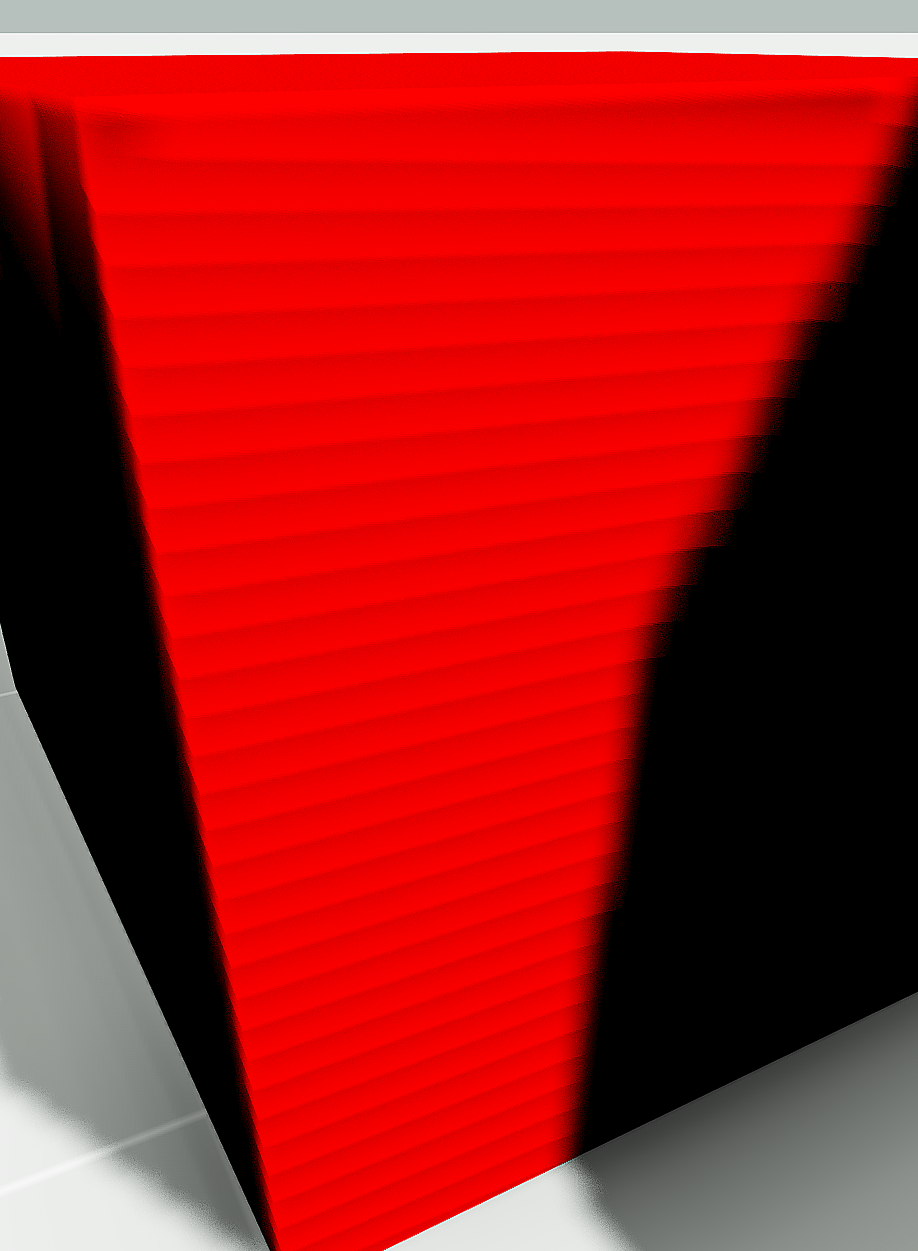
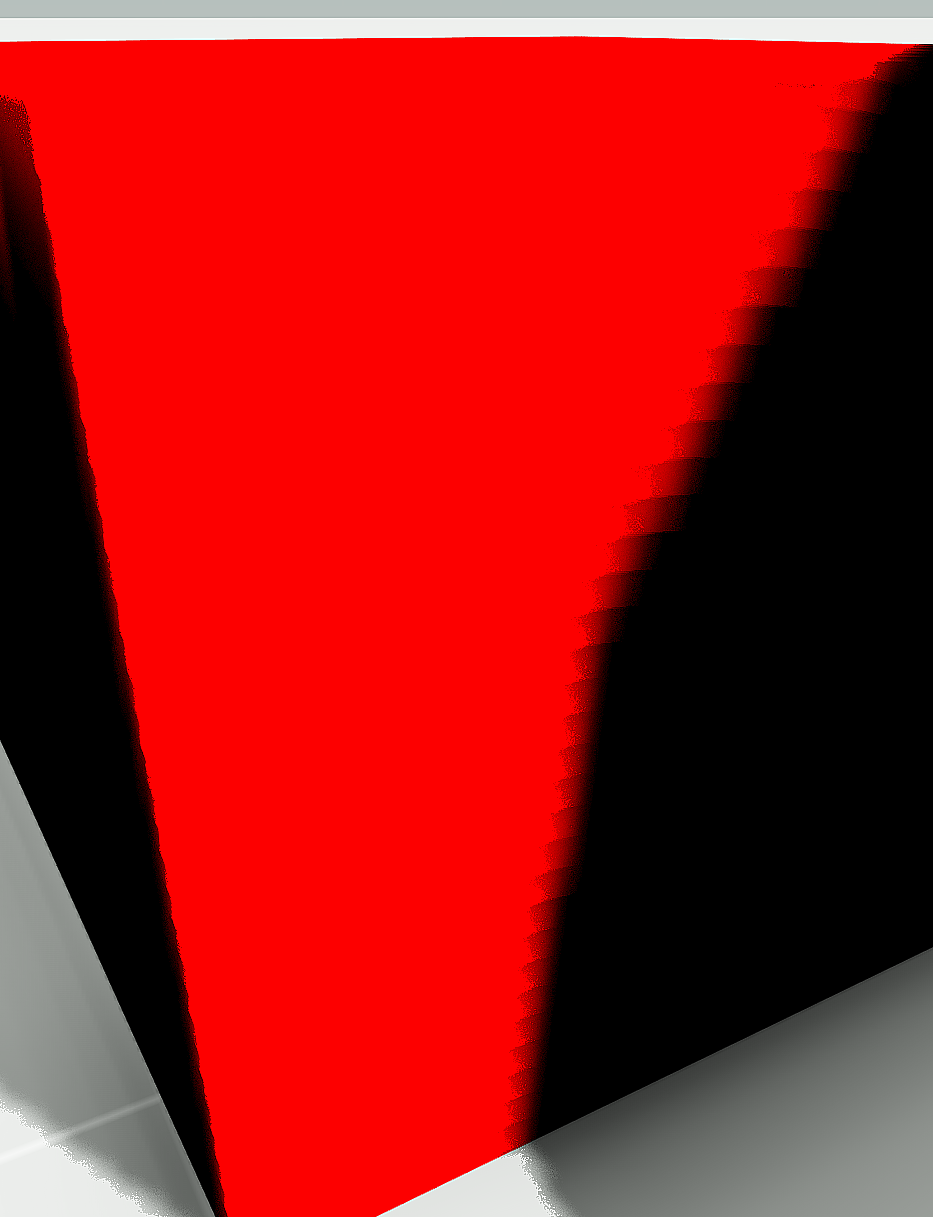
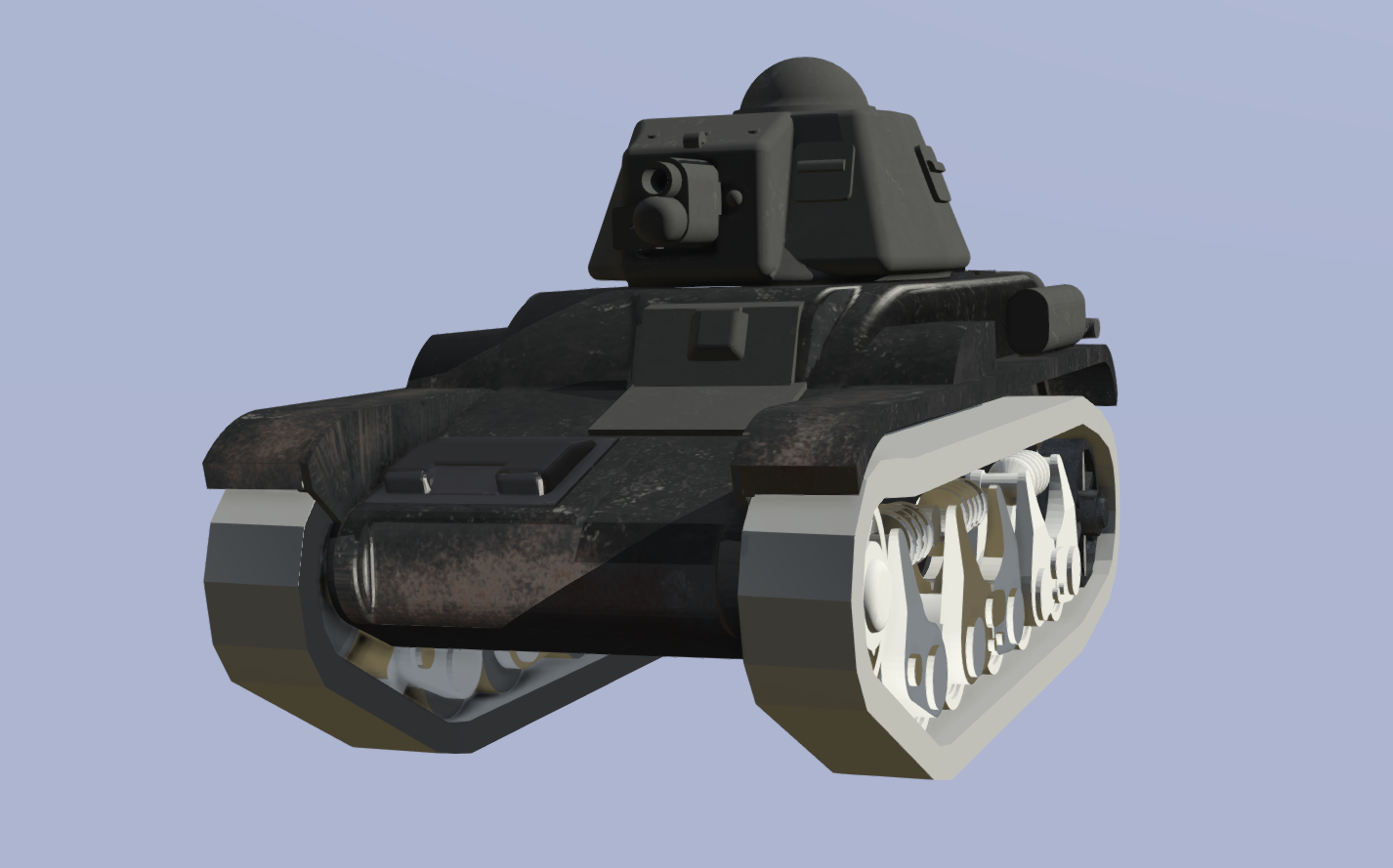
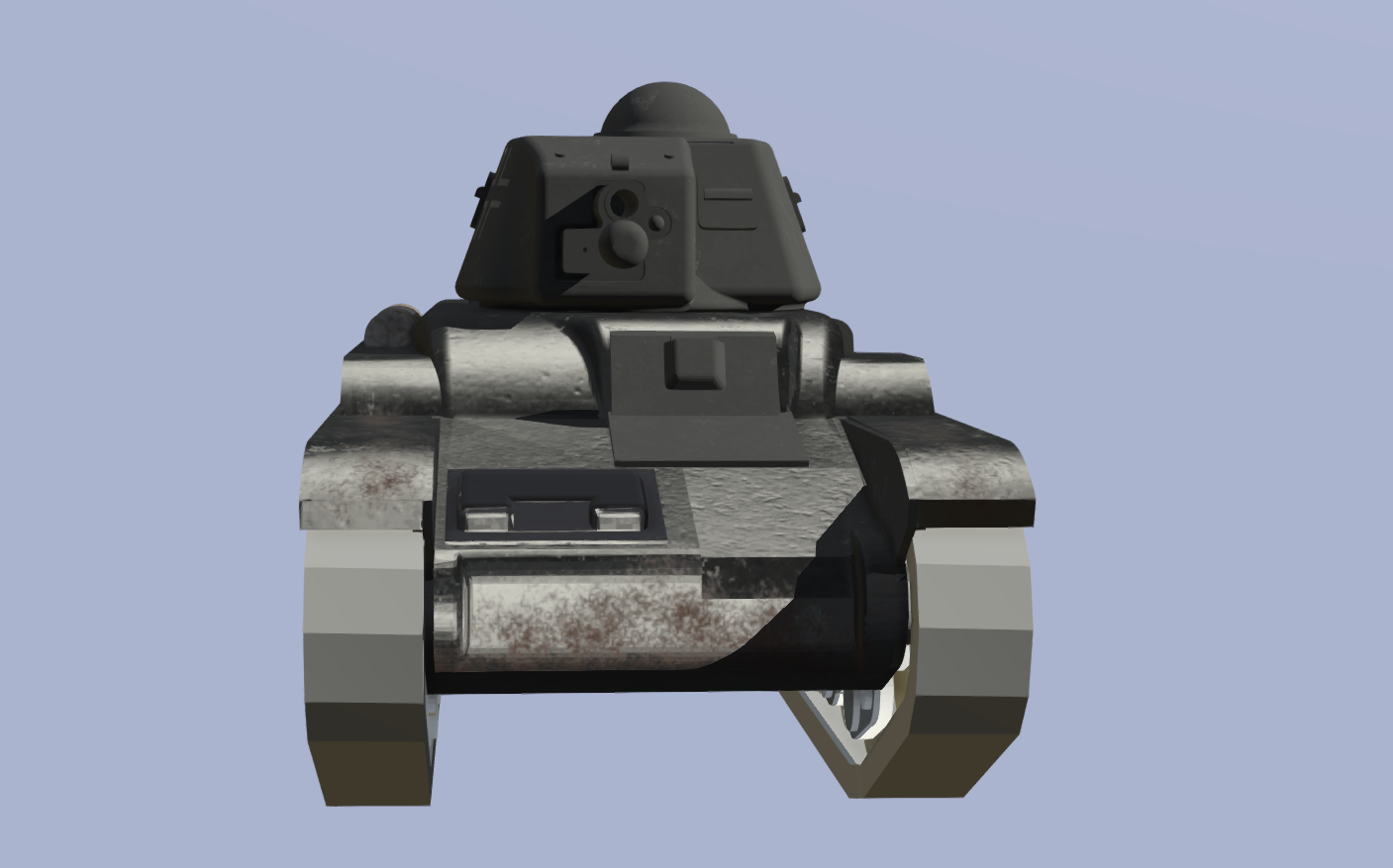
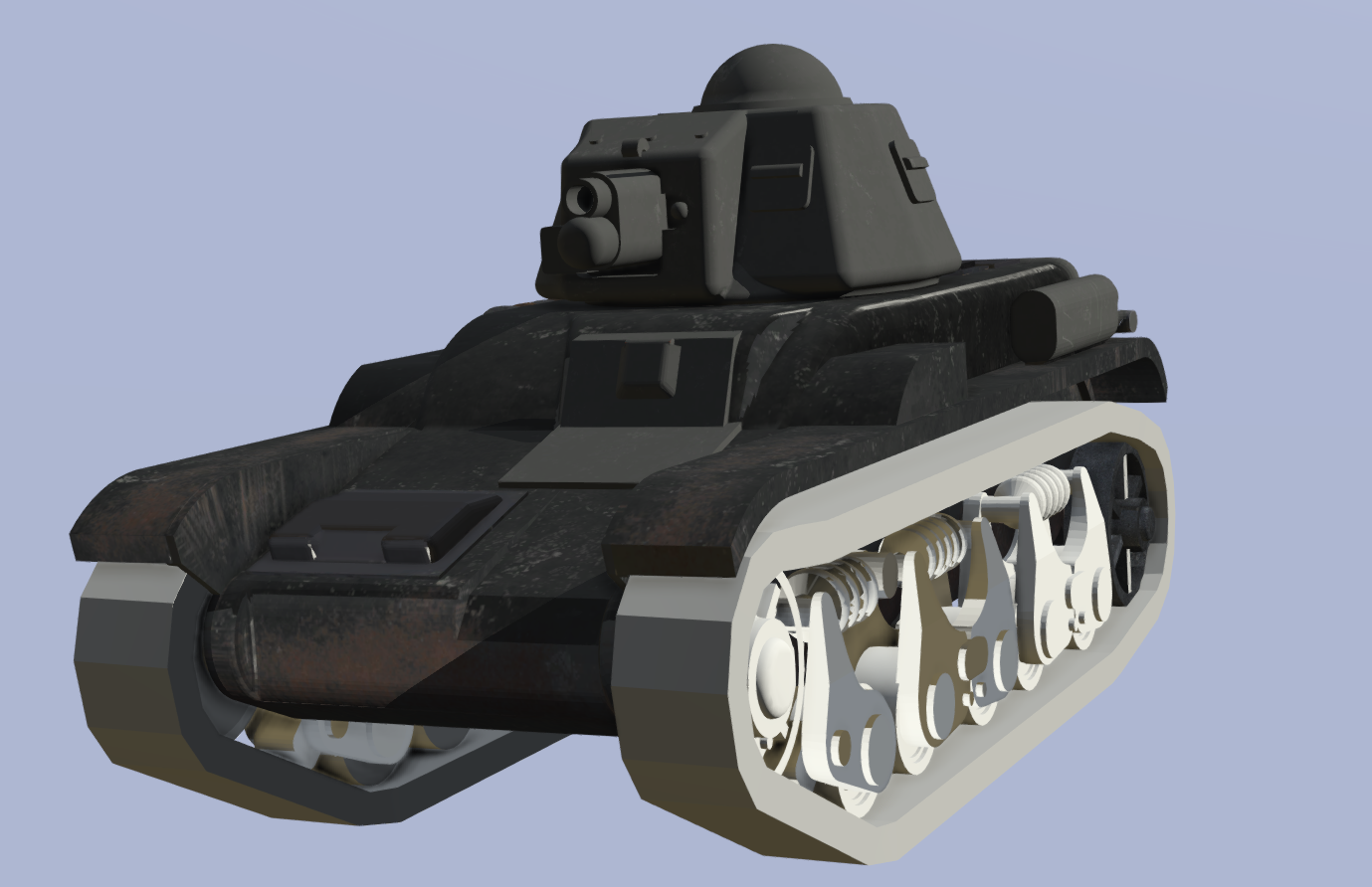
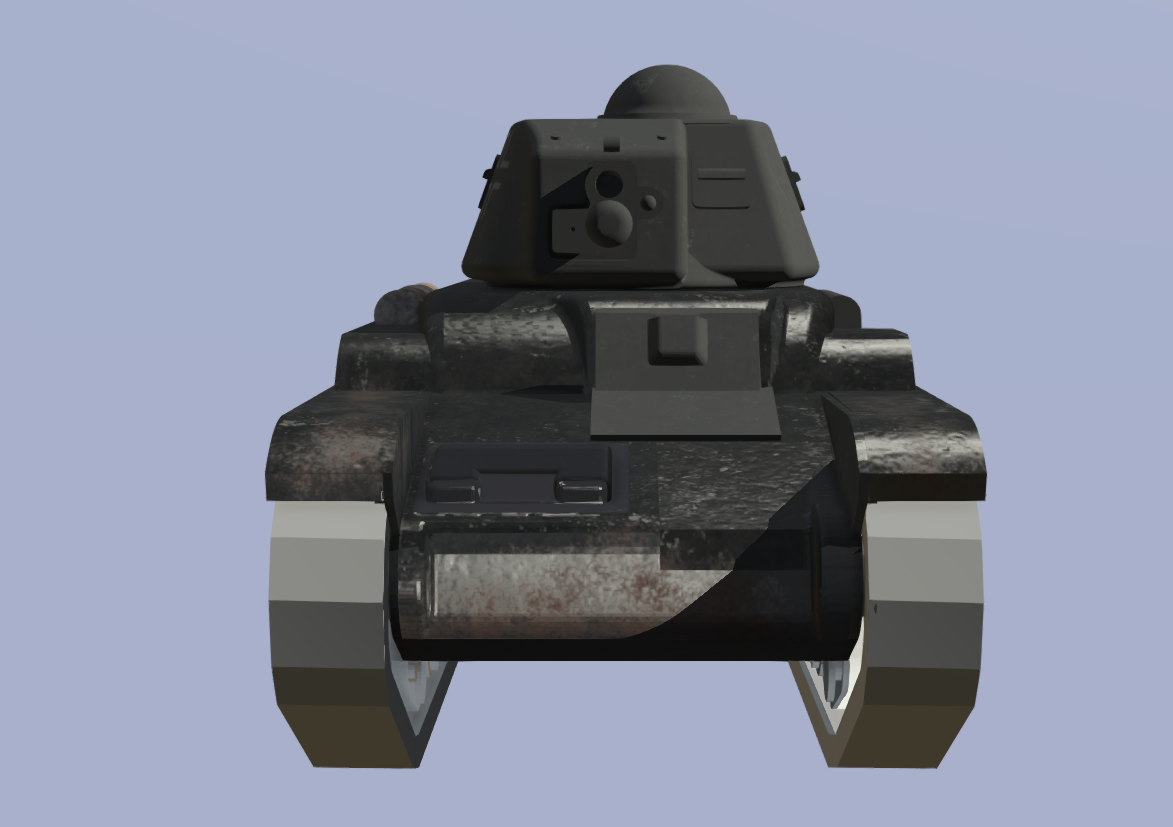


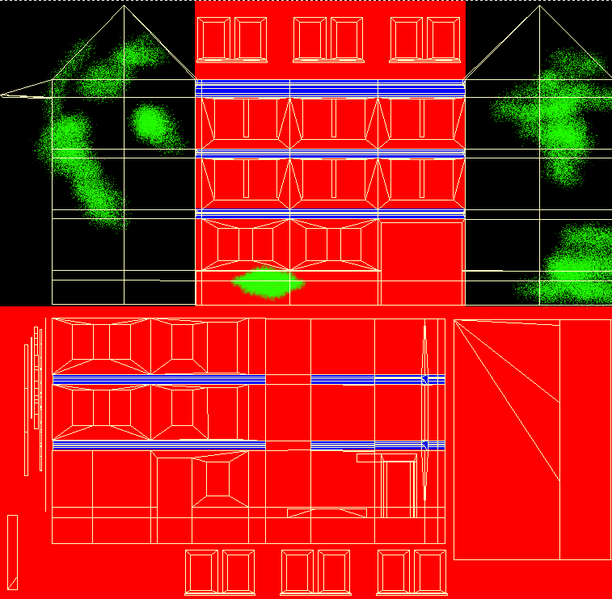 dense peak
nvm, i managed to fix the issue in a somewhat strange way
dense peak
before the visible texture was a pixel or so larger then the alpha map in the tga
all i did was expand it so the alpha was larger then the visible texture part
that gave me a much better result but the white outline was now part of the diffuse
so i filled the space around it with a color similar to the texture part thats supposed to be visible and that worked
strangely enough filling it didnt work before tweaking the alpha this way
full quarry
you likely did not have fully black and white alpha channel so there was blending
one other way could have been saving it as _CO with the alpha layer so it gets 1 bit on/off transparency
instead of the smooth transparency _CA offers
dense peak
huh i didnt know that difference between co and ca, thanks
full quarry
typically _CO is just for non transparent textures
and _CA for transparent ones
transparent and non transparent surfaces should not be mixed either
BI wiki contains pages that explain all the suffixes
 maiden shard
hey does anyone know where i can find some skyscraper assets? Im working on an urban map
maiden shard
oh damn okay lol
 grim prism
Idk if this is the place to ask but regarding a good free texturing platform what would you guys recommend
This is for several games Arma,Gmod etc
grand warren
Take on Helicopters has skyscrapers
silver gull
arent they just blocks with windows painted on them?
white cargo
most of them
I've looked at the source models, they're terribly inconsistent in detail
one skyscraper can be like 500 faces while a small apartment complex can be 5000 faces
grand warren
Most of them suck, but that's the only proper source of skyscrapers for arma i know of
dense peak
Hey texture people 😃 i need a little help .. anyone able to hook me up with a tutorial (if there is even one ) for texturing roads ? I know how to get the .paa converted and all .. just dont know how to actully texture the roads. Currently im using gimp and honestly im flying blind here ... anyone able to point me in the right direction ?
full quarry
If Google does not yield how to texture road tutorial then there is none. What you need is more throughout practice on how to use your tool and how the different parts of it work so when you come up with something you want to make you know what tools to use for it.
Usually you can't find tutorials for something that specific
If you look at Arma road textures as example you should be able to deduce how they are made
 still ibex
is there any guides/tutorials on how to make ti textures? cheers
still ibex
cheers
 feral crag
Hello, comrades! Have anyone got a link to a vbs themal map texture guide? Cant find it in my bookmarks, but is was preety useful
feral crag
Hey, guys, is rvmat completely baked into the binarized model? I have removed rvmats completely and looks like that nothing happened, which is very strange
feral crag
well, i have old addon of tank which have no ti map, and i have drawn them, but when i edit rvmat i see no change
i have even tried to define hiddenselectionsmaterials but it doesent seem to change anything
hiddenSelectionsMaterials[] = {"\Burnes_Challenger\data\PH\challenger2.rvmat","#(argb,512,512,1)r2t(rendertarget3000,1.0)","#(argb,512,512,1)r2t(rendertarget66,1.0)","\Burnes_Challenger\data\PH\challenger2turret.rvmat","\Burnes_Challenger\data\PH\challenger2HULL.rvmat","","","\Burnes_Challenger\data\PH\hatches.rvmat"};```{
texture = "Burnes_Challenger\data\PH\challengerV2_hull_ti_ca.paa";
};
ambient[] = {0.9999999,0.9999999,0.99999994,1};
diffuse[] = {0.9999999,0.9999999,0.99999994,1};
forcedDiffuse[] = {0,0,0,0};
emmisive[] = {0,0,0,1};
specular[] = {0.28044415,0.28044426,0.2804441,0.2};
specularPower = 60.6;
PixelShaderID = "Super";
VertexShaderID = "Super";
class Stage1
{
texture = "Burnes_Challenger\data\PH\challengerV2_hull_nohq.paa";
uvSource = "tex";
class uvTransform
{
aside[] = {1,0,0};
up[] = {0,1,0};
dir[] = {0,0,0};
pos[] = {0,0,0};
};
};
...
well for starters your _TI texture is not supposed to be a _CA texture
feral crag
wow
but it have alpha channel
i also see the same in rhs
class StageTI
{
    texture = "rhsusf\addons\rhsusf_m1a2\data\rhsusf_abrams_hull_ti_ca.tga";
};
BUT it have tga texture extention
full quarry
but dunno if you can inject it like that
feral crag
also back in the arma 2 days when i was crunching my addons i think i used tga too
ill try that anyway, thanks for the tip
full quarry
the binarization should convert .tga to .paa
feral crag
yep, and thats why i asked about the baking into the model
full quarry
path to rvmat is baked
so does the original rvmats have TI stage?
that might be essential too
full quarry
then thats probably the issue