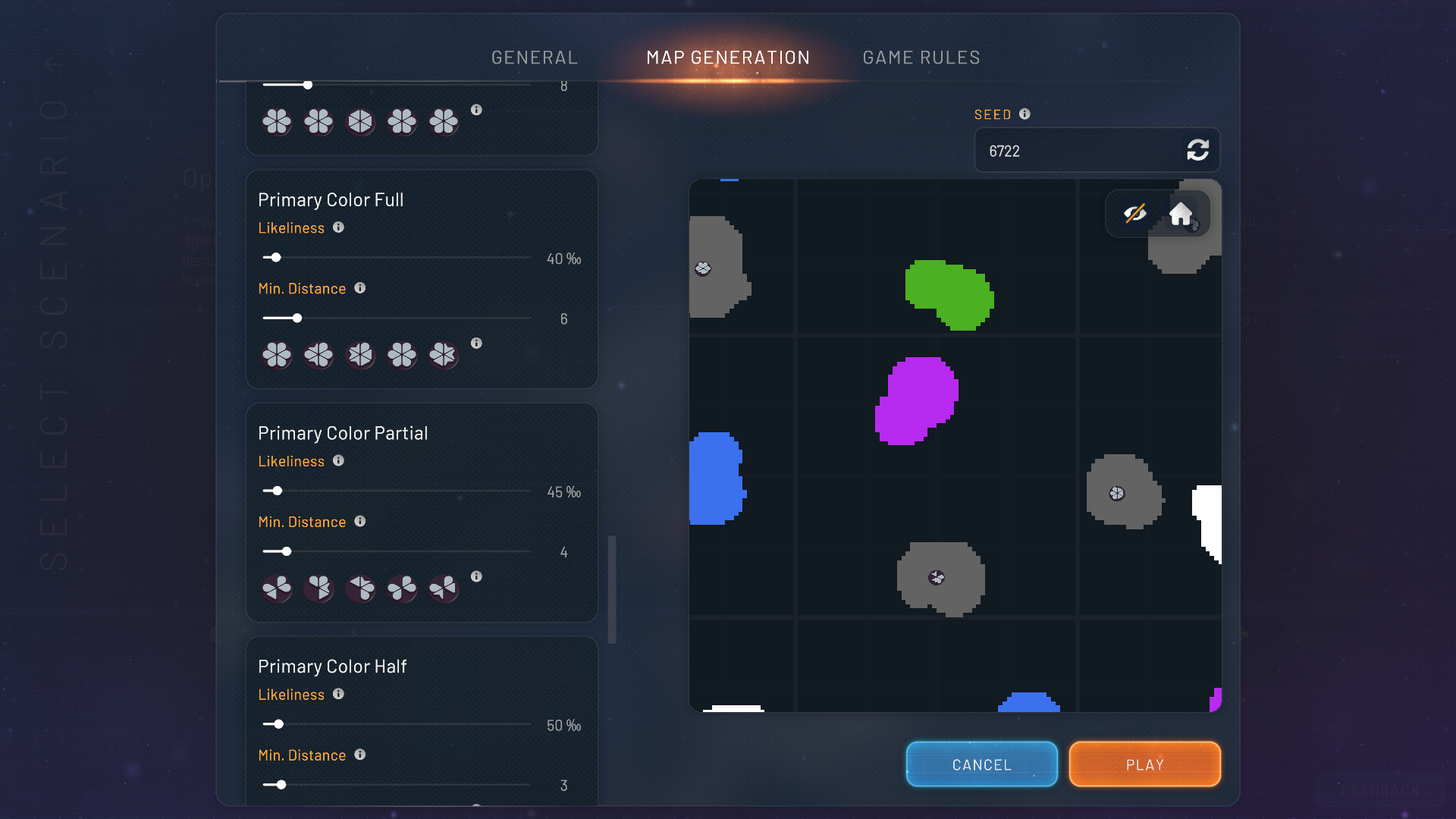
#map generation settings icons are not correct / * edit * icons overreacting to colorfulness slider
69 messages · Page 1 of 1 (latest)

 spring juniper
are those colored shapes not more out of the vortex ?
 sonic forum
its the icons
spring juniper
oww... oke : nothng said then
did you perhaps changed the color mode and not restarted the game yet ?
sonic forum
nope
spring juniper
when i do hex start i see colored icons
sonic forum
just started it, new game
spring juniper
 spring juniper
oke 👍
sonic forum
still a bug though :p
sonic forum
neither as i'm in the main menu ^-^
right found the culprit
Colorfulness slider
map generation settings icons are not correct / * edit * icons overreacting to colorfulness slider
*** after some sliding seems that the icons react to the colorfulness slider, and creating false information
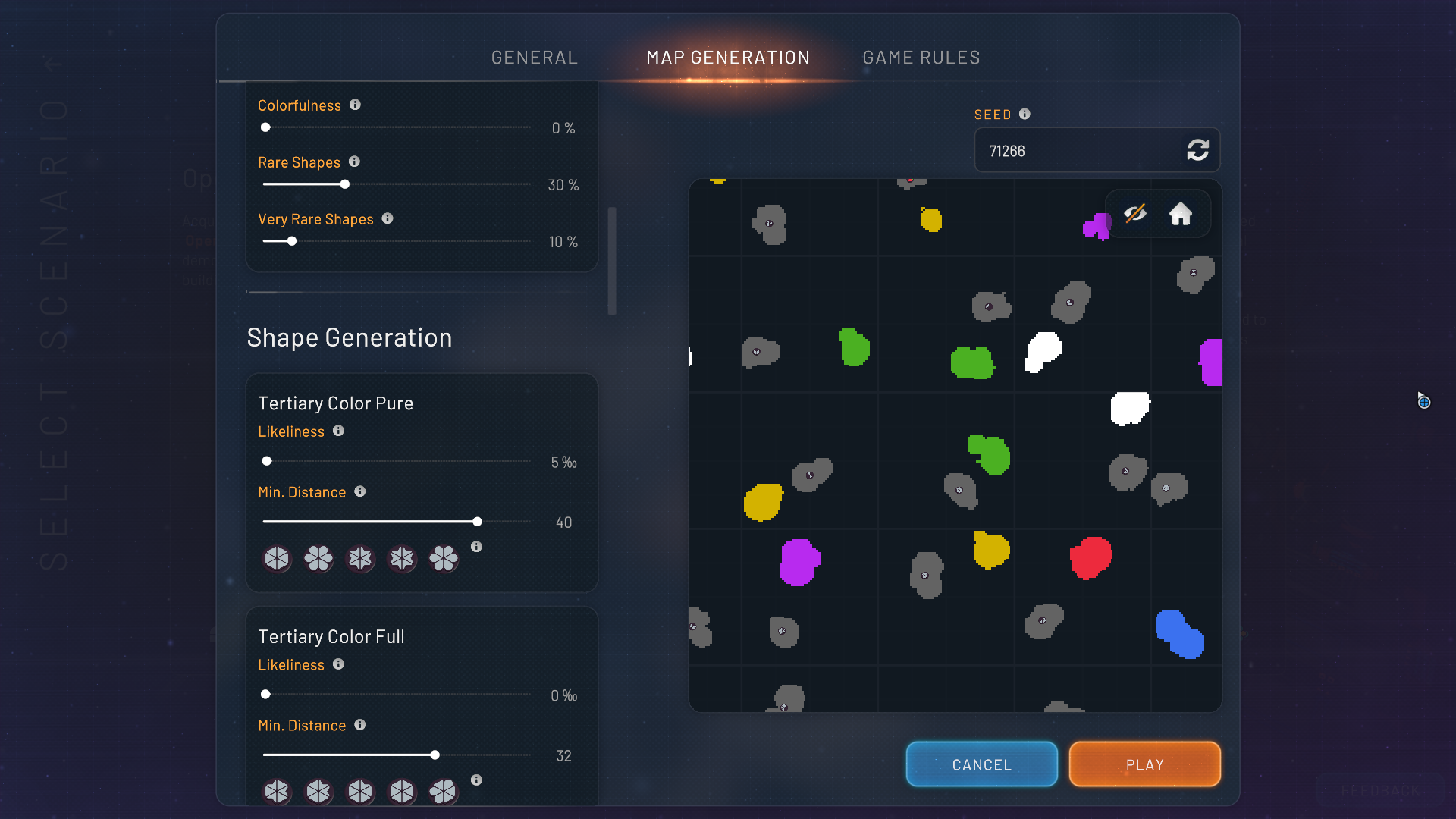
colorfulness 0 ->
tertiary full = no color
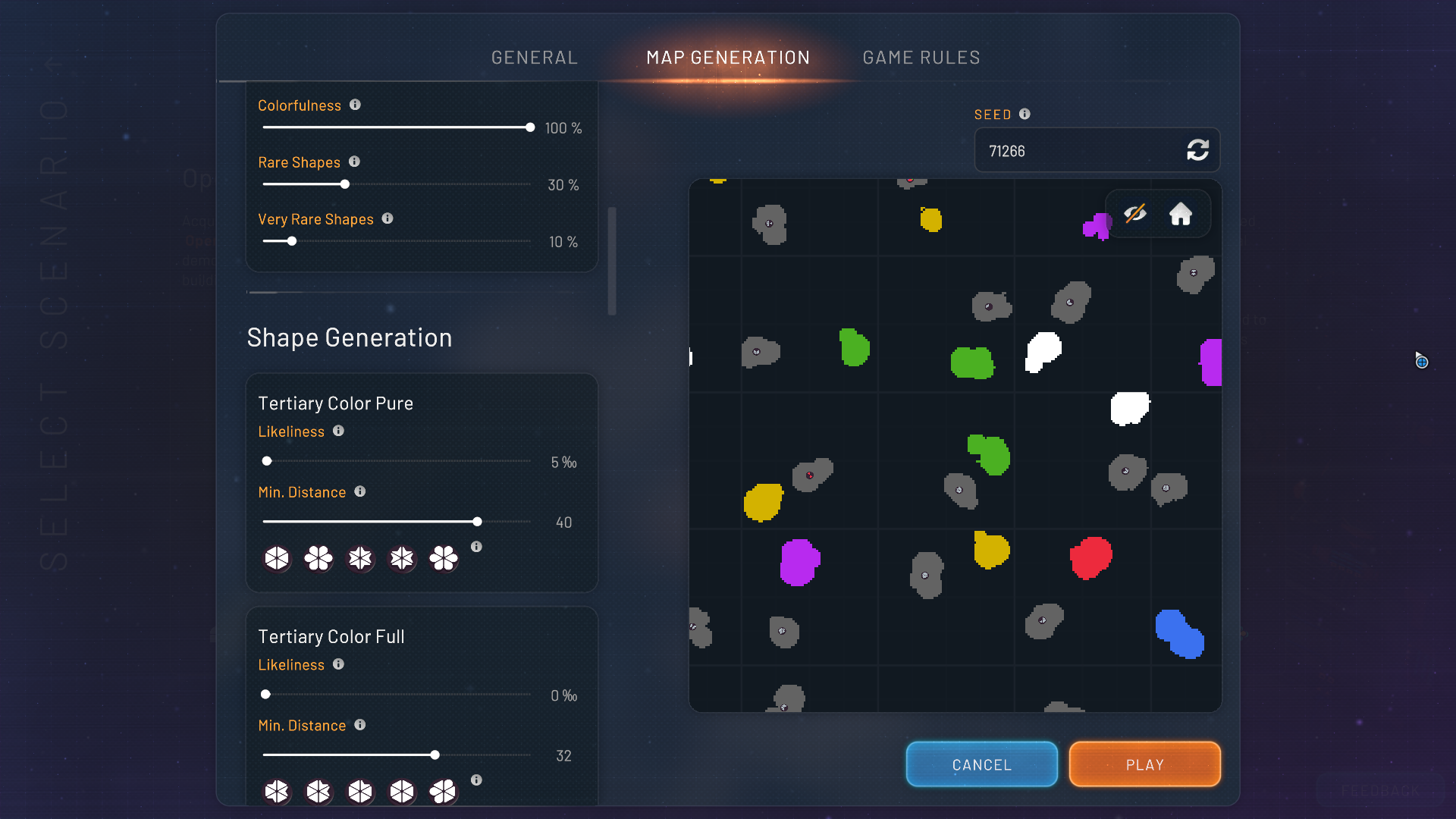
colorfulness 100 -> info as it should be
now if we place it somewhere in between at 50
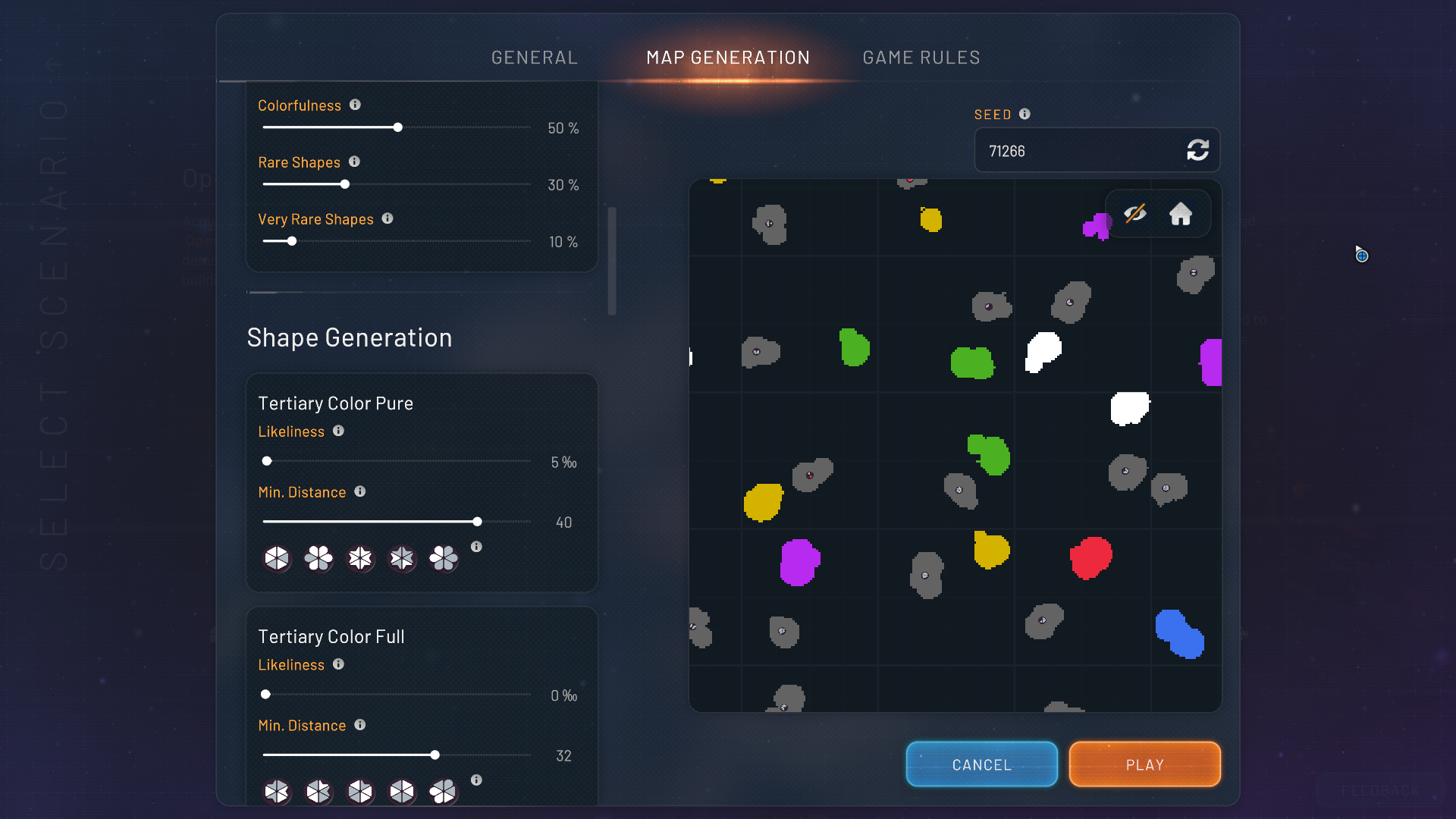
the icons on full and pure get partially colord aswell
spring juniper
I leave it to the devs : i can't reproduce it as you say....
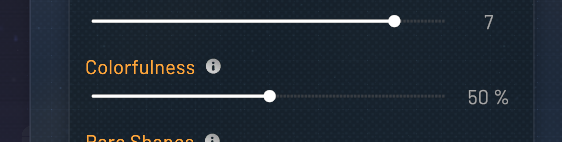 spring juniper
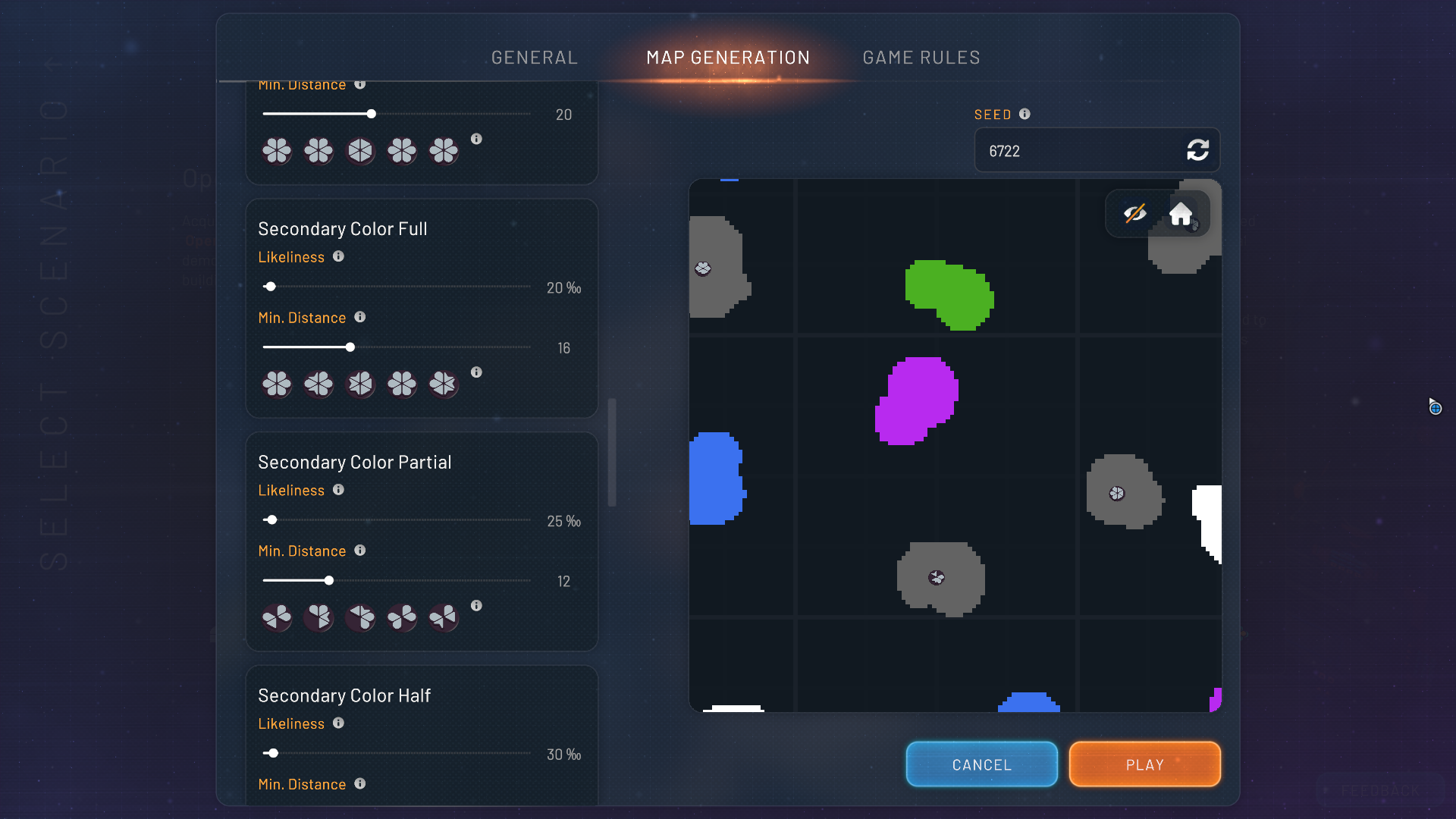
On 0 as expected : no colors, when i slide to 1 (see picture, not all get colors )

on 50

as said i can't reproduce the bug....
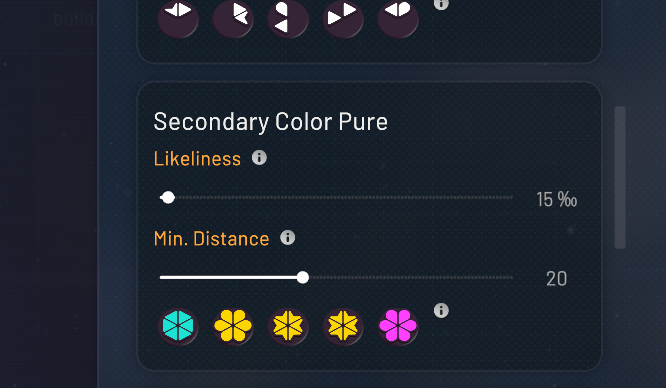
 sonic forum
regular
spring juniper
then i'm sorry, the devs need to test this, i work on Vulkan, maybe it is DX related 🤷♂️
*or someone else that likes to test 😄 *
sonic forum
well the info is out here, they can have a look 🙂
 nocturne moon
I tried on dx11 with hex, but all the colored options show colored shapes for me.
 sonic forum
they do, but once u slide the colorfulness slider ( top on the list ) down, the icons react to it, and they do not correspond to the descrptions anymore
nocturne moon
Do you mean "Likeliness"? I tried moving it, still no changes in colors.
sonic forum
drag that on 0, and all the colors dissappear on the icons. Setting is correct for ingame, but the discruptions don't match after that
nocturne moon
If I set colorfullness to 0, shapes become uncolored, confirm. When I move it back to any non-zero value, the colors are restored.
sonic forum
for inworld use that should be ok, but the pre gen description icons shoudlnt be affected
nocturne moon
Well, depending on what the option means. The description is a bit unclear. "All parts of a shape are colored" - does that mean a probablility that every part of a shape must have any color? Or that all of them are only allowed to have a color, but it's not enforced? In the second meaning that would mean, that 0% = no colored parts are allowed; and uncolored preview would make sense.
I never played with those options, so I have no idea.
sonic forum
it defines how much colord there is. Hence why on 0 all the color is gone. Working as intended. But the rest of the icons, which are visuals for colored settings aswell, are affected by it
nocturne moon
Could you be more specific, please? I don't know which "rest of the icons" you mean. If I set colorfullness to 0, I see all the shape previews grey-only, both in left settings pane under the sliders, and in the map preview (which, according to you, makes perfect sense). Of course there are color blotches for color asteroids in the map, but that's expected.
When I move colorfullness to non-zero, colored shapes appear both in the settings pane previews, and in the map preview. Again, full consistency.
sonic forum
have a look on the initial shots, every icon from secondary, tertiary ( and prim ), goes grey when set on 0. the world preview itslef is fine, its just the gui that's adapting to a change that's not suppose to happen
even the full colored ones, adapt to the slider, which makes no sense
nocturne moon
Well, if you don't allow any colors, the game won't be able to produce any colors. I mean, probably the whole section of those settings should become competely disabled then, but it's possible that the game algorithm continues generating three separate types of shapes, thinking they will be colored. So the sliders will actually affect the map generation, if not in colors then in the shape type distribution. 🤔
But this is something only the devs can clarify.
sonic forum
yeah gamewise thats the case, but it shoul not affect the other icons in real time. Say u force only full shapes. The rest does not alter
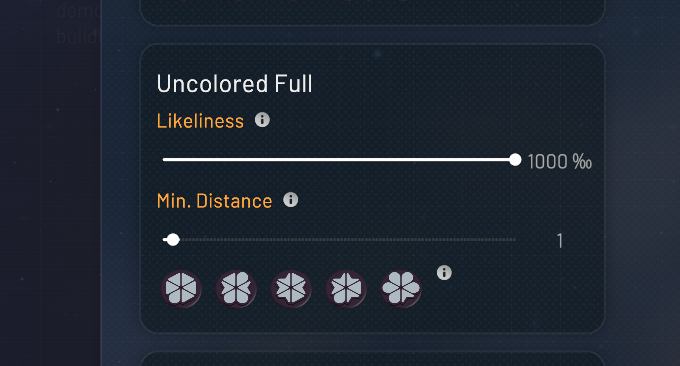
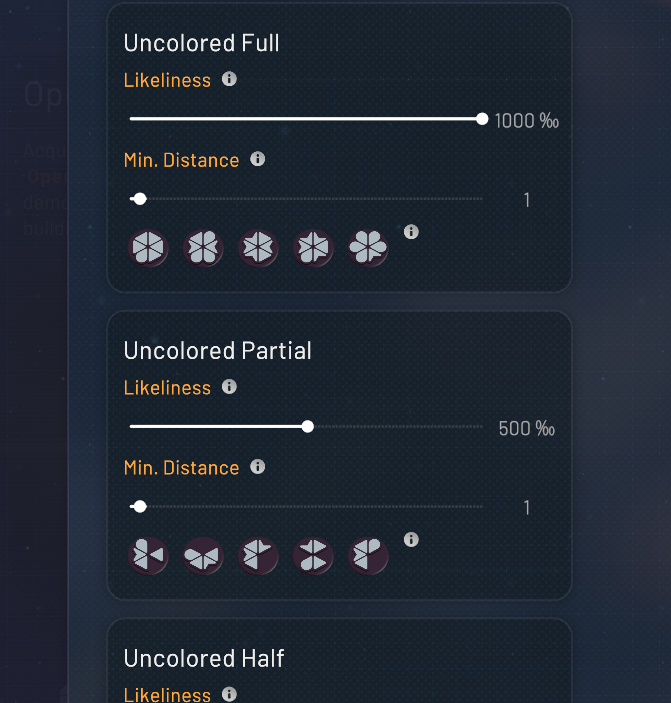


gui does not adapt
the issue is not map generation, but the gui reacting
nocturne moon
I guess it would be way too fiddly to bind all those sections and sub-sections to the positions of various sliders and enable/disable them accordingly. It's not something that most players use, so spending a lot of effort on providing and maintaining the interconnections is usually not worth it.
In fact, it's quite often that various programs provide an advanced settings page with various tweaks, and it looks like a very simplistic collection of switches or editboxes. They won't always work together in arbitrary states, but it's usually the task of the user to make sure they don't contradict each other. Because it's the advanced page intended for experts only, who know what they are doing.
spring juniper
sonic forum
yeah but updating a settings shouldnt trigger a full gui redraw, the setting is for the world. The rest of them dont redraw the gui, so yhey either inteded the controller to do it, or its an oversight
if it as intentional, then all the submenus should just go false on display
 elder estuary
it's because it reflects how the game generates map shapes, changing values for a specific generation type won't affect the others, but changing the colorfulness setting affects all generation types